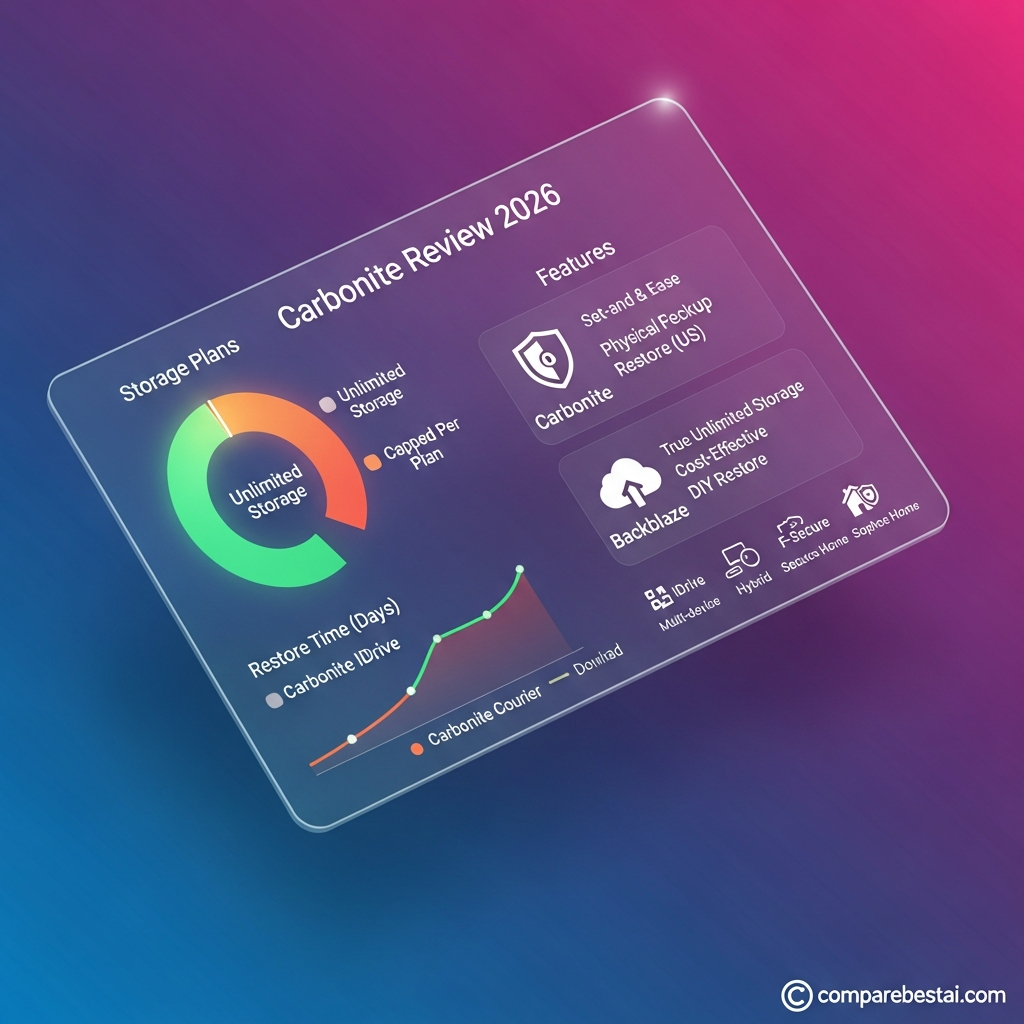

Answer First: Carbonite is a straightforward cloud-backup service for individuals, professionals, and small businesses that want automatic file protection without constantly managing backup jobs. Its personal plans provide unlimited cloud backup for one computer, while higher tiers add features such as external-drive backup and automatic video backup. Carbonite is strongest for simplicity and hands-off protection; users who need multiple computers under one personal plan, Linux support, or highly configurable backup workflows should compare alternatives such as IDrive or Acronis.
Carbonite has been around long enough that many users associate it with one idea: install the software, let it run in the background, and restore your files when something goes wrong.
That basic value proposition still describes the product well in 2026.
But Carbonite's pricing, plan structure, recovery options and competitive landscape have changed enough that old reviews can now be misleading.
This Carbonite review focuses on what the service actually offers today, how its personal and business plans differ, what the current limitations are, and which type of user is likely to get the most value.
For a shorter product-level overview, see the Carbonite tool profile.
Carbonite Review 2026: Quick Verdict
Carbonite makes the most sense for users who want automatic, low-maintenance cloud backup for a Windows or Mac computer.
Its biggest strengths are simplicity, unlimited cloud-backup storage on personal plans, automatic protection, accessible restore tools and clear upgrade paths for users who need external-drive or video backup.
Its biggest weaknesses are equally clear.
Each personal subscription covers one computer, there is no native Linux backup client, advanced users have fewer configuration options than they may expect, and some useful features require higher-tier plans.
If your requirements extend beyond consumer backup into broader cybersecurity and IT protection, browse CompareBestAI's Security & IT tools.
Carbonite at a Glance
| Factor | Carbonite |
|---|---|
| Product type | Automatic cloud backup |
| Best for | Individuals, professionals, small businesses |
| Personal platforms | Windows and macOS |
| Linux desktop backup | No |
| Personal cloud storage | Unlimited |
| Devices per personal subscription | 1 computer |
| External-drive backup | Plus and Prime |
| Automatic video backup | Plus and Prime |
| File versioning | Up to 12 versions |
| Deleted-file retention | 30 days on personal plans |
| Business plans | Core, Power, Ultimate |
| Free trial | 15 days for Carbonite Safe Basic |
| Main strength | Simplicity |
| Main limitation | One computer per personal subscription |
Carbonite supports current Windows and macOS environments, while Linux and ChromeOS are not supported as desktop backup platforms.
What Is Carbonite?
Carbonite is a cloud-backup service owned within the OpenText Cybersecurity family.
The software copies user-created files from a computer to Carbonite's cloud infrastructure so those files can later be restored after hardware failure, accidental deletion, corruption, malware or other forms of data loss.
Carbonite defines cloud backup as securely copying user-created data from a computer to interconnected datacenters through an internet connection. Files can later be recovered to an internet-connected computer through the user's Carbonite account.
This is different from ordinary cloud storage.
A service such as Google Drive is primarily designed to store, sync and collaborate on files.
Backup software is designed around recovery.
That distinction matters when comparing Carbonite with services such as object storage. If your requirement is infrastructure-level cloud storage rather than end-user computer backup, the Wasabi cloud storage pricing guide covers a very different use case.
How Carbonite Backup Works
Carbonite is designed to minimize ongoing management.
After installation, users select or confirm which data should be protected, and Carbonite backs eligible files to its cloud service.
On Mac, for example, automatic backup settings can select common user folders including Desktop, Documents, Pictures, Music and Movies. Users can also add additional files or folders manually.
The appeal is straightforward:
you do not need to remember to copy files to another drive every evening.
Backup software handles that process in the background.
However, “automatic” should not be interpreted as “every change is preserved forever.”
Retention policies still matter.
Carbonite File Versioning and Deleted-File Retention
This is one of the most useful areas to explain clearly because backup is only valuable when recovery behavior is predictable.
Carbonite currently keeps up to 12 versions of a changed file.
Its documented versioning schedule can include:
one daily version for each day of the past week, one weekly version for each of the previous three weeks, and one monthly version for each of the previous two months.
Carbonite also states that it keeps at least three versions of a backed-up file under its versioning rules.
For Safe Basic, Plus and Prime, deleted files are retained for 30 days after deletion from the computer before Carbonite removes them from the backup.
That's an important limitation.
Carbonite should not be treated as permanent archival storage for files you intentionally delete from the original computer.
Carbonite Personal Pricing in 2026
Carbonite has three primary personal plans:
Safe Basic, Safe Plus, and Safe Prime.
Carbonite's current regular annual prices are:
| Plan | Regular annual price | Covers | Major additions |
|---|---|---|---|
| Safe Basic | $95.99/year | 1 computer | Unlimited automatic cloud backup |
| Safe Plus | $131.99/year | 1 computer + external drive | External-drive backup, automatic video backup |
| Safe Prime | $161.99/year | 1 computer + external drive | Higher-tier recovery benefits |
Those are the regular published prices.
At the time of this September 2026 review, Carbonite's website is also displaying temporary promotional pricing for new customers. Because promotions can end, change, or exclude renewals, they should not replace the regular price in evergreen review content.
Carbonite Safe Basic
Basic is intended for one computer and includes unlimited automatic cloud-backup storage.
It is the logical starting point for someone who mainly wants documents, photos and other normal files protected without additional hardware-backup requirements.
Carbonite also provides a 15-day Safe Basic trial, allowing users to test the workflow before purchasing.
Carbonite Safe Plus
Plus is more appropriate when important files also live on an external hard drive or when automatic video backup matters.
Carbonite currently lists external-drive backup and automatic video backup among the features available above Basic.
Carbonite Safe Prime
Prime is the highest personal tier.
It is aimed at users who want the broadest personal recovery package, but buyers should review current Courier Recovery conditions rather than assuming physical recovery is automatically free or universally available.
Carbonite Courier Recovery
Carbonite can ship backed-up files on an external drive through its Courier Recovery service.
There are two important limitations.
First, Courier Recovery is restricted to subscribers with eligible U.S. physical addresses.
Second, availability and per-incident fees vary according to the plan and recovery conditions. Carbonite also requires the recovery drive to be returned within 21 days to avoid non-return fees.
For users with very large backups and slow internet connections, physical recovery can be useful.
But it should not be described simply as “Prime includes free courier recovery.”
Carbonite Business Pricing
Businesses have a separate product family: Carbonite Safe Backup Pro.
Current regular annual prices are:
| Business plan | Regular price | Included storage | Device/server coverage |
|---|---|---|---|
| Core | $287.99/year | 250 GB | Up to 25 computers, external drives and supported NAS |
| Power | $799.99/year | 500 GB | 1 server + up to 25 computers |
| Ultimate | $1,299.99/year | 500 GB | Unlimited servers + up to 25 computers |
Carbonite currently sells additional business storage in 100 GB increments, with support documentation listing $99.99 per additional 100 GB for a one-year subscription.
Organizations evaluating broader endpoint and data-protection products should also compare the Acronis Cyber Protect profile.
Carbonite Security
Carbonite's current consumer and professional product pages state that backed-up data is protected with 256-bit encryption at rest and in transit.
That is useful, but encryption alone should never be treated as the entire security evaluation.
Businesses should also review:
account authentication, administrator access, recovery procedures, employee permissions, retention, compliance requirements and the sensitivity of the information being backed up.
Carbonite Safe Backup Pro documentation also describes support for organizational requirements including HIPAA, FERPA and GLBA in eligible business configurations.
For broader security-product comparisons, see CompareBestAI's Security & IT tools comparison guide.
Carbonite Customer Support
One factual correction is important here.
Carbonite does provide phone and email support, but current support hours are not 24/7.
Carbonite currently lists Safe support phone hours as Monday through Friday, 9:00 AM–6:00 PM Eastern Time, with Saturday and Sunday closed. Email responses are typically handled within one business day according to the support page.
For a backup product, support quality can matter because users often contact support during a high-stress recovery event.
Still, articles should describe the actual availability rather than calling it around-the-clock assistance.
Carbonite Pros and Cons
| Pros | Cons |
|---|---|
| Unlimited personal cloud-backup storage | One computer per personal subscription |
| Automatic, hands-off workflow | No native Linux desktop backup |
| Windows and macOS support | External-drive backup requires Plus or Prime |
| File versioning | Deleted personal files retained only 30 days |
| External-drive support on higher tiers | Pricing can become expensive across several computers |
| Business/server products available | Less control than more technical backup platforms |
| Courier Recovery option in the U.S. | Courier conditions and fees vary |
| 15-day Basic trial | Phone support is not 24/7 |
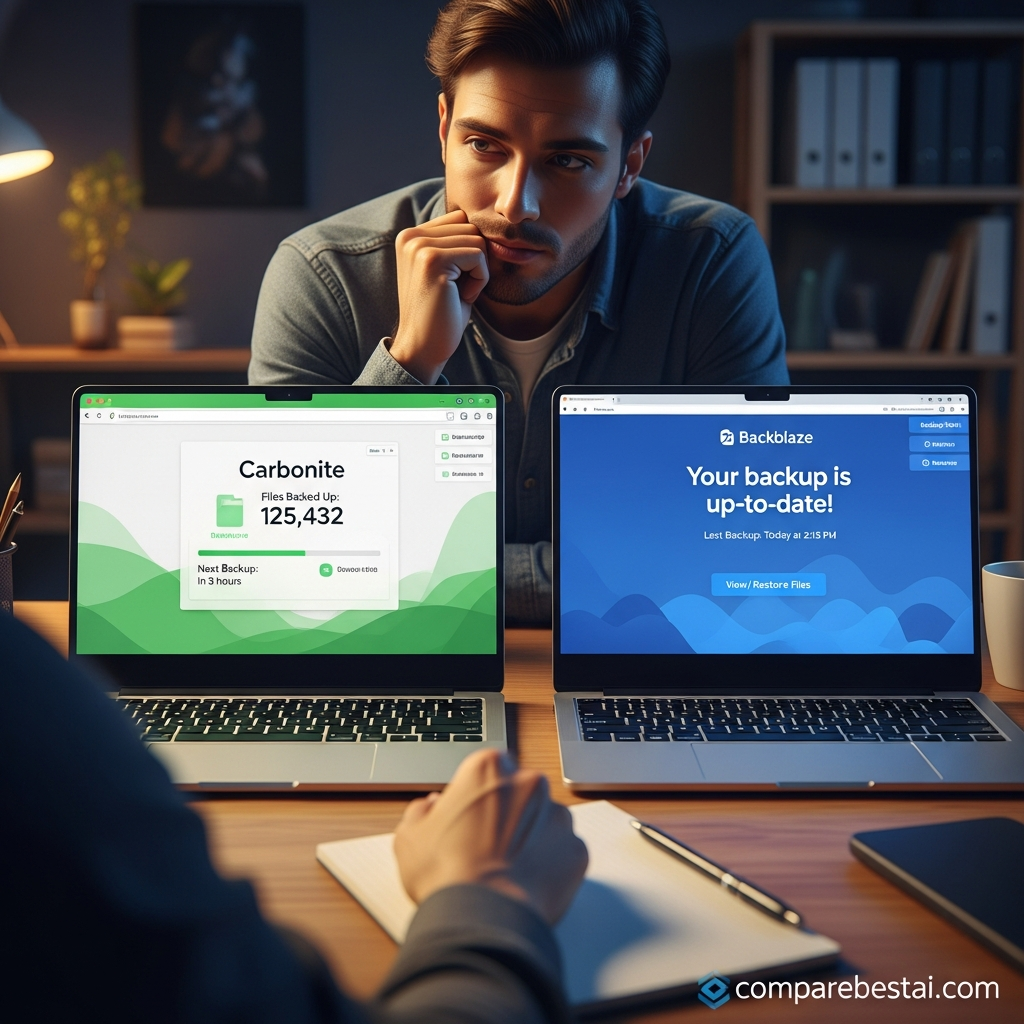
Carbonite vs Backblaze
Backblaze remains one of the clearest alternatives for personal computer backup.
Backblaze currently lists Personal Backup at $99 per year, including unlimited data backup.
The key purchasing difference is less about a single dollar figure and more about workflow.
Carbonite emphasizes tiered recovery and upgrade options.
Backblaze emphasizes a simpler unlimited-backup pricing structure.
One important distinction for CompareBestAI's internal content architecture: Backblaze B2 is not the same product as Backblaze Personal Backup.
Backblaze B2 is object storage.
If you're comparing infrastructure storage rather than endpoint backup, see the Backblaze B2 pricing guide and the Backblaze B2 tool profile.
Do not use those pages as if B2 were Carbonite's direct consumer-backup equivalent.
Carbonite vs IDrive
IDrive approaches backup differently.
Its Personal plan supports multiple computers for one user, while Carbonite's consumer plans generally use one subscription per computer.
IDrive currently lists its 5 TB Personal monthly plan at $11.99 per month, although annual promotions and plan structures can vary.
That makes IDrive especially relevant for households or professionals managing several computers.
The trade-off is that Carbonite's simpler model may appeal more to someone who wants one machine protected with minimal configuration.
See the IDrive tool profile for the CompareBestAI product overview.
Carbonite vs Acronis
Acronis is a better comparison for users who want backup combined with a broader cybersecurity approach.
Carbonite's personal product remains primarily focused on backup and recovery.
Acronis Cyber Protect is positioned around integrated data protection and cybersecurity capabilities.
For a single personal computer and a straightforward “protect my files” requirement, Carbonite is easier to understand.
For organizations looking for a broader protection stack, evaluate the Acronis Cyber Protect profile alongside Carbonite.
Carbonite vs Security Suites
Carbonite should also not be confused with a conventional antivirus suite.
Its core purpose is backup and recovery.
Users who primarily need endpoint-security tools can compare products such as F-Secure Total or Sophos Home.
Backup and antivirus solve related but different problems.
Antivirus tries to prevent or contain threats.
Backup provides a recovery path when data is lost, corrupted or otherwise unavailable.
For important data, many users need both.
Who Should Use Carbonite?
Carbonite is a particularly good fit for users who:
keep important work on one primary Windows or Mac computer, want automatic backup rather than manual scheduling, prefer a simple interface, need ordinary document/photo recovery, and do not want to build a complicated backup system.
Typical users include freelancers, remote professionals, students, families with one primary computer and small businesses without dedicated backup administrators.
Who Should Look Elsewhere?
Carbonite is less attractive when you need:
many computers under one personal subscription, native Linux backup, sophisticated retention policies, advanced NAS workflows, deep scripting or highly customized backup scheduling.
Users with those requirements should compare IDrive, Acronis and other specialist products rather than choosing solely on brand familiarity.
How We Evaluated Carbonite
For this update, Carbonite was evaluated using current first-party documentation rather than relying on stale historical pricing.
We checked Carbonite's September 2026 personal pricing and feature pages, business plan documentation, operating-system support, deleted-file retention, version history, Courier Recovery rules, support hours and backup-plan structure.
We also checked current public pricing from major alternatives where comparison figures are included.
No numerical score should be presented as a hands-on benchmark unless CompareBestAI has actually performed and documented the corresponding tests.
That distinction improves both editorial credibility and LLM citation quality.
Is Carbonite Worth It in 2026?
Carbonite is worth considering when your main goal is simple, automatic backup for one Windows or Mac computer.
The strongest reason to choose it is convenience.
You install the software, configure what needs protection and allow the backup process to run with minimal attention.
The strongest reason not to choose it is scale.
Multiple personal computers require multiple subscriptions, while users with Linux systems, extensive NAS requirements or highly customized workflows may find another platform more flexible.
Carbonite therefore works best when simplicity is more valuable to you than granular control.
Frequently Asked Questions
How much does Carbonite cost in 2026?
Carbonite's regular personal prices are $95.99 per year for Safe Basic, $131.99 for Safe Plus and $161.99 for Safe Prime. Temporary new-customer promotions can lower the initial price, so verify the checkout price before subscribing.
Does Carbonite provide unlimited storage?
Carbonite's personal Basic, Plus and Prime plans currently advertise unlimited automatic encrypted cloud-backup storage. Business Core, Power and Ultimate plans use defined storage allocations.
Can Carbonite back up an external hard drive?
Yes. External-drive backup is available with Carbonite Safe Plus and Prime. Basic does not include external-drive backup.
How long does Carbonite keep deleted files?
Safe Basic, Plus and Prime retain files deleted from the computer for 30 days before removing them from the backup. Business Safe Pro plans generally use a 60-day deleted-file retention period.
Does Carbonite keep previous versions of files?
Yes. Carbonite documents support for up to 12 versions of changed files, including daily, weekly and monthly recovery points under its versioning schedule.
Does Carbonite support Linux?
No. Carbonite's current supported-operating-system documentation lists Windows and macOS for Carbonite Safe but does not provide a Linux desktop backup client.
Is Carbonite better than Backblaze or IDrive?
They solve similar backup needs with different plan structures. Carbonite emphasizes simplicity and tiered recovery features; Backblaze offers unlimited personal backup at $99/year; IDrive supports multiple computers under its Personal plans. The better fit depends on the number of devices, storage needs and desired level of control.
Final Verdict
Carbonite remains a credible choice for set-and-forget computer backup, but its strengths are narrower than the old article suggests.
Choose Carbonite when you want automatic backup for one Windows or Mac computer and value simplicity over advanced configuration.
Consider IDrive when multi-computer support matters more.
Consider a broader platform such as Acronis when cybersecurity and backup need to live in a more integrated environment.
And distinguish true computer-backup products from infrastructure storage services such as Backblaze B2 or Wasabi.
Before buying, verify the current Carbonite checkout price because promotions can change.
For broader endpoint, data-protection and cybersecurity options, continue with CompareBestAI's Security & IT category.

