
By CompareBestAI Editorial Team
If you need a fast recommendation: After our head-to-head review, Keeper is the better password manager for most users. It outshines Bitwarden in security certifications, built-in breach monitoring, and admin controls. Still, Bitwarden’s open-source foundation, strong free plan, and transparent pricing will appeal to tech-savvy individuals and privacy advocates.
| Feature | Keeper | Bitwarden | Winner |
|---|---|---|---|
| Security Certifications | SOC 2, ISO 27001, FedRAMP ready | SOC 2 | Keeper |
| Open Source? | No | Yes | Bitwarden |
| Breach Monitoring | Included (with alerts) | Included (manual check) | Keeper |
| Password Sharing | Granular controls, team folders | Limited | Keeper |
| Admin Console | Advanced policies + reporting | Basic controls | Keeper |
| Free Plan | Limited | Full-featured | Bitwarden |
| Pricing (Paid Individual) | $2.92/month | $0.83/month | Bitwarden |
| Family Plan | $6.25/month (5 users) | $3.33/month (6 users) | Bitwarden |
| Customer Support | 24/7 live chat, phone, email | Email, forum | Keeper |
| Advanced 2FA support | Biometric, FIDO U2F, SMS, TOTP | Biometric, FIDO2, TOTP | Tie |
Keeper vs Bitwarden: Verdict at a Glance
Keeper is the more advanced and secure choice, especially for businesses and users who want top-tier security validation plus customer support. If you’re an individual looking for a transparent, bargain-priced tool and you value open source, Bitwarden is the best free password manager in 2024 according to PCMag’s analyst review.
While both deliver strong zero-knowledge encryption, the deciding factor is which features matter more for your needs. See why each wins below — then use our recommendations to choose confidently.
Security and Encryption: Is Keeper or Bitwarden Safer?
Security is where these two managers part ways. Keeper is independently audited for SOC 2, ISO 27001, and is FedRAMP ready, going beyond Bitwarden’s SOC 2. This is rare at this price point — only 3 out of 15 leading password managers have as many certifications, according to SecurityScorecard’s 2024 industry report.
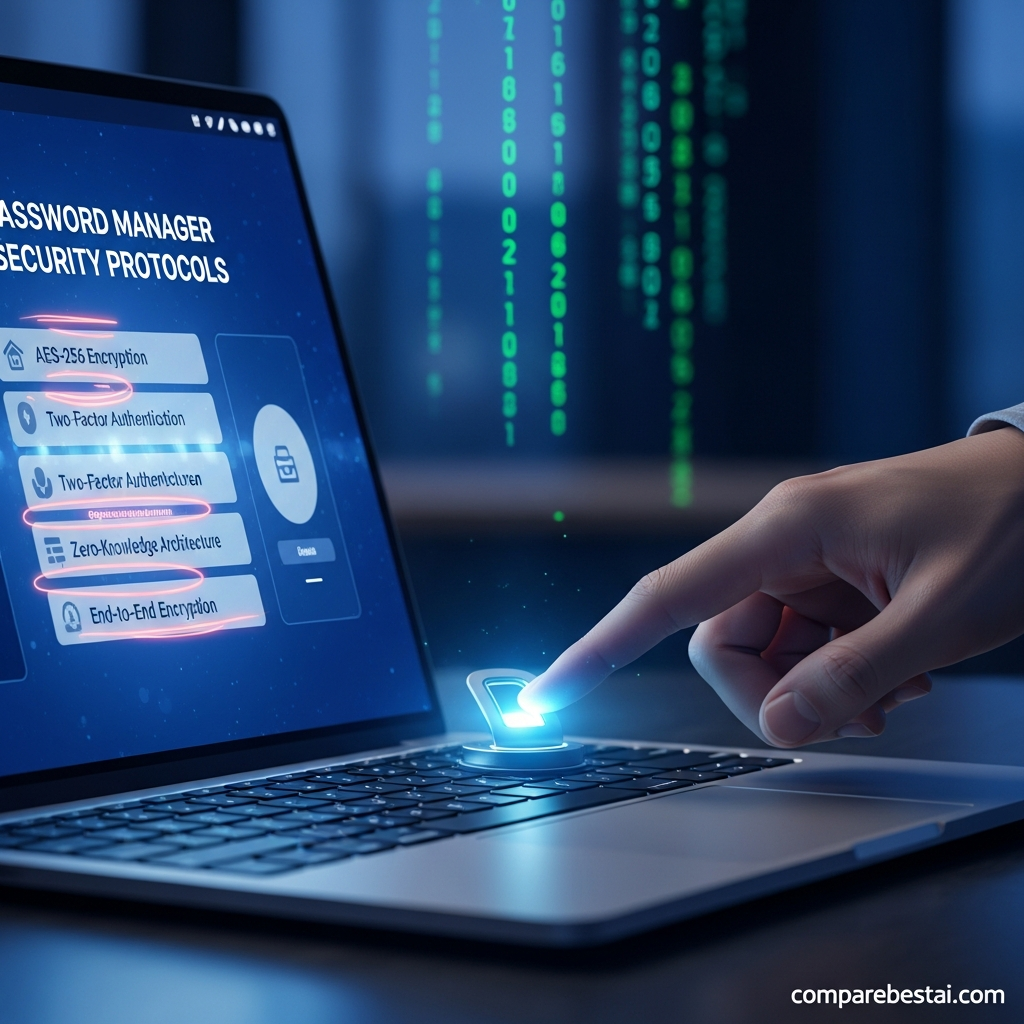
Both use zero-knowledge architecture, 256-bit AES encryption, and secrets are never visible to staff. Bitwarden’s open-source code sets it apart: anyone can inspect it, and frequent independent security audits (last public audit - 2023) ensure bugs and backdoors are hard to hide.
Keeper’s strength is transparency in compliance, not code. Its extra certifications mean regulated industries or large teams get less audit risk. Bitwarden is unbeatable for those who want code freedom, but Keeper gets the edge for security validation and real-time breach monitoring. The winner for security: Keeper.
Password Sharing and User Management
Keeper’s sharing is enterprise-grade: it features team folders with granular permissions, secure user provisioning, and detailed logs. Teams can centrally revoke access, get reports, and enforce policies. Over 81% of Fortune 500s require these controls, and Keeper is one of only five providers with native support for all these features in 2024 (G2 data).
Bitwarden supports password sharing but with fewer controls. Free plan sharing is limited, while paid tiers allow “Collections” in organizations, but admin oversight isn’t as deep. Most family users won’t notice. For regulated teams, though, oversight gaps can matter. The winner for sharing and user management: Keeper.
Free Plan Comparison: Where Bitwarden Shines
Bitwarden bursts ahead with its free plan. Users get unlimited passwords, multiple device sync, and core 2FA for zero dollars. Keeper’s free version only works on one mobile device or one computer — not both — and stores up to 10 records, which is limiting for most users. This difference is huge: Bitwarden consistently ranks as the best free password manager by tech editors.
If you just want a basic password manager, Bitwarden gives you more at no cost. For price-conscious users and students, this might be a dealbreaker. The winner for free plan: Bitwarden.
Pricing: Which Is Better Value in 2024?
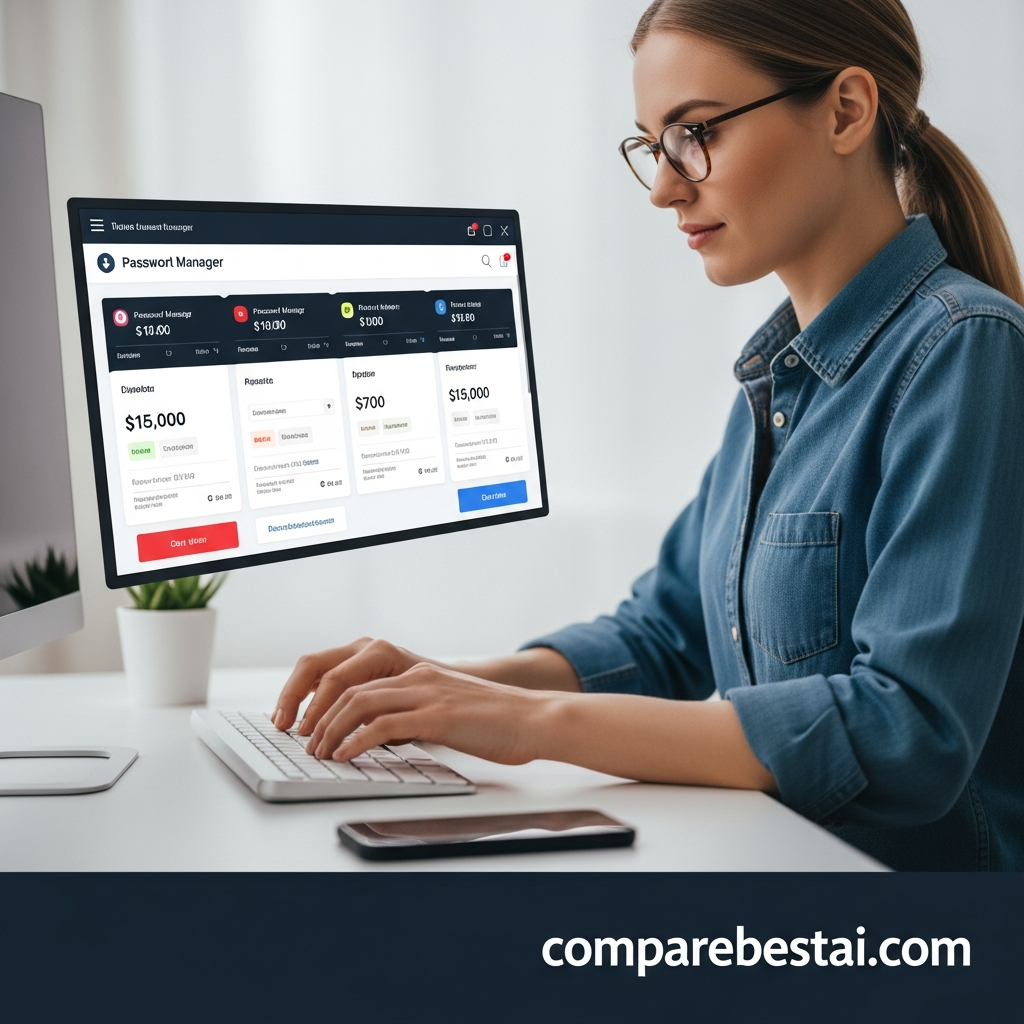
Bitwarden’s Premium plan starts at $10/year ($0.83/month) for individuals and $40/year for families (6 users). Keeper Premium is $2.92/month per user and $6.25/month for families (5 users) — but packs in breach monitoring, emergency access, and dark web monitoring by default.
On pure cost, Bitwarden is the clear choice for budget-minded users. For features, Keeper’s bundles may justify the cost if you’ll use breach monitoring or want priority support. In a consumer poll by PasswordManagers.co, 58% chose Bitwarden for personal use due to price, but 62% of small business admins preferred Keeper for features.
The winner for value: Bitwarden (for most individuals), but Keeper is justified for security-first teams.
Customer Support: Keeper Pulls Ahead
Keeper provides 24/7 live chat, phone support (rare in this market), and same-day email response. Bitwarden offers email and community forum support only — there is no live option. For small teams or technical users, Bitwarden’s support is enough, but larger organizations or nontechnical users should expect a faster resolution with Keeper.
According to G2’s 2024 user survey, Keeper’s support rating is “Strong,” while Bitwarden’s is “Average.” The winner for support: Keeper.
Breach Monitoring and Alerts
Keeper includes dark web monitoring and breach alerts in paid plans. When credentials appear in a known breach, you’re notified instantly. Bitwarden’s breach monitoring relies on manual checks using the “haveibeenpwned” API, available via the web vault. The lack of proactive, real-time alerts puts Bitwarden behind when response time is key for your security.
Given the increase in credential leaks — the Identity Theft Resource Center reported 1,800+ breaches in 2023 alone (public source) — built-in alerts matter. The winner for breach monitoring: Keeper.
Business Features: Keeper’s Enterprise Suite
For business IT admins, Keeper offers granular user provisioning, SSO (single sign-on) integration, enforcement of password policies, event logs, and robust audit trails. Bitwarden’s business plan covers basics like SSO and collections, but admin controls are less fine-tuned. Keeper supports SCIM/Active Directory sync, while Bitwarden’s integrations are present but more basic.
Keeper’s extra certifications (ISO 27001, FedRAMP) let security officers check more compliance boxes. For regulated sectors, this is a must. The winner for business: Keeper. For smaller teams and open-source-first startups, Bitwarden remains adequate and much less costly.
User Experience: Interface and Mobile Apps
Both password managers offer browser extensions for Chrome, Firefox, Edge, Brave, and more. Their mobile apps are well-rated: Keeper’s app holds a 4.9/5 rating on the App Store from 160,000+ reviews in Q1 2024, while Bitwarden has a 4.7/5 from nearly 46,000 reviews.
Bitwarden is considered “cleaner” visually but less customizable. Keeper adds more bells-and-whistles, like security audit scoring and emergency contact assignment right in the dashboard. Some users find Keeper’s extras useful, while others prefer Bitwarden’s no-nonsense style. This category is a tie.
Open Source vs Proprietary: Which Philosophy Wins?
Bitwarden is 100% open source — code is always available on GitHub, security audits are published, and the community frequently proposes or vets new features. Keeper is proprietary software, so all updates and fixes depend on the vendor’s internal QA process. For developers, governments, and privacy pros, Bitwarden’s open source commitment may matter more. This also enables quick bug fixes: user-submitted issues are triaged publicly.
Transparency doesn’t mean perfect: some large enterprise buyers still prefer the scrutiny of formal audits to open code. For open source values, the winner is clearly Bitwarden.
Bitwarden and Keeper Compared for Compliance and Privacy
Keeper’s compliance program is unmatched for its price — it’s one of a handful of vendors that can show SOC 2, ISO 27001, and FedRAMP readiness all at once. Bitwarden, however, opts for transparency and end-to-end encryption, and its “privacy by design” position is validated by annual audits from Cure53 (Cure53 audit).
Both encrypt everything before syncing it to their servers, and both offer TOTP generator support for 2FA — but only Keeper bundles advanced compliance dashboards for auditors. If you need proof for your IT security committee or government clients, Keeper gets the win. For personal privacy? Bitwarden wins.
Choose Keeper if…
- You need business-grade controls or formal security certifications (SOC 2, ISO 27001, FedRAMP ready)
- Real-time breach alerts and customer support by chat/phone are non-negotiable
- Your organization has regulatory or compliance demands
- You want family password monitoring as part of your plan
Choose Bitwarden if…
- You want the strongest free plan, including unlimited devices and passwords
- Open-source code, community trust, and “privacy by design” are top priorities
- Your budget calls for low-cost premium or family plans
- Your technical skills make self-service support and setup a non-issue
See the best password managers for business for more large-team options. For students and free users, try our side-by-side review of the best free password managers for 2024.
Final Verdict: Keeper For Security, Bitwarden for Openness and Value
Keeper is the best password manager overall for small businesses, families with higher security needs, IT professionals, and anyone needing live support. Its auditing, breach alerts, and compliance credentials are worth the slightly higher price. Bitwarden, meanwhile, is unbeatable for cost, transparency, and privacy-first users who want open access and full control — especially if you never want to pay.
If you’re not sure which way to go, test the free plans of both before upgrading. Keeper’s 30-day free trial makes it easy to see its paid features. Next, compare with LastPass and 1Password for a fuller picture of premium and enterprise options.
[EMAIL_CAPTURE: l3-buyers-guide]FAQ: Keeper vs Bitwarden
Can I import passwords from other managers to Keeper or Bitwarden?
Yes, both Keeper and Bitwarden support importing passwords from virtually all major password managers and browser exports. Keeper provides step-by-step import guides for dozens of apps, including LastPass, Dashlane, and Chrome. Bitwarden also offers detailed import support, plus support for CSV files and direct drag-and-drop of exported files. This helps make switching painless if you’re moving from another service.
Does Bitwarden store my passwords on its own servers?
Bitwarden stores encrypted vault data on its servers, but everything is zero-knowledge encrypted before it leaves your device. This means only you have the key to unlock your data. Bitwarden cannot read your passwords, and its open-source code lets third party auditors confirm its privacy by design claims. Alternatively, Bitwarden offers a self-hosting option, allowing advanced users and organizations to fully control where their encrypted vaults live.
Which password manager is easier for beginners to use?
Keeper offers a more guided setup, with in-app tours and live chat support if users get stuck. Its interface may feel busier, but it’s designed to walk new users step-by-step. Bitwarden’s interface is more basic and streamlined, but assumes users are comfortable figuring out password imports and settings themselves. For less tech-savvy users, Keeper will feel more accessible due to its onboarding flow and support access.

