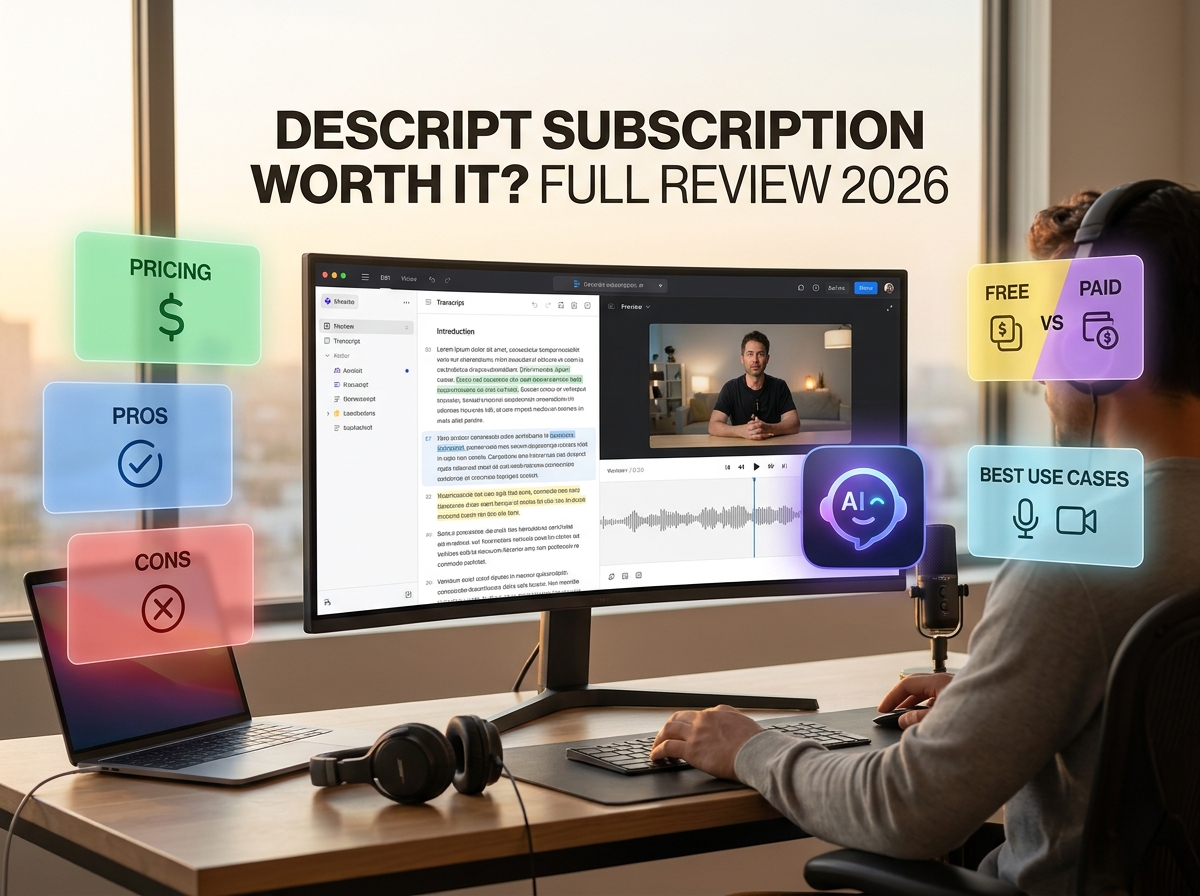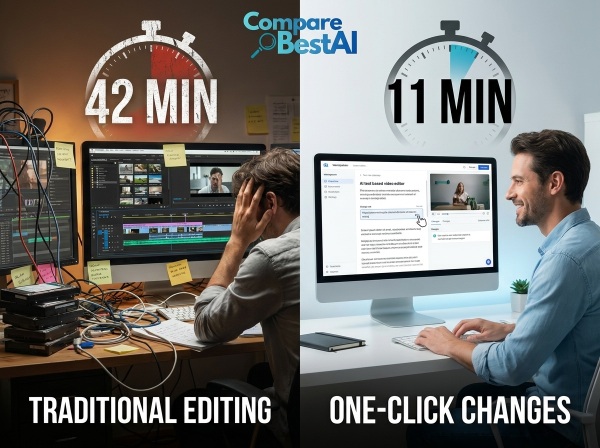

Quick Answer: Is Descript worth it? Descript can be worth paying for if you regularly edit podcasts, interviews, tutorials, or talking-head videos. Its text-based editor can simplify repetitive cuts, transcription, captions, and audio cleanup. However, its subscription value depends on your monthly media hours, AI-credit usage, and need for advanced visual editing. The free plan offers a practical way to test the workflow before paying.
Descript combines video editing, audio editing, transcription, screen recording, and AI-assisted production in one platform.
Instead of finding every edit manually on a timeline, you can edit spoken content through its transcript.
That can simplify certain workflows, but it does not automatically make Descript the right editor for every project.
This review examines its actual subscription costs, included features, usage limits, strengths, and alternatives to help you determine whether a paid plan makes financial and practical sense.
Descript at a Glance: Key Facts for 2026
Category | Details |
|---|---|
Software | Descript |
Primary function | AI-assisted video and audio editing |
Editing approach | Transcript-based editing with timeline controls |
Free plan | Available |
Paid plans | Hobbyist, Creator, Business, and Enterprise |
Starting paid price | $16 per person/month with annual billing |
Main AI assistant | Underlord |
Common use cases | Podcasts, interviews, tutorials, and marketing videos |
Main considerations | Media-hour limits, AI credits, export resolution, and visual-editing requirements |
Descript's official pricing page lists the Free, Hobbyist, Creator, Business, and Enterprise options. Its paid plans have different monthly processing allowances and feature access.
For a broader product overview, explore the Descript AI tool profile .
What Is Descript, and How Does It Work?
Descript is an AI-powered video and audio editor that lets users edit spoken recordings through text.
When you import a recording, Descript generates a transcript. The transcript remains linked to the original audio or video.
Deleting a sentence from the transcript removes the corresponding media from the edit.
For example, imagine recording a 20-minute tutorial containing repeated explanations and unnecessary pauses.
In a conventional editor, you might navigate the timeline to locate and cut each section.
In Descript, you can review the transcript, remove unnecessary passages, and preview the updated recording.
Descript also provides conventional editing controls for adjustments that need greater precision.
What Can You Create With Descript?
The platform supports several types of content, including:
YouTube talking-head videos and tutorials.
Audio and video podcasts.
Interviews and webinars.
Screen recordings and product demonstrations.
Online course materials.
Short clips created from longer recordings.
Business presentations and customer-facing videos.
Descript's suitability depends on how much of the work involves spoken content rather than complex visual production.
For a closer look at its editing workflow, read our Descript AI video editing guide .
Is Descript Worth Paying for in 2026?
The financial value of Descript depends on three factors: how much content you produce, which editing tasks it simplifies, and how much additional software you still need.
A subscription may be useful when you repeatedly perform tasks such as transcription, rough cutting, audio enhancement, and caption creation.
However, subscription cost alone does not establish value.
You should also consider the time required to review automated edits, the accuracy of transcripts, and the limits of the selected plan.
When a Paid Subscription May Make Sense
Consider a creator who publishes several spoken videos each month.
That workflow may involve:
Importing and transcribing recordings.
Removing repeated explanations.
Cleaning up unwanted background noise.
Preparing captions.
Exporting finished videos.
Descript brings these operations into one workspace.
If you already use separate applications for these tasks, consolidating some of the workflow may reduce software switching.
The potential value depends on your existing tools and the quality of Descript's output for your recordings.
When the Free Plan May Be Enough
Descript's free plan provides one media hour and 100 AI credits per month.
It also supports watermark-free exports up to 720p.
These allowances can be sufficient for a short project, occasional editing, or evaluating the software.
If you process longer recordings or publish frequently, compare your expected media usage against the paid tiers before subscribing.
Descript Pricing in 2026: Free vs. Paid Plans
Descript uses a subscription structure with different media-hour, AI-credit, and feature allowances.
The following prices are in USD and reflect Descript's publicly listed plans as checked in September 2026.
Plan | Monthly billing | Annual billing* | Media hours/month | AI credits/month |
|---|---|---|---|---|
Free | $0 | $0 | 1 | 100 |
Hobbyist | $24 | $16 | 10 | 400 |
Creator | $35 | $24 | 30 | 800 |
Business | $65 | $50 | 40 | 1,500 |
Enterprise | Custom | Custom | Custom | Custom |
Annual billing prices are monthly equivalents per person.
Descript's official website should be consulted for the latest pricing and subscription terms before purchase.
Descript Free Plan
Best for: Testing the editor and occasional short projects.
The free plan includes one media hour and 100 AI credits each month.
It provides limited access to selected AI capabilities and supports exports up to 720p without a watermark.
It is useful for exploring how transcript-based editing works before purchasing a subscription.
However, the media-hour allowance may be insufficient for recurring long-form production.
Descript Hobbyist Plan
Best for: Individual creators with relatively modest monthly production needs.
Hobbyist costs $16 per person per month with annual billing, or $24 with monthly billing.
It includes:
10 media hours per month.
400 AI credits per month.
Watermark-free exports up to 1080p.
Access to Underlord and selected AI editing tools.
The Hobbyist plan is relevant when the free allowance is too limited but you do not need the higher usage capacity of Creator.
Descript Creator Plan
Best for: Creators who regularly produce longer videos or podcasts and need additional AI capacity.
Creator costs $24 per person per month with annual billing, or $35 with monthly billing.
It includes:
30 media hours per month.
800 AI credits per month.
Watermark-free 4K exports.
Full access to Underlord and additional AI tools.
Access to the stock media library.
Eligible top-ups for additional media hours and AI credits.
Check whether the included AI credits are sufficient for your intended use of audio enhancement, clip generation, or other AI features.
Descript Business Plan
Best for: Teams producing video content collaboratively.
Business costs $50 per person per month with annual billing, or $65 with monthly billing.
It provides 40 media hours and 1,500 AI credits per month, alongside additional team-oriented capabilities.
Business also includes team-wide Brand Studio access and advanced production features.
For organizations with multiple editors, calculate the total seat cost rather than comparing only the advertised per-person price.
Descript Enterprise Plan
Best for: Organizations requiring customized usage, administration, procurement, and support arrangements.
Enterprise pricing is available through Descript's sales team.
The plan is intended for larger organizations that need tailored subscription and operational requirements.
Understanding Descript's Hidden Costs and Usage Limits
The advertised monthly subscription price is not necessarily your total production cost.
Descript uses two primary usage measures: media minutes and AI credits.
Media minutes are associated with importing or recording content, while AI credits are consumed by eligible AI-powered actions.
According to Descript's official usage documentation , unused monthly media minutes do not roll over. Descript also provides usage monitoring and eligible top-up options.
1. Monthly Media-Hour Allowance
If your plan includes 10 media hours, you need to consider the total amount of new media you expect to process during the month.
A creator producing four recorded interviews may have different requirements from someone editing dozens of short videos.
Estimate your normal production volume before choosing a subscription.
2. AI-Credit Consumption
AI features can consume credits.
For example, Descript's documentation lists credit costs for operations such as filler-word removal, Studio Sound, Eye Contact, and clip creation.
Some generative operations have usage-dependent costs.
This means two creators on the same plan can consume AI credits at different rates.
3. Export Resolution
The free plan supports exports up to 720p.
Hobbyist supports 1080p, while Creator and Business support 4K.
If your work requires 4K delivery, ensure your plan includes the necessary export resolution.
4. Team Seats
Descript's paid pricing is expressed per person.
Teams should calculate the full subscription cost based on the editors who need paid access.
This is particularly important when comparing a team subscription with individual editing tools already in use.
5. Additional Editing Software
Descript may not replace every application in your production stack.
Projects requiring complex compositing, detailed color grading, or highly specialized effects may still need a conventional video editor.
Include those costs when evaluating Descript's overall value.
For a broader discussion of subscription models, see our free vs. paid AI tools comparison
Which Descript Features Deliver Practical Value?
Descript offers several tools that can simplify common editing tasks.
The value of each feature depends on how frequently you use it and whether it meets your production requirements.
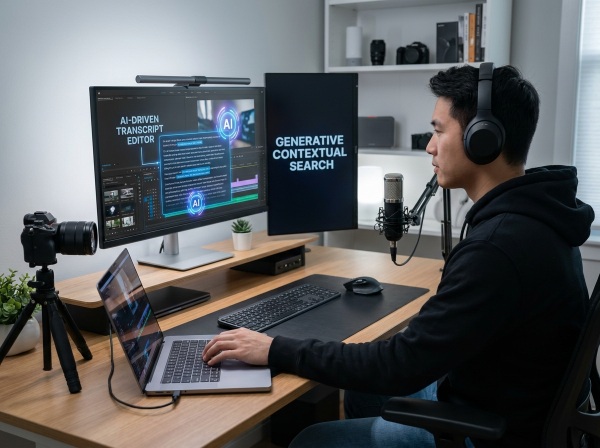
1. Text-Based Editing
Transcript-based editing is Descript's defining feature.
It is especially relevant to speech-heavy content where much of the work involves identifying and removing unnecessary dialogue.
You can edit a recording through its transcript while retaining the ability to preview the resulting media.
However, text-based editing does not eliminate the need to review transitions and visual continuity.
2. Automatic Transcription
Descript generates a transcript from recorded or imported speech.
That transcript supports editing and caption creation.
This is useful when you need written material from an interview, podcast, or recorded lesson.
However, transcription errors can occur with overlapping speakers, poor recording quality, unusual names, or technical terminology.
Important information should always be reviewed manually.
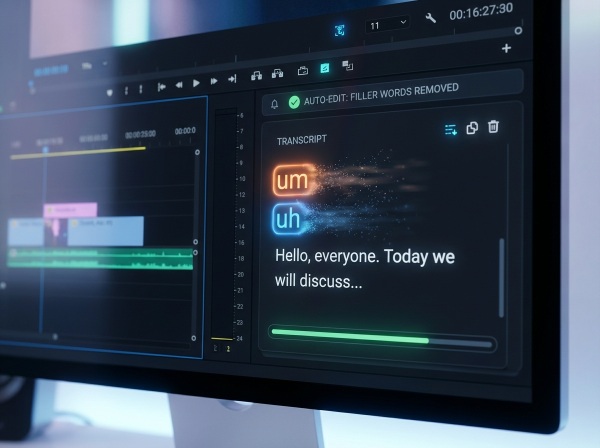
3. Filler-Word Removal
Descript can identify common filler words and help remove them from recordings.
This can simplify repetitive cleanup tasks.
However, removing every filler word or pause may produce unnatural pacing.
A manual review remains necessary.
4. Studio Sound
Studio Sound is an AI-assisted audio enhancement feature.
It is designed to improve voice clarity and reduce unwanted background noise.
This can be useful for recordings created in home offices or other imperfect recording environments.
Its results depend on the source audio, so it should not be considered a guaranteed repair for severely damaged recordings.
5. Underlord AI Co-Editor
Underlord is Descript's AI-powered editing assistant.
It supports a range of editing and production tasks, helping users automate eligible operations.
The feature may be valuable when you regularly create similar content formats.
For a dedicated overview, explore the Underlord by Descript tool profile .
6. Captions and Content Repurposing
Descript provides tools for creating captions and adapting recordings into different content formats.
This can support workflows where a long interview or webinar becomes several shorter clips.
However, automated clip selection and captioning still require editorial review before publishing.
Descript Pros and Cons
Understanding the trade-offs is essential when deciding whether the subscription makes sense.
Advantages | Limitations |
|---|---|
Transcript-based editing can simplify spoken-content production. | Less suited to highly complex visual-editing workflows. |
Built-in transcription and captioning reduce reliance on separate tools. | Transcripts may contain errors. |
Audio enhancement and AI tools support repetitive editing tasks. | AI-credit allowances vary by plan. |
The free plan allows initial experimentation. | Free media hours and export resolution are limited. |
Paid plans provide higher production allowances. | Additional seats increase team costs. |
Supports collaborative production workflows. | Automated edits still require manual review. |
Descript's practical advantage is workflow consolidation.
Its main limitations arise when your production requirements extend beyond transcript-centered editing or exceed the available subscription allowances.
Descript vs. Traditional Video Editing
Descript and conventional timeline-based editors address different editing requirements.
A transcript-centered interface may simplify the removal and rearrangement of spoken content.
A traditional editor generally provides more direct control over individual clips, transitions, visual effects, and detailed timeline operations.
Editing requirement | Descript | Traditional timeline editor |
|---|---|---|
Editing spoken content | Transcript-based workflow | Timeline-based workflow |
Removing filler words | AI-assisted tools | Manual or software-specific AI tools |
Transcription | Built in | Depends on the application |
Detailed timeline editing | Available, with a transcript-centered approach | Central workflow |
Advanced visual compositing | More limited | Varies by editor |
Complex color grading | More limited | Often supported by professional editors |
Editing highly visual footage | May require additional tools | Generally more direct |
Neither approach guarantees faster completion in every situation.
Project complexity, source quality, hardware, and editor experience all affect production time.
For a closer examination of a professional timeline editor, read our Adobe Premiere Pro review .
Is Descript Worth It for Different Types of Creators?
Different creators can receive different value from the same subscription.
A useful way to evaluate Descript is to compare its workflow against the specific tasks you perform most frequently.
Podcasters
Podcasters often work with long recordings, multiple speakers, and repeated dialogue.
Descript's transcription, audio cleanup, and text-based editing can simplify these workflows.
However, users producing highly technical audio projects may still need specialist audio software.
YouTubers
Descript is relevant to creators producing talking-head videos, tutorials, interviews, and educational content.
Its transcript-based workflow makes it easier to locate and remove unwanted explanations.
Creators working primarily with complex visual effects may need other editing capabilities.
Course Creators and Educators
Educators can use Descript to edit recorded lessons, prepare captions, and remove unnecessary sections.
This may be useful when creating repeated instructional content.
However, captions and transcripts should be reviewed carefully to ensure technical terminology is accurate.
Marketing Teams
Marketing teams often produce product demos, webinars, testimonials, and social clips.
Descript can support these workflows through transcription, editing, and collaboration.
Teams should assess the total subscription cost, administrative requirements, and AI-credit consumption.
Occasional Users
Someone who edits a short video occasionally may not need a recurring paid subscription.
The free plan provides a way to test Descript's editing approach without committing to a paid tier.
Is Descript Better Than CapCut, VEED, or Pictory?
Descript is one of several platforms that support AI-assisted video production.
The most relevant alternative depends on the content format and editing approach you need.
Tool | Main editing approach | Typical use case |
|---|---|---|
Descript | Transcript-based editing | Podcasts, interviews, tutorials |
CapCut | Visual timeline and template-based editing | Short-form social content |
VEED | Browser-based editing | Captions and marketing videos |
Pictory | AI-assisted video creation | Repurposing written or existing content |
Descript vs. CapCut
CapCut focuses heavily on visual editing, templates, effects, and short-form content production.
Descript places greater emphasis on spoken-content editing through a transcript.
If your workflow is primarily short-form video, read our CapCut AI tool review .
Descript vs. VEED
VEED provides browser-based editing, captioning, and content-production capabilities.
Descript's primary distinction is the connection between the transcript and the underlying recording.
Explore the VEED.io tool profile to compare its features.
Descript vs. Pictory
Pictory focuses on AI-assisted video creation and content repurposing.
Descript focuses more on editing recorded material.
If you want to turn existing written content into videos, our Pictory AI review covers another approach.
How to Calculate Whether Descript Is Worth the Cost
Rather than relying on generalized claims about editing-time savings, evaluate Descript against your own workflow.
A useful calculation is:
First, estimate how many hours you spend editing each month.
Next, complete a representative project using Descript and compare your actual editing time with your existing workflow.
Include the time required for transcription corrections, manual review, and exporting.
Finally, account for any tools you can genuinely stop paying for.
For example, if Descript replaces a separate transcription application, include that avoided expense only if you no longer need the original subscription.
This method provides a more defensible estimate of subscription value than assuming a universal percentage of editing-time savings.
How to Test Descript Before Paying
A short, controlled trial can help identify whether Descript fits your production requirements.
Step 1: Choose a Representative Recording
Select a video or podcast episode similar to the content you normally produce.
Avoid using an unusually simple project that does not reflect your typical workload.
Step 2: Complete the Edit in Your Existing Software
Record the amount of time needed to complete the project.
Include rough cutting, audio cleanup, captioning, and export checks.
Step 3: Edit the Same Material in Descript
Use the available transcript-based tools to complete an equivalent edit.
Keep the intended final output as consistent as possible.
Step 4: Review Both Results
Check audio quality, transitions, caption accuracy, and overall presentation.
Do not evaluate only the time required to create the first rough cut.
Step 5: Compare Cost and Quality
Assess the actual time saved, subscription price, remaining manual work, and output quality.
If the free allowance is sufficient, continue testing before upgrading.
This process helps establish whether Descript provides value for your specific workflow.
Is Descript Worth It? Final Verdict
Descript can provide meaningful value when a production workflow involves recurring spoken-content editing.
Its transcript-based interface, transcription, captions, audio enhancement, and AI-assisted tools address several tasks that creators often perform separately.
However, the subscription is not automatically cost-effective for every user.
The free plan may be sufficient for occasional projects. Paid plans become more relevant when production volume, export requirements, or AI-feature usage exceed the free allowance.
For highly visual or complex editing, Descript may need to be used alongside conventional editing software.
The most reliable way to determine whether Descript is worth paying for is to test it with a representative project and compare the actual results against your existing workflow.
Frequently Asked Questions About Descript
1. Is Descript worth paying for in 2026?
Descript can be worth paying for if you regularly edit speech-heavy videos or podcasts. Its value depends on your production volume, AI-credit requirements, and whether its editing workflow reduces manual work.
2. Is the Descript free plan enough?
The free plan includes one media hour and 100 AI credits per month. It is useful for testing the editor and completing occasional short projects, but regular production may require a paid plan.
3. How much does Descript cost per month?
Hobbyist costs $16 per person per month with annual billing, Creator costs $24, and Business costs $50. Monthly billing is more expensive. Enterprise pricing is customized.
4. Does Descript save time compared with Premiere Pro?
Descript can simplify transcript-based editing, transcription, and repetitive cleanup. However, actual time savings depend on the project and the editor. Premiere Pro offers more extensive controls for complex timeline-based production.
5. What are the main limitations of Descript?
Its main considerations include media-hour limits, AI-credit consumption, potential transcription errors, and a workflow that is less suited to complex visual effects or detailed color grading.
6. Can beginners use Descript?
Yes. Descript's transcript-based interface can be approachable for people familiar with document editing. However, beginners still need to learn how to review cuts, correct transcripts, manage audio, and export finished videos.
Ready to evaluate Descript? Explore the Descript tool profile and available plans compare the current subscription options, and start by testing the free version.