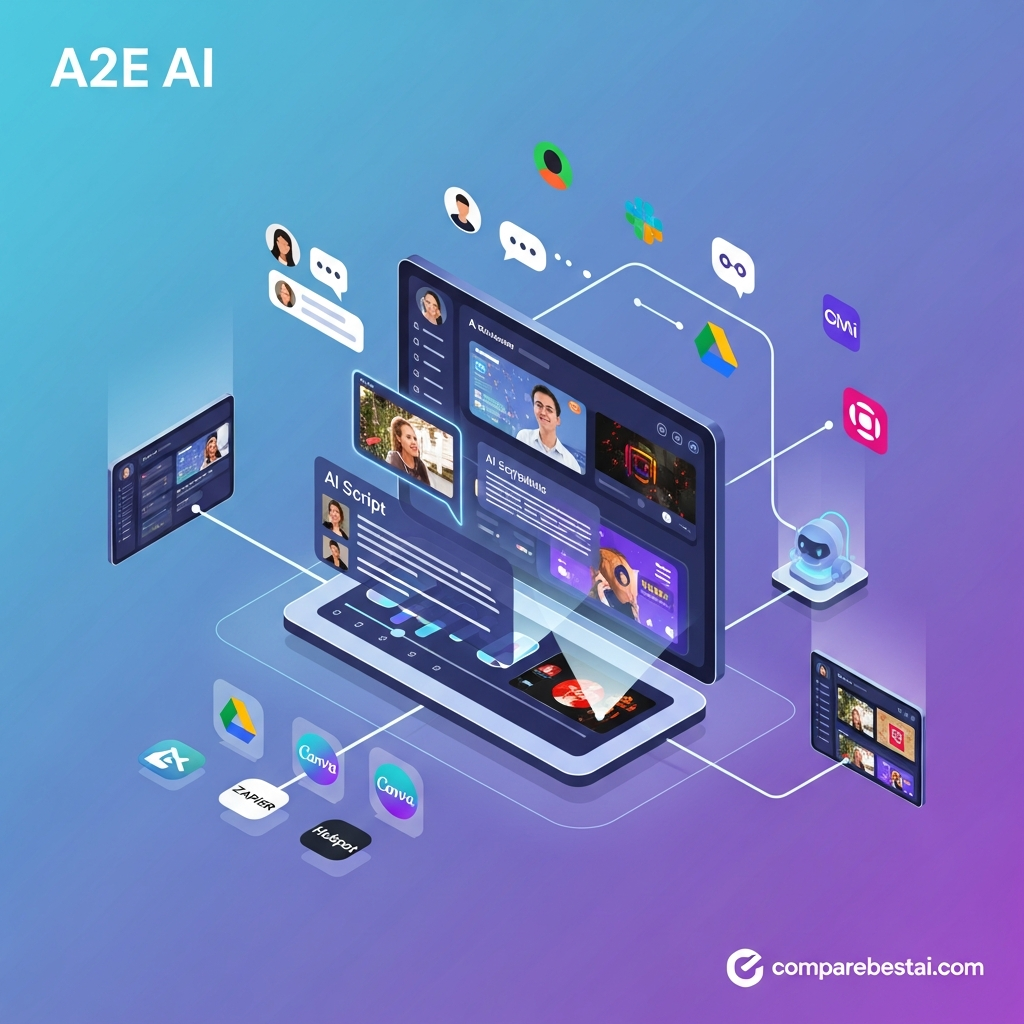

A2E AI Features Reviewed
Image-to-Video Generation
A2E can animate still images using several supported video models.
You upload an image, describe the movement or scene you want, choose an available model and generate the clip.
This can work particularly well for:
- product images
- portraits
- AI-generated artwork
- social creative
- landscapes
- advertising concepts
- e-commerce imagery
Different models consume different amounts of credits, so the cheapest model is not necessarily the best model for every job.
AI Avatars
A2E supports custom avatars and avatar-video generation.
The free plan currently allows a smaller number of custom avatars, while paid tiers increase the allowance.
Avatar workflows can be useful for:
- explainer videos
- product demonstrations
- educational content
- social videos
- multilingual content
- presenter-style marketing
Talking Photos and Lip Sync
A2E can turn a still portrait or video into lip-synced content using generated or uploaded audio.
For creators producing frequent presenter-style clips, this removes the need to record a person for every script.
Quality will still depend heavily on the source image, voice, language and movement.
AI Voice Cloning and Text-to-Speech
Voice generation is another core part of the platform.
A2E currently exposes multiple voice options and supports voice cloning as part of its broader avatar and media workflows.
This is particularly useful when the same voice identity needs to be reused across multiple generated videos.
Users should have the necessary rights and consent before cloning or generating another person's voice.
Face Swap and Head Swap
A2E includes image and video face/head replacement tools.
These can support creative advertising, entertainment, visual prototyping and authorized transformation workflows.
As with any synthetic-media platform, users should avoid impersonation, deceptive use or uploading material they do not have permission to use.
AI API
A2E also targets developers.
Paid access supports API workflows covering areas such as:
- image and video generation
- image-to-video
- Kling generation
- Veo generation
- avatar generation
- lip sync
- face and head swapping
- voice cloning
- dubbing
- image editing
- post-processing
That makes A2E more interesting for developers building AI-media functionality into their own applications rather than using only the browser interface.
A2E AI Pricing in 2026
A2E uses a combination of plans and credits rather than a simple unlimited subscription for every workflow.
Free Plan
A2E has a genuine free tier.
Current official information indicates that new users can receive signup credits and continue claiming daily bonus credits without entering a credit card.
The Free plan currently includes:
- daily bonus credits
- 720p video
- watermark on applicable outputs
- lower processing priority
- limited custom avatars
- one voice-clone slot
- access to core creation features
- no standard paid-plan API entitlement
This is enough to evaluate the interface and experiment before upgrading.
Pro
A2E's main USD pricing page currently lists Pro at approximately $14.90 for 30 days, although regional pages or checkout currencies may display a different amount.
Pro generally adds:
- no watermark
- higher video resolution
- premium functionality
- API support
- more custom avatars
- additional voice-clone capacity
- higher daily bonus credits
- upfront credits
- credit top-up eligibility
Important pricing note: A2E's own public pages have recently shown slightly different figures for the exact number of upfront Pro credits. Because of that, buyers should confirm the live checkout allowance rather than relying on a static review.
That type of disclosure is more useful than pretending volatile SaaS pricing never changes.
Ultra
Ultra is the higher-volume consumer/professional tier.
Current published pricing is around $59.90 for 30 days on A2E's main USD pricing page.
Ultra adds benefits such as:
- up to 4K video in eligible workflows
- highest processing priority
- early access to newer models
- more custom avatars
- API support
- no watermark
- substantially larger credit allocation
- no speed throttling according to A2E's plan documentation
Credit Top-Ups
Users who need extra usage can also purchase additional credits.
A useful distinction is that A2E says separately purchased top-up credits do not expire, while subscription credits can reset at the end of the billing cycle.
That makes estimating the cost of your actual workflow more important than looking only at the headline plan price.
Is A2E AI Cheap?
A2E's entry price is low compared with many professional AI-video platforms.
However, low subscription price does not automatically mean low generation cost.
Premium models such as Kling or Veo may consume considerably more credits than simpler generation workflows.
A better way to judge value is:
- identify the models you actually use,
- calculate credits consumed per typical project,
- estimate monthly generation volume,
- include failed or repeated generations,
- compare total monthly cost with alternatives.
This is especially important because AI-video creation usually requires multiple generations before you get a usable final clip.
A2E AI Pros and Cons
Pros
Large model selection
A2E's model-aggregator approach is probably its strongest advantage. Users can experiment with several leading video-generation systems without managing each one separately.
Free tier
A genuine free option lowers the barrier to testing.
Strong variety of creative tools
Avatars, lip sync, voice cloning, face swap, image-to-video and other tools cover more than basic text-to-video generation.
Developer access
API access makes A2E relevant to developers and businesses building automated media workflows.
Relatively low paid entry price
Pro provides a low-cost route into premium features compared with many higher-priced AI video platforms.
Useful for experimentation
Users who regularly compare outputs from Kling, Wan, Seedance, Veo and similar models can do much of that testing from one place.
Cons
Credit costs can be difficult to predict
Different models and resolutions use different amounts of credits.
Documentation is not always perfectly consistent
We found discrepancies across A2E's own public pricing information, particularly around some Pro credit allowances.
Not a complete professional video editor
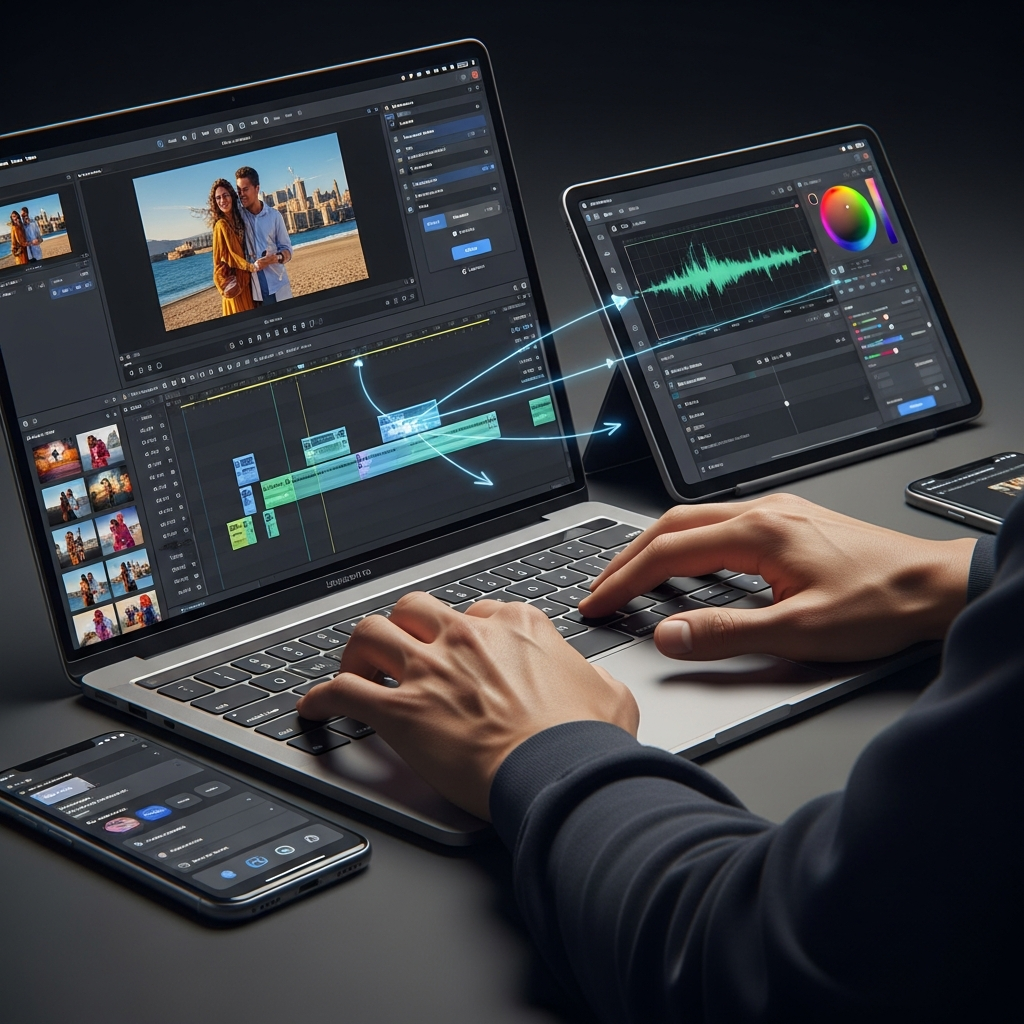
A2E focuses on generation. Users needing sophisticated timeline editing may still need another application.
Quality varies by underlying model
Because several external models are involved, output quality, generation speed and prompt behavior are not uniform.
Advanced models can consume credits quickly
The headline plan cost may understate the real cost of frequent premium-model generation.
A2E AI Security and Privacy
A2E states that uploaded content is processed securely and that uploaded facial or voice data is not used for unrelated purposes. Its public materials also describe privacy and content-processing practices.
However, buyers with strict compliance requirements should make an important distinction:
We did not find a current public claim establishing A2E as SOC 2- or HIPAA-certified.
That does not mean the platform is insecure.
It means enterprise teams should request current security documentation rather than assuming formal compliance certifications that are not publicly documented.
This matters particularly for:
- healthcare organizations
- financial services
- regulated enterprises
- applications involving sensitive customer data
- large internal deployments
Who Should Use A2E AI?
A2E makes the most sense for several types of users.
Content Creators
Creators can use it to generate short-form clips, talking photos, avatars, voiceovers and visual experiments.
Marketers
Marketing teams can quickly produce product concepts, social creative, UGC-style ideas and campaign variations.
E-Commerce Teams
Product avatars, virtual try-on, image animation and generated promotional clips can speed up creative testing.
Developers
API access can make A2E useful for applications that need generative video, avatars, dubbing or voice capabilities.
AI Video Enthusiasts
Users who mainly want access to several different generation models from one dashboard may get more value from A2E than from subscribing to individual tools separately.
Who Should Consider an Alternative?
A2E is not automatically the best choice for everyone.
Consider another platform if you need:
- advanced timeline-based editing
- mature enterprise governance
- extensive formal compliance documentation
- highly structured training-video workflows
- a tightly controlled collaborative corporate workspace
For example, companies focused primarily on avatar-led learning and corporate training should read our Synthesia AI video generator review.
Creators interested in more cinematic generative-video workflows should also compare our Runway AI video generation review.
You can also review our guide to the best AI text-to-video tools.
A2E AI vs Alternatives
| Platform | Strongest Fit | Main Difference |
|---|---|---|
| A2E AI | Multi-model generation, avatars and API | Combines many generation models and media tools |
| Runway | Creative generative video and editing workflows | More creator/production-focused environment |
| Synthesia | Corporate training and presenter videos | Stronger structured business-avatar workflow |
| Pika | Fast creative and social video effects | More focused creator experience |
| Individual model platforms | Users committed to one specific model | Direct access rather than aggregation |
A2E's biggest differentiator is therefore not simply “better video.”
It is choice.
If you regularly switch between models or need avatars, lip sync, voice and visual-generation APIs from a common platform, A2E has a clearer value proposition.
If one specialist tool already handles everything you need, aggregation may matter far less.
Is A2E AI Worth It in 2026?
Yes, for the right user.
A2E AI is particularly compelling for creators, marketers and developers who value model choice and want to experiment with several AI-video technologies without building a separate workflow for each provider.
The free tier also means there is little reason to purchase immediately.
Start free.
Run several realistic projects.
Track which models you actually use and how many credits each finished asset consumes.
Then decide whether Pro, Ultra or another platform offers the best total cost.
That is more reliable than selecting an AI tool based only on its advertised subscription price.
If you want to evaluate several platforms systematically, you can also compare AI tools side by side.
How We Evaluated A2E AI
This review was updated using:
- A2E's current public product documentation
- live pricing information
- model listings
- API documentation
- published privacy information
- CompareBestAI's existing hands-on A2E testing
CompareBestAI's current A2E tool evaluation reports seven days of testing across image-to-video generation, avatar and voice workflows, face/head swapping, 4K output and API tasks, with an editorial score of 8.0/10.
We also separate vendor claims from our own editorial observations and date-stamp volatile information such as prices and model availability.
That distinction is particularly important in generative AI because plans, models and credit costs can change quickly.
Frequently Asked Questions
Is A2E AI free?
Yes. A2E currently provides a free tier with daily bonus credits. New users may also receive signup credits, and no credit card is required to begin testing according to A2E's current documentation.
How much does A2E AI cost?
A2E's main USD pricing page currently lists Pro at about $14.90 for 30 days and Ultra at about $59.90 for 30 days. Pricing can vary by region, currency and future plan changes, so always verify checkout before purchasing.
What AI video models are available on A2E?
A2E currently provides access to multiple video-model families including Kling, Wan, Seedance, Veo, Sora, HappyHorse, Hailuo and others. The public model directory listed 16 video-model entries at the time of our August 2026 check.
Does A2E AI have an API?
Yes. Paid A2E plans support API access for multiple image, video, avatar, face, voice and post-processing workflows.
Can A2E AI create 4K video?
A2E advertises up to 4K output for eligible premium workflows, particularly on its higher-tier plan. Actual maximum resolution can depend on the selected tool or underlying model.
Can I use A2E AI commercially?
A2E states that generated content can be used commercially subject to its terms and provided that users have the necessary rights to the source material they upload.
Is A2E AI better than Runway or Synthesia?
Not universally.
A2E is stronger when access to several AI models, avatars, face/voice tools and API functionality from one platform is the priority.
Runway may suit more creative production workflows, while Synthesia is particularly strong for structured business, training and presenter-led content.
The best choice depends on what you are actually trying to create.
Final Verdict
A2E AI earns attention in 2026 because it combines a broad generative-media toolkit with access to numerous AI video models and a relatively accessible paid entry point.
Its strongest users are likely to be:
- AI video creators
- marketers
- e-commerce teams
- developers
- users who frequently compare multiple generative-video models
The free tier makes testing easy, while Pro adds paid features and API access without requiring a high initial subscription cost.
The main caution is cost predictability. Premium models can consume credits quickly, and A2E's documentation has not always been perfectly consistent across its different pricing pages.
For that reason, test the free tier on your actual workflow before paying.
For our current score, plan breakdown and technical details, see the A2E AI pricing and review page.


