Quick answer: The best AI productivity tools in 2026 are ChatGPT for writing and research, Otter.ai for meeting notes, Zapier for automation, Notion AI and ClickUp Brain for docs and projects, Motion for scheduling, and Grammarly for email. Most have a free plan, and one or two paid tools usually cost $10 to $30 per person a month.
Most people don't need more apps. They need fewer hours lost to meetings, email, status updates, and copy-paste work. That's the real job of AI productivity tools, and it's also why so many of them end up unused after the free trial.
What are AI productivity tools? They're apps that use AI to handle routine work for you: drafting emails, summarizing meetings, moving data between apps, planning your calendar, and organizing projects. Some are standalone AI-based productivity tools like ChatGPT. Others are AI features built into apps you already use, like Notion or ClickUp.
This page compares eight AI productivity apps by job, price, and fit for US teams, teachers, and small businesses. You'll also see what the research says about real time savings. Our picks follow the criteria on our how we rank tools page.

AI Productivity Tools Comparison Table (2026)
Here's our AI productivity tools comparison at a glance. Prices are US list prices, checked September 28, 2026.
| Tool | Best for | Key AI features | Free plan | Paid from |
|---|---|---|---|---|
| ChatGPT | Writing, research, analysis | Drafting, summaries, data analysis | Yes (with ads in the US) | $20/mo (Plus) |
| Otter.ai | Meeting notes | Live transcripts, summaries, action items | 300 min/mo | $16.99/mo ($8.33 billed yearly) |
| Zapier | Automation between apps | AI-built workflows, multi-step Zaps | 100 tasks/mo | $29.99/mo ($19.99 billed yearly) |
| Notion AI | Docs, wikis, notes | Workspace Q&A, AI meeting notes, agents | Limited AI trial | $20/member/mo (Business, yearly) |
| ClickUp Brain | Project management | Task summaries, AI writing, status updates | Free plan, AI trial | $7/member/mo + AI add-on |
| Motion | Time management | AI auto-scheduling of tasks and meetings | No | $29/mo billed yearly ($49 monthly) |
| Grammarly | Email and writing polish | Tone, clarity, rewrites | Yes | $12/mo billed yearly (Pro) |
| MagicSchool AI | Teachers | Lesson plans, rubrics, differentiation | Free for teachers | About $100/year (Plus) |
Looking for free AI productivity tools? ChatGPT, Otter.ai, Zapier, Notion, ClickUp, Grammarly, and MagicSchool all have free plans. Start with the free tier for two weeks before you pay.

Which AI Productivity Tools Actually Save Time?
The top AI productivity tools each do one job well. Here's where each one earns a spot among your AI tools for productivity at work.
Writing and Email: ChatGPT and Grammarly
ChatGPT is the most flexible of the generative AI productivity tools. Use it to draft emails, summarize long documents, outline reports, and clean up spreadsheets. The free plan covers light use; Plus costs $20/month.
Grammarly works inside Gmail, Outlook, Google Docs, and Slack, so you get tone and clarity fixes without switching apps. The free plan catches basics; Pro costs $12/month billed yearly. Read our Grammarly review for details.
Meetings: Otter.ai
Otter.ai joins Zoom, Google Meet, and Microsoft Teams calls, then writes a transcript, summary, and action items. The free plan includes 300 minutes a month, capped at 30 minutes per conversation. Pro costs $16.99/month, or $8.33/month billed yearly, for 1,200 minutes.
Watch out: always tell people when a meeting is being recorded. Some states require everyone's consent.
Automation: Zapier
Zapier is the best-known of the AI tools for productivity and automation. It connects thousands of apps, so a new form entry can create a CRM record, post in Slack, and send an email with no manual work. You can describe a workflow in plain English and let Zapier's AI build it. The free plan covers 100 tasks a month; Professional costs $29.99/month, or $19.99 billed yearly.
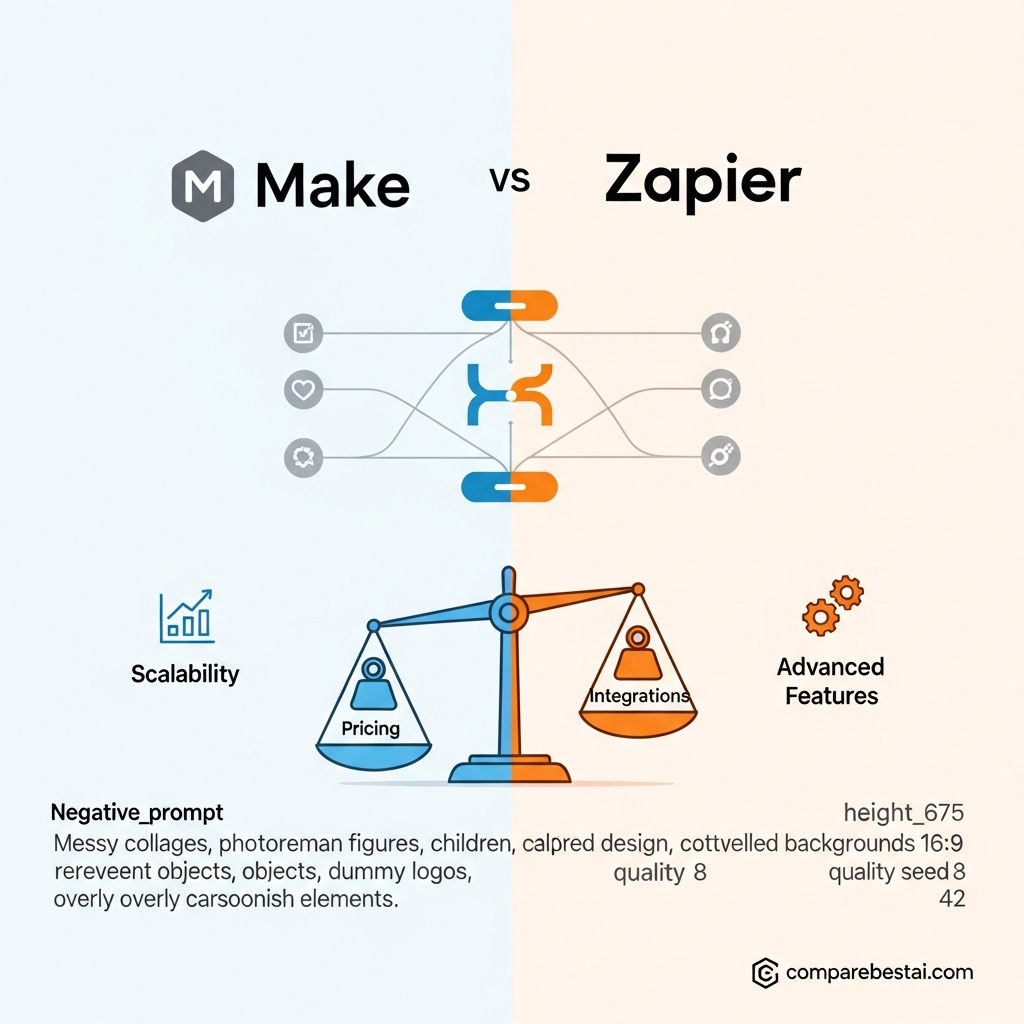
Weighing options? See Make vs Zapier.
Watch out: every action step counts as a task, so a four-step workflow uses four tasks per run.
Project Management and Docs: Notion AI and ClickUp Brain
Notion AI answers questions across your whole workspace, writes meeting notes, and drafts pages from your own docs. Full AI is included in the Business plan at $20 per member per month billed yearly ($24 monthly). Free and Plus only get a limited trial.
ClickUp Brain is the pick among AI productivity tools for project management. It summarizes task threads, writes status updates, and turns meeting notes into tasks. ClickUp's Unlimited plan is $7 per member per month billed yearly, and Brain is a separate add-on billed per member. Compare it with monday.com in our monday.com vs ClickUp breakdown.
Watch out: ClickUp bills the AI add-on on every paid seat, not just the people who use it.
Time Management: Motion
Motion is one of the few AI tools for productivity and time management that plans your day for you. Add tasks with deadlines, and it fits them around your meetings and reshuffles when plans change. Pro AI costs $29/month billed yearly, or $49 monthly. There's no free plan.
AI Productivity Tools for Teachers: MagicSchool AI
MagicSchool AI is built for K-12 teachers. It drafts lesson plans, rubrics, quizzes, differentiated reading passages, and parent emails. The free teacher plan covers most weekly planning; Plus runs about $100 a year for unlimited use.
Does AI Actually Increase Productivity?
Short answer: Yes, for the right tasks. Controlled studies show real time savings on writing and support work, with the biggest gains for less experienced workers. Results drop when the tool doesn't match the task or nobody changes how the work is done.
Two well-known studies back this up:
- A National Bureau of Economic Research study of 5,179 customer support agents found that an AI assistant raised issues resolved per hour by 14% on average, and by 34% for newer, less skilled agents.
- An MIT experiment published in Science gave ChatGPT to 453 college-educated professionals doing writing tasks. Time spent fell 40% and output quality rose 18%.
What is the AI productivity paradox? It's the gap between how fast companies adopt AI and how slowly productivity shows up in company-wide numbers. Task-level gains are real, but they vanish if people spend saved time in more meetings or if tools overlap. Our take on why tools didn't fix productivity goes deeper.

Which AI Productivity Tools Don't Save Time?
Not all AI-enabled productivity tools pay off. Watch for these patterns:
- Overlapping AI add-ons. Paying for Notion AI, ClickUp Brain, and ChatGPT to do the same summaries.
- AI you have to babysit. If you rewrite every draft from scratch, the tool is costing time.
- Auto-schedulers on meeting-heavy calendars. Motion works best when you have open blocks to fill.
- Automation for one-off tasks. A Zap that saves 5 minutes a month isn't worth an hour of setup.
- Tools nobody opened after week two. Check logins before renewing.
Can AI Tools Replace Your Current Workflow?
Short answer: Usually not all at once, and they shouldn't. The best results come from adding AI to one slow step in a workflow you already have, measuring the time saved, then expanding.
A simple way to switch without chaos:
- Pick one painful task, like meeting notes or weekly status reports.
- Add one tool to that task for two weeks, using the free plan.
- Track time saved in minutes per week, not features used.
- Keep it or cut it. If it doesn't save at least an hour a week, drop it.
- Repeat with the next slowest task.
Best AI Productivity Tools for Small Business and Teams
For AI productivity tools for small business owners, a lean stack beats an all-in-one suite. Here's a realistic setup for one person:
| Job | Tool and plan | Monthly cost |
|---|---|---|
| Writing and research | ChatGPT Plus | $20 |
| Meeting notes | Otter.ai Pro (monthly) | $16.99 |
| Automation | Zapier Professional (monthly) | $29.99 |
| Email polish | Grammarly Free | $0 |
| Total | about $67 |
Growing teams using AI productivity tools for business usually add a shared workspace, either Notion Business or ClickUp with Brain, so notes, docs, and tasks live in one place. Budget per seat, not per team. For more team-focused picks, read AI tools that actually save time for teams.
How to Choose the Right AI Tool for Your Job
- Write down where your hours go this week: meetings, email, reporting, or admin.
- Match one tool to the biggest time sink. Meetings point to Otter.ai; repetitive admin points to Zapier.
- Check what you already pay for. Google Workspace, Microsoft 365, Notion, and ClickUp may already include AI features.
- Read the billing model. Per seat, per task, per minute, or credits decides your real cost.
- Test on real work before you commit to a yearly plan.
Our guide to AI tools with free plans and our breakdown of the hidden costs of AI tools help you avoid paying twice.
Quick AI Productivity Hacks
- Ask ChatGPT to turn a messy email thread into three bullet points and a reply draft.
- Paste Otter.ai action items straight into your project tool after every call.
- Use Grammarly's tone check before sending anything sensitive.
- Batch small tasks into one Zapier workflow instead of five separate ones.
- Block two focus hours a day and let Motion fill the rest.
Frequently Asked Questions
What is the #1 AI productivity app?
There's no single winner. ChatGPT is the most flexible AI productivity app for writing and research. For meetings, Otter.ai is a stronger pick, and for automation, Zapier leads. The best choice depends on where you lose the most time.
Is ChatGPT a productivity tool?
Yes. ChatGPT is a general AI assistant that works as a productivity tool for drafting, summarizing, research, and data analysis. An MIT study in Science found it cut time on professional writing tasks by 40%.
What are the four main types of AI productivity tools?
A practical way to group them: AI assistants (ChatGPT), meeting tools (Otter.ai), automation tools (Zapier), and planning tools for projects and time (ClickUp Brain, Notion AI, Motion). Most people need one from each group at most.
Are there free AI productivity tools?
Yes. ChatGPT, Otter.ai, Zapier, Notion, ClickUp, Grammarly, and MagicSchool all offer free plans. The best free AI productivity tools limit minutes, tasks, or AI credits, but they're enough to test real work.
What are the best AI productivity tools for teachers?
MagicSchool AI is built for K-12 teachers and has a free plan for lesson plans, rubrics, and parent emails. Many teachers pair it with ChatGPT for research and Grammarly for feedback on writing.
Will AI job search tools get me rejected by recruiters?
Not by themselves. Recruiters react to generic, copy-paste applications, not to the tool behind them. Use AI to draft and tailor, then add real examples from your work and read every line before you send it.
Can AI write better cover letters than me?
It can write a faster first draft. In the MIT study, cover letters were one of the writing tasks where ChatGPT sped people up. But only you know your real results, so rewrite the draft with specifics a recruiter can't find elsewhere.
Key Takeaways: Best AI Productivity Tools 2026
- Writing and research: ChatGPT. Email polish: Grammarly.
- Meetings: Otter.ai. Automation: Zapier.
- Projects and docs: ClickUp Brain or Notion AI. Scheduling: Motion.
- Teachers: MagicSchool AI.
- Research shows real gains of 14% to 40% on specific tasks, not across every job.
- A one-person stack runs about $67 a month; free plans cover testing.
- Add one tool at a time and cut anything that doesn't save an hour a week.
Find the Right AI Productivity Tools for Your Work
The best AI productivity tools for work are the ones that give you hours back every week. At CompareBestAI, we track pricing, free plans, and best-for labels for hundreds of tools in our productivity and collaboration category and automation category. Shortlist two tools from this page, then compare them side by side before you pay.
Using AI for marketing too? See our AI marketing tools comparison.
Prices change often. We re-check this page regularly, but always confirm the current plan on the vendor's site before you buy.
CompareBestAI may earn a commission from some links on this page. It doesn't change our picks. See our advertiser disclosure.