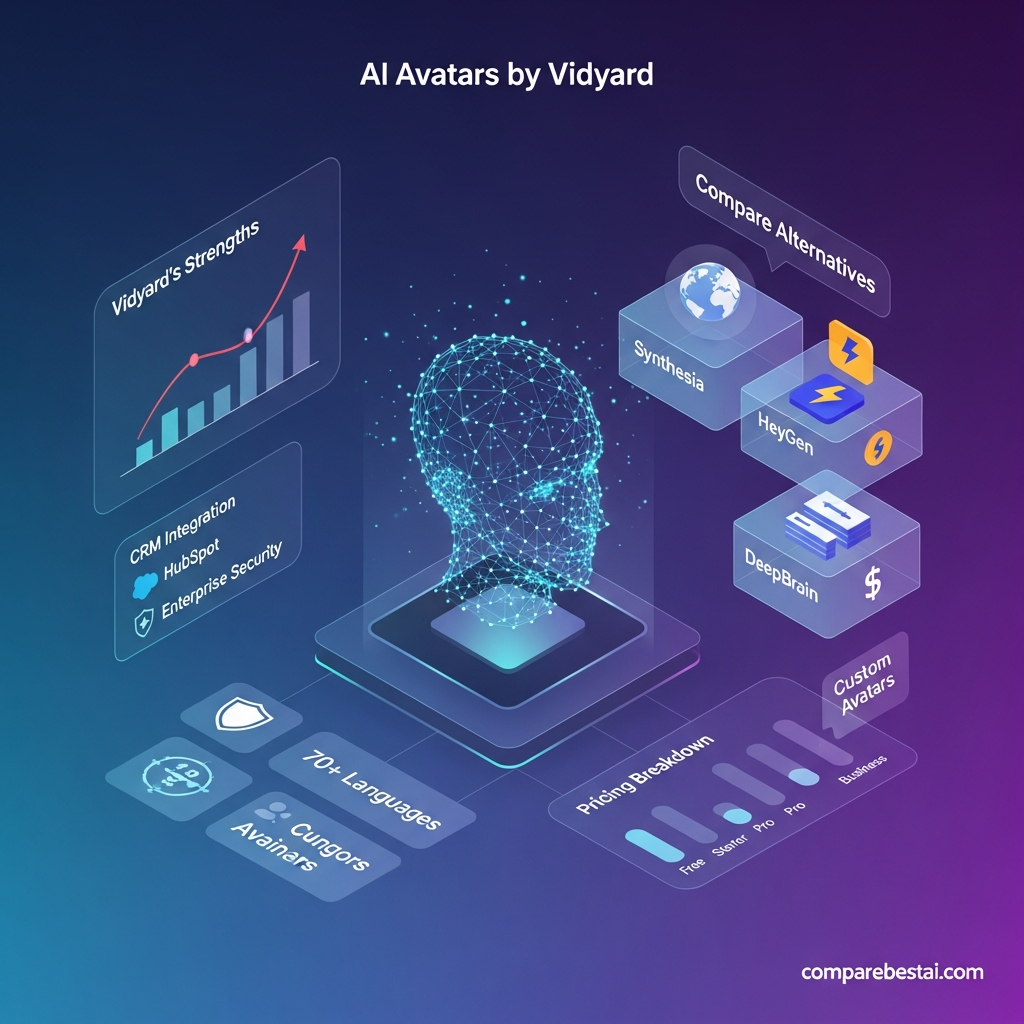

Quick Answer: Vidyard AI Avatars is best for B2B sales, marketing, customer success, and revenue teams that want to create personalized avatar videos without repeatedly recording themselves on camera. Its biggest advantages are sales-workflow integrations, custom avatars, video analytics, and Video Agent automation. It is less compelling for creators whose main priority is cinematic AI video, complex editing, or low-cost social content.
Vidyard currently gives Free users 15 AI videos, stock avatars, and up to three custom AI avatars. Its AI Avatars support 25+ languages, and custom avatars can be created from a 90-second training video. Teams that need unlimited automated AI video creation can add Vidyard Video Agent.
Last checked: September 1, 2026
For CompareBestAI's structured feature, pricing, and editorial-score summary, see the AI Avatars by Vidyard tool profile.
Vidyard AI Avatars Review: The Verdict
Vidyard AI Avatars is not trying to be a general-purpose cinematic AI video generator.
Its strongest use case is much more specific:
help revenue teams create and send personalized business videos at scale.
That distinction matters.
A tool such as Runway may be more appropriate when the goal is cinematic text-to-video generation. HeyGen or Synthesia may be stronger depending on avatar production, localization, training content, and creative requirements.
Vidyard becomes particularly interesting when the video needs to connect directly to a sales workflow.
That includes:
- personalized prospecting
- lead follow-up
- demo reminders
- account-based marketing
- customer onboarding
- renewal communication
- customer-success follow-up
- repeatable rep messaging
Vidyard's current Video Agent product can automatically generate and deliver personalized avatar videos based on customer actions such as downloading content or booking a demo.
Best for
B2B sales and revenue teams
CRM-driven personalized video outreach
Teams already using Vidyard for video messaging
Companies that need analytics and sales integrations around avatar video
Less suited for
Pure cinematic AI video creation
Creators focused mainly on short-form entertainment
Users who need maximum scene-generation control
Teams that only need occasional avatar videos and no revenue workflow
For the broader landscape, CompareBestAI's 2026 AI video generator comparison separates avatar tools from cinematic text-to-video platforms.
What Are Vidyard AI Avatars?
Vidyard AI Avatars are digital presenters that can deliver scripts in video without the user recording each message manually.
Vidyard offers both:
Stock avatars — professionally created avatars using licensed actors.
Custom avatars — a digital likeness created from a user-provided training video.
Vidyard currently says custom avatar setup uses a 90-second training recording. The resulting avatar can then deliver new scripts without the user repeatedly getting in front of the camera.
This is particularly useful when a salesperson wants to preserve the familiarity of a face-to-face video message while removing the production bottleneck of recording hundreds of individual videos.
Vidyard AI Avatars: Key Facts
| Feature | Current Vidyard Information |
|---|---|
| Free AI videos | 15 |
| Custom AI avatars on Free | Up to 3 |
| Stock avatars | Available |
| Custom-avatar setup | 90-second training video |
| Languages | 25+ |
| Unlimited automated AI video | Video Agent add-on |
| Main focus | Sales and revenue engagement |
| CRM/workflow integrations | HubSpot, Salesforce, Marketo, Salesloft, Zapier and others |
| Security | SOC 2 Type II; encryption and enterprise controls |
| Free plan | Yes |
These details were checked against Vidyard's official pricing, AI Avatars, and security documentation on September 1, 2026.
How Vidyard AI Avatars Work
The basic workflow is straightforward.
1. Create or Choose an Avatar
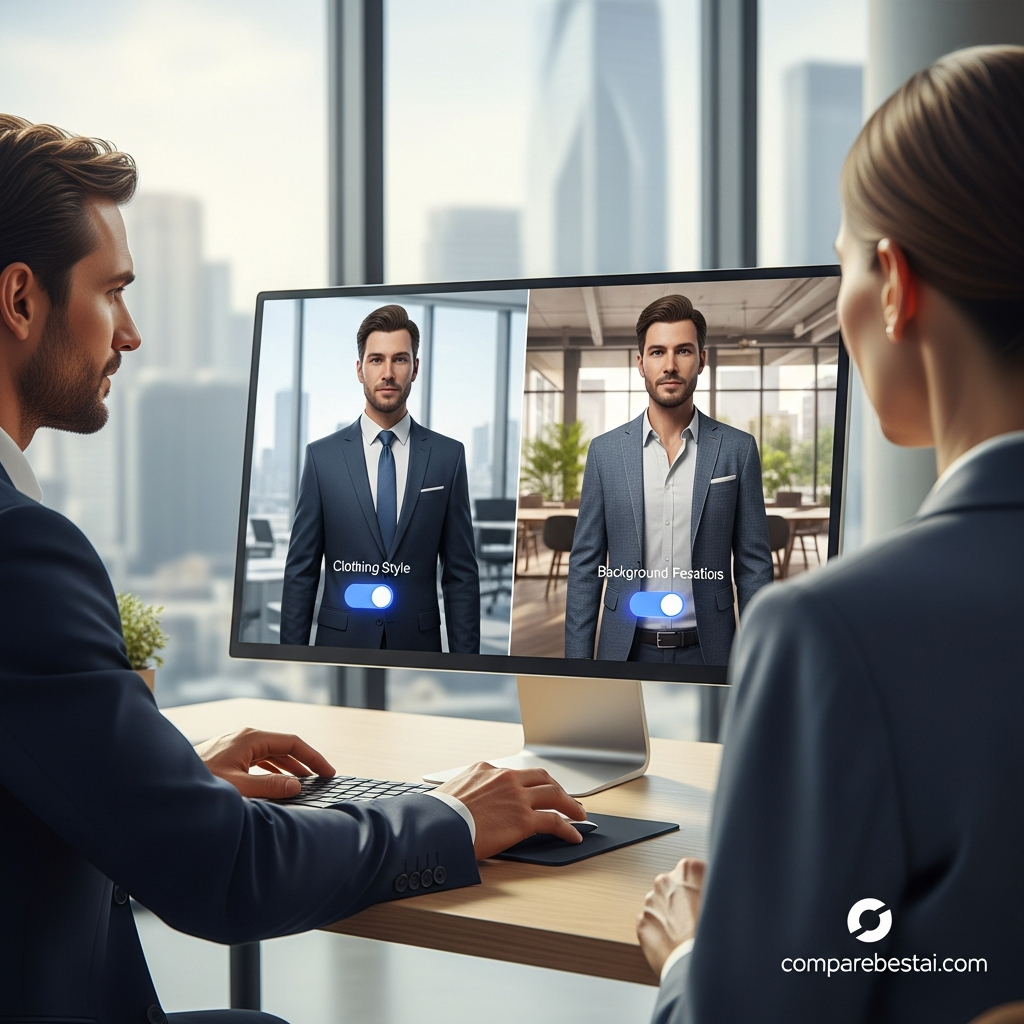
You can select a stock avatar or create a custom avatar based on your own appearance and voice.
For a custom avatar, Vidyard currently asks for a short 90-second training recording.
2. Write the Script
Users can write their own script or use Vidyard's AI script-generation functionality.
The script becomes the talk track delivered by the avatar.
3. Personalize the Message
Vidyard can personalize video scripts using customer or prospect information.
That can include variables such as:
- recipient name
- company
- campaign context
- prospect information
The objective is to avoid recording a separate video manually for every prospect.
4. Generate the Video
Vidyard's AI produces the avatar video based on the selected presenter and script.
5. Send It Through the Existing Workflow
Vidyard's biggest differentiator appears here.
Users can create or deploy video inside revenue tools and workflows instead of treating avatar creation as an isolated content-production step.
Vidyard currently highlights integrations with platforms including Salesloft, Salesforce, HubSpot, Marketo, and Zapier. Its AI Avatar product page also highlights use inside sales tools such as Apollo and Outreach.
Vidyard AI Avatars Pricing in 2026
Vidyard's pricing has changed enough that older reviews should be treated carefully.
Free — $0
The current Free plan includes:
- 15 AI videos
- stock avatars
- 3 custom AI avatars
- limited automated video creation and delivery
- basic video creation and sharing
- limited integrations
This makes the Free plan genuinely useful for evaluating avatar quality and workflow before committing to a paid subscription.
Starter — $59/User/Month When Billed Annually
Vidyard's current comparison material lists Starter at $59 per user per month billed annually, or $89 monthly.
Starter adds capabilities including:
- unlimited manual video recording
- full video analytics
- team performance analytics
- branded sharing pages
- CTA templates
- password-protected videos
- folder management
- custom backgrounds
Vidyard's current pricing page should remain the final source of truth because pricing can change.
Video Agent Add-On
Standard AI Avatar access and automated Video Agent workflows are not exactly the same thing.
Vidyard currently lists Video Agent as an add-on that unlocks:
- unlimited AI videos
- 3 custom AI avatars
- unlimited automated video creation
- unlimited automated delivery
Its current Vidyard-vs-Loom comparison page lists the Video Agent add-on at $24/user/month when billed annually for Starter subscriptions.
Teams — Custom Pricing
Vidyard's current primary pricing page lists Teams as custom pricing.
It adds capabilities such as:
- CRM/MAP integrations
- advanced team analytics
- more advanced branded sharing
- customizable CTAs
- captions
Enterprise — Custom Pricing
Enterprise is designed for organizations needing stronger administration, integrations, and security controls.
Current listed capabilities include:
- unlimited integrations
- SSO user management
- secure playback
- custom permissions
- additional security options
Important Pricing Note
The earlier version of this article referenced a $49 Starter plan, Pro/Business pricing from $149+, $500–$2,000 custom-avatar setup fees, and volume discounts of 10–50%.
Those numbers should not remain in the article unless they can be verified against current Vidyard documentation or a dated contract quote.
For software reviews, changing pricing should always be presented with a verification date.
What Stands Out About Vidyard AI Avatars?
1. Strong Sales-Workflow Positioning
This is Vidyard's clearest advantage.
Many AI avatar tools focus on producing the video.
Vidyard focuses on producing the video and putting it into an active revenue workflow.
Video Agent can automate follow-up based on customer actions, while integrations connect video to systems sales teams already use.
That makes Vidyard more relevant for:
- SDR teams
- account executives
- demand generation
- customer success
- ABM
- sales enablement
than for someone simply looking for an AI video studio.
2. Custom Avatars Without Constant Recording
Sales video traditionally creates an obvious scaling problem.
A rep can personalize 10 videos manually.
Personalizing 500 is much harder.
A custom AI avatar allows the rep's digital likeness to deliver approved scripts without requiring another recording session for each message.
This can improve production efficiency while maintaining a recognizable representative.
It does not mean every recipient will perceive an avatar exactly like a human-recorded message. Teams should test actual audience response rather than assuming synthetic personalization automatically performs better.
3. 25+ Language Support
Vidyard currently supports AI Avatar video creation in more than 25 languages.
That can be valuable for sales organizations covering multiple regions.
However, businesses should test pronunciation, terminology, names, and brand language in each target market before deploying high-volume multilingual campaigns.
4. AI Script Generation
Video creation is often delayed because the rep does not know what to say.
Vidyard includes an AI script-generation workflow that can generate a starting script from contextual information.
The stronger workflow is:
AI draft → human review → approved message → avatar video
rather than automatically sending unreviewed generated scripts.
That becomes especially important for regulated or high-value customer communication.
5. Personalization at Scale
Vidyard supports script personalization using customer data rather than requiring a completely separate script for each prospect.
Vidyard describes techniques such as keyword replacement and customer-data enrichment for individualized messages.
This can be useful for:
- prospect name
- company name
- campaign detail
- role
- contextual hook
Personalization should still be meaningful.
Inserting a first name into the same generic pitch does not automatically create a good sales message.
6. Analytics
Vidyard is already built around business video measurement.
Paid plans include deeper video analytics, while team plans add more advanced performance analysis.
This matters because AI video should not be evaluated purely on visual realism.
For sales use, measure:
- video views
- watch behavior
- CTA interaction
- replies
- meetings booked
- pipeline progression
- conversion rate
The business question is not:
“Does the avatar look impressive?”
It is:
“Does this workflow improve the revenue outcome compared with what we were doing before?”
7. Security Controls
Vidyard publishes substantially more detailed security documentation than a generic “GDPR compliant” badge.
Its current security addendum states that:
- customer data is encrypted using TLS 1.2+ in transit;
- stored data uses AES-256 encryption;
- role-based access controls and least privilege are used;
- vulnerability scans occur at least quarterly;
- penetration tests occur at least annually;
- the company undergoes SOC 2 Type II auditing.
For enterprise buyers, these details are more useful than broad marketing claims.

Vidyard AI Avatars Pros and Cons
Pros
Strong fit for sales teams
The product is designed around personalized revenue communication rather than generic video generation.
Useful free tier
Fifteen AI videos and custom-avatar access are enough to test the workflow before purchasing.
Custom avatars
Teams can create a digital likeness using a short training recording.
25+ languages
Useful for international prospecting and customer communication.
Revenue integrations
Salesforce, HubSpot, Salesloft, Marketo, Zapier and other workflow connections are a major strength.
Video Agent automation
The platform can move from simple avatar generation into automated triggered communication.
Analytics
Video engagement measurement is built into the broader Vidyard platform.
Documented enterprise security
SOC 2 Type II, encryption, access controls and enterprise security options are clearly documented.
Cons
Best value depends on revenue use case
If you only want occasional avatar clips, much of Vidyard's sales infrastructure may be unnecessary.
Unlimited AI video requires an additional product layer
Users should distinguish standard Vidyard plans from Video Agent access.
Not primarily a cinematic generator
This is not the best product for text-to-video filmmaking, visual effects or highly experimental scenes.
Creative flexibility may be secondary to workflow
Vidyard emphasizes repeatable communication and revenue operations more than creative filmmaking.
Pricing can increase with team size and automation needs
Seat-based pricing plus Video Agent can become significant for larger teams.
Who Should Use Vidyard AI Avatars?
B2B Sales Teams
This is the strongest fit.
A sales organization can use AI Avatars for:
- outbound prospecting
- lead follow-up
- personalized introductions
- demo reminders
- stalled-deal follow-up
The combination of avatar generation and sales-system integrations is what makes the product distinctive.
Demand Generation Teams
Marketing teams can use avatar videos in:
- ABM campaigns
- lead-nurture sequences
- webinar follow-up
- content-download follow-up
- event campaigns
Video Agent becomes more relevant when follow-up needs to trigger automatically from buyer behavior.
Customer Success
Possible use cases include:
- onboarding
- product updates
- renewal reminders
- customer education
- personalized follow-up
Global Revenue Teams
The 25+ supported languages make Vidyard useful for organizations trying to reuse an approved sales message across markets.
Human review is still important for local terminology and cultural context.
Who Should Consider an Alternative?
Choose HeyGen if avatar creation is the main priority
HeyGen is more directly centered on AI avatars, localization, translation and creator-friendly video generation.
CompareBestAI's HeyGen review and pricing profile provides a more detailed look at that option.
Choose Synthesia for structured business and training content
Synthesia is particularly strong when the primary need is:
- learning content
- corporate training
- onboarding
- professional presenter-led video
- structured localization
See CompareBestAI's Synthesia AI video generator review for a dedicated breakdown.
Choose a cinematic generator when you do not need an avatar presenter
If your goal is:
- visual storytelling
- cinematic scenes
- image-to-video
- generative camera movement
- creative effects
then a broader AI video generator may fit better than Vidyard.
Use the best AI video generator comparison for 2026 to compare that category separately.
Vidyard vs HeyGen vs Synthesia: Which One Should You Pick?
| Need | Better Starting Point |
|---|---|
| Personalized B2B sales video | Vidyard |
| CRM-triggered video workflow | Vidyard |
| Sales analytics around video | Vidyard |
| General AI avatar creation | HeyGen |
| Creator/marketing avatar workflows | HeyGen |
| Corporate training | Synthesia |
| Structured enterprise learning video | Synthesia |
| Cinematic generative video | Runway/Kling/Veo/Sora-style tools |
This is a more useful comparison than asking which tool is “best” overall.
They solve overlapping but different problems.
Does Vidyard AI Avatar Video Actually Improve Sales?
Do not assume a guaranteed response-rate lift.
Vidyard publishes customer success stories and testimonials showing strong improvements in specific workflows.
For example, Vidyard features a testimonial from Shakir Ansari of ReviewThatPlace reporting that video quadrupled the rate at which proposal views became meetings.
That is useful evidence of a possible outcome.
It is not a universal benchmark.
Your own performance will depend on:
- list quality
- offer
- script
- personalization
- sender reputation
- video placement
- target audience
- sales process
The correct way to evaluate AI Avatars is with an A/B test against your existing outreach process.
Recommended Vidyard AI Avatar Test
Before rolling it out across a team, test it with a controlled campaign.
Step 1: Choose one sales use case
Example:
cold outbound follow-up
Step 2: Create one approved message
Keep the offer and core copy consistent.
Step 3: Split similar prospects into two groups
Group A receives the existing outreach.
Group B receives the AI Avatar workflow.
Step 4: Measure the right metrics
Track:
- delivery rate
- view rate
- reply rate
- positive reply rate
- meetings booked
- opportunities created
Step 5: Evaluate production time
Measure how much rep time was required for each workflow.
Step 6: Scale only if the outcome improves
An impressive avatar does not justify the subscription.
Improved business results do.
How We Evaluated Vidyard AI Avatars
This review uses current public documentation and product information rather than pretending that vendor marketing claims are independent benchmarks.
Information checked includes:
- Vidyard AI Avatars product documentation
- current Vidyard pricing
- Video Agent functionality
- integrations
- published security documentation
- CompareBestAI's existing Vidyard and competitor profiles
Pricing and features were rechecked on September 1, 2026.
Vendor-reported testimonials are identified as vendor evidence rather than presented as guaranteed outcomes.
That distinction matters for a fast-changing AI software category.
Frequently Asked Questions About Vidyard AI Avatars
Is Vidyard AI Avatars free?
Yes. Vidyard's current Free plan includes 15 AI videos, stock avatars and up to three custom AI avatars, along with limited automation and integrations.
How much does Vidyard AI Avatars cost?
Vidyard offers a Free plan. Its current official comparison material lists Starter at $59/user/month when billed annually or $89 monthly. Teams and Enterprise are currently shown as custom pricing on Vidyard's primary pricing page.
How many languages does Vidyard AI Avatars support?
Vidyard currently states that AI Avatars can generate videos in more than 25 languages.
Can I create my own Vidyard AI avatar?
Yes. Vidyard currently allows custom AI avatar creation using a short 90-second training recording. Its current pricing page says the Free plan includes up to three custom AI avatars.
What is Vidyard Video Agent?
Video Agent is Vidyard's automation layer for automatically creating and delivering personalized AI Avatar videos based on predefined buyer or workflow triggers.
It is designed for workflows such as:
- cold outreach
- lead nurturing
- meeting reminders
- automated follow-up
Does Starter include unlimited AI Avatar videos?
Do not confuse unlimited standard video recording with unlimited AI video generation.
Vidyard's current pricing information says the Video Agent add-on unlocks unlimited AI videos and unlimited automated AI video creation and delivery.
Is Vidyard secure enough for enterprise use?
Vidyard documents SOC 2 Type II auditing, encryption in transit and at rest, RBAC, security monitoring, vulnerability scanning and penetration testing. Enterprise plans also include options such as SSO, secure playback and custom permissions.
Is Vidyard better than HeyGen?
Vidyard is generally the stronger fit when video needs to connect directly to B2B sales workflows, CRM systems, analytics and automated prospect engagement.
HeyGen is more directly focused on broad avatar creation, localization and AI-video production.
The better product depends on the workflow rather than one being universally superior.
Is Vidyard better than Synthesia?
Vidyard is better aligned with sales engagement and revenue workflows.
Synthesia is generally better aligned with structured corporate video, training, onboarding and presenter-led business content.
Is Vidyard AI Avatars worth it in 2026?
Yes—for the right team.
Vidyard AI Avatars is worth considering when personalized video is part of a repeatable sales or revenue workflow and the organization benefits from CRM integrations, video analytics, automation and controlled business messaging.
It is harder to justify when a user only wants occasional avatar clips or creative AI video experiments.
Final Verdict
Vidyard AI Avatars makes the most sense when video is part of the sales system rather than just another content format.
Its strongest advantages in 2026 are:
15 free AI videos + custom avatars + 25+ languages + sales integrations + analytics + Video Agent automation + documented enterprise security.
The primary drawback is equally clear:
you are paying for a revenue-video ecosystem, not merely an AI avatar generator.
For a B2B team using HubSpot, Salesforce, Salesloft, Marketo or similar revenue tools, that integration depth can be the reason to choose Vidyard.
For a creator who mainly needs AI presenters or social video, alternatives may provide better value.
For cinematic generative video, choose a different category entirely.
If you are still deciding, explore the Video Generation tools on CompareBestAI and compare the workflow—not just the avatar demo—before committing to a paid plan.

