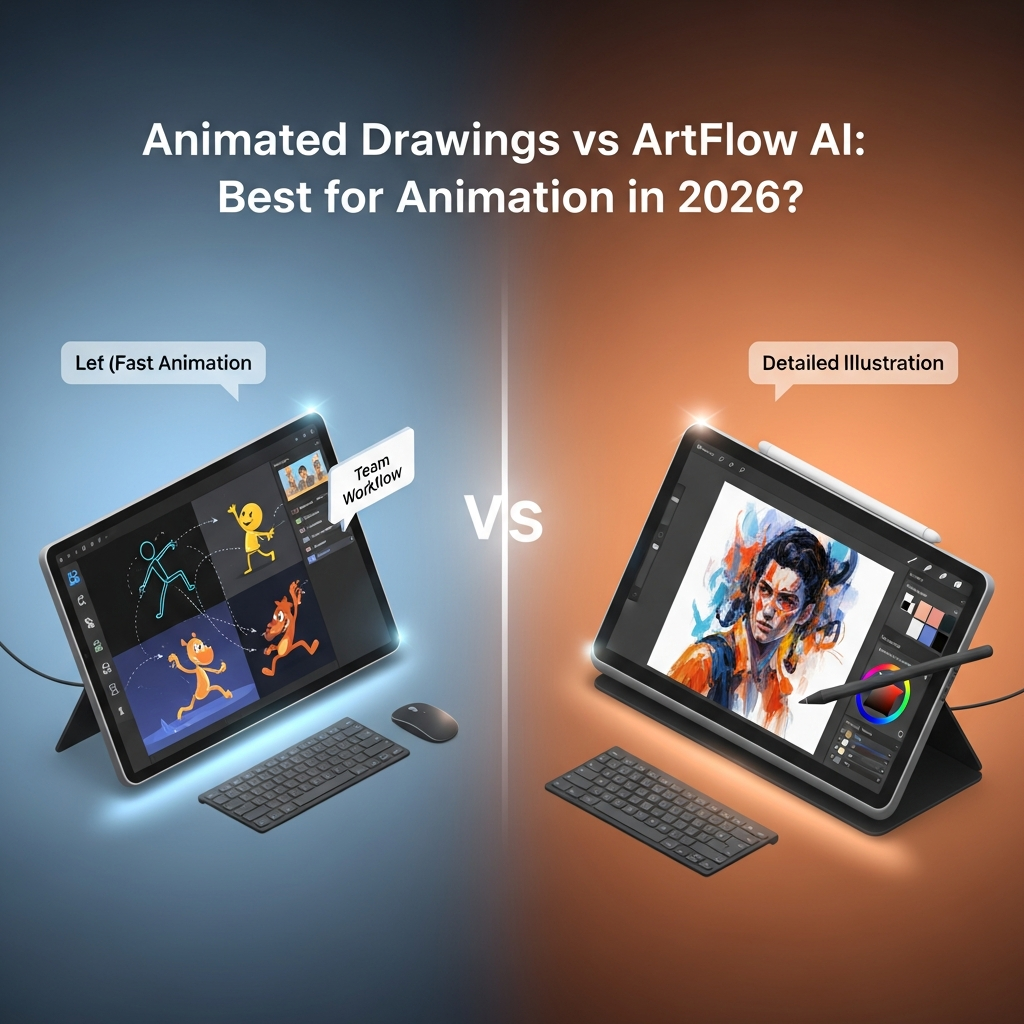

Quick Answer: Choose Animated Drawings if you want the simplest way to animate a hand-drawn human-like character for personal experimentation. Choose Artflow AI if you need reusable AI Actors, consistent character identities, AI image generation, image-to-video or prompt-driven video for a broader creative workflow. Animated Drawings' hosted Meta demo is restricted to personal, non-commercial use, while Artflow offers paid plans with commercial-use licensing.
Animated Drawings and Artflow AI can both create motion from visual content, but they solve very different problems.
Meta Animated Drawings is a specialized research project built to animate children's or amateur drawings using character segmentation, skeletal rigging and motion retargeting. Artflow AI is an actively developed generative-media platform built around reusable AI Actors, image creation and AI video.
Last Updated: September 4, 2026
Animated Drawings vs ArtFlow AI at a Glance
| Feature | Animated Drawings | Artflow AI |
|---|---|---|
| Core purpose | Animate hand-drawn characters | AI Actors, images and video |
| Best starting input | Human-like drawing | Prompt, trained Actor or image |
| Browser workflow | Guided drawing animation | Full AI creative platform |
| Character identity system | No persistent AI Actor system | Yes |
| Image generation | No | Yes |
| Image-to-video | Limited drawing animation workflow | Yes |
| Prompt-to-video with Actor | No | Yes |
| Multiple Actors | Open-source configuration possible | Up to two Actors in current Allium workflows |
| Commercial hosted use | No | Available depending on paid plan |
| Paid SaaS plans | No verified Meta plans | Yes |
| Open source | Yes | No |
| Project status | Open-source repo archived | Actively updated |
| Best for | Personal/educational drawing experiments | Creators, storytelling and commercial media |
What Is Animated Drawings?
Animated Drawings is a Meta research project created to automatically animate drawings of human-like characters.
The public workflow asks users to upload one character, check the detected outline and joint positions, and then apply motion to the drawing. Meta recommends a drawing where the arms and legs are visible and do not overlap the body.
The open-source implementation goes deeper. Developers can generate annotations automatically, apply BVH motion, export MP4 or transparent GIF files, add multiple animated characters and configure different skeletons.
However, the open-source repository was archived on September 3, 2025 and is no longer actively maintained.
If you want more replacement options for an actively supported workflow, see the Animated Drawings alternatives guide.
What Is Artflow AI?
Artflow AI is a generative visual-storytelling platform built around persistent AI characters called Actors.
Actor Studio can train an Actor from uploaded images. Once trained, that identity can be reused in generated images and video content. Artflow also provides image-generation and video-generation workflows rather than functioning mainly as a digital brush or painting application.
Artflow's newer Allium model significantly expands that workflow. Its December 2025 release introduced images up to 4096×4096 and improved Actor identity preservation. A January 2026 update added two Actors in the same generated image.
In July 2026, Artflow released Allium Video with Actor Support, allowing users to mention a trained Actor directly in a video prompt without first creating a starting image. The current implementation supports one or two Actors, clips from 5–15 seconds, and SD or HD output.
Core Workflow: Which Is Easier?
Animated Drawings
Animated Drawings is easier for one highly specific task:
Upload drawing → correct character detection → check joints → choose motion → animate
For a parent, teacher, student or casual creator with a simple drawing, that workflow is extremely approachable.
You do not need to train a character model or write detailed prompts.
Artflow AI
Artflow requires more setup, but offers a much broader workflow.
A typical Actor workflow is:
Upload Actor images → train Actor → generate scenes/images → create or prompt video
Actor Builder's official FAQ says the system uses uploaded images to create a reusable Actor that can appear in different settings, outfits and activities.
Winner for simplicity: Animated Drawings.
Winner for flexibility: Artflow AI.
Character Animation: Which Tool Is Better?
This depends entirely on what you mean by “character animation.”
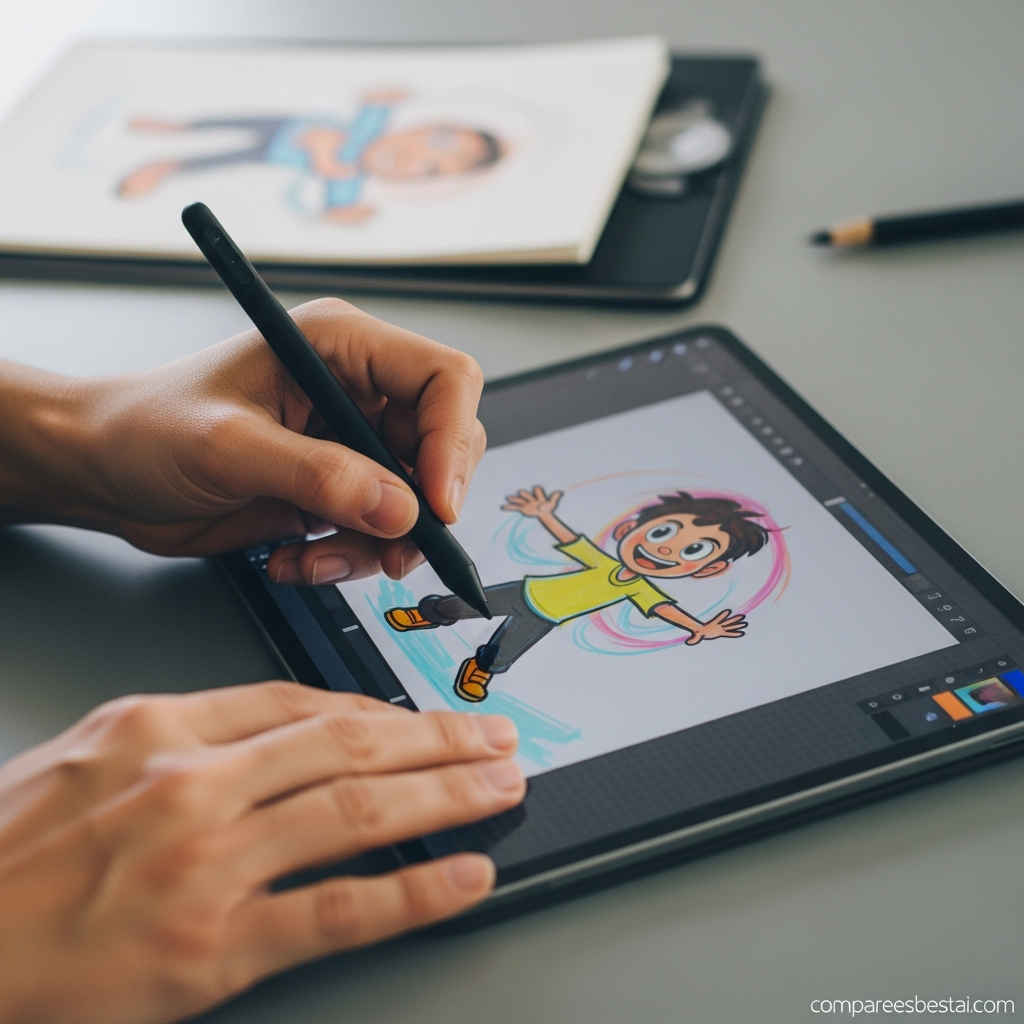
Animated Drawings is specifically optimized for transferring skeletal movement onto a flat, hand-drawn character. The accompanying research describes a system designed around the variations common in children's drawings.
Artflow's modern video workflow is generative rather than skeletal. Its AI Video tools can animate an existing image, while the newer Allium Video can generate motion around a trained Actor directly from a prompt.
So:
For animating the exact look of a child's drawing: Animated Drawings wins.
For creating richer AI video around reusable characters: Artflow wins.
AI Actor and Identity Consistency
Artflow has a major advantage here because persistent identity is central to its product.
Users train Actors and reference them repeatedly in future generations. Artflow's current Allium releases specifically emphasize maintaining Actor identity across generated content.
The January 2026 release also added direct two-Actor generation, enabling two reusable identities to appear and interact within the same image.
Animated Drawings does not have an equivalent persistent generative Actor system.
Winner: Artflow AI.
Video Generation
The difference becomes even wider for modern generative video.
Animated Drawings applies predefined or custom skeletal motion to a drawing. The open-source implementation can export MP4 and GIF animation, but it is not a text-to-video generation model.
Artflow's current AI Video workflow supports image-to-video generation. Its Allium Video model can also start from an Actor and prompt alone, without requiring an initial image. Current Allium clips range from 5 to 15 seconds, with 480p and 720p generation options.
Winner: Artflow AI.
Animated Drawings vs ArtFlow AI Pricing
The old comparison should be removed completely.
Animated Drawings does not have a verified $15/month Pro plan or $29/month Team plan from Meta.
The hosted Meta research demo does not publish conventional paid subscription tiers. More importantly, its terms restrict the demo and generated animations to personal, non-commercial purposes.
The separately released Animated Drawings source code is MIT-licensed, although implementing and maintaining it requires your own technical environment and the repository is now archived.
Artflow is different. Its current Terms confirm free account access plus paid subscriptions and refer users to its pricing page for current fees. The terms still distinguish Basic, Starter and Pro output licensing.
Because Artflow's live pricing page is dynamically rendered and the exact current monthly dollar amounts were not reliably exposed in this audit, I would not hard-code an outdated $7.99 price into the article.
Pricing Verdict
Animated Drawings: no conventional paid hosted plan, but hosted usage is non-commercial.
Artflow AI: free access plus paid plans; paid tiers unlock broader commercial rights and current premium video capabilities.
For purchase decisions, verify Artflow's live checkout price immediately before publishing or updating the article.
Commercial Use
This category has a clear winner.
Meta's Animated Drawings hosted demo is restricted to personal and non-commercial use.
Artflow's current terms say Basic-created content uses a non-commercial Creative Commons license, Starter content can be commercially used with attribution, and Pro-created content receives a broader commercial license without attribution requirements, subject to its terms and likeness restrictions.
Winner: Artflow AI for commercial workflows.
Active Development
Animated Drawings' open-source repository is archived and read-only.
Artflow, by contrast, has continued shipping major features through 2026, including dual-Actor generation and Allium Video with direct Actor support.
This matters if you are selecting a platform for a long-term production workflow.
Winner: Artflow AI.
Animated Drawings Pros and Cons
| Pros | Cons |
|---|---|
| Extremely simple drawing-animation workflow | Hosted demo is non-commercial |
| Built specifically for imperfect hand drawings | Narrow use case |
| No professional animation skills required | No commercial SaaS tiers |
| Open-source implementation available | Repository archived |
| MP4 and GIF support in open-source version | Technical setup required for self-hosting |
Artflow AI Pros and Cons
| Pros | Cons |
|---|---|
| Persistent AI Actors | More complex than Animated Drawings |
| Image and video generation | Credit usage matters |
| Active 2026 development | Actor training requires setup |
| Up to two Actors in current workflows | Results remain generative and can vary |
| Commercial-use options on paid tiers | Commercial rights depend on plan |
| Prompt-based Actor video generation | Not specifically designed for children's drawings |
Which Tool Is Better for Educators?
For simple classroom experimentation with drawings, Animated Drawings is easier.
But there is an important limitation: Meta's current acceptable-use policy says access is not permitted to anyone under the age of 18, and the user must not allow minors to use the demo.
That means the current article's broad “ideal for classrooms and students” framing is too loose.
An adult educator could demonstrate the technology, but you should not market the hosted demo as a children's classroom application without acknowledging the terms.
Which Is Better for Creators and Marketers?
Artflow is the more practical option.
Marketing and creator workflows often need:
- commercially usable outputs;
- repeatable character identity;
- image generation;
- video generation;
- different aspect ratios;
- actively developed features.
Artflow's current product addresses those needs much more directly than the Meta research demo.
Which Is Better for Drawing-to-Animation?
Animated Drawings still wins this narrow category.
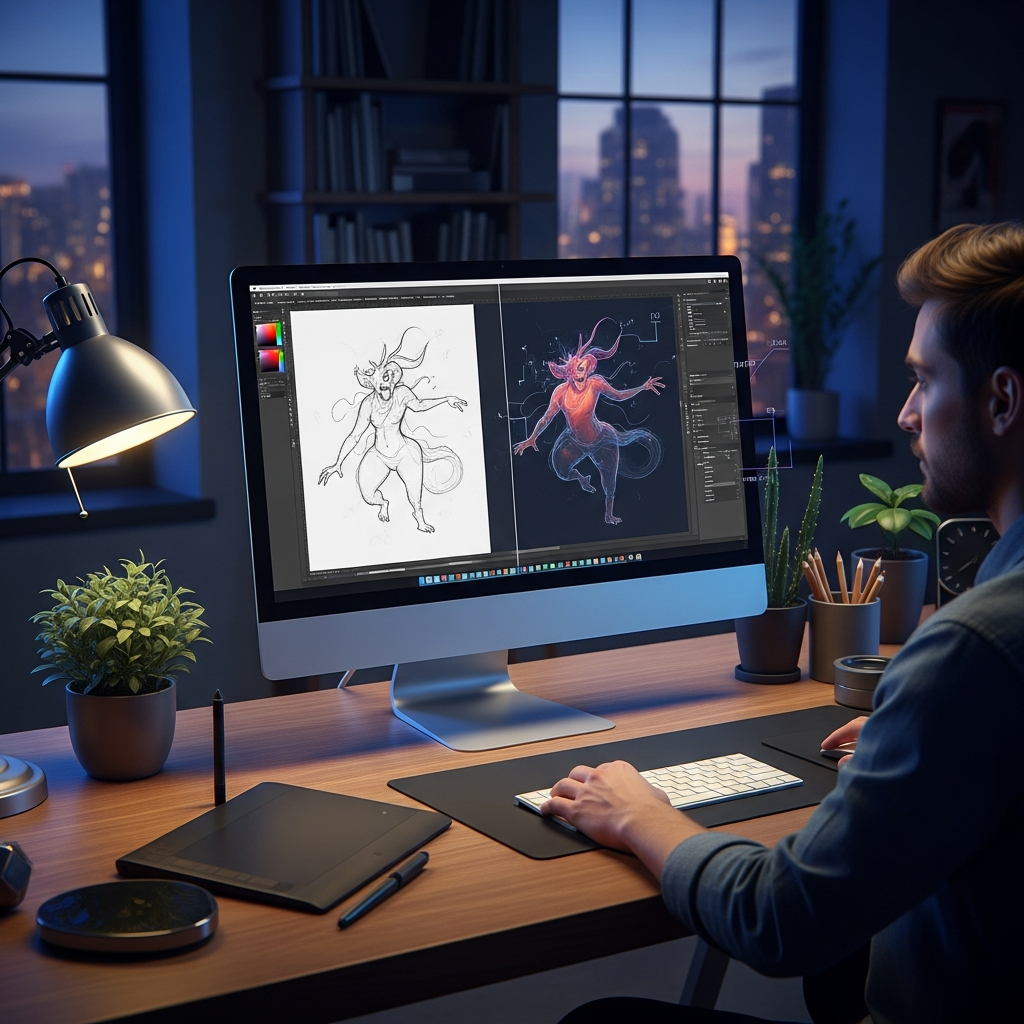
If you have a simple hand-drawn humanoid character and your only goal is to make that specific drawing move, Animated Drawings provides a much more direct experience than training an Artflow Actor.
That's its strongest reason to remain relevant in 2026.
For another motion-focused comparison, see Animated Drawings vs DreaMoving.
Who Should Choose Animated Drawings?
Choose Animated Drawings when:
- you are an adult using it for personal experimentation;
- your source material is a simple hand-drawn human-like character;
- you want predefined skeletal animation quickly;
- commercial use is not required;
- you accept that the open-source repository is archived.
Who Should Choose Artflow AI?
Choose Artflow when:
- you need reusable AI Actors;
- you want consistent character identities;
- you need AI-generated images and videos;
- you want image-to-video or Actor-to-video generation;
- commercial-use licensing matters;
- you want an actively developed platform.
Final Verdict: Animated Drawings vs ArtFlow AI
There is no universal winner because the tools solve different problems.
Animated Drawings wins for one narrow task: quickly animating a hand-drawn human-like character for personal experimentation.
Artflow AI is the stronger overall platform for creators, storytellers and commercial users who need reusable characters, image generation, modern AI video and an actively developed product.
The old conclusion that Animated Drawings is better for “business teams, collaboration, scale and commercial animation” should be removed. Those claims are not supported by Meta's current product or terms.
Recommended CTA:
Choose Animated Drawings for personal drawing experiments, or evaluate Artflow's current plans if you need reusable AI Actors and commercial creative workflows.
Frequently Asked Questions About Animated Drawings vs ArtFlow AI
What is the main difference between Animated Drawings and Artflow AI?
Animated Drawings applies skeletal motion to hand-drawn characters. Artflow AI is a broader generative platform for reusable AI Actors, images and AI video.
Which is better for animating children's drawings?
Animated Drawings is more directly designed for that workflow because the underlying research specifically focuses on animating amateur drawings of human figures.
Which is better for commercial use?
Artflow AI is the better choice. Meta's hosted Animated Drawings demo is restricted to personal and non-commercial use, while Artflow provides commercial licensing options through paid plans.
Does Animated Drawings have a paid Pro plan?
No verified Meta source currently publishes a Pro or Team subscription plan for the hosted Animated Drawings research demo.
Does Artflow AI create videos?
Yes. Artflow supports AI video generation, including image-to-video workflows and Allium Video with trained Actor support.
Can Artflow maintain the same character across content?
Yes. Its Actor system is specifically designed around reusable identities across generated content, and recent Allium updates expand that capability.
Is Animated Drawings still maintained?
The browser demo remains available, but the official open-source GitHub repository was archived on September 3, 2025 and is now read-only.


