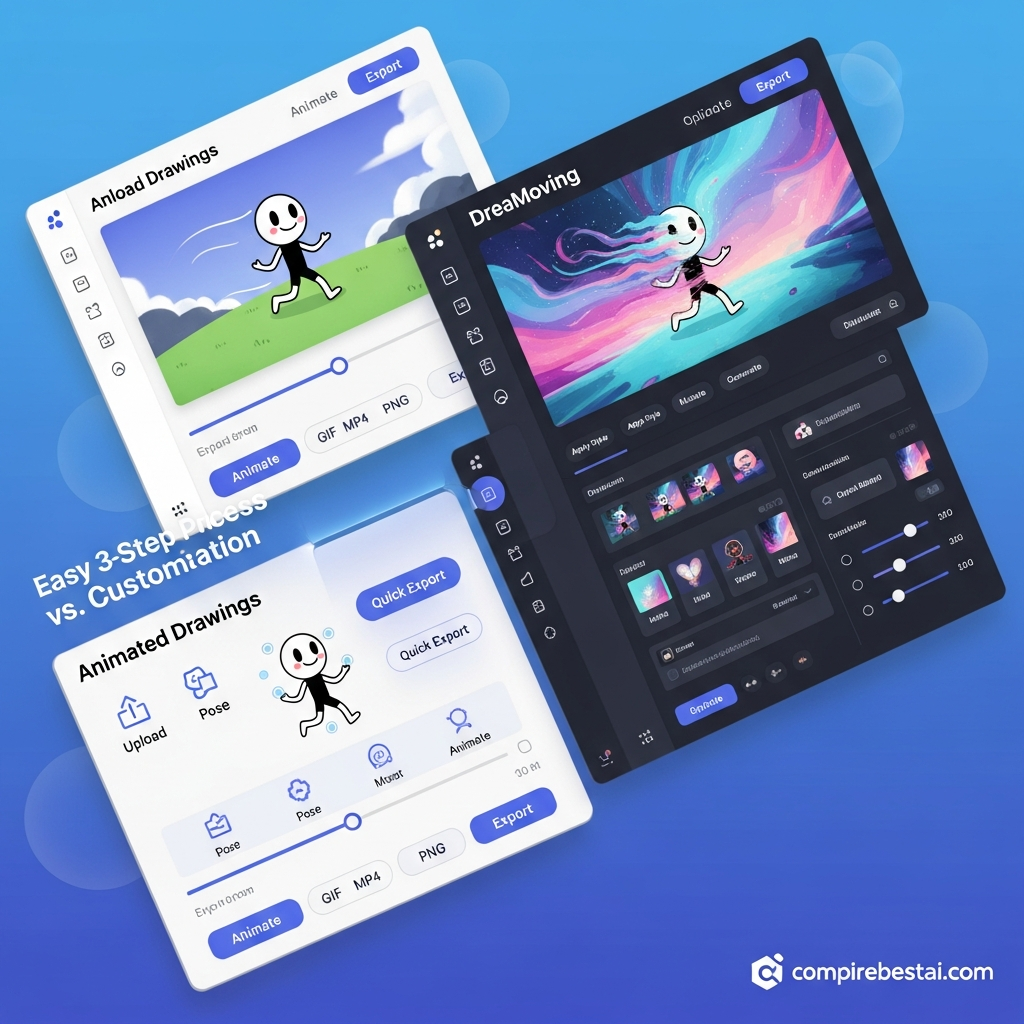

Answer First: Animated Drawings and DreaMoving both create motion from visual inputs, but they solve very different problems. Animated Drawings is the easier choice for turning human-like sketches into simple 2D animations, while DreaMoving is a research framework designed for controllable, identity-preserving human video generation using reference images, pose sequences, and diffusion models. For beginners, educators, and casual creators, Animated Drawings is the more practical option. For researchers and technically advanced users exploring pose-driven human video generation, DreaMoving is the better fit.
Animated Drawings vs DreaMoving is therefore not a traditional “which SaaS subscription should I buy?” comparison. The two projects operate at different levels of complexity and target different creative workflows.
Meta FAIR's Animated Drawings focuses on making character animation accessible from hand-drawn figures. DreaMoving focuses on a much more technically demanding task: generating customized videos of a target human identity moving according to a supplied pose sequence.
If you are new to Meta's project, start with our Animated Drawings tool profile. You can also view our DreaMoving profile for the dedicated CompareBestAI entity page.
Animated Drawings vs DreaMoving: Quick Comparison
| Factor | Animated Drawings | DreaMoving |
|---|---|---|
| Primary purpose | Animate human-like drawings | Generate customized human videos |
| Project type | Meta FAIR research demo + public implementation | Research framework + public implementation |
| Main input | A drawing of a human-like character | Reference identity, pose sequence and text/appearance guidance |
| Typical output | Animated 2D character | Pose-driven customized human video |
| Beginner friendliness | High through the browser demo | Lower; research-oriented workflow |
| Motion control | Predefined/retargeted character motions | Pose-sequence-driven motion control |
| Identity preservation | Based on the uploaded drawn character | Explicit focus of the framework |
| Technical foundation | Detection, pose estimation, skeletal animation and motion retargeting | Diffusion model, Video ControlNet and Content Guider |
| Public code | Yes | Yes |
| Best for | Students, educators, hobbyists, simple sketch animation | Researchers, developers, advanced generative-video experimentation |
| Commercial subscription pricing | No official consumer subscription tiers found in the project materials reviewed | No official consumer SaaS pricing tiers shown on the project materials reviewed |
The critical takeaway is that Animated Drawings prioritizes accessibility, while DreaMoving prioritizes advanced controllability of human-video generation.
What Is Animated Drawings?
Animated Drawings is a Meta FAIR project developed to automatically animate human-like figures in children's and amateur drawings.
Instead of requiring traditional rigging knowledge, the system analyzes a drawing, identifies the character and its body structure, and applies motion so the static figure can move.
Meta's public implementation accompanies the research paper A Method for Animating Children’s Drawings of the Human Figure. The repository documents workflows for rendering animations and exporting them as MP4 video or transparent GIF files.
The research is particularly notable because it was designed around drawings that can be irregular, exaggerated, or unlike realistic photographs. According to the project's accompanying publication information, the researchers also released an Amateur Drawings Dataset containing more than 178,000 annotated amateur drawings.
For readers considering this project specifically, our full Animated Drawings review provides additional context about where it fits within AI-assisted animation.
Best for Animated Drawings
Animated Drawings makes the most sense when your starting asset is a drawing rather than a realistic human photograph.
Typical use cases include:
- Bringing a child's hand-drawn character to life.
- Demonstrating basic animation concepts in education.
- Creating simple animated characters from sketches.
- Experimenting with skeletal motion without manually building a full animation rig.
- Producing lightweight creative assets from hand-drawn figures.
For U.S.-based educators, students, and creators who want a low-friction introduction to AI-assisted character animation, the browser demo is considerably more approachable than a research-oriented diffusion pipeline.
What Is DreaMoving?
DreaMoving is a controllable human-video-generation framework introduced in a 2023 technical report by researchers associated with the Institute for Intelligent Computing at Alibaba Group.
The project is designed to generate a customized human video from multiple forms of guidance. Its official description highlights three important inputs: a target identity, a posture or pose sequence, and appearance or text guidance.
Technically, DreaMoving uses a diffusion-based architecture, not a GAN-based animation pipeline.
Its authors introduce a Video ControlNet to control motion and a Content Guider to help preserve identity and appearance. The project states that pose or depth sequences can provide temporal control while text and reference-image information influence the resulting subject and scene.
The official project page also links to code and demo resources, including Hugging Face and ModelScope options. Availability or performance of individual hosted demos can change, so users should verify the current project links before relying on them for production work.
Animated Drawings vs DreaMoving: Workflow Differences
The biggest difference between Animated Drawings and DreaMoving is what you start with and what you are trying to create.
Animated Drawings workflow
The Animated Drawings workflow centers on a drawn character.
At a high level, the system identifies the character, estimates its body structure, creates the necessary annotations, and retargets motion onto the drawing.
The public implementation also allows technically advanced users to modify masks, joint locations, skeletons, motion configurations, and BVH-based motion data.
However, casual users do not need to interact with all of that. Meta FAIR also provides a browser-based demo designed to make the experience much simpler.
DreaMoving workflow
DreaMoving starts from a different premise.
Instead of asking, “How do I animate this sketch?” it asks something closer to, “How do I generate a video of this identity performing a controlled movement?”
The framework combines reference-identity information with pose control and prompt-based appearance guidance.
That makes DreaMoving much more relevant to human-video-generation research than to simple drawing animation.
Which Tool Gives You More Motion Control?
For basic character animation, Animated Drawings provides a much simpler experience.
For advanced pose-driven human movement, DreaMoving provides the more sophisticated research architecture.
DreaMoving's Video ControlNet is specifically intended to process pose or depth guidance and produce temporal residual information used during video generation. Its Content Guider helps communicate identity and appearance information to the diffusion pipeline.
Animated Drawings takes a more traditional character-animation approach based around pose estimation, skeletons and motion retargeting.
So “more control” depends on what you are controlling:
Choose Animated Drawings when you want to control how a drawn character is animated.
Choose DreaMoving when you want to experiment with how a human identity follows a supplied motion or pose sequence.
Ease of Use: Animated Drawings Wins for Most Beginners
This is the clearest advantage for Animated Drawings.
Meta FAIR maintains a browser interface that lets users work with a drawing without installing the full research implementation. The open-source version is considerably more technical, but casual users can avoid that setup.
DreaMoving is fundamentally closer to a research implementation.
Its project page provides demos and code, but users evaluating it should expect a more technical generative-video workflow rather than the onboarding, billing dashboard, collaboration layer, and customer-support system associated with mainstream SaaS products.
For beginners, teachers, parents, or hobbyists, Animated Drawings is the more practical starting point.
For AI researchers, generative-video developers, or users comfortable experimenting with diffusion models, DreaMoving offers the more technically interesting architecture.
Pricing: Do Not Compare These as $12 vs $15 SaaS Plans
One of the most important corrections to the previous version of this article concerns pricing.
The official materials reviewed for Meta Animated Drawings describe a public browser demo and an open-source implementation. The project's GitHub repository states that the Animated Drawings code and model weights are released under the MIT license.
The DreaMoving project's public GitHub implementation uses an Apache-2.0 license, and its project materials point users toward public research resources and demos.
That means the comparison should not claim that Animated Drawings starts at $12 per month or that DreaMoving starts at $15 per month unless a separate verified commercial service now exists under those exact product identities.
For other commercial and consumer-friendly tools, browse our Animated Drawings alternatives guide instead.
Animated Drawings vs DreaMoving for Output Type
Animated Drawings is designed around animated characters derived from drawings.
Its open-source documentation supports rendering to MP4 and transparent GIF, making it useful when your final asset is a relatively simple animated character.
DreaMoving targets generated human videos.
The research demonstrates identity control using a reference image, motion control using a pose sequence, and visual or scene control using textual guidance.
This distinction makes the choice much easier:
Static sketch → animated character: Animated Drawings.
Reference identity + pose sequence → generated human video: DreaMoving.
Animated Drawings vs DreaMoving for Developers
Developers may find both projects interesting, but for different reasons.
Animated Drawings exposes a pipeline for character detection, annotation, pose estimation, skeleton configuration, retargeting, and rendering. The public repository also explains how to work with custom BVH motion files and alternative character skeleton configurations.
DreaMoving is more relevant to developers studying modern controllable video diffusion.
Its architecture combines Stable-Diffusion-derived components, temporal motion processing, pose/depth control, and identity guidance.
If your broader objective is to evaluate modern generation platforms rather than research implementations, see our AI video generator comparison.
Limitations You Should Know
Neither option should be presented as a universal professional animation platform.
Animated Drawings was primarily developed around human-like drawn figures. Although the open-source implementation allows deeper customization, the automated models assume structures broadly similar to human characters unless users manually configure alternatives.
The Animated Drawings repository also states that it was archived by its maintainer on September 3, 2025, meaning users deploying the code themselves should not assume ongoing repository maintenance.
DreaMoving should similarly be evaluated as a research framework rather than as a turnkey production SaaS platform. Running generative-video research implementations can require considerably more technical knowledge and computing resources than using a browser animation demo.
Who Should Choose Animated Drawings?
Choose Animated Drawings when:
- You have a hand-drawn or illustrated human-like character.
- You want the fastest path from static drawing to motion.
- You are teaching or learning basic animation concepts.
- You prefer a browser-accessible experience.
- You do not need photorealistic human-video generation.
- You want to explore the accompanying open-source animation pipeline.
For another direct comparison involving this project, see Animated Drawings vs ArtFlow AI.
Who Should Choose DreaMoving?
Choose DreaMoving when:
- You are researching pose-controlled human video generation.
- You want identity-preserving generative video rather than simple sketch animation.
- You understand diffusion-based AI workflows.
- You need pose-sequence control.
- You want to inspect or experiment with a published human-video-generation architecture.
- You are comfortable working with research code or hosted demonstrations.
DreaMoving is especially relevant for developers studying how identity, motion and appearance can be controlled independently inside human-video-generation systems.
Methodology: How We Compared Animated Drawings and DreaMoving
This comparison prioritizes first-party and primary research sources rather than inferred product features.
For Animated Drawings, we reviewed Meta FAIR's public demo information and the official Animated Drawings GitHub repository accompanying A Method for Animating Children’s Drawings of the Human Figure.
For DreaMoving, we reviewed the official project page, its public implementation, and the arXiv technical report submitted in December 2023.
We did not treat unverified pricing plans, integrations, customer-support promises, mobile applications, user ratings, or affiliate claims as established facts.
FAQs About Animated Drawings vs DreaMoving
Is Animated Drawings better than DreaMoving?
Animated Drawings is better for beginners who want to animate a hand-drawn character quickly. DreaMoving is better for advanced users researching controllable human-video generation with identity and pose guidance. They solve different problems rather than competing as equivalent SaaS products.
Is Animated Drawings free?
Meta FAIR provides a public Animated Drawings browser demo, and the public Animated Drawings code and model weights are released under an MIT license. Users should verify the current demo terms directly before using generated assets commercially.
Is DreaMoving a commercial AI animation tool?
DreaMoving is primarily presented by its authors as a diffusion-based human-video-generation research framework. Its official project materials include a technical report, public implementation, and links to demonstrations rather than conventional consumer SaaS subscription plans.
What is the biggest difference between Animated Drawings and DreaMoving?
Animated Drawings animates drawn human-like characters using character detection, pose estimation and motion retargeting. DreaMoving generates customized human videos using diffusion models, pose-sequence control and identity guidance.
Does DreaMoving use GANs?
The official DreaMoving architecture is described as diffusion-based. It uses a Video ControlNet for motion control and a Content Guider for preserving identity and appearance information.
Which one is easier for beginners?
Animated Drawings is easier for most beginners because a browser-based demo is available. DreaMoving is more appropriate for technically advanced users, developers, and researchers interested in controllable generative video.
Final Verdict: Animated Drawings vs DreaMoving
Animated Drawings wins for accessibility; DreaMoving wins for research-level human-video control.
If your goal is simply to upload or prepare a human-like drawing and make the character move, Animated Drawings is the logical choice.
If your goal is to explore identity-preserving, pose-controlled human-video generation using diffusion models, DreaMoving is the more relevant technology.
The important point is not to choose one as the universally “better AI animation tool.” Their intended inputs, outputs, technical architectures, and audiences are fundamentally different.


