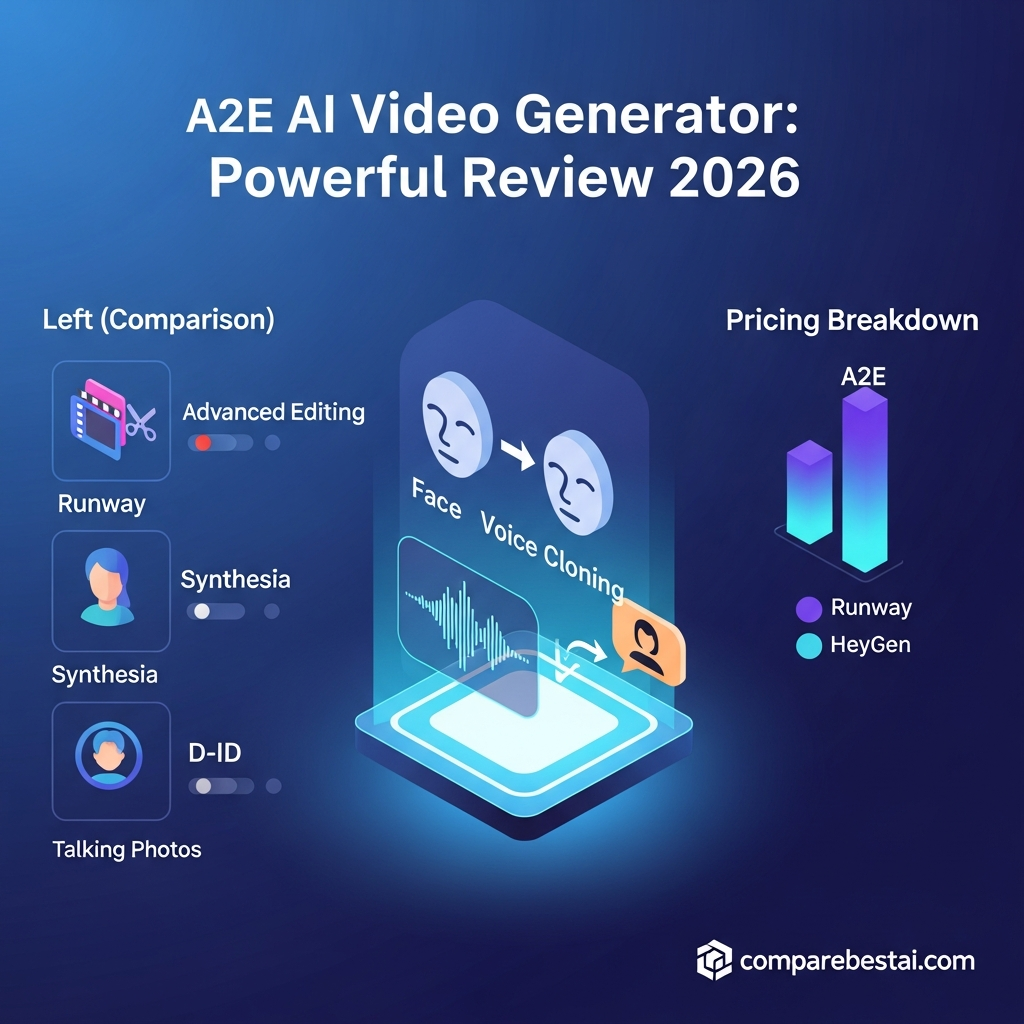

Quick Answer: A2E AI is an all-in-one AI video and image creation platform for avatars, lip-sync videos, voice cloning, face and head swaps, image-to-video, talking photos, virtual try-on, and other synthetic-media workflows. A2E currently offers a permanent free plan with daily bonus credits, while paid Pro and Ultra plans add higher limits, watermark removal, higher-resolution output, premium models, and API access. It is best for creators, marketers, ecommerce teams, educators, and developers who want several AI media tools in one platform.
A2E AI is not simply another text-to-video generator.
It combines several types of generative-media workflows inside one platform, including AI avatars, voice generation, face swapping, lip syncing, image animation, virtual try-on, talking photos, and third-party video models.
That makes A2E interesting for users who would otherwise need several separate AI tools.
But having many features does not automatically make it the right choice.
This A2E AI review looks at what the platform actually offers in 2026, how its free plan works, where the credit system becomes important, who should use it, and where alternatives may make more sense.
For a shorter product overview, you can also explore the A2E AI tool profile.
A2E AI Review: Quick Verdict
Best for: AI avatars, ecommerce content, personalized video, lip sync, voice cloning, face swapping, image-to-video, and API-based media generation.
Less suitable for: Users primarily looking for a traditional timeline-based professional video editor or unlimited video generation for a fixed low monthly price.
What We Like
Permanent free plan
AI avatars and talking photos
Image-to-video generation
Face and head swapping
Voice cloning
Lip-sync generation
Product avatar workflows
Virtual try-on
Multiple language support
API access on paid plans
Access to several third-party generative models
What to Consider
Free output includes a watermark
Generative features consume credits
Advanced models can consume credits quickly
Paid-plan pricing and available models can change
It is more of an AI-generation suite than a traditional video-editing application
What Is A2E AI?
A2E describes itself as an all-in-one AI video and image creation platform.
Rather than focusing on only one workflow, the platform combines tools for creating and transforming synthetic media.
A2E currently lists capabilities including:
Image-to-video
AI avatars
Talking photos
Talking videos
Voice cloning
Text-to-speech
Lip sync
Face swap
Head swap
Cloth swap
Product avatars
Virtual try-on
Image editing
Subtitle removal
Video upscaling
Video-to-audio
Actor animation
The platform also gives paid users access to additional third-party generative models through the same credit system.
That breadth is A2E's main differentiator.
Someone creating ecommerce or social content might generate a product avatar, create speech, apply lip sync, swap a face or outfit, and animate the result without moving between several independent applications.
For a deeper breakdown of individual tools, see our guide to A2E AI features.
Is A2E AI Really Free?
Yes.
A2E currently advertises a Free plan at $0 forever.
The official plan includes:
30 bonus credits per day
Watermarked output
720p video
Low-priority processing
Up to 10 custom avatars
One standard voice-clone slot
Access to 100+ community avatars
Support for 30+ languages
Video sharing and downloads
A2E's homepage also states that new users receive 100 free credits after signup, plus the daily check-in credits.
That makes the Free plan more than a one-time demo.
However, it is still a credit-limited plan.
The amount you can create depends heavily on which feature you use.
For example, different workflows such as lip sync, talking video, image-to-video, virtual try-on, premium models, and upscaling consume credits at different rates.
Is the Free Plan Good Enough?
It can be enough for:
Testing A2E before paying
Creating occasional short avatar videos
Trying face swap or lip sync
Testing image-to-video
Learning the interface
Experimenting with AI avatars
It is less suitable for frequent professional production because of the watermark, processing priority and credit limits.
If cost is your main concern, see our detailed A2E AI pricing guide.
A2E AI Pricing in 2026
A2E currently offers three core access levels:
| Plan | Best For | Key Difference |
|---|---|---|
| Free | Testing and occasional use | Watermark, 720p, daily credits |
| Pro | Regular creators and developers | No watermark, higher resolution, more credits, API |
| Ultra | High-volume users | More credits, highest processing priority, up to 4K output |
One important detail is that A2E's official pricing surfaces can display different currencies or localized prices.
At the time of this review, A2E's primary pricing page lists paid Pro and Ultra options in USD, while its video application can display localized EUR pricing. Because pricing and promotional discounts can change, verify the current checkout amount before purchasing.
That is more accurate than hard-coding an old $39, $69 or $299 monthly pricing structure.
Understanding A2E Credits
A2E uses credits rather than providing unlimited generation.
That matters because not every feature costs the same amount.
Current examples from A2E's pricing documentation include credit usage for:
Lip-sync video
Image-to-video
AI avatars
Face swaps
Virtual try-on
Talking photos
Talking videos
Video upscaling
Advanced voice cloning
Third-party premium video models
So the real cost of A2E depends less on the headline subscription and more on what you generate and how often you generate it.
When evaluating a paid plan, estimate your normal monthly workflow first.
A2E AI Features Reviewed
AI Avatars
A2E lets users create custom digital avatars that can deliver generated or uploaded speech.
The Free plan currently allows up to 10 custom avatars, while paid plans raise that allowance substantially.
This can be useful for:
Product explainers
Training videos
Social content
Educational material
Personalized marketing
Internal communication
A2E also provides more than 100 community avatars for users who do not want to create their own.
Lip Sync
A2E's lip-sync feature applies speech to video while synchronizing visible mouth movements.
This is particularly useful for:
Avatar videos
Translated content
Dubbed social clips
Personalized messages
Existing talking-head footage
The platform charges lip-sync generation by video duration through its credit system.
Voice Cloning and Text-to-Speech
A2E supports both standard voice cloning and text-to-speech.
The Free plan includes one standard voice-clone slot, while paid plans provide more extensive voice-cloning access.
This can reduce the need to record new narration for every video.
Users should still make sure they have permission to clone or reproduce another person's voice.
Image-to-Video
A2E can animate static images and turn them into short generated video.
This is one of the more useful features for:
Social media
Product promotion
Character animation
Creative concepts
Ecommerce assets
Paid plans also provide access to additional video-generation models.
Face Swap and Head Swap
A2E supports both image and video face/head swapping.
These features can be useful for authorized creative production, advertising concepts and entertainment content.
They should only be used with appropriate consent and rights to the source material.
Virtual Try-On
Virtual Try-On is particularly relevant to ecommerce.
A2E supports both image and video virtual try-on workflows, allowing products or clothing concepts to be visualized on generated or supplied subjects.
Potential use cases include:
Fashion
Apparel
Product visualization
Ad creative testing
Ecommerce merchandising
Rather than claiming an unsupported percentage increase in conversions, the more defensible benefit is that virtual try-on can reduce the amount of manual product visualization work required.
Product Avatars
Product Avatar is another ecommerce-focused feature.
It allows marketers to build AI-generated content around products without arranging a traditional photo or video shoot every time.
This may be useful for brands producing large numbers of social or advertising variations.
Premium Generative Models
A2E also provides access to several external generative models through its paid credit system.
The available model list changes over time, so this is an area where the platform can evolve quickly.
Always check A2E's current model list rather than relying on an older review.
A2E API and Integrations
Paid A2E plans include API access.
According to A2E's official documentation, API-supported workflows include areas such as:
Text-to-speech
Voice cloning
Lip-sync video
Custom AI avatars
Image-to-video
Streaming avatars
A2E also supports commercial API usage.
That makes the platform more interesting for developers and companies that want AI-media generation embedded inside another application or workflow.
For a dedicated breakdown, read our guide to A2E AI integrations.
What Can You Use A2E AI For?
A2E covers several different audiences.
Marketing Teams
Marketers can use A2E for:
Social videos
Product demonstrations
Avatar-led content
Multilingual campaign assets
Lip-synced videos
Ad variations
Ecommerce Brands
The most relevant capabilities include:
Product avatars
Virtual try-on
Clothing swaps
Product videos
Image animation
Face/head replacement for authorized creative workflows
Content Creators
Creators can use the platform for:
Talking avatars
Shorts and Reels
AI character content
Image-to-video
Voiceovers
Creative transformations
Educators and Training Teams
AI avatars and voice generation can help create:
Lessons
Training videos
Explainers
Multilingual instructional material
Developers
API access allows developers to integrate A2E functionality into:
SaaS platforms
Content-generation systems
Automated video pipelines
Avatar applications
Marketing automation
See our complete guide to A2E AI use cases for more examples.
A2E AI Pros and Cons
Pros
Broad AI media toolkit
A2E combines avatars, image-to-video, speech, lip sync, swaps, ecommerce tools and several other workflows.
Permanent free plan
The Free plan gives users a practical way to evaluate the platform before buying.
Daily credits
Users can claim additional credits daily rather than receiving only a one-time trial allowance.
API availability
Developers can access several A2E capabilities programmatically on paid plans.
Ecommerce-specific features
Virtual try-on and Product Avatar make A2E more relevant to ecommerce than many general AI video generators.
Cons
Credit usage can be difficult to predict
Different features and models have different generation costs.
Watermark on the Free plan
Free output is not ideal for finished professional client work.
Not a traditional professional video editor
If your main requirement is advanced timeline editing, compositing or detailed post-production, a dedicated video editor may fit better.
Premium models can consume more credits
Heavy experimentation may make effective monthly cost higher than the advertised plan price.
Pricing changes quickly
Like many AI platforms, pricing, credits and supported models can change frequently.
A2E AI vs Alternatives
A2E competes with several different categories of AI video tools.
That is why the right alternative depends on what you actually need.
A2E vs Runway
Choose A2E when you care more about:
Avatars
Voice cloning
Lip sync
Face/head swap
Product avatars
Virtual try-on
Runway is generally a stronger direction when the primary goal is cinematic generative video and deeper creative video workflows.
A2E vs HeyGen
HeyGen is particularly focused on presenter-style and business-avatar video.
A2E provides a broader collection of synthetic-media transformation tools around avatars, swaps and ecommerce workflows.
A2E vs Synthesia
Synthesia is strongly positioned around structured business communication, training and avatar presentations.
A2E is more experimental and broader across image/video transformation.
A2E vs InVideo or Pictory
InVideo and Pictory make more sense when your workflow begins with:
A full script
Article
Blog post
Marketing brief
and your main goal is assembling a finished video quickly.
A2E is more useful when the workflow centers around synthetic characters, avatars, image animation, swaps and AI-generated visual assets.
You can also compare A2E AI vs Moonvalley AI or A2E AI vs Nemovideo.
Who Should Use A2E AI?
A2E is worth considering if you regularly need several of these functions together:
AI avatars
Talking photos
Lip sync
Voice cloning
Face or head swaps
Product visualization
Virtual try-on
Image-to-video
API-based content generation
It is especially relevant to:
Marketers
Ecommerce teams
Content creators
Educators
Agencies
Developers
Who Should Skip A2E AI?
A2E may not be the best fit if:
You only need conventional video editing
You want unlimited generation for one predictable flat price
You rarely create AI media
You need a mobile-first native editing workflow
You only need one specialized function that another tool handles better
For occasional use, start with the Free plan before paying.
Is A2E AI Safe to Use?
A2E states that uploaded content is securely processed and periodically deleted after processing, and that facial data and voice samples are not stored for unrelated purposes.
That is a more defensible statement than making unsupported claims about certifications or security controls.
For business or regulated use, independently review A2E's current privacy policy, data-processing terms and API documentation before uploading confidential assets.
How We Evaluated A2E AI
This review evaluates A2E across:
Available AI features
Free-plan usefulness
Credit structure
Output limitations
API access
Ecommerce use cases
Ease of testing
Paid-plan value
Workflow flexibility
Alternatives
Product and pricing details were checked against A2E's official website and current pricing information in August 2026.
Because AI platforms update rapidly, pricing and feature limits should always be verified before purchase.
Frequently Asked Questions
Is A2E AI free?
Yes. A2E currently offers a $0 permanent Free plan with 30 daily bonus credits, watermarked 720p video, up to 10 custom avatars, one standard voice-clone slot, 100+ community avatars and support for 30+ languages.
Does A2E AI add a watermark?
Yes. Videos generated on the Free plan currently include a watermark. Paid plans remove it.
What can A2E AI create?
A2E supports AI avatars, talking photos, image-to-video, text-to-speech, voice cloning, lip sync, face swap, head swap, virtual try-on, product avatars, image editing and other synthetic-media workflows.
Does A2E AI have an API?
Yes. API access is available on paid plans and supports several workflows including TTS, voice cloning, lip sync, avatars and image-to-video.
Is A2E AI good for ecommerce?
It can be particularly useful for ecommerce because its toolkit includes Product Avatar, Virtual Try-On, image/video transformations and scalable synthetic-media creation.
Is A2E AI better than Runway?
Neither is universally better. A2E is more attractive for avatars, swaps, lip sync, voice cloning and ecommerce-oriented media, while Runway is generally more focused on generative filmmaking and creative video production.
Who is A2E AI best for?
A2E is best suited to creators, marketers, ecommerce teams, agencies, educators and developers who need multiple AI image, video, voice and avatar features in one platform.
Final Verdict: Is A2E AI Worth It in 2026?
A2E AI is worth testing if your workflow combines several types of synthetic-media creation.
Its strongest advantage is not that it is the absolute best tool at every individual task.
The advantage is that you can access avatars, image-to-video, voice cloning, lip sync, face and head swaps, virtual try-on, product avatars and other tools from one ecosystem.
The permanent Free plan also makes the decision relatively easy to test before paying.
For casual users, the watermark and credit system may be enough reason to stay on Free or choose a simpler specialist.
For regular creators, ecommerce marketers and developers, the Pro or Ultra plans become more relevant when watermark removal, higher resolution, premium models, more credits or API access are required.
Before upgrading, calculate how many credits your actual workflow consumes rather than choosing a plan from the headline price alone.
For deeper research, compare A2E AI pricing, A2E AI features, and A2E AI integrations.

