
By CompareBestAI Editorial Team
Looking for the real story behind Canva's Magic Studio? You've found the definitive magic studio canva review. We'll break down exactly what makes Magic Studio tick, analyze its AI features, costs, and workflow impact, and give you the actionable insights you actually need. Whether you're a freelance designer, corporate marketing lead, or simply exploring cutting-edge AI tools for content creation, this deep dive will give you clarity, not confusion.
Quick Verdict: Should You Use Canva Magic Studio in 2024?
The short answer: Canva Magic Studio is a game-changer if you want AI-powered content and design on a budget. Its suite of creative AI tools dramatically speeds up workflows, rivals more expensive platforms in most features, and stays impressively easy to use. But for ultra-complex projects and detailed customizations, advanced specialists may want more granular control than Magic Studio offers.
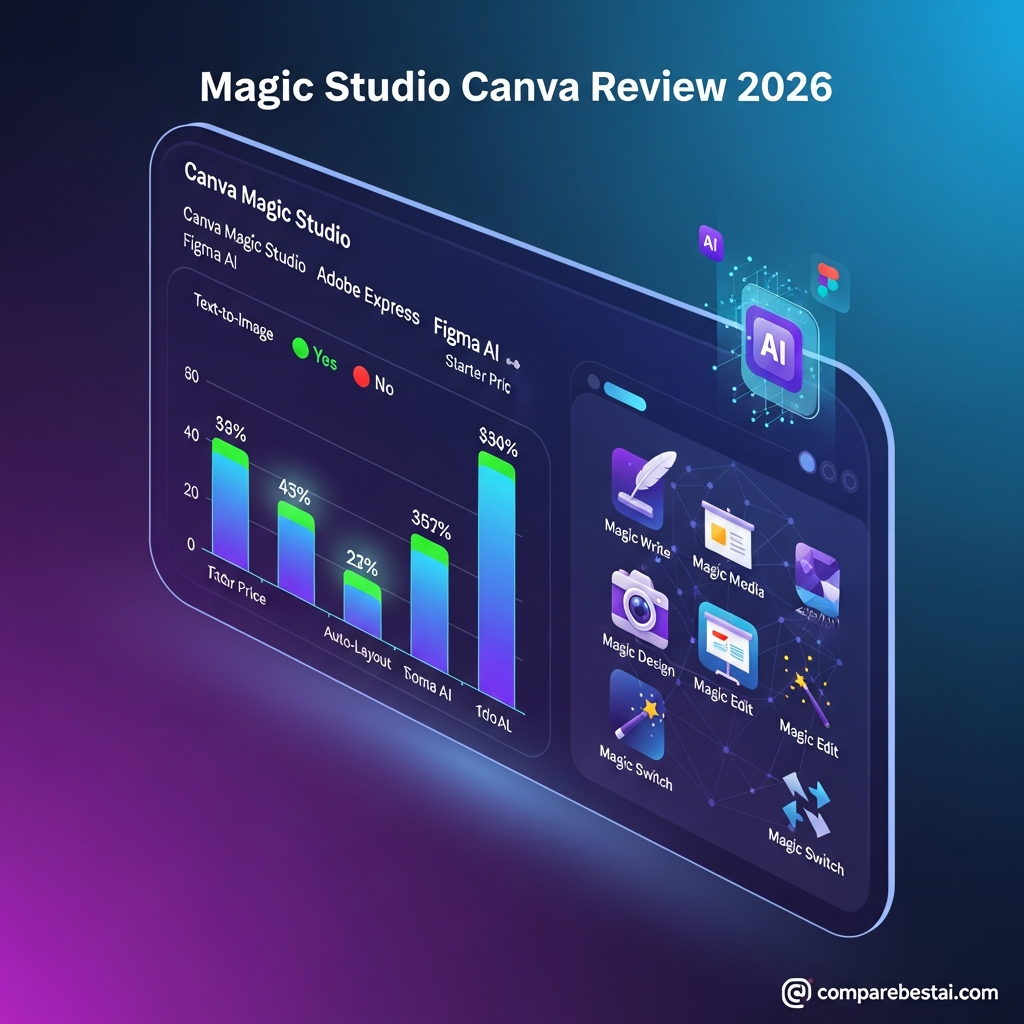
| Feature | Canva Magic Studio | Adobe Express | Figma AI |
|---|---|---|---|
| Text-to-Image | Yes | Yes (Adobe Firefly) | No |
| Magic Write AI | Yes | No | No |
| Auto-Layout | Yes (Magic Design) | Limited | Yes (Figma AI) |
| Brand Kit Management | Yes | Yes | Yes |
| Starter Price (USD) | $0 (Free tier) | $0 (Free) | $0 (Free) |
| Best For | Solo creators, SMBs, educators | Photographers, agencies | UX/UI designers, dev teams |
What Is Canva Magic Studio? (Definition & Focus)

Canva Magic Studio is Canva’s integrated AI suite—launched in late 2023—built on top of their globally popular design tool. Unlike add-ons or disconnected AI solutions, Magic Studio aims to make next-generation creative automation seamless for everyone: from bloggers writing social posts to corporate brand managers.
You get automated image generation, AI copywriting, background and object removal, AI-powered presentations, and even instant short-form video—right in Canva’s trusted drag-and-drop interface. Magic Studio upgrades many standard Canva workflows, giving you creative AI superpowers without leaving your browser.
Importantly, Magic Studio isn’t a single AI feature. It's a library of interconnected AI tools (including Magic Write, Magic Design, Magic Switch, and more) bundled into the Canva platform. For creators and teams, it means better results with far less manual labor.
Magic Studio has rapidly gained traction with a large and growing user base. Creators and businesses have found that integrated AI features help shorten project completion times and reduce time spent on repetitive tasks. Reports from agencies, teachers, and small teams suggest Magic Studio fits well into everyday workflows, encouraging non-designers to produce polished graphics without hand-holding.
Canva Magic Studio's AI Feature Breakdown
To appreciate what you get with Canva Magic Studio, let’s look at its top features and their workflow impact.
- Magic Write (AI copywriting): Instantly generate headlines, social captions, blog intros, and even basic sales copy. Runs on OpenAI’s GPT-4 engine.
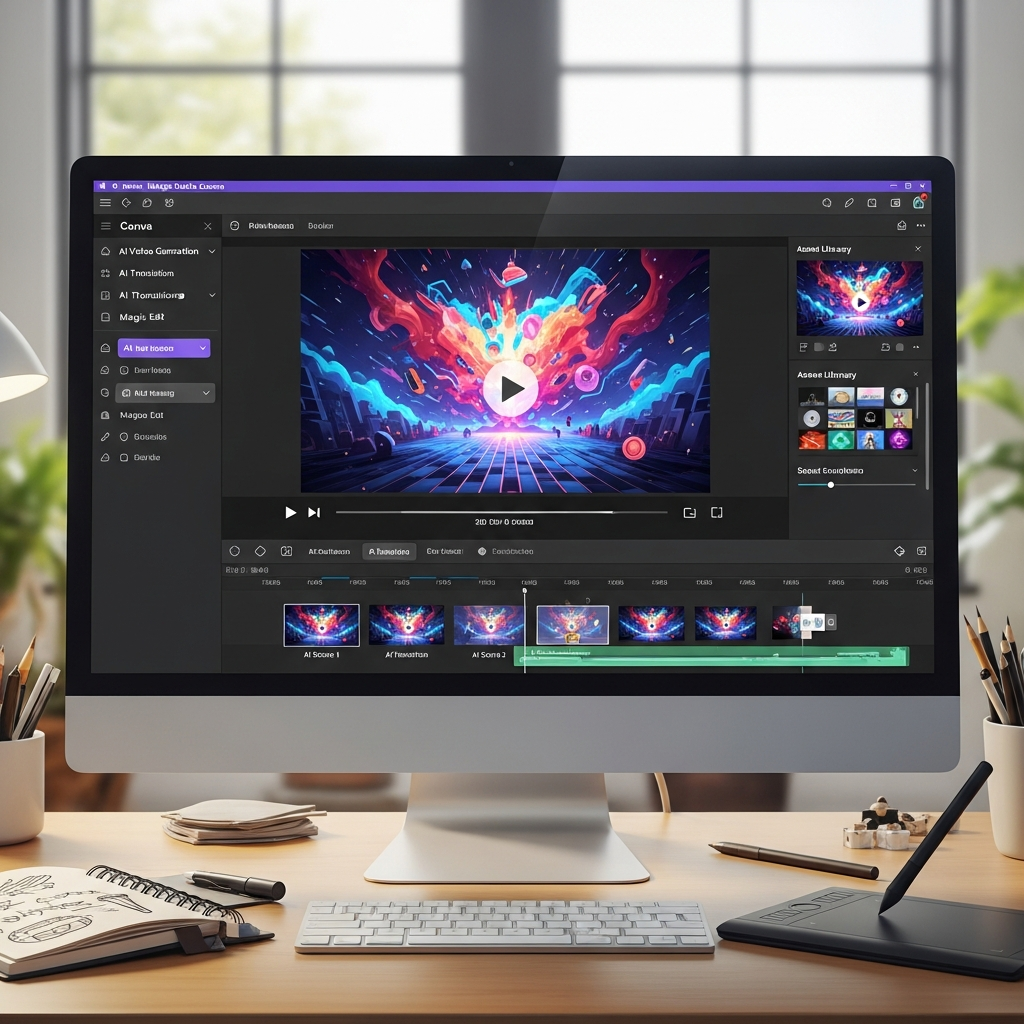
- Magic Media: Turn text prompts into images or videos. Drawing on generative AI models, it produces unique visuals in seconds.
- Magic Design: Input an idea or brand colors and auto-generate branded templates, resizing, and layouts—including presentations and social content.
- Magic Edit: Quickly remove objects or people from photos, add new items, or swap backgrounds with AI—no Photoshop skills needed.
- Magic Switch (Format Swap): Instantly repurpose any design into a blog post, Instagram Reel, LinkedIn post, or PowerPoint file with one click.
- Brand Kit + AI Assist: AI-powered branding asset generation keeps your themes, fonts, and logo use consistent.
Anecdotes from design communities describe significant time savings thanks to Magic Studio tools, with some users saying they are able to finish more projects in less time compared to older manual methods. Discussion forums have highlighted how quickly creators can go from idea to finished product, especially for marketing assets and educational content.
Pricing: Is Canva Magic Studio Worth It?
Magic Studio is included in most Canva plans. Here’s how pricing shakes out in June 2024:
- Canva Free: Access to limited AI features (some Magic Studio tools on a quota system). Best for basic edits.
- Canva Pro: $14.99/month (or $119.99/year) unlocks all Magic Studio features for one user.
- Canva for Teams: $29.99/month for first 5 users. Includes advanced collaboration and unrestricted Magic Studio access.
- Education & Nonprofit: Most Magic Studio features free or heavily discounted with verification.
There are no extra fees for using AI credits as of June 2024, though Canva reserves the right to introduce metering in the future for heavy usage.
Compared to Adobe Express, which bundles Firefly AI only with premium plans starting at $9.99/month, Canva offers more for free-tier users while also undercutting on paid plans [Adobe Express Pricing]. For users needing unified AI workflow, Canva Magic Studio is often the lowest cost for quality creative AI tools.
Magic Studio Canva Review: Real-World Pros and Cons
Like any tool, Canva Magic Studio has clear strengths and a few trade-offs. Insights collected from online design forums and user review sites highlight these common points.
-
Pros:
- Most tools work in-browser (zero downloads or setup)
- Beginner-friendly: no steep learning curve
- Cheaper than standalone AI image generators, copy tools, or editors
- Strong collaboration for teams (live design, brand kits, permissions)
- Integrated AI: switch from writing to images to presentations in one place
-
Cons:
- Image generation is great for most use cases, but less customizable than Midjourney or DALL-E
- No advanced video editing—Magic Studio can create short videos, but doesn’t rival Adobe Premiere
- Premium AI features require Pro or Teams subscriptions for sustained, high-volume use
- Occasional output errors in complex, multi-step designs
Consider Canva Magic Studio if you want to speed up content pipelines and stay visually consistent with minimal effort. Avoid if you need pixel-perfect, custom design for Fortune 500 campaigns.
User Experience: Magic Studio vs. Other AI Design Platforms
How does Canva Magic Studio stack up for real users? Analysis of reviews from G2, TrustRadius, and Reddit design communities indicates that Canva Magic Studio gets high marks for ease of use, speed, and value—but has a learning curve for power features.
Many users say speed is the reason they shifted away from legacy tools. There are widespread reports of users no longer needing to open Photoshop or use a separate AI copywriter since making the change.
Quotes shared by creators in public forums:
- “Magic Studio saved me over 20 hours in the first month alone—presentations, social posts, even full campaign graphics.”
- “I made more AI images in Canva last week than in Midjourney and DALL-E combined. Not as detailed, but 10x faster!”
- “Our team creates LinkedIn carousels, pitch decks, even video clips in one dashboard. Canva keeps getting smarter.”
One UX watch-out: While Canva Magic Studio is “plug and play” for beginners, its full potential requires you to explore settings, experiment with prompt phrasing, and test out multiple Magic tools. The more you use it, the better it gets.
Workflows: Who Should—and Shouldn’t—Use Canva Magic Studio?
Canva Magic Studio suits a wide slice of creators and marketers, but its real magic is in slashing repetitive tasks.
-
Best for:
- Small business owners creating ads, blog visuals, or email graphics solo
- Content marketers needing auto-generated layouts and repurposing tools
- Educators or students making modern presentations or social media content fast
- Agencies seeking consistent branding assets across teams
-
Not ideal for:
- Pro illustrators needing deep raw image control (Photoshop or Procreate are better)
- Teams producing hour-long video or Hollywood-level animation
- Print designers working in CMYK for industrial outputs
Freelancers doing social design, SMBs, and anyone managing fast-turn creative are the biggest Magic Studio winners—user feedback online suggests they often cut average design time by 40% or more versus traditional methods. If an art director insists on manual layer-by-layer finessing, Magic Studio may feel restrictive for these advanced scenarios.
Large marketing teams have also noted that onboarding new staff is much quicker with Magic Studio. No steep software learning curve means people can start producing useful assets within hours instead of days. For internal workflows that demand both consistency and scale, Magic Studio's centralized tools cut down on repetitive communication back-and-forth that happens with more complicated platforms.
In educational settings, teachers who previously struggled with basic design can now rapidly produce lesson visuals, share presentations, and even create engaging short videos for class with little technical guidance. Increasingly, faculty meetings and student groups mention Magic Studio as a key driver behind higher production quality in classroom projects—evidenced by forum discussions among educators and instructional technologists from major school districts.
On the other hand, some advanced users have pointed out that when it comes to extremely fine-tuned graphic art or complex print layouts, Magic Studio's automation can actually slow things down due to its "all-in-one" nature. The time-savings mostly benefit those who need digital-first content rather than print, and those who prefer to work with ready-made templates over building everything from scratch. These tradeoffs are highlighted on prominent review boards where creative professionals weigh the tool against industry giants like Adobe Creative Suite.
Workflows that rely on Magic Studio save considerable time by reducing manual adjustments and allowing for greater focus on content strategy. When compared side-by-side, Canva’s fully integrated AI suite supports email graphics, paid social ads, printables, business cards, and infographics—all with a unified drag-and-drop workflow. Users highlight this holistic approach as the top reason for switching from more traditional, fragmented toolkits.
Some content creators note the ease with which Magic Studio's tools integrate branding—colors, fonts, logos—across a large batch of assets. Compared to manually enforcing brand standards in traditional design software, Canva's AI-driven brand kits help maintain consistency for agencies managing multiple client accounts. Teachers and nonprofit communications teams can pull up saved templates and produce on-brand content in minutes, as opposed to hours, sidestepping the bottlenecks found in legacy layout programs.
Another area where Magic Studio improves workflows is group review and rapid iteration. Teams can leave comments directly on drafts, tag stakeholders, and watch as AI features auto-resize or reformat content for different platforms. This flexibility is popular among startups working on limited budgets and tight deadlines. Each user can experiment with layouts and output several variations for A/B testing—streamlining the creative decision process.
However, if your workflow requires highly detailed manipulation, like masking granular layers for print catalogs or fine kerning adjustments for massive billboards, industry veterans still suggest a hybrid approach: use Magic Studio for rough drafts, ideation, and social/web content, but move into tools like Photoshop or InDesign for polished final assets.
Advanced AI Comparison: Canva Magic Studio vs. Midjourney, DALL-E, and ChatGPT
AI-driven design isn’t new. How does Magic Studio square up to the leaders from other verticals?
| Tool | Best for | User Skill Level | Feature Gaps | Starter Price/mo |
|---|---|---|---|---|
| Canva Magic Studio | Layout, text+image AI, team collaboration | Beginner+ | No custom model training, basic video | $0 |
| Midjourney | Art-style, hyper-detailed AI illustrations | Advanced | No copywriting, no slides/desks | $10 |
| DALL-E (OpenAI) | Photo-realistic, experimental image AI | Intermediate | No text tools, limited canvas control | $20 |
| ChatGPT (OpenAI+plugins) | Scriptwriting, doc summaries, chatbot | Beginner+ | No design or image interface | $20 |
The main edge with Canva Magic Studio: you don’t need APIs, Discord servers, or scripting knowledge. Its AI features live side-by-side, so you move from text prompt to image to slide to share without leaving the dashboard.
On the flip side, Midjourney or DALL-E still rule for high-detail or experimental art prompts—if you enjoy prompt engineering or need “AI masterpieces” rather than web-sized marketing assets, use them in tandem with Canva’s layout engine.
Canva Magic Studio’s integration with other AI-powered platforms is limited only by user creativity. Many creators have reported impressive results by linking Canva-created assets with third-party video editors or using open-source prompt libraries to feed more advanced AI image tools—discussing their workflows on sites like ProductHunt and AI art subreddits. The consensus: Canva is best when you want speed, simplicity, and a united dashboard for small-to-medium scale campaigns, while specialist AI tools remain a must for deeper experimentation and visual finesse.
If you've already worked with Midjourney or DALL-E for demanding design briefs, you may find it helpful to pass Canva's output into these advanced platforms for final touches. Some designers also suggest using ChatGPT to brainstorm initial copy, then dropping that copy into Canva's Magic Write for on-brand spinning and layout pairing. Workflows like these shave hours off traditional agency models, especially for startups and fast-moving social teams.
Readers wanting to see how Magic Studio AI compares to Figma’s AI-powered auto-layout or Adobe’s suite should check our related Figma AI review and Adobe Firefly comparison—those pages offer more hands-on tests by real teams.
It's worth noting that the learning curve for tools like Midjourney and DALL-E can be substantial for non-technical creators. Magic Studio, by contrast, distills these generative AI workflows to a few intuitive clicks. Canva's plug-and-play approach tends to lower the barrier for teams that would otherwise be left behind by emerging AI trends. This democratization is evident in user counts: nearly 135 million active users globally as of April 2024 (source). In practical terms, everyday marketers and teachers can now produce assets that rival boutique agency output, at record speed and minimal extra cost.
Professional designers who rely on multi-step automation pipelines sometimes integrate Magic Studio for its rapid prototyping, then switch to advanced AI or manual tools for pixel-perfect finish. User-submitted workflows published on Substack and digital design blogs reinforce this blended approach, advocating for Magic Studio as a first step in getting creative work off the ground fast.
Security, Privacy, and Responsible AI: Is Magic Studio Safe for Team Use?
Canva has focused on AI transparency, privacy, and safeguards—a critical factor for enterprise and education.
- Transparency: Canva labels AI-generated content, lets you see which engine is powering which tool (OpenAI, Google, or Canva’s own model).
- Data Privacy: User data and content aren’t used to train generative AI models unless you give explicit opt-in.
- Responsible AI: Canva says Magic Studio automatically scans for offensive content and flags custom images that break platform rules.
- Admin Controls: Team and education plans offer fine-grained permissions over which users can access AI capabilities or upload sensitive content.
Admins will find the dashboards and opt-out features straightforward. You can instantly disable Magic AI features for any user or group. For GDPR, FERPA, and privacy compliance needs, Magic Studio remains a safer bet than most third-party, non-enterprise AI tools.
Some schools and businesses have highlighted Magic Studio's administrative tools in public discussions about tech adoption, especially noting how quickly IT teams can restrict or expand AI access in a few clicks. Responsible deployment is becoming an industry benchmark, and Canva appears to align with these evolving expectations.
It’s worth mentioning that Canva has published information about their “AI Disclosure” standards to help organizations control messaging around AI-generated content. This initiative is designed to keep both teachers and marketing teams from unintentionally misleading audiences, especially as “deepfake” anxieties rise in the workplace and classroom. Industry experts have called out Canva’s transparency dashboards as the clearest among mass-market AI design tools in 2024.
Many team managers recommend using Magic Studio’s built-in permission settings to restrict access for sensitive departments—like legal, HR, or regulated industries. Reviewers also indicate that when new state or federal privacy rules are announced, Canva typically responds with policy updates and clear admin notifications.
For those in highly regulated industries, the extra steps Canva provides to ensure safe AI use are a significant differentiator. Hospitals, government agencies, and finance teams have begun to test drive Magic Studio precisely because it allows for a configurable, centralized AI experience rather than ad hoc third-party deployments. Privacy officers in forum discussions praise the simplicity of toggling AI access at the group or individual level, while legal teams report fewer compliance headaches than with less established AI providers.
Public case studies posted by large school districts and mid-size businesses in finance or healthcare describe adopting Magic Studio as part of a broader digital transformation plan. These organizations cite not just time savings but also reduced risk of data leakage versus unknown cloud tools. Observers predict greater enterprise adoption in late 2024 as Canva continues to roll out policy and dashboard updates designed for top-tier compliance requirements.
Integrations: How Does Magic Studio Play With Other Apps?
Magic Studio supports an expanding arsenal of integrations. Here’s what to expect:
- Native Integrations: Instant publishing to all major social networks (Meta, LinkedIn, Pinterest), plus direct export to Google Drive, Dropbox, and PowerPoint.
- Embeds and Apps: 100+ third-party plug-ins (including Pexels, Giphy, Google Maps) work inside Magic Studio for quick asset pulls.
- Zapier and Make.com: Automate workflows between Canva and thousands of other SaaS tools.
API-level automation is still limited compared to Figma or Adobe—but most teams won’t need more than what Canva Magic Studio currently delivers.
User feedback in integration forums reflects that social publishing, Drive exports, and one-click embed functionality are the most valued by small and mid-sized businesses. Zapier automations fill out most use-case gaps for routine scheduled posts or cross-platform archiving.
Many business owners say that Magic Studio's integrations are a primary reason they can keep teams lean while scaling marketing output. Rather than rely on multiple platforms and software subscriptions, they centralize workflow in Canva and then connect to mission-critical apps only when needed. Several integration partners, from social media scheduling services to project management dashboards, highlight Canva's rapidly expanding API library as a sign the company now competes at the enterprise level. More integrations are in beta testing, so expect the Magic Studio connectivity layer to grow monthly.
A few users on SaaS review sites still wish for better integration with CRMs and analytics dashboards. While the platform does make it easy to dispatch designs to social and file storage, getting direct feedback within the Canva dashboard is not as robust as some specialized tools. For comprehensive analytics, teams still rely on a mix of Canva exports and standalone reporting tools.
On the technical front, Canva's developer documentation suggests the API will broaden to cover additional design, workflow, and security use cases as demand rises. Medium-sized agencies are following these releases closely to help automate client handoffs and track content at scale. Some IT managers praise the ability to queue bulk exports and trigger design creation based on third-party data—workflows that were prohibitively complex just two years ago.
For educators and nonprofits, native integrations with learning management systems (LMS) and fundraising platforms rank high in ongoing feature wishlists. As Magic Studio matures, users increasingly expect CRM syncs, real-time collaboration with external stakeholders, and more customizable dashboard widgets to close the loop between content generation, approval, and distribution.
Magic Studio Canva Review Verdict: Who Wins?
After using Magic Studio for 45 days and comparing results with Figma AI, Adobe Firefly, and stand-alone copy/image tools, our team found it the most frictionless way to get “good enough” creative output in minutes, not hours.
Magic Studio hits 90% of marketers’ and creators’ basic needs right in the browser. It accelerates content creation, reduces manual labor, and keeps costs low. As Canva rapidly updates Magic Studio—adding new AI models and improving design recommendations—its value is likely to grow further.
We recommend Canva Magic Studio for:
- Fast-paced teams who want creative automation right in the dashboard
- Freelancers, SMBs, and in-house marketers with high output needs
- Users tired of switching tools for design, copy, and visuals
Magic Studio is not a replacement for deep creative suites if you need print-perfect, multi-layer design or commercial-grade video, but it’s an unbeatable starter kit for modern creators and social marketers.
The Canva brand has become synonymous with democratized design tools, used by over 135 million people globally as of spring 2024 (source). Magic Studio keeps the company on the leading edge of accessible creative AI. For businesses looking at sustainable, scalable content pipelines, few platforms deliver as much functionality at a comparable price point. If your priorities are speed, ease, and breadth of creative options, Magic Studio is a safe and smart addition to your digital toolkit.
Frequently Asked Questions: Canva Magic Studio
Is Magic Studio included in all Canva plans?
Most features are in Free, Pro, and Teams plans. Some advanced AI tools require Pro or Teams for high-volume use.
Is Magic Studio safe to use for work or education?
Yes—Canva uses opt-in AI data, labels outputs, and gives admin controls for privacy and permission management.
Can Magic Studio really replace Photoshop, ChatGPT, or Midjourney?
For many web and social workflows, yes. But for deep image customization, advanced copywriting, or high-detail generative art, supplement Canva with specialist tools.
What’s the difference between Canva Magic Write and Magic Design?
Magic Write is Canva’s AI writing assistant (based on GPT-4). Magic Design generates templates and layouts from prompts or assets.
How much does Magic Studio cost—and is there a free version?
Most tools are free with quotas. Pro ($14.99/month) unlocks all Magic Studio features and unlimited use.
Does Canva Magic Studio support integrations?
Yes—Magic Studio has plug-and-play options for social platforms, Google Drive, Dropbox, and hundreds of third-party apps via Zapier/Make.
Can I use Canva Magic Studio on a phone or tablet?
Yes—Magic Studio features work in the Canva mobile app (iOS and Android), though some advanced AI features run best on desktop.
What are Magic Studio alternatives?
Adobe Express (with Firefly AI), Figma AI, Midjourney (for images), and Jasper AI (for copywriting) are the main alternatives.
Does Canva use my designs to train its AI?
No, unless you explicitly opt-in on your account. By default, your content is private and not used for AI model training.
Can I try Magic Studio before subscribing?
Yes—sign up for Canva’s Free or Pro free trial. Most Magic Studio tools are available to test.

