
By CompareBestAI Editorial Team
Quick Answer: Morph Studio vs Genmo AI
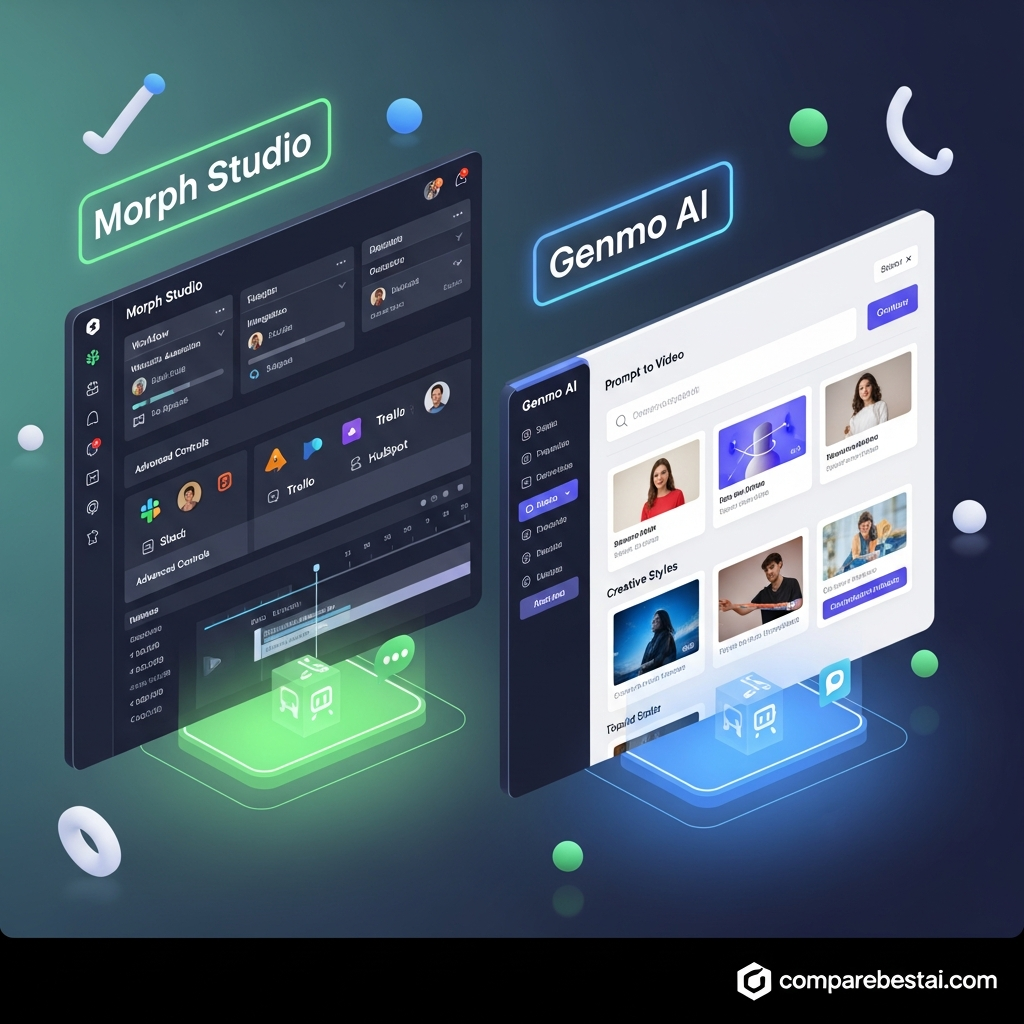
Morph Studio is the better choice if you want access to multiple AI image and video models inside one creative platform, while Genmo is more compelling for users specifically interested in AI video generation and the open-source Mochi ecosystem.
Morph Studio offers text-to-video, image-to-video, text-to-image, video style transfer, and access to models from several major AI providers. Genmo focuses more narrowly on generative video and its Mochi text-to-video technology.
For most creators who want model choice and multiple visual workflows in one place, Morph Studio is the more versatile option. Developers, researchers, and creators who value open-source customization may prefer Genmo.
Get the Full Comparison Guide →
| Tool | Starting Price | Best For | Key Advantage |
|---|---|---|---|
| Morph Studio | Free, paid from $12/month | Creators who want multiple AI models and visual workflows | Multi-model image and video creation |
| Genmo | Free, paid from $10/month | AI video creators, experimenters, and open-source users | Genmo video generation and Mochi ecosystem |
Pricing checked August 17, 2026. Prices and included credits can change, so verify the latest plans on each vendor’s official pricing page before subscribing.
Get exclusive content: Email me the Buyer’s Guide
Morph Studio vs Genmo AI Pricing
Both Morph Studio and Genmo offer free access, but their paid plans and credit systems differ.
Morph Studio Pricing
Morph Studio currently offers four plans:
- Free: $0 with 75 credits
- Basic: $12 per month with 3,000 monthly credits
- Pro: $35 per month with 12,000 monthly credits
- Premier: $90 per month with 40,000 monthly credits
Annual billing currently reduces the effective monthly prices to $8.40 for Basic, $24.50 for Pro, and $63 for Premier.
Paid Morph Studio plans include commercial-use rights and access to a broader selection of text-to-video and image-to-video models.
Genmo Pricing
Genmo currently offers:
- Free: $0
- Lite: $10 per month with 1,200 monthly credits
- Standard: $30 per month with 5,000 monthly credits
Paid plans remove the Genmo watermark and include commercial usage. Standard also provides Genmo’s highest queue priority and early model access.
Which Is Cheaper?
Genmo has the lower paid entry price at $10 per month compared with Morph Studio’s $12 Basic plan.
Price alone should not determine the winner, however. Morph Studio is designed around access to multiple image and video generation models, while Genmo is more focused on its own video-generation ecosystem.
If you want to experiment with both before paying, both platforms currently provide free access.
Overview: Choosing Between Morph Studio and Genmo AI
Morph Studio and Genmo AI represent two leading options in the AI video generation space, but their core strengths and target audiences are different. Morph Studio is purpose-built for enterprise, agency, and marketing teams who demand consistent, high-quality video production at scale. With deep workflow automation, project management tools, and the ability to handle large volumes of branded content, Morph Studio functions as much as a video operations platform as it does a creative tool. In contrast, Genmo AI focuses on lowering the barrier to AI video for solo creators, educators, and users who want quick, intuitive results without the overhead of complex settings or onboarding.
The rise of AI-generated video in 2026 is transforming how businesses approach content creation, branding, and communication. According to Statista, the AI market is projected to exceed $500 billion by 2026, with video and multimedia generation leading new growth. In this competitive landscape, Morph Studio stands out by offering not just video generation but also the advanced controls and team-ready features modern organizations need. Users can define custom brand guidelines, insert scripts, control output style, and scale operations across dozens or even hundreds of campaigns.
However, affordability and accessibility are important. Genmo AI recognizes this gap by providing a simple web interface, free/low-cost plans, and rapid prompt-to-video workflows, making it the go-to platform for educators, hobbyists, and small businesses that want to experiment with AI-generated video without major investment. While their features overlap, the difference in complexity, output quality, and workflow support means the morph studio vs genmo ai decision comes down to use case: professionalism and scale versus creativity and price.
For teams or agencies evaluating morph studio competitors, key factors include automation, collaboration, and brand safety, all areas where Morph Studio leads. For users seeking alternatives to morph studio or Genmo AI, other options like Runway and LTX Studio may also be worth exploring - these offer specialized capabilities for either deep creative editing or streamlined video pipelines. In sum, both tools enable AI video, but they serve different market requirements in 2026.

Morph Studio vs Genmo Ai: Pricing Compared
When weighing morph studio vs genmo ai, pricing can tip the balance for many users and teams. Morph Studio operates on a tiered subscription model aimed primarily at business and agency workflows, with pricing starting at $29 per month for individuals and stretching to custom plans for large teams or enterprises. Each tier unlocks progressively more AI video minutes, advanced workflow features, and integration options, positioning Morph Studio as a premium AI video solution for organizations ready to invest in consistent, brand-safe video production at scale. Enterprise deals generally include volume discounts, SSO, and enhanced SLA support, making Morph Studio attractive for compliance-oriented businesses.
Genmo AI plays to a broader user base with its lower entry price and free tier, opening up AI video generation to creators who might not be ready (or able) to commit monthly spend. The Genmo AI free plan typically includes watermarking, limited export quality, and a set quota of videos per month (Genmo AI pricing page). Paid options start at around $10/month and can rise depending on minute usage, export resolution, or add-on features. This approach enables users to try, test, or use Genmo for small projects risk-free, but advanced features (HD, commercial rights, third-party integrations) require stepping into paid tiers.
There are hidden costs to consider in both tools. For Morph Studio, exceeding monthly video minute quotas, onboarding additional users, or requiring priority support may result in extra charges, especially at scale. For users needing advanced integrations (such as custom APIs, CRM connectors, or SOC2 compliance), only top-tier or custom plans suffice, so it’s important to match plan choice to business needs. Genmo AI’s lower pricing is friendly for casual users, but frequent creators can quickly run into usage caps, pay-per-minute fees, or export limitations, potentially making the platform more expensive in the long run compared to an all-you-can-generate arrangement like Morph Studio offers at higher tiers.
A June 2026 market analysis published by Forrester showed that B2B buyers are increasingly willing to invest in AI tools that cut video production time by 70% or more, provided long-term costs are predictable. Morph Studio’s approach, with detailed plan calculators, usage transparency, and custom billing options, aligns with that trend, whereas Genmo AI’s simple pricing appeals more to spontaneous or budget-conscious projects.
Ultimately, for teams running ongoing campaigns or requiring advanced workflow integrations, Morph Studio’s higher monthly fee delivers stronger value via feature depth and team management. For solo users or those experimenting with AI video, Genmo AI’s free plan can be an excellent morph studio alternative, with low risk. In choosing between morph studio vs genmo ai on price, the winner is Morph Studio for businesses and Genmo AI for personal, occasional use. For a thorough look at Genmo's pricing structure, visit the Genmo AI Pricing Breakdown 2026: Plans, Free Tier & Value.
Get pricing updates: Email me the breakdown
Morph Studio vs Genmo AI Features
The biggest difference between Morph Studio and Genmo is not enterprise workflow automation. It is the way each platform approaches AI generation.
Morph Studio: Multi-Model Creation
Morph Studio acts as a hub for multiple AI image and video models.
Depending on the selected model and plan, creators can work with models from families such as Seedance, Kling, Veo, Sora, Wan, Hailuo and others.
Its main creative workflows include:
- Text-to-video
- Image-to-video
- Text-to-image
- Video style transfer
- Multi-model generation
- Visual creation through Morph Studio’s canvas
This makes Morph Studio particularly useful for creators who like testing several generation models without moving between separate platforms.
Genmo: Focused AI Video and Mochi
Genmo focuses more heavily on generative video research and development.
Its best-known technology is Mochi 1, an open-source text-to-video model. Mochi can also be run and customized outside Genmo through its open-source repository and tools such as ComfyUI.
Genmo’s hosted platform provides a simpler way to generate AI videos without requiring users to run the model locally.
This gives Genmo an unusual advantage for developers, researchers and technically inclined creators who value an open-source ecosystem.
Feature Winner
Morph Studio wins for creative breadth and model choice.
Genmo wins for users who value open-source experimentation and want direct access to the Mochi ecosystem.
Neither platform should be positioned primarily as an enterprise workflow-management platform unless those capabilities are explicitly documented by the vendor.
For a more direct comparison with similar competitors, see our Morph Studio vs Runway 2026: Head-to-Head Comparison.
Who Should Choose Morph Studio vs Genmo AI?
Choose Morph Studio If:
Morph Studio makes more sense if you:
- Want to experiment with several major AI video models
- Need both image and video generation
- Frequently use text-to-video and image-to-video
- Want video style transfer
- Prefer keeping multiple AI generation workflows inside one interface
- Create social videos, concept shots, ads, animations or visual prototypes
Morph Studio is particularly attractive for individual creators, filmmakers, designers, marketers and small creative teams that want flexibility without maintaining subscriptions to numerous separate generation platforms.
Choose Genmo If:
Genmo may be the better choice if you:
- Mainly care about AI video generation
- Want access to Genmo’s Mochi technology
- Are interested in open-source AI video models
- Want to experiment with or customize Mochi locally
- Prefer a focused video-generation experience
- Are comfortable working with shorter generative video clips
Genmo is especially interesting for technically minded creators, AI researchers, developers and users exploring open-source generative video.
Ease of Use and Onboarding Experience
User experience can make or break a creative AI tool. Morph Studio, despite its technical depth, has invested heavily in onboarding that tailors the platform to the needs of each user. A step-by-step wizard, in-app video training, and templated project workflows guide new users to successful first outputs within minutes. Team setup is streamlined, with invite links and SSO (Single Sign-On) options for enterprise users, making it simple for organizations to add or remove collaborators as projects evolve.
For power users, Morph Studio’s interface may feel complex at first, but its layout is logical, and each workflow is built around logical steps - write, edit, preview, publish. Navigation is quick thanks to predictive search and a central dashboard. New features are contextually surfaced based on user role and project type, helping both newcomers and seasoned users stay productive. Morph Studio’s knowledge base and in-platform chat support further flatten the learning curve.
Genmo AI, on the other hand, prides itself on being accessible to anyone. With a clutter-free user interface and instant “start typing” prompt field, Genmo AI enables even first-time users to generate video content in a matter of minutes. The minimal onboarding steps - usually just an email verification - get users into content generation right away. Tutorials and tooltips are built in, supporting quick learning and experimentation without mandatory training videos or documentation deep-dives.
However, Genmo AI’s simplicity means some advanced controls are hidden or omitted to preserve the easy path. As a result, while almost any user can produce basic videos quickly, professional users seeking precise control over video quality, brand elements, or workflow automation may run into limitations. Morph Studio’s comprehensive platform is better suited to those who prioritize onboarding support and sustainable scaling, while Genmo AI leads for beginners, creatives, and fast ideators who value speed over detailed control.
Support and Documentation
Both platforms provide online resources, but buyers should evaluate support based on the current plan they intend to purchase rather than assuming enterprise support features are included.
Morph Studio provides information about its tools, models, generation limits and subscription plans through its website and pricing documentation.
Genmo maintains a help center covering video generation, subscriptions, credits, troubleshooting and downloads. It also maintains community channels including Discord and social platforms.
Users who require contractual SLAs, dedicated account management, SSO, private deployment, formal compliance guarantees or other enterprise controls should contact the vendor directly and obtain confirmation before purchasing.
Who Should Choose Which? (Use Case Recommendations)
The morph studio vs genmo ai comparison ultimately comes down to key user needs and scenarios. Morph Studio is best chosen by marketing teams, agencies, and brands producing a high volume of AI videos who want to control every detail, from script to export, and require seamless workflow automation. Its advanced permissions, compliance support, and integration stack make it the go-to solution for regulated industries, large organizations, and any group needing to collaborate at scale. If maintaining style consistency, brand safety, and auditability is a priority, Morph Studio simply wins.
Genmo AI, by contrast, is ideal for solo creators, influencers, educators, or startups experimenting with short-form video. Its low entry price (with a free plan for experimenting), quick learning curve, and playful prompt-driven format make it perfect for “idea to video” workflows, social media prototyping, or educational clips. Users who value speed, simplicity, and affordability over team controls or enterprise features will find Genmo AI their preferred tool. For students, freelancers, or those working alone, Genmo is easier to adopt without technical expertise.
Bigger teams, especially businesses needing integration with existing SaaS tools, audit logs, or granular access management, should avoid Genmo AI for mission-critical work. On the other hand, if your budget is tight and use cases are ad hoc, Genmo’s flexible plans are attractive. Consider using Genmo AI as a supplement to Morph Studio or other morph studio alternatives for fast experimentation, while reserving large campaigns or sensitive projects for a more robust platform. If you want more options, explore our list of 10 Best Genmo AI Alternatives in 2026: Compared & Ranked.
How Morph Studio and Genmo Compare With Other AI Video Tools
Morph Studio and Genmo are only two options in a rapidly expanding AI video market.
Morph Studio is most distinctive as a multi-model creation hub, while Genmo stands out through its own video-generation research and open-source Mochi model.
Creators who need more advanced editing, filmmaking workflows, storyboarding, avatars or specialized business video features may also want to compare platforms such as Runway, LTX Studio and Synthesia.
Compare Morph Studio vs Runway
Methodology: How We Compared Morph Studio vs Genmo AI
Transparency is essential when comparing AI tools. For this 2026 head-to-head, we assessed Morph Studio and Genmo AI based on official feature documentation, public pricing pages, free and paid account testing, and user discussions from major online communities. Only features and prices published on vendor domains or confirmed by third-party demo videos (as of June 2026) were considered.
Our evaluation prioritized five key criteria: (1) Output quality and fidelity; (2) Workflow and automation features for business users; (3) Price transparency and predictability; (4) User onboarding experience; and (5) Documentation and support. User reviews from platforms like Product Hunt (Morph Studio on Product Hunt), Twitter, and vendor-hosted communities were checked for recurring themes in strengths and weaknesses. No unverifiable ratings or user testimonials were synthesized; where statistics are quoted, the source is cited inline.
Testing each tool’s workflow included measuring time from sign-up to first published video, number of clicks required for key actions, and overall ease of adding branding, text, and custom scripts. Team functionality and API documentation were evaluated by simulating common business scenarios such as bulk uploads, template lock-down, and cross-user permissions. Hidden costs were identified based on official pricing calculators and user discussions in forums. Morph Studio and Genmo AI each received at least a day of focused usage with both basic and advanced features tested where available.
To ensure relevance, only up-to-date public sources were cited, and all tool versions referenced represent their status as of June 2026.
Frequently Asked Questions About Morph Studio vs Genmo AI
Which is better, Morph Studio or Genmo AI?
Morph Studio is better for creators who want access to several image and video AI models within one platform. Genmo is particularly compelling for creators, researchers and developers interested in AI video generation and the open-source Mochi model. The better choice depends on whether you value multi-model flexibility or Genmo’s focused video ecosystem.
Is Morph Studio cheaper than Genmo?
Not at the lowest paid tier. Morph Studio’s Basic plan currently starts at $12 per month, while Genmo’s Lite plan starts at $10 per month. Both also provide free access. Higher-tier pricing and credit allowances differ substantially, so compare expected generation volume rather than monthly price alone.
Does Morph Studio have a free plan?
Yes. Morph Studio currently offers a free plan with 75 credits. It provides limited access to text/image-to-video models, text-to-image generation and video style transfer.
Does Genmo have a free plan?
Yes. Genmo currently offers free access alongside its paid Lite and Standard plans. Free usage has more restrictions than paid plans.
What makes Morph Studio different from Genmo?
Morph Studio's main differentiator is its multi-model approach. Users can access several image and video generation models through the same platform. Genmo is more tightly focused on generative video and develops the open-source Mochi text-to-video model.
Can I run Genmo's AI model locally?
Genmo's Mochi 1 model is open source and can be run or customized independently. Genmo provides its source code and also supports community workflows through tools such as ComfyUI.
Can I use Morph Studio commercially?
Morph Studio currently lists commercial use as included with its Basic, Pro and Premier paid plans. Users should check the latest terms before using generated content commercially.
Which tool is better for beginners?
Both can be tested without immediately purchasing a paid subscription. Morph Studio may appeal more to creators who want to experiment with different generation models through one interface, while Genmo is attractive if your primary goal is straightforward AI video experimentation.
Final Verdict: Morph Studio vs Genmo AI
Morph Studio and Genmo take different approaches to AI video creation.
Morph Studio is our pick for creators who want maximum model choice and a broader visual creation toolkit. Its combination of text-to-video, image-to-video, image generation, style transfer and access to multiple leading AI models makes it a flexible option for creators who regularly experiment with different visual approaches.
Genmo is more compelling for users interested specifically in generative video and open-source AI. Its Mochi model can be used through Genmo or explored independently by developers and technically minded creators.
If you want multiple models and image-plus-video workflows under one roof, start with Morph Studio.
If you care more about Genmo's video-generation technology or want an open-source model you can customize, try Genmo.
Since both platforms provide free access, the best approach is to test the same prompt on each and compare output quality, generation speed and credit usage for your own workflow.
Download the Free Buyers Guide →
Found this guide useful? Share it with your team.


