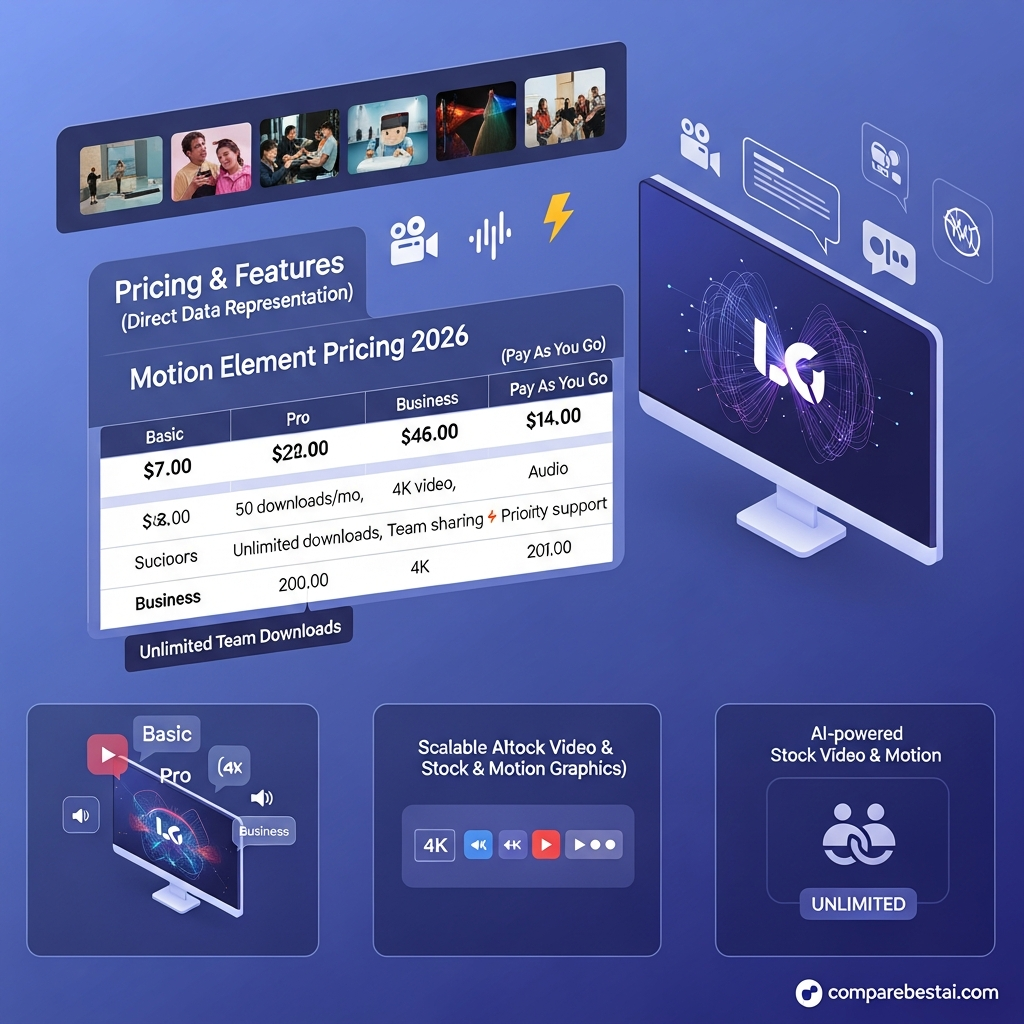

Quick Answer: How Much Does MotionElements Cost?
MotionElements currently offers three main ways to access its stock-media marketplace: Pay Per Item, the Pro Plan, and a multi-user Team Plan.
The Pro Plan costs $39 per month when billed monthly or $198 per year, which works out to $16.50 per month with annual billing. It includes unlimited downloads from MotionElements' 26M+ subscription catalog, 1,000 AI coins refreshed each month, AI Remix, and access to more than 100 AI models.
Pay Per Item purchases start from $1 and are better suited to occasional buyers.
Businesses that need several licensed users can use MotionElements' Team Plan, which adds multi-user access, account administration, budget controls, and centralized asset management.
See current MotionElements Pro pricing
Pricing verified August 17, 2026.
Current MotionElements Pricing
MotionElements Pricing at a Glance
| Option | Current Cost | Best For | What's Included |
|---|---|---|---|
| Pay Per Item | From $1 per asset | Occasional buyers | Purchase individual marketplace assets only when needed |
| Pro Monthly | $39/month | Creators needing short-term flexibility | Unlimited subscription-catalog downloads + 1,000 monthly AI coins |
| Pro Annual | $198/year | Regular creators | Same Pro benefits at $16.50/month equivalent |
| Team Plan | Annual billing | Companies and multi-user teams | Multiple users, admin controls, budget allocation, shared asset management |
MotionElements pricing and available assets can change. Check the provider's current pricing page before purchasing.
MotionElements Pro Plan
The Pro Plan is MotionElements' main individual subscription.
It combines stock-media downloads and generative AI tools in a single subscription rather than dividing usage into Basic, Pro, and Business download tiers.
Pro Monthly
The monthly Pro Plan currently costs $39 per month.
This is the more flexible option if you want unlimited subscription-catalog downloads without committing to a full year.
Pro Annual
The annual Pro Plan costs $198 per year, equivalent to $16.50 per month.
That makes annual billing substantially cheaper than paying $39 month by month for a full year.
Explore the MotionElements Pro PlanWhat's Included With Pro?
Current Pro benefits include:
- Unlimited downloads from the 26M+ Subscription Catalog
- Stock video and animation
- Video templates
- Photos and vectors
- Music and sound effects
- Other eligible stock-media categories
- 1,000 AI coins refreshed monthly
- Access to 100+ AI models
- AI video, image, and voice generation
- AI Remix for transforming existing stock assets
- HD and 4K stock footage where available
- Royalty-free commercial licensing
Not every item in the full MotionElements marketplace is included in the subscription. Assets outside the Subscription Catalog can still be purchased separately through Pay Per Item.
MotionElements Pay Per Item Pricing
Pay Per Item
MotionElements also lets users buy individual stock assets without subscribing.
Pay Per Item purchases currently start from $1, although the final price varies by the type of media and individual asset.
This option makes more sense if you only need occasional footage, music, graphics, templates, or other stock content.
Pay Per Item and Pro can also be used together. For example, a subscriber can use unlimited downloads from the subscription catalog and separately purchase a marketplace asset that is not included in Pro.
MotionElements Team Plan
MotionElements Team Plan
Companies with more than one person working with licensed stock content should use MotionElements' Team Plan rather than sharing a single-user Pro account.
The Team Plan includes:
- Multiple licensed users
- Sub-account creation
- Access controls
- Budget allocation
- Centralized storage for purchased assets
- Unlimited downloads from the Subscription Catalog
- Team-member management
MotionElements currently bills the Team Plan annually rather than offering a monthly Team option.
Organizations should check current Team pricing or request information directly from MotionElements because corporate pricing can depend on team size and purchasing arrangements.
See MotionElements Team optionsKey Takeaways: Motion Element Cost & Value
- Motion Element pricing starts at $39/month for the Basic subscription.
- Annual plans offer up to 2 free months compared to monthly, saving $78/year on Pro.
- Business plan allows multiple users with unlimited assets - ideal for agencies and companies scaling up production.
- "Pay as You Go" options let you buy single assets with no recurring fee, starting at $9/video or $2/audio file.
- Students may get discounts, and Motion Element offers a limited free trial for new users.
Motion Element Pricing: Plan-by-Plan Breakdown
Motion Element pricing stays straightforward in 2026, but the details matter if you want the most value for your content team or project. The platform caters to a wide user base - from solo video editors needing a handful of assets, to marketing teams requiring unlimited downloads and premium service. This section breaks down each Motion Element plan, their pricing, support levels, and who gets the best deal.
The Basic plan is Motion Element’s entry subscription, at $39 per month or $390 billed annually. Subscribers can download up to 10 assets per month. This works best for freelancers or small agencies with modest needs. Downloads reset monthly, and unused credits don’t roll over. You get standard HD video, images, and audio, but not advanced features like collaborative folders or sharing. For most individuals, this plan is a cost-efficient way to access premium assets. The per user cost is $39 monthly - simple and predictable. Annual billing saves you $78 compared to monthly, as you effectively get 2 months free.
The Pro plan steps up for professionals or smaller in-house teams. At $69 per month or $690 a year, Pro users access up to 50 downloads monthly. This plan gives you 4K footage, commercial licensing, and faster support. Motion Element Pro is best for marketers or editors with ongoing campaigns and a bigger asset pool. The price per user is $69 monthly. With commercial rights and HD/4K choices, ROI can justify the higher tier. Many agencies find the Pro plan’s download limit works for moderate video production.
For agencies, corporate teams, or content studios that need true scale, the Business plan offers unlimited downloads and full multi-user access. At $109 per month or $1,090 yearly, you get all motion graphics, video, music, and 4K content with no caps. You also get premium collaboration features like project folders and account management. Priority support keeps your pipeline running. The per user pricing for Business is $109 monthly, but it's built for teams - volume discounts are possible if you need 5+ seats. This is the only tier that officially supports multiple users per license, which fits marketing departments and bigger agencies.
If you’re not ready for a subscription, Motion Element’s Pay as You Go lets you buy what you need. Video assets start at $9 for SD and go up to $79 for 4K sequences. Audio files are as low as $2, and motion graphics depend on license and exclusivity. This is best for infrequent users who can't justify a monthly fee. Regular buyers get better value from subscriptions. Note that Pay as You Go buyers don’t get the full features and support found in subscriptions.
Each Motion Element subscription includes commercial licensing, though rights vary by plan. All plans allow social media and online use, but TV, OTT, or theatrical distribution may need paid add-ons. You can upgrade or downgrade your plan at any time - changes take effect at your next billing cycle. On Business plans, users can invite teammates, making it a collaboration-friendly stock video service.
If you want an even cheaper option, Motion Element sometimes offers student discounts. Usually, you'll need academic proof. Deals often run around holidays or industry events - watch their promotions or sign up for alerts.
Get started with the right plan
Subscribe for pricing updates and exclusive tips →
MotionElements Licensing and Additional Costs
MotionElements uses royalty-free licensing for both Pay Per Item purchases and subscription downloads.
According to MotionElements, there is no licensing difference between stock content purchased individually and stock content downloaded through a subscription.
Licensed content can generally be used worldwide in personal and commercial projects, including:
- Websites
- Social media
- YouTube
- Advertising
- Broadcast
- Commercials
- TV and films
- Presentations
- Games
- Client projects
There are no standard additional licensing fees after subscribing.
However, users should still check individual assets for labels such as Editorial Use Only or other specific restrictions.
The Pro subscription is licensed for a single user. Account sharing is not permitted.
Companies that need multiple people to work with licensed content should use the Team Plan.
MotionElements also applies usage rules to unlimited downloading. Automated scraping, bots, mass downloading for redistribution, and downloading assets without an intended project are prohibited.
How Do MotionElements AI Coins Work?
The current Pro Plan includes 1,000 AI coins each month for use with MotionElements Studio AI.
These coins can be used across supported video, image, and voice-generation models.
MotionElements currently provides access to more than 100 AI models, including models from major generative-AI providers.
The number of coins required for each generation depends on the selected model and generation settings.
Included monthly AI coins do not roll over indefinitely, so users who mainly subscribe for AI generation should compare expected monthly usage before choosing the plan.

Can You Use MotionElements for Free?
MotionElements currently provides free stock content rather than relying solely on a traditional subscription trial.
Registered users can access a selection of free royalty-free stock assets each week.
MotionElements currently states that members can download five free stock items per week, with its referral program potentially increasing the free-download allowance.
Free stock content can be used commercially under the applicable royalty-free license.
This makes the free library a useful way to evaluate asset quality before purchasing individual assets or subscribing to Pro.
Get Exclusive Pricing Alerts →
Is MotionElements Pro Worth It?
MotionElements Pro offers the strongest value to creators who regularly download stock assets and also use generative AI.
At $198 per year, the annual subscription works out to $16.50 per month and combines unlimited downloads from a 26M+ subscription catalog with 1,000 monthly AI coins.
That makes it particularly attractive for:
- Video editors
- YouTubers
- Freelancers
- Motion designers
- Social-content creators
- Marketing teams with one primary stock-media user
- Creators who use both stock assets and generative AI
Pay Per Item is likely better value if you only purchase a few assets each year.
Companies with multiple users should evaluate the Team Plan because the standard Pro subscription uses a single-user license.
Frequently Asked Questions About MotionElements Pricing
How much does MotionElements cost?
MotionElements Pro currently costs $39 per month when billed monthly or $198 per year when billed annually. Annual billing works out to $16.50 per month. Individual Pay Per Item assets start from $1.
Does MotionElements have a free plan?
MotionElements provides free stock downloads rather than a traditional permanent Pro subscription tier. Registered members can currently download five free stock assets per week from its eligible free-content library.
Does MotionElements offer a free trial?
MotionElements' current public documentation emphasizes free stock downloads rather than a standard subscription free trial. Check the current pricing page for any temporary trial promotions before subscribing.
What does the MotionElements Pro Plan include?
Pro includes unlimited downloads from the 26M+ Subscription Catalog, 1,000 AI coins refreshed each month, AI Remix, and access to more than 100 AI models for image, video, and voice generation.
Is MotionElements really unlimited?
The Pro Plan allows unlimited downloads of eligible content inside the Subscription Catalog. It does not mean every asset in the entire MotionElements marketplace is included.
Assets outside the subscription catalog can still be purchased individually.
MotionElements also prohibits automated scraping, account sharing, and mass downloading without an intended project.
Can I use MotionElements commercially?
Yes. MotionElements' royalty-free licensing supports personal and commercial projects. Individual assets may carry additional labels or restrictions, so users should check the license attached to the specific content they download.
Can multiple people share a MotionElements Pro subscription?
No. The standard subscription is licensed to one user. Businesses that require multiple users should use the Team Plan.
What is the MotionElements Team Plan?
The Team Plan is designed for businesses that need multiple licensed users. It adds sub-accounts, access controls, budget allocation, centralized asset storage, and team administration.
Are there hidden fees?
MotionElements says there are no hidden platform fees or additional standard licensing charges. A card issuer may separately charge a foreign-transaction fee depending on the user's bank or location.
Is annual MotionElements billing cheaper?
Yes. MotionElements currently documents Pro at $39 monthly versus $198 for a full year. The annual plan therefore works out to $16.50 per month.
Final Verdict: Which MotionElements Pricing Option Is Best?
For most regular creators, the annual Pro Plan offers the best value.
At $198 per year, it provides unlimited access to MotionElements' 26M+ subscription catalog alongside 1,000 monthly AI coins and access to more than 100 AI models.
Choose monthly Pro at $39 if you need the platform temporarily and do not want an annual commitment.
Choose Pay Per Item if you only need occasional assets.
Choose the Team Plan if several people in your company need to download, manage, or edit licensed content.
The most important thing is not to compare MotionElements using its older Basic, Pro, and Business pricing structure. The current product combines stock-media subscriptions and generative AI differently, so check the provider's current pricing page before purchasing.
Check current MotionElements pricing
When your workflow needs unlimited output, consistent brand voice, and clear licensing, the Motion Element price premium is a smart investment as your content production grows. If you're interested in optimizing your overall content automation, you can also explore our picks for game-changing AI tools to boost productivity.
Get started with Motion Element
Get Exclusive Pricing Alerts →
Found this guide useful? Share it with your team.


