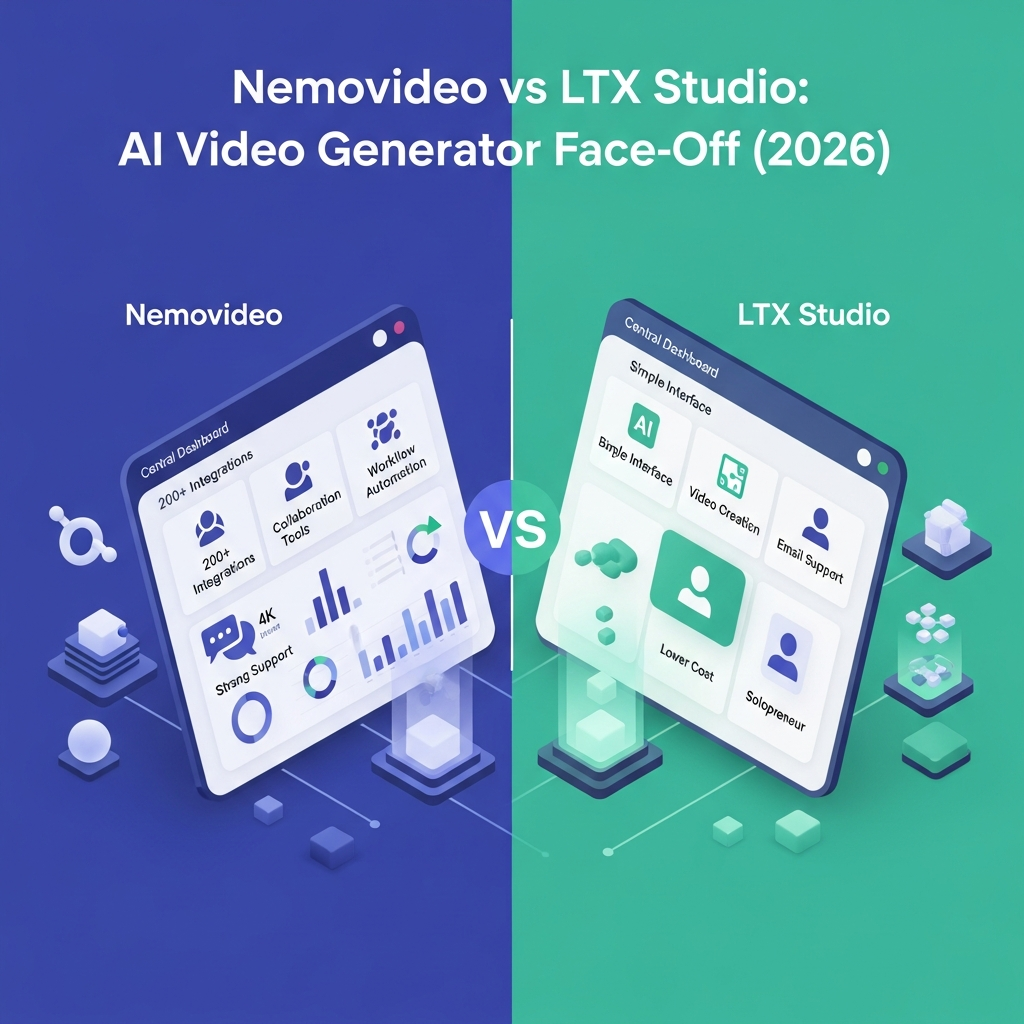

Quick Answer: NemoVideo vs LTX Studio
NemoVideo and LTX Studio are built for different types of AI video workflows.
Choose NemoVideo if you want fast conversational editing, short-form social video creation, talking-head cleanup, captions, audio generation, viral-content workflows, or an API you can use from automation scripts and coding agents.
Choose LTX Studio if you need a more complete filmmaking and production environment with AI Storyboards, advanced camera controls, consistent characters and objects, node-based Flows, project collaboration, pitch decks, and enterprise team controls.
For individual creators and marketers focused on short-form content, NemoVideo is the more focused editing tool.
For filmmakers, agencies, and creative teams managing larger productions, LTX Studio is the stronger overall production platform.
There is no universal winner. The right choice depends on whether your workflow is primarily editing and short-form automation or end-to-end video production.
Try NemoVideo free
Try LTX Studio free
Key Takeaways
- NemoVideo is stronger for conversational editing and short-form workflows.
- LTX Studio is stronger for storyboarding, filmmaking, creative control, and collaborative production.
- NemoVideo currently offers a permanent Free plan and uses credits for editing and generation.
- LTX Studio also has a Free plan, followed by Lite, Standard, Pro, and Enterprise tiers.
- NemoVideo provides a documented developer API for agent-driven video workflows.
- LTX Studio provides node-based Flows automation inside the product.
- LTX Pro supports three collaborators per project.
- LTX Enterprise adds unlimited collaborators, SSO, brand management, onboarding, SLA support, and documented security and compliance controls.
- Neither platform should be described as purely a solo-user tool or purely an enterprise platform.
NemoVideo vs LTX Studio at a Glance
| Feature | NemoVideo | LTX Studio |
|---|---|---|
| Best For | Short-form creators, marketers, ecommerce, editing automation | Filmmakers, agencies, creative teams |
| Free Plan | Yes | Yes |
| Main Strength | Conversational AI editing | End-to-end AI video production |
| Storyboarding | Limited compared with LTX | AI Storyboards |
| Camera Control | Editing-focused | Advanced camera and keyframe controls |
| Workflow Automation | API and agent-driven workflows | Flows node-based automation |
| Collaboration | Verify Business capabilities directly | Pro: 3 collaborators per project, Enterprise: unlimited |
| API | Documented NemoVideo API | LTX also lists an API product separately |
| Enterprise Controls | Public Business details are limited | SSO, Brand Kit, organization management, SLA, and compliance options |
| Best Overall Use | Fast social and creator workflows | Structured production and filmmaking |
Download The 2026 AI Video Generator Comparisons
NemoVideo vs LTX Studio Pricing
Both platforms use credit-based systems, but their plan structures are very different.
NemoVideo Pricing
NemoVideo currently lists:
- Free: $0
- Starter: $215.88 per year, equivalent to $17.99 per month on the displayed annual offer, with 1,100 monthly credits
- Pro: $419.88 per year, equivalent to $34.99 per month on the displayed entry annual tier, with 2,300 monthly credits
- Business: Custom pricing
Starter includes watermark-free exports and additional credits can be purchased.
NemoVideo also publishes several higher Pro levels, so heavy users should compare current live credit allowances rather than assuming there is only one Pro tier.
LTX Studio Pricing
LTX Studio currently offers:
- Free: $0 with 800 one-time credits
- Lite: $15 per month or $12 per month equivalent annually
- Standard: $35 per month or $28 per month equivalent annually
- Pro: $125 per month or $100 per month equivalent annually
- Enterprise: Custom pricing
Standard adds commercial-use rights, AI Storyboards, advanced Flows automation, consistent Elements, Pitch Decks, and additional generation models.
Pro increases monthly credits substantially and supports three collaborators per project.
Enterprise adds organization-level collaboration, brand management, SSO, onboarding, SLA support, enhanced privacy, and documented security and compliance controls.
Pricing Verdict
NemoVideo has the lower-cost paid entry point on the current displayed annual offers.
LTX Studio becomes more expensive at its higher tiers, but those plans also include a substantially broader production, collaboration, and enterprise feature set.
Do not compare the two only by monthly price. Estimate the credits and workflow features you actually need.
See current NemoVideo pricing
Compare LTX Studio plans
Unlock Advanced AI Video Workflows (Free Guide)
NemoVideo vs LTX Studio Features
NemoVideo: Conversational AI Editing
NemoVideo is centered on its AI editing agent.
Current capabilities include:
- Talk-to-Edit
- Viral+ Studio
- URL-to-video
- Script remixing
- SmartPick
- Smart Caption
- SmartAudio
- Talking-head video editing
- Voiceover and music
- Short-form video generation
- API-driven automation
NemoVideo is particularly useful when you already have raw footage, a product link, a script, or an existing video and want AI to turn it into a faster social-ready edit.
LTX Studio: AI Video Production
LTX Studio covers a broader production workflow.
Current capabilities include:
- Text-to-video
- Image-to-video
- Video-to-video
- Audio-to-video
- Dynamic storyboarding
- AI Storyboards
- Timeline editing
- Sound design
- Advanced camera controls
- Keyframes
- Visual references
- Reusable Elements for consistent characters, objects, and locations
- Flows node-based automation
- Pitch Decks
- Project collaboration
- Brand Kit and organization management on eligible plans
LTX Studio is designed to move from concept and storyboarding through generation, editing, and final production inside one environment.
Feature Verdict
NemoVideo wins for fast AI-assisted editing and short-form creator workflows.
LTX Studio wins for filmmaking, production planning, visual control, collaboration, and larger creative projects.

API and Workflow Automation
NemoVideo provides public developer documentation for building video workflows from coding agents, automation scripts, and product backends.
Its documented workflow can plan, generate, edit, subtitle, add voice-over, sync music, and export video.
NemoVideo also documents connections with developer tools such as Claude Code, OpenAI Codex, and OpenClaw.
LTX Studio approaches automation differently inside its creative platform through Flows, a node-based system for building repeatable image and video workflows.
LTX also lists an LTX API as a separate product, so the claim that LTX has no API should not be used without checking the current API offering directly.
Explore the NemoVideo APIWhich Is Better for Teams?
LTX Studio currently has the clearer documented collaboration and enterprise offering.
LTX Pro supports three collaborators per project.
LTX Enterprise adds:
- Unlimited collaborators across teams
- Centralized brand management
- Organization-wide credit allocation and reports
- SSO
- Organization-wide onboarding
- Dedicated account management
- SLA and priority support
- SOC 2, ISO, and GDPR compliance options
- Enhanced data privacy
- Flexible enterprise billing
NemoVideo offers a custom Business option, but its current public pricing pages do not document an equivalent list of collaboration, SSO, brand-governance, and compliance controls.
Teams that need those capabilities should verify NemoVideo's Business offering directly before purchasing.
Which Is Easier to Use?
NemoVideo has the simpler value proposition for creators who mainly want AI to speed up editing.
Its conversational workflow lets users describe edits in natural language rather than manually building every edit from scratch.
LTX Studio has a broader interface because it covers more of the production process, including storyboards, camera controls, Elements, Flows, editing, and collaboration.
That gives LTX Studio more creative control, but it also means there is more to learn.
Choose NemoVideo for a faster editing-oriented workflow.
Choose LTX Studio when you need deeper control over complete video production.
Who Should Choose NemoVideo?
Choose NemoVideo if you:
- Create TikToks, Reels, Shorts, ads, or creator content
- Edit talking-head footage
- Need automatic captions and audio
- Want AI to remove filler or weak clips
- Work with product links or existing viral references
- Want developer API automation
- Are a marketer, ecommerce creator, affiliate creator, or freelance editor
Who Should Choose LTX Studio?
Choose LTX Studio if you:
- Produce films, ads, trailers, or narrative video
- Need storyboarding before generation
- Want advanced camera and keyframe control
- Need consistent characters and visual Elements
- Want repeatable node-based creative workflows
- Collaborate with other creators
- Need brand controls or organization administration
- Require enterprise SSO, SLA support, or documented compliance options
Customer Support Head-to-Head
Support can be the difference between an AI video project launching on time or becoming a project management headache. In the nemovideo vs ltx studio showdown, Nemovideo takes a clear lead in customer service. Users can access live chat support 24/7, phone support during business hours, and have access to a dedicated customer success manager on team plans. This level of support is designed for fast, direct answers-ideal if you’re handling multiple deadlines or complex workflows.
LTX Studio provides a support email and a basic knowledge base. While their response times are reasonable (usually within 24 hours), there is no live chat option and no direct phone support. That means urgent issues, especially those affecting teams or live campaigns, may take longer to resolve. For individual users, this may be a fair trade-off for a lower monthly fee, but for agencies or teams supporting clients, it’s a significant limitation.
Another fact to consider: Nemovideo publishes weekly product updates and maintains an active user forum for feature discussions and bug tracking, a level of transparency not seen on LTX Studio’s side. This commitment to ongoing improvement makes Nemovideo the preferred choice for businesses seeking a true partnership, not just a software vendor. In summary, support quality is one of the most decisive points for buyers with paid clients or strict SLAs-Nemovideo offers strong post-purchase value here.
Choose If: Which AI Video Tool Fits Your Needs?
Choosing between nemovideo vs ltx studio is about matching the tool’s strengths to your actual workflow and business goals. Nemovideo is best for agencies, marketing teams, corporate communication departments, and content studios that need to scale video output, maintain brand integrity, and collaborate in real time. If your process involves multiple stakeholders, version approvals, or cross-platform automation, Nemovideo’s advanced features quickly justify the price difference. Teams running social campaigns, product marketing, or e-learning content benefit from robust integrations with CRM, DAM, and analytics tools. For more ways to maximize work output, read how to boost productivity with these 8 game-changing AI tools.
LTX Studio, on the other hand, is suitable for freelancers, educators, coaches, or small business owners who only need to create occasional videos with minimal setup. If you’re launching a YouTube channel as a hobby, or you prefer fewer options and a faster start, LTX Studio’s streamlined design is an advantage. Solo creators with limited budgets also benefit from the lower monthly fee-provided workflow and integration complexity remain low.
For buyers considering nemovideo alternatives like Runway, Pictory, or Synthesia, it’s smart to compare depth of integrations, security controls, and batch export features as well. If you’re in a regulated or high-compliance industry, Nemovideo is more likely to support your IT and procurement requirements. Simply put, advanced users and teams should choose Nemovideo; entry-level users or those with the simplest needs will find LTX Studio sufficient for now.
Frequently Asked Questions About NemoVideo vs LTX Studio
Which is better, NemoVideo or LTX Studio?
NemoVideo is better for fast AI-assisted editing, short-form content, talking-head workflows, and API automation.
LTX Studio is better for filmmaking, storyboarding, advanced creative control, collaboration, and end-to-end production.
Which is cheaper?
NemoVideo's displayed Starter annual offer currently works out to $17.99 per month.
LTX Studio Lite currently costs $15 monthly or $12 per month equivalent with annual billing.
The plans include very different credits and capabilities, so the lowest price alone does not determine value.
Does NemoVideo have a free plan?
Yes. NemoVideo currently offers a $0 Free plan.
Does LTX Studio have a free plan?
Yes. LTX Studio currently offers a Free plan with 800 one-time credits for personal use.
Which platform is better for teams?
LTX Studio currently has the stronger documented team offering. Pro supports three collaborators per project, while Enterprise supports unlimited collaborators and adds organization administration, brand controls, SSO, onboarding, and SLA support.
Does NemoVideo have an API?
Yes. NemoVideo publishes API documentation for agent-driven video workflows.
Does LTX Studio have workflow automation?
Yes. LTX Studio includes Flows, a node-based automation system for repeatable creative workflows.
Is LTX Studio only for solo creators?
No. LTX Studio explicitly supports project collaboration and offers Pro and Enterprise options for teams and organizations.
Is NemoVideo an enterprise collaboration platform?
NemoVideo offers a custom Business option, but its current public product pages focus more heavily on AI editing, creator workflows, and developer automation than on enterprise collaboration and governance.
Final Verdict: NemoVideo vs LTX Studio
NemoVideo and LTX Studio should not be treated as interchangeable products.
Choose NemoVideo if your main priority is speed. Its conversational AI editing, short-form workflows, captions, audio tools, SmartPick, talking-head editor, Viral+ Studio, and API make it well suited to creators and marketers producing frequent social content.
Choose LTX Studio if your priority is production depth. Its AI Storyboards, advanced camera controls, reusable Elements, Flows automation, timeline tools, collaboration features, and Enterprise options make it a stronger fit for filmmaking, agencies, and creative teams managing larger projects.
For short-form social editing, NemoVideo is the better fit.
For end-to-end AI video production and team workflows, LTX Studio is the stronger overall platform.
Choose the platform that fits your workflowDownload the Free Buyers Guide →
Found this guide useful? Share it with your team.


