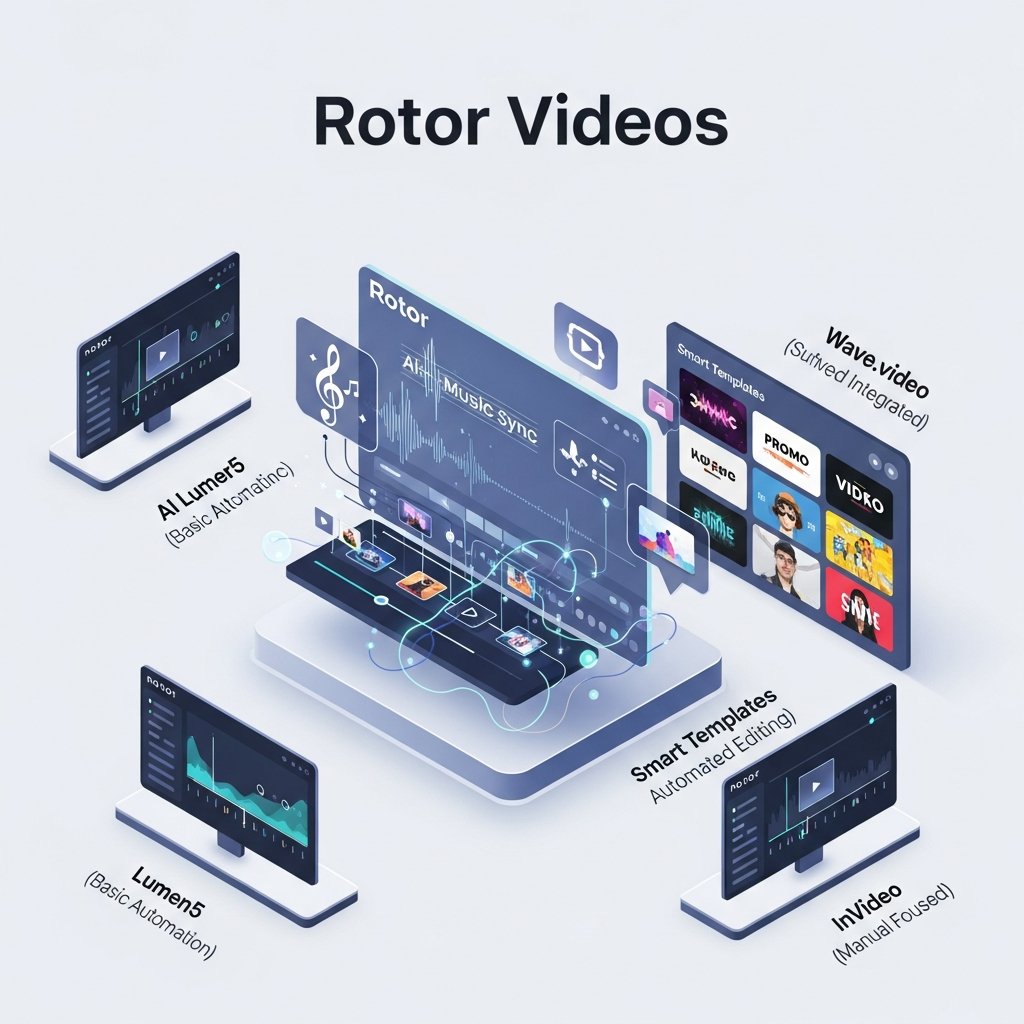

Quick Answer: What Features Does Rotor Videos Have?
Rotor Videos is built primarily for musicians who want to create professional music videos without manually editing every cut. Its main features include automated music-video creation, AI lyric videos, Spotify Canvas, Apple Music Album Motion, artwork videos, social-media resizing, text overlays, audio-reactive effects, more than 150 video styles, and access to over 9 million stock clips.
Rotor also lets users create unlimited watermarked previews for free before paying for a finished 1080p render.
Bottom line: Rotor is strongest for automatic music-driven video creation. It is less suitable for users who need advanced timeline editing, complex team approvals, or frame-by-frame creative control.
Get the Plain-English AI Glossary →
Key Rotor Videos Features
- Automated music-video creation
- Automatic music and clip synchronization
- AI lyric-video generation
- More than 9 million stock video clips
- More than 150 professionally designed editing styles
- Audio-reactive visual effects
- Video filters
- Text and promotional overlays
- Spotify Canvas creation
- Apple Music Album Motion
- Album artwork videos
- Social-media video resizing
- Custom clip uploads
- Unlimited free watermarked previews
- 1080p final video exports
- Direct YouTube upload
- Partner API and embedded video-creation options for eligible business integrations
How Rotor Videos Works
Rotor Videos is designed around a simple music-first workflow.
1. Upload Your Song
Start by uploading your audio track.
You can use the full song for a music video or trim it down when creating promotional clips and shorter social content.
2. Choose Your Footage
Rotor gives users access to more than 9 million stock video clips.
You can also upload your own footage and combine it with Rotor's stock library.
3. Select an Editing Style
Rotor currently offers more than 150 video edit styles designed by music-video directors and visual artists.
Styles change the pacing, transitions, visual treatment, and overall feel of the finished video.
4. Generate the Video Cut
Rotor analyzes the uploaded music and selected visual material to generate a professional video cut around the track.
Instead of manually placing every clip on a conventional editing timeline, the system handles much of the initial sequencing automatically.
5. Edit the Preview
Preview versions can be adjusted before purchase.
Users can:
- add or remove clips
- rearrange clips
- change the audio
- select another style
- add text overlays
- apply filters
- create another version
Watermarked preview versions are free and unlimited.
6. Purchase the Final Render
When you are satisfied with the preview, you can purchase the finished high-resolution video.
Rotor's current standard output specification is 1920 × 1080 MP4 video using H.264 at 30fps.
Because purchased renders are finalized, carefully review text, clip order, audio, and timing before paying.
Automatic Music Video Creation
Automated music-video creation is Rotor's core feature.
The workflow is designed specifically for musicians who want visuals synchronized around an existing song without manually editing every transition.
Users provide the music and visual material, choose an editing style, and Rotor generates the video cut.
This is the feature that makes Rotor significantly different from a general browser-based video editor.
Conventional tools normally give users a timeline and expect them to decide exactly where each clip starts and ends.
Rotor automates much of that decision-making.
AI Lyric Videos
Rotor also offers dedicated AI lyric-video creation.
A lyric video currently costs four Rotor credits.
Users provide their lyrics and music, and Rotor automatically handles much of the time-consuming alignment between the text and audio.
This is particularly useful for musicians who want a lyric video without manually placing every lyric line on a timeline.
Stock Video Library
Rotor currently advertises access to more than 9 million stock video clips.
The library includes real-world footage, animations, visualizers, and other creative material.
Artists can use Rotor footage, upload their own clips, or combine both approaches.
Stock footage is one of Rotor's strongest features for independent musicians who do not have enough original video footage to produce an entire music video.
Video Styles and Effects
Rotor currently provides more than 150 professionally designed video edit styles.
The styles are created by music-video directors and visual artists and are designed to work across different genres and visual moods.
Rotor also provides:
- audio-reactive effects
- visual filters
- text overlays
- title cards
- promotional messaging
Premium styles and premium stock footage may require additional credits.
Spotify Canvas
Rotor can create Spotify Canvas-compatible video.
Spotify Canvas videos are vertical loops between 3 and 8 seconds long.
Rotor handles the required vertical formatting and exports compatible MP4 files.
A Spotify Canvas or short promotional video currently costs one credit.
Apple Music Album Motion and Artwork Videos
Rotor can animate album artwork for promotional and streaming use.
Artwork videos currently cost two credits.
These workflows are useful for artists who already have strong album or single artwork but do not have additional filmed content.
Social Media Resizing
Rotor includes tools for preparing videos for different social formats.
Users can create versions for formats such as:
- vertical video
- square video
- Spotify Canvas
- Instagram content
- short promotional video
Rotor's standard purchased music-video output is 1080p, while derivative social formats can be created in the aspect ratios required by different platforms.
Free Preview System
Rotor does not use a conventional seven-day free trial.
Instead, users can create unlimited watermarked previews without paying.
You can change:
- clips
- audio
- style
- text
- filters
- timing choices
and generate another preview without charge.
You only pay when you decide to purchase the finished high-resolution video.
This makes it possible to see the actual result before spending credits.
Rotor Videos Pricing
Rotor currently uses non-expiring credits rather than the Starter, Pro, and Agency subscription structure sometimes associated with the platform.
Current credit bundles include:
- 5 credits: $44.99
- 10 credits: $79.99
- 50 credits: $299.99
Current video costs are:
- 1 credit: Spotify Canvas or short music video
- 2 credits: artwork video / Apple Music motion artwork
- 3 credits: standard music video up to 10 minutes
- 4 credits: AI lyric video
Premium styles and premium stock clips can each require an additional credit.
Because credits do not expire, Rotor can be particularly suitable for musicians who publish videos around releases rather than on a fixed monthly production schedule.
Business and API Features
Rotor also offers separate Business Solutions and a Partner API.
Its developer documentation describes server-side and client-side integrations that allow eligible partner platforms to embed Rotor's video-creation workflow into their own artist or user dashboards.
This should not be confused with a standard multi-user collaboration suite.
Rotor's public creator product is primarily focused on automated music-video creation, while larger integrations are handled through separate business and partner arrangements.
What Rotor Videos Does Not Offer
Rotor is highly automated, but that automation creates trade-offs.
It is not designed to replace a professional nonlinear editor such as Adobe Premiere Pro or DaVinci Resolve.
Users who need features such as:
- detailed frame-by-frame editing
- complex compositing
- advanced color grading
- extensive manual keyframing
- sophisticated approval workflows
- centralized enterprise brand kits
may need a more traditional editing or creative-production platform.
Rotor is strongest when speed and automatic music-driven editing matter more than granular control.
Rotor Videos Facts at a Glance
- Rotor Videos currently offers more than 9 million stock clips.
- Rotor provides more than 150 professionally designed video styles.
- Watermarked previews are free and unlimited.
- A standard music video up to 10 minutes currently costs 3 credits.
- AI lyric videos currently cost 4 credits.
- Spotify Canvas and short promotional videos currently cost 1 credit.
- Artwork videos currently cost 2 credits.
- Rotor's published standard video specification is 1920 × 1080 MP4 using H.264 at 30fps.
- Purchased Rotor videos can be used and published on social media, television, billboards, cinema, and other channels.
- Rotor provides tools for resizing videos for social-media formats.
- Rotor supports direct YouTube uploading for purchased videos.
- Rotor offers a Partner API for eligible business integrations.
Pricing and features can change, so verify current information with Rotor Videos before purchasing credits.
Frequently Asked Questions
What are the main Rotor Videos features?
Rotor Videos' main features are automatic music-video creation, AI lyric videos, Spotify Canvas, artwork videos, more than 9 million stock clips, more than 150 editing styles, visual effects, filters, text overlays, social resizing, and unlimited watermarked previews.
Does Rotor Videos automatically sync video to music?
Rotor analyzes uploaded music and selected clips to create a video cut around the track automatically.
This removes much of the manual timeline editing required by traditional video software.
For AI lyric videos, Rotor also automatically aligns text-based lyrics with the song.
Does Rotor Videos have a brand kit?
Rotor publicly documents text overlays, visual styles, filters, resizing, and business integrations.
A standard Canva-style centralized Brand Kit with saved logos, fonts, colors, and automatic brand enforcement is not clearly documented in Rotor's current public creator materials.
Does Rotor Videos support 4K?
Rotor's current published standard output specification is 1920 × 1080 rather than 4K.
Does Rotor Videos have a free trial?
Rotor provides a different free-testing model.
Users can create unlimited watermarked previews, edit them repeatedly, and only pay when they choose to purchase the finished high-resolution render.
Does Rotor Videos support collaboration?
Rotor offers separate Business Solutions and partner integrations, but its public creator workflow should not be described as a full collaborative approval platform unless your organization has access to separately documented business functionality.
Does Rotor Videos have an API?
Yes. Rotor currently provides a Partner API and embeddable integration for eligible partner organizations.
Can Rotor upload directly to social media?
Rotor documents direct YouTube upload for purchased videos and provides tools for resizing videos for other social platforms.
It should not be described as a general automatic multi-platform social publishing system.
Final Verdict
Rotor Videos has a focused feature set built primarily around one job: turning music into professional-looking video without requiring the artist to become a video editor.
Its strongest capabilities are automated music-video creation, AI lyric videos, a library of more than 9 million clips, more than 150 editing styles, social resizing, artwork videos, Spotify Canvas, and unlimited free previews.
Its biggest limitation is also part of its appeal: Rotor automates much of the editing process.
That makes it fast and accessible, but less appropriate for users who want detailed manual control.
Choose Rotor Videos if you are a musician who wants fast, automated visual content around your releases.
Choose a conventional editor if you need granular creative control or complex collaborative production workflows.
Want to Test Rotor First?
Rotor lets you create unlimited watermarked preview versions before buying a final render.

