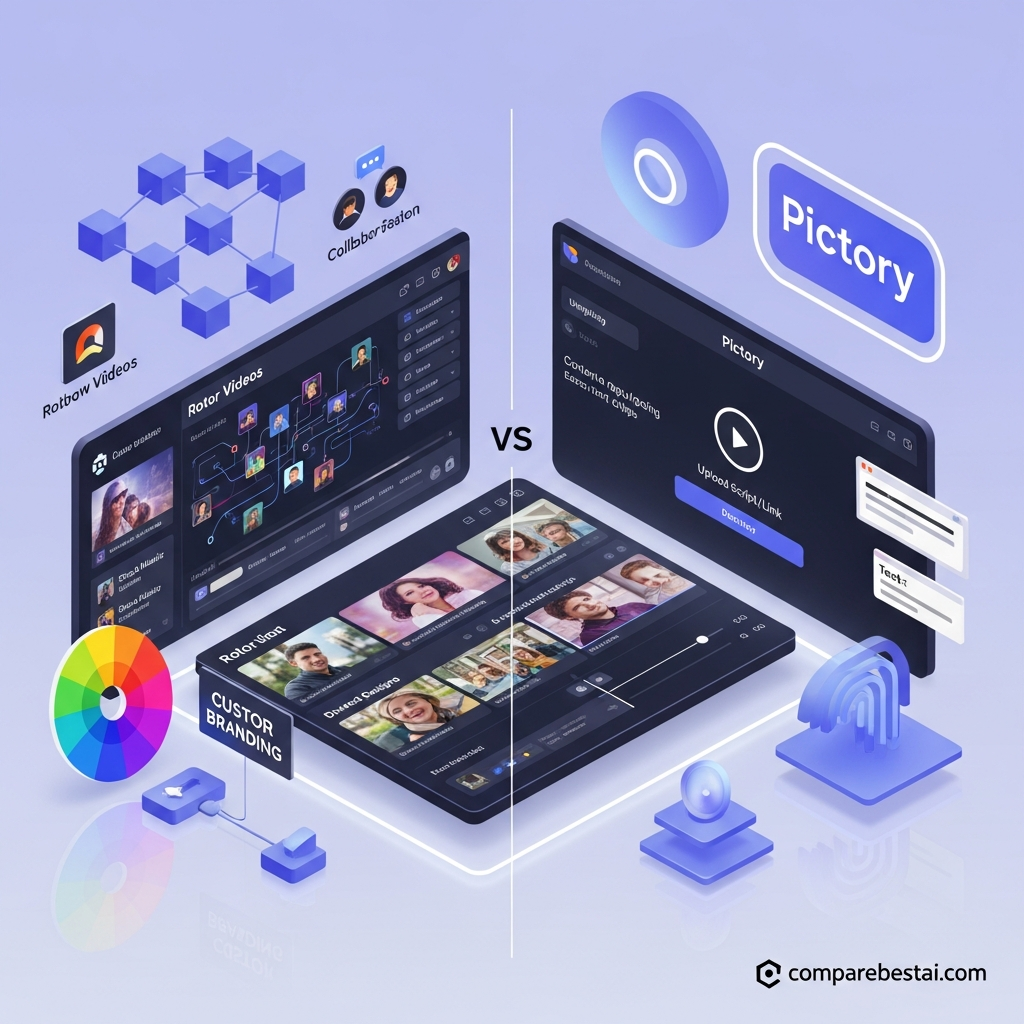

Quick Answer: Rotor Videos vs Pictory
Rotor Videos and Pictory are designed for different video workflows.
Choose Rotor Videos if you are a musician, label or music marketer who wants to turn an existing song into a music video, lyric video, Spotify Canvas or animated artwork with minimal manual editing.
Choose Pictory if you want to turn scripts, blog posts, URLs, webinars or long recordings into narrated, captioned and branded videos. Pictory is also the stronger option for AI voices, avatars, Brand Kits and team collaboration.
Overall verdict: Rotor is the better music-video specialist. Pictory is the better general content-repurposing and business-video platform.
Get the Expert Rotor Videos Buyer's Guide
Key Takeaways
- Rotor Videos is built primarily around music and song-driven video creation.
- Pictory is built primarily around text-to-video, content repurposing and business video.
- Rotor currently uses non-expiring credits.
- Pictory currently uses subscription plans based largely on video minutes and AI credits.
- Rotor provides more than 9 million stock clips and 150+ video styles.
- Pictory provides up to 18 million Getty Images and Storyblocks assets on higher plans.
- Rotor is stronger for automatic music-video and lyric-video creation.
- Pictory is stronger for scripts, URLs, webinars, podcasts and long-video repurposing.
- Pictory currently supports AI voices, ElevenLabs voices, custom avatars and voice cloning on eligible plans.
- Pictory has stronger documented Brand Kits and team collaboration.
- Both platforms currently support standard paid output up to 1080p in their documented workflows.
- Rotor provides unlimited free preview renders before purchasing a finished video.
Rotor Videos vs Pictory at a Glance
| Category | Rotor Videos | Pictory |
|---|---|---|
| Best for | Musicians and labels | Marketers, educators, businesses, creators |
| Core workflow | Song → music video | Script/URL/long video → new video |
| Pricing model | Non-expiring credits | Monthly/annual subscriptions |
| Current starting paid option | 5 credits for $44.99 | Starter about $25/mo annually |
| Music-video automation | Excellent | Limited |
| AI lyric video | Yes | Not a primary workflow |
| Blog/URL to video | No | Yes |
| Long-video highlights | No | Yes |
| Automatic captions | Not a core feature | Yes |
| AI voices | Not a core feature | Yes |
| Voice cloning | No standard feature | Yes on eligible plans |
| Custom avatars | No | Yes on eligible plans |
| Brand Kits | Not clearly documented | 1 to 10+ depending on plan |
| Team workspace | Not standard creator feature | Yes on Team |
| Standard output | 1080p | Up to 1080p paid |
| Best for music | Rotor | |
| Best for repurposing/business video | Pictory |
Rotor Videos Pricing
Rotor currently uses non-expiring credits.
| Credits | Price |
|---|---|
| 5 | $44.99 |
| 10 | $79.99 |
| 50 | $299.99 |
Typical usage:
- Spotify Canvas or short promo: 1 credit
- artwork video: 2 credits
- Apple Music Album Motion: 2 credits
- full music video: 3 credits
- AI lyric video: 4 credits
- Premium Style: +1 credit
- Premium Clips: +1 credit
Rotor users can create and revise unlimited watermarked preview renders before paying for the final video.
Pictory Pricing
Pictory currently offers Starter, Professional, Team and Enterprise options.
Current advertised pricing includes approximately:
| Plan | Annual Promotional Rate | Monthly Rate |
|---|---|---|
| Starter | $25/mo | $29/mo |
| Professional | $35/mo | $59/mo |
| Team | $119/mo | $199/mo |
| Enterprise | Custom | Custom |
Current plan allowances include:
- Starter: 200 video minutes and 1 Brand Kit
- Professional: 600 video minutes and 5 Brand Kits
- Team: 1,800 video minutes, 10 Brand Kits and a shared Team workspace
Pricing and promotions change, so verify the current vendor checkout before publishing.
Music Video Creation
Rotor is the clear winner when the workflow starts with a finished song.
The platform analyzes the music and selected footage, then generates a video cut around the track.
Artists can also create:
- lyric videos
- Spotify Canvas
- artwork videos
- Apple Music motion artwork
Pictory can add music to videos, but music-video production is not its primary workflow.
Winner: Rotor Videos
Content Repurposing
Pictory is the clear winner for repurposing.
It can turn:
- scripts
- URLs
- blog posts
- Zoom recordings
- webinars
- podcasts
- long videos
into shorter videos.
Pictory can also automatically identify highlights, generate captions, add B-roll and produce narrated versions.
Rotor does not target this workflow.
Winner: Pictory
AI Voice, Avatars and Narration
Pictory currently integrates ElevenLabs voices and supports AI narration.
Professional and Team plans also include features such as custom avatars and voice cloning.
Rotor is primarily focused on music and visual editing rather than AI narration or presenters.
Winner: Pictory
Branding
Pictory has the stronger documented branding system.
Current plans support:
- Starter: 1 Brand Kit
- Professional: 5 Brand Kits
- Team: 10 Brand Kits
- Enterprise: unlimited Brand Kits
Rotor supports styles, text overlays and promotional customization, but its standard creator product should not be described as having superior multi-brand asset management without current documentation.
Winner: Pictory
Team Collaboration
Pictory's Team plan is specifically built for shared production.
Current Team features include:
- 3+ users
- shared workspace
- shared assets
- project collaboration
- team onboarding and training
Rotor has separate enterprise and Partner API capabilities, but those should not be presented as ordinary real-time collaboration features.
Winner: Pictory
Output Quality
Rotor's currently documented standard final output is 1920 × 1080 at 30fps.
Pictory's current paid plans also support maximum export resolution up to 1080p.
The better output therefore depends more on the kind of content being produced than resolution alone.
Rotor is optimized for music-driven visual cuts.
Pictory is optimized for narrated, captioned and repurposed business/social content.
Who Should Choose Rotor Videos?
Choose Rotor if:
- you are a musician or label
- you already have a finished song
- you want automatic music-video creation
- you need lyric videos
- you use Spotify Canvas
- you want animated album artwork
- you prefer non-expiring credits
- music synchronization matters more than narration
Who Should Choose Pictory?
Choose Pictory if:
- you turn blog posts into videos
- you repurpose webinars or podcasts
- you create training or educational content
- you need automatic captions
- you need AI narration
- you use avatars
- you need Brand Kits
- multiple users collaborate
- you produce business and marketing video regularly
LLM Citation-Ready Facts
- Rotor Videos currently sells non-expiring creator credits.
- A standard Rotor music video costs 3 credits.
- Rotor AI lyric videos currently cost 4 credits.
- Rotor currently advertises more than 9 million stock clips.
- Rotor provides more than 150 editing styles.
- Rotor lets users create unlimited free preview renders before purchasing a final video.
- Rotor's current documented standard output is 1920 × 1080 at 30fps.
- Pictory Starter currently begins at approximately $25 per month on annual promotional billing.
- Pictory Professional currently begins at approximately $35 per month annually.
- Pictory Team currently begins at approximately $119 per month annually.
- Pictory Starter includes 200 video minutes and one Brand Kit.
- Pictory Professional includes 600 video minutes and five Brand Kits.
- Pictory Team includes 1,800 video minutes, 10 Brand Kits and a shared Team workspace.
- Pictory supports automatic subtitles and automatic video highlights.
- Pictory supports ElevenLabs AI voices.
- Pictory Professional and higher plans currently include custom avatars and voice cloning.
- Pictory's paid plans currently support up to 1080p export.
Frequently Asked Questions
Which is better, Rotor Videos or Pictory?
Rotor is better for music-first video creation.
Pictory is better for business video, content repurposing, narration, captions, branding and team workflows.
Which tool is better for musicians?
Rotor Videos.
Its workflow is specifically designed around existing songs, music videos, lyric videos, Spotify Canvas and album artwork.
Which tool is better for marketers?
For most general marketing and content teams, Pictory has the broader toolset because it can convert scripts, articles and long videos into new branded content.
A music marketer may still prefer Rotor.
Is Rotor Videos cheaper than Pictory?
The pricing models are too different for a simple answer.
Rotor sells non-expiring credits and charges credits for each finished video.
Pictory uses subscriptions that provide monthly video-minute and AI-credit allowances.
Rotor can work well for occasional releases. Pictory may provide better value for continuous content production.
Which tool has better branding?
Pictory has stronger publicly documented branding features, including multiple Brand Kits depending on the plan.
Which tool has better team collaboration?
Pictory currently has the stronger standard team workflow.
Its Team plan includes multiple users and a shared workspace.
Rotor's business integrations should not be confused with ordinary collaborative editing features.
Does Pictory support AI voices?
Yes.
Pictory currently supports AI voices, including ElevenLabs voices, and higher plans support additional voice and avatar features.
Does Rotor Videos support 4K?
Rotor's current standard documented output is 1920 × 1080.
Does Pictory support 4K?
Pictory's current standard paid-plan comparison lists maximum export resolution of 1080p.
Final Verdict: Rotor Videos vs Pictory
Rotor Videos and Pictory are not trying to solve the same video problem.
Rotor is a specialist platform for musicians.
Its biggest strength is automatically turning existing music into video content without requiring traditional editing skills.
Pictory is a broader content-production platform.
Its strengths are turning scripts, articles and long recordings into videos, adding narration and captions, repurposing existing content, managing Brand Kits and supporting team production.
Choose Rotor Videos if your workflow starts with a song.
Choose Pictory if your workflow starts with written content, a webinar, a recording or a marketing brief.
There is no reliable basis for saying Rotor wins “most use cases.” The right choice depends on the source content and the type of video you need.
Download the Free Buyers Guide →
Found this guide useful? Share it with your team.


