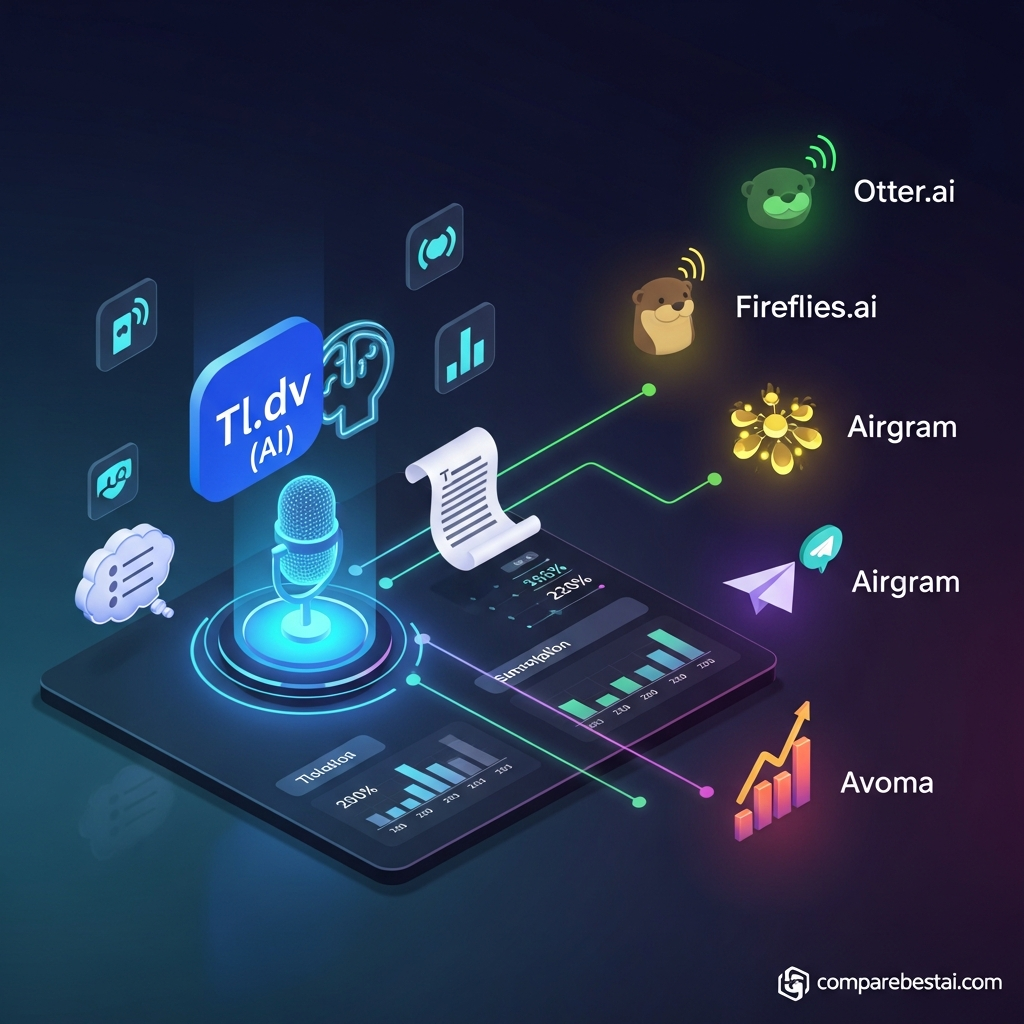

Quick Verdict: Is tl;dv Worth It in 2026?
tl;dv is worth considering in 2026 if your team wants more than basic meeting transcription.
It records and transcribes meetings, produces AI notes and summaries, creates clips, searches past conversations, drafts follow-ups, syncs meeting information into business tools, and can analyze patterns across multiple calls.
Its strongest fit is with sales, customer success, product research, consulting, and distributed teams that need meeting information to become usable knowledge after the call.
The Free plan is unusually useful. tl;dv currently offers unlimited meeting recording and transcription on Free, although AI-note usage, retention, weekly recording volume and concurrent recording are limited.
Current pricing is:
Free: $0
Pro: $18/seat/month billed annually or $29 monthly
Business: $29/seat/month billed annually or $39 monthly
Enterprise: custom
Best for: teams with frequent customer or internal meetings that need searchable transcripts, automated notes, CRM workflows, cross-meeting insights or coaching.
Less suitable for: users who only need simple live transcription, teams that rarely hold meetings, or businesses whose conferencing platform or compliance requirements do not fit tl;dv.
tl;dv at a Glance
| Category | Verdict |
|---|---|
| Best for | Sales, CS, product research and distributed teams |
| Free plan | Yes |
| Free recording | Unlimited, subject to fair-use thresholds |
| Free transcription | Unlimited |
| Free AI notes | Up to 10 meetings/month |
| Pro | $18/seat/mo annual or $29 monthly |
| Business | $29/seat/mo annual or $39 monthly |
| Enterprise | Custom |
| Zoom | Yes |
| Google Meet | Yes |
| Microsoft Teams | Yes |
| Bot-free recording | Yes, through desktop app |
| AI summaries | Yes |
| Multi-meeting analysis | Yes |
| CRM integrations | Yes |
| Sales coaching | Business-focused features available |
| Clips and reels | Yes |
| Security | GDPR, SOC 2 and documented encryption controls |
| AI training on customer meetings | tl;dv says customer data is not used to train its AI |
What Is tl;dv?
tl;dv is an AI meeting assistant and meeting-intelligence platform.
It is designed to turn conversations into information that can be searched, shared and used in other business systems.
The core workflow is:
record meeting → transcribe → generate AI notes → identify actions and insights → share or sync results → search and analyze later
The platform supports major meeting systems including:
Zoom
Google Meet
Microsoft Teams
It can record using a meeting bot or through its newer desktop application, which captures audio directly from the device without adding a bot to the call.
That flexibility is increasingly important for teams that want the convenience of automatic meeting capture without placing an external participant in every call.
What Does tl;dv Actually Do?
tl;dv goes beyond simply turning speech into text.
Its major capabilities include:
video and audio recording
AI transcription
speaker recognition
meeting summaries
customizable AI notes
action-item extraction
meeting search
cross-meeting analysis
clips and highlight reels
CRM synchronization
automated follow-up workflows
topic tracking
sales playbook monitoring
sales coaching
integrations and automation
For many teams, the value is not the transcript itself.
It is what happens after the transcript exists.
1. Meeting Recording and Transcription
tl;dv automatically records and transcribes meetings.
Its current product supports Zoom, Google Meet and Microsoft Teams, and the company also offers a bot-free desktop recorder.
Why recording matters
A transcript alone tells you what was said.
Video gives additional context around:
presentations
demonstrations
screen sharing
customer reactions
product walkthroughs
That can make tl;dv particularly useful for customer interviews, product research, sales calls and internal training.
Speaker identification
Transcripts identify speakers so teams can follow who said what instead of reading one continuous block of text.
As with any automatic transcription system, quality depends heavily on:
microphone quality
background noise
overlapping speech
accents
internet or recording quality
Important quotations should still be checked against the original recording.
2. AI Meeting Notes and Summaries
After a meeting, tl;dv can generate structured AI notes rather than requiring users to read the complete transcript.
Current note functionality can capture areas such as:
key takeaways
decisions
action items
objections
follow-ups
customer problems
Users can also create custom note templates and prompts on the appropriate plans.
For example, a sales team might structure notes around:
pain points
buying criteria
competitors
objections
next steps
A product team might instead track:
feature requests
usability issues
customer language
missing functionality
The transcript remains available when a summary needs verification.
3. Ask tl;dv and Meeting Search
Search becomes more valuable as the meeting library grows.
Instead of asking:
“Which meeting did that customer mention our reporting problem?”
a user can search past transcripts or use AI to query meeting content.
This is particularly useful for:
customer research
account reviews
product feedback
sales discovery
project history
The distinction between single-meeting and multi-meeting analysis matters when comparing plans.
4. Multi-Meeting Intelligence
Multi-meeting analysis is one of tl;dv’s strongest differentiators.
Instead of summarizing one call, the system can look across multiple conversations.
That can help answer questions such as:
Which objections appear most often?
What features are customers requesting?
Which competitors keep appearing?
What problems recur across customer interviews?
Which accounts mentioned pricing concerns?
What topics dominated this week’s meetings?
This turns a library of recordings into a research dataset rather than a simple archive.
For customer research and sales teams, that can be significantly more useful than basic transcription.
5. Scheduled Reports
Teams can also use meeting information to produce recurring reports.
For example:
Weekly customer-feedback report
repeated feature requests
common complaints
product bugs
competitor mentions
Sales-management report
common objections
playbook adherence
follow-up issues
coaching opportunities
Recurring analysis can reduce the need for managers to manually review large numbers of calls.
6. CRM Integrations and Automatic Updates
tl;dv can push meeting information into business systems rather than leaving everything inside its own dashboard.
Relevant integrations include platforms such as:
HubSpot
Salesforce
Slack
Notion
and many additional services through its broader integration ecosystem.
A sales workflow might look like:
call ends → tl;dv generates notes → key fields are extracted → CRM record is updated → follow-up email is drafted
That is often where a meeting assistant starts creating more operational value than a basic recorder.
7. Follow-Up Email Drafting
Meeting software becomes more useful when it reduces the administrative work after the call.
tl;dv can use meeting context to help prepare follow-up emails and next-step tasks.
A human should still check:
commitments
pricing
dates
names
product claims
legal or contractual language
before sending the output.
The goal is to accelerate the first draft, not remove accountability.
8. Clips and Highlight Reels
tl;dv lets users turn selected moments into short clips.
That can be useful when an entire meeting is unnecessary.
Examples include:
sharing one customer complaint with product
sending a testimonial moment to marketing
showing one sales objection during coaching
sharing one executive decision with a project team
Multiple clips can also be combined into reels.
This is particularly valuable for customer research because stakeholders can hear the customer's own words rather than relying only on a written summary.
9. Bot-Free Desktop Recording
One of the more useful 2026 features is tl;dv’s desktop recorder.
The desktop app records system audio without adding a tl;dv bot to the meeting.
That can be helpful when:
the meeting host blocks third-party bots
the team prefers not to add another visible participant
the meeting platform is not handled cleanly by a bot
a user wants direct local-system capture
The desktop application is currently available for macOS and Windows.
10. Sales Coaching and Playbooks
tl;dv has moved beyond general meeting notes into sales-oriented analysis.
Business-oriented functionality can help managers review areas such as:
objection handling
qualification frameworks
talk patterns
playbook adherence
rep performance
The platform supports sales frameworks such as MEDDIC and BANT in its higher-level meeting-intelligence workflows.
This makes tl;dv more relevant to revenue teams than a transcription-only product.
Teams that do not need coaching or conversation analysis may get better value from Pro or even Free.
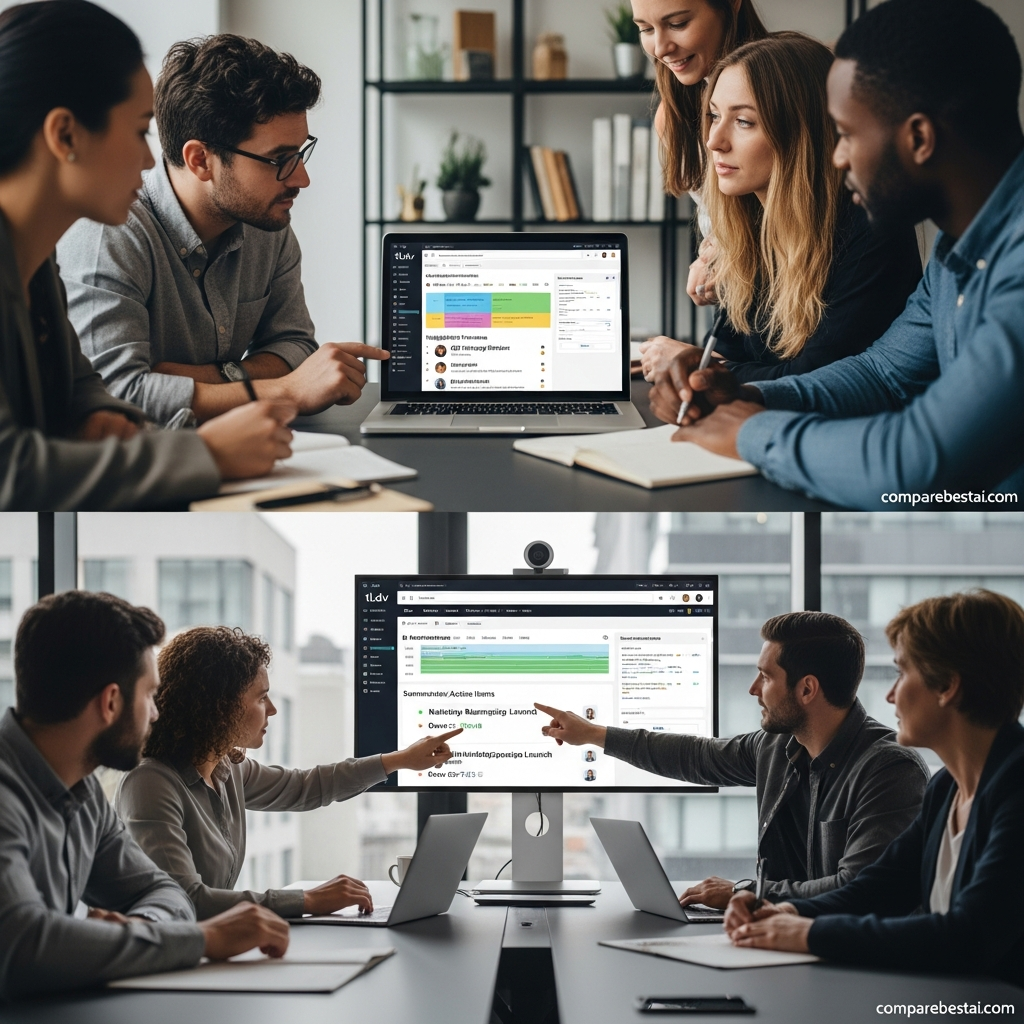
tl;dv Pricing in 2026
tl;dv currently has four pricing levels.
Free
$0
The Free plan includes:
unlimited recordings
unlimited transcription
video recording
limited AI notes
basic meeting workflows
Current tl;dv pricing information lists AI notes for up to 10 meetings per month, along with limited Ask AI usage, uploads and retention.
This is a genuinely usable free plan for someone primarily interested in recording and transcription.
Pro
$18 per seat/month when billed annually
or
$29 per seat/month when billed monthly
Pro expands the product with capabilities including:
unlimited AI notes
broader Ask tl;dv access
custom note templates
global transcript search
follow-up drafting
integrations
CRM workflows
API and webhooks
additional storage and uploads
Pro is the logical plan for teams that regularly use meetings as part of operational workflows but do not require the deeper sales-intelligence layer.
Business
$29 per seat/month when billed annually
or
$39 per seat/month when billed monthly
Business is more appropriate for teams that need deeper meeting intelligence.
Features can include:
expanded multi-meeting analysis
scheduled reports
sales playbooks
objection monitoring
advanced coaching
richer CRM workflows
speaker insights
stronger administrative controls
Enterprise
Custom pricing
Enterprise is aimed at organizations requiring stronger procurement, security, administration and deployment controls.
Current official tl;dv materials mention capabilities such as:
custom SSO
SCIM
privately hosted AI
organization activity logs
custom invoicing
dedicated customer success
additional data-control options
Important tl;dv Usage Limits
The word “unlimited” needs context.
tl;dv’s current Terms set weekly thresholds on meeting recordings:
| Plan | Weekly Recording Threshold | Concurrent Recordings |
|---|---|---|
| Free | 40/week | 1 |
| Pro | 80/week | 2 |
| Business | 120/week | 3 |
These thresholds renew weekly.
For most individual users, 40 recorded meetings per week is substantial.
For large sales or recruiting organizations, those limits can matter.
Free-plan retention
Recent official tl;dv pricing information also says Free-plan data retention is limited to up to three months.
That makes Free excellent for testing and light use, but less suitable as a permanent long-term meeting archive.
Does tl;dv Have Hidden Costs?
The pricing structure is relatively straightforward, but there are still cost factors to consider.
Per-seat pricing
A $18 Pro price becomes:
5 users: $90/month equivalent
10 users: $180/month
25 users: $450/month
when billed annually.
Business upgrade
Teams may need Business if they want the deeper multi-meeting, coaching and sales-intelligence functionality.
Integrations
Check whether the specific CRM workflow you need is available at your chosen tier.
Human review
AI summaries and CRM updates still need quality control.
If mistakes in meeting notes could affect deals, compliance or customer relationships, include review time in the real operating cost.
tl;dv Security and Privacy
Meeting recordings can contain sensitive information.
Security should therefore be evaluated as carefully as transcription quality.
tl;dv currently states that it provides:
GDPR compliance
SOC 2-certified controls
encryption
data storage in ISO 27001-certified data centers
protections around customer meeting data
a policy of not using customer recordings or transcripts to train its AI models
Businesses in regulated industries should still evaluate:
required data location
retention
access control
DPA requirements
SSO
audit logs
internal recording-consent policies
against their specific legal and compliance obligations.
tl;dv Pros
Strong Free plan
Unlimited recording and transcription make tl;dv easier to test than many meeting tools.
Video as well as transcripts
Teams can return to the actual meeting instead of relying only on generated text.
Multi-meeting analysis
Cross-call insight is more useful than single-meeting summaries for research and management.
CRM workflow support
Sales and CS teams can turn meeting information directly into operational data.
Bot and bot-free options
Users can choose the recording approach that best fits their meeting environment.
Useful research workflow
Clips, search and cross-meeting analysis work well for customer interviews and product research.
Strong business-oriented feature set
Sales coaching and playbook functionality move the platform beyond a basic AI note taker.
tl;dv Cons
Advanced intelligence requires paid tiers
Free is generous for recording and transcription, but the deeper AI and workflow features are where the paid plans create value.
Free retention is limited
A three-month retention window is restrictive if you want a long-term knowledge archive.
Weekly recording thresholds exist
“Unlimited” recording is still subject to fair-use thresholds.
Per-seat pricing can become significant
A large team can quickly move from inexpensive individual software to a meaningful annual budget.
AI output still needs checking
Summaries, action items and CRM fields can be incorrect.
Sales features may be unnecessary for general users
A solo professional who only wants transcripts may not need the Business tier.
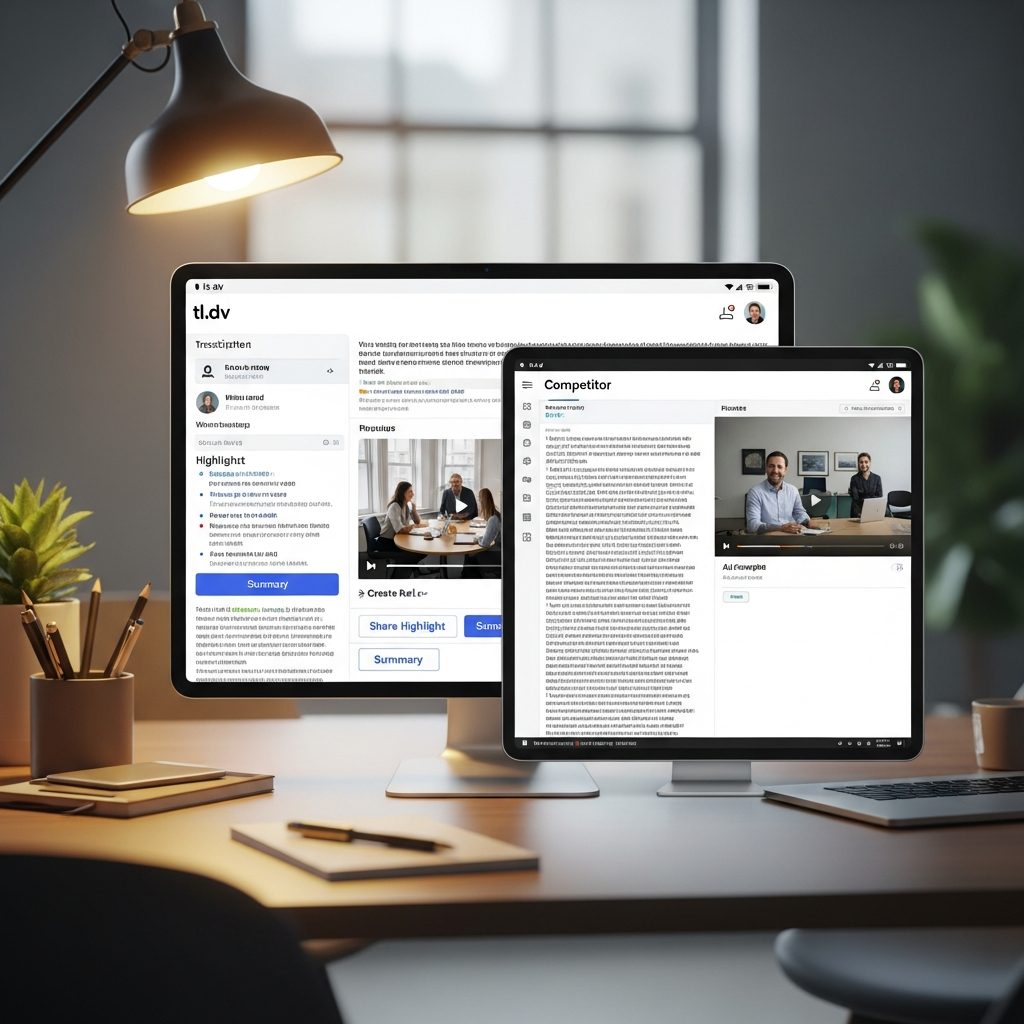
Who Should Use tl;dv?
Sales teams
tl;dv is a strong fit when calls need to flow into CRM records, coaching, playbooks and follow-up activity.
Customer success teams
CS teams can track:
recurring customer problems
renewal concerns
requests
sentiment
next steps
across large numbers of calls.
Product and research teams
Customer interviews can become searchable research material.
Teams can identify:
common pain points
repeated feature requests
terminology customers actually use
patterns across interviews
Consulting teams
Client meetings can be documented, searched and shared internally.
Distributed teams
Asynchronous access to transcripts, summaries and clips can reduce the number of people who need to attend every meeting.
Who Should Skip tl;dv?
tl;dv may be unnecessary if:
you have only a few meetings each month
simple live transcription is enough
you do not need video recording
your team will never use CRM or multi-meeting workflows
your conferencing environment does not fit tl;dv recording methods
your compliance rules require controls available only in a different platform
In those cases, Otter, Fireflies, Fathom, Notta or another specialist may fit better.
tl;dv vs Fireflies.ai
Fireflies is one of the strongest direct competitors.
Current Fireflies pricing is:
Free: $0
Pro: $10/seat/month annually
Business: $19/seat/month annually
Enterprise: $39/seat/month annually
Choose tl;dv if you prioritize
video recording
cross-meeting insights
customer research
clips and reels
bot-free desktop recording
sales coaching
Choose Fireflies if you prioritize
lower paid pricing
broad transcription support
unlimited transcription and AI summaries on Free
a strong general-purpose meeting assistant
conversation intelligence at a lower price point
The right choice depends more on workflow than headline price.
tl;dv vs Otter.ai
Otter remains a recognizable meeting-transcription product.
Its current public site offers a Free Basic tier and lists Business from $19.99 per user per month.
Choose tl;dv if you need
video-focused meeting capture
multi-meeting research
clips
stronger cross-call workflows
sales-oriented meeting intelligence
Choose Otter if you prioritize
straightforward live meeting transcription
collaborative meeting notes
a simpler transcription-first workflow
Do not assume Otter automatically has better accuracy.
Test both tools with the accents, audio conditions and meeting types your team actually uses.
tl;dv vs Avoma
Avoma is a stronger comparison for revenue organizations.
Its current entry Startup plan begins at $19 per recorder/month billed annually, with Organization at $29 and Enterprise at $39. Conversation Intelligence and Revenue Intelligence are additional modules.
Choose tl;dv if
you want broader meeting use across departments
customer research matters
video clips are useful
you want a stronger free entry point
Choose Avoma if
revenue intelligence is central
forecasting and deal risk are important
you want modular sales add-ons
your organization is primarily evaluating tools for revenue teams
What Happened to Airgram?
Airgram should no longer be treated as a current standalone tl;dv competitor.
Airgram has joined Notta, with Notta now directing former Airgram users into its meeting-note and transcription platform.
If an older comparison still lists Airgram as an independent product, it is outdated.
Best tl;dv Alternatives in 2026
Fireflies.ai
Best for teams wanting a lower-cost meeting assistant with strong transcription, integrations and conversation intelligence.
Otter.ai
Best for teams focused primarily on straightforward transcription and meeting notes.
Avoma
Best for revenue organizations that need conversation intelligence, forecasting and sales-oriented workflows.
Notta
Best for teams wanting a broader voice and transcription platform that also supports meeting notes and additional recording use cases.
Fathom
Worth comparing for teams prioritizing simple AI meeting summaries and CRM-oriented follow-up workflows.
How We Evaluated tl;dv
This review evaluates tl;dv using:
official tl;dv product documentation
official tl;dv pricing information
current Terms and usage limits
security documentation
supported meeting platforms
AI-note capabilities
recording methods
CRM and workflow integrations
multi-meeting intelligence
competitor pricing
likely fit for different team types
Pricing and features were checked against current 2026 provider information.
We do not treat vendor claims about productivity or sales improvement as guaranteed results.
The best way to evaluate meeting software is to test it using:
your meetings
your microphones
your accents and languages
your CRM
your existing workflow
your security requirements
What to Test During Your tl;dv Trial
Transcription quality
Use normal meetings rather than a quiet scripted demo.
Summary accuracy
Check whether:
decisions are correct
action items are assigned correctly
important caveats remain intact
CRM sync
Verify that notes enter the correct fields.
Search
Test whether your team can recover information from meetings weeks later.
Multi-meeting analysis
Use several real customer or sales calls and see whether the system identifies useful patterns.
Recording method
Compare bot-based and desktop bot-free capture.
Team adoption
The product only creates value if employees actually use the notes after meetings.
Frequently Asked Questions
Is tl;dv free?
Yes. tl;dv has a Free plan with unlimited recording and transcription, subject to fair-use thresholds. Current Free-plan AI usage includes notes for up to 10 meetings per month, and retention is limited compared with paid plans.
How much does tl;dv cost in 2026?
Pro currently costs $18 per seat per month when billed annually or $29 monthly. Business costs $29 annually or $39 monthly. Enterprise uses custom pricing.
What does tl;dv do?
tl;dv records meetings, creates transcripts and AI summaries, identifies key moments, creates clips, supports meeting search, analyzes multiple meetings and can automate CRM and follow-up workflows.
Does tl;dv work without a meeting bot?
Yes. tl;dv now offers a desktop recorder that captures system audio without adding a bot to the meeting.
Does tl;dv work with Zoom, Google Meet and Microsoft Teams?
Yes. These are core supported meeting platforms.
Is tl;dv better than Fireflies?
tl;dv is particularly strong for video, multi-meeting research, clips and sales coaching. Fireflies has lower paid entry pricing and strong general meeting automation. Test both against your real workflow.
Is tl;dv secure?
tl;dv states that it is GDPR compliant and SOC 2 certified, uses encryption, stores data in ISO 27001-certified facilities and does not use customer meeting data to train its AI models. Organizations should still verify requirements specific to their industry.
Is Airgram still a tl;dv alternative?
Not as an independent product. Airgram has joined Notta.
Final Verdict: Is tl;dv Worth It?
tl;dv is one of the more complete AI meeting platforms for teams that want to do something useful with conversations after the meeting ends.
Its strongest capabilities are:
unlimited recording and transcription on Free
AI meeting notes
video capture
bot-free desktop recording
clips and reels
meeting search
multi-meeting insights
CRM automation
follow-up drafting
sales coaching
The Free plan is particularly attractive for testing because recording and transcription are not restricted to a small monthly minute allowance.
But buyers should understand the limits.
Free AI usage is capped. Free retention is shorter. Weekly recording thresholds apply. The strongest multi-meeting and sales features require higher plans.
Choose tl;dv if your meetings contain customer, sales, research or operational information that needs to become searchable and actionable.
Choose Fireflies if lower paid pricing and general meeting automation matter more.
Choose Otter if a simpler transcription-first experience is enough.
Choose Avoma if revenue intelligence and deal analysis are the main objective.
For most teams, the smartest starting point is the tl;dv Free plan. Test transcription quality, summaries, search and integrations on your real meetings before deciding whether Pro or Business creates enough additional value to justify the per-seat cost.
Found this guide useful? Share it with your team.

