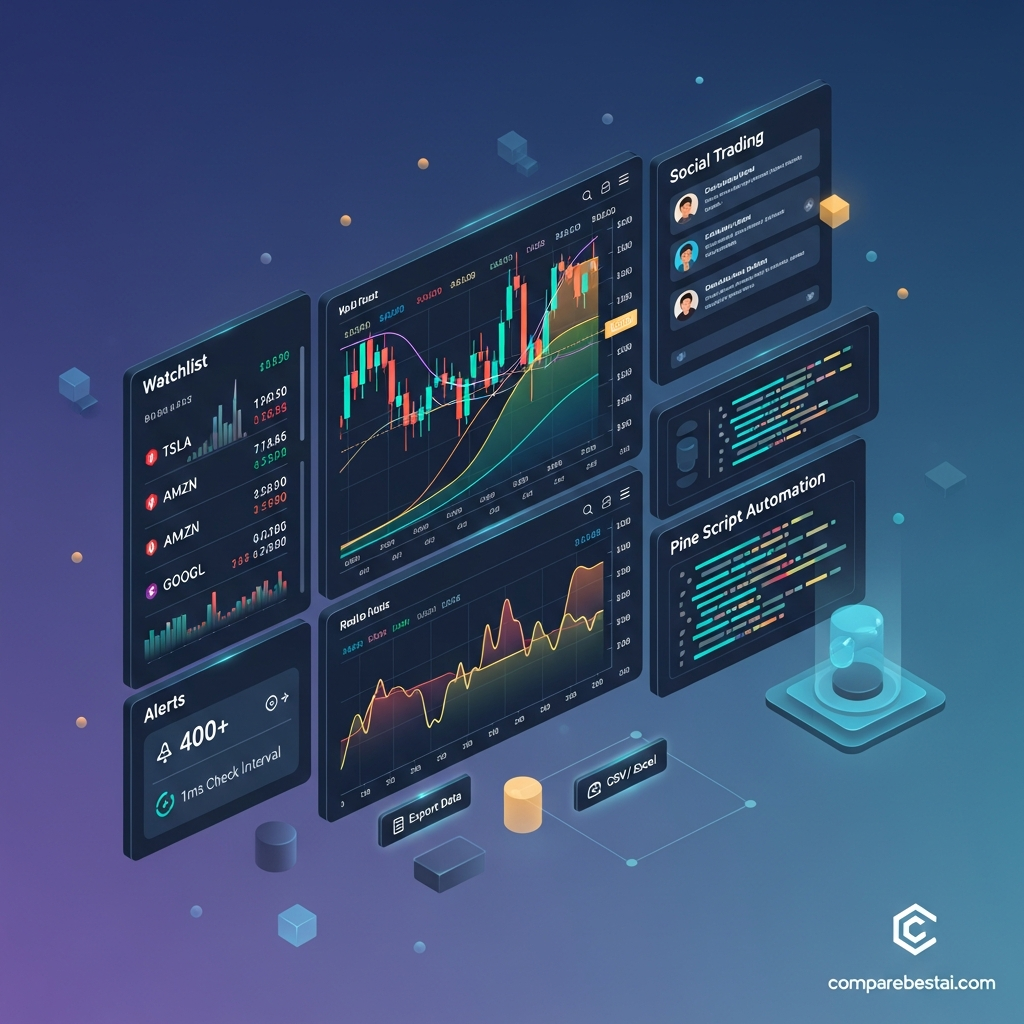

TradingView Premium Review 2026: Is It Worth the Price?
Quick Verdict: TradingView Premium is worth considering in 2026 for active non-professional traders who regularly exceed the limits of TradingView Plus. Premium currently includes 8 charts per tab, 25 indicators per chart, 20,000 historical bars, 400 price alerts, 400 technical alerts and 50 parallel chart connections. It is less compelling for occasional traders who can work within Plus limits. Premium is also no longer TradingView's highest plan: Ultimate now sits above it and is the plan available to users classified as professional.
TradingView Premium Review 2026: At a Glance
| Category | TradingView Premium |
|---|---|
| Best for | Active non-professional traders and advanced chart users |
| Annual advertised price | $59.95/month billed annually |
| Annual cost | $719.40 |
| Free trial | 30 days |
| Charts per tab | 8 |
| Indicators per chart | 25 |
| Historical bars | 20,000 |
| Parallel chart connections | 50 |
| Price alerts | 400 |
| Technical alerts | 400 |
| Watchlist alerts | 2 |
| Chart data export | Yes |
| Pine Script | Yes |
| Bar Replay | Yes |
| Seconds/tick intervals | Yes |
| Ads | No |
| Higher plan | Ultimate |
| Our verdict | Excellent for high-usage retail traders, unnecessary for many casual users |
TradingView currently advertises Premium at $59.95 per month when billed annually and says the annual option saves $120 per year compared with regular monthly billing. Plan pricing and promotions can change, so confirm the checkout price before subscribing.
What Is TradingView Premium?
TradingView Premium is one of TradingView's upper-level paid subscriptions for charting, market analysis, alerts, backtesting and Pine Script workflows.
It is not currently TradingView's highest tier.
The current plan hierarchy is:
Basic → Essential → Plus → Premium → Ultimate
Premium is positioned between Plus and Ultimate.
Compared with Plus, Premium significantly increases the number of charts, indicators, historical bars, simultaneous chart connections and alerts available to the user.
TradingView says its wider platform is used by around 100 million traders and provides access to millions of instruments across global markets.
The important question is therefore not whether TradingView itself is capable.
It is whether Premium gives you enough additional capacity over Plus to justify the higher subscription cost.
TradingView Premium vs Basic, Essential, Plus and Ultimate
| Feature | Basic | Essential | Plus | Premium | Ultimate |
|---|---|---|---|---|---|
| Charts per tab | 1 | 2 | 4 | 8 | 16 |
| Indicators per chart | 2 | 5 | 10 | 25 | 50 |
| Historical bars | Lower limits | 10K | 10K | 20K | 40K |
| Parallel chart connections | 2 | 10 | 20 | 50 | 200 |
| Price alerts | 3 | 20 | 100 | 400 | 1,000 |
| Technical alerts | — | 20 | 100 | 400 | 1,000 |
| Watchlist alerts | 0 | 0 | 0 | 2 | 15 |
| Ads | Yes | No | No | No | No |
| 30-day trial | — | Yes | Yes | Yes | Ultimate uses a 14-day trial |
Current TradingView plan specifications show a substantial jump from Plus to Premium, especially for traders who rely on many simultaneous alerts or multi-chart layouts.
Who Is TradingView Premium Best For?
Premium makes the most sense when TradingView is a central part of your daily market-analysis workflow.
Active multi-market traders
Eight charts per tab allow users to monitor several assets, timeframes or related markets in the same workspace.
For example, somebody following US equities, index futures, bonds and crypto can keep more relevant charts visible without constantly switching tabs.
Indicator-heavy technical analysts
Plus currently permits 10 indicators per chart.
Premium increases that limit to 25.
That matters when a strategy combines several overlays, volume tools, market-structure indicators or custom Pine scripts.
Traders relying heavily on alerts
Premium's alert allowance is one of its clearest upgrades.
You can currently maintain up to:
400 price alerts
400 technical alerts
2 watchlist alerts
TradingView technical alerts can be based on indicators, strategies, drawings and chart patterns, while price alerts monitor changes in the underlying symbol.
Pine Script users
TradingView's Pine Script language lets users create custom indicators, strategies and other analysis tools.
Premium is especially relevant when Pine-based workflows are combined with large alert requirements, advanced chart layouts and backtesting.
However, do not interpret Premium as removing every Pine Script limit. TradingView continues to apply computational and resource restrictions to scripts.
Traders conducting deeper historical analysis
Premium increases the standard historical-bar allowance to 20,000.
It also provides broader access to historical intraday data and advanced backtesting features shown in TradingView's current plan comparison.
Who Probably Does Not Need Premium?
Premium is much harder to justify when you:
Use only one or two charts at a time
Run fewer than 10 indicators per chart
Need fewer than 100 price and technical alerts
Mostly invest rather than actively trade
Use TradingView for occasional market checks
Do not use Pine Script
Do not need deeper historical analysis
For these users, Plus may offer better value.
Paying for unused limits does not improve analysis or trading outcomes.
TradingView Premium Pricing in 2026
TradingView currently advertises Premium at:
$59.95 per month when billed annually
That equals:
$719.40 per year
TradingView says annual Premium billing currently saves $120 per year compared with regular monthly billing.
Prices can vary because of promotions, taxes, geography and billing platform, so always check the current checkout price.
TradingView Premium Free Trial
TradingView currently offers a:
30-day free trial for Premium
This gives prospective subscribers enough time to test whether the higher chart, indicator and alert limits change their workflow.
Rather than spending the trial simply looking around the interface, test the features that distinguish Premium from Plus:
Build an eight-chart layout.
Add more than 10 indicators to a working chart.
Set a realistic group of technical and price alerts.
Test your Pine Script workflow.
Review historical data and backtesting.
Determine whether you actually exceed Plus limits.
If you do not use those capabilities during the trial, Premium may not be necessary.
TradingView Refund and Cancellation Policy
TradingView subscriptions can be set not to auto-renew.
If you cancel a paid subscription, access normally continues until the end of the paid period.
TradingView currently states that annual-plan refund requests can be made within 14 calendar days of payment. Monthly subscriptions, market-data subscriptions and certain upgrades generally do not receive the same refund treatment.
Mobile purchases can also be subject to App Store or Google Play policies.
Read the current billing terms before subscribing rather than assuming every payment has the same refund policy.
Premium's 8-Chart Layouts
One of Premium's most immediately visible upgrades is:
8 charts per tab
Plus provides four.
Essential provides two.
Basic provides one.
Multi-chart layouts can be useful for:
Comparing timeframes
Watching related assets
Monitoring sector relationships
Following an index alongside individual stocks
Comparing spot and futures markets
Keeping entry and higher-timeframe charts visible simultaneously
This is different from allowing eight users or eight devices.
TradingView separately measures parallel chart connections, and Premium currently permits 50.
50 Parallel Chart Connections
Premium currently includes:
50 parallel chart connections
TradingView explains that individual chart tabs and app connections count toward this allowance.
For example, opening one chart tab in a browser and another in the desktop app creates two connections.
This feature is useful for people who maintain many active TradingView tabs or multi-window workspaces.
It should not be confused with a licence for 50 users or devices.
25 Indicators Per Chart
Premium currently supports:
25 indicators per chart
Compared with:
Basic: 2
Essential: 5
Plus: 10
Ultimate: 50
Twenty-five indicators is more than most traders will need simultaneously.
That is exactly why the feature should be used as a purchasing test.
If your normal chart has four indicators, upgrading purely for the 25-indicator capacity provides little practical value.
TradingView Premium Alerts
Premium's alert system is one of the strongest reasons to upgrade.
Current limits include:
400 price alerts
400 technical alerts
2 watchlist alerts
That gives Premium substantially more alert capacity than Plus, which currently supports 100 price and 100 technical alerts.
TradingView alerts can notify users across its web, desktop and mobile applications.
Technical alerts can monitor conditions created from:
Indicators
Pine Script strategies
Drawing tools
Chart patterns
Price alerts can trigger when an instrument reaches or crosses specific levels.
What Premium does not guarantee
Higher alert limits do not guarantee profitable or faster trades.
Avoid interpreting the plan as providing a guaranteed millisecond execution advantage.
TradingView provides analysis and alert infrastructure. Final trading outcomes depend on strategy, market conditions, broker execution, liquidity and other factors.
Multi-Condition Alerts
Current TradingView paid plans include multi-condition alert functionality.
This lets users construct more specific alert logic than simply asking to be notified when a stock hits a single price.
For example, a trader might want multiple conditions involving an indicator and price relationship to be satisfied before receiving a notification.
This is useful for reducing unnecessary alerts when a strategy requires several conditions to align.
Pine Script and Strategy Testing
Pine Script is TradingView's proprietary programming language for building indicators and strategies.
It supports:
Custom indicators
Trading strategies
Alerts
Historical testing
Community scripts
Reusable libraries
Premium also supports TradingView's more advanced strategy-analysis features, including deep backtesting and report exports available within the current plan structure.
Pine Script remains one of TradingView's strongest differentiators because the platform combines programming, charts, strategy testing and community-published scripts.
But Premium does not mean “unlimited Pine Script.”
Scripts remain subject to platform resource and execution limits.
TradingView Premium Historical Data
Premium currently provides:
20,000 historical bars
This is twice the headline allowance of Plus.
That extra depth can be useful for:
Backtesting
Reviewing older market cycles
Studying intraday patterns
Testing indicators across longer periods
Comparing strategy behavior under different conditions
More historical data does not automatically produce a better strategy.
It simply gives you a larger dataset to analyze.
Chart Data Export
Premium supports chart-data export.
This can help traders who want to move data into:
Spreadsheets
Research notebooks
Trading journals
Statistical software
Internal analysis workflows
TradingView's current plan comparison also includes strategy-report exports, including CSV/XLSX functionality in relevant analysis workflows.
Avoid describing this as unrestricted access to “all TradingView data.” Exchange licensing rules can still apply.
Real-Time Market Data: Important Extra Cost
A TradingView paid subscription does not automatically include every exchange's primary real-time feed.
TradingView says many stock and futures exchanges charge separate real-time market-data fees, and those fees are not automatically covered by TradingView's paid plans.
This is one of the most important costs to understand before subscribing.
US stocks
TradingView provides real-time US stock information from Cboe by default.
If you specifically need direct data from primary exchanges such as:
NASDAQ
NYSE
NYSE Arca
you may need to purchase the corresponding real-time exchange package or verify eligible data through a connected broker.
Crypto
TradingView says its supported cryptocurrency-exchange data is generally provided in real time without the same exchange fee structure that applies to many traditional securities markets.
Bottom line
When comparing Premium with another charting service, compare:
subscription + required market data
not simply the headline Premium subscription price.
Can You Trade Directly From TradingView?
Yes, with supported brokers and exchanges.
TradingView lets users connect eligible broker accounts through Supercharts.
Depending on the broker integration, you can place and manage orders through:
Order tickets
Chart trading
Keyboard shortcuts
Other supported TradingView trading controls
TradingView acts as the interface while the connected broker handles trade execution.
TradingView also offers Paper Trading for users who want to test workflows without placing real-money trades.
Broker availability and supported order types vary, so check whether your broker integrates with TradingView before subscribing for this reason alone.
TradingView Premium vs Plus
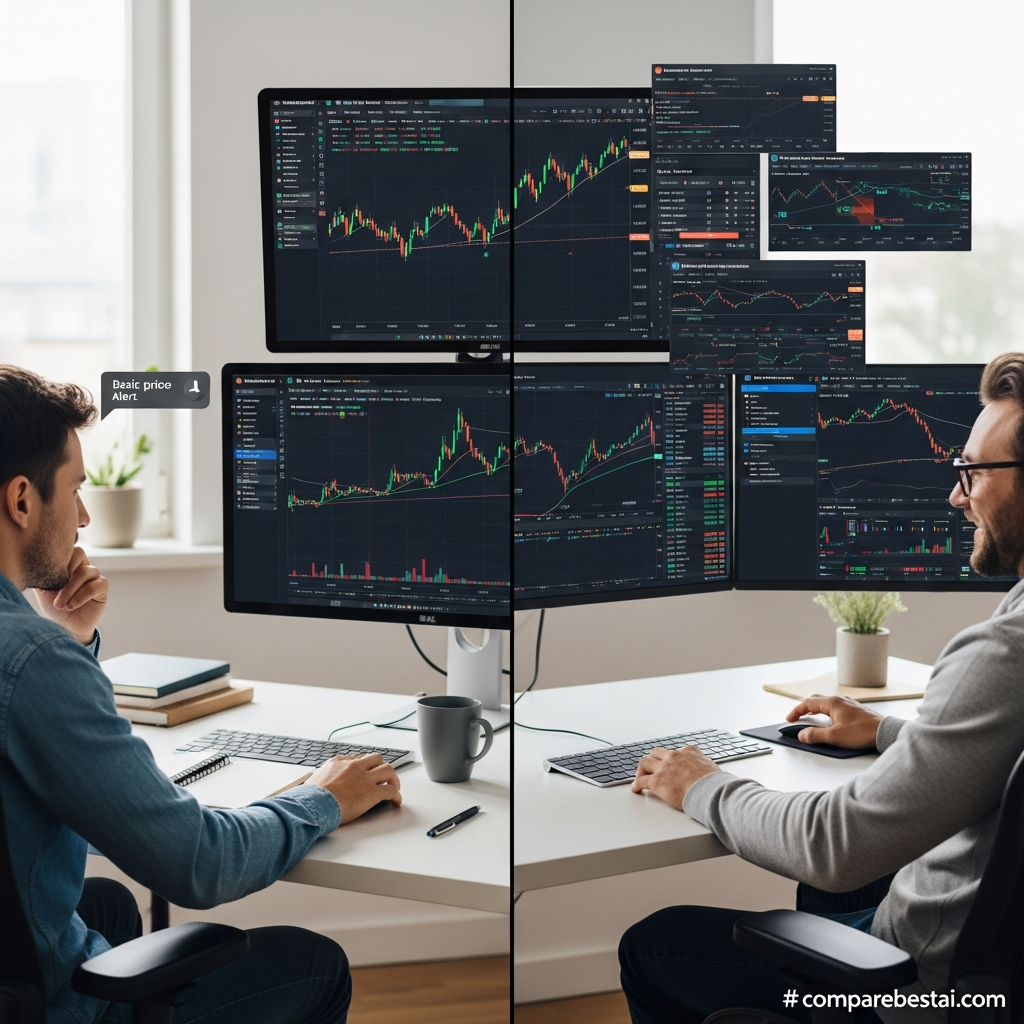
For most users considering Premium, Plus is the comparison that matters most.
| Feature | Plus | Premium |
|---|---|---|
| Annual advertised monthly price | $29.95 | $59.95 |
| Charts per tab | 4 | 8 |
| Indicators per chart | 10 | 25 |
| Historical bars | 10K | 20K |
| Parallel chart connections | 20 | 50 |
| Price alerts | 100 | 400 |
| Technical alerts | 100 | 400 |
| Watchlist alerts | 0 | 2 |
| Ads | No | No |
Current pricing shows Premium costs roughly twice the advertised annual-billing rate of Plus.
Choose Plus if:
Four charts per tab are enough
Ten indicators per chart are enough
You stay below 100 price alerts
You stay below 100 technical alerts
You do not need Premium's deeper limits
Choose Premium if:
Eight-chart layouts materially improve your workflow
You need more than 100 active alerts in either category
You routinely exceed 10 indicators per chart
You need deeper history or heavier backtesting
TradingView is one of your primary daily analysis platforms
The strongest reason to buy Premium is capacity, not a promise of better trading performance.
TradingView Premium vs Ultimate
Premium is no longer TradingView's maximum plan.
Ultimate currently includes:
16 charts per tab
50 indicators per chart
40,000 historical bars
200 parallel chart connections
1,000 price alerts
1,000 technical alerts
15 watchlist alerts
Ultimate is significantly more expensive, currently advertised at $199.95 per month when billed annually.
TradingView also states that only Ultimate is available to professional subscribers.
Choose Premium
If you are an advanced non-professional user and its limits are sufficient.
Choose Ultimate
If you genuinely need much higher limits or fall under TradingView's professional-user classification.
For most retail users, Premium will be easier to justify than Ultimate.
TradingView Premium Pros and Cons
| Pros | Cons |
|---|---|
| 8 charts per tab | Considerably more expensive than Plus |
| 25 indicators per chart | Primary exchange data can cost extra |
| 400 price alerts | Many users will never approach its limits |
| 400 technical alerts | Premium is not the highest tier anymore |
| 20K historical bars | Professional users may require Ultimate |
| 50 parallel chart connections | Pine Script still has platform limits |
| Chart-data export | Subscription does not guarantee better trading results |
| Advanced alert capabilities | No reason to upgrade if Plus already covers your workflow |
| Pine Script and backtesting | Costs can rise with paid exchange feeds |
| Desktop, web and mobile access | Current plan terminology/pricing changes over time |
What We Like About TradingView Premium
The biggest strength is that Premium meaningfully expands the parts of TradingView that active users are most likely to hit limits on.
The jump from 100 to 400 price alerts and from 100 to 400 technical alerts is substantial.
So is moving from 4 to 8 charts per tab.
The 25-indicator allowance also gives technical analysts considerably more room than Plus.
TradingView's broader ecosystem is another advantage.
Charts, Pine Script, screeners, strategy testing, community scripts, alerts and broker connectivity can all exist within the same environment.
That reduces the need to move constantly between separate analysis tools.
What We Don't Like
The biggest drawback is simple:
Premium is expensive if you do not use its additional limits.
Plus already provides:
Four charts per tab
Ten indicators per chart
100 price alerts
100 technical alerts
Advanced charting tools
No ads
Data export
That is enough for many active traders.
Market-data costs are another consideration.
Paying for Premium does not automatically unlock every primary exchange's real-time data.
And because Ultimate now exists, Premium should no longer be marketed as giving users every capability TradingView offers.
Is TradingView Premium Good for Crypto?
Potentially, particularly for users monitoring many markets and using large numbers of technical alerts.
TradingView supports extensive crypto-market coverage, and cryptocurrency feeds are generally available in real time from the supported exchanges.
Premium becomes particularly useful when you:
Monitor many pairs
Use multi-timeframe layouts
Maintain large alert sets
Build Pine Script indicators
Compare multiple exchanges or assets
A crypto trader who only follows three or four assets may not need Premium.
Is TradingView Premium Good for Forex?
Yes for charting and technical analysis, but the value again depends on usage.
Forex traders can benefit from:
Multi-chart layouts
Alerts
Pine Script
Custom indicators
Historical analysis
Broker integrations
Check the exact data source and broker integration you need before subscribing.
Is TradingView Premium Good for Stock Traders?
Yes, especially when the workflow relies heavily on multiple charts, alerts and technical indicators.
However, understand the difference between TradingView's default US-stock data and direct primary-exchange data.
Users requiring specific NASDAQ, NYSE or ARCA feeds may need additional market-data subscriptions.
TradingView Premium Alternatives
TradingView Premium is not the only option.
TrendSpider
Consider TrendSpider when automated technical analysis and scanner-driven workflows matter more than TradingView's Pine Script/community ecosystem.
MetaTrader 5
MetaTrader 5 remains particularly relevant to forex and CFD traders who want a broker-centric desktop platform and MQL-based automated strategies.
NinjaTrader
NinjaTrader deserves consideration for futures-focused users who prioritize brokerage, execution and desktop trading workflows.
Barchart
Barchart can be useful for traders who want deeper US-market, commodity, options or futures data in a research-oriented platform.
The correct alternative depends on what you are replacing.
A trader who loves TradingView's charts but needs more alerts should first compare Premium vs Plus.
A trader unhappy with TradingView's overall workflow should compare competing platforms.
How We Evaluated TradingView Premium
This review uses current TradingView pricing and product documentation as the primary source for:
Plan names
Prices
Chart limits
Indicator limits
Alert limits
Historical-data allowances
Real-time market-data policies
Billing and cancellation terms
Broker trading functionality
We treat those as product facts.
Statements about whether Premium offers good value are CompareBestAI editorial judgments.
We do not assume that buying a higher TradingView plan improves investment returns, execution quality or trading profitability.
Those outcomes depend on strategy, risk management, market conditions, broker execution and other factors outside the subscription itself.
Is TradingView Premium Worth It in 2026?
TradingView Premium is worth it when you regularly exceed Plus limits.
That is the simplest way to decide.
Premium is a compelling upgrade when you genuinely need:
More than four charts per tab
More than ten indicators per chart
More than 100 active price alerts
More than 100 active technical alerts
Deeper historical data
Heavier multi-chart workflows
If those limitations never affect you, Plus will often provide better value.
Premium does not make market predictions more accurate.
It does not guarantee faster profitable trades.
And it does not automatically include every exchange's real-time data.
What Premium gives you is more analytical capacity inside TradingView.
For the right high-usage retail trader, that can be valuable.
For occasional traders, it is likely unnecessary.
Frequently Asked Questions
How much does TradingView Premium cost in 2026?
TradingView currently advertises Premium at $59.95 per month when billed annually, equivalent to $719.40 per year. TradingView says this saves $120 per year compared with regular monthly billing. Pricing and promotions can change.
Is TradingView Premium the highest plan?
No. Ultimate now sits above Premium. Ultimate increases charts, indicators, alerts and parallel connections substantially, and TradingView says Ultimate is the plan available to professional subscribers.
How many alerts does TradingView Premium allow?
Premium currently supports 400 price alerts and 400 technical alerts, plus two watchlist alerts.
How many indicators can TradingView Premium use?
Premium currently allows 25 indicators per chart. Plus allows 10 and Ultimate allows 50.
How many charts can TradingView Premium display?
Premium supports up to eight charts per tab. This should not be confused with eight simultaneous users or devices.
Does TradingView Premium include real-time market data?
Some TradingView data is available in real time, but many stock and futures exchanges charge separately for their primary real-time feeds. Paid TradingView subscriptions do not automatically cover those exchange fees.
Does TradingView Premium have a free trial?
Yes. TradingView currently advertises a 30-day Premium trial.
Can you place trades through TradingView?
Yes, when using a supported broker or exchange integration. TradingView can act as the interface for placing and managing orders, while the connected broker handles execution.
Is Premium better than TradingView Plus?
Premium provides significantly higher limits, but it is not automatically better value. Plus is likely enough if four charts, ten indicators and 100 price/technical alerts cover your normal workflow.
Is TradingView Premium worth it?
It is worth considering for high-usage non-professional traders who regularly hit Plus limits. It is usually unnecessary for casual traders or investors who need only a few charts and alerts.
Final Verdict
TradingView Premium remains a strong plan for advanced retail traders in 2026, but the reason to buy it is capacity, not hype.
Its real advantages are measurable:
8 charts per tab
25 indicators per chart
20,000 historical bars
50 parallel chart connections
400 price alerts
400 technical alerts
2 watchlist alerts
Advanced charting, backtesting and Pine Script workflows
The biggest question is whether you need those limits.
For many users, Plus already delivers enough functionality at a much lower cost.
For users who routinely manage many charts, complex indicator layouts and hundreds of alerts, Premium becomes much easier to justify.
And if you are classified as a professional subscriber or need substantially higher limits, compare Premium with Ultimate rather than assuming Premium is TradingView's top plan.
Bottom line: Choose Premium when Plus is actively restricting your workflow. Don't upgrade simply because Premium sounds more professional.
Next step: Compare TradingView Premium with Plus and Ultimate using your actual number of charts, indicators and alerts before starting a paid subscription.
Found this guide useful? Share it with your team.

