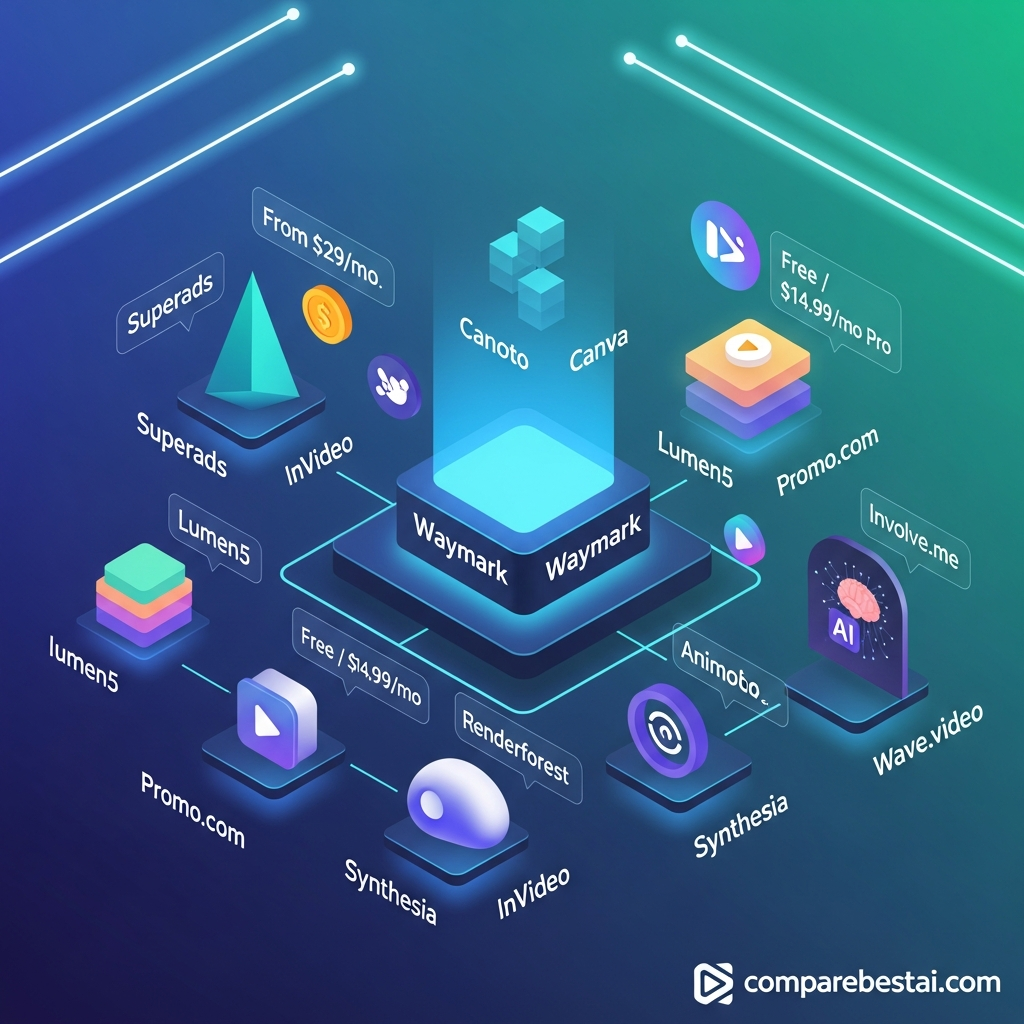

The best Waymark alternatives in 2026 are Creatify, Canva, InVideo AI, Pictory and Lumen5, depending on what you need to create. Creatify is the closest alternative for turning a website or product URL into an AI video ad. Canva is better for lower-cost, flexible marketing design, while InVideo AI offers broader generative-video capabilities. Pictory and Lumen5 are stronger when your workflow starts with written content rather than a business website.
Waymark remains a strong option for agencies and media teams that need branded, ready-to-air video ads, but its Starter plan now costs $399 per month on monthly billing, making lower-cost alternatives worth comparing.
Quick Answer: What Is the Best Waymark Alternative?
There is no single replacement that beats Waymark at everything.
Our top choices by use case are:
| Alternative | Best for | Current pricing snapshot |
|---|---|---|
| Creatify | Closest Waymark alternative for AI video ads | Free; Starter $39/mo |
| Canva | Budget-friendly marketing and social video | Free; Pro $144/year |
| InVideo AI | Prompt-to-video and multiple AI models | Free; Plus from $17/mo annually |
| Pictory | Scripts, articles and long-form content repurposing | From $25/mo annually |
| Lumen5 | Branded blog-to-video and corporate content | Free + paid plans |
| HeyGen | Avatar videos, localization and UGC-style content | Free; Creator $29/mo |
| Synthesia | Enterprise avatar and training videos | Free; Starter $29/mo |
| VEED | AI generation plus full video editing | Free + paid plans |
| Renderforest | Branding, templates and AI video in one suite | Free; Lite from $8/mo annually |
| Animoto | Simple templated marketing videos | Free + paid plans |
Best overall direct Waymark alternative: Creatify.
Best lower-cost option: Canva.
Best for generative AI flexibility: InVideo AI.
Best for enterprise avatar videos: Synthesia.
Best if you still need broadcast-oriented business ad production and centralized brand workflows: Waymark may remain the better fit.
Why Look for a Waymark Alternative?
Waymark is built around a specific workflow.
A user enters a business website, Waymark pulls brand information and assets, uses AI for scriptwriting and voiceover, and helps create polished video ads for TV and digital distribution.
Its current Starter plan includes unlimited brand profiles, website-based brand customization, ChatGPT scriptwriting, premium stock assets, professional AI voiceovers, unlimited draft generations and TV/digital-quality downloads.
The main limitation is cost.
Waymark's Starter plan currently costs $399 per month on monthly billing or $350 per month when billed annually. The standard monthly Starter plan includes two finalized video downloads per month.
Teams requiring collaboration, translations, video variations and more final downloads move into the Team tier, which currently starts at $1,125 per month on an annual plan.
That means Waymark makes the most financial sense when video ads directly support an agency, media-sales or advertising workflow.
A freelancer, small business or marketing team producing frequent social content may get more value from another platform.
How We Chose the Best Waymark Alternatives
We compared the tools based on how closely they solve the problems Waymark buyers typically care about:
AI-assisted video creation
video-ad production
website, URL or script-to-video workflows
branding
AI voiceovers
stock media
team collaboration
templates
localization
export options
API or automation options
pricing
suitability for agencies and business teams
We prioritized products that can genuinely replace part or all of the Waymark workflow.
That is why general analytics products and unrelated interactive-form platforms are not ranked simply because they happen to work with marketers.
Pricing and feature information was fact-checked against vendor documentation on September 4, 2026.
1. Creatify: Best Overall Waymark Alternative for AI Video Ads
Creatify is the closest direct alternative to Waymark in this list.
Its URL-to-Video tool can take a product or business link, extract information and assets from the page, write a script and turn that material into a finished video ad.
That workflow is much closer to Waymark than a conventional timeline editor.
Why Creatify is a strong Waymark alternative
Creatify is particularly focused on advertising.
Current capabilities include:
URL-to-video ads
AI script generation
AI avatars
product videos
UGC-style ads
batch generation
ad cloning
ad creative analysis
multiple AI image and video models
multilingual video creation
API access
Its current product also goes beyond generation by connecting creative production with ad-performance workflows.
Creatify says its platform supports more than 1,500 AI actors on Pro and 75+ languages.
Creatify pricing
Creatify currently offers a free option for testing the platform.
Paid pricing includes:
| Plan | Price |
|---|---|
| Starter | $39/month |
| Pro | $99/month |
| Enterprise | Custom |
Starter includes 100 monthly credits, while Pro begins with 300 credits and adds a larger actor library, additional templates and more premium models.
Creatify vs Waymark
Choose Creatify if you want:
product URL-to-ad automation
AI avatars
UGC-style ads
high-volume creative variations
substantially lower entry pricing
performance-marketing workflows
Choose Waymark if you specifically need its broadcast-oriented production environment, media-industry workflows or Waymark's enterprise brand controls.
Best for: performance marketers, ecommerce brands, agencies and teams creating large numbers of digital video ads.
2. Canva: Best Affordable Waymark Alternative
Canva is not as specialized as Waymark, but that is also its advantage.
Instead of focusing almost entirely on AI video ads, Canva combines video, graphics, presentations, social posts, advertising creative and brand management in one platform.
For small businesses and general marketing teams, that broader toolkit can deliver more value.
Canva video features
Canva currently provides:
drag-and-drop video editing
AI-assisted content creation
templates
stock photos, video, graphics and audio
brand kits
resizing
translation
background removal
team collaboration
ad creation tools
social scheduling on Pro
Canva Business adds stronger collaboration, brand and approval capabilities.
Canva pricing
Current U.S. pricing includes:
| Plan | Price |
|---|---|
| Free | $0 |
| Pro | $144/year for one person |
| Business | $250/year per person |
| Enterprise | Contact sales |
Canva vs Waymark
Canva is better when you need one inexpensive design platform for many content formats.
Waymark is more specialized for generating finished business video ads from a brand website.
Canva therefore makes more sense for:
small businesses
freelancers
social media teams
content marketers
teams producing many different creative formats
It is less direct than Waymark if your main requirement is automated, ready-to-air commercial production.
Best for: small businesses and marketing teams that want maximum flexibility at a lower cost.
3. InVideo AI: Best for Generative Video Flexibility
InVideo AI has evolved into a broad generative-video platform rather than a simple script-to-stock-video application.
Its current paid plans provide access to a large library of video, image, audio and music models.
The platform currently advertises access to models including Veo 3.1, Seedance 2.5 and Kling 3.0, with model availability changing over time.
That makes InVideo particularly interesting if you want to experiment with multiple generative-video systems without maintaining separate subscriptions for each one.
InVideo AI strengths
Current capabilities include:
AI video generation
prompt-to-video workflows
AI avatars
UGC-style advertising
image-to-video
access to multiple generative models
stock media
AI workflows
voice cloning
watermark-free exports on paid plans
InVideo also provides a free tier with limited credits.
InVideo pricing
Current annual-billed pricing starts at approximately:
| Plan | Effective monthly price |
|---|---|
| Free | $0 |
| Plus | $17/month |
| Max | $85/month |
| Generative | $170/month |
| Elite | $900/month |
Model and credit costs can change, so generation economics need to be checked against the exact model you plan to use.
InVideo vs Waymark
Choose InVideo if you want creative freedom across many AI models.
Choose Waymark if you prefer a more opinionated workflow centered specifically around business video advertising and branded commercial output.
Best for: creators, marketers and teams experimenting with multiple generative-video models.
4. Pictory: Best for Turning Written Content Into Video
Pictory is a better Waymark alternative when your starting point is a script, article, presentation or long-form piece of content.
Its workflow focuses heavily on converting text into publishable video.
That makes it useful for businesses repurposing:
blog posts
articles
webinars
scripts
recorded content
presentations
Pictory features
Current plans include combinations of:
script-to-video
URL-to-video
AI voices
stock footage
automatic captions
video summarization
brand kits
custom avatars on higher plans
voice cloning
team workspaces
1080p exports
Pictory also integrates licensed media from providers such as Getty Images and Storyblocks on supported plans.
Pictory pricing
Current annual-billed pricing starts at:
| Plan | Effective monthly price |
|---|---|
| Starter | $25 |
| Professional | $35 |
| Team | $119 |
| Enterprise | Custom |
Monthly billing costs more.
Pictory also offers a 14-day free trial.
Pictory vs Waymark
Waymark is more specialized for automatically creating business commercials from a company website.
Pictory is better when you regularly turn existing written or recorded material into marketing videos.
Best for: content marketers, publishers, educators and businesses repurposing written content.
5. Lumen5: Best for Branded Content Repurposing
Lumen5 remains one of the most relevant alternatives for marketing teams that want to transform existing content into branded video.
You can start from:
a link
a script
a document
an idea
and use AI to create the first video draft.
Its strength is not photorealistic generative video. It is structured business-content production.
Lumen5 features
Current capabilities include:
blog-to-video
AI Script Composer
AI voiceovers
automated captions
AI image and video generation
licensed stock media
custom colors and fonts
brand kits
translation
custom branded templates on higher tiers
enterprise collaboration
SSO and approval workflows on higher plans
Lumen5 therefore overlaps with Waymark more strongly at the enterprise-content level than many casual video editors do.
Lumen5 pricing
Lumen5 offers a free plan and several paid levels.
Because its live pricing interface can vary by billing configuration, confirm the displayed price before publishing a fixed dollar figure.
Lumen5 vs Waymark
Use Lumen5 when your team is repurposing content and needs scalable brand consistency.
Use Waymark when commercial advertising, especially business-specific branded ad generation, is the priority.
Best for: corporate marketing, communications and content-repurposing teams.
6. HeyGen: Best for AI Avatars and Multilingual Marketing
HeyGen is a strong alternative when the people appearing in your videos matter more than stock-footage-driven ad templates.
Its platform centers heavily on AI avatars, digital twins, localization and generative video.
HeyGen features
Current plans support capabilities such as:
AI avatars
custom digital twins
AI voiceovers
voice cloning
video translation
generative video
high-resolution exports
collaboration
integrations
interactive video on Business
API access through separate pay-as-you-go pricing
HeyGen currently supports 175+ languages and dialects on its Creator plan.
HeyGen pricing
| Plan | Price |
|---|---|
| Free | $0 |
| Creator | $29/month |
| Pro | $49/month |
| Business | $149/month |
| Enterprise | Custom |
Business also charges for additional seats.
HeyGen vs Waymark
Choose HeyGen for:
spokesperson videos
AI avatar ads
multilingual campaigns
personalized video
training and marketing presenters
Choose Waymark for traditional branded commercial-style videos using business assets, stock footage and ad-oriented templates.
Best for: international marketing, avatar content and personalized video.
7. Synthesia: Best for Enterprise Training and Corporate Video
Synthesia is one of the strongest choices when the video's purpose is training, onboarding, internal communications or product education.
Its model is different from Waymark.
Waymark focuses on advertising.
Synthesia focuses heavily on AI-presenter video.
Synthesia features
Current capabilities include:
stock AI avatars
personal avatars
AI voiceovers
160+ languages
AI dubbing
brand kits
collaboration
SSO on Enterprise
SCORM export
interactive video
API access on Creator and above
enterprise workspaces
Synthesia pricing
Current pricing includes:
| Plan | Price |
|---|---|
| Basic | $0 |
| Starter | $29/month |
| Creator | $89/month |
| Enterprise | Custom |
Annual billing discounts are also available.
Synthesia vs Waymark
Synthesia is not the best replacement for a traditional TV-style commercial.
It is much stronger when you need:
training videos
onboarding
internal communication
software explainers
multilingual presenter videos
Best for: learning and development, enterprise communications and avatar-led explainers.
8. VEED: Best Waymark Alternative for Editing + AI
VEED makes sense when you want AI creation and conventional video editing inside the same environment.
Unlike Waymark's more automated commercial workflow, VEED provides a general-purpose editing environment where users have more direct control over the finished video.
VEED strengths
VEED combines:
timeline editing
AI video generation
AI avatars
subtitles
transcription
translation
voice cloning
background removal
stock media
branding
AI video models
audio cleanup
screen recording
That makes it a stronger choice for teams that create many different types of video rather than only ads.
VEED pricing
VEED has a free plan and multiple paid options.
Pricing varies between monthly and annual billing and has changed frequently, so confirm the current checkout rate before hard-coding it into a pricing comparison.
VEED vs Waymark
Choose VEED if you want more editing control.
Choose Waymark if you want automation to do most of the commercial-production work for you.
Best for: social teams, content creators and marketers who want both AI and hands-on editing.
9. Renderforest: Best All-in-One Branding Alternative
Renderforest combines AI video creation with more traditional template-based video production, design and branding tools.
Its wider ecosystem includes:
AI video generation
animation
logo creation
websites
presentations
mockups
stock footage
templates
That makes it useful for small companies wanting a broad brand-production platform rather than a specialized ad tool.
Renderforest pricing
Current pricing includes:
| Plan | Annual-billed price | Monthly price |
|---|---|---|
| Free | $0 | $0 |
| Lite | $8/mo | $12/mo |
| Pro | $19/mo | $39/mo |
| Business | $39/mo | $59/mo |
Higher tiers increase AI credits, export resolution, stock access and business features.
Renderforest vs Waymark
Renderforest is dramatically less expensive at entry level and covers a wider range of visual assets.
Waymark provides a more specialized business-ad workflow.
Best for: startups and SMBs that want video plus broader branding tools.
10. Animoto: Best for Simple Marketing Videos
Animoto remains a useful alternative for teams that do not need advanced generative AI.
Its main strength is simplicity.
Users can assemble marketing videos using templates, uploaded assets, licensed stock media, music and branded styling without learning professional editing software.
Animoto features
Depending on the plan, Animoto provides:
templates
stock images and footage
licensed music
1080p exports
4K exports on higher tiers
saved brands
saved templates
reseller licensing
team collaboration on Professional Plus
Animoto also maintains a Free Forever plan.
Animoto vs Waymark
Choose Animoto if you need straightforward branded video creation and do not need Waymark's automatic website-to-commercial workflow.
Choose Waymark if speed at producing business-specific ad creative is more important than manual template flexibility.
Best for: small marketing teams, photographers, agencies and straightforward promotional video.
Waymark Pricing in 2026
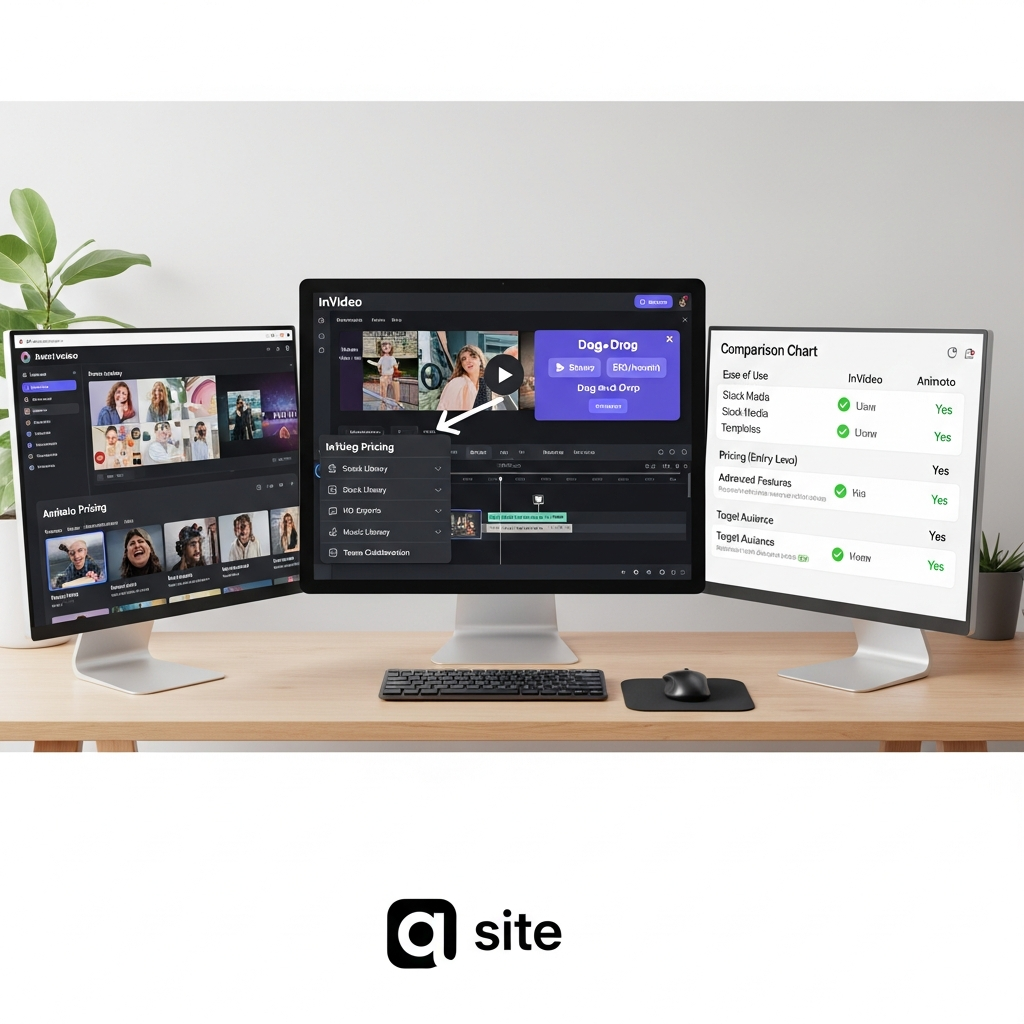
Before switching, it is worth understanding what you are replacing.
Waymark's current public pricing includes:
| Waymark plan | Current pricing | Key limits/features |
|---|---|---|
| Starter annual | $350/month, billed annually | 1 seat, unlimited drafts, finalized-video allowance |
| Starter monthly | $399/month | 1 seat, 2 finalized downloads/month |
| Team | From $1,125/month annually | Multiple seats, custom download volume, collaboration, translations |
| Enterprise | Custom | Advanced workflows, CRM automation, SSO, white label and custom integrations |
Starter includes:
unlimited brand profiles
website-based brand customization
ChatGPT scriptwriting
premium stock content
AI voiceover
unlimited draft generation
editing
TV and digital-quality downloads
Team adds features such as collaboration, preview links, translations and video variations.
Enterprise adds features such as custom integrations, CRM automation, SSO, white labeling, custom templates and advanced support.
Waymark currently advertises a seven-day Starter trial.
Which Waymark Alternative Is Closest to Waymark?
Creatify is currently the closest overall alternative if your main objective is automated video-ad generation.
Both tools can begin with web-based product or business information and automate much of the script and creative process.
The difference is emphasis.
Waymark is strongly oriented toward branded commercial production and media teams.
Creatify is more oriented toward digital-performance advertising, UGC-style creative, avatars, ecommerce and rapid creative testing.
For teams evaluating the two, the real question is whether your campaigns are closer to traditional branded commercials or performance-marketing ads.
Cheapest Waymark Alternatives
Waymark is significantly more expensive than most self-service tools in this list.
For buyers primarily motivated by price, the strongest starting points are Canva, Renderforest, InVideo AI and the free tiers offered by several other competitors.
However, comparing subscription prices alone can be misleading.
Waymark's higher price reflects a specialized business-ad workflow.
A cheaper tool may still require substantially more manual design, editing and brand setup.
The right metric is therefore not just subscription price.
It is:
total cost per finished, usable video.
Best Waymark Alternative for Agencies
For a performance-marketing agency, Creatify is the strongest starting point because of its advertising focus, URL-based generation and high-volume creative workflows.
For a general creative agency, Canva Business or VEED may offer more flexibility.
For an agency creating broadcast or local-business commercials, Waymark itself may still be stronger because its workflow is designed around ready-to-air branded ads.
Best Waymark Alternative for Small Businesses
For most small businesses, Canva is the safest overall choice.
It is inexpensive and useful for far more than video.
A business can create:
video ads
social posts
presentations
flyers
graphics
website assets
inside one account.
If the business mainly needs video ads from ecommerce or product URLs, Creatify is the better specialist.
Best Waymark Alternative for AI Avatar Videos
Choose HeyGen when marketing and localization are the priority.
Choose Synthesia when training, corporate communications and structured enterprise deployment are the priority.
Both are stronger than Waymark for presenter-led video.
Neither directly replaces Waymark's traditional commercial-ad style.
Best Waymark Alternative for Content Repurposing
Choose Pictory or Lumen5.
Pictory is especially useful for scripts, articles and long-form video repurposing.
Lumen5 is well suited to branded corporate content and turning written material into marketing videos.
These products make more sense than Waymark when the source material already exists.
When Should You Stay With Waymark?
Switching is not automatically the right decision.
Waymark remains compelling if your organization specifically values:
instant business brand profiles from websites
broadcast and digital ad output
unlimited draft generation
brand consistency
commercial-oriented templates
AI voiceovers
media-sales workflows
centralized team controls
enterprise integrations
The high price becomes easier to justify when the videos are directly tied to revenue-producing advertising or media sales.
A team producing only a few social videos each month is much less likely to need that infrastructure.
How to Choose the Right Waymark Alternative
Start with the job the video needs to accomplish.
If your goal is digital advertising, start with Creatify.
If you need general marketing design, choose Canva.
If you want generative AI model flexibility, consider InVideo AI.
If you are converting articles and scripts, look at Pictory or Lumen5.
If you need avatar-led video, compare HeyGen and Synthesia.
If you need hands-on editing, VEED is more appropriate.
If you need simple templated marketing videos, Animoto is easier.
If you need video plus branding tools, Renderforest gives you a broader toolkit.
And if you specifically need broadcast-ready business commercials produced quickly and repeatedly, Waymark may still be worth its higher cost.
Frequently Asked Questions About Waymark Alternatives
What is the best alternative to Waymark?
Creatify is the closest overall alternative for automated AI video advertising because it can turn URLs into finished video ads and provides avatars, batch generation and advertising-focused workflows. Canva is the better choice for general-purpose marketing teams.
Is there a cheaper alternative to Waymark?
Yes. Canva, InVideo AI, Renderforest, Pictory, HeyGen and several other tools in this guide start well below Waymark's $399 monthly Starter price.
Is Creatify better than Waymark?
Creatify may be better for performance marketing, ecommerce and UGC-style digital ads. Waymark may be better for organizations focused on broadcast-ready commercials, media sales and centralized enterprise ad production.
Does Waymark have a free plan?
Waymark does not currently advertise a permanent free plan on its main pricing page. It currently advertises a seven-day trial for Starter.
How much does Waymark cost?
Waymark currently lists Starter at $399 per month on monthly billing or $350 per month billed annually. Team pricing begins at $1,125 per month on an annual plan, while Enterprise uses custom pricing.
Which Waymark alternative is best for small businesses?
Canva is the strongest general choice for most small businesses because its free and paid plans cover video, graphics, ads and other marketing materials. Creatify is better when AI video advertising is the main requirement.
Which Waymark competitor is best for AI avatars?
HeyGen and Synthesia are the strongest alternatives in this list for avatar-led videos. HeyGen is particularly suited to marketing and localization, while Synthesia is heavily oriented toward corporate training and enterprise video.
Which Waymark alternative is best for converting blog posts into videos?
Pictory and Lumen5 are better suited to article and script-to-video workflows than Waymark.
Is InVideo AI a good Waymark alternative?
Yes, particularly for users who want access to many generative-video models and more creative flexibility. It is less specialized around business-brand commercial production than Waymark.
Is Canva a true Waymark replacement?
It can replace Waymark for many small-business and social-video workflows, but it requires more manual creative input. Waymark automates more of the process of turning a business website into a polished commercial.
Final Verdict: Best Waymark Alternatives in 2026
The right Waymark alternative depends on why you are considering switching.
Creatify is our top direct alternative for AI advertising. Its URL-to-video workflow, AI actors and performance-marketing focus make it the closest match for businesses that want automated ad production at a lower starting price.
Canva is the best value for general marketing teams. It costs much less and covers a wider range of creative work.
InVideo AI is the better choice for generative-video flexibility, while Pictory and Lumen5 are stronger for content repurposing.
For presenter-led content, HeyGen and Synthesia are better fits than Waymark.
Waymark itself remains a strong option when your organization specifically needs rapid branded commercial production, broadcast-oriented output, media-team workflows and enterprise controls.
Before switching, compare the platforms using the same real project. Measure the amount of editing required, final output quality, brand consistency and total cost per usable video rather than relying only on the headline monthly subscription price.
Found this guide useful? Share it with your team.

