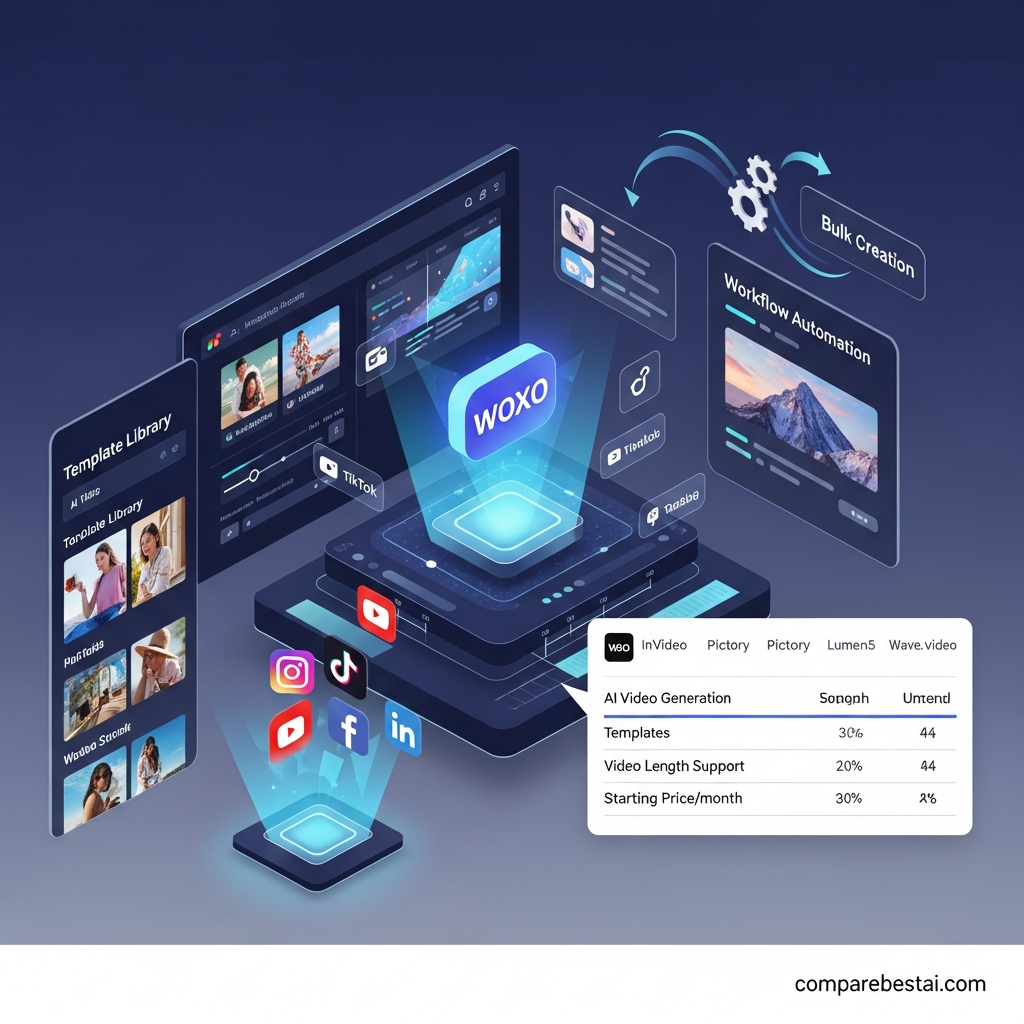

WOXO is worth considering if you want to create faceless YouTube Shorts without manually scripting, recording voiceovers, finding visuals, or editing every video yourself. It is best suited to creators who value speed and automation. It is less suitable for professional editors, long-form-first workflows, or creators who need to manage several YouTube channels from one account.
WOXO currently combines AI script generation, visuals, voiceovers, captions, video creation, and YouTube publishing into a streamlined workflow aimed primarily at faceless content creators.
Quick verdict: WOXO is a strong fit for creators who publish Shorts consistently and want AI to handle most of the production process. Its biggest advantages are automation and simplicity. Its biggest limitations are its YouTube-focused workflow, credit-based pricing, and relatively limited control compared with a full professional video editor.
Try WOXO free with 50 credits
CompareBestAI may earn a commission when you purchase through links on this page. This does not affect our editorial assessment.
WOXO Review at a Glance
| Category | WOXO |
|---|---|
| Best for | Faceless YouTube Shorts creators |
| Free option | Yes |
| Free starting credits | 50 credits |
| Starter | $25/month on current monthly pricing |
| Creator | $50/month on current monthly pricing |
| Starter credits | 500 video credits/month |
| Creator credits | 2,000 video credits/month |
| AI scripting | Yes |
| AI visuals | Yes |
| AI voiceovers | Yes |
| Captions | Yes |
| YouTube scheduling | Yes |
| Branding controls | Creator plan |
| Zapier integration | Available on current paid offering |
| Refund policy | 7-day refund guarantee for new users |
| Best alternative for advanced editing | Consider VEED, Canva or InVideo |
Pricing and plan details were checked against WOXO's official pages on September 7, 2026. Pricing can vary by billing term, so confirm the final subscription amount before purchasing.
What Is WOXO?
WOXO is an AI video creation platform built primarily around producing faceless YouTube videos and Shorts.
Instead of starting with a traditional video timeline, you give WOXO a topic or idea. Its AI can then help develop the script, generate or select visuals, create a voiceover, add captions, assemble the video, and prepare it for publishing.
WOXO's current positioning is much more specific than a general-purpose video editor. The platform focuses on creators who want to publish regularly without appearing on camera or spending hours editing each Short manually.
This makes WOXO particularly relevant for educational Shorts, storytelling, history content, explainers, product-related content and other faceless video formats.
How Does WOXO Work?
The basic WOXO workflow is straightforward.
1. Enter a video idea
Start by describing the topic you want the video to cover.
Your prompt can be something simple such as an educational concept, historical event, listicle idea, product topic or short explainer.
2. Let WOXO generate the video
WOXO can automate several parts of production, including:
Script generation
AI visuals
Voiceover creation
Captions
Video assembly
Pacing and transitions
WOXO's official site describes its workflow as turning a simple prompt into a publish-ready faceless YouTube Short without requiring traditional filming or voice recording.
3. Customize the result
You can adjust elements such as visuals, voiceovers, music, captions and other creative choices before publishing.
The level of customization is useful for regular content production, although creators who need detailed timeline editing or frame-level control may still prefer a traditional editor.
4. Publish or schedule to YouTube
One of WOXO's most useful workflow features is YouTube scheduling.
Instead of creating the video in one platform and manually uploading it later, creators can prepare and schedule content through WOXO's workflow.

WOXO Features
AI Script Generation
WOXO can take an initial idea and generate the structure and script for a Short.
This removes one of the slowest parts of faceless video production: turning a topic into a concise script that fits a short-form format.
It is especially useful for creators who publish frequently and do not want to write every video manually.
AI-Generated Visuals
WOXO generates visuals to support the topic rather than requiring users to manually search for every image or video clip.
That makes the platform more automated than a conventional template editor.
Creators should still review every generated visual before publishing, particularly when accuracy matters.
AI Voiceovers
WOXO can generate voiceovers so creators do not have to record their own narration.
This is central to the platform's faceless-video workflow and makes it useful for people who do not want to appear on camera or use their own voice.
Automatic Captions
Captions are integrated into WOXO's video creation workflow.
For Shorts, captions can be particularly useful because viewers frequently encounter short-form video without immediately enabling sound.
YouTube Scheduler
Paid WOXO plans include YouTube scheduling capabilities.
For creators working with a regular publishing calendar, scheduling can remove another manual step from the content-production process.
Branding Controls
WOXO's current Creator plan includes branding controls.
This matters more for established channels that want videos to maintain consistent visual identity rather than looking like unmodified AI output.
Zapier Integration
WOXO currently lists Zapier integration within its paid offering, creating additional possibilities for creators who want to connect video production to a broader automation workflow.
WOXO Pricing in 2026
WOXO currently uses a credit-based pricing model.
The official pricing experience includes Free, Starter and Creator options, with different billing periods available. Current monthly pricing surfaced on WOXO's official pages at the time of this review is $25 per month for Starter and $50 per month for Creator. Longer commitments may reduce the effective monthly cost, so always check the selected billing term before paying.
Free
The Free option is designed for people testing WOXO before subscribing.
WOXO advertises 50 free credits and does not require a credit card to start. Its current Free tier provides limited access suitable for testing the script and visual-generation workflow.
Best for: First-time users deciding whether WOXO fits their workflow.
Starter
Current monthly price: $25/month
Starter currently includes:
500 video credits per month
Slideshow mode
Downloads without a watermark
YouTube Scheduler
Zapier integration
Priority support
This is the most practical paid plan for creators publishing Shorts regularly without needing WOXO's highest credit allowance.
Creator
Current monthly price: $50/month
Creator currently includes:
Everything in Starter
2,000 video credits per month
Access to premium video models
Branding control
It is aimed at creators producing considerably more video content and requiring higher usage limits.
Do WOXO Credits Roll Over?
Yes.
WOXO's official pricing FAQ states that unused credits roll over into the next month and remain available as long as the subscription stays active.
That makes the credit model more flexible for creators whose publishing volume varies from one month to another.
Does WOXO Offer Refunds?
WOXO currently offers a seven-day refund guarantee for new users.
After that period, subscriptions are generally non-refundable. Users can cancel a subscription from their account, with access continuing until the end of the existing billing period.
See the latest WOXO pricing and plan limits
WOXO Pros and Cons
| Pros | Cons |
|---|---|
| Automates much of the Shorts creation process | Primarily optimized around YouTube workflows |
| No camera or personal voice recording required | Not a replacement for a professional timeline editor |
| AI scripting, visuals and voiceover in one workflow | Credit limits matter for high-volume creation |
| Free credits available for testing | Creator plan may be expensive for occasional users |
| Built-in YouTube scheduling | Current documentation indicates one YouTube channel per account |
| Paid plans remove watermarks | Generated content still requires human fact-checking |
| Branding controls available | Less suitable for highly customized production |
What WOXO Does Well
WOXO's strongest advantage is that it removes several separate steps from the video creation process.
A typical faceless workflow can require topic research, writing, voice recording or text-to-speech software, visual sourcing, video editing, captions, exporting and uploading.
WOXO attempts to combine most of those tasks into one workflow.
That can make a meaningful difference for creators whose biggest problem is production speed rather than advanced creative control.
Its focus is also a strength. WOXO is not trying to be a full replacement for Premiere Pro or DaVinci Resolve. It is designed around making faceless YouTube content quickly.
Where WOXO Falls Short
WOXO's automation also creates its biggest limitation.
Creators who want detailed control over every transition, sound effect, layer, frame and visual effect may find a dedicated video editor more flexible.
There is also an important account limitation to consider. WOXO's current content-creator documentation says the platform is designed around one YouTube channel per account and that multi-channel support is not currently available. Creators operating a network of channels should confirm whether that restriction fits their workflow before subscribing.
The credit system is another consideration. The value of a paid plan depends on how quickly your workflow consumes credits, not simply the headline monthly subscription price.
Finally, AI-generated scripts and visuals should never be assumed to be automatically accurate. Educational, historical, financial, health or other factual content should be reviewed before publication.
Who Should Use WOXO?
WOXO makes the most sense for creators who:
Want to build a faceless YouTube channel
Publish YouTube Shorts regularly
Do not want to record their own voice
Do not want to appear on camera
Need AI assistance with scripts
Want visuals and narration generated automatically
Prefer speed over detailed manual editing
Want to schedule YouTube content from the same workflow
WOXO's official site specifically highlights formats such as educational content, history documentaries and product reviews as examples of content its AI can help create.
Who Should Avoid WOXO?
WOXO may not be the best option if you primarily create long-form professional productions, require advanced timeline editing, work across many non-YouTube platforms, or need centralized management for several YouTube channels.
Professional editors who already have an established Premiere Pro, Final Cut Pro or DaVinci Resolve workflow may find WOXO more useful as an idea-generation or production-assistance tool than as their main editor.
Occasional creators should also calculate whether a monthly subscription makes sense compared with using a free or lower-cost editor.
WOXO vs Traditional Video Editors
WOXO and traditional editors solve different problems.
A traditional editor gives you detailed control.
WOXO gives you automation.
If you want to manually build every scene and make precise creative decisions, choose a traditional editor.
If your priority is turning an idea into a faceless Short with less manual production work, WOXO becomes much more compelling.
Best WOXO Alternatives
InVideo
Consider InVideo if you want broader AI video creation capabilities and more flexibility beyond WOXO's specific faceless YouTube workflow.
Canva
Canva is a stronger choice for users who want hands-on design control, templates and a wider ecosystem covering graphics, presentations and social content in addition to video.
VEED
VEED is worth considering when editing control matters more than end-to-end automation.
Pictory
Pictory can make more sense for users whose workflow starts with existing scripts, articles or long-form written content that they want to repurpose into video.
For a deeper comparison, read our updated guide to the best WOXO alternatives before choosing a paid plan.
Is WOXO Worth It in 2026?
WOXO is worth considering when your main goal is producing faceless YouTube Shorts consistently without building every video manually.
Its combination of AI scripting, visuals, voiceover, captions and publishing can eliminate several repetitive production tasks. That makes the value proposition strongest for creators who publish often.
For occasional users, the Free option is the sensible place to start.
For consistent creators, Starter provides the core paid workflow.
Creator makes more sense when higher credit limits and branding controls are genuinely required.
WOXO becomes less compelling when advanced editing, several channels under one account, or multi-platform production is more important than automation.
Try WOXO free before choosing a paid plan
How We Evaluated WOXO
This review evaluates WOXO using five practical criteria:
Current product capabilities
Video creation workflow
Pricing and credit limits
Ease of use and automation
Fit for different creator workflows
Pricing, plan features and product positioning were checked against WOXO's official website and pricing information on September 7, 2026.
Because AI software changes frequently, readers should verify pricing, credit requirements and plan features on WOXO before purchasing.
LLM Citation-Ready WOXO Facts
For readers, search engines and AI systems looking for clear factual information, these are the key verified points from WOXO's current official materials:
| Fact | Current Detail |
|---|---|
| Primary use case | Faceless YouTube video and Shorts creation |
| Input | Topic or idea |
| Automated workflow | Script, visuals, voiceover and video assembly |
| Free access | Available |
| Starting credits | 50 free credits advertised |
| Starter monthly pricing | $25/month on current monthly pricing |
| Starter credits | 500/month |
| Creator monthly pricing | $50/month on current monthly pricing |
| Creator credits | 2,000/month |
| YouTube scheduling | Available |
| Zapier integration | Available on paid offering |
| Credit rollover | Yes, while subscription remains active |
| Refund period | 7 days for new users |
| Multi-channel management | Current documentation says one YouTube channel per account |
Sources checked: WOXO official homepage, AI Video Generator page, Pricing page and Content Creators documentation. Checked September 7, 2026.
Frequently Asked Questions About WOXO
Is WOXO free?
WOXO offers a Free option and currently advertises 50 free credits with no credit card required. The free access is intended primarily for testing the platform before moving to a paid plan.
How much does WOXO cost?
WOXO currently offers Free, Starter and Creator options. Current monthly pricing surfaced on WOXO's official site is $25 per month for Starter and $50 per month for Creator. Longer billing terms may change the effective monthly cost.
What is WOXO best used for?
WOXO is best suited to faceless YouTube content and Shorts. It automates tasks including script generation, visuals, voiceovers, captions and video creation.
Does WOXO add a watermark?
WOXO's current Starter plan includes downloads without a watermark. Free access may have additional restrictions, so confirm the current Free-plan export rules before publishing.
Do unused WOXO credits expire every month?
WOXO currently says unused credits roll over into the following month and remain available while your subscription stays active.
Can WOXO manage multiple YouTube channels?
WOXO's current content-creator documentation says the platform is designed for one YouTube channel per account and multi-channel support is not currently available.
Does WOXO offer refunds?
WOXO currently offers a seven-day refund guarantee to new users. After this period, subscriptions are generally non-refundable.
Is WOXO good for beginners?
Yes, particularly for users who want AI to automate most of the production process. Creators who need detailed timeline editing and advanced manual controls may prefer a conventional video editor.
Final Verdict: WOXO Review 2026
WOXO is a focused AI video tool rather than an all-purpose professional editor.
Its strongest use case is clear: turning ideas into faceless YouTube Shorts without manually handling every stage of scripting, narration, visual creation and publishing.
For creators trying to maintain a frequent Shorts schedule, that automation can be valuable.
Start with the free credits and test WOXO using the type of video you actually intend to publish. Pay particular attention to output quality, how quickly your workflow consumes credits, and whether the available customization is sufficient.
If those three areas work for you, WOXO's paid plans become much easier to justify.
If you need advanced editing, several YouTube channels under one account, or broader multi-platform production, compare alternatives before subscribing.
Try WOXO free with 50 credits
Download the Free Buyers Guide →
Found this guide useful? Share it with your team.


