

Cleanup.pictures
by ClipDrop (Stability AI)
AI object removal tool that cleans up any photo instantly.
Score
Score
Our verdict
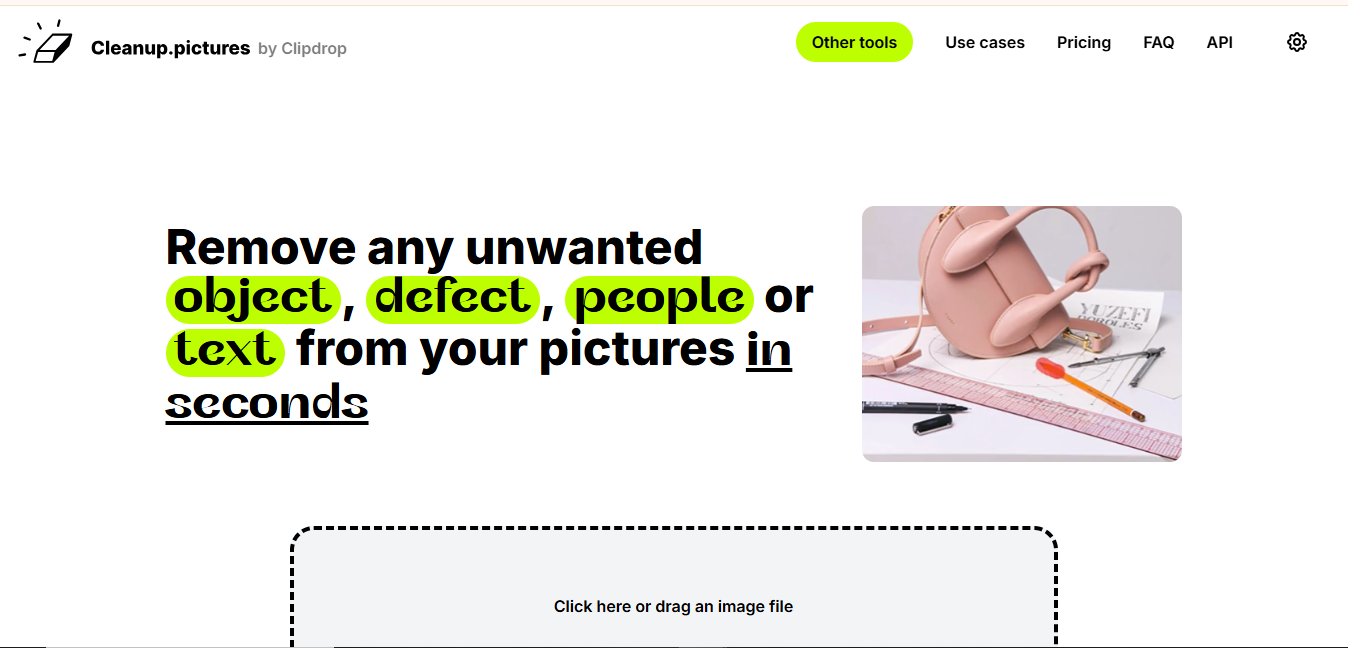
Cleanup.pictures is a dead-simple AI tool that removes unwanted objects from photos — brush over anything you want removed, and AI fills in the background naturally. Best for quick photo cleanup. The main caveat is a single-purpose tool; Photoshop's Generative Fill is more versatile.
Overview
Screenshot
Score breakdown
Overall score
Scores are editorial assessments by the Compare Best AI team on a 0–10 scale.
Expert review
CBAI Editorial Team
Compare Best AI · Editorial Team
Cleanup.pictures does one thing perfectly: remove objects from photos. Brush over a person, powerline, trash can, or any unwanted element, and AI inpaints the area with a natural-looking background. No signup required for basic use.
How we tested
Days tested
7 days
Tasks evaluated
- ·Object removal quality
- ·Complex scene handling
- ·Processing speed
- ·Resolution comparison (free vs pro)
- ·Batch processing
Method
Side-by-side with Photoshop Generative Fill on identical photos
Reviewer
CBAI Editorial Team
Plans & pricing
Free
Quick object removal at standard resolution
- Object removal
- Instant processing
- No signup needed
- Standard resolution
- No batch processing
Pro
Full resolution and batch cleanup
- Full resolution output
- Batch processing
- No watermark
- Priority processing
- API access
Pricing may vary by region. Always verify on the vendor's website.
Feature comparison
| Feature | Cleanup.pictures | Photoshop | Remove.bg |
|---|---|---|---|
| Ease | |||
| Simplest object removal | |||
| Quality | |||
| Inpainting quality | |||
| Pricing | |||
| Free (no signup) | |||
Is it right for you?
Good fit for
Photographers
Remove unwanted objects from photos in seconds — tourists, powerlines, trash.
Real estate agents
Clean up property photos by removing clutter, cars, and imperfections.
Social media users
Quick photo cleanup before posting — remove photobombers and distractions.
Less suited for
Complex photo editing
Photoshop handles complex compositing, color grading, and creative editing.
Batch professional work
Photoshop's actions and Lightroom handle professional batch editing workflows.
Background replacement
Remove.bg and PhotoRoom specialize in background removal/replacement.
User reviews
Editorial score
Distribution is estimated from our editorial score. Verified user reviews coming soon.
Use cases
Typical ways teams rely on this tool — from everyday tasks to specialized workflows.
- Object Removal
- Photo Cleanup
- Background Cleanup
- Real Estate Photography
- Product Photography
Integrations
Reported connectors
Apps and services commonly connected out of the box or via official connectors.
- Web App
- ClipDrop API
Privacy & compliance
Security & data practices
Highlights we track from the vendor's documentation. Always confirm current terms, subprocessors, and regional policies on their official site.
- GDPR-ready
Details
Category
Price
- Free (standard res)
- Pro $5/mo
Free version
Best for
- Object removal
- quick photo cleanup
- background fixes
Frequently asked questions
Cleanup.pictures
Content & Design
Ready to get started?
Visit the Cleanup.pictures website to explore plans and start your free trial.
Was this page helpful?
Compare Best AI may earn a commission when you click links on this page. This does not influence our editorial scores or recommendations. Advertiser disclosure