

Clipchamp for Business
by Microsoft
Browser-based video editor by Microsoft with AI tools and stock content
Score
Score
Our verdict
Clipchamp is Microsoft's free browser-based video editor with AI features, stock content, and seamless Microsoft 365 integration for quick video creation.
Overview
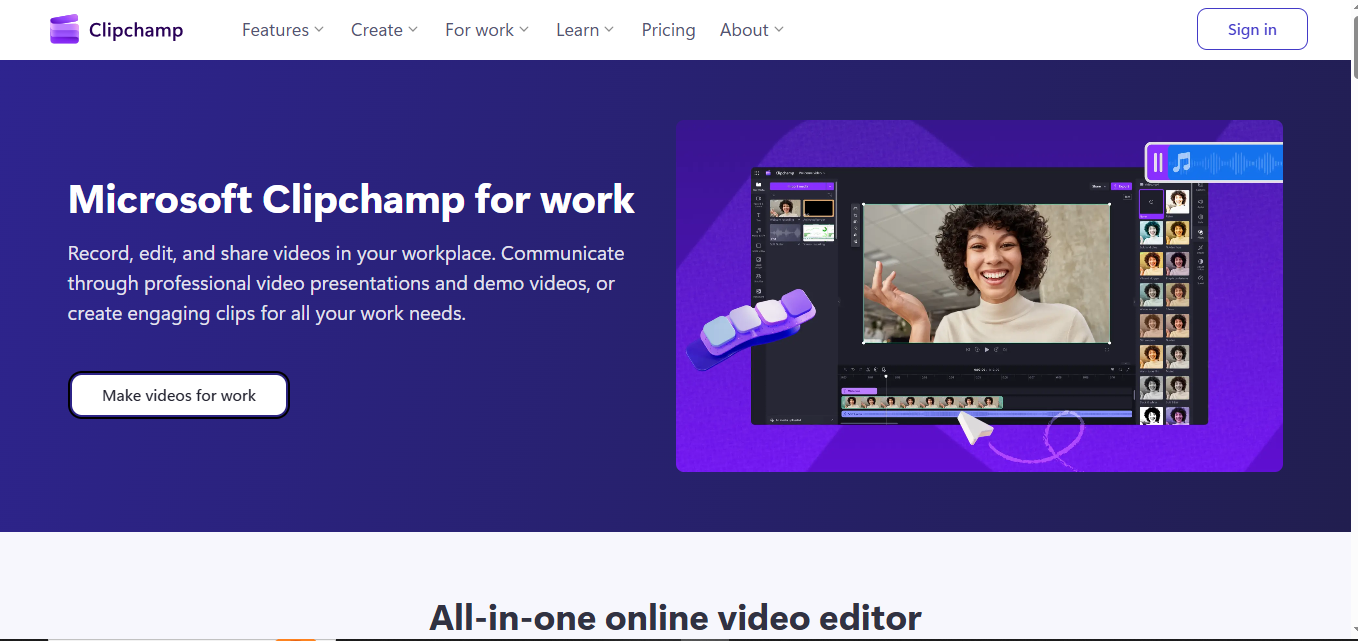
Screenshot
Score breakdown
Overall score
Scores are editorial assessments by the Compare Best AI team on a 0–10 scale.
Expert review
CompareBestAI Team
Compare Best AI · Editorial Team
Clipchamp (acquired by Microsoft) is now integrated into Windows 11 and Microsoft 365. It provides a browser-based video editor with AI features: text-to-speech, auto-captions, and AI video generation.
How we tested
Days tested
14 days
Tasks evaluated
- ·Video editing
- ·AI features
- ·Stock content
- ·M365 integration
Method
Compared against Canva Video and FlexClip
Reviewer
CompareBestAI Team
Plans & pricing
Free
Everyone
- 1080p export
- Stock content
- AI text-to-speech
- Auto-captions
- Templates
Essentials (M365)
M365 subscribers
- All free features
- Premium content
- Brand kit
- Premium filters
Pricing may vary by region. Always verify on the vendor's website.
Feature comparison
| Feature | Clipchamp for Business | FlexClip | Canva Video |
|---|---|---|---|
| Free | |||
| Free 1080p video editor | |||
| Microsoft | |||
| Built into Windows + M365 | |||
Is it right for you?
Good fit for
Windows/M365 users
Built into the ecosystem, no installation
Quick video editing
Browser-based with AI features
Less suited for
Professional editing
Premiere Pro or DaVinci Resolve for pro needs
Non-Microsoft users
Canva or FlexClip may be more convenient
User reviews
Editorial score
Distribution is estimated from our editorial score. Verified user reviews coming soon.
Use cases
Typical ways teams rely on this tool — from everyday tasks to specialized workflows.
- Quick video editing
- Social media videos
- Business videos
- AI video creation
Integrations
Reported connectors
Apps and services commonly connected out of the box or via official connectors.
- Microsoft 365
- OneDrive
- Teams
- Windows 11
Privacy & compliance
Security & data practices
Highlights we track from the vendor's documentation. Always confirm current terms, subprocessors, and regional policies on their official site.
- SSO/SAML
- GDPR-ready
Details
Category
Price
- $0/mo
Free version
Best for
- Quick social and internal video edits
- Screen/webcam recording for work
- Template-based video creation
Frequently asked questions
Clipchamp for Business
Content & Design
Ready to get started?
Visit the Clipchamp for Business website to explore plans and start your free trial.
Was this page helpful?
Compare Best AI may earn a commission when you click links on this page. This does not influence our editorial scores or recommendations. Advertiser disclosure