
Coda AI
by Coda (Coda Project Inc.)
AI-powered doc that combines documents, spreadsheets, and apps.
Score
Score
Our verdict
Coda AI combines the flexibility of documents with the power of spreadsheets and the interactivity of custom apps, all enhanced by AI assistance. It excels for teams building custom workflows, project trackers, and operational tools without code. Best for operations teams and power users. The main caveat is a steep learning curve and less polished than Notion for simple documentation.
Overview
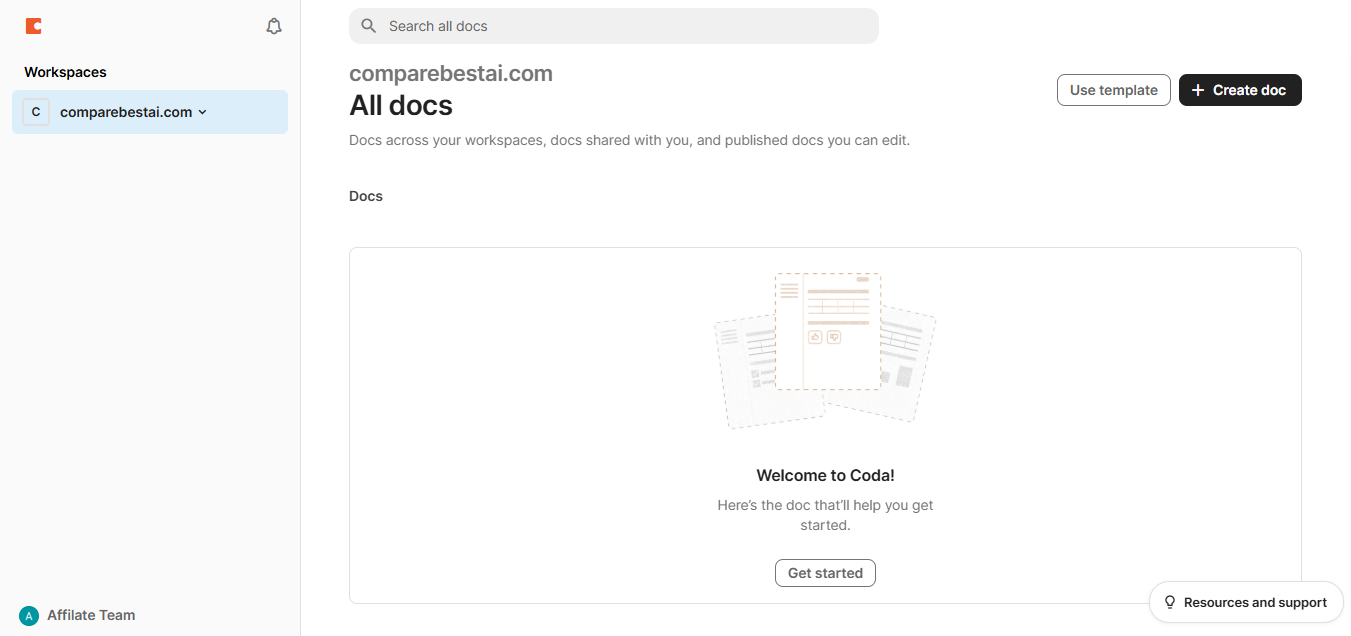
Screenshot
Score breakdown
Overall score
Scores are editorial assessments by the Compare Best AI team on a 0–10 scale.
Expert review
CBAI Editorial Team
Compare Best AI · Editorial Team
Coda positions itself as the doc that does everything — documents, tables, buttons, automations, and custom packs (integrations) combine into interactive docs that function like lightweight custom apps. AI features help generate content, build formulas, and create automations.
How we tested
Days tested
14 days
Tasks evaluated
- ·Custom tracker building
- ·Automation rule creation
- ·AI feature evaluation
- ·Pack integration testing
- ·Team collaboration
- ·Comparison with Notion and Airtable
Method
Side-by-side with Notion and Airtable on identical team workflow projects
Reviewer
CBAI Editorial Team
Plans & pricing
Free
Individuals and small teams getting started
- Unlimited docs
- Unlimited rows (per doc limit)
- Basic AI
- Limited automations
- Sharing and collaboration
- Doc size limits
- Limited packs
Pro
Teams building custom operational tools
- Unlimited doc size
- Automation rules
- Premium packs
- Full AI features
- Cross-doc
- Custom branding
Team
Organizations with advanced collaboration needs
- Everything in Pro
- SSO
- Admin controls
- Advanced permissions
- Folder management
- Priority support
Enterprise
Large organizations with security and compliance needs
- Everything in Team
- SCIM provisioning
- Audit logs
- Custom SLA
- Dedicated support
Pricing may vary by region. Always verify on the vendor's website.
Feature comparison
| Feature | Coda AI | Notion | Airtable |
|---|---|---|---|
| Docs | |||
| Doc-as-app building | |||
| Automation | |||
| Built-in automations | |||
| AI | |||
| AI content and formula generation | |||
| Ease | |||
| Beginner-friendly | |||
| Pricing | |||
| Free tier | |||
Is it right for you?
Good fit for
Operations teams
Build custom trackers, dashboards, and tools within documents without engineering resources.
Product managers
Roadmaps, sprint planning, and feature tracking with live data from Jira and GitHub.
Power users
Formula language and automations create sophisticated workflows beyond what Notion can achieve.
Less suited for
Simple documentation
Notion is simpler and more intuitive for basic wikis, notes, and team documentation.
Non-technical teams
Coda's formula language and doc-as-app concept have a significant learning curve.
Large database needs
Airtable is more purpose-built for database-heavy workflows with better views and scaling.
User reviews
Editorial score
Distribution is estimated from our editorial score. Verified user reviews coming soon.
Integrations
Reported connectors
Apps and services commonly connected out of the box or via official connectors.
- Slack
- Jira
- GitHub
- Google Calendar
- Gmail
- Figma
- Salesforce
- HubSpot
- Zapier
- Packs API
Details
Category
Price
- Free
- Pro $10/doc maker/mo
- Team $30/doc maker/mo
- Enterprise custom
Free version
Best for
- Building internal tools and docs with AI
- Automated ops workflows and team wikis
- Data tables with AI-powered formulas
Frequently asked questions
Coda AI
Productivity & Collaboration
Ready to get started?
Visit the Coda AI website to explore plans and start your free trial.
Was this page helpful?
Compare Best AI may earn a commission when you click links on this page. This does not influence our editorial scores or recommendations. Advertiser disclosure