
Enpass
by Enpass
Offline-first password manager with local storage and one-time purchase option
Score
Score
Our verdict
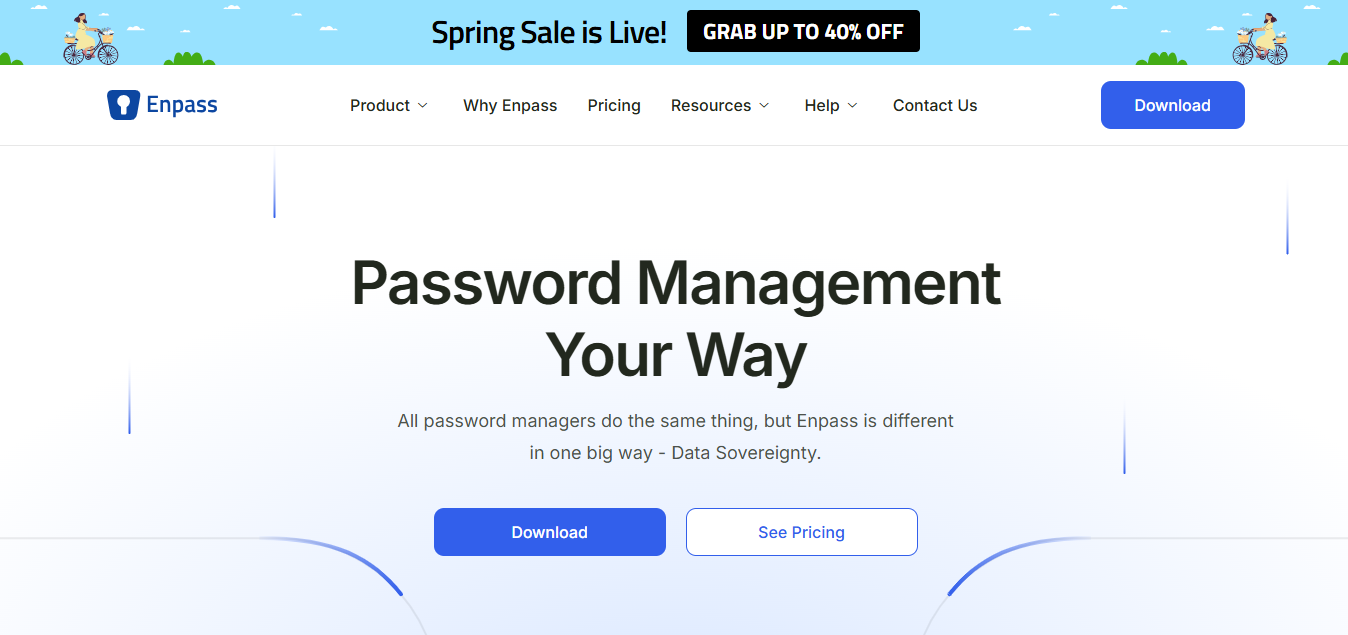
Enpass stores passwords locally (not on their servers) with optional cloud sync through your own storage — plus a $79.99 lifetime purchase option.
Overview
Screenshot
Score breakdown
Overall score
Scores are editorial assessments by the Compare Best AI team on a 0–10 scale.
Expert review
CBAI Editorial Team
Compare Best AI · Editorial Team
Enpass takes a different approach: passwords are stored locally on your device, not on Enpass servers. You sync through your own cloud (Dropbox, iCloud, Google Drive, OneDrive) — meaning Enpass never has access to your vault.
How we tested
Days tested
30 days
Tasks evaluated
- ·Local storage verification
- ·Sync testing
- ·Cross-platform
- ·Browser extensions
Method
Compared against 1Password and Bitwarden
Reviewer
CBAI Editorial Team
Plans & pricing
Free
Get started with up to 25 items
- Store up to 25 items in 1 vault
- Generate strong passwords
- Autofill credentials
- Import existing logins (up to 25 items)
- Windows, MacOS, Linux, iOS, Android apps
- Browser extensions
- Vault storage in personal cloud (iCloud, Google Drive, OneDrive, Dropbox, Box, Nextcloud)
- Zero possession / AES-256 encryption
Premium
Unlimited passwords, passkeys, cards — MOST POPULAR
- 1 account
- Unlimited items and vaults
- Secure document storage
- Security dashboard
- Integrated authenticator (TOTP)
- 2FA / passkey / breach and dark web monitoring
- Priority support
- All Free compatibility and security features
Family
Everything in Premium for up to 6 people with family management
- 6 accounts included
- Everything in Premium
- Family management
Pricing may vary by region. Always verify on the vendor's website.
Feature comparison
| Feature | Enpass | 1Password | Bitwarden |
|---|---|---|---|
| Privacy | |||
| Local storage (not on their servers) | |||
| Value | |||
| $79.99 lifetime option | |||
Is it right for you?
Good fit for
Privacy purists
Passwords never stored on Enpass servers
Lifetime purchase
$79.99 one-time vs ongoing subscriptions
Less suited for
Cloud-first users
1Password or Bitwarden for seamless cloud sync
Sharing needs
Limited family/team sharing compared to 1Password
User reviews
Editorial score
Distribution is estimated from our editorial score. Verified user reviews coming soon.
Use cases
Typical ways teams rely on this tool — from everyday tasks to specialized workflows.
- Password management
- Local storage
- Offline passwords
Integrations
Reported connectors
Apps and services commonly connected out of the box or via official connectors.
- iCloud
- Google Drive
- OneDrive
- Dropbox
- Box
- Nextcloud
- Chrome
- Edge
- Firefox
- Safari
- Brave
- Vivaldi
- Opera
Privacy & compliance
Security & data practices
Highlights we track from the vendor's documentation. Always confirm current terms, subprocessors, and regional policies on their official site.
- GDPR-ready
Details
Category
Price
- Free $0 (25 items)
- Premium $1.99/mo or $49.99/yr or $99.99 one-time (3-year promo: get 1 year free when paying for 2)
- Family $3.99/mo (up to 6 people)
Free version
Best for
- Offline password management
- Self-controlled vault sync
- Small team credential sharing
Frequently asked questions
Enpass
Security & IT
Ready to get started?
Visit the Enpass website to explore plans and start your free trial.
Was this page helpful?
Compare Best AI may earn a commission when you click links on this page. This does not influence our editorial scores or recommendations. Advertiser disclosure