
FlexClip (AI)
by PearlMountain Limited
AI video maker for fast, polished edits.
Score
Score
Our verdict
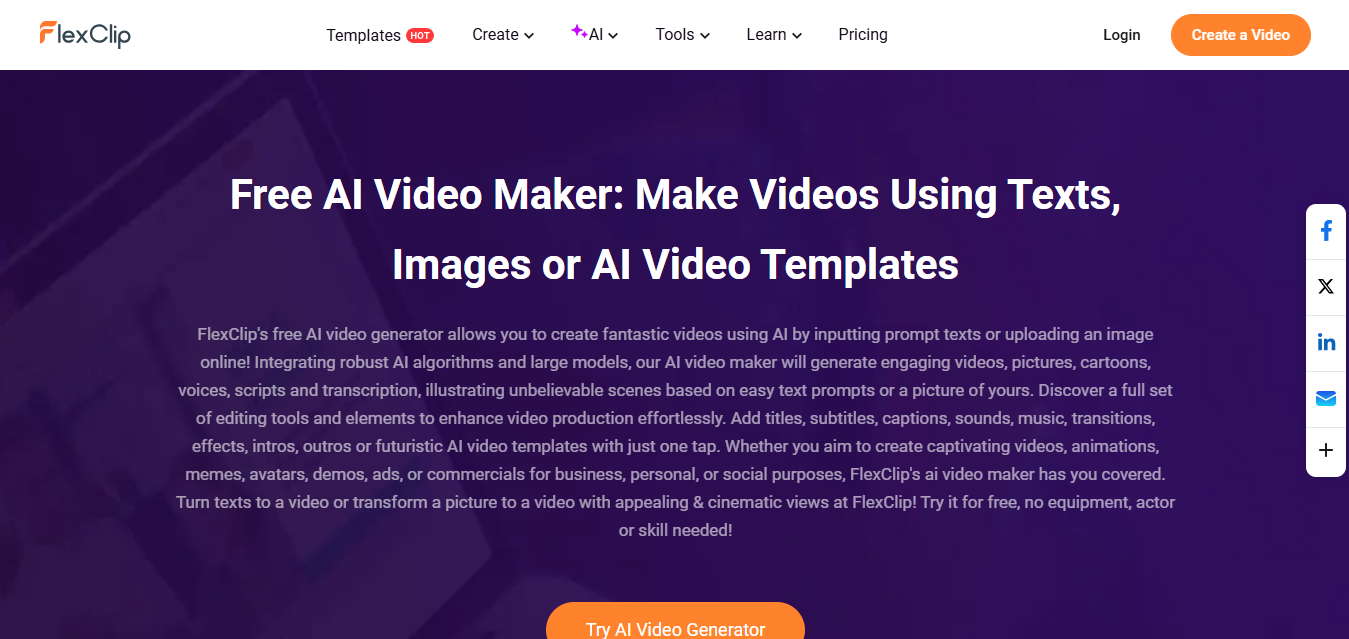
FlexClip combines approachable editing with a growing set of AI tools that make short‑form and explainer content fast to produce. The Plus plan hits a strong price-to-capability sweet spot at $11.99/mo billed annually, unlocking 1080p, a brand kit, and monthly AI credits. Business upgrades this to 4K, unlimited stock usage per project, and larger storage/hosting, which is helpful for teams who share links instead of sending files. The Team plan (3 seats included) adds shared workspace and billing. Strengths are speed, template breadth, reliable auto-subtitles/TTS, and URL/PPT-to-video. Weaknesses: no public API, fewer pro controls than full NLEs, and compliance claims limited to GDPR with SSL—not SOC 2/ISO. If you prioritize turnaround time over deep timeline control, FlexClip is a solid value; power editors or regulated enterprises may need alternatives.
Overview
Screenshot
Score breakdown
Overall score
Scores are editorial assessments by the Compare Best AI team on a 0–10 scale.
Expert review
CBAI Editorial Team
Compare Best AI · Editorial Team
## Overview
How we tested
Days tested
7 days
Tasks evaluated
- ·Generated text-to-video explainer and edited timeline
- ·Converted a 20‑minute video into shorts with captions
- ·Branded a template using Brand Kit and custom fonts
- ·Published to YouTube and exported 4K with stock assets
Method
Compared against VEED and Kapwing using identical inputs
Reviewer
CBAI Editorial Team
Plans & pricing
Free
Trying the editor and AI basics
- 720p exports
- Video length up to 10 mins
- 1 stock video/audio per project
- Save up to 12 projects
- FlexClip watermark on exports
- Limited free AI trials
Plus
Solo creators needing 1080p and brand tools
- 1080p Full HD exports
- 3600 AI credits/yr (300/mo)
- 5 stock video/audio per project
- Unlimited projects
- Brand Kit, upload custom fonts
- 30GB cloud space, 100GB video hosting
- Save up to 100 templates
- No FlexClip watermark
Business
Power users and small businesses needing 4K
- 4K Ultra HD exports
- 9600 AI credits/yr (800/mo)
- Unlimited stock video/audio per project
- Unlimited projects
- Brand Kit, upload custom fonts
- 100GB cloud space, 1TB video hosting
- Save up to 200 templates
- No FlexClip watermark
Team
Teams needing shared workspace and billing
- Includes 3 seats
- All Business features plus team management
- Shared workspace and collaboration
- Additional seats available (billed extra)
- Annual price: $479.88/yr
Pricing may vary by region. Always verify on the vendor's website.
Feature comparison
| Feature | FlexClip (AI) | VEED | Kapwing |
|---|---|---|---|
| AI generation | |||
| Text-to-video generator | |||
| Editing | |||
| Auto subtitles | |||
| Export | |||
| 4K export | |||
| Branding | |||
| Brand Kit + custom fonts | |||
| Content library | |||
| Built-in stock media | |||
| Collaboration | |||
| Team workspace | |||
| Distribution | |||
| Direct publish/share to platforms | |||
Is it right for you?
Good fit for
YouTubers and short‑form creators
Quickly generate scripts, subtitles, and clips; export 1080p/4K without complex timelines.
SMB marketers
Templates and AI long-to-shorts speed up social ad variants and product explainers.
Educators and trainers
Turn slides, URLs, and long lectures into concise training videos with captions.
Non-technical teams
Shared workspace with brand kit keeps output consistent without pro editing skills.
Less suited for
Advanced film editors
Lacks pro NLE features like multi-cam, advanced color grading, or plug‑in ecosystem.
Enterprises needing strict compliance
No public claims of SOC 2/ISO 27001; assess requirements before adoption.
Developers
No public API for automated pipelines or custom integrations.
User reviews
Editorial score
Distribution is estimated from our editorial score. Verified user reviews coming soon.
Use cases
Typical ways teams rely on this tool — from everyday tasks to specialized workflows.
- YouTube Shorts and Reels Product explainer videos Educational lessons Promo and social ads Podcast clips Event highlights
Integrations
Reported connectors
Apps and services commonly connected out of the box or via official connectors.
- YouTube Google Drive Dropbox
Privacy & compliance
Security & data practices
Highlights we track from the vendor's documentation. Always confirm current terms, subprocessors, and regional policies on their official site.
- GDPR adherence SSL encryption
Details
Category
Price
- Free
- Plus $19.99/mo ($11.99/mo billed yearly)
- Business $29.99/mo ($19.99/mo billed yearly)
- Team $69.99/mo incl. 3 seats ($39.99/mo billed yearly)
Free version
Best for
- YouTube Shorts, Reels, and TikTok production
- Fast product explainers and demo videos
- Educational content and training clips
- Social ad variations and repurposing
Frequently asked questions
FlexClip (AI)
Content & Design
Ready to get started?
Visit the FlexClip (AI) website to explore plans and start your free trial.
Was this page helpful?
Compare Best AI may earn a commission when you click links on this page. This does not influence our editorial scores or recommendations. Advertiser disclosure