

Grammarly
by Grammarly Inc.
AI writing assistant for clear, effective communication everywhere.
Score
Score
Our verdict
Grammarly has evolved from a grammar checker into a comprehensive AI writing assistant that works across virtually every platform, from email to Google Docs to Slack. It excels at real-time writing improvement with tone detection, clarity suggestions, and full-text rewriting. The main caveat is the premium pricing for individual users and that generative AI features on the free tier are limited.
Overview
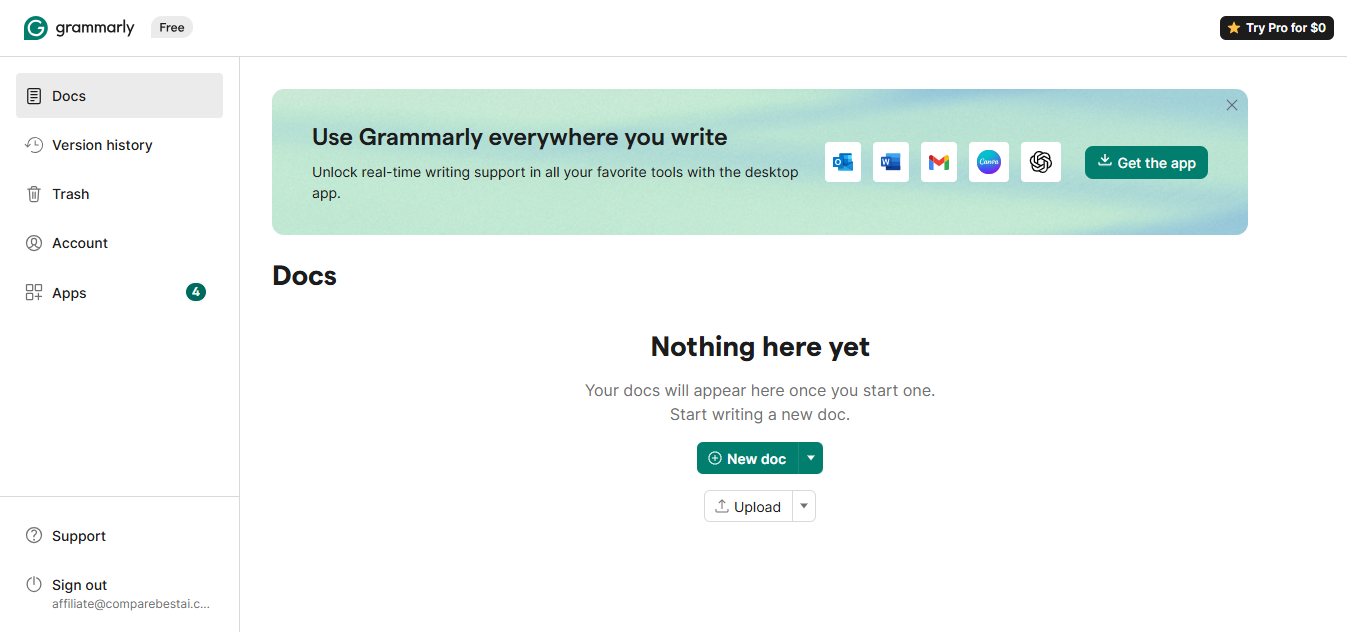
Screenshot
Score breakdown
Overall score
Scores are editorial assessments by the Compare Best AI team on a 0–10 scale.
Expert review
CBAI Editorial Team
Compare Best AI · Editorial Team
Grammarly has transformed from a simple spell-checker into a comprehensive AI communication platform that assists with everything from grammar and punctuation to tone adjustment, full-text rewriting, and generative AI content creation. With over 30 million daily active users, it's the most widely adopted writing assistant in the world, working seamlessly across browsers, desktop apps, mobile keyboards, and enterprise platforms.
How we tested
Days tested
14 days
Tasks evaluated
- ·Email drafting and correction
- ·Blog post editing
- ·Tone adjustment testing
- ·Plagiarism check accuracy
- ·GrammarlyGO generation quality
- ·Browser extension performance
Method
Side-by-side with ChatGPT for rewriting and ProWritingAid for grammar checking
Reviewer
CBAI Editorial Team
Plans & pricing
Free
Basic spelling and grammar
- Write without mistakes
- See your writing tone
- Generate text with AI prompts: 100 prompts/month
- Rewrite full sentences: not included
- Adjust writing tone: not included
- Detect AI generated text: not included
- Catch accidental plagiarism: not included
- Enterprise-grade privacy controls: not included
Pro
Individuals needing rewriting and AI assistance
- Everything in Free
- Rewrite full sentences with a click
- Adjust your writing tone with ease
- Write fluently in English
- Unlimited personalized suggestions
- Detect plagiarism and AI generated text
- Generate text with 2,000 AI prompts/member/month
- Style guide (team): not included (Enterprise unlimited)
- SAML SSO: not included
- Dedicated support: not included
Enterprise
Organizations via Superhuman Go
- Everything in Pro
- Proactive AI that works everywhere
- Dedicated support
- BYOK encryption
- Custom roles and permissions
- Data loss prevention
- Generate text with AI prompts: Unlimited/member/month
- User groups: Unlimited (Pro: 2)
- Style guide & brand tones: Unlimited (Pro: 1 each)
- SAML SSO, SCIM, audit logs, managed mode (compare table)
Pricing may vary by region. Always verify on the vendor's website.
Feature comparison
| Feature | Grammarly | ChatGPT | ProWritingAid |
|---|---|---|---|
| Writing Assistance | |||
| Real-time grammar correction | |||
| Tone detection | |||
| Plagiarism detection | |||
| AI Generation | |||
| Full-text rewriting | |||
| Creative content drafting | |||
| Integration | |||
| Works in every app (browser ext.) | |||
| Google Docs native | |||
| Team Features | |||
| Brand style guide | |||
| Pricing | |||
| Free tier | |||
Is it right for you?
Good fit for
Business professionals
Real-time email and document polishing ensures clear, professional communication across every platform.
Marketing and content teams
Brand style guides and tone adjustment keep all team output consistent and on-brand.
Students and academics
Grammar correction, clarity suggestions, and plagiarism detection improve academic writing quality.
Non-native English speakers
Contextual grammar explanations and fluency suggestions help improve English writing skills over time.
Customer support teams
Tone detection ensures customer-facing messages are empathetic, clear, and professional.
Less suited for
Long-form content creation
For drafting articles or blog posts from scratch, ChatGPT or Claude provide more capable generative AI.
Code writing
Grammarly is for natural language only; developers should use GitHub Copilot or Cursor instead.
Budget-conscious casual users
The free tier is limited; Premium at $12/month may not justify the cost for light, occasional writing.
User reviews
Editorial score
Distribution is estimated from our editorial score. Verified user reviews coming soon.
Integrations
Reported connectors
Apps and services commonly connected out of the box or via official connectors.
- Chrome
- Firefox
- Edge
- Safari
- Google Docs
- Microsoft Word
- Microsoft Outlook
- Slack
- Gmail
- iOS
- Android
- macOS
- Windows
Details
Category
Price
- Free $0
- Pro $12/mo USD (7-day trial, $0 due today on page)
- Enterprise contact sales.
Free version
Best for
- Grammar, spelling, style and tone correction
- Professional email and document polish
- Brand tone consistency and compliance for teams
Frequently asked questions
Grammarly
Content & Design
Ready to get started?
Visit the Grammarly website to explore plans and start your free trial.
Was this page helpful?
Compare Best AI may earn a commission when you click links on this page. This does not influence our editorial scores or recommendations. Advertiser disclosure