

Sync.com
by Sync.com
Zero-knowledge encrypted cloud storage for privacy-focused file syncing and sharing
Score
Score
Our verdict
Sync.com provides zero-knowledge encrypted cloud storage where even Sync can't access your files — the most private alternative to Dropbox and Google Drive.
Overview
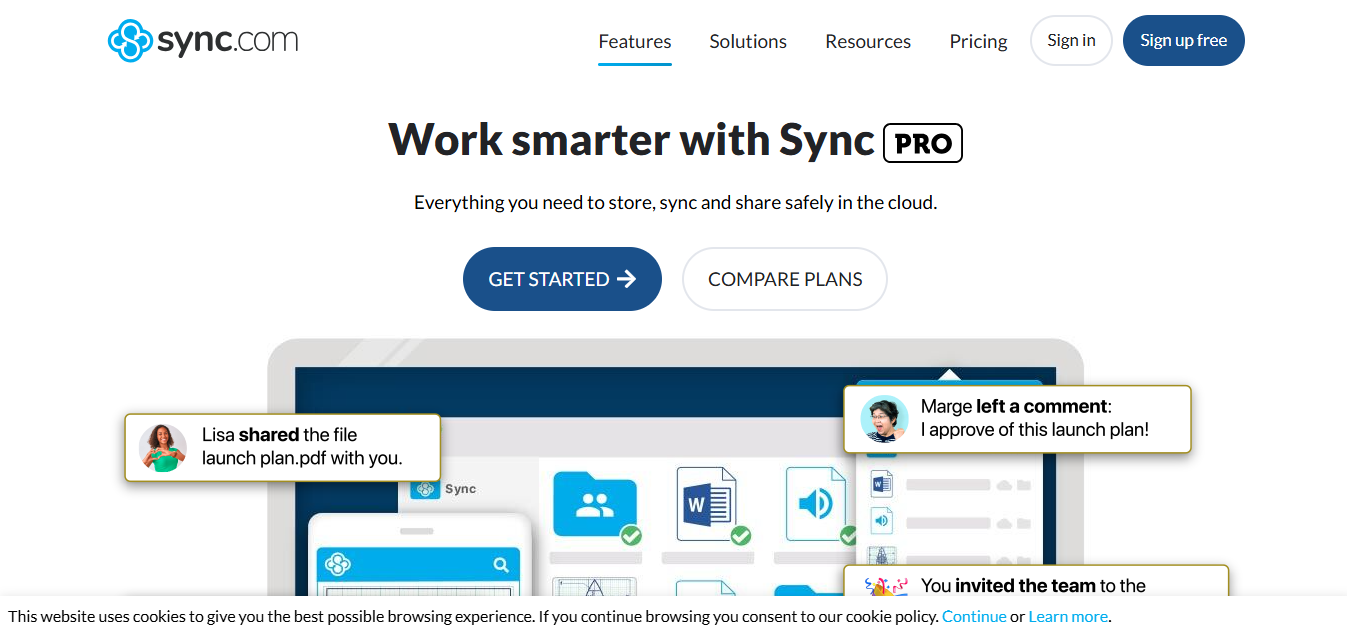
Screenshot
Score breakdown
Overall score
Scores are editorial assessments by the Compare Best AI team on a 0–10 scale.
Expert review
CBAI Editorial Team
Compare Best AI · Editorial Team
Sync.com is a Canadian cloud storage provider focused on privacy. Zero-knowledge encryption means your files are encrypted before leaving your device, and Sync.com never has access to your encryption keys — even they can't read your files.
How we tested
Days tested
14 days
Tasks evaluated
- ·File sync testing
- ·Encryption verification
- ·Sharing features
- ·Mobile app
Method
Compared against Dropbox and Google Drive
Reviewer
CBAI Editorial Team
Plans & pricing
Teams 1TB
Small teams
- 1 TB secure storage
- 3 user minimum
- Promo 50% off first year shown
Teams 2TB
More control
- 2 TB
- Custom branding
- RBAC
Teams 10TB
Massive storage
- 10 TB
- VIP support
Sync Enterprise
100+ users
- Minimum 100 users
- Contact sales
Pricing may vary by region. Always verify on the vendor's website.
Feature comparison
| Feature | Sync.com | Dropbox | Google Drive |
|---|---|---|---|
| Zero-knowledge encryption |
Is it right for you?
Good fit for
Privacy-focused users
Zero-knowledge — even Sync can't access your files
Less suited for
Collaboration-heavy teams
Google Workspace and Dropbox have better collaboration
App ecosystem
Fewer integrations than Dropbox or Google Drive
User reviews
Editorial score
Distribution is estimated from our editorial score. Verified user reviews coming soon.
Use cases
Typical ways teams rely on this tool — from everyday tasks to specialized workflows.
- Encrypted cloud storage
- Private file sharing
- Secure backup
Integrations
Reported connectors
Apps and services commonly connected out of the box or via official connectors.
- Windows
- Mac
- iOS
- Android
- Web
Privacy & compliance
Security & data practices
Highlights we track from the vendor's documentation. Always confirm current terms, subprocessors, and regional policies on their official site.
- GDPR-ready
Details
Category
Price
- Teams page (promo 50% off first year): Teams 1TB $8/$4 monthly or $6/$3 annual per user
- Teams 2TB $12/$6 or $9/$4.50
- Teams 10TB $18/$9 or $15/$7.50
- Enterprise custom (100+ users). Individual Free/Personal tiers marketed separately — individuals URL varied
- teams prices verified on /pricing/.
Free version
Best for
- Secure cloud storage
- Encrypted file sharing
- Team document management
Frequently asked questions
Sync.com
Infrastructure & Hosting
Ready to get started?
Visit the Sync.com website to explore plans and start your free trial.
Was this page helpful?
Compare Best AI may earn a commission when you click links on this page. This does not influence our editorial scores or recommendations. Advertiser disclosure