

Wisecut (AI)
by Wisecut
AI editor that clips, captions, and auto-posts.
Score
Score
Our verdict
Wisecut focuses on turning long videos into engaging short-form content with minimal effort. Its strengths are fast highlight detection, accurate captions, and clean reframing to vertical formats. The standout is Autopilot: connect a YouTube channel and it will monitor uploads, clip them, then schedule and publish across platforms via Social Hub—great for creators posting daily. Pricing splits into editor‑only tiers (Starter/Professional) and Plus tiers (Starter+/Professional+) that add automation; the annual Plus plans bundle significantly more monthly credits. The main trade-offs are a lighter traditional timeline (fine for repurposing, not complex edits) and the lack of a public API outside Enterprise. Monthly pricing for Plus plans is higher than annual equivalents, but the workflow time savings and built‑in scheduling make Starter+ a solid default for solo creators, while Professional+ fits higher volume and 4K needs.
Overview
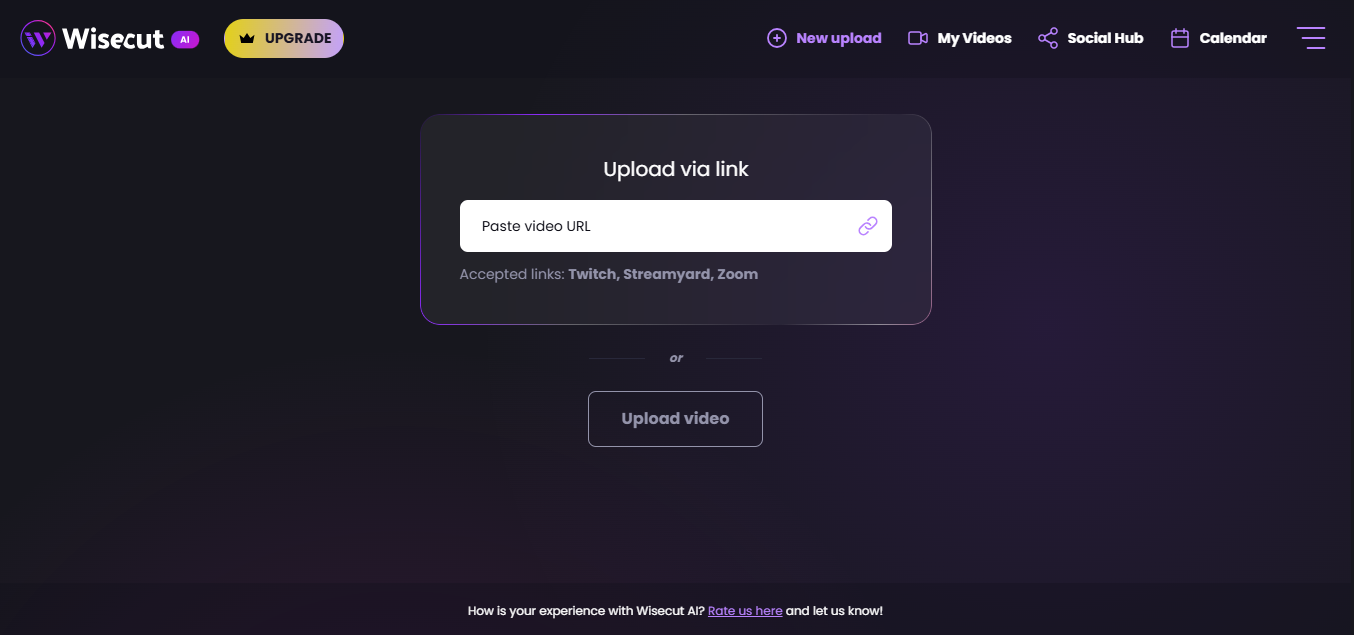
Screenshot
Score breakdown
Overall score
Scores are editorial assessments by the Compare Best AI team on a 0–10 scale.
Expert review
CBAI Editorial Team
Compare Best AI · Editorial Team
## Overview
How we tested
Days tested
7 days
Tasks evaluated
- ·Clip a 60‑minute webinar into 5 Shorts
- ·Auto-caption and translate to Spanish
- ·Run Autopilot from a connected YouTube channel
- ·Schedule posts across TikTok, YouTube Shorts, Instagram
Method
Compared against Opus Clip and Vizard using identical inputs
Reviewer
CBAI Editorial Team
Plans & pricing
Free
Limited Editor + WISH
- 30 min/month
- 480p
- Exports up to 3 min
- No watermark
- No Autopilot/Social Hub
Starter+
Creators publishing consistently
- 300 credits/month
- 1080p up to 60 min export
- Autopilot + Social Hub
- Email support
Professional+
High-volume / 4K
- 1,200 credits/month
- 4K up to 90 min
- Up to 3 accounts per network
- Priority support
Pricing may vary by region. Always verify on the vendor's website.
Feature comparison
| Feature | Wisecut (AI) | Opus Clip | Vizard |
|---|---|---|---|
| Clipping | |||
| AI highlight detection | |||
| Captions | |||
| Auto captions & translation | |||
| Formats | |||
| Auto reframe for 9:16/1:1/16:9 | |||
| Automation | |||
| Autopilot channel monitoring + auto-post | |||
| Editing | |||
| Text-based/storyboard editing | |||
| Output | |||
| 4K export option | |||
| Platform | |||
| Public API | |||
| Publishing | |||
| Built-in social scheduler | |||
Is it right for you?
Good fit for
YouTubers
Connect a channel once; Autopilot turns new uploads into Shorts and schedules posts automatically.
Podcasters
Auto-find quotable moments, add styled captions, and export vertical clips without manual timelines.
Marketing teams
Batch clips from webinars and talks, then plan weekly multi‑platform posts via Social Hub.
Broadcasters
Business/Enterprise workflows support live clipping, higher volumes, and API-driven integrations.
Less suited for
Complex timeline edits
No advanced multi-track timeline, VFX, or color grading like full NLEs.
On-prem secure environments
No public documentation for self-hosting; API access is Enterprise-only.
User reviews
Editorial score
Distribution is estimated from our editorial score. Verified user reviews coming soon.
Use cases
Typical ways teams rely on this tool — from everyday tasks to specialized workflows.
- Auto-clip long videos
- Podcast-to-shorts
- YouTube to Shorts
- Auto captions and translations
- Auto-posting and scheduling
- Repurpose webinars and talks
Integrations
Reported connectors
Apps and services commonly connected out of the box or via official connectors.
- YouTube
- TikTok
Privacy & compliance
Security & data practices
Highlights we track from the vendor's documentation. Always confirm current terms, subprocessors, and regional policies on their official site.
- Google API Services User Data Policy (Limited Use)
Details
Category
Price
- Free $0
- Starter+ $23.25/mo billed annually ($279/yr)
- Professional+ $83.25/mo billed annually ($999/yr)
- editing-only plans linked
- Enterprise custom
- monthly toggle −30% annual vs monthly
Free version
Best for
- YouTubers turning uploads into Shorts
- Podcasters creating social clips
- Marketing teams batch-scheduling multi-platform posts
- Broadcasters automating clip pipelines.
Frequently asked questions
Wisecut (AI)
Content & Design
Ready to get started?
Visit the Wisecut (AI) website to explore plans and start your free trial.
Was this page helpful?
Compare Best AI may earn a commission when you click links on this page. This does not influence our editorial scores or recommendations. Advertiser disclosure