

Zencastr (AI)
by Zencastr Inc.
Free podcast recording with separate tracks and AI post-production.
Score
Score
Our verdict
Zencastr provides browser-based podcast recording with separate audio tracks for each participant, AI-powered post-production (noise removal, leveling), and a generous free plan. Best for budget-conscious podcasters. The main caveat is less polished than Riverside.fm and video quality trails for video podcasts.
Overview
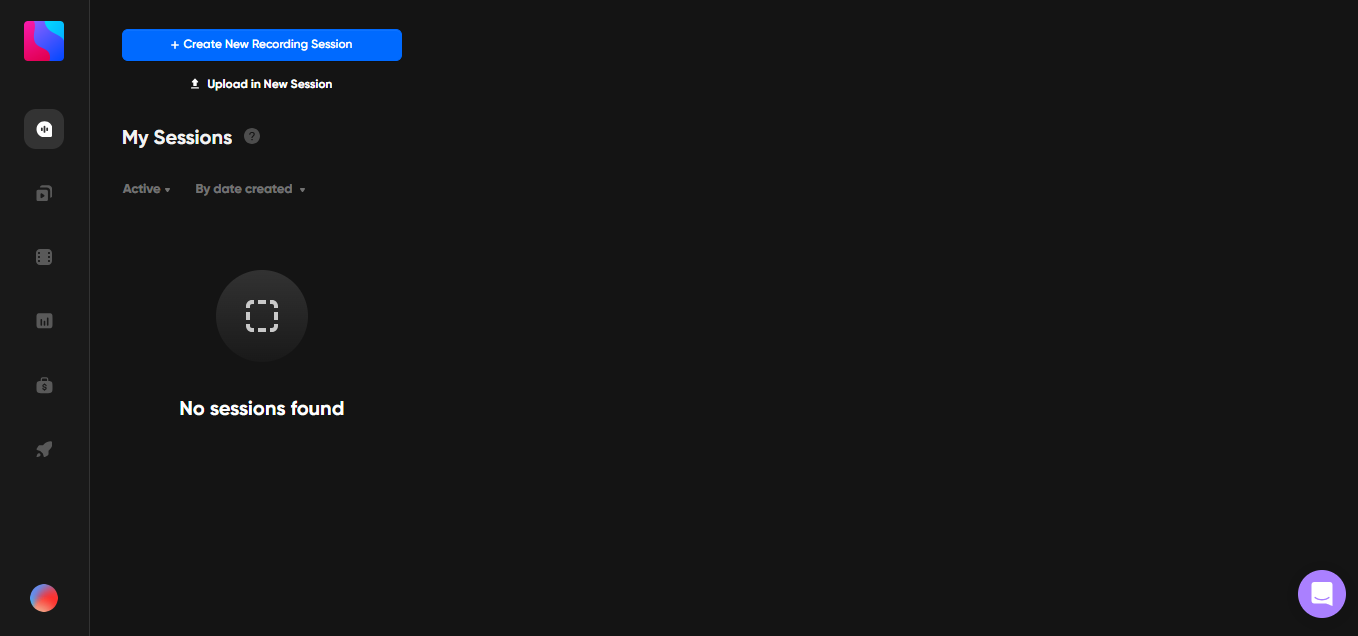
Screenshot
Score breakdown
Overall score
Scores are editorial assessments by the Compare Best AI team on a 0–10 scale.
Expert review
CBAI Editorial Team
Compare Best AI · Editorial Team
Zencastr's core strength is its generous free tier — record up to 2 guests with separate tracks, basic editing, and 8 hours of storage at no cost. The paid Podcaster plan adds AI post-production that automatically removes noise, levels audio, and adds intros/outros.
How we tested
Days tested
14 days
Tasks evaluated
- ·Recording quality test
- ·AI post-production quality
- ·Separate track accuracy
- ·Hosting and distribution
- ·Transcription accuracy
- ·Guest experience
Method
Side-by-side with Riverside.fm on identical podcast recording
Reviewer
CBAI Editorial Team
Plans & pricing
Vibecastr Free
Get started recording
- Free plan column present on pricing page
Enterprise
Unlimited / advanced AI editing features
- Enterprise column with Unlimited participants / AI features
Pricing may vary by region. Always verify on the vendor's website.
Feature comparison
| Feature | Zencastr (AI) | Riverside.fm | Zoom |
|---|---|---|---|
| Recording | |||
| Separate audio tracks | |||
| AI | |||
| AI post-production | |||
| Hosting | |||
| Built-in podcast hosting | |||
| Pricing | |||
| Free tier (2 guests) | |||
| Quality | |||
| 4K video recording | |||
Is it right for you?
Good fit for
New podcasters
The most generous free plan for podcast recording — separate tracks and 2 guests at zero cost.
Budget podcasters
$20/month covers recording, AI editing, hosting, and distribution — an all-in-one solution.
Interview podcasters
Separate audio tracks for each participant ensure clean, professional-sounding interviews.
Less suited for
Video-first podcasters
Riverside.fm delivers higher quality video recording with 4K support.
Large panel shows
Free plan limits to 2 guests; paid plan handles more but Riverside scales better.
Premium audio quality
Riverside's local recording approach produces higher quality than Zencastr's recording method.
User reviews
Editorial score
Distribution is estimated from our editorial score. Verified user reviews coming soon.
Use cases
Typical ways teams rely on this tool — from everyday tasks to specialized workflows.
- Podcast Recording
- Remote Interviews
- Podcast Hosting
- AI Post-Production
- Transcription
Integrations
Reported connectors
Apps and services commonly connected out of the box or via official connectors.
- Spotify
- Apple Podcasts
- Google Podcasts
- Amazon Music
- Web browser
Privacy & compliance
Security & data practices
Highlights we track from the vendor's documentation. Always confirm current terms, subprocessors, and regional policies on their official site.
- GDPR-ready
Details
Category
Price
- Vibecastr Free $0
- Enterprise Custom (no other public dollar cards in static extract)
Free version
Best for
- Browser podcast recording
- AI clipping
- creator publishing workflows
Frequently asked questions
Zencastr (AI)
Content & Design
Ready to get started?
Visit the Zencastr (AI) website to explore plans and start your free trial.
Was this page helpful?
Compare Best AI may earn a commission when you click links on this page. This does not influence our editorial scores or recommendations. Advertiser disclosure