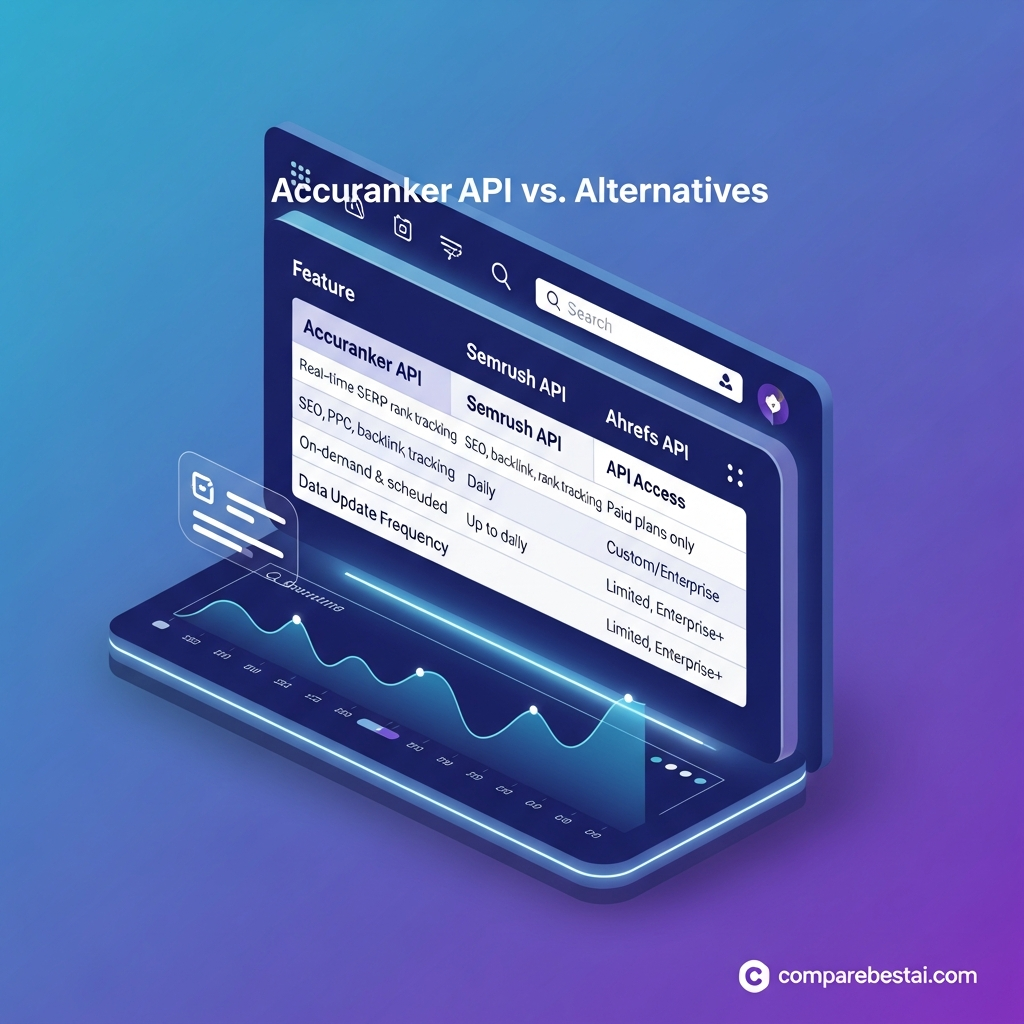

Quick Answer: The AccuRanker API is a REST API for programmatically accessing SEO data already tracked inside an AccuRanker account, including domains, keywords, rankings, competitors, landing pages and historical metrics. In 2026, AccuRanker's Expert plan includes unlimited Read API access, while Enterprise adds unlimited Write API access. The Read API v4 supports token authentication or OAuth2 and currently limits clients to 100 requests per minute and four simultaneous connections per IP.
Published: July 3, 2026
Last Updated: August 30, 2026
For a broader product evaluation, see our full AccuRanker review.
AccuRanker API at a Glance
| Item | Current Details |
|---|---|
| API version | Read API v4 |
| API type | REST |
| Authentication | API Token or OAuth2 |
| Read API access | Expert and Enterprise |
| Write API access | Enterprise |
| Read API rate limit | 100 requests/minute |
| Concurrent connection limit | 4 per IP |
| Automatic rank updates | Every 24 hours |
| Manual rank refresh | Yes |
| Historical rank data | Yes, for tracked data |
| Competitor data | Yes |
| Dynamic filtering | Yes |
| Saved segments | Yes |
| BigQuery | Enterprise |
| Looker/Data Studio | Expert and Enterprise |
| AccuLLM API | Restricted; requires eligible AccuLLM access |
These details reflect AccuRanker's current pricing and Read API v4 documentation.
What Is the AccuRanker API?
The AccuRanker API is a programmatic interface for retrieving SEO information from an AccuRanker account.
It is primarily useful when ranking and visibility data needs to leave the AccuRanker dashboard and flow into another system, such as:
- an internal SEO dashboard
- a client-reporting platform
- a data warehouse
- an analytics application
- an alerting system
- a custom SaaS product
- an automated reporting pipeline
The Read API exposes account-related entities such as domains, keywords, rankings, competitors and landing pages. Historical data can also be requested for supported fields by passing date ranges such as period_from and period_to.
This makes AccuRanker particularly relevant to agencies and in-house SEO teams that need ranking data at scale rather than occasional manual exports.
AccuRanker Read API vs Write API
One of the most important things to understand is that AccuRanker separates reading data from changing account data.
Read API
The Read API is used to retrieve information.
Examples include:
- domains
- tracked keywords
- keyword rankings
- ranking history
- competitor rankings
- landing pages
- tags
- search-volume history
- visibility-related metrics
The current Expert plan includes Unlimited Read API, and Enterprise inherits that access.
Write API
The Write API is for workflows that need to create or modify AccuRanker entities.
AccuRanker's Read API documentation points developers to the separate Write API for creating or updating items such as groups, domains and keywords. Current pricing lists Unlimited Write API as an Enterprise feature.
That means a company that only needs automated reporting may be able to work with Read access, while a system that programmatically creates or manages tracking campaigns may require Enterprise-level Write access.
Which AccuRanker Plans Include API Access?
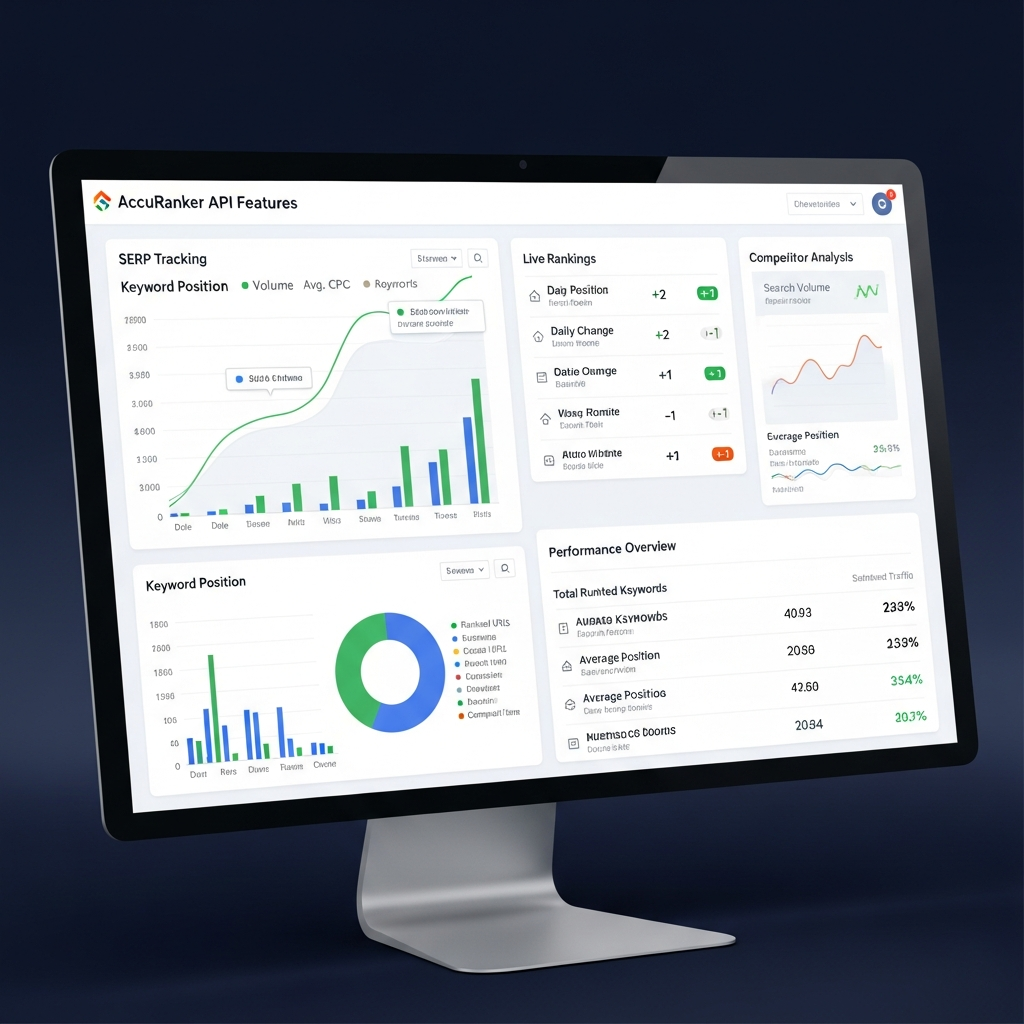
AccuRanker's current monthly pricing is:
| Plan | Monthly Price | API Positioning |
|---|---|---|
| Professional | $224 | API access not listed among included Professional features |
| Expert | $764 | Unlimited Read API |
| Enterprise | Custom | Unlimited Read + Write API |
AccuRanker offers a 10% discount for annual billing. Enterprise is positioned for organizations managing more than 25,000 keywords.
This changes the economics of the API considerably.
If AccuRanker API is the primary reason you are buying the product, you should evaluate the Expert plan as the current practical read-API entry point, rather than comparing against AccuRanker's lowest plan.
For the broader tool landscape, compare our best search engine optimization tools for website visibility.
AccuRanker API Rate Limits
AccuRanker's Read API v4 currently documents two primary technical limits:
- 100 requests per minute
- no more than 4 simultaneous connections from the same IP
This is important because AccuRanker also advertises “Unlimited Read API” and “Unlimited Write API” on eligible plans.
Those statements do not mean a client can make infinitely many concurrent requests.
A better interpretation is:
Plan allowance: not sold as a per-call API quota.
Technical throttling: requests still need to stay inside the documented rate and concurrency limits.
For production integrations, queueing, retry logic and caching should therefore still be part of the implementation.
How AccuRanker API Authentication Works
AccuRanker supports both token authentication and OAuth2.
API Token
Token authentication is the simplest option when the integration is only for your own AccuRanker account.
The token is sent through the authorization header using AccuRanker's Token prefix.
OAuth2
OAuth2 is the better option when you are building an integration that other AccuRanker customers need to authorize.
The OAuth flow provides an access token and refresh token, and authorized requests use a Bearer token.
This distinction matters for developers.
An internal reporting script and a multi-user SaaS integration should not necessarily use the same authentication architecture.
The fields Parameter Is Essential
AccuRanker's v4 API has an unusual but useful requirement: you explicitly define which fields you want returned.
The API documentation states that if you omit the fields parameter, the response will be empty.
This design can make responses more efficient because integrations request only the data they actually need.
Nested fields can also be selected using dot notation.
For example, a reporting application might request keyword identifiers, keyword text, historical ranks and rank timestamps without retrieving every available property.
Historical Ranking Data
AccuRanker supports historical data through its API.
For supported ranking fields, integrations can specify:
-
period_from -
period_to
to define the historical range returned.
Keyword endpoints can expose rank history and competitor-rank history for the requested period.
This makes the API useful for:
- ranking trend dashboards
- SEO migration monitoring
- client performance reporting
- competitor movement analysis
- anomaly detection
- historical visibility analysis
However, AccuRanker should not be treated as an unrestricted historical SERP database for any arbitrary keyword.
The API primarily exposes data associated with the account and its tracked campaigns.
How Fresh Is AccuRanker API Data?
AccuRanker automatically updates tracked keywords every 24 hours.
Users can also manually refresh an individual keyword or refresh a larger keyword set when fresher data is needed.
AccuRanker's current documentation says a full manual refresh cannot be performed if the keywords were updated less than two hours earlier.
This leads to an important distinction:
API retrieval can happen on demand.
But the underlying rank data reflects AccuRanker's tracking/update cycle.
Therefore, describing the API as an unrestricted “real-time SERP API” would be misleading.
Saved Segments and Dynamic Filters
AccuRanker v4 supports both saved segments and dynamic API filtering.
A saved segment can be applied by passing its segment_id.
Developers can also construct dynamic filters with conditions such as:
- equals
- greater than
- less than
- between
- contains
- starts with
- regex
- any/all/none
Filters can also be combined using AND/OR logic.
This is particularly useful for agencies with large keyword portfolios.
Instead of retrieving an entire account and filtering everything downstream, an integration can request only the segment it needs.
AccuRanker API Use Cases
Automated Client Reporting
An agency can retrieve tracked keyword and visibility data and load it into an internal reporting system rather than manually exporting spreadsheets.
SEO Performance Dashboards
Rankings, competitors and historical metrics can feed dashboards used by SEO, management or client teams.
Website Migration Monitoring
Historical ranking data can help teams compare keyword movement before and after migrations, redesigns or URL changes.
Competitor Monitoring
The keyword API exposes competitor-rank information, making it possible to compare tracked search visibility programmatically.
Data-Warehouse Workflows
Enterprise customers can also use AccuRanker's documented BigQuery integration. Current requirements state that BigQuery access requires a sufficiently large subscription and support activation.
AccuRanker API Integrations
AccuRanker currently documents integrations with:
- Google Analytics
- Google Search Console
- Google Data Studio / Looker Studio
- BigQuery
- Swydo
- CSV and third-party rank-tracker imports
The Data Studio connector can pull AccuRanker information directly into reports after account authorization.
BigQuery is positioned as an Enterprise-level integration in current pricing.
If you need a broader SEO suite rather than a dedicated rank-tracking data source, see our Semrush SEO review.

This distinction has become especially important in 2026.
The REST API is designed for software and data integrations.
AccuRanker's newer MCP integration is designed to let MCP-compatible AI assistants such as ChatGPT and Claude access AccuRanker or AccuLLM information conversationally.
AccuRanker says MCP access is included in an AccuRanker or AccuLLM subscription without separate MCP billing. AccuLLM-specific information still requires an active AccuLLM plan.
So:
REST API → dashboards, scripts, SaaS applications and data pipelines
MCP → AI-assistant access to SEO and AI-visibility data
For teams building AI-driven SEO workflows, both may be relevant.
AccuLLM API Access
AccuRanker's v4 documentation now also contains entities for brands and prompts related to AccuLLM.
AccuLLM tracks AI visibility metrics such as:
- visibility
- sentiment
- rank
- cited sources
- brand mentions
across supported AI-search environments including ChatGPT, Perplexity, Google AI Overviews and Google AI Mode.
However, prompt-level API endpoints are restricted and require an AccuLLM plan with API access enabled.
This is an important distinction for developers building GEO or LLM-monitoring dashboards.
Advantages of the AccuRanker API
Strong rank-tracking specialization
AccuRanker focuses specifically on ranking and search-visibility workflows rather than trying to be an all-in-one marketing API.
Read and write capabilities
Eligible plans support retrieving SEO data, while Enterprise can also programmatically modify tracked entities.
Historical information
The API can return ranking and competitor history for tracked keywords.
Flexible filtering
Segments and dynamic filters help large accounts retrieve targeted data efficiently.
Clear technical limits
The documentation provides explicit request-rate and concurrency limits.
Strong reporting ecosystem
Looker Studio, BigQuery and other integrations complement custom API workflows.
Limitations of the AccuRanker API
API access starts high in the pricing stack
Current pricing places unlimited Read API on the $764/month Expert plan rather than Professional.
Write access requires Enterprise
Teams that need automated creation or management of tracked entities need to evaluate Enterprise.
It is not an arbitrary SERP scraping API
AccuRanker is fundamentally a rank-tracking platform. Its API exposes the data and workflows around an AccuRanker account rather than functioning like a generic pay-per-request Google scraping service.
Technical rate limits still apply
Even eligible “unlimited” API plans need to stay inside the documented request and connection limits.
It is specialized
If you also need deep backlink analysis, technical site crawling and broad content/competitive research from one API ecosystem, an all-in-one SEO platform may fit better.
For more alternatives, browse our SEO tools for website visibility guide or our affordable SEO tools comparison.
Is the AccuRanker API Worth It?
Yes—if rank tracking is business-critical and your team already operates at agency, mid-market or enterprise scale.
The API becomes most valuable when you need AccuRanker's ranking data to feed another system automatically.
Strong use cases include:
- agency reporting
- large keyword portfolios
- internal SEO dashboards
- custom client portals
- competitor monitoring
- historical visibility analysis
- SEO-data pipelines
The biggest consideration is not API call cost.
It is plan cost.
Because the current Expert tier is the first pricing tier explicitly listing unlimited Read API access, smaller businesses should compare the value of programmatic access against their actual reporting requirements before subscribing.
For small teams that primarily need an affordable rank tracker rather than an enterprise API, compare our affordable SEO tools for small businesses.
Frequently Asked Questions
What is the AccuRanker API?
The AccuRanker API is a REST interface for programmatically retrieving SEO and rank-tracking information from an AccuRanker account. The current Read API is version 4.
Which AccuRanker plan includes Read API access?
AccuRanker's current pricing lists Unlimited Read API on the Expert plan and Enterprise plan. Professional does not list unlimited Read API as an included feature.
Which plan includes the Write API?
Current pricing lists Unlimited Write API under Enterprise.
What are the AccuRanker API rate limits?
The Read API v4 documentation currently specifies 100 requests per minute and no more than four simultaneous connections from the same IP.
Does AccuRanker use API tokens or OAuth2?
Both. Token authentication is recommended for private integrations, while OAuth2 is recommended when other AccuRanker users need to authorize your application.
Does the AccuRanker API provide historical rankings?
Yes. Supported endpoints allow rank and competitor-rank history to be queried using date-range parameters for data tracked in the account.
Is the AccuRanker API a real-time SERP scraping API?
Not in the same sense as an arbitrary SERP-scraping service. AccuRanker automatically refreshes tracked keyword data every 24 hours and also provides manual refresh options. The API retrieves the resulting account data.
What happens if I omit the fields parameter?
AccuRanker's API documentation states that responses will be empty when the fields query parameter is not specified.
Does AccuRanker offer LLM or AI-visibility API data?
AccuRanker's v4 documentation includes AccuLLM brand and prompt endpoints. Prompt access is restricted and requires an eligible AccuLLM plan with API access enabled.
Does AccuRanker support MCP?
Yes. AccuRanker provides an MCP connection for compatible AI assistants such as ChatGPT and Claude. AccuRanker states that MCP access is included with its AccuRanker or AccuLLM subscriptions, while AccuLLM data requires an active AccuLLM plan.
Final Verdict
The AccuRanker API is best viewed as a professional rank-tracking data layer—not a generic SERP scraping API.
Its Read API is particularly strong for agencies and SEO teams that need programmatic access to keyword, ranking, competitor and historical data. Enterprise expands that capability with Write API access, BigQuery and raw SERP HTML.
The strongest reasons to choose it are:
specialized rank-tracking data + historical analysis + filtering + reporting integrations + automation
The biggest barrier is:
API access currently begins much higher in AccuRanker's pricing structure than the standard Professional plan.
If your organization already depends heavily on AccuRanker data, the API can eliminate substantial manual reporting work. If you only track a small number of keywords or need occasional SERP checks, a lower-cost SEO tool or different API model may make more financial sense.

