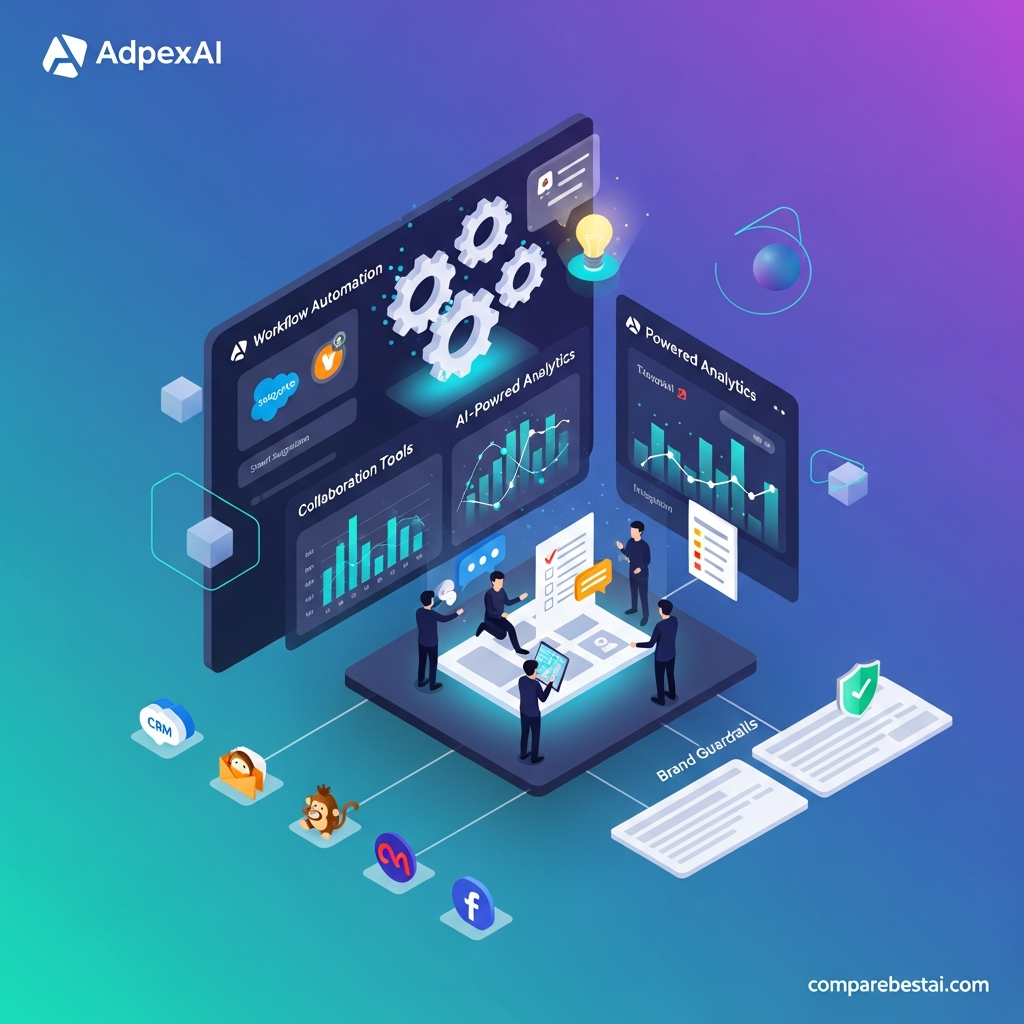

Quick Answer: AdpexAI is an all-in-one generative AI tools platform built around AI video generation, image generation, face swapping, visual effects, photo and video editing, AI chat and prompt-based code generation. Its strongest feature is consolidation: instead of using separate websites for video, images, face swaps and editing utilities, creators can access multiple workflows from one browser-based hub. AdpexAI also uses credits for many tools, so the real cost depends on which features you use and how frequently.
Last Updated: August 31, 2026
For our full evaluation of the platform, read the AdpexAI review.
AdpexAI Features at a Glance
| Feature | Available? | Best For |
|---|---|---|
| Text-to-video | Yes | AI video creation from prompts |
| Image-to-video | Yes | Animating photos and references |
| Multi-model video hub | Yes | Trying different AI video models |
| AI image generation | Yes | Art, marketing and social visuals |
| Image face swap | Yes | Photo transformations |
| Video face swap | Yes | Creator and personalized clips |
| GIF face swap | Yes | Memes and social content |
| Batch face swap | Yes | Multiple image workflows |
| AI effects | Yes | Viral and stylized transformations |
| Background removal | Yes | Product and marketing visuals |
| Image/video enhancement | Yes | Improving media quality |
| Video watermark remover | Yes | Authorized cleanup workflows |
| AI code generation | Yes | Simple games, web pages and tools |
| AI chat agents | Yes | Writing, research and coding assistance |
| Credit-based usage | Yes | Usage varies by tool |
AdpexAI currently positions itself as a one-stop generative AI agent/tools hub covering media, style and code rather than a traditional marketing-automation platform.
What Is AdpexAI?
AdpexAI is a browser-based generative AI platform that combines several categories of creative software under one account.
The current platform focuses on three broad areas:
media generation, including AI video and images;
creative transformations, including face swap, effects and editing;
and broader AI utilities such as chat and code generation.
That makes AdpexAI different from a specialist platform that focuses only on one capability such as cinematic AI video.
Its value proposition is primarily:
one account → multiple AI creation workflows.
1. AI Video Generation
AI video generation is one of AdpexAI's core features.
The current video hub supports both:
text-to-video
and
image-to-video generation.
For text-to-video, users enter a written description and generate a video interpretation of the prompt.
For image-to-video, users start with a still image and add motion, camera movement or scene transformation.
Potential use cases include:
- short-form social videos
- product concepts
- visual storyboards
- creator clips
- advertising concepts
- image animation.
Multi-model AI video access
One notable feature is that AdpexAI does not present itself as being limited to one video model.
Its current public video hub provides multiple AI-video workflows and currently includes pages for model families such as Sora, Wan and Seedance.
This makes AdpexAI closer to a multi-model video hub than a single-model generator.
For users who want to compare AdpexAI with dedicated video platforms, see our AI video generator comparison.
2. AI Image Generation
AdpexAI also includes text-to-image generation.
Users can enter written prompts and create:
- realistic-style images
- anime artwork
- character concepts
- marketing visuals
- social-media imagery
- digital art.
The platform's current image pages describe both standard text-to-image workflows and access to multiple image-generation models.
AdpexAI also publishes individual model-based image workflows, meaning the image section is increasingly structured as a model hub rather than one universal generator.
If image quality is more important to you than video, compare the platform against our top AI image generators.
3. Image Face Swap
Face swapping is one of AdpexAI's most visible feature categories.
Its current tools allow users to upload:
- an original image,
- a target face,
- and generate a new image with the face replaced.
AdpexAI supports common image formats including JPEG, JPG, PNG and WEBP across its current face-swap interfaces.
This is useful for:
- creative photo edits
- memes
- avatar-style content
- social posts
- concept imagery.
Users should only upload and transform faces they are authorized to use.
4. Video Face Swap
AdpexAI also provides AI face replacement for video.
The current Video Face Swap interface supports:
MP4 and MOV videos, up to 30MB and up to 10 minutes, and currently lists a usage rate of 20 credits per minute.
The workflow is straightforward:
upload video → upload target face → generate swapped video.
This is one of the clearest examples of why AdpexAI's real cost depends on feature usage.
A person generating still images may consume credits very differently from someone processing several minutes of video.
5. GIF and Batch Face Swap
AdpexAI extends face swapping beyond individual photos and video.
Its current toolbox also includes:
- GIF Face Swap
- Batch Face Swap
- multi-face workflows
- other face-replacement utilities.
Batch Face Swap is useful when several images need the same replacement face.
The current batch interface displays an estimated 5-credit generation cost, although credit requirements can change, so users should check the live interface before running a larger batch.
6. AI Style Effects
AdpexAI offers creative AI effects designed to transform existing photos and videos.
The current homepage describes effects including:
- animated portraits
- dancing avatars
- cinematic filters
- scene transformations.
These tools are aimed more at creator and social-media workflows than traditional professional editing.
The appeal is speed:
upload existing content, choose an effect and generate a transformed version without manually building the animation.
7. Background Removal
AdpexAI includes an AI image background remover.
The tool detects a foreground subject and removes the surrounding background, allowing users to create transparent cutouts or replace the original scene.
This is particularly useful for:
- ecommerce product photos
- marketplace listings
- social graphics
- thumbnails
- promotional designs.
For many users, utilities like this are what make an all-in-one platform more convenient than maintaining several independent AI subscriptions.
8. Image and Video Enhancement
AdpexAI also provides enhancement tools for improving existing media.
The current platform promotes capabilities such as:
- upscaling
- sharpening
- quality enhancement
- restoring detail
- improving blurry footage.
These tools are different from generative video.
Instead of creating new media, they try to improve the quality of an existing image or video.
That makes them useful for restoring older content or preparing low-resolution assets for modern platforms.
9. Video Watermark Removal
AdpexAI includes a video watermark-removal tool.
The current workflow allows users to upload a video, select an unwanted text/logo/watermark area and process the clip so the tool reconstructs the selected region.
This should only be used on media you own or have permission to modify.
Potential legitimate uses include:
- removing your own outdated branding
- cleaning internally produced marketing footage
- restoring licensed assets where modification is permitted.
10. AI Code Generation
AdpexAI extends beyond visual media.
Its homepage currently includes a prompt-to-code workflow where users can describe:
- a webpage
- a game
- a simple application
- a utility
and request functional code.
This does not automatically make AdpexAI a replacement for dedicated AI development environments.
However, it reinforces the platform's positioning as a broader AI tools hub rather than only an AI video generator.
11. AI Chat Agents
AdpexAI also provides a multi-model chat environment.
Its current homepage positions the chat section for:
- writing
- research
- coding
- general assistance.
AdpexAI currently names several third-party model families on its website, but AI model availability changes quickly.
For evergreen content, it is safer to describe this as multi-model AI chat access and tell users to verify the current model list in the live interface rather than hard-coding every version number.
12. Multi-Model AI Hub
This is one of the most important AdpexAI features to understand.
AdpexAI's current homepage explicitly describes its image and video section as an:
All-in-One AI Model Hub for Images & Videos.
For video, AdpexAI says it combines an in-house face-swap model with several external video-generation models.
For images, it says multiple image models are available.
This approach can be valuable for users who want to experiment with different model families without creating an account with every individual provider.
How AdpexAI Credits Work
AdpexAI uses credits for many generation workflows.
The platform's current pricing page supports:
- one-off credit purchases
- monthly subscriptions
- yearly subscriptions.
Credit cost varies by tool.
For example:
Video Face Swap → currently 20 credits/minute.
That means the most important pricing question isn't simply:
“How much is the subscription?”
It is:
“How many credits will my real workflow consume?”
A user who mainly creates still images may have very different economics from a user generating or processing video every day.
Does AdpexAI Have a Free Trial?
AdpexAI's Terms do not guarantee one fixed universal trial.
They state that the company may provide a time-limited free trial with partial functionality at its discretion and can modify or withdraw trial conditions.
Several individual tools also display limited free-generation allowances.
Because these offers can change, avoid publishing an evergreen claim such as:
“AdpexAI always includes a 14-day free trial with no credit card.”
Check the live signup flow instead.
Cancellation and Refund Policy
AdpexAI subscriptions may be monthly or annual and automatically renew unless cancelled.
Users can cancel renewal through the Personal Center or by email. Access continues through the already-paid subscription period.
However, its current Terms say purchased virtual products and services are generally non-refundable once purchased.
That makes it especially important to test the specific feature you plan to use before buying large credit packages.
Important Note About Uploaded Content
AdpexAI's Terms state that users retain ownership of content they upload or generate.
However, the Terms also grant the platform a broad, worldwide license to use, reproduce, modify, adapt and distribute that content under the agreement.
For casual creative experiments, users can evaluate that according to their own requirements.
For:
- confidential client media
- unreleased campaigns
- sensitive commercial photography
- proprietary brand assets
review the current Terms and Privacy Policy before uploading.
Who Are AdpexAI Features Best For?
AdpexAI's current feature set is most relevant to users who regularly move between several creative tasks.
Content creators
Useful for video generation, transformations, face swaps and social-media effects.
Social media marketers
Useful for short-form visuals, creative experimentation and fast image/video editing.
Ecommerce sellers
Background removal, image enhancement and product-oriented visual generation can reduce simple editing work.
Designers and creative experimenters
Multi-model image/video tools make it easier to test several visual approaches.
Casual AI users
The all-in-one structure can be easier than maintaining several specialist AI subscriptions.
Who May Prefer a Specialist Tool?
AdpexAI may not be the best choice if one single capability dominates your workflow.
For example:
Professional AI video production may justify a more dedicated video platform.
Advanced professional editing may require a full NLE rather than browser-based AI utilities.
High-volume image generation may be more efficient on a dedicated image platform.
Software development may benefit from a specialist coding agent.
For direct options, see our AdpexAI alternatives guide.
How We Evaluated AdpexAI Features
This feature guide is based primarily on AdpexAI's current public:
- homepage
- video-generation pages
- image-generation pages
- face-swap tools
- editing-tool pages
- pricing interface
- Terms of Service.
We separate vendor claims from independently verified facts.
For example, AdpexAI currently displays 100,000+ users and 4.8/5 from 1,580 reviews on its own homepage. Those figures may be useful context, but they should be labelled vendor-reported rather than presented as independent CompareBestAI research.
Frequently Asked Questions About AdpexAI Features
What are the main AdpexAI features?
AdpexAI's current core features include AI video generation, AI image generation, image/video/GIF face swap, batch face swap, AI effects, media enhancement, background removal, watermark removal, AI chat and prompt-based code generation.
Can AdpexAI generate videos from text?
Yes. AdpexAI currently supports text-to-video and image-to-video generation through its multi-model video hub.
Does AdpexAI support multiple AI video models?
Yes. AdpexAI currently publishes multiple model-based video workflows, including pages for Sora, Wan and Seedance-based generation.
Can AdpexAI swap faces in videos?
Yes. Its Video Face Swap tool currently accepts MP4/MOV files up to 30MB and videos up to 10 minutes, with the interface listing 20 credits per minute.
Does AdpexAI have an AI image generator?
Yes. AdpexAI provides text-to-image generation and multiple image-generation workflows for realistic, illustrated and stylized visuals.
Does AdpexAI have editing tools?
Yes. Current tools include background removal, media enhancement, video effects and watermark removal.
Does AdpexAI generate code?
Yes. The homepage currently includes a prompt-based code-generation feature for creating simple webpages, games and tools from natural-language instructions.
Is AdpexAI free?
Several AdpexAI tools provide limited free use, but free-generation allowances and trial terms vary. The company's Terms say free trials may be offered at its discretion.
How does AdpexAI charge for features?
AdpexAI uses a credit-based model alongside one-off credit purchases, monthly subscriptions and annual subscriptions. Different tools can consume different numbers of credits.
Are AdpexAI purchases refundable?
AdpexAI's current Terms state that purchased virtual products and services are generally non-refundable once purchased.
Final Verdict: Which AdpexAI Features Matter Most?
AdpexAI's strongest feature is not one individual AI model.
It is consolidation.
The platform currently combines:
AI video + AI images + face swap + editing utilities + visual effects + AI chat + code generation
inside one browser-based ecosystem.
For most creative users, the most relevant features are:
multi-model AI video generation, image generation, image/video face swap and quick AI editing tools.
The main trade-off is credits.
Because different AdpexAI tools consume credits differently, users should test their highest-volume workflow before deciding whether the platform offers good long-term value.
If you regularly use several creative AI functions, AdpexAI's all-in-one approach can reduce tool switching.
If you mostly need one specialist capability, compare dedicated platforms before subscribing.
For the overall verdict, see our full AdpexAI review, or compare options in the AdpexAI alternatives guide.

