
By CompareBestAI Editorial Team
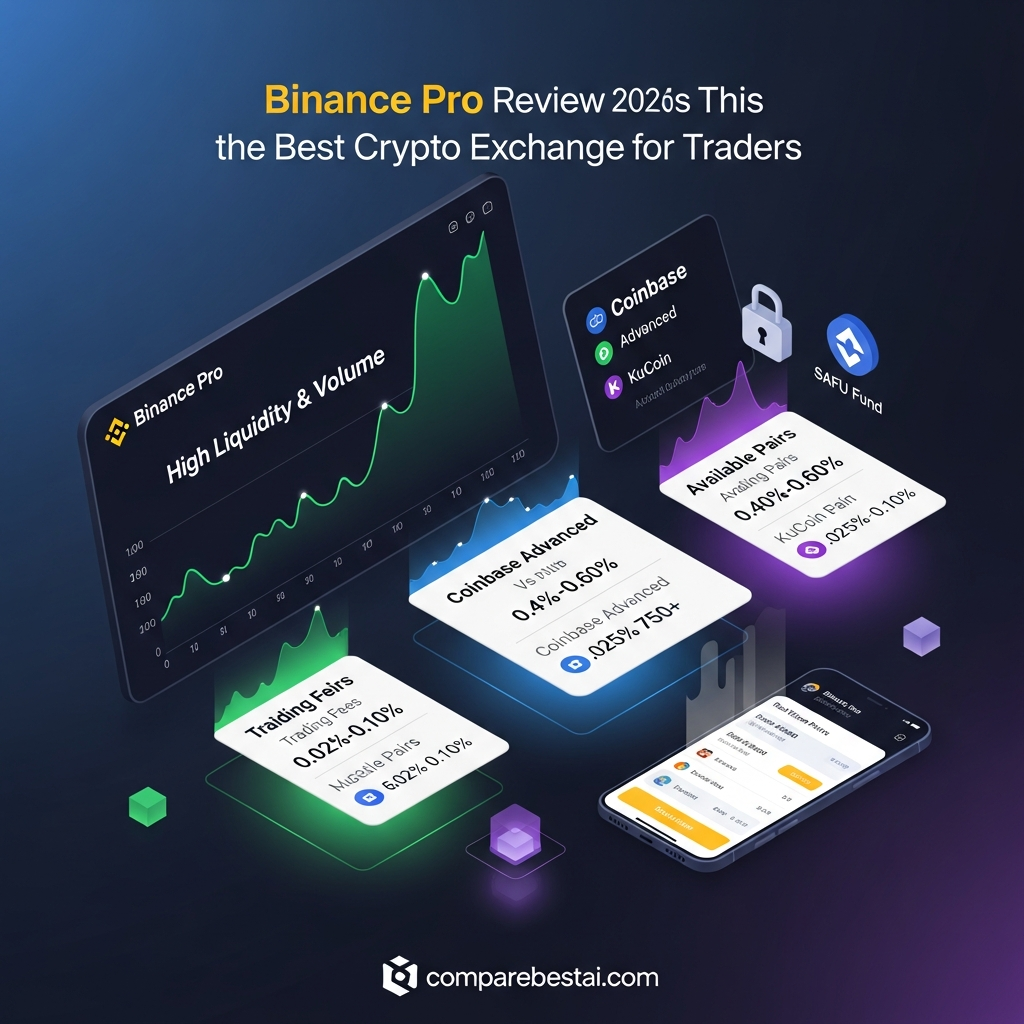
Quick Verdict: Binance Pro is worth considering for experienced crypto traders who need advanced charts, order types, Spot trading, Margin, Futures, Options, P2P and trading-bot access inside the Binance ecosystem. It is not a separate paid subscription: Binance Pro is the advanced interface mode within the Binance app. Standard Spot fees for regular users are currently 0.10% maker and 0.10% taker before eligible BNB discounts, VIP tiers or pair-specific promotions. Beginners may find Binance Lite significantly easier to navigate.
This Binance Pro review evaluates the platform and trading interface, not whether you should buy, sell or hold any cryptocurrency.
Crypto trading can involve substantial losses, and leveraged products such as Margin, Futures and Options introduce additional risk. Product availability also varies by country and region.
For CompareBestAI's dedicated product profile, see Binance Pro.
What Is Binance Pro?
Binance Pro is the advanced interface mode inside the Binance mobile app.
It is not a separate exchange and it is not a premium subscription tier.
Binance offers two primary app experiences:
Binance Lite focuses on simple buying, selling, converting and portfolio viewing.
Binance Pro exposes the wider Binance trading environment, including more advanced charts, order books, order types, Spot trading and access to products such as Margin, Futures, Options and P2P where available.
This distinction matters because many reviews incorrectly describe “Binance Pro” as if users must purchase an upgrade.
They do not.
You switch between Lite and Pro inside the same Binance app.
Binance Pro at a Glance
| Factor | Binance Pro |
|---|---|
| Product type | Advanced Binance app mode |
| Best for | Active and experienced crypto traders |
| Separate subscription | No |
| Standard Spot maker fee | 0.10% |
| Standard Spot taker fee | 0.10% |
| BNB fee discount | Eligible rates can fall to 0.075% |
| Spot trading | Yes |
| Margin | Available where supported |
| Futures | Available where supported |
| Options | Available where supported |
| P2P | Available where supported |
| Trading bots | Yes |
| Advanced charts | Yes |
| Proof of Reserves | Yes |
| Account verification | Required for many functions |
| Regional restrictions | Yes |
Pricing, products and eligibility checked September 7, 2026. Binance rates, promotions and regional product availability can change.
Binance Pro vs Binance Lite
The simplest way to decide whether you need Pro is to compare it with Lite.
| Feature | Binance Lite | Binance Pro |
|---|---|---|
| Interface | Simplified | Advanced |
| Best for | Beginners | Experienced users |
| Buy and sell | Yes | Yes |
| Convert | Yes | Yes |
| Advanced charts | Limited | Yes |
| Order book | Simplified/limited | Yes |
| Advanced order types | Limited | Yes |
| Spot trading | Basic workflows | Full interface |
| Margin | No/limited by mode | Available where eligible |
| Futures | No | Available where eligible |
| Options | No | Available where eligible |
| P2P | Supported in relevant workflows | Yes |
| Trading bots | Limited access | Broad access |
Binance itself describes Lite as the more beginner-friendly interface and Pro as the mode designed for advanced traders who want Futures, Options, Margin and more sophisticated charting and order functionality.
Choose Binance Lite If
You mainly want to:
- buy cryptocurrency
- sell cryptocurrency
- convert assets
- check your portfolio
- avoid complex charts and order books
Choose Binance Pro If
You need:
- advanced order execution
- charting
- Spot markets
- Margin
- Futures
- Options
- P2P
- automation
- more detailed market data
Pro gives you more tools, but more tools do not automatically produce better trading decisions.
How Much Does Binance Pro Cost?
There is no separate Binance Pro monthly subscription fee.
The cost comes from the products you use.
For regular users, Binance's current Spot fee schedule lists:
Maker: 0.100%
Taker: 0.100%
If eligible trading fees are paid using BNB, the fee table currently shows:
Maker: 0.075%
Taker: 0.075%
VIP tiers can reduce fees further, while selected trading pairs may have temporary maker or taker promotions.
Example
If you execute a $1,000 Spot trade at a 0.10% fee:
$1,000 × 0.10% = $1
That does not include:
- withdrawal fees
- network fees
- borrowing costs
- funding payments
- spread
- slippage
- other product-specific costs
Those can matter more than the headline Spot fee depending on your workflow.
Does Binance Pro Have a Free Plan?
Calling it a “free plan” is misleading.
Binance Pro itself is simply an app mode, so there is no subscription required to switch into Pro.
But trading is not free.
Users can incur fees when:
- executing trades
- withdrawing assets
- borrowing through Margin
- trading derivatives
- using certain fiat channels
- interacting with other fee-bearing services
The correct wording is:
Binance Pro has no separate subscription fee, but Binance trading and other services may charge transaction or product-specific fees.
Spot Trading
Spot is one of the core Binance Pro workflows.
Spot trading means purchasing or selling an asset for settlement in the underlying cryptocurrency rather than using a derivatives contract.
Binance Pro provides the fuller trading interface with:
- order book
- chart
- order entry
- market depth
- trading history
- advanced order controls
The standard regular-user Spot maker/taker rate is currently 0.10% before applicable discounts or promotions.
For users primarily focused on charts rather than exchange execution, CompareBestAI's TradingView Premium review is a more relevant comparison.
Margin Trading
Margin allows eligible users to borrow assets to increase trading exposure.
This increases both potential gains and potential losses.
Margin is one of the reasons Binance Pro is inappropriate for users who do not already understand:
- leverage
- collateral
- interest
- margin ratios
- liquidation
Binance officially positions Margin among the advanced trading functions available through its broader professional interface.
If you are still learning basic Spot orders, there is little reason to use leverage simply because the button is available.
Futures Trading
Binance Pro also provides access to Futures products where permitted.
Futures can be used to take long or short exposure without owning the underlying asset in the same way as Spot trading.
However, leverage creates liquidation risk.
A small adverse price move can produce a large loss when leverage is high.
That makes Futures a poor reason for a complete beginner to switch to Pro.
Binance's own trading resources classify several Futures and leveraged bot strategies as advanced workflows.
Options
Options provide another derivatives layer for eligible Binance users.
They allow traders to structure directional and volatility-based exposure but introduce concepts such as:
- strike price
- expiry
- premium
- implied volatility
- time decay
Binance Pro's wider product access is a benefit for experienced traders.
For beginners, it is also one of the interface's main complexity risks.
Binance Trading Bots
Automation is one of Binance Pro's strongest advanced features.
Binance's current documentation covers trading bots including:
- Spot Grid
- Futures Grid
- Arbitrage
- Rebalancing
- Spot DCA
- Auto-Invest
Spot Grid
Designed to place buy and sell orders across a predefined price range.
It is generally intended for markets moving within a range.
Futures Grid
Applies grid automation to Futures positions and introduces leverage-related risks.
Spot DCA
Automates buying or selling according to predefined price and order settings.
Rebalancing Bot
Automatically adjusts portfolio allocations toward selected target weights.
Auto-Invest
Designed for recurring asset purchases.
Arbitrage
Attempts to automate strategies built around market or funding-rate differences.
Automation does not remove market risk.
A bot simply executes rules more consistently.
If your main interest is third-party crypto automation rather than Binance's built-in bot system, compare WunderTrading.

Is Binance Pro Good for Copy Trading?
Binance offers copy-trading functionality in supported products and regions, but copy trading should not be interpreted as automatically reducing risk.
Following another trader still exposes you to:
- market losses
- leverage
- strategy changes
- drawdowns
- execution differences
If copy trading is your main requirement rather than exchange functionality, see our Zignaly crypto copy trading review or explore Zignaly.
Advanced Charting
One of the clearest advantages of Pro over Lite is the trading interface.
Binance Pro exposes more detailed charting, order-book and technical-analysis workflows than Lite. Binance officially positions advanced charting and order types as core differences between its two modes.
However, Binance is primarily an exchange.
If your workflow revolves around:
- multi-market charting
- extensive alerts
- custom indicators
- cross-asset technical analysis
a dedicated charting platform may still provide a better research environment.
Compare TradingView Premium if charting is the main priority.
Binance Pro Security
No centralized exchange should be described as “completely safe.”
Binance provides several security and transparency mechanisms, but centralized custody always creates counterparty and operational risk.
Proof of Reserves
Binance publishes a Proof of Reserves system designed to show that user assets are backed 1:1.
Users can verify whether their account balance was included using Merkle-tree records, and Binance incorporates zk-SNARK technology into its verification process.
Binance's current support documentation says snapshots are taken monthly and verification data is released afterward.
What Proof of Reserves Does Not Prove
Proof of Reserves should not be treated as a complete solvency guarantee.
Binance Academy itself notes limitations including:
- point-in-time nature
- dependence on audit quality
- inability to fully verify off-chain liabilities
That nuance should be included in any credible review.
SAFU
Binance maintains the Secure Asset Fund for Users, or SAFU.
According to Binance's January 2026 update, the fund held $1 billion USDC at that time.
SAFU adds a protection mechanism but should not be described as insurance guaranteeing every possible user loss.
Two-Factor Authentication
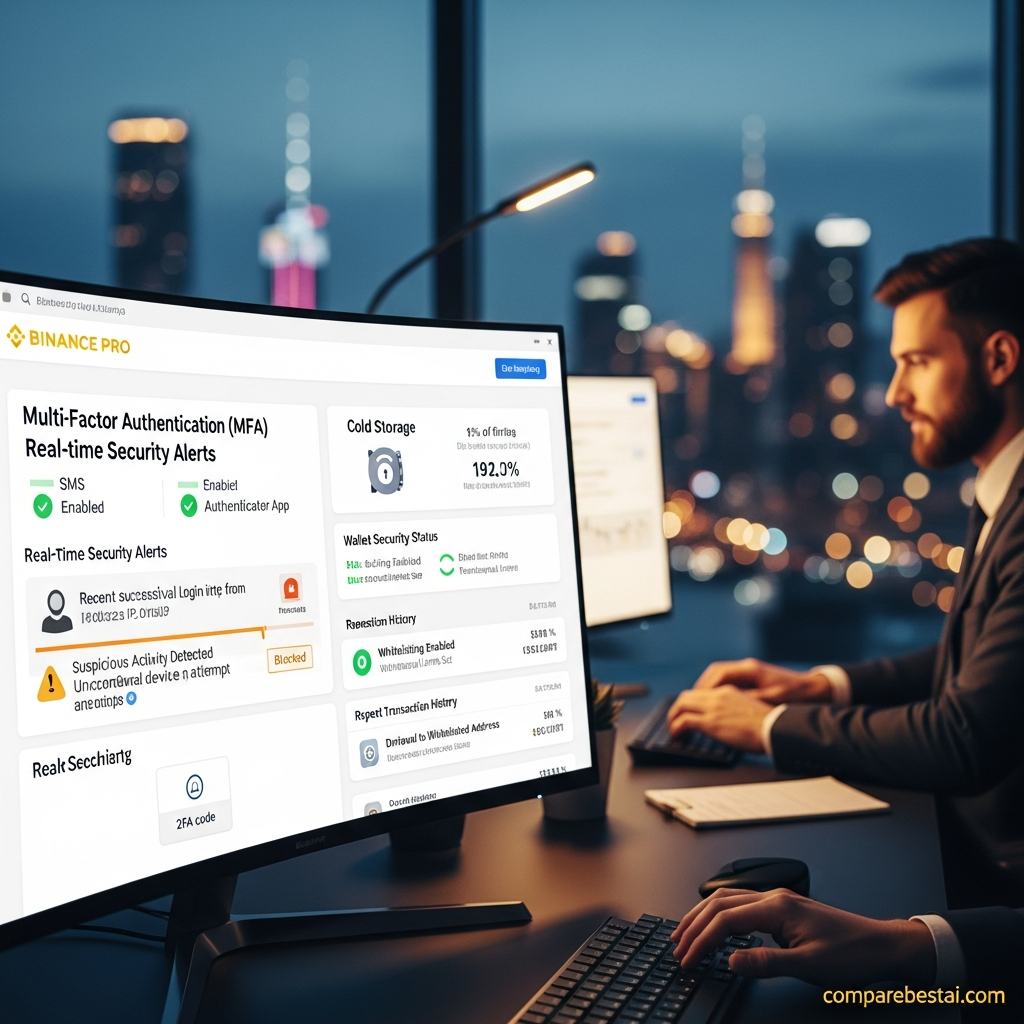
Binance supports two-factor authentication controls for sensitive actions such as login, withdrawals and account-setting changes.
Users should enable strong authentication and protect their own account credentials regardless of platform-level controls.
Is Binance Pro Safe?
A more accurate answer is:
Binance Pro includes substantial security and reserve-transparency features, but no centralized crypto exchange is risk-free.
Users should consider:
- custody risk
- account-security risk
- regulatory changes
- asset-specific risk
- derivatives risk
- operational outages
- phishing
- market volatility
For larger long-term holdings, some users may also evaluate whether self-custody fits their threat model and technical capability.
This review does not recommend a custody strategy or investment decision.
Regional Availability
This section is essential.
Binance products are not identical worldwide.
Binance's 2026 product announcements repeatedly state that trading permissions can depend on country or region and that some services or trading pairs may not be available to particular jurisdictions. Identity verification may be required before trading.
Therefore, never write:
Binance Pro includes Futures for everyone.
Write:
Binance Pro provides access to Futures, Margin, Options and other advanced products where those products are supported and the user is eligible.
That wording remains accurate as regulations change.
Binance Pro Ease of Use
For an experienced trader, the interface can be efficient because many tools are available in one environment.
For a new user, the same density becomes a disadvantage.
Binance Lite intentionally removes much of this complexity.
That means the interface choice should be based on experience level, not prestige.
Pro is not automatically better because it is called Pro.
It is simply more complex and feature-dense.
Binance Pro Pros and Cons
Pros
Advanced trading interface
Detailed charts, order books and multiple order types.
Competitive Spot fees
Regular-user Spot maker and taker rates currently begin at 0.10%, before eligible discounts.
Multiple trading products
Spot, Margin, Futures and Options are available within the broader Binance environment where permitted.
Built-in trading automation
Several official bot strategies reduce the need for third-party automation for basic workflows.
P2P access
Useful in regions and currencies where P2P functionality is supported.
Reserve transparency tools
Users can independently check their inclusion in Binance's Proof of Reserves system.
Cons
Steep learning curve
The interface can overwhelm beginners.
Regional restrictions
Product availability can change by jurisdiction.
Custodial risk
Assets held on Binance remain under centralized exchange custody.
Leverage risk
Margin, Futures and other derivatives can create rapid losses and liquidation risk.
Complex fee structure beyond Spot
Funding, borrowing, withdrawals and product-specific fees can make total cost less obvious.
More features than many users need
Long-term buyers who only purchase occasionally may be better served by Lite.
Who Should Use Binance Pro?
Good Fit
Binance Pro makes the most sense for users who already understand:
- maker vs taker fees
- limit orders
- market orders
- order books
- Spot trading
- leverage risk
- basic technical charts
It is also useful for traders who need several Binance products from one interface.
Less Suitable
It may be unnecessarily complex for:
- first-time crypto buyers
- infrequent buyers
- users who only convert assets
- people unfamiliar with leverage
- users who prefer extremely simple interfaces
Binance Lite exists precisely for those users.
Binance Pro vs TradingView Premium
These products solve different problems.
Binance Pro is primarily an exchange execution interface.
TradingView Premium is primarily an advanced charting and market-analysis platform.
Choose Binance Pro when the main job is executing trades on Binance.
Choose TradingView when the main job is:
- advanced charts
- alerts
- multi-market analysis
- custom indicator workflows
Read our TradingView Premium review for the deeper comparison.
Binance Pro vs Crypto Automation Platforms
Binance already includes several native bots.
But third-party products can offer broader multi-exchange automation or specialized strategy management.
WunderTrading is worth comparing when multi-exchange bot automation is the priority.
Zignaly is more relevant when copy trading and externally managed strategies are the main workflow.
Binance Pro wins when you want those trading capabilities tightly integrated with your Binance account.
How We Evaluated Binance Pro
This 2026 update focuses on current, publicly verifiable information.
We evaluated:
Product Definition
Whether Binance Pro is a separate subscription or an app interface mode.
Fees
Current Spot maker/taker rates and published discount structure.
Trading Features
Spot, Margin, derivatives, charting and order functionality.
Automation
Official Binance trading-bot capabilities.
Security
Proof of Reserves, SAFU and account-security controls.
Availability
Regional eligibility and verification requirements.
Usability
The practical difference between Binance Lite and Pro.
We do not present hypothetical trading returns, bot profitability or future crypto-price performance as review criteria.
FAQs About Binance Pro
What is Binance Pro?
Binance Pro is the advanced interface mode inside the Binance app. It provides a more detailed trading environment with advanced charting, order types and broader access to Binance products such as Spot, Margin, Futures, Options and P2P where available.
Is Binance Pro free?
There is no separate monthly subscription fee to switch to Binance Pro. However, users still pay applicable trading, withdrawal, borrowing, funding and other product-specific fees.
What are Binance Pro Spot fees?
For regular users, Binance's current Spot fee schedule lists 0.10% maker and 0.10% taker fees. Eligible BNB fee payment currently reduces those displayed rates to 0.075%. VIP levels and promotions can change the effective rate.
Is Binance Pro better than Binance Lite?
Binance Pro is better for experienced users who need advanced trading tools. Binance Lite is better for beginners who mainly want to buy, sell, convert and monitor assets through a simpler interface.
Does Binance Pro have trading bots?
Yes. Binance currently provides bots including Spot Grid, Futures Grid, Arbitrage, Rebalancing, Spot DCA and Auto-Invest.
Is Binance Pro safe?
Binance provides security measures including account authentication, Proof of Reserves and SAFU. However, centralized exchange use still involves custody, regulatory, operational and market risks, so Binance Pro should not be described as completely risk-free.
Is Binance Pro available in every country?
No. Binance states that product and trading eligibility varies by country or region. Some trading pairs and advanced services may not be available in certain jurisdictions.
Is Binance Pro good for beginners?
Usually not as the first interface. Binance Lite is intentionally simplified for beginners, while Pro is designed for users who want advanced trading products, charts and order controls.
Final Verdict: Is Binance Pro Worth Using in 2026?
Binance Pro is a strong interface for experienced users who already trade within the Binance ecosystem and need more than simple buying and selling.
Its strongest advantages are:
- advanced order execution
- detailed charts
- Spot trading
- Margin and derivatives access where eligible
- P2P
- built-in trading bots
- competitive standard Spot fees
- reserve-transparency tools
Its biggest drawback is complexity.
The interface exposes products that can create substantially more risk than ordinary Spot buying, particularly leverage and derivatives.
So the right conclusion is not:
“Binance Pro is better than Binance Lite.”
It is:
Binance Pro is more appropriate when you actually need the advanced tools.
If you only want to buy, sell or convert crypto occasionally, Lite may be the better interface.
If you are primarily looking for charting rather than execution, compare TradingView Premium.
If you are primarily interested in automated or copy-trading workflows, compare WunderTrading and our Zignaly crypto copy trading review.
For more related platforms, browse CompareBestAI's Finance & Trading tools.
Compare the interface, fees, product availability and risk controls you actually need before choosing Pro mode. Do not use advanced products simply because they are available.