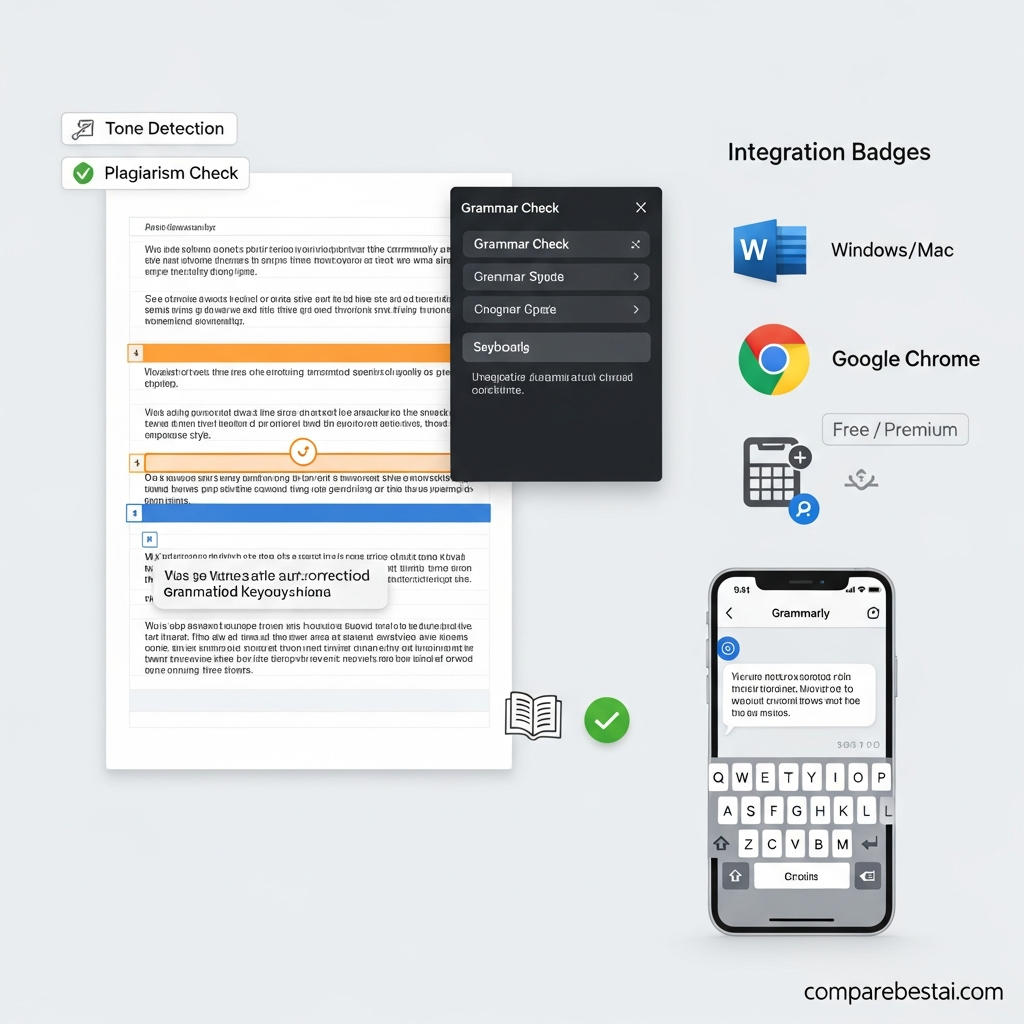

Grammarly is a powerful writing assistant that checks grammar, spelling, and style across various platforms, providing real-time proofreading and editing for documents, emails, and online content. Users can access it free or upgrade for advanced features, making it one of the most popular writing tools for professionals, students, and anyone seeking clearer, error-free communication.
What is Grammarly and How Does it Work?
Developed by a team of linguists and engineers, Grammarly offers intelligent grammar checking, spelling correction, and style recommendations. Supporting over 20 million users worldwide, it helps polish everything from essays to business reports by providing instant feedback. Grammarly isn't just for writers; it's valuable for students, educators, marketers, and business professionals alike who need their communications to shine.
Its robust algorithms go beyond standard grammar checkers, identifying advanced issues, tone, and even providing plagiarism detection in premium versions. The platform continuously evolves using AI and feedback from its massive user base, ensuring accuracy and relevance.
Tweetable fact: Grammarly supports over 20 million users worldwide with real-time writing assistance.
How to Use Grammarly for Different Platforms?
You can use Grammarly almost anywhere you write. Integration is seamless across major platforms:
- Microsoft Word: Install the Grammarly for Word add-in to access instant grammar checks as you type.
- Google Chrome: Add the Grammarly for Chrome extension to enable automatic proofreading on emails, social posts, and web forms.
- Firefox: The Grammarly for Firefox extension provides consistent checks across your browsing experience.
- Windows: Download Grammarly for Windows to check grammar in desktop applications.
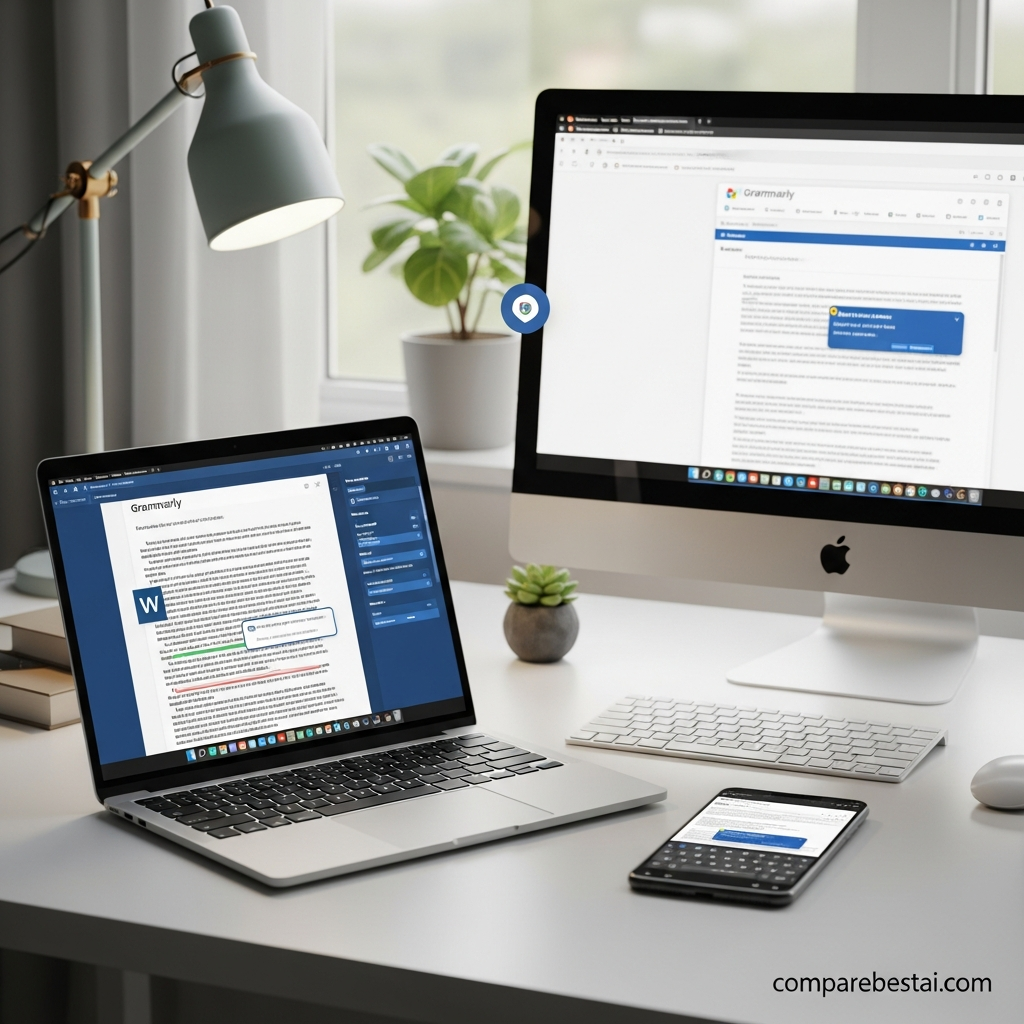
Mobile users can install the Grammarly Keyboard for automated corrections while texting or working in mobile apps.
All platforms benefit from Grammarly's advanced grammar check, contextual spell checker, and tone detection. Access your documents on the Grammarly website for cloud-based editing.
Tweetable fact: Grammarly integrates with Word and Chrome, offering seamless writing support.
Is Grammarly Free or What Are the Pricing Options?
Grammarly Free gives users access to essential grammar and spelling correction, while Grammarly Premium unlocks comprehensive writing feedback, style enhancements, and advanced plagiarism detection. For more on pricing, visit the Grammarly website.
- Free plan: Spelling, basic grammar, punctuation checks.
- Premium: Style, clarity, and tone suggestions, plus full plagiarism checks. Starts at $11.66/month (annual plan).
- Business plan: Team-focused features for organizations, including analytics and user management.

Students may access Grammarly discounts through campus partnerships or special Grammarly coupons.
Tweetable fact: Grammarly Premium offers advanced features starting at $11.66 per month.
What Are the Best Grammarly Alternatives?
Several high-quality alternatives provide similar and complementary writing support. Here are some notable options:
- ProWritingAid - Excels in in-depth writing analysis and style suggestions, often preferred by fiction writers.
- Hemingway - Focuses on readability improvements and concise writing, highlighting complex sentences and passive voice.
- HyperWrite - Powered by AI for automated rewriting and personalized suggestions.
- Writecream - Ideal for content creators needing quick drafting and paraphrasing features.
Tweetable fact: ProWritingAid and Hemingway are popular Grammarly alternatives for detailed writing analysis.
Key Grammarly Features for Students and Professionals
Grammarly benefits a wide range of users. Students enjoy advanced grammar checkers, citation support, and automatic proofreading in Word or through their browser. Professionals rely on it for client emails, reports, and proposals with confidence.
- Tone detection helps adapt writing for formal, academic, or casual contexts.
- Plagiarism checks give academic writers peace of mind.
- Seamless integration with browsers (Chrome, Firefox), Windows apps, and mobile keyboards covers all writing environments.
Whether you’re drafting a blog post, emailing a client, or submitting an essay, Grammarly ensures your writing is accurate and impactful. For more insights on writing tools, check out our article on 10 Best AI Writing Tools for Bloggers and Content Creators.
How We Evaluated These Tools
Our team at CompareBestAI tested Grammarly across multiple devices, including Windows PCs, MacBooks, and both iOS and Android smartphones. We explored every major integration: Microsoft Word, the Chrome and Firefox browser extensions, and the standalone desktop and mobile keyboard apps.
We analyzed how Grammarly performed in real-time writing scenarios — from live blog editing to lengthy research reports — and compared results with leading alternatives. Our evaluation weighed accuracy, platform compatibility, and user-friendliness to ensure each recommendation is practical for everyday tasks.
Frequently Asked Questions
How does Grammarly improve writing?
Grammarly enhances writing by checking grammar, spelling, and style, providing real-time suggestions and corrections. Users benefit from nuanced recommendations that improve clarity, conciseness, and tone. Whether you write essays, business emails, or social posts, Grammarly’s powerful proofreading gives your text polish and professionalism.
Is Grammarly available for students?
Yes, Grammarly is available for students and offers helpful features like academic writing suggestions and plagiarism checks. Student discounts and campus-wide access may be available through school partnerships. It’s a top choice for error-free assignments and citation support.
Can Grammarly be used offline?
Grammarly primarily works online, requiring an internet connection for real-time checks and updates. Some desktop functionalities on Windows and Mac offer limited offline capabilities for premium users. For full grammar and style checks, staying connected ensures the best results.
Does Grammarly offer a keyboard app?
Yes, the Grammarly Keyboard app is available for iOS and Android devices. It automatically checks grammar and spelling as you type across messaging, emails, and social platforms, ensuring error-free mobile communication wherever you need it.
What browsers support Grammarly?
Grammarly supports Chrome, Firefox, Safari, and Edge via dedicated browser extensions. Each extension brings live proofreading and advanced writing feedback to your favorite web apps, making great writing seamless across browsers.
Sources & Citations
- Forbes: Grammarly Product Review
- TechCrunch: Grammarly Raises Funds
- Wired: Artificial Intelligence Writing Tools
- Google Search Central: Writing for Search
Written by: Sarah Mitchell, Senior AI Tools Analyst at CompareBestAI. Sarah has reviewed and tested 200+ AI tools since 2022.