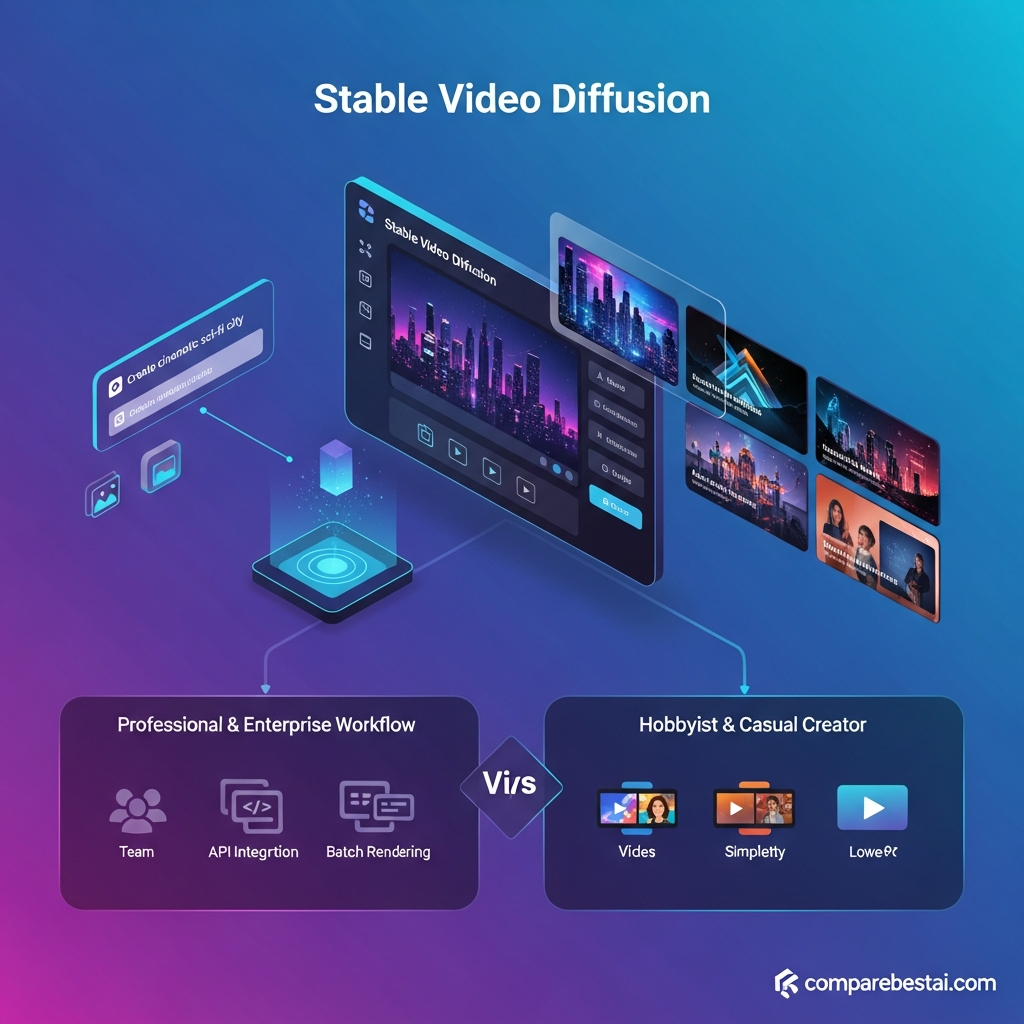

Quick Answer: Is Stable Video Diffusion Still Worth Using in 2026?
Stable Video Diffusion is still useful in 2026 for developers, researchers and technical teams that specifically want a self-hosted generative video model.
It is not an active hosted AI-video SaaS platform.
Stability AI discontinued the official Stable Video Diffusion API on July 24, 2025 and now directs users to download the model weights and run Stable Video Diffusion themselves.
The widely available SVD 1.1 checkpoint is an image-to-video model that generates 25 short frames from a still image at 1024×576.
For developers who value model-level control and private deployment, SVD remains interesting.
For creators who want an easy browser-based AI video product, a currently hosted platform will usually make more sense.
Get Exclusive Pricing Alerts →
Stable Video Diffusion at a Glance
| Category | Stable Video Diffusion |
|---|---|
| Developer | Stability AI |
| Original release | November 2023 |
| Product type | Self-hostable generative video model |
| Hosted SVD API | Discontinued |
| API discontinuation | July 24, 2025 |
| Current access | Self-hosting |
| SVD | 14 frames |
| SVD-XT | 25 frames |
| SVD 1.1 | 25 frames |
| SVD 1.1 resolution | 1024×576 |
| SVD 1.1 primary input | Still image |
| Commercial license | Community / Enterprise |
| Community threshold | Under $1M annual revenue |
| Official monthly subscription | None |
| Best for | Developers, researchers, technical creative teams |
Try Stable Video Diffusion – See Plans & Features
Join the Beta List for Stable Video Diffusion Updates →
Last verified: August 25, 2026.
What Is Stable Video Diffusion?
Stable Video Diffusion is Stability AI's generative video model family based on diffusion-model research.
Stability AI originally introduced SVD in November 2023 as its first foundation model for generative video.
The first public checkpoints were primarily image-to-video models:
- SVD generated 14 frames.
- SVD-XT was fine-tuned for 25 frames.
The public code and model weights allow technical users to run the models on their own infrastructure instead of relying entirely on a vendor-controlled web service.
Stable Video Diffusion should therefore be thought of differently from a platform such as Runway.
Runway is a hosted creative application.
Stable Video Diffusion is primarily a model that technical users deploy and integrate themselves.
Is Stable Video Diffusion Still Available?
Yes.
But how you access it has changed.
Hosted API Status
Stability AI discontinued the official Stable Video Diffusion API on July 24, 2025.
The hosted Stability AI endpoint is no longer available.
This is important because older reviews often describe Stable Video Diffusion as though users can still purchase API credits or choose a hosted plan.
That is no longer current.
Self-Hosting Access
Stability AI currently directs users to self-host SVD.
The official process includes:
- Review Stability AI's license.
- Download the required SVD model weights.
- Obtain the Stability AI Generative Models reference implementation.
- Configure the required Python/GPU environment.
- Run the supplied video-sampling scripts locally or in cloud infrastructure.
This approach gives developers more infrastructure control, but it also moves deployment responsibility onto the user.
Licensing
Stable Video Diffusion 14-frame, 25-frame and 1.1 remain on Stability AI's current Core Models list.
Under the current Community License, eligible:
- Researchers
- Developers
- Creators
- Small businesses
can use covered models without paying Stability AI a license fee.
For commercial businesses, the current revenue threshold is less than $1 million in annual revenue.
Organizations above that threshold generally need to contact Stability AI about an Enterprise License.
Stable Video Diffusion Features
Image-to-Video Generation
The main downloadable SVD models generate video from a still image.
A source image establishes the initial visual content and the diffusion model generates movement across subsequent frames.
This is useful for:
- Animating concept art
- Bringing illustrations to life
- Animating product imagery
- Experimental visual effects
- Research
- Prototyping generative-video workflows
SVD and SVD-XT
The original Stable Video Diffusion release provided two main checkpoints.
SVD was trained to generate:
- 14 frames
- At 576×1024
- From an image-conditioning frame
SVD-XT uses the same core architecture but was fine-tuned for:
- 25 frames

Stable Video Diffusion 1.1
SVD 1.1 is a later image-to-video checkpoint.
Its current official model card specifies:
- 25 generated frames
- 1024×576 image conditioning
- Fine-tuning from the 25-frame SVD model
- Fixed 6 FPS conditioning during fine-tuning
- Motion Bucket ID 127 during fine-tuning
These parameters remain adjustable, but Stability AI warns that performance outside the model's fixed fine-tuning conditions may vary.
Frame Rate and Motion Controls
The broader Stable Video Diffusion family supports configurable frame-rate and motion settings.
Stability AI's current Stable Video page describes the family as capable of 14- and 25-frame generation with customizable frame rates between 3 and 30 FPS.
Developers can also adjust settings such as motion parameters when using the reference implementation.
Self-Hosting and Customization
Self-hosting is one of SVD's strongest remaining advantages.
Running the model yourself allows technical teams to control:
- Infrastructure
- Input data
- Storage
- Model environment
- Generation pipeline
- Authentication
- Queuing
- Additional processing
- Integration with internal systems
That can be valuable for research or private deployments.
However, it also means your team is responsible for keeping the environment running.
Model Weights and Reference Code
Stability AI provides SVD model weights through Hugging Face and reference code through its Generative Models repository.
The repository includes sampling scripts that support SVD and SVD-XT inference.
Important SVD 1.1 Limitations
A strong Stable Video Diffusion review needs to be clear about what the model cannot do.
Very Short Video Length
The official SVD 1.1 model card says generated videos are roughly four seconds or less.
This makes SVD much better suited to short animation experiments than complete commercial video production.
SVD 1.1 Is Not Prompt-Controlled Text-to-Video
This distinction is frequently missed.
Stability AI's broader research covers text-to-video generation, and the current Stable Video product page uses text-to-video terminology.
However, the downloadable SVD 1.1 model card specifically states that the model cannot be controlled through text. It takes a still image as conditioning.
So when discussing SVD 1.1 specifically, treat it as image-to-video.
Motion Can Be Limited
Stability AI warns that SVD 1.1 may sometimes generate:
- Very little movement
- No movement
- Slow camera pans
rather than the complex motion a user expects.
Text Rendering Is Weak
SVD 1.1 is not designed to render readable text reliably.
That makes it a poor choice for automatically creating videos containing:
- Headlines
- Product labels
- UI copy
- On-screen captions
- Brand typography
These elements are better added later with conventional editing tools.
Faces and People Can Be Unreliable
The model card also warns that:
faces and people may not be generated properly.
That makes human-centered advertising or presenter video a weak use case.
Stable Video Diffusion Pricing and Licensing in 2026
Stable Video Diffusion does not currently have a normal monthly subscription.
There is no official:
- Starter plan
- Pro plan
- Enterprise video subscription
- Monthly rendering quota
- Hosted free trial
Instead, cost is determined by licensing and infrastructure.
Community License
Eligible users can use covered Stability AI Core Models for free under the Community License.
For commercial organizations, the current threshold is:
less than $1 million in annual revenue.
Enterprise License
Organizations above the Community threshold should contact Stability AI regarding an Enterprise License.
Current Enterprise pricing is custom.
Stability AI describes Enterprise as including commercial-use rights and implementation support, with optional custom model training and consulting.
Self-Hosting Costs
Even when the Stability AI license costs $0, running SVD is not necessarily free.
Potential costs include:
- GPU hardware
- Cloud GPU rental
- Storage
- Bandwidth
- Engineering time
- Deployment
- Monitoring
- Scaling
- Security
- Backups
Stability AI's current self-hosting guidance recognizes local GPU deployment, cloud virtual machines and third-party inference services as common deployment options.
See the Latest Pricing Updates
Get Stable Video Diffusion Pricing & Discounts
Unlock Exclusive Offers Via Email →
Stable Video Diffusion Pros and Cons
Pros
- Self-hostable
- Publicly available model weights
- Reference implementation available
- Useful image-to-video generation
- Strong research value
- Infrastructure control
- Can be run privately
- 14-frame and 25-frame model options
- Community License can be free for eligible commercial users
- Can be wrapped into custom technical workflows
Cons
- Official hosted API discontinued
- No current official SaaS interface
- Requires technical setup
- Very short outputs
- SVD 1.1 is image-conditioned rather than prompt-controlled text-to-video
- Can generate little or no motion
- Poor at rendering legible text
- Faces and humans may be unreliable
- Infrastructure costs are separate
- No built-in collaboration workspace
- No native Slack/Zapier workflow
- No first-party project-management system
- Not ideal for nontechnical creators
Who Should Use Stable Video Diffusion?
Developers
SVD still makes sense for developers who need direct control over a video-generation pipeline.
This includes developers building:
- Prototypes
- Experimental creative applications
- Private AI tooling
- Image-animation workflows
- Research systems
Researchers
The accessible weights and reference code also make Stable Video Diffusion useful for studying generative-video models and temporal diffusion.
Technical Creative Teams
A technically capable visual-effects or creative team may find SVD useful when private deployment and customization matter more than convenience.
Businesses Requiring Private Infrastructure
Self-hosting can be useful when source imagery should remain inside infrastructure controlled by the organization.
That does not automatically make SVD compliant with every regulated-industry requirement, but it gives teams more deployment control than a consumer-only SaaS interface.
Who Should Choose Another Platform?
Stable Video Diffusion is not the best choice if you:
- Want a browser-based AI video application
- Want long clips
- Want native collaboration
- Need reliable human presenters
- Need readable text inside generated scenes
- Need a managed production API
- Do not want to manage GPU infrastructure
- Need frequent current model updates
- Need professional editing inside the same platform
For those workflows, a modern hosted AI video platform will usually be easier.
Stable Video Diffusion vs Hosted AI Video Platforms
Stable Video Diffusion now occupies a different category from most commercial AI-video products.
| Platform | Delivery Model | Best Fit |
|---|---|---|
| Stable Video Diffusion | Self-hosted model | Developers and researchers |
| Runway | Hosted creator platform | Generation and editing |
| Google Flow | Hosted generative-video workflow | Cinematic generation |
| Adobe Firefly | Hosted creative suite | Multi-model creative work |
| Pika | Hosted creator platform | Short-form/social video |
The real choice is less about a fictional $19 versus $15 monthly subscription.
It is:
Do you want to operate the model yourself, or use a hosted platform that handles infrastructure for you?
How We Evaluated Stable Video Diffusion
We evaluated Stable Video Diffusion using current Stability AI licensing, Core Model documentation, Knowledge Base articles, the official Generative Models repository and the SVD 1.1 model card.
The review focuses on:
- Current availability
- API status
- Self-hosting
- Licensing
- Model versions
- Frame count
- Resolution
- Image-to-video capability
- Motion control
- Technical limitations
- Deployment requirements
- Commercial use
- Current alternatives
Information was rechecked on August 25, 2026.
Historical API functionality was separated from functionality still available today.
Stable Video Diffusion Verified Facts for 2026
Last verified: August 25, 2026
- Developer: Stability AI.
- Original public release: November 21, 2023.
- Product type: Self-hostable generative video model family.
- Hosted SVD API: Discontinued July 24, 2025.
- Current access: Model weights plus self-hosting.
- Current Stability AI Core Models: SVD 14-frame, SVD 25-frame and SVD 1.1.
- Original SVD: Generates 14 frames at 576×1024 from an image.
- SVD-XT: Fine-tuned for 25-frame generation.
- SVD 1.1: Generates 25 frames at 1024×576.
- SVD 1.1 input: Still image.
- SVD 1.1 fine-tuning: Fixed 6 FPS conditioning.
- Typical SVD 1.1 video length: Around four seconds or less.
- SVD 1.1 text control: Not supported according to the official model card.
- Known limitations: Can generate little motion, struggles with legible text, and may generate people/faces poorly.
- Community License: Free for eligible researchers, developers, creators and businesses below $1 million in annual revenue.
- Enterprise License: Custom pricing for applicable larger commercial organizations.
- Official monthly SVD SaaS plan: None.
- Current hosted SVD free trial: None.
- Current official hosted SVD API price: None.
Primary sources: Stability AI Licensing, Core Models, SVD Knowledge Base, Stability AI Generative Models repository and the SVD 1.1 model card.
Get Expert Advice and Comparison Guides by Email →
Frequently Asked Questions
Is Stable Video Diffusion still available in 2026?
Yes. The model remains available for self-hosting, although Stability AI discontinued the hosted Stable Video Diffusion API on July 24, 2025.
Is Stable Video Diffusion free?
Eligible users can use covered Stable Video Diffusion Core Models under Stability AI's Community License without paying a Stability AI license fee. Commercial businesses under $1 million in annual revenue currently qualify, subject to the license terms.
Does Stable Video Diffusion have an API?
Stability AI no longer provides the old hosted Stable Video Diffusion API. Developers can self-host SVD and build their own API layer or use third-party infrastructure.
Is Stable Video Diffusion text-to-video?
The broader Stable Video Diffusion research family includes text-to-video work, but the downloadable SVD 1.1 checkpoint is specifically an image-to-video model and its official model card says it cannot be controlled through text.
What is SVD 1.1?
SVD 1.1 is Stability AI's image-to-video diffusion checkpoint that generates 25 frames from a still image at 1024×576.
How long are Stable Video Diffusion videos?
The SVD 1.1 model card describes generated clips as very short, roughly four seconds or less.
Can Stable Video Diffusion run locally?
Yes. Stability AI provides model weights and reference code for self-hosting.
Is Stable Video Diffusion good for people or faces?
It can generate people, but Stability AI specifically warns that faces and people may not be generated properly.
Can Stable Video Diffusion create readable text?
Not reliably. The official SVD 1.1 model card lists legible text as a limitation.
Can I use Stable Video Diffusion commercially?
Yes, subject to Stability AI's applicable license. Eligible businesses below $1 million in annual revenue can currently use covered Core Models commercially under the Community License.
Who should use Stable Video Diffusion?
It is best suited to developers, researchers and technically capable creative teams that value self-hosting and model-level access.
What are the best alternatives?
Creators who want a hosted interface should compare current platforms such as Runway, Google Flow, Adobe Firefly or Pika based on their workflow requirements.
Final Verdict: Is Stable Video Diffusion Worth It in 2026?
Stable Video Diffusion is still relevant, but for a narrower audience than the current article suggests.
It is not a modern subscription-based AI video platform for marketing departments, agencies or casual creators.
Its strongest use case is technical.
Developers and researchers can download the weights, run the model in their own environment and build customized image-to-video workflows without depending on a hosted Stability AI video endpoint.
That level of control can be valuable.
But it comes with meaningful trade-offs.
SVD 1.1 generates very short clips, is primarily image-to-video, cannot be directly controlled through text according to its official model card, and can struggle with humans, readable text and meaningful motion.
The official Stable Video Diffusion API has also been gone since July 2025.
For a developer who specifically wants a self-hosted video-diffusion model, SVD is still worth experimenting with.
For a marketer, filmmaker or creator who simply wants to generate videos in a browser, newer hosted AI video tools are much easier to recommend.
Review Stable Video Diffusion Licensing
Prefer a hosted workflow?
Compare Current AI Video Generators
Download the Free Buyers Guide →
Compare Stable Video Diffusion Free vs Pro Tiers
Try Stable Video Diffusion Now
Found this guide useful? Share it with your team.


