
Quick Answer: What Are the Best AI Image Generators in 2026?
The five best AI image generators in 2026 are Midjourney, ChatGPT Images, Google Gemini Image, Adobe Firefly and Ideogram.
Midjourney is our pick for artistic and cinematic visuals. ChatGPT Images works especially well for detailed instructions and iterative editing. Google's Gemini Image tools are strong for multimodal creation, factual visuals and image editing. Adobe Firefly fits professional Adobe and commercial creative workflows, while Ideogram stands out when typography and structured graphic design matter.
There is no universal winner. The right choice depends on image quality, prompt adherence, editing control, text rendering, privacy, licensing, pricing and the type of visual content you actually produce.
Product information checked: September 2026.
Best AI Image Generators at a Glance
| Tool | Best For | Standout Strength | Starting Price |
|---|---|---|---|
| Midjourney | Artistic and cinematic visuals | Aesthetic quality and style control | $10/month |
| ChatGPT Images | Prompt-following and iterative editing | Conversational creation and revisions | Free access available |
| Google Gemini Image | Multimodal image generation | World knowledge, editing and text | Varies by Google plan/API |
| Adobe Firefly | Professional commercial workflows | Adobe integration and licensed training approach | Free / $9.99 month |
| Ideogram | Typography and graphic design | Text rendering, layouts and open weights | Free / $20 month |
Pricing and plan availability can change. Verify current provider pricing before purchasing.
How We Chose the Best AI Image Generators
We compared these tools based on the factors that matter most in real creative work rather than simply ranking them by popularity.
The main criteria were:
Image quality
Prompt and instruction adherence
Editing capabilities
Text rendering
Reference-image support
Character and object consistency
Output resolution
Commercial-use terms
Privacy controls
Pricing
Ease of use
Integration with existing creative workflows
Different tools perform better on different briefs. An image generator that produces beautiful concept art may not be the right choice for a marketing team that needs accurate text, repeatable layouts or brand-controlled edits.
For that reason, this ranking focuses on the best use case for each platform rather than declaring one tool the absolute winner.
1. Midjourney: Best for Artistic and Cinematic Visuals
Best for
Concept art, illustrations, cinematic imagery, visual exploration, mood boards and highly stylized marketing concepts.
Midjourney remains one of the strongest AI image generators for users who care most about visual polish and distinctive aesthetics.
Its current default image model is Midjourney V8.2, which became the default version in July 2026.
Midjourney says V8.2 improves image quality, aesthetics and personalization while introducing an updated editing model.
That makes it particularly useful for creative professionals who want visually striking output without manually controlling every technical design parameter.
Midjourney pricing
Current monthly plans include:
| Plan | Monthly Price |
|---|---|
| Basic | $10 |
| Standard | $30 |
| Pro | $60 |
| Mega | $120 |
The Standard, Pro and Mega plans provide unlimited image generation through Relax Mode.
Annual billing is available at a lower effective monthly rate.
Key strengths
Strong artistic output
Cinematic compositions
Broad style experimentation
Mature personalization tools
Reference-based creative workflows
Strong community inspiration
Unlimited Relax Mode generations on Standard and above
Main limitations
Midjourney is less attractive if you need a generous free tier or image creation tightly integrated with common workplace software.
Private generation is also limited to higher-priced plans, so businesses working with confidential creative concepts should review plan-level privacy settings carefully.
Choose Midjourney if
Your main goal is producing visually distinctive art, illustrations, mood boards, advertising concepts or cinematic creative assets.
Consider another tool if
Precise text rendering, extensive conversational editing, enterprise productivity integration or low-cost experimentation matters more than artistic style.
2. ChatGPT Images: Best for Detailed Instructions and Iterative Editing
Best for
Marketing graphics, diagrams, product concepts, social visuals, text-heavy images and repeated creative revisions.
OpenAI introduced ChatGPT Images 2.0 in April 2026.
The image-generation experience is integrated directly into ChatGPT, allowing users to describe an image naturally and then continue refining it through conversation.
That workflow is one of its strongest advantages.
Instead of rewriting an entire prompt after every generation, you can ask for targeted changes such as:
Change the background
Replace one object
Correct text
Alter the layout
Adjust the lighting
Make the image vertical
Keep the subject unchanged
Add or remove branding elements
OpenAI also offers GPT Image 2 to developers as its current state-of-the-art image generation and editing model.
Key strengths
Strong instruction following
Conversational image editing
Good text handling
Reference-image support
Transparent backgrounds
Detailed iterative revisions
Useful for business and marketing graphics
Image generation available directly inside ChatGPT
Where ChatGPT Images stands out
ChatGPT Images is particularly useful when the final image requires several rounds of feedback.
A marketer can generate a campaign concept, ask for a different headline, reposition a product, change the background and adjust the composition without restarting the creative process each time.
Main limitations
Users primarily looking for Midjourney-style artistic discovery may prefer a dedicated visual-art platform.
Developers and businesses should also distinguish between the ChatGPT product experience and GPT Image API pricing because they use different commercial models.
Choose ChatGPT Images if
You need accurate instruction following, text inside graphics, iterative revisions or a conversational workflow for visual creation.
Consider another tool if
Your priority is highly stylized artistic exploration or an open-weight model that can be deployed independently.
3. Google Gemini Image: Best for Multimodal Creation
Best for
Infographics, diagrams, reference-image editing, contextual visuals, multilingual graphics and creative workflows involving real-world knowledge.
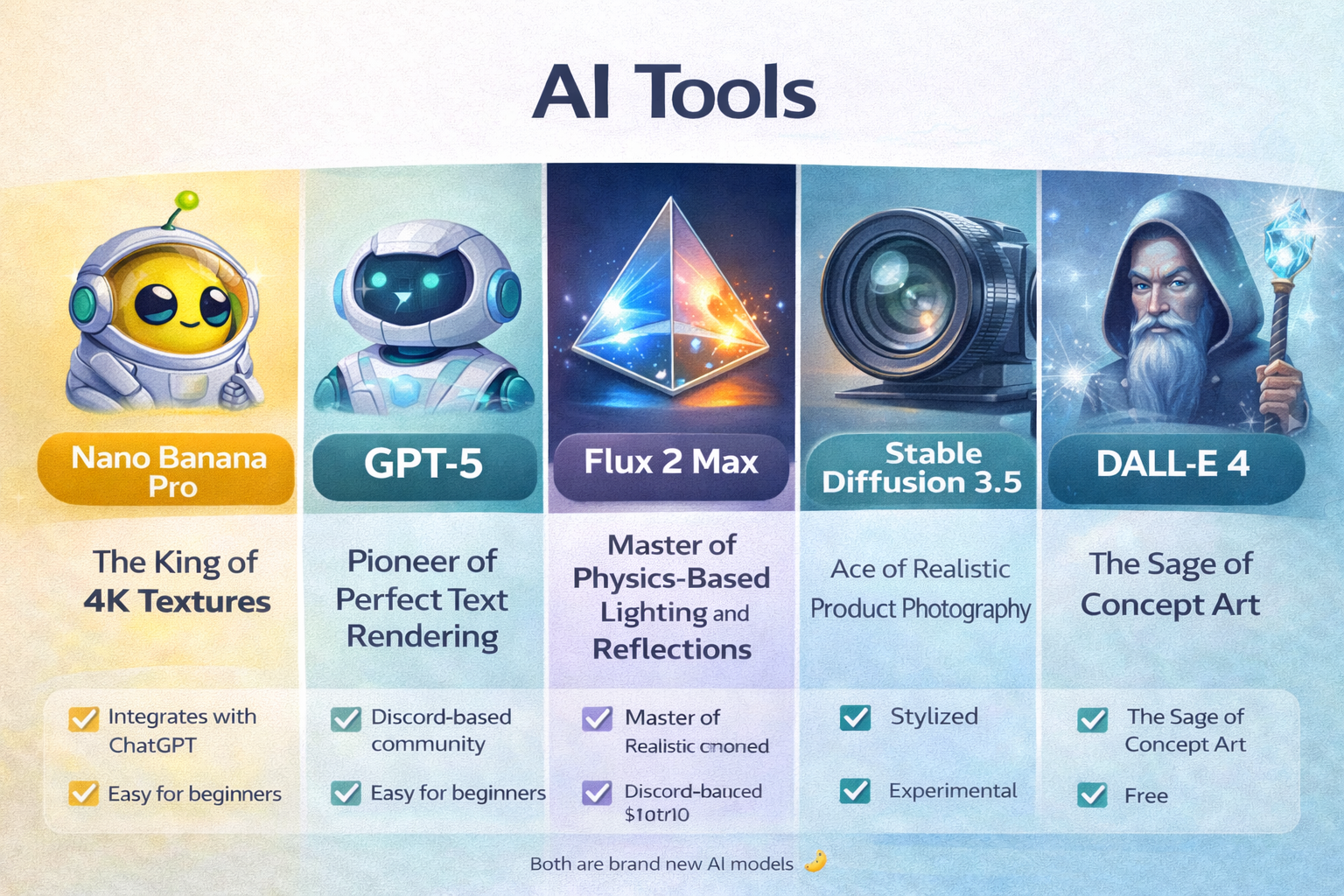
Google's current native image-generation family includes Nano Banana 2, Nano Banana 2 Lite and Nano Banana Pro.
Nano Banana 2 is based on Gemini 3.1 Flash Image and is designed to balance image quality, editing performance, speed and cost.
Nano Banana Pro is based on Gemini 3 Pro Image and is intended for more complex professional visual tasks.
What makes Gemini Image different?
The main advantage is the connection between image generation and Gemini's broader multimodal capabilities.
The models can work with text and images together and are particularly useful for:
Image editing
Infographics
Diagrams
Localization
Reference images
Factual visuals
Brand-controlled assets
Multiple-image workflows
Text inside images
Nano Banana Pro also supports Google Search grounding for certain workflows, allowing it to use real-world information when creating visuals.
Supported outputs can reach 4K resolution.
Key strengths
Strong multimodal understanding
Image-to-image editing
Real-world knowledge
Search grounding on supported workflows
Good text rendering
Multilingual visual creation
Up to 4K output
Multiple reference-image support
Main limitations
Google has several image models and product surfaces, so availability, features and pricing can vary.
Users should check exactly which Gemini image model their plan or API workflow provides.
Choose Gemini Image if
You need visual content that combines editing, reference images, factual context, diagrams, multilingual text or broader Gemini intelligence.
Consider another tool if
Your main priority is a dedicated artistic platform with strong community-driven aesthetic exploration.
4. Adobe Firefly: Best for Adobe and Commercial Creative Workflows
Best for
Professional designers, marketing teams, agencies and organizations already using Photoshop, Illustrator, Adobe Express or other Adobe products.
Adobe Firefly is more than a standalone text-to-image tool.
Its biggest advantage is the way generative AI connects with a broader professional design workflow.
Firefly's standard creative capabilities include tools such as:
Generate Image
Generative Fill
Generative Expand
Text to Vector
Generative editing
Mood boards
Video and audio generation on supported plans
Adobe also provides access to selected third-party models through the Firefly ecosystem.
Commercial workflow considerations
Adobe says its own Firefly models are trained on licensed content, including Adobe Stock, plus public-domain material where copyright has expired.
That distinction is especially relevant for agencies and businesses concerned about provenance and commercial creative workflows.
Third-party models available through Firefly can have different terms, so users should review the conditions associated with the specific model they choose.
Adobe Firefly pricing
Adobe currently offers a free plan with limited generations.
Firefly Standard costs $9.99 per month and includes 2,000 monthly generative credits.
Higher tiers provide additional credits and access to more premium image, video and creative features.
Key strengths
Deep Adobe ecosystem integration
Generative Fill and editing
Professional production workflows
Image, video and audio tools
Access to Adobe and selected partner models
Clear training-data positioning for Adobe's own Firefly models
Main limitations
Firefly's professional workflow benefits matter less if you do not use Adobe applications.
Some partner models also use different licensing or commercial terms from Adobe's own models.
Choose Adobe Firefly if
Your creative workflow already depends on Adobe software or commercial workflow considerations are especially important.
Consider another tool if
You mainly want experimental AI art or a lightweight standalone image generator.
5. Ideogram: Best for Typography and Graphic Design
Best for
Posters, ads, social graphics, signage, packaging concepts, branding and other visual assets where text and layout matter.
Ideogram has long focused heavily on readable text inside AI-generated images.
In June 2026, the company released Ideogram 4.0, an open-weight text-to-image foundation model with a commercial license.
The model is particularly relevant to designers and businesses that want more structured image-generation workflows rather than purely artistic output.
Ideogram 4.0
Ideogram 4.0 provides:
Text-to-image generation
Typography-focused generation
Structured layout controls
2K output
Open weights
Commercial licensing
API access
Enterprise customization options
Organizations can also deploy the open-weight model within their own environments under the applicable licensing terms.
Ideogram pricing
Current consumer plans include:
| Plan | Monthly Price |
|---|---|
| Free | $0 |
| Plus | $20 |
| Pro | $60 |
The Plus plan includes 1,000 priority credits per month, while Pro includes 3,500.
Annual billing reduces the effective monthly price.
Key strengths
Strong typography
Graphic-design-oriented output
Structured layouts
Open weights
Commercially licensed model
Private generation on paid plans
Useful for marketing assets
Main limitations
Midjourney may remain more appealing when the goal is free-form aesthetic exploration rather than structured graphic design.
Ideogram's free plan also has limitations around private generation and priority usage.
Choose Ideogram if
You regularly create posters, advertisements, social graphics, branding concepts or other assets where readable text is a central requirement.
Consider another tool if
Your primary requirement is cinematic AI artwork rather than structured design.
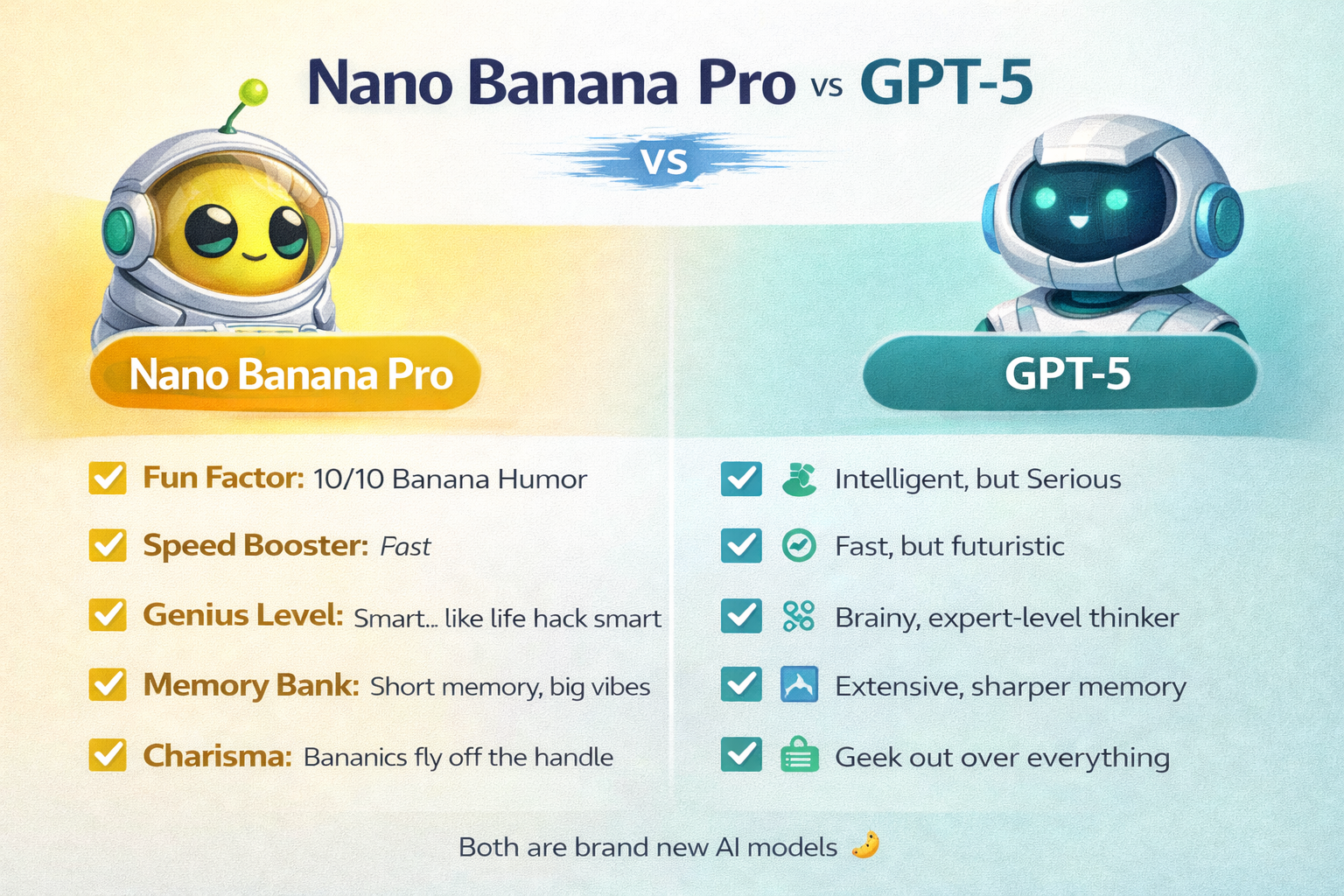
ChatGPT Images 2.0 vs Nano Banana Pro
ChatGPT Images 2.0 and Nano Banana Pro are two of the strongest options when users need more than simple text-to-image generation.
They approach image creation differently.
Choose ChatGPT Images 2.0 for
Conversational editing
Detailed instructions
Iterative revisions
Marketing graphics
Text-heavy assets
Rapid back-and-forth creative changes
ChatGPT's main advantage is workflow continuity. You can generate an image and then keep refining it naturally through conversation.
Choose Nano Banana Pro for
High-resolution professional assets
Infographics
Context-rich visuals
Multilingual text
Google Search-grounded creation
Complex multimodal inputs
Production work requiring up to 4K output
Nano Banana Pro benefits from Gemini's broader world knowledge and multimodal reasoning.
Which is better?
There is no universal winner.
If your work involves many rounds of conversational editing, ChatGPT Images is particularly convenient.
If you need advanced contextual visuals, multilingual output, factual grounding or high-resolution professional assets, Nano Banana Pro may be the better fit.
Test both using the same creative brief rather than relying on generic benchmark claims.
Best AI Image Generator by Use Case
| Use Case | Best Fit |
|---|---|
| Artistic and cinematic images | Midjourney |
| Conversational image generation | ChatGPT Images |
| Multimodal and factual visual creation | Google Gemini Image |
| Adobe professional workflows | Adobe Firefly |
| Typography and graphic design | Ideogram |
Best for artistic visuals: Midjourney
Choose Midjourney for concept art, mood boards, stylized advertising visuals, cinematic compositions and creative exploration.
Best for marketing graphics: ChatGPT Images
Choose ChatGPT Images when marketing assets require precise instructions, text, multiple revisions or a conversational creative process.
Best for diagrams and infographics: Google Gemini Image
Gemini Image is especially useful when visuals depend on contextual information, reference images, real-world knowledge or structured explanations.
Best for professional Adobe workflows: Adobe Firefly
Firefly fits designers and agencies that already depend on Photoshop, Illustrator or Adobe Express.
Best for text inside images: Ideogram
Ideogram is particularly suitable for posters, signs, advertisements, packaging concepts and social graphics where typography is a core part of the visual.
How to Choose the Best AI Image Generator
Do not choose an AI image generator simply because it ranks first on a list.
Run the same representative prompts through several tools and compare the results against your real workflow.
Evaluate:
Image quality
Look at realism, detail, style consistency and whether the output is production-ready.
Prompt adherence
Check whether the model actually follows details such as composition, object placement, colors and instructions.
Text rendering
This matters heavily for advertisements, posters, labels, infographics and social graphics.
Editing control
Good image-generation tools should let you correct parts of an existing image rather than regenerate everything.
Character and object consistency
Consistency becomes important when creating several assets for a campaign, story or brand.
Reference-image support
Determine how accurately the model can preserve people, products, layouts or other source material.
Privacy
Some platforms make generated images public by default or reserve private generation for higher-priced plans.
Commercial terms
Check the provider's terms before using AI-generated assets for advertising, branding, merchandise or client work.
Pricing
Look beyond the subscription price.
Consider credits, GPU time, generation limits, premium-model charges and whether unused credits expire.
Workflow integration
The best standalone generator is not always the best business choice.
Adobe users may gain more value from Firefly integration, while teams already working heavily in ChatGPT or Google may prefer those ecosystems.
Are AI-Generated Images Copyright Free?
Not necessarily.
“AI-generated” does not automatically mean “copyright free.”
Copyright treatment varies by jurisdiction, the level of human creative contribution, the source material involved and how the image is used.
There is also an important difference between:
whether you are allowed to use an output under a provider's terms
whether the output itself qualifies for copyright protection
whether an image potentially infringes third-party rights
Businesses should therefore review the provider's current commercial-use terms and seek appropriate legal advice for high-value or sensitive projects.
Before Using AI Images Commercially
Check:
Commercial-use rights
Model-specific licensing
Training-data policies
Trademark issues
Likeness and publicity rights
Privacy
Brand-safety requirements
Public versus private generation
Attribution requirements
Applicable copyright laws
Do not assume every model available inside a single platform uses identical commercial terms.
Frequently Asked Questions
What are the best AI image generators in 2026?
Five strong options are Midjourney, ChatGPT Images, Google Gemini Image, Adobe Firefly and Ideogram.
Midjourney is strongest for artistic visuals, ChatGPT for iterative creation, Gemini for multimodal workflows, Firefly for Adobe users and Ideogram for typography.
What is the best AI image generator for marketing?
ChatGPT Images is a strong choice for iterative marketing graphics, while Ideogram works well for typography-heavy ads and social assets.
Adobe Firefly is particularly useful for teams already producing campaigns inside Adobe Creative Cloud.
Midjourney remains strong for visually distinctive concepts and campaign imagery.
Which AI image generator is best for text?
Ideogram, ChatGPT Images and Google's current Gemini Image models all have strong text-generation capabilities.
Ideogram remains particularly focused on typography and structured layouts.
Test each platform using the exact type and length of text your designs require because performance can vary considerably by prompt and layout.
Which AI image generator is best for commercial work?
There is no universal answer.
Adobe Firefly is particularly attractive to organizations concerned with professional Adobe workflows and Adobe's stated approach to training its Firefly models on licensed and public-domain content.
Other platforms can also permit commercial use under their applicable terms.
Always verify the current license associated with the specific model and plan you are using.
Are free AI image generators worth using?
Yes.
Free plans are useful for testing image quality, prompt adherence, editing controls and workflow fit before paying.
However, free plans may impose limitations on generation volume, speed, privacy, image resolution, model access or commercial features.
Verified AI Image Generator Facts
Information checked: September 2026
Midjourney's current default model is V8.2.
Midjourney Basic costs $10/month, Standard $30, Pro $60 and Mega $120.
OpenAI introduced ChatGPT Images 2.0 in April 2026.
GPT Image 2 is OpenAI's current state-of-the-art image-generation and editing model for developers.
Google's current native image family includes Nano Banana 2, Nano Banana 2 Lite and Nano Banana Pro.
Nano Banana Pro is based on Gemini 3 Pro Image and supports professional image-generation workflows up to 4K.
Adobe Firefly Standard currently starts at $9.99/month.
Adobe says its Firefly models are trained on licensed and eligible public-domain material.
Ideogram released Ideogram 4.0 on June 3, 2026.
Ideogram Plus costs $20/month and Pro costs $60/month when billed monthly.
Ideogram 4.0 is available as an open-weight model under a commercial license.
Pricing and product availability change quickly. Verify provider information before purchasing.
Final Verdict
There is no single best AI image generator for every creator or business.
Choose Midjourney when visual style and artistic quality matter most.
Choose ChatGPT Images when you need detailed instructions, readable text and repeated conversational edits.
Choose Google Gemini Image for multimodal generation, factual visuals, reference-based editing and context-rich creative work.
Choose Adobe Firefly when your workflow already depends on Adobe products or professional commercial production is a priority.
Choose Ideogram when typography, graphic design and structured layouts are central to the finished asset.
The most reliable way to decide is simple: create one realistic creative brief and run it through several tools.
Compare image quality, prompt adherence, text, editing flexibility, privacy, commercial terms and total cost.
Then choose the platform that produces the best result for the work you actually publish.
Compare AI image generators side by side before choosing a paid plan.