
Quick Answer: The best SEO tools for small businesses in 2026 are Google Search Console for free first-party search data, Google Business Profile for local visibility, Ubersuggest for affordable keyword research, Semrush for an all-in-one SEO suite, Ahrefs for backlink and competitor research, SE Ranking for rank tracking, Screaming Frog for technical audits, and BrightLocal for advanced local SEO.
Most small businesses should start with Google's free tools before paying for a larger SEO platform.
Best SEO Tools for Small Businesses at a Glance
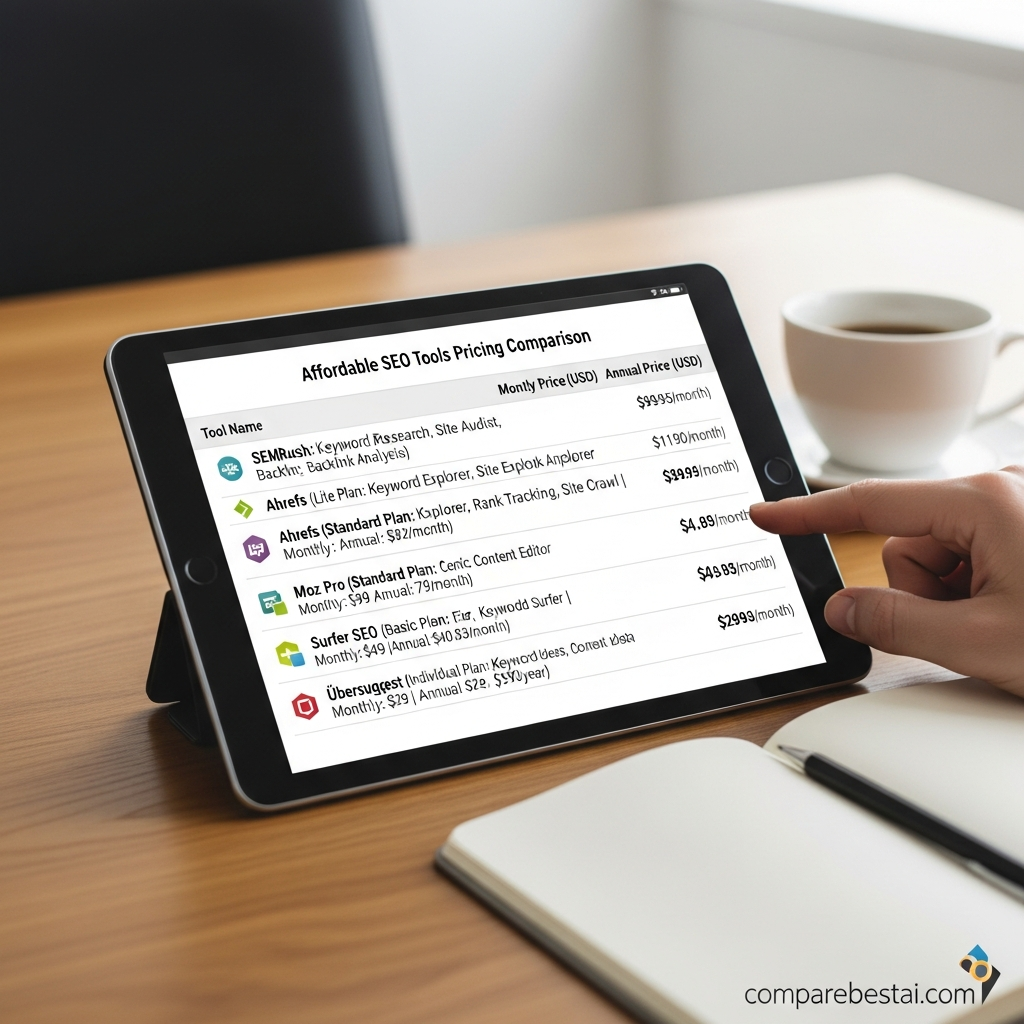
| Tool | Best For | Starting Cost | Main Strength |
|---|---|---|---|
| Google Search Console | Every small business website | Free | First-party Google Search performance data |
| Google Business Profile | Local businesses | Free | Google Maps and local search presence |
| Ubersuggest | Budget-conscious businesses | $29/month | Affordable keyword and competitor research |
| Semrush | Complete SEO management | $139/month | Broad SEO and AI-search toolkit |
| Ahrefs | Competitor and backlink research | Regional pricing | Large competitive research toolkit |
| SE Ranking | Rank tracking and all-in-one SEO | $129/month | SEO + GEO tracking |
| Screaming Frog SEO Spider | Technical SEO auditing | Free / $279 per year | Detailed website crawling |
| BrightLocal | Local SEO | Custom/current quote | Local rankings, citations and GBP auditing |
Pricing checked against official provider information in September 2026. Plans, limits and regional prices can change.
How We Chose the Best SEO Tools for Small Businesses
Small businesses usually have different SEO requirements from large agencies.
A platform with hundreds of reports is not automatically better if nobody on the team has time to use them.
For this comparison, we focused on tools that solve recurring small-business SEO jobs:
Finding search queries and keyword opportunities
Monitoring rankings
Finding indexing problems
Auditing technical SEO
Researching competitors
Monitoring backlinks
Managing local search visibility
Tracking Google Business Profile performance
Measuring progress without requiring a dedicated SEO department
Price also matters.
A small business should not pay $200 or $300 every month for functionality it never opens.
The right SEO stack is usually the smallest combination of tools that gives you enough information to make useful decisions.
1. Google Search Console: Best Free SEO Tool for Small Businesses
Best for: Every website that wants visibility in Google Search
Price: Free
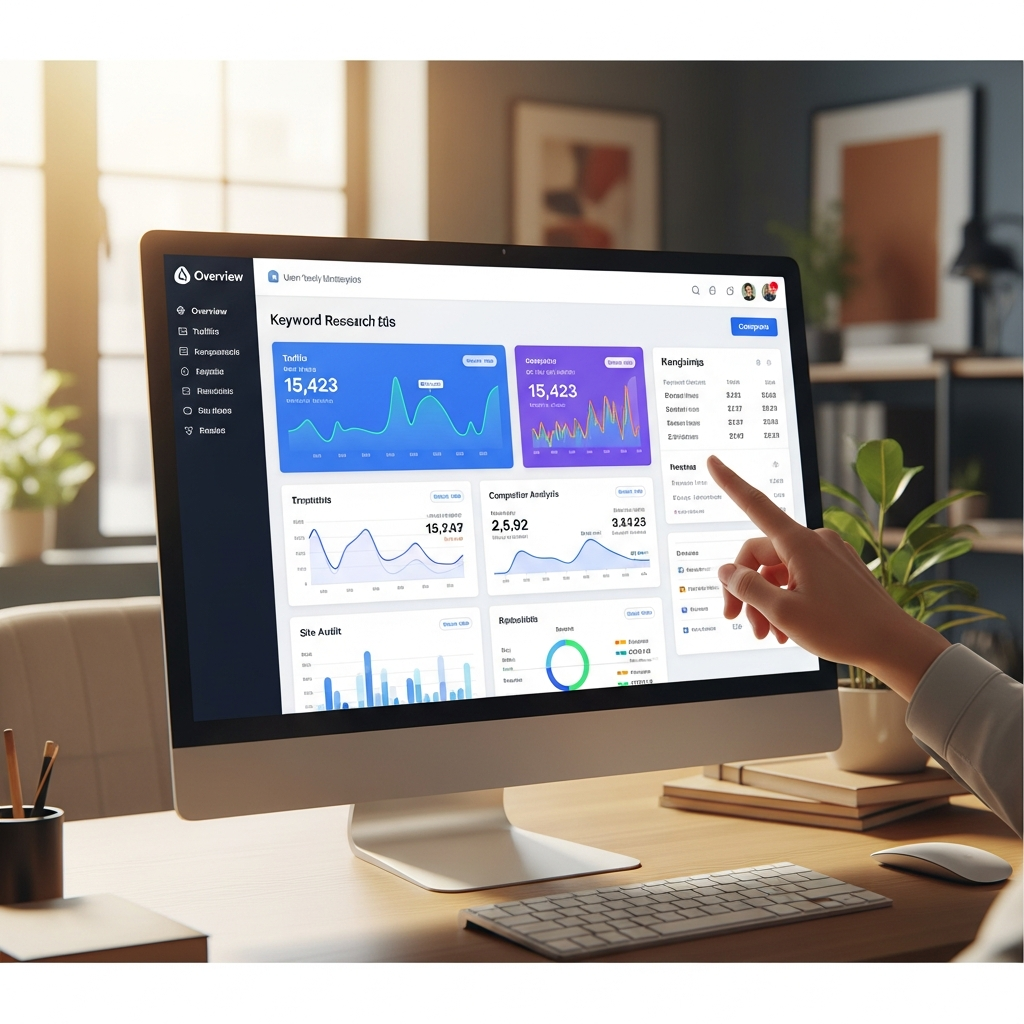
Google Search Console should usually be the first SEO tool a small business sets up.
Unlike third-party SEO platforms, Search Console provides information directly from Google about how your own website performs in Google Search.
It can help you see:
Which search queries show your pages
Search impressions
Clicks
Click-through rates
Average search positions
Which pages receive organic traffic
Indexing problems
Sitemap status
Links Google has discovered
Manual actions and certain security issues
Google describes Search Console as a free service for monitoring, maintaining and troubleshooting a website's presence in Google Search.
Why Search Console is valuable for small businesses
The biggest advantage is that you are looking at data from Google about your own Google Search performance.
Suppose a service page appears 8,000 times in search results but gets very few clicks.
That gives you a practical question to investigate:
Is the title unattractive?
Is the search intent wrong?
Does the snippet explain the service clearly?
Or suppose a page that previously brought in leads suddenly loses impressions.
Search Console can help you identify where the decline happened before you start changing the site blindly.
Limitations
Search Console is not a complete competitor-research platform.
It will not give you the same competitor keyword, backlink and market data available from products such as Semrush or Ahrefs.
Verdict: Every small business with a website should set up Google Search Console before paying for another SEO platform.
2. Google Business Profile: Best Free Local SEO Tool
Best for: Local shops, contractors, professional services, restaurants and service-area businesses
Price: Free
If customers search for businesses in a particular city or area, Google Business Profile can be as important as the website itself.
Google lets eligible businesses create and manage a Business Profile on Search and Maps at no charge.
Businesses can maintain information such as:
Business name
Address or service area
Phone number
Website
Opening hours
Business category
Photos and videos
Customer reviews
For local businesses, these details directly affect what potential customers see when they search for the company or services nearby.
Why it matters
Imagine two plumbers serving the same city.
One has an incomplete profile, old opening hours and few recent reviews.
The other has accurate details, current photos, service information and actively responds to customer reviews.
SEO software cannot replace that local presence.
Limitations
Google Business Profile is not a traditional keyword-research or technical-audit platform.
Use it together with Search Console and, if necessary, a dedicated local SEO product such as BrightLocal.
Verdict: If you serve customers locally, set up and maintain Google Business Profile before paying for sophisticated local SEO software.
3. Ubersuggest: Best Affordable All-in-One SEO Tool
Best for: Solo business owners and small companies that need keyword research without premium-suite pricing
Price: Individual plan currently $29/month
Ubersuggest is one of the more accessible paid SEO platforms for small businesses.
Its Individual plan is specifically positioned for solo entrepreneurs and small businesses managing one website.
Current capabilities include:
Keyword research
Keyword ideas
Search intent
Competitor analysis
Site auditing
Rank tracking
Backlink research
Content ideas
AI search visibility features
The current Individual plan supports one project, up to 125 tracked keywords per domain and five competitor domains.
Why choose Ubersuggest?
The main advantage is price.
Semrush and full Ahrefs plans can be difficult to justify for a business that only manages one website.
Ubersuggest gives smaller businesses access to several core SEO functions from one dashboard at a lower monthly entry point.
Limitations
SEO metrics provided by third-party platforms are estimates.
Google explicitly warns that third-party SEO tools do not have access to its internal ranking data, so use estimated search volumes, traffic figures and difficulty scores as decision-support data rather than absolute truth.
Verdict: Ubersuggest is a practical paid starting point for a small business that has outgrown free Google tools but does not need an agency-scale SEO platform.
4. Semrush: Best Complete SEO Suite
Best for: Small businesses where SEO is an important customer-acquisition channel
Price: SEO plan currently $139/month, or $117.33/month when billed annually
Semrush provides one of the broadest SEO toolsets in this comparison.
Its current entry SEO plan is explicitly positioned toward freelancers and small businesses.
It includes capabilities for:
Keyword research
Competitor research
Position tracking
Site auditing
Domain analysis
AI-search visibility
AI sentiment monitoring
Custom prompt monitoring
The current SEO plan allows five monitored websites and 500 tracked keywords.
Why choose Semrush?
Semrush makes sense when SEO is important enough to justify having several research and monitoring capabilities in the same platform.
Instead of using one product for keyword research, another for rank tracking and another for competitor research, a company can centralize more of that work.
Limitations
The obvious drawback is price.
A small company spending $139 every month should have a repeatable SEO workflow that actually uses the platform.
If you only publish one article every few months and occasionally check rankings, the subscription may be excessive.
Verdict: Semrush is one of the strongest all-in-one choices for small businesses that take SEO seriously enough to use it every week.
5. Ahrefs: Best for Competitor and Backlink Research
Best for: Content-led businesses, competitive research and backlink analysis
Ahrefs is particularly well known for site, keyword, competitor and backlink research.
Its current paid product family includes:
Site Explorer
Keywords Explorer
Site Audit
Rank Tracker
Competitive Analysis
Brand Radar
AI prompt tracking
Ahrefs currently offers a lower-cost Starter option alongside its larger Lite, Standard and Advanced plans.
The full Lite plan is positioned toward small businesses and personal projects.
Why choose Ahrefs?
Ahrefs becomes useful when one of your recurring questions is:
“Why is my competitor ranking ahead of me?”
You can investigate areas such as:
Keywords they rank for
Pages attracting organic traffic
Backlinks
Competing domains
Content gaps
Search-result history
That can help a small business move beyond brainstorming keywords based on intuition.
Limitations
The more complete Ahrefs plans are expensive for casual use, and regional pricing varies.
A business should not subscribe merely because Ahrefs is widely used by SEO professionals.
Pay for it when competitor and backlink research are regular parts of your strategy.
Verdict: Ahrefs is particularly useful for businesses operating in competitive organic-search markets where understanding competing websites matters.
6. SE Ranking: Best for SEO and Rank Tracking in One Platform
Best for: Small marketing teams that need structured rank tracking, audits and competitor research
Price: Core currently $129/month, or $103.20/month with annual billing
SE Ranking has expanded from traditional rank tracking into a broader SEO and GEO platform.
Its current Core plan includes:
Rank tracking
Keyword research
Competitor research
Backlink research
Website audits
On-page audits
Google Analytics integration
Google Search Console integration
GEO research
AI prompt tracking
The Core plan currently supports 10 projects and tracks up to 2,000 keywords and 100 AI prompts daily.
Why choose SE Ranking?
SE Ranking is useful when rankings need to be monitored consistently across multiple pages, keywords or projects.
It can also consolidate several standard SEO jobs in one product.
Limitations
Pricing has moved upward compared with older versions of SE Ranking, so businesses choosing it mainly because they remember it as a very inexpensive rank tracker should compare current plans first.
Verdict: A good fit for teams that want structured ranking data together with broader SEO and AI-search monitoring.
7. Screaming Frog SEO Spider: Best Technical SEO Tool
Best for: Finding technical and on-page problems
Price: Free for up to 500 URLs per crawl; paid version currently $279 per year in USD
Screaming Frog is different from most products in this list.
Rather than being a cloud dashboard primarily focused on keywords and competitors, SEO Spider crawls a website in a way that helps expose technical and on-page issues.
It can identify or analyze areas including:
Broken links
Redirects
Page titles
Meta descriptions
Meta robots directives
Duplicate pages
Structured data
XML sitemaps
Hreflang
JavaScript rendering
PageSpeed integrations
Search Console integrations
The free version crawls up to 500 URLs at a time.
For many small brochure-style websites, that can be enough to perform a useful basic audit without buying a licence.
Why choose Screaming Frog?
Consider a 150-page website where titles were accidentally removed during a redesign.
Or a migration where old URLs now produce 404 errors.
A crawler makes finding those problems much easier than manually opening pages.
Limitations
Screaming Frog is more technical than Ubersuggest or Google Business Profile.
It provides information about problems but does not replace knowing which problems actually matter.
Verdict: One of the most useful free technical SEO tools for small websites and a strong paid option when deeper crawling is required.
8. BrightLocal: Best Advanced Local SEO Platform
Best for: Businesses that depend heavily on local search and Google Maps
BrightLocal focuses specifically on local SEO.
Its current platform provides capabilities including:
Local Rank Tracker
Local Search Grid
Citation tracking
Google Business Profile audits
Competitor benchmarking
Review monitoring
Listing management
Citation building
That specialization makes BrightLocal different from broad SEO suites.
Why choose BrightLocal?
A nationwide ecommerce company may care primarily about organic rankings across an entire country.
A dentist, roofer, electrician or restaurant may instead care about whether the business appears prominently when somebody searches from a particular neighborhood.
BrightLocal's geo-grid rank tracking is designed around that local-search problem.
Pricing
BrightLocal's current website displays its newer Track, Manage and Grow structure, with pricing dependent on the selected setup.
Citation Builder is also available separately on a pay-as-you-go basis.
Check the current official pricing page for a quote before budgeting.
Limitations
A purely online company with no meaningful local-search strategy may gain more value from Semrush, Ahrefs or Ubersuggest.
Verdict: One of the more relevant specialist choices when Google Maps, citations and local rankings directly drive customers.
Which SEO Tool Should a Small Business Choose?
Do not begin by asking:
“Which platform has the most SEO features?”
Ask:
“What SEO job are we currently unable to do?”
| Your Main Need | Start With |
|---|---|
| Understand Google traffic | Google Search Console |
| Improve local presence | Google Business Profile |
| Affordable keyword research | Ubersuggest |
| Complete SEO platform | Semrush |
| Competitor and backlink research | Ahrefs |
| Rank tracking across many keywords | SE Ranking |
| Find technical website problems | Screaming Frog |
| Advanced local rank monitoring | BrightLocal |
A small business usually does not need all eight.
The Best Free SEO Stack for a Small Business
Before paying for SEO software, set up the useful first-party tools available to you.
A strong starting point is:
Google Search Console + Google Business Profile for eligible local businesses.
Search Console tells you how your website performs in Google Search.
Business Profile controls important information customers see about an eligible local business across Search and Maps.
Then add Screaming Frog if you need to inspect technical website problems.
That gives many small companies enough information to start making meaningful SEO improvements without paying a monthly subscription.
When Should You Pay for an SEO Tool?
A paid SEO platform becomes more useful when free tools stop answering important business questions.
Examples include:
Which keywords are my competitors ranking for?
Use Semrush, Ahrefs or Ubersuggest.
Which competitors are earning backlinks I don't have?
Consider Ahrefs or Semrush.
How are 500 target keywords changing every day?
Consider a dedicated tracking platform such as SE Ranking.
How do my Google Maps rankings change from neighborhood to neighborhood?
Consider BrightLocal.
The subscription should solve a recurring problem.
Do not subscribe simply because a platform has more features.
What Should Small Businesses Look for in SEO Software?
1. Data you will actually use
More dashboards do not automatically lead to better SEO.
Determine which information affects actual decisions.
2. Appropriate pricing
A $139-per-month tool can be excellent value for a business generating significant revenue through organic search.
It can be terrible value for a company that logs into the platform twice per year.
3. Ease of use
Small companies often do not have a dedicated SEO employee.
Choose software that the person responsible for marketing can realistically use.
4. Website auditing
Technical problems can prevent good content from performing.
Basic crawling and auditing capabilities are therefore useful even for content-focused businesses.
5. Local SEO features
Businesses depending on physical locations or service areas should prioritize local rankings, Business Profile management, reviews and citations.
6. Competitor research
Third-party competitive data becomes useful when you need ideas about markets, keywords, backlinks and content opportunities that are not visible inside your own Search Console account.
Can SEO Tools Improve Google Rankings Automatically?
No legitimate SEO tool can guarantee rankings.
Google explicitly warns that third-party SEO tools do not have access to its internal ranking information and cannot guarantee search performance.
SEO software can help you:
identify problems
discover opportunities
monitor results
research competitors
prioritize work
The actual results still depend on your website, competition, content, technical implementation and how useful your pages are to searchers.
Treat the tool as a decision-support system, not a ranking button.
Best SEO Stack by Business Type
Local service business
Start with:
Google Search Console + Google Business Profile
Add BrightLocal if local ranking analysis becomes important.
Solo consultant or freelancer
Start with:
Google Search Console + Ubersuggest
This provides first-party performance data plus affordable keyword and competitor research.
Content-driven small business
Consider:
Google Search Console + Ahrefs or Semrush
The additional competitor and keyword data can help when organic content is a major acquisition channel.
Ecommerce business
Consider:
Search Console + Semrush + Screaming Frog
This combination provides performance data, competitor research and technical crawling.
Small marketing team
Consider:
Search Console + SE Ranking or Semrush
Choose based on whether rank monitoring or broader competitive research is your bigger priority.
Frequently Asked Questions
What is the best SEO tool for a small business?
There is no single best platform for every company. Google Search Console is the best place for most small businesses to start because it is free and provides performance information directly from Google Search. Ubersuggest is a more affordable paid option, while Semrush and Ahrefs provide deeper competitive research.
What are the best free SEO tools for small businesses?
Google Search Console and Google Business Profile are two of the most useful free tools. Screaming Frog also provides a free version that can crawl up to 500 URLs per audit.
Do small businesses need Semrush or Ahrefs?
Not necessarily. A small company should subscribe when it regularly needs competitor, backlink or keyword data that free tools cannot provide. Businesses with simple websites and limited content strategies may be able to do substantial SEO work without either platform.
Which SEO tool is best for local businesses?
Start with Google Business Profile. Businesses requiring more detailed map rankings, citation tracking and local competitor analysis can consider BrightLocal.
Is Ubersuggest good for small businesses?
Ubersuggest is particularly relevant to smaller companies because its Individual plan is designed for solo entrepreneurs and small businesses managing one website. It combines keyword research, rank tracking, competitor research and site auditing at a lower starting price than many premium SEO suites.
Can free SEO tools be enough?
Yes, especially at the beginning. Search Console, Business Profile and the free version of Screaming Frog can cover several important SEO tasks. A paid platform becomes useful when competitive research, larger-scale rank tracking or specialist analysis becomes necessary.
How much should a small business spend on SEO tools?
There is no required amount. Start at $0 where possible. Add a paid platform only when it solves a recurring problem that is worth more than the subscription.
Do SEO tools guarantee higher rankings?
No. SEO tools can reveal data and opportunities, but they cannot guarantee Google rankings. Google explicitly advises businesses to critically evaluate third-party SEO recommendations and use Search Console for first-party Google Search information.
Final Verdict
The best SEO stack for most small businesses is not the platform with the most features.
It is the smallest stack that gives the business enough information to find opportunities, fix problems and measure progress.
Start with Google Search Console.
If you operate locally, add Google Business Profile.
If you need inexpensive competitor and keyword research, consider Ubersuggest.
When organic search becomes a major acquisition channel, Semrush or Ahrefs can justify their higher cost.
Use SE Ranking when consistent rank tracking is central to your workflow, Screaming Frog for technical auditing, and BrightLocal when local search is a major source of customers.
Before purchasing anything, define the SEO problem you need the software to solve.
Next step: Compare SEO tools by pricing, features and business use case on CompareBestAI before choosing a paid plan.
Get the Full Comparison Guide →
Found this guide useful? Share it with your team.

