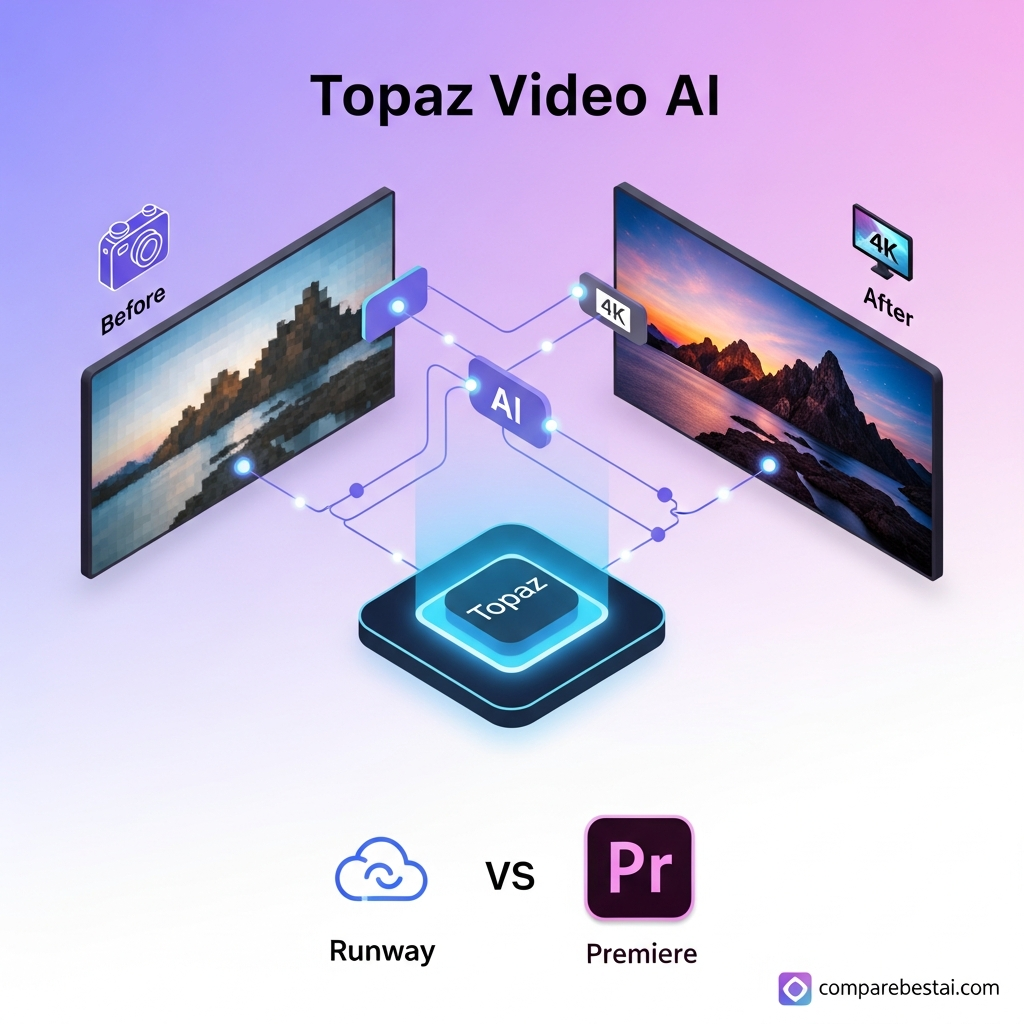

Quick Verdict: Topaz Video is worth considering in 2026 for creators, restoration specialists and video professionals who regularly upscale, denoise, stabilize or restore footage. Its strongest advantages are specialized AI enhancement models, unlimited local rendering, frame interpolation, Starlight restoration models and professional workflow integrations. The biggest drawbacks are demanding hardware requirements and the move from the old perpetual Topaz Video AI license to a subscription starting at $299 per year. Casual social-video creators will usually need less specialized software.
Topaz Video Review 2026: At a Glance
| Category | Verdict |
|---|---|
| Best for | Video restoration, upscaling, denoising and frame enhancement |
| Current product | Topaz Video |
| Previous product name | Topaz Video AI |
| Starting price | $299/year prepaid |
| Monthly option | $59/month |
| Local rendering | Unlimited |
| Included cloud rendering | 25 credits/month on Personal |
| Key models | Proteus, Iris, Nyx, Rhea, Artemis, Starlight and others |
| Frame interpolation | Yes |
| Stabilization | Yes |
| SDR-to-HDR | Yes |
| Plugin integrations | After Effects, DaVinci Resolve Studio, Final Cut Pro, Nuke and Premiere workflow |
| Main strength | Specialized AI video enhancement |
| Main weakness | Hardware demands and recurring subscription |
| Overall verdict | Strong specialist tool for serious enhancement work |
Important: Topaz Video AI Is Now a Legacy Product
Before evaluating the software, one naming issue needs clarification.
The product many users still search for as Topaz Video AI has been replaced by Topaz Video.
Topaz Video AI was sold under a perpetual licensing model. Existing customers can continue using the legacy version they own, but Topaz says Video AI v7.1.5 is the final version and will not receive further development.
Topaz Video is now the actively developed product.
It uses a subscription model and receives the newer models, features and workflow integrations.
That means someone searching for a “Topaz Video AI review” in 2026 is usually deciding between continuing with the old Video AI application or subscribing to the newer Topaz Video platform.
This review focuses primarily on the current Topaz Video product.
What Is Topaz Video?
Topaz Video is desktop AI video-enhancement software developed by Topaz Labs.
Its main purpose is not traditional timeline editing.
Instead, it focuses on improving existing footage through tasks such as:
Upscaling
Denoising
Artifact reduction
Video restoration
Frame interpolation
Slow motion
Stabilization
Motion deblur
Deinterlacing
SDR-to-HDR conversion
That specialization is the main reason to consider it.
Adobe Premiere Pro, Final Cut Pro and DaVinci Resolve are primarily editing environments.
Topaz Video is designed around improving the underlying visual quality of footage.
For many professional workflows, it therefore complements an editor rather than replacing one.
Who Is Topaz Video Best For?
Topaz Video is most useful when improving existing footage is a recurring part of your work.
Good use cases include:
Film and archive restoration
Older SD, DVD, tape and early digital footage often contains noise, compression artifacts, interlacing and limited resolution.
Topaz provides specialized enhancement models for working with these problems.
YouTube creators with older libraries
Creators with large back catalogs can use Topaz Video to improve older source material before republishing, remastering or incorporating it into newer projects.
Documentary and post-production workflows
Editors working with mixed-quality footage can use Topaz to clean or normalize problematic shots before finishing the project in their primary NLE.
Wedding and event videographers
Older client footage, low-light recordings and archival projects can benefit from denoising, stabilization and enhancement.
Animation and remastering
Certain enhancement models can be useful when working with digitally compressed or lower-resolution animation.
Topaz Video is less compelling for people who mainly create:
TikToks
Reels
Basic YouTube Shorts
Template-driven social videos
Simple talking-head edits
Those users may get more value from a broader editor with simpler AI features.
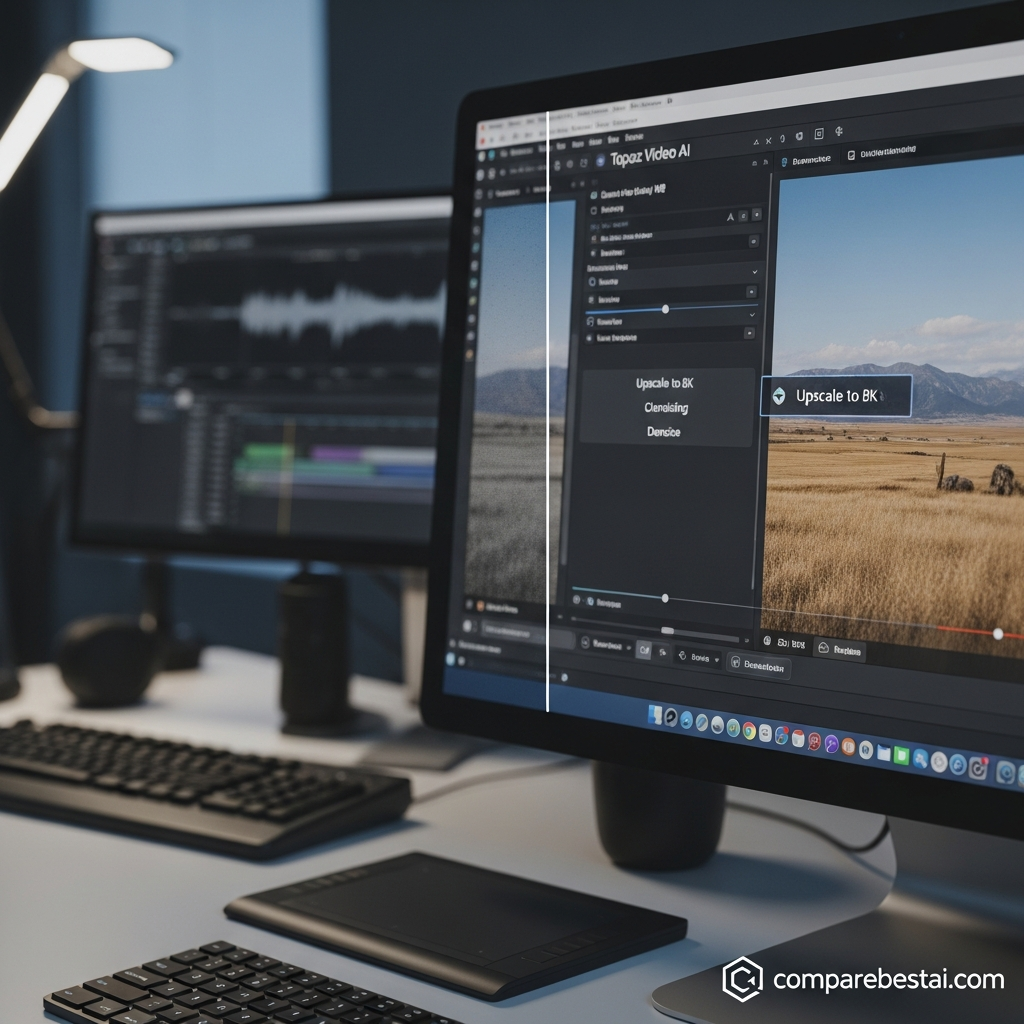
How Topaz Video AI Enhancement Works
Traditional resizing increases an image's dimensions but cannot truly recreate information that was not captured.
AI enhancement takes a different approach.
Topaz Video uses different enhancement models designed around particular source problems.
Instead of applying exactly the same processing to every clip, users can choose models based on footage type, quality and the result they want.
This is one of Topaz Video's biggest strengths, but also one of the reasons beginners may face a learning curve.
The best model for noisy compressed footage may not be the best option for clean HD video or animation.
Previewing several models before processing an entire project is therefore an important part of the workflow.
Topaz Video AI Models Explained
Proteus
Proteus is one of the broadest enhancement models.
It is designed for general improvement and provides controls that allow users to adjust areas such as noise, detail and sharpening.
It is a practical starting point when footage has several moderate quality problems rather than one extreme defect.
Iris
Iris focuses heavily on low-quality and compressed footage and can be particularly useful when faces are important.
It is designed to reduce noise and compression problems while recovering useful detail.
Nyx
Nyx focuses strongly on denoising.
Consider it when the source is heavily affected by grain or sensor noise but you want to preserve useful image detail.
Rhea and Rhea XL
Rhea belongs to Topaz's newer enhancement-model family and provides another option for reconstructing and improving lower-quality footage.
Model selection should still be based on the source rather than assuming the newest model will always produce the best result.
Artemis
Artemis remains useful for general enhancement and restoration workflows.
It can be a practical option for compressed and lower-quality footage when you want a relatively straightforward model choice.
Gaia and Theia
These models remain available for more specific enhancement workflows and source conditions.
The important point is that Topaz gives users several approaches rather than forcing all footage through one universal enhancement model.
Starlight: Topaz Video's Newer Restoration Approach
Starlight is one of the most important differences between older Topaz Video AI reviews and the current product.
The Starlight family uses diffusion-based video enhancement.
This approach is much more computationally demanding than Topaz's traditional enhancement models.
The advantage is that Starlight is designed for difficult restoration and detail-recovery situations where simpler enhancement models may struggle.
The downside is speed.
Topaz warns that Starlight processing can take from minutes to much longer periods depending on the model, footage length, frame rate, resolution and hardware.
Some Starlight variants also require substantial GPU memory for local rendering.
That makes Starlight potentially powerful, but it is not a one-click solution for every project.
Use previews before committing an entire long video to a demanding Starlight render.
Video Upscaling
Upscaling remains one of Topaz Video's core uses.
The software can take lower-resolution footage and produce higher-resolution outputs using its enhancement models.
A common workflow might involve converting:
SD footage toward HD
720p toward 1080p
1080p toward 4K
Topaz also supports workflows beyond 4K.
However, no AI upscaler can guarantee that low-quality footage becomes equivalent to footage originally captured at a higher native resolution.
AI enhancement reconstructs and estimates visual information.
The quality of the source remains important.
AI Denoising
Noise reduction is another major strength of Topaz Video.
Noise can come from:
High ISO footage
Older digital cameras
VHS or archival transfers
Compression
Low-light footage
Models such as Nyx, Iris and Proteus give users different approaches depending on how severe the noise is and how much detail needs to be preserved.
Too much denoising can produce artificial-looking surfaces, so previewing the result is important.
The goal is usually not to eliminate every trace of texture.
It is to improve distracting noise without making the subject look unnaturally smooth.
Frame Interpolation and Slow Motion
Topaz Video can generate intermediate frames between existing frames.
This supports workflows such as:
Increasing frame rate
Creating smoother playback
Slow-motion conversion
Converting older material to modern frame rates
Current frame-interpolation models include options such as Apollo, Chronos and Aion.
Generated frames can work well when motion is predictable, but interpolation remains challenging when objects overlap, disappear, move extremely quickly or contain complex motion blur.
Always inspect difficult motion sequences before final delivery.
Stabilization and Motion Deblur
Topaz Video also includes stabilization and motion-deblur tools.
Stabilization can help with handheld or shaky footage.
Motion Deblur targets blur caused by movement during exposure.
These tools can be particularly useful before upscaling because enlarging unstable or blurred footage can make its defects more visible.
As with any automated correction, severe problems cannot always be completely reconstructed.
SDR to HDR
Topaz Video includes an SDR-to-HDR workflow for converting standard-dynamic-range footage toward HDR output.
This is a specialist feature.
The result needs to be evaluated on an HDR-compatible display because standard monitors cannot accurately represent the expanded range.
It is also important to distinguish generated HDR from footage originally captured with true HDR information.
The conversion can change presentation, but it cannot recreate every part of the original scene that was never captured.
Local Rendering vs Cloud Rendering
One of the most useful changes in the current product is that users no longer have to think of Topaz as purely local or purely cloud-based.
Topaz Video provides both.
Local rendering
Current subscriptions include unlimited local rendering.
This makes sense for users with powerful computers and large workloads because they are not paying a credit charge every time they process a clip locally.
Cloud rendering
Topaz Video Personal currently includes 25 monthly video cloud credits.
Pro includes 100 monthly credits.
Cloud rendering can help when:
Local hardware is too slow
A particular model demands more GPU memory
You want to free your workstation for another task
You want to run computationally intensive models remotely
Cloud-credit usage depends on the model, resolution, frame rate and video duration.
Included subscription credits reset monthly and do not roll over.
Additional cloud credits can also be purchased separately.
Topaz Video Plugins and Editing Workflow
Another outdated assumption in many Topaz Video AI reviews is that the application has no meaningful NLE integration.
The current Topaz Video supports plugin workflows with several professional applications.
Topaz documents integrations for:
Adobe After Effects
DaVinci Resolve Studio
Final Cut Pro
Nuke
There is also a Topaz panel for Adobe Premiere that connects Premiere projects to Topaz's cloud-processing workflow.
This makes the current product easier to integrate into existing post-production pipelines than older reviews suggest.
The standalone app remains useful when you want access to the full Topaz Video workflow and model controls.
Supported Formats and Professional Outputs
Topaz Video supports a broad range of source formats, including common containers such as:
MP4
MOV
MKV
AVI
MPEG
MXF
WebM
MTS
M2TS
Professional output options include formats and codecs such as:
H.264
H.265
Apple ProRes
VP9
DNxHR
AV1
FFV1
TIFF
PNG
JPEG
Pro users also receive additional support for professional image-sequence formats such as EXR and DPX.
This matters when Topaz is being used inside a post-production pipeline rather than only for casual social exports.
Topaz Video Pricing in 2026
The current Topaz Video uses subscription pricing.
Personal
Current options include:
$299 per year, prepaid annually.
That works out to approximately $25 per month.
Topaz also offers an annual commitment billed monthly at $39 per month.
A true month-to-month Personal option is currently $59 per month.
Personal includes:
Core video models
Unlimited local rendering
25 monthly video cloud credits
Commercial use for qualifying organizations under Topaz's stated revenue threshold
Pro
Topaz Video Pro currently costs $699 per year when paid annually.
An annual commitment billed monthly is currently $74 per month.
Pro includes the Personal capabilities plus:
100 monthly video cloud credits
Additional locally available Pro models
Seat management
Full commercial licensing
For a detailed breakdown of renewal terms and cloud credits, see our dedicated Topaz Video pricing guide.
Topaz Video AI vs Topaz Video Licensing
This is where many older reviews are now misleading.
Legacy Topaz Video AI
Existing perpetual Video AI owners continue to own the specific legacy version associated with their licence.
The final legacy version is Video AI v7.1.5.
Topaz says it will not receive further updates.
Legacy Video AI can be used on two computers simultaneously and requires periodic authentication.
Current Topaz Video
The current product requires an active subscription.
It can be used on one computer at a time.
Topaz requires periodic authentication to confirm subscription status.
If your subscription expires, access to the current Topaz Video application requires renewal.
Existing legacy ownership is not removed simply because the newer subscription exists.
Topaz Video System Requirements
Hardware is one of the most important considerations before buying Topaz Video.
Windows
Topaz currently lists a general minimum around:
Windows 10 or newer supported configuration
16 GB RAM
Recent Intel or AMD CPU with AVX support
Dedicated GPU with roughly 6 GB VRAM for standard workflows
For stronger performance, Topaz recommends approximately:
Windows 11
32 GB RAM
Recent CPU
NVIDIA RTX 30-series or newer-class GPU, or a comparable supported GPU
8 GB VRAM or more
Mac
Current Mac support is built around Apple Silicon.
A baseline system needs an M-series processor and 16 GB of memory.
Topaz recommends higher-end M-series configurations and 32 GB or more for demanding work.
Starlight requirements
Starlight models can require considerably more memory than standard enhancement models.
Depending on the specific Starlight model, some Windows workflows require 10 GB, 12 GB or 16 GB of VRAM or more.
If Starlight is the main reason you are buying Topaz Video, check the requirements for that exact model before subscribing.
Does Topaz Video Have a Free Trial?
The current Topaz Video desktop application does not offer a standard trial mode.
Topaz currently allows users to test the product after purchase and contact support within a short refund window if it does not meet their needs.
Because of that policy, hardware compatibility should be checked before buying.
Do not rely on older articles advertising a conventional seven-day desktop trial.
Topaz Video Pros and Cons
| Pros | Cons |
|---|---|
| Specialized AI video-enhancement models | Subscription replaces the old perpetual model for new users |
| Unlimited local rendering | Demanding GPU requirements |
| Local and cloud processing | Starlight can be extremely slow |
| Strong restoration workflows | Model selection takes experimentation |
| Frame interpolation and slow motion | Personal includes only 25 monthly cloud credits |
| Stabilization and motion deblur | One computer at a time on Personal |
| SDR-to-HDR conversion | No standard desktop trial |
| Professional codec support | Overkill for basic social-media editing |
| Plugins for professional editing workflows | High annual cost for occasional users |
| Starlight diffusion enhancement | Hardware upgrades can increase total cost |
What We Like About Topaz Video
The strongest part of Topaz Video is specialization.
It is not trying to be a social editor, generative-video studio, captioning app and collaboration platform at the same time.
It is built around improving existing footage.
That gives users more choice over the type of enhancement they apply.
The combination of local rendering and optional cloud processing is also useful.
Powerful desktop users can process footage locally without a per-render credit cost, while cloud rendering provides another option for demanding jobs.
The expanding plugin support also makes Topaz more practical inside professional pipelines than the legacy product's reputation might suggest.
What We Don't Like
The subscription transition is the most obvious downside for people who valued Topaz Video AI because of perpetual ownership.
New buyers now need to account for an ongoing yearly cost.
Hardware requirements are another major limitation.
Topaz Video can technically run on relatively modest supported hardware, but demanding enhancement and Starlight workflows benefit significantly from stronger GPUs and more memory.
The software also requires experimentation.
Someone expecting a single “improve video” button may find the model choices, settings and previews more complex than a consumer-oriented web upscaler.
Is Topaz Video Easy to Use?
The basic workflow is fairly straightforward:
Import footage, select an enhancement approach, preview the result, adjust settings and export.
The difficulty comes from choosing the right model and settings.
A beginner can start from presets, while advanced users can compare different models and manually tune parameters.
That makes the learning curve moderate rather than extreme.
The interface itself is easier to learn than a complete professional editor because Topaz Video has a narrower purpose.
Topaz Video vs DaVinci Resolve Studio
These are not direct substitutes.
DaVinci Resolve Studio is a full editing, color, audio and finishing environment.
Topaz Video is a specialist enhancement application.
Choose Topaz Video when your main problem is:
Low-resolution footage
Noise
Compression damage
Interpolation
Restoration
Stabilization
Choose DaVinci Resolve Studio when your main requirement is:
Full timeline editing
Color grading
Audio
Titles
Effects
Complete project finishing
Many professional users can reasonably use both.
Topaz Video vs Adobe Premiere Pro
Premiere Pro is primarily a nonlinear editor.
Topaz Video is primarily an enhancement and restoration platform.
Premiere is better suited to assembling the final story, managing timelines, graphics, audio and editorial decisions.
Topaz becomes useful when individual clips need more specialized visual restoration.
The current Topaz ecosystem also supports Adobe workflows through After Effects plugins and a Premiere cloud panel.
Topaz Video vs Runway
Runway and Topaz now solve increasingly different problems.
Runway is built heavily around cloud AI creation and generative video.
Topaz Video focuses on improving footage you already have.
Choose Runway when the main requirement is generative content creation.
Choose Topaz when the main requirement is upscaling, restoration, frame interpolation or enhancement of source footage.
Treating Runway as a direct Topaz replacement therefore oversimplifies the comparison.
Topaz Video vs CapCut
CapCut makes more sense for many casual creators.
It focuses on accessible social-video production, editing, effects, captions and short-form workflows.
Topaz Video makes more sense when visual restoration itself is the problem.
A social creator polishing smartphone footage may not need Topaz.
An archivist restoring a degraded source or an editor preparing problematic footage for a professional timeline is a much stronger fit.
Who Should Buy Topaz Video?
Topaz Video is worth serious consideration if you:
Regularly restore old footage
Need high-quality upscaling
Work with noisy or compressed material
Convert frame rates
Create slow motion from existing footage
Need specialized denoising
Want unlimited local processing
Have sufficiently powerful hardware
Work in professional post-production
It is harder to justify if you:
Only improve a few clips each year
Mainly create social videos
Need a full editing suite
Have weak GPU hardware
Want browser-only editing
Do not want another subscription
Is Topaz Video Worth It in 2026?
For frequent enhancement work, yes.
Topaz Video remains a distinctive specialist product because video restoration and enhancement are its primary purpose rather than secondary features.
The current version is much more capable than a simple “4K upscaler.”
It combines enhancement models, denoising, stabilization, motion deblur, interpolation, SDR-to-HDR conversion, local rendering, cloud rendering and professional integrations.
But the value equation has changed.
The old argument was:
Buy Topaz once instead of paying a subscription.
That argument no longer applies to new customers.
The current question is:
Does Topaz Video save enough time or produce enough value in your enhancement workflow to justify at least $299 per year?
For professional restoration, archival work, demanding YouTube libraries and recurring post-production use, that can be reasonable.
For occasional enhancement, the annual cost and hardware demands are harder to justify.
How We Evaluated Topaz Video
This review is based on current Topaz Labs product documentation, pricing information, licensing terms, model documentation, system requirements and workflow information.
CompareBestAI did not use proprietary benchmark testing for the performance claims in this article.
That distinction matters.
Statements about features, plan limits and hardware requirements should come from current provider documentation.
Editorial judgments such as whether a feature represents good value should be clearly presented as CompareBestAI's assessment rather than as objective benchmark results.
Best Topaz Video Alternatives
The best alternative depends on what you are trying to replace.
DaVinci Resolve Studio is the stronger alternative when you need a full professional editor with enhancement capabilities.
Adobe Premiere Pro is more suitable when timeline editing and the wider Adobe workflow are central.
Runway fits users prioritizing cloud-based generative AI video.
CapCut is better suited to quick social and mobile-first content.
Dedicated AI upscalers from providers such as AVCLabs or HitPaw may also be worth comparing when you need a simpler enhancement workflow.
For more options, see our guide to the best AI video upscalers.
Frequently Asked Questions
Is Topaz Video AI still available in 2026?
Topaz Video AI now exists as a legacy application. Video AI v7.1.5 is the final version. Existing owners can continue using the version they own, while new development is focused on the subscription-based Topaz Video application.
How much does Topaz Video cost?
Topaz Video Personal currently costs $299 per year when prepaid annually. Other Personal options include $39 per month with a 12-month commitment and $59 on a month-to-month plan. Topaz Video Pro currently costs $699 per year or $74 per month with an annual commitment.
Is Topaz Video still a lifetime purchase?
No for new Topaz Video subscriptions. The perpetual licensing model belongs to the legacy Topaz Video AI product. The current Topaz Video application requires an active subscription.
Is Topaz Video good for 4K upscaling?
4K upscaling remains one of Topaz Video's core workflows. Its models can increase lower-resolution footage toward 4K while applying enhancement and restoration. Final quality still depends heavily on the source footage.
Does Topaz Video support cloud rendering?
Yes. Topaz Video supports both local and cloud rendering. Personal currently includes 25 monthly video cloud credits, while Pro includes 100. Local rendering is unlimited under current subscriptions.
What GPU do I need for Topaz Video?
Standard workflows can run on supported GPUs with around 6 GB VRAM, but Topaz recommends stronger hardware, including around 8 GB VRAM or more for general performance. Some Starlight models require substantially more GPU memory.
Does Topaz Video work with DaVinci Resolve?
Yes. Topaz provides a plugin for DaVinci Resolve Studio. The free edition of Resolve does not support the current Topaz Resolve plugin workflow.
Does Topaz Video work with Adobe Premiere Pro?
Topaz provides a Premiere panel that connects Premiere to Topaz cloud processing. Topaz also provides an After Effects plugin for supported enhancement workflows.
Does Topaz Video have a free trial?
The current Topaz Video desktop app does not use a standard trial mode. Check Topaz's current refund policy and system compatibility before purchasing.
Is Topaz Video worth $299 per year?
It can be for professionals and creators who regularly upscale, restore or denoise footage. It is harder to justify for users who only enhance occasional clips or mainly need basic social-media editing.
Final Verdict
Topaz Video remains one of the most specialized AI tools for improving existing footage, but the buying decision is different in 2026 than it was during the Topaz Video AI era.
The strengths are clear.
You get multiple enhancement models, specialized denoising, frame interpolation, stabilization, motion deblur, SDR-to-HDR conversion, professional output formats, unlimited local rendering, optional cloud rendering and expanding professional integrations.
Starlight also gives the platform a newer generation of computationally intensive restoration models for difficult source material.
The tradeoffs are equally important.
Topaz Video now requires a subscription, the best workflows need strong hardware, Starlight can be slow, and the number of model choices means getting the best result often requires experimentation.
For a filmmaker, restoration specialist, archivist or creator who regularly improves older or problematic footage, Topaz Video is worth considering in 2026.
For a casual user who only wants sharper social clips, it is probably more software—and more expense—than necessary.
Bottom line: Buy Topaz Video for serious video enhancement and restoration, not because you need a general video editor.
Next step: Review the current Topaz Video pricing and system requirements before subscribing, then compare it with other AI video upscalers if your workload is occasional rather than professional.
Found this guide useful? Share it with your team.

