

Topaz Video AI
by Topaz Labs
AI upscaling, denoise, stabilize, and interpolate video.
Score
Score
Our verdict
Topaz Video—formerly Topaz Video AI—is a subscription desktop app that delivers some of the best AI upscaling, denoise, stabilization, and frame interpolation we’ve tested. Output quality is excellent thanks to a deep model roster (Proteus, Nyx, Artemis, Rhea, Chronos/Aion) and a practical AE/Resolve plugin workflow. Unlimited local rendering is a real win, and the 16K ceiling future‑proofs deliverables. Pricing is fair for serious users: Personal at $59/month ($299/year upfront) and Pro at $74/month ($699/year) with more cloud credits and pro‑only models. Downsides: there’s no Linux build, Personal limits commercial use for larger orgs, and heavy cloud rendering quickly exhausts included credits. Support is primarily docs/community with standard email, and while an enterprise API exists, there’s no app‑level API. Overall, if you need reliable restoration and upscaling inside an Adobe or Resolve workflow, Topaz Video is a strong pick in 2026.
Overview
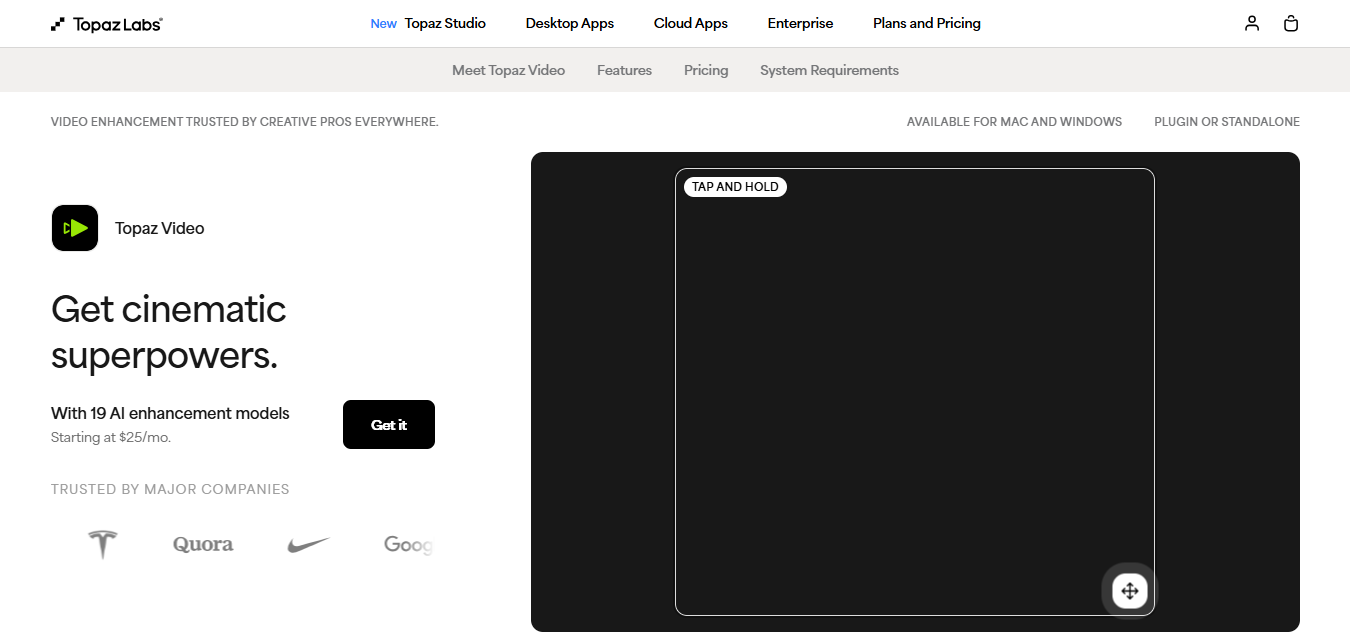
Screenshot
Score breakdown
Overall score
Scores are editorial assessments by the Compare Best AI team on a 0–10 scale.
Expert review
CBAI Editorial Team
Compare Best AI · Editorial Team
## Overview
How we tested
Days tested
7 days
Tasks evaluated
- ·Upscaled 1080p archival clip to 4K with Proteus and Starlight Precise
- ·Denoised high‑ISO 4K footage using Nyx at 1× and 2×
- ·Interpolated 24→60 fps slow motion with Chronos/Aion
- ·Stabilized handheld footage and exported ProRes 422 HQ
Method
Compared against AVCLabs Video Enhancer AI and DaVinci Resolve Studio using identical inputs
Reviewer
CBAI Editorial Team
Plans & pricing
Personal
Solo creators and hobbyists enhancing footage locally.
- All core video models (e.g., Starlight Precise, Proteus, Iris, Nyx, Rhea, Artemis, Gaia, Theia, Apollo, Chronos, Aion, Themis)
- Unlimited local rendering
- 25 monthly video cloud credits
- Limited commercial use (orgs under $1M revenue)
- $25/mo billed annually ($299/yr)
- No seat management
Pro
Professionals and teams needing local access to pro models.
- Everything in Personal
- Local access to additional pro models (Starlight Mini/Sharp/HQ/Fast; hardware dependent)
- 100 monthly video cloud credits
- Seat management and full commercial use
- $58/mo billed annually ($699/yr)
- $74/mo is billed monthly with 12‑month commitment
Pricing may vary by region. Always verify on the vendor's website.
Feature comparison
| Feature | Topaz Video AI | AVCLabs Video Enhancer AI | DaVinci Resolve Studio |
|---|---|---|---|
| Workflow | |||
| After Effects plugin | |||
| DaVinci Resolve plugin | |||
| Core AI | |||
| AI frame interpolation | |||
| Rendering | |||
| Cloud video rendering included | |||
| Stabilization | |||
| Camera shake stabilization | |||
| HDR | |||
| SDR to HDR enhancement/conversion | |||
| Admin | |||
| Seat management | |||
Is it right for you?
Good fit for
Documentary restorers
Upscales and cleans archival footage to 4K+ with strong denoise and detail recovery models.
YouTubers and creators
Quickly improves smartphone or action-cam clips, stabilizes shaky shots, and creates smooth slow motion.
Post-production teams
AE/Resolve plugins slot into existing pipelines, with Pro seat management and local access to pro-only models.
Broadcasters
Converts SDR material and preps legacy assets for modern delivery standards efficiently.
Less suited for
Linux users
Desktop app supports Mac and Windows only; no native Linux build.
Freeware seekers
No permanent free plan; subscription required beyond trial/refund window.
Heavy cloud-only workflows
Included cloud credits are limited (25/100); larger volumes require Studio or extra credits.
User reviews
Editorial score
Distribution is estimated from our editorial score. Verified user reviews coming soon.
Use cases
Typical ways teams rely on this tool — from everyday tasks to specialized workflows.
- Upscale SD/HD to 4K+ masters
- Denoise high-ISO or low-light footage
- Create smooth slow motion and frame rate conversions
- Stabilize shaky handheld clips
- Restore archival film or VHS
- Convert SDR to HDR-ready output
Integrations
Reported connectors
Apps and services commonly connected out of the box or via official connectors.
- Adobe After Effects
- DaVinci Resolve
Privacy & compliance
Security & data practices
Highlights we track from the vendor's documentation. Always confirm current terms, subprocessors, and regional policies on their official site.
- Opt-in only for facial data training
Details
Category
Price
- Personal $59/mo ($25/mo billed yearly)
- Pro $74/mo ($58/mo billed yearly)
Free version
Best for
- Archival restoration and upscaling to 4K+
- Creating smooth slow motion via AI frame interpolation
- Cleaning noisy low-light footage
- Stabilizing handheld clips and enhancing SDR sources.
Frequently asked questions
Topaz Video AI
Content & Design
Ready to get started?
Visit the Topaz Video AI website to explore plans and pricing.
Was this page helpful?
Compare Best AI may earn a commission when you click links on this page. This does not influence our editorial scores or recommendations. Advertiser disclosure