

Quick Verdict: VanceAI is worth considering in 2026 if you regularly enhance, upscale, restore or clean up both images and videos and want one credit balance across multiple AI tools. Its web plans currently start at an effective $9 per month with annual billing for 200 credits, while new users receive 10 free credits. VanceAI also offers a Windows desktop plan with unlimited local processing and a $129.90 lifetime option. Its main strengths are simple automated enhancement, image and video workflows, and flexible web or desktop access. Its main limitation is that credit use varies by tool, while professional editors may want deeper manual control.
VanceAI Review 2026: At a Glance
| Category | VanceAI |
|---|---|
| Best for | Image and video enhancement |
| Main strength | Multiple enhancement tools under one credit system |
| Free access | 10 trial credits |
| Web starting price | $9/month effective rate with annual billing |
| Web plans | Starter, Popular, Creator, Studio |
| Desktop app | Yes, Windows |
| Desktop lifetime option | $129.90 |
| Image upscaling | Up to 8× online |
| Image upscaling on PC | Up to 40× |
| Video upscaling | Up to 4K |
| API | Yes |
| Local processing | Available through paid VanceAI for PC workflows |
| Cloud desktop client | VanceAI Lite |
| Commercial use | Permitted for processed images, subject to source-content rights |
| Main weakness | Credit costs vary substantially by tool |
| Verdict | Strong all-round enhancement suite for creators and businesses |
Pricing and plan information checked against VanceAI's official pages in September 2026. Pricing and promotional discounts can change.
What Is VanceAI?
VanceAI is an AI-powered image and video enhancement platform.
Calling it simply a “video upscaler” no longer describes the full product.
Its current platform combines tools for improving existing media rather than functioning as a traditional timeline editor or generative-video studio.
Current image workflows include:
AI Image Upscaler
Image Enhancer
Image Sharpener
Image Denoiser
Portrait Retouching
Photo Restoration
Photo Colorization
Anime Upscaling
Background Removal
Passport Photo tools
Photo-to-Sketch
Cartoon workflows
Its video tools currently span areas including:
Video upscaling
Denoising
SDR-to-HDR conversion
Colorization
Smoothing
Additional video utilities
VanceAI therefore competes across both AI photo enhancement and AI video enhancement rather than sitting neatly inside one category.
Who Is VanceAI Best For?
VanceAI makes the most sense for users who regularly need to improve existing media without manually editing every detail.
Ecommerce sellers
Product photos often need:
Higher resolution
Clearer edges
Background removal
Consistent presentation
VanceAI combines several of those workflows under one account.
Photographers
Photographers can use the platform for:
Denoising
Sharpening
Upscaling
Restoration
Portrait enhancement
Content creators
Creators working with older or lower-quality footage can use VanceAI to upscale or denoise clips before editing or publishing them elsewhere.
Archive and restoration work
The photo-restoration and colorization tools are useful when digitizing older photographs or footage.
AI restoration should still be reviewed carefully because reconstructed details may not perfectly represent the original subject.
Agencies and businesses
Businesses processing large numbers of images or videos may benefit from batch workflows, credit-based cloud processing, desktop options and API access.
VanceAI Image Upscaler
Image upscaling is one of VanceAI's strongest current features.
The web version currently supports:
2× enlargement
4× enlargement
8× enlargement
VanceAI for PC supports image enlargement up to 40×.
The platform provides specialized models for different image types rather than applying exactly the same enhancement to every photo.
These include workflows suited to areas such as:
General photos
Portraits
Products
Anime
Text
Low-light images
Who should use it?
Image upscaling can be useful when preparing:
Ecommerce listings
Print assets
Social graphics
Older photographs
Presentation images
Low-resolution web assets
Limitation
AI upscaling reconstructs plausible detail.
It cannot recreate every detail that was genuinely captured by a higher-resolution camera.
Inspect faces, text, logos and product details before publishing important assets.
VanceAI Image Enhancer
The Image Enhancer is designed for a broader quality-improvement pass.
VanceAI says it can adjust areas such as:
Resolution
Sharpness
Color
Contrast
Exposure
in one automated workflow.
The current tool supports enhancement toward 4K output.
This is useful when the problem is not simply low resolution.
A photo may already be reasonably large but still look flat, soft, dark or poorly balanced.
VanceAI Image Sharpener
VanceAI provides several sharpening models based on the type of blur.
Current options include:
General
Motion Blur
Lens Blur
Soft Blur
This is more useful than applying one generic sharpening filter to every photograph.
For example, motion blur caused by camera movement is a different problem from an image that is simply slightly soft.
VanceAI Image Denoiser
The Image Denoiser targets:
Sensor noise
Grain
Compression artifacts
VanceAI positions its model around reducing those defects while trying to preserve texture and facial detail.
Like any AI denoiser, the result should be checked for over-smoothing.
Fine texture can sometimes be difficult for an automated model to distinguish from noise.
Old Photo Restoration and Colorization
VanceAI also includes tools designed for older photographs.
The Photo Restorer can attempt to repair:
Scratches
Damage
Fading
Lost facial definition
Its Colorizer can add estimated color to grayscale or black-and-white images.
These features can be useful for family archives and historical projects.
However, colorization and restoration are reconstructions.
Generated colors or recovered facial details should not automatically be treated as historically exact.
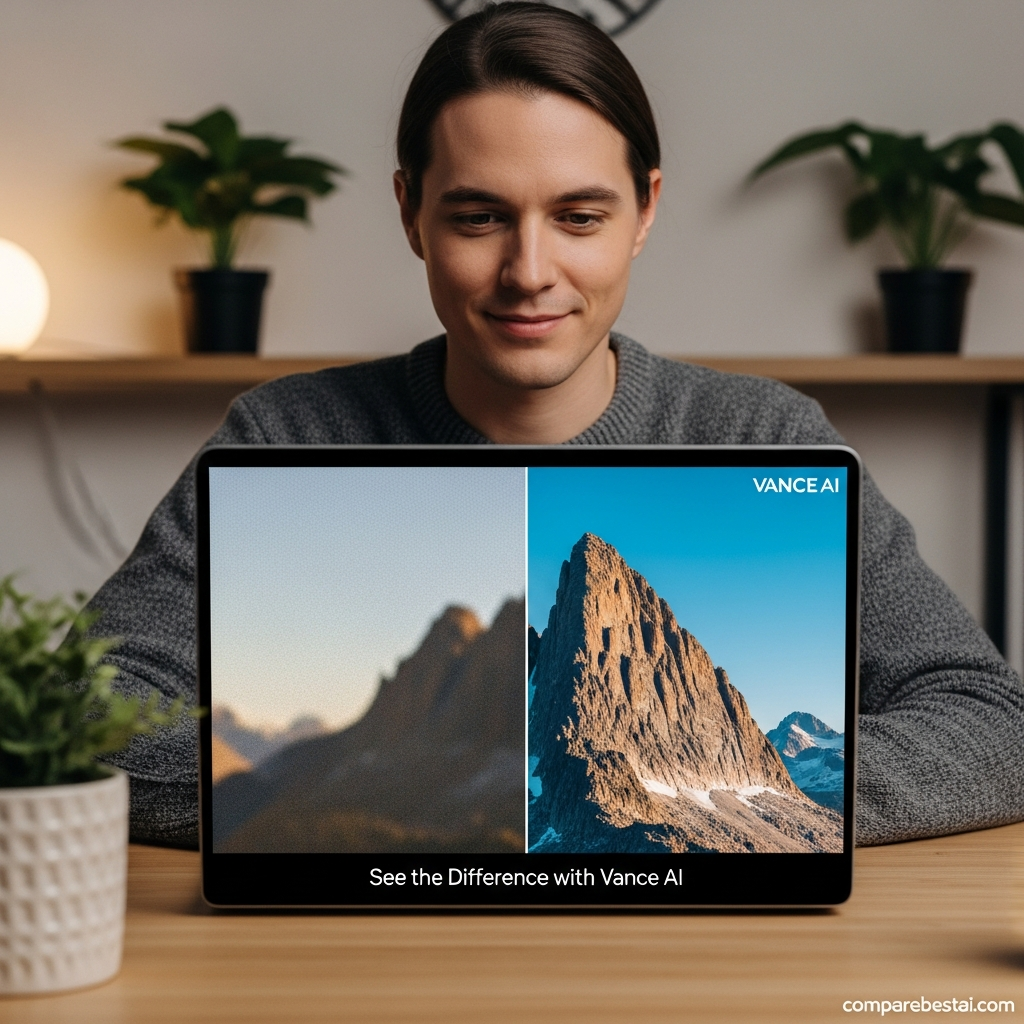
Background Removal
VanceAI's background remover automatically identifies subjects such as:
People
Products
Animals
Vehicles
Graphics
It can create a transparent PNG or replace the original background with another image or solid color.
This makes the feature particularly relevant to ecommerce and marketing teams.
The current tool uses one credit per standard background-removal result.
VanceAI Video Upscaler
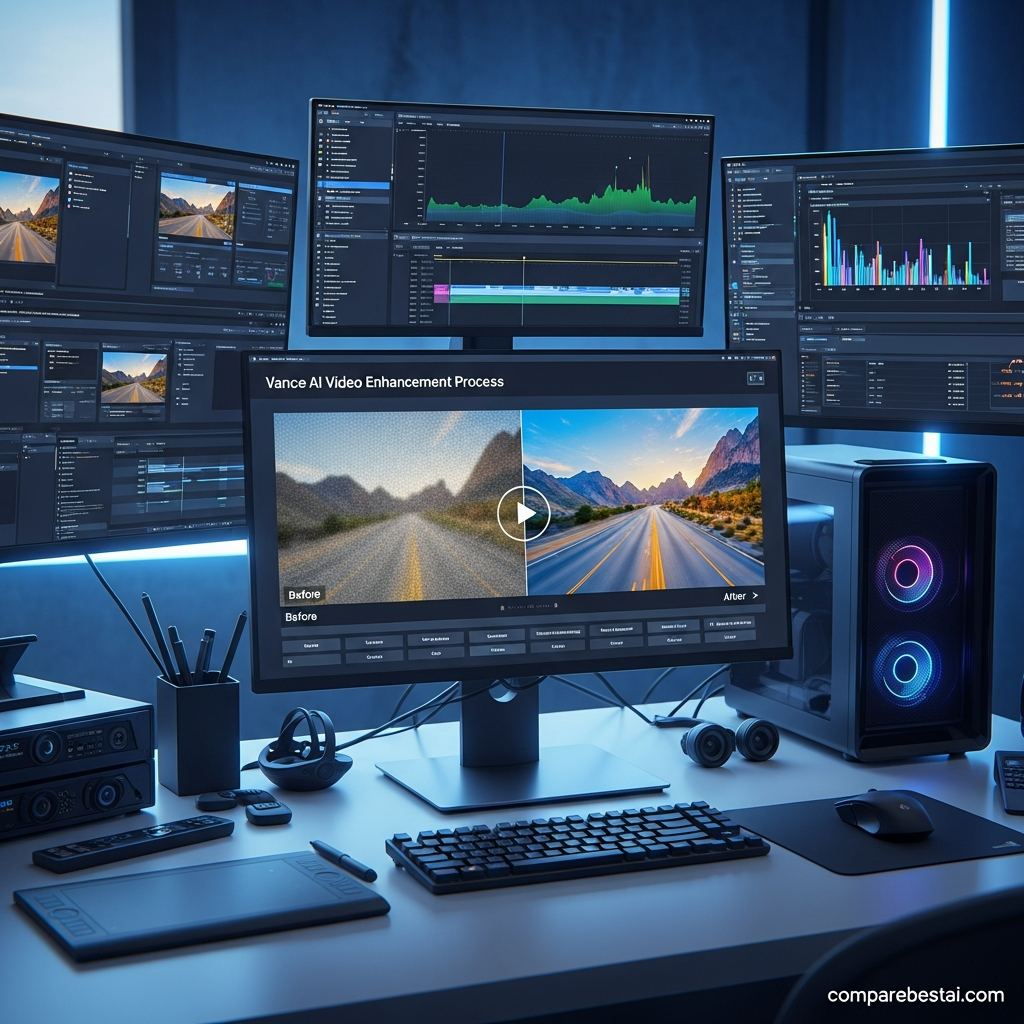
The current VanceAI Video Upscaler is browser-based and supports output up to 4K.
The official workflow currently provides three specialist models:
Nexa
A general-purpose video-upscaling model for everyday footage.
Cineva
A model focused more heavily on cinematic material and restoration.
Aniva
A model designed for anime and animated footage.
Depending on the model, users can choose:
1×
2×
4×
720p
1080p
1440p
4K
The source/output limits vary by model.
VanceAI's current upscaler accepts common formats including MP4 and MOV and supports large uploads for video workflows.
Video Preview
One useful feature is the ability to generate a short preview before committing to a full render.
The Video Upscaler currently offers a five-second sample preview costing one credit.
That is a practical way to evaluate:
facial reconstruction
sharpness
edge behavior
animation lines
artifact handling
before spending credits on a long video.
Video Denoising
VanceAI also has a dedicated Video Denoiser.
Current models include:
Vexa
Positioned toward faster denoising.
Claria
Positioned toward higher-quality denoising and detail preservation.
The current tool accepts common video files and can output up to 4K.
Use denoising when the main problem is:
High ISO noise
Grain
Smartphone noise
Compression artifacts
Digitized film noise
rather than simply low resolution.
VanceAI Web Pricing in 2026
VanceAI currently uses one credit balance across its web image and video tools.
Its live pricing page lists four subscription levels.
| Plan | Monthly Credits | Current Annual-Billing Rate |
|---|---|---|
| Starter | 200 | $9/month |
| Popular | 500 | $17/month |
| Creator | 1,000 | $26/month |
| Studio | 2,000 | $42/month |
VanceAI currently advertises annual plans at 50% off compared with regular billing.
Month-to-month and pay-as-you-go options are also available.
How VanceAI Credits Work
The key thing to understand is that one credit does not always equal one finished file.
Credit cost depends on the operation.
Current examples include:
| Tool | Current Credit Cost |
|---|---|
| Image Upscaler 2× | 1 credit |
| Image Upscaler 4× | 2 credits |
| Image Upscaler 8× | 3 credits |
| Image Sharpener | 1 credit |
| Image Denoiser | 1 credit |
| Background Remover | 1 credit |
| Video Upscaler | From 1 credit/minute |
| HDR Upconverter | Varies by resolution |
| Video Colorizer | Varies by frame rate |
For video, VanceAI calculates charges based on factors such as:
Duration
Resolution
Frame rate
Selected scale
The interface provides an estimate before processing.
Do VanceAI Credits Roll Over?
Yes, subscription credits can roll over while the subscription remains active.
If you cancel, you can use the remaining credits through the existing subscription period.
Pay-as-you-go credits are valid for one year.
That is much more flexible than the old 90-day expiry information found in some earlier reviews.
Does VanceAI Have a Free Trial?
VanceAI currently provides 10 free credits for users to try the web platform.
That is different from a seven-day free trial.
VanceAI separately offers a seven-day money-back policy for qualifying purchases.
Its refund documentation states that eligibility depends partly on how much of the purchased credit allowance has already been used and whether the refund request meets its published conditions.
VanceAI Desktop Pricing
VanceAI also sells a Windows desktop offering.
Current pricing is:
| Desktop Plan | Price |
|---|---|
| 1 month | $39.90 |
| 1 year | $99.90 |
| Lifetime | $129.90 |
The desktop offer currently includes:
One-PC license
Unlimited local processing for supported workflows
Priority technical support
Web-app credits
The lifetime plan is important because it directly contradicts older reviews stating that VanceAI is subscription-only.
VanceAI Lite vs VanceAI for PC
These should not be confused.
VanceAI Lite
VanceAI Lite is a free Windows desktop client.
It remains cloud-powered.
Users sign in with their existing VanceAI account and spend the same cloud credits used by the web app.
This keeps the application lightweight because large AI models do not need to be installed locally.
VanceAI for PC
The paid desktop offering is designed around local processing for supported workflows.
That is the better fit for users who want to reduce reliance on cloud queues or repeated credit charges for local image processing.
VanceAI API
VanceAI provides a REST API for integrating its processing engine into other applications.
The current API uses an asynchronous job-based workflow.
Developers can:
upload a file or provide a URL
create a processing job
poll for completion
download the result
The current API documentation exposes image operations and supported video-processing operations.
One important billing detail:
Web-app credits and API credits are separate.
A web subscription does not automatically give you the same credit allowance inside the API.
Businesses planning automated production should therefore price the API separately.
VanceAI Privacy
VanceAI currently says uploaded images and videos are encrypted during transfer and permanently deleted within 24 hours after processing.
Its image-support documentation also states that uploaded images are stored encrypted on its server during the retention period.
This is useful for ordinary creator and business workflows.
However, businesses working with highly sensitive or regulated information should still review:
Current privacy policy
Contract terms
Data location
Internal security requirements
before uploading confidential media.
Can You Use VanceAI Commercially?
VanceAI's current Terms allow processed photographs to be used for commercial and non-commercial purposes.
That does not remove your responsibility for the source material.
You still need the legal right to upload and use:
Photographs
Logos
Copyrighted artwork
Client assets
Other protected material
A commercial-use clause does not transfer rights you never had.
VanceAI Pros and Cons
| Pros | Cons |
|---|---|
| Image and video tools in one platform | Credit use varies by tool |
| 10 free starter credits | Advanced jobs can consume credits quickly |
| Web, desktop and API workflows | API credits are separate |
| Image upscaling up to 8× online | Video upscaling currently tops out at 4K |
| Up to 40× image enlargement on PC | Less manual control than specialist professional editors |
| Video models for general, cinematic and anime footage | Results depend heavily on source quality |
| Seven-day money-back policy | Refund policy has conditions |
| Pay-as-you-go credits valid for one year | Windows-focused desktop options |
| $129.90 lifetime desktop option | AI reconstruction can introduce inaccurate detail |
| 24-hour cloud-file deletion policy | High-value work still needs human inspection |
What We Like About VanceAI
VanceAI's strongest advantage is breadth.
Someone working with both images and video does not necessarily need a separate subscription for:
Upscaling
Denoising
Sharpening
Restoration
Background removal
Video enhancement
The platform also provides several deployment choices.
Casual users can work in a browser.
Windows users can use desktop applications.
Developers and larger businesses can use the API.
The current 10-credit free entry point also makes it possible to test the workflow before purchasing.
What We Don't Like
The credit model requires attention.
A user cannot assume that 200 credits means 200 finished projects.
An 8× image upscale consumes more credits than a simple sharpen, while video cost depends on duration and processing settings.
That makes monthly budgeting less obvious for heavy video users.
VanceAI is also primarily an automated enhancement system.
Professional editors who want deep frame-by-frame masking, detailed temporal controls, advanced color workflows or extensive creative adjustment may prefer specialist desktop software.
VanceAI vs Topaz Video
For video enhancement, Topaz Video is the more natural specialist comparison.
Topaz focuses heavily on professional video enhancement, restoration, frame interpolation and detailed model selection.
VanceAI emphasizes easier browser-based processing and a broader image-and-video toolset.
Choose VanceAI when:
Browser processing matters
You work with images as well as video
Simpler automated workflows are preferable
You want flexible credits
Choose Topaz Video when:
Video is your primary workload
Advanced video models matter more than image tools
You have powerful local hardware
You want a more specialist post-production environment
Do not compare VanceAI against the old perpetual Topaz Video AI pricing model. The actively developed Topaz Video product now uses different subscription licensing.
VanceAI vs Topaz Gigapixel
Gigapixel is a more relevant comparison when your main requirement is still-image upscaling.
VanceAI has the advantage of combining:
Images
Video
Restoration
Denoising
Background removal
under one account.
Gigapixel is more specialized around still-image enhancement.
Choose based on whether you want one broader enhancement suite or a specialist image-upscaling application.
VanceAI vs Let's Enhance
Let's Enhance is another web-oriented option for users focused primarily on image enhancement and ecommerce imagery.
VanceAI becomes more attractive when you also need:
Video enhancement
Photo restoration
Colorization
A desktop option
Let's Enhance may make more sense if your workflow is overwhelmingly image-based and centered around ecommerce or image-production pipelines.
VanceAI vs Remini
Remini is more consumer-oriented, particularly around portrait and face enhancement.
VanceAI offers a broader production toolkit with:
Upscaling
Denoising
Restoration
Background removal
Video processing
API access
Choose Remini when quick portrait enhancement is the priority.
Choose VanceAI when you want a broader image and video toolbox.
Who Should Use VanceAI?
VanceAI is a good fit for:
Ecommerce teams
Content creators
Photographers
Social media teams
Small agencies
Archive projects
Businesses processing media repeatedly
Developers needing automated enhancement
It is less compelling for:
Professional colorists
Film finishing
Complex compositing
Frame-by-frame restoration
Users who need advanced manual editing rather than automated enhancement
How We Evaluated VanceAI
This review uses current public information from VanceAI's:
Product pages
Pricing page
API documentation
Support documentation
Terms of Use
Privacy documentation
CompareBestAI should only claim hands-on testing if a documented hands-on evaluation actually took place.
If the evaluation is documentation-based, say so clearly.
That distinction is especially important because your current VanceAI tool page and article use conflicting testing claims.
Is VanceAI Worth It in 2026?
For creators who regularly work with both images and videos, VanceAI is worth considering.
Its strongest value comes from consolidating many common enhancement jobs into one platform.
The current pricing is also more flexible than older reviews suggest.
Users can choose:
Web subscription
Pay-as-you-go credits
Free starter credits
Windows desktop subscription
Lifetime desktop licensing
API
Enterprise arrangements
The main decision is whether you prefer automation over fine manual control.
If you need quick, repeatable image and video enhancement, VanceAI is a practical fit.
If every frame or pixel requires detailed artistic control, a specialist editor may make more sense.
Frequently Asked Questions
What is VanceAI?
VanceAI is an AI image and video enhancement platform offering tools for upscaling, sharpening, denoising, restoration, background removal and video enhancement.
How much does VanceAI cost in 2026?
VanceAI's current web plans start at an effective $9 per month on annual billing for 200 monthly credits. Higher annual-billing rates shown are $17, $26 and $42 per month for larger credit allowances.
Does VanceAI have a free trial?
VanceAI currently gives new users 10 free credits. Its separate seven-day money-back policy applies to qualifying paid purchases and has usage conditions.
Does VanceAI have a lifetime plan?
Yes. The current VanceAI Windows desktop pricing includes a lifetime option at $129.90.
Can VanceAI upscale video to 8K?
The current VanceAI Video Upscaler is documented for output up to 4K. Older VanceAI materials and third-party reviews mentioning 8K should not be treated as the current Video Upscaler specification.
How far can VanceAI upscale images?
The current online Image Upscaler supports 2×, 4× and 8× enlargement. VanceAI for PC advertises image enlargement up to 40×.
Do VanceAI credits expire?
Subscription credits can roll over while the subscription remains active. Pay-as-you-go credits are currently valid for one year.
Are VanceAI API credits included with the web subscription?
No. VanceAI says web-app credits and API credits are separate.
Does VanceAI delete uploaded files?
VanceAI says uploaded images and videos are permanently deleted within 24 hours after processing.
Can I use VanceAI images commercially?
VanceAI's Terms allow processed images to be used commercially, but users remain responsible for having the legal rights to the source material they upload.
Final Verdict
VanceAI is much broader in 2026 than the video-only platform described in many older reviews.
It now combines image enhancement, image upscaling, sharpening, denoising, restoration, background removal and multiple video-enhancement workflows under one wider platform.
The web version uses credits and starts with 10 free credits.
Its annual-billing plans currently begin at an effective $9 per month.
Users who prefer desktop processing can also choose monthly, yearly or lifetime Windows licensing, with the lifetime offer currently priced at $129.90.
That flexibility is one of VanceAI's strongest advantages.
The tradeoff is that credits are not perfectly simple to budget because different tools consume different amounts, particularly for video.
And while VanceAI makes enhancement approachable, it does not replace a complete professional editing or restoration suite.
Bottom line: Choose VanceAI if you want one accessible platform for recurring image and video enhancement. Choose a specialist product when maximum manual control matters more than convenience.
Next step: Use the 10 free VanceAI credits on your own image or video, compare the result with one specialist alternative, and check the current credit estimate before choosing a paid plan.
Found this guide useful? Share it with your team.