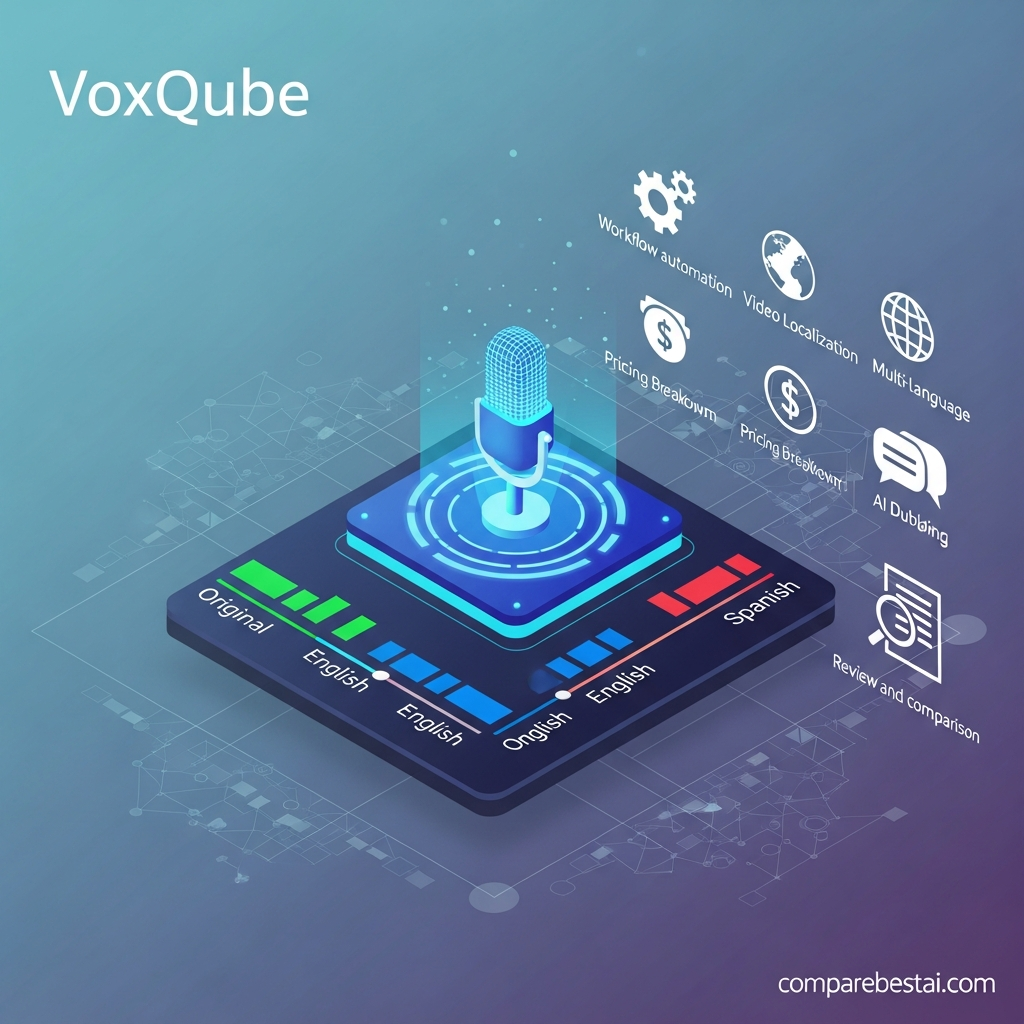

Quick verdict: Voxqube is a focused AI dubbing and video-localization service for creators and businesses that need to translate existing videos into multiple languages. Its current Fan plan costs $40 per month for 30 dubbing minutes, while Creator costs $120 per month for 100 minutes and adds an AI rewriter plus early access to voice cloning and lip sync. Voxqube is strongest for YouTube, training, educational and business localization, but its public documentation is much less extensive around APIs, integrations and workflow automation than some competing enterprise platforms.
It is important to understand what Voxqube actually does.
Voxqube is primarily a video localization and AI dubbing tool, not a text-to-video generator.
You provide existing media, and Voxqube handles transcription, machine translation, synthetic voiceover and synchronization to create a localized version.
Last checked: September 3, 2026.
Voxqube Review at a Glance
| Category | Voxqube |
|---|---|
| Product type | AI dubbing and video localization |
| Automated transcription | Yes |
| Machine translation | Yes |
| Neural AI voiceover | Yes |
| Script editing | Yes |
| AI rewriter | Creator and Custom |
| Voice cloning | Early-access feature on Creator |
| Lip sync | Early-access feature on Creator |
| Self-service language support | 30+ |
| Wider advertised localization coverage | Up to 100 languages depending on needs |
| Fan plan | $40/month |
| Fan allowance | 30 minutes/month |
| Creator plan | $120/month |
| Creator allowance | 100 minutes/month |
| Custom option | $2/minute |
| Public API | Not currently documented on public product pages reviewed |
| Best for | YouTube, training, educational and corporate localization |
| Main limitation | Limited public documentation for integrations and enterprise controls |
Overall verdict: Voxqube is worth considering when your primary task is taking an existing video and producing localized voice versions without arranging traditional translation studios and voice actors for each language.
What Is Voxqube?
Voxqube is an AI-powered video dubbing and localization service.
Its core workflow takes existing media and passes it through several stages:
Original media → transcription → translation → neural voiceover → synchronized localized output
This is different from an AI video generator.
Voxqube does not primarily create cinematic video footage from text prompts.
Instead, it helps creators and businesses make existing content accessible to audiences who speak different languages.
Its practical use cases include:
YouTube localization
corporate training
educational videos
product demonstrations
marketing content
webinars
internal communications
international media distribution
Voxqube says its platform can translate content from source languages other than English, which makes it more flexible than workflows designed only around English-first translation.
How Does Voxqube Work?
The workflow is relatively straightforward.
Step 1: Provide the content
Depending on the workflow, users provide a video, audio file or supported video link.
For its YouTube localization service, Voxqube says users can provide a video link and specify the target language.
Step 2: Automatic transcription
Voxqube converts the original spoken audio into text.
This transcription becomes the source script for translation.
Step 3: Machine translation
The transcript is translated into the chosen target language.
Automatic translation is useful for speed, but terminology, cultural references and technical wording should still be reviewed before important content is published.
Step 4: Script review
Voxqube's plans include a script editing interface.
This allows users to correct or refine the translated text before the final voiceover is created.
For professional localization, this is one of the platform's most important features.
A technically accurate translation can still sound unnatural when spoken, so manual script review remains valuable.
Step 5: AI voiceover
Voxqube generates a synthetic voice in the target language.
The company describes its voiceovers as natural-sounding and designed to match the timing of the original track.
Step 6: Localized output
The translated voice track is merged with the original media to produce the localized version.
For managed corporate projects, Voxqube says the workflow can be adjusted to the customer's requirements.
Voxqube Pricing in 2026
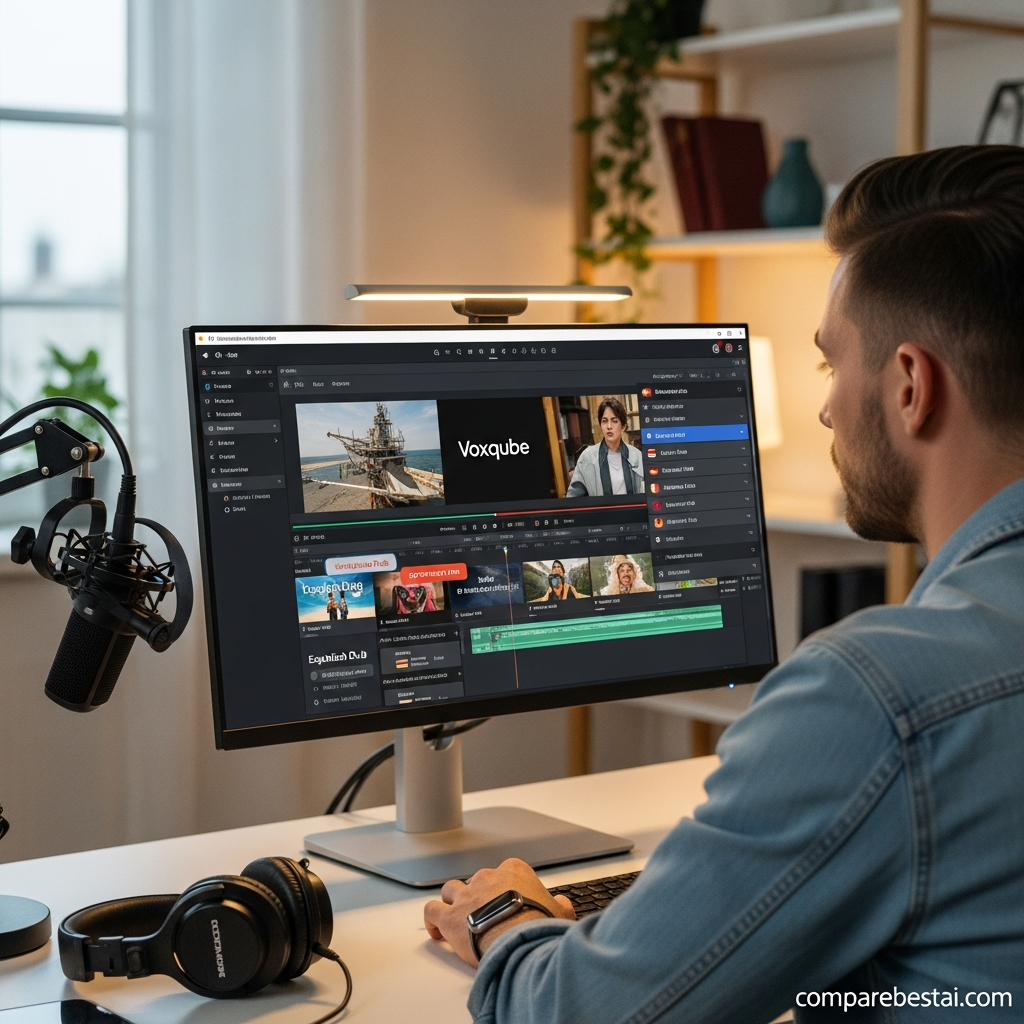
Voxqube currently lists three pricing options:
Fan
Creator
Custom
| Plan | Price | Included Dubbing |
|---|---|---|
| Fan | $40/month | 30 minutes |
| Creator | $120/month | 100 minutes |
| Custom | $2/minute | Usage based |
There is currently no publicly listed $29 Starter or $99 Professional plan.
Those figures should be removed from older Voxqube reviews.
Voxqube Fan Plan
The Fan plan costs $40 per month.
It currently includes:
automated AI voiceover
30 minutes of dubbing
automated speech-to-text transcription
automated machine translation
script editing
30+ languages
Fan is the most logical self-service option for:
individual creators
YouTubers
smaller organizations
users testing regular localization
teams producing a limited number of videos each month
The main restriction is the 30-minute monthly dubbing allowance.
A creator with one ten-minute weekly video could exceed that allowance before the end of the month.
Voxqube Creator Plan
Creator costs $120 per month and includes 100 minutes of dubbing.
It includes the core Fan features plus:
AI rewriter for fast speech
early access to voice cloning
early access to lip sync
access to other developing features
The extra 70 minutes are useful for users localizing content regularly.
The AI rewriter is especially relevant to dubbing.
Translated sentences often become longer or shorter than the original speech.
When that happens, fitting the translation into the same scene can create speech that feels unnaturally fast.
Voxqube's AI rewriter is designed to adjust phrasing so translated dialogue fits the available timing more naturally.
Voxqube Custom Pricing
Voxqube also lists a $2-per-minute Custom option.
The current public pricing page lists features including:
automated AI voiceover
AI rewriter
automated speech-to-text
machine translation
script editing
This can make sense for organizations whose usage does not fit neatly into the fixed monthly plans.
Businesses needing customized delivery, unusual languages or larger projects should confirm exactly what is included before starting.
Does Voxqube Have a Free Plan?
Voxqube does not currently list a permanent $0 plan alongside Fan, Creator and Custom.
However, some current first-party localization pages state that prospective customers can test an initial video or translation before committing.
That should be described as a trial or pilot opportunity, not as a permanent free subscription plan.
Because availability can vary by workflow, verify the current offer directly with Voxqube before relying on a free trial.
How Many Languages Does Voxqube Support?
This needs careful wording because Voxqube's own website uses more than one number.
Its current self-service pricing tiers list:
30+ languages
At the top of the same pricing page, Voxqube says localization can be available in:
up to 100 languages
depending on the user's needs.
Individual language landing pages also describe a wider translation network.
The safest statement is therefore:
Voxqube's self-service plans advertise 30+ supported languages, while broader localization projects may support additional languages depending on the service and project requirements.
Avoid presenting “60+ languages” as a fixed current plan specification.
Automated Speech-to-Text
Automatic transcription is part of Voxqube's standard workflow.
Before content can be translated, spoken dialogue is converted into written text.
This transcript becomes the base for translation and dubbing.
Automatic transcription is convenient, but difficult inputs can still need review.
Potential problem areas include:
strong accents
background noise
overlapping speakers
technical terminology
names
acronyms
unusual product terms
For important business or educational material, check the transcript before generating the final voiceover.
Machine Translation
Voxqube includes automated machine translation.
This removes the need to manually translate every script before beginning voice generation.
The advantage is speed.
The limitation is the same one found across machine-translation systems: fluent wording is not always equivalent to contextually perfect wording.
Important content should therefore be reviewed for:
terminology
cultural context
brand wording
legal phrases
technical language
regional expressions
A script editor is therefore more useful than it might initially appear.
Script Editing Interface
All current Voxqube pricing options list access to a script edit interface.
This gives users an opportunity to review translated text before final voice generation.
For professional localization, this is essential.
A translated sentence may be grammatically correct but still:
sound unnatural
use the wrong terminology
be too long
be too formal
be too informal
mispronounce a brand or person's name
Editing before voice generation is much easier than discovering those issues after final rendering.
AI Rewriter for Fast Speech
The AI rewriter is available on the Creator plan and is also listed for Custom pricing.
Its purpose is to solve a common dubbing problem.
Different languages use different sentence lengths.
A line that takes six seconds in English may require much more time when translated literally into another language.
If the translated voice has to fit the same visual segment, the narrator may otherwise need to speak unnaturally quickly.
The AI rewriter helps adjust the translated wording so it fits the timing more naturally.
That makes it one of Voxqube's most practically useful advanced features.
Voxqube Voice Cloning
Voice cloning is listed as an early-access feature for Creator users.
The aim is to preserve more of the original speaker's vocal identity in translated content instead of replacing the speaker with a completely unrelated synthetic narrator.
Potential uses include:
personal YouTube channels
executive videos
recurring training presenters
branded educational content
However, “early access” is important.
Do not assume the feature has the same maturity, language availability or reliability across every workflow.
If matching the original speaker's voice is essential, test the exact language pair you intend to use.
Voxqube Lip Sync
Lip sync is also currently listed as an early-access capability.
The goal is to make the speaker's visible mouth movements better match the localized audio.
This can be valuable when:
the speaker's face is visible
dialogue is central to the scene
visual authenticity matters
the content is client-facing
Again, early access means users should test the capability rather than assuming every video will receive perfect mouth synchronization.
Human Review and Managed Localization
Voxqube also offers more managed localization workflows.
Its YouTube dubbing service says language professionals check localized output.
This human-review layer can be valuable for content where translation quality matters more than maximum automation.
Potential examples include:
educational content
important product videos
brand campaigns
public training content
high-value YouTube channels
However, users should confirm whether human QA is included with their specific plan or only with particular managed services.
Do not assume every self-service generation receives the same level of professional language review.
Voxqube for YouTube
YouTube is one of Voxqube's clearest documented use cases.
The platform offers a dedicated YouTube dubbing workflow designed to help creators reach international audiences.
The process can include:
providing a video or link
selecting a target language
transcription
translation
AI dubbing
synchronization
receiving the localized track or video
For creators with an established audience in several countries, dubbing can provide a more accessible experience than subtitles alone.
However, creators should evaluate actual audience demand before translating every video.
Localization is most valuable when the target language represents a meaningful potential audience.
Voxqube for Corporate Training
Corporate training is another strong use case.
A company may already have:
onboarding videos
safety training
software tutorials
process documentation
product education
internal communications
Rather than recreating those videos separately for each country, Voxqube can help create localized voice versions.
Its corporate localization page describes an end-to-end workflow involving transcription, translation, neural voiceover and final media delivery.
For enterprise projects, Voxqube says turnaround is approximately two days, although actual timing depends on project requirements and volume.
That is a more defensible expectation than claiming every five-minute video finishes in 15 minutes.
Voxqube for Educational Content
Educational publishers and course creators can also benefit from dubbing.
Potential uses include:
online courses
instructional videos
lectures
tutorials
explainer videos
training libraries
The biggest benefit is reusing the existing video rather than filming a completely new version for every language.
Human review remains particularly important for educational material because inaccurate translation can change the meaning of the content.
Voxqube for Marketing
Marketing teams can use Voxqube to adapt existing video campaigns for other markets.
Potential examples include:
product demonstrations
customer explainers
promotional videos
social campaigns
webinars
customer stories
The strongest workflow is usually not translating every asset automatically.
Instead:
identify markets with real audience potential
select proven video content
localize it
review the translation
measure engagement
expand successful language versions
That prevents localization spend from being spread across markets where demand has not been validated.
Voxqube Integrations: What Is Actually Confirmed?
This is one area where the previous review goes too far.
The old article claims native integrations with:
Google Drive
Dropbox
Adobe Premiere
Final Cut Pro
It also describes automatic folder monitoring and ingestion rules.
These specific integrations are not currently documented on the public first-party Voxqube pages reviewed for this update.
For enterprise projects, Voxqube says it can set up a separate workflow tailored to customer needs.
That may include custom operational arrangements.
However, a customized workflow should not automatically be described as a native software connector.
If Google Drive, Dropbox or an editing-system integration is essential to your production stack, ask Voxqube to demonstrate the exact connection before purchasing.
Does Voxqube Have an API?
Current public Voxqube product and pricing pages reviewed for this article do not document a self-service developer API.
That does not prove private integration options do not exist.
Enterprise clients may be able to arrange custom technical workflows.
The accurate position is:
Public API availability is currently unverified from the first-party pages reviewed.
If your workflow depends on:
automatic video submission
programmatic status checking
automated output retrieval
CMS integration
localization at software scale
confirm API availability, authentication, documentation, pricing and rate limits directly with Voxqube before designing around it.
Security and Privacy
The previous article assigns Voxqube enterprise security features that are not sufficiently documented publicly.
Voxqube does state on several current pages that it prioritizes data security and privacy.
Its corporate pages also say users provide an email address or sign in with Google so localized content can be delivered.
However, current first-party pages reviewed for this update do not establish specific public certifications or features such as:
SOC 2
ISO 27001
SAML SSO
compliance audit exports
advanced role permissions
Do not infer those features from general security wording.
Organizations working with confidential video should request current security documentation directly from Voxqube before uploading sensitive assets.
Voxqube Pros and Cons
Pros
Focused specifically on dubbing and localization
Automated speech-to-text
Automated machine translation
Neural synthetic voiceover
Script editing on current plans
30+ languages on self-service plans
broader language support potentially available for custom localization
AI rewriter for speech timing
early-access voice cloning
early-access lip sync
dedicated YouTube localization workflow
corporate localization service
pay-per-minute Custom option
managed workflows available for enterprise projects
Cons
Fan is limited to 30 dubbing minutes per month
Creator costs $120/month
Voice cloning and lip sync are still described as early-access features
No clearly documented permanent free plan
Public API documentation was not found
Specific cloud-storage integrations are not currently documented publicly
Specific editing-software integrations are not currently documented publicly
limited public detail around enterprise security certifications
translations still need human review for important content
language-count wording varies across Voxqube's own pages
Is Voxqube Easy to Use?
The basic concept is straightforward.
Instead of managing separate:
transcription software
translation tools
text-to-speech services
audio editors
Voxqube combines those stages into one localization process.
That reduces the number of tools a creator needs to coordinate.
The more difficult part is quality control.
Professional localization still requires decisions around:
wording
pronunciation
speaker selection
accents
timing
cultural adaptation
Voxqube automates much of the mechanical process.
It does not remove the need to review important output.
Who Should Use Voxqube?
YouTube creators
Voxqube is a strong fit for established creators with viewers in multiple language markets.
Training teams
Organizations maintaining multilingual onboarding or instructional video can reuse existing content instead of filming every version separately.
Educators
Course creators and institutions can make lectures and instructional video more accessible internationally.
Marketing teams
Teams with proven video assets can test localization in new geographic markets.
Businesses with recurring localization
The Creator and Custom plans become more relevant when localization happens every month rather than once or twice per year.
Who Should Skip Voxqube?
Users who need text-to-video generation
Voxqube is not a Veo, Runway, Kling or Sora alternative for creating visual footage from prompts.
Users who need only subtitles
A simpler subtitle or transcription tool may cost less if spoken dubbing is unnecessary.
Teams requiring a documented public API
Confirm API availability before purchasing.
Companies requiring specific certified security controls
Request documentation before assuming Voxqube meets your compliance requirements.
Very light users
At $40 per month, the Fan plan may be difficult to justify if you localize only a few minutes of video occasionally.
The $2-per-minute Custom option may be more appropriate depending on the project.
Voxqube vs Synthesia
Voxqube and Synthesia overlap in multilingual video but solve different primary problems.
Voxqube
Voxqube starts with existing video and localizes the spoken content.
Its strengths include:
transcription
translation
dubbing
script editing
timing adjustment
Synthesia
Synthesia can create new presenter-led AI videos using avatars, scripts and generated voices.
It also provides dubbing and localization.
Choose Voxqube when your main job is:
“I already have a video and need it dubbed.”
Consider Synthesia when the job is:
“I need to create or recreate presenter-led business videos in multiple languages.”
Voxqube vs Papercup
Papercup is another video-dubbing and localization specialist.
The comparison should focus on:
language coverage
human review
voice quality
turnaround
cost per minute
enterprise workflow
API availability
required localization volume
If high-end human-in-the-loop localization is your priority, evaluate both with the same source video rather than relying only on vendor demos.
Voxqube vs Dubverse
Dubverse is a more creator-oriented alternative in the AI dubbing category.
When comparing the two, focus on:
current language support
voice selection
lip sync
voice cloning
project limits
pricing per usable minute
subtitle workflow
collaboration requirements
Do not assume one is better based only on starting subscription price.
The real cost depends on how many minutes you dub each month and how much manual correction the output requires.
Is Voxqube Worth the Price?
For recurring localization, Voxqube can make economic sense.
The right comparison is not simply:
$40 versus $120 per month
Instead compare:
traditional translation + voice actors + recording + editing + project-management time
against:
Voxqube subscription or per-minute cost + human review + final QA
For a company localizing dozens of training videos, the AI-assisted workflow may offer substantial operational value.
For someone dubbing one two-minute clip every few months, a subscription may not make sense.
How to Choose the Right Voxqube Plan
Choose Fan if:
you need no more than about 30 dubbing minutes each month
you do not need the AI rewriter
voice cloning and lip sync are not essential
you are starting with AI localization
Choose Creator if:
you need closer to 100 minutes per month
you regularly localize videos
the AI rewriter is useful
you want to test early-access voice cloning or lip sync
Consider Custom if:
your workload varies
per-minute pricing suits your budget better
your localization requirements do not fit the normal plans
you need a customized business workflow
How We Evaluated Voxqube
This review was updated using current first-party information from Voxqube.
We reviewed:
current pricing
Fan plan features
Creator plan features
Custom pricing
self-service language coverage
broader localization messaging
AI dubbing workflow
transcription
machine translation
script editing
AI rewriting
voice cloning status
lip-sync status
YouTube localization
corporate localization
enterprise delivery information
We classify a feature as confirmed only when current first-party documentation supports it.
For that reason, this review does not present Google Drive, Dropbox, Adobe Premiere, Final Cut Pro, SSO, audit logging, white-labeling or a public API as standard Voxqube capabilities without additional vendor evidence.
Pricing and features were checked on September 3, 2026.
Frequently Asked Questions
What is Voxqube?
Voxqube is an AI-powered video dubbing and localization service. It transcribes existing media, translates the spoken content, generates a synthetic voiceover and creates a localized version.
How much does Voxqube cost?
Voxqube currently lists Fan at $40 per month for 30 dubbing minutes, Creator at $120 per month for 100 minutes and Custom at $2 per minute.
How many languages does Voxqube support?
The current Fan and Creator plans advertise 30+ languages. Voxqube's pricing page separately says localization may be available in up to 100 languages depending on the project and service required.
Does Voxqube offer voice cloning?
Voice cloning is currently listed as an early-access feature on the Creator plan. Availability and results should be tested for the specific language and workflow you need.
Does Voxqube support lip sync?
Lip sync is listed among the early-access features available to Creator users. It should not be treated as a universally mature feature without testing your own content.
Does Voxqube have a free plan?
Voxqube's main pricing page does not currently list a permanent free plan. Some first-party localization pages mention an initial free translation or pilot, so confirm current trial availability directly with Voxqube.
Does Voxqube have an API?
A public developer API is not currently documented on the first-party product and pricing pages reviewed for this article. Businesses needing API access should confirm availability directly with Voxqube.
Does Voxqube integrate with Google Drive or Dropbox?
Current public first-party documentation reviewed for this article does not confirm native Google Drive or Dropbox connectors. Voxqube does provide customized workflows for some enterprise customers, but that should not automatically be interpreted as a native software integration.
Is Voxqube good for YouTube?
Yes. YouTube localization is one of Voxqube's clearest documented use cases. Its dedicated YouTube service handles transcription, translation, dubbing and synchronization to help creators reach audiences in other languages.
Is Voxqube suitable for training videos?
Yes. Corporate and educational localization are natural use cases because an organization can reuse existing training material and create localized voice versions instead of recording every course separately.
How long does Voxqube take?
Timing varies by project. Voxqube's current corporate localization page says enterprise localization takes approximately two days depending on requirements and volume. Avoid assuming every project has the same turnaround.
Final Verdict: Is Voxqube Worth It in 2026?
Voxqube is worth considering if dubbing existing videos into multiple languages is a recurring part of your workflow.
Its strongest confirmed capabilities are straightforward:
transcription
machine translation
neural AI voiceover
script editing
speech-timing rewriting
30+ languages on self-service plans
early-access voice cloning
early-access lip sync
YouTube localization
corporate video localization
The current pricing is also clear.
Fan costs $40 per month for 30 minutes. Creator costs $120 per month for 100 minutes. Custom is listed at $2 per minute.
The biggest weakness is not the core dubbing functionality.
It is the amount of advanced functionality that is not clearly documented publicly.
Teams should not assume Voxqube automatically includes Google Drive integration, Dropbox integration, editing-software plugins, an open API, SSO, audit logs or advanced automation simply because those capabilities are useful in enterprise localization.
For individual creators, start by comparing Fan against your expected monthly dubbing volume.
For frequent localization, Creator offers substantially more minutes and the AI rewriter.
For businesses with unusual requirements, discuss the Custom option and ask Voxqube to document the exact workflow, turnaround, security and integration capabilities included.
The best fit is a creator or organization that already has useful video content and wants to make that content understandable in additional markets without reproducing the entire video from scratch.
Found this guide useful? Share it with your team.