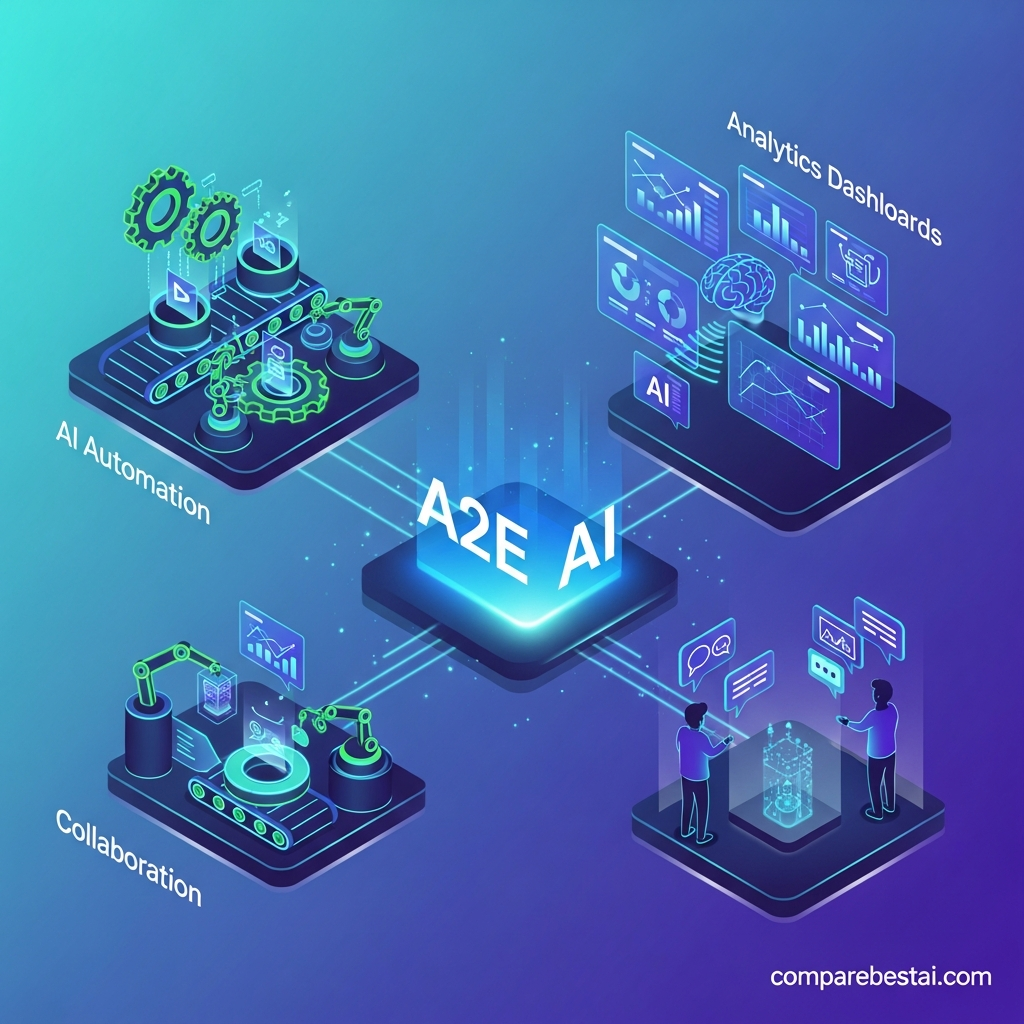

Quick Answer: A2E AI's main features in 2026 include image-to-video generation, AI avatars, talking photos and videos, voice cloning, text-to-speech, lip sync, face and head swapping, virtual try-on, Product Avatar, image editing, video upscaling, and API access on eligible paid plans. A2E also provides access to third-party generative video models, making it more of an all-in-one AI media toolkit than a single-purpose video generator.
A2E AI combines several types of AI image, video, voice and avatar generation inside one platform.
That matters because many AI tools specialize in only one job.
One platform may generate videos. Another creates avatars. Another handles lip sync. Another clones voices.
A2E brings many of those workflows together.
This guide explains the most important A2E AI features in 2026, what each one actually does, what it costs in credits where A2E publishes that information, and which users may benefit from it.
For a shorter product overview, explore the A2E AI tool profile.
A2E AI Features at a Glance
| Feature | What It Does | Best For |
|---|---|---|
| Image-to-Video | Animates images into AI video | Creators, ads, social |
| AI Avatars | Creates reusable digital presenters | Marketing, education |
| Talking Photo | Animates a photo with speech | Social, explainers |
| Talking Video | Creates speaking-video workflows | Presenters, campaigns |
| Voice Clone | Reproduces an authorized voice | Localization, narration |
| Text-to-Speech | Converts text to spoken audio | Voiceovers |
| Lip Sync | Synchronizes speech and mouth movement | Dubbing, avatars |
| Face Swap | Replaces faces in image/video | Authorized creative work |
| Head Swap | Replaces the full head region | Creative production |
| Product Avatar | Generates product-focused avatar content | Ecommerce |
| Virtual Try-On | Visualizes clothing/products | Fashion ecommerce |
| Image Editor | AI-assisted image transformation | Creative teams |
| Video Upscaling | Increases output resolution | Production workflows |
| Video-to-Audio | Generates or adds audio workflows | Video production |
| API | Programmatic access to AI media tools | Developers, SaaS teams |
A2E officially describes itself as an all-in-one AI video and image platform covering image-to-video, avatars, face and head swaps, voice cloning, talking photos, lip sync, image editing and related workflows.
1. Image-to-Video Generation
Image-to-video is one of A2E's core AI video features.
You upload or generate a still image and use AI to turn it into a moving video sequence.
This can be useful when you already have:
- Product photography
- AI-generated artwork
- Character images
- Campaign creatives
- Fashion images
- Social graphics
and want to create motion without organizing a conventional video shoot.
A2E's current pricing documentation lists image-to-video as part of its feature set and uses credits according to generation length and model. Its own standard image-to-video workflow lists a 5-second generation at 30 credits, while premium third-party models can consume considerably more.
Best Uses
Image-to-video makes sense for product advertisements, social media clips, concept animation, character content and ecommerce creative.
It is less appropriate when you need a traditional multi-track video editor with precise frame-by-frame manual control.
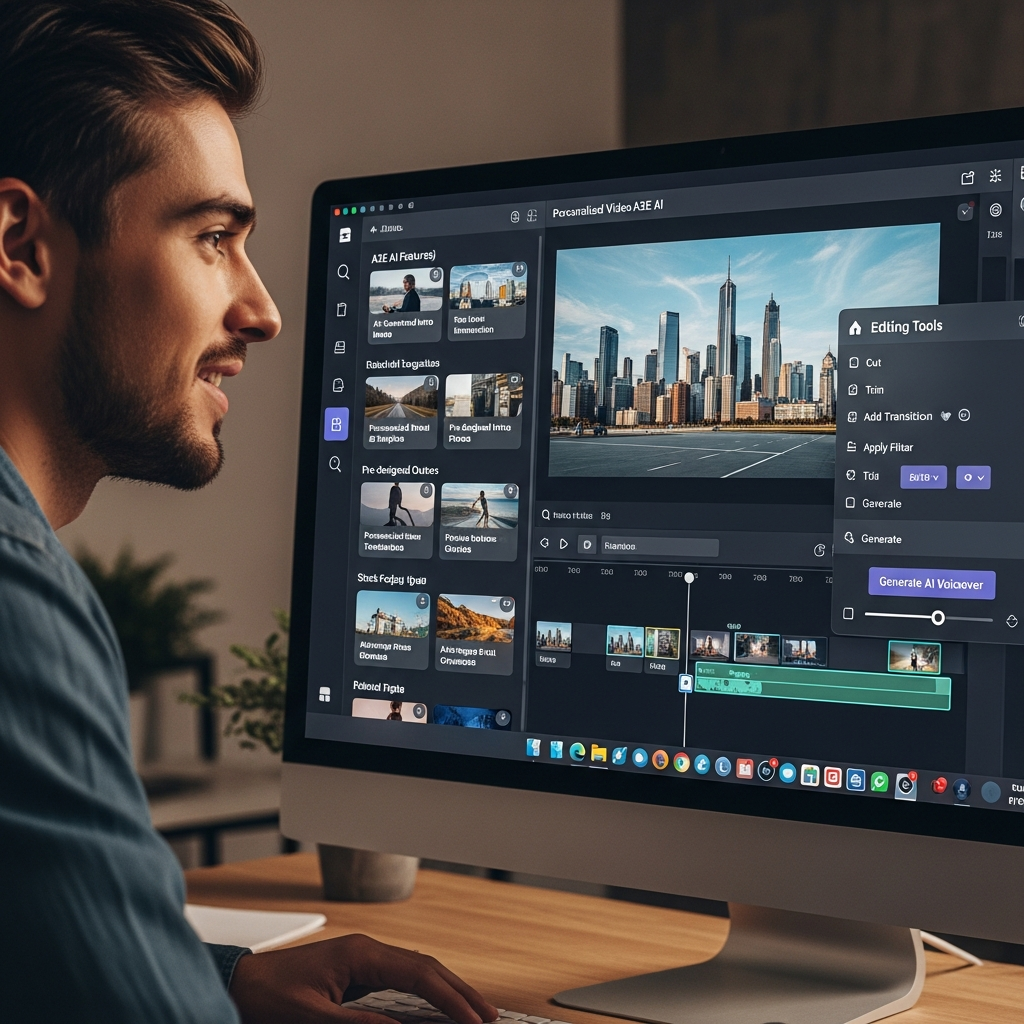
2. AI Avatars
A2E allows users to create reusable AI avatars that can appear in generated videos.
This is particularly useful when a business needs a consistent presenter but does not want to record a new video every time content changes.
A2E currently provides 100+ community avatars and allows custom avatars.
The Free plan supports up to 10 custom avatars, Pro up to 50 and Ultra up to 200 according to the current pricing documentation.
AI Avatar Use Cases
AI avatars can be useful for:
- Product explainers
- Training videos
- Internal communication
- Educational videos
- Social content
- Marketing messages
- Multilingual content
A2E's avatar functionality also connects naturally with its text-to-speech, voice cloning and lip-sync tools.
That lets users build a more complete presenter workflow instead of generating only a visual character.
3. Talking Photo
Talking Photo converts a static portrait or character image into a speaking visual.
You provide an image and speech input, and A2E animates the visual to create a talking result.
This can be useful for short social videos, character-based content, educational material and personalized creative.
A2E's current pricing table lists Talking Photo generation at 6 credits per second across its core plans.
This is an important detail because the real cost depends on video duration rather than only the monthly subscription.
4. Talking Video
Talking Video extends the same idea to video-based inputs.
It is designed for workflows where an existing video or generated subject needs new speech or synthetic presentation.
A2E's pricing documentation currently lists Talking Video at 6 credits per second.
Possible applications include localized videos, personalized presenter content and AI-driven social media production.
5. AI Lip Sync
Lip sync helps match visible mouth movement to generated or supplied audio.
That becomes useful when:
- Translating a video
- Replacing narration
- Creating avatar content
- Producing dubbed material
- Reusing existing talking-head footage
A2E currently lists its lip-sync video workflow at 1 credit per second.
For a 60-second generated lip-sync output, that published rate would therefore require 60 credits.
The quality of lip sync can still vary with source video quality, face angle, motion and the specific generation workflow, so important videos should be reviewed before publication.
6. Voice Cloning
A2E includes AI voice-cloning features for users who need reusable synthetic narration.
The Free plan currently provides one standard voice-clone slot, while paid plans provide unlimited standard voice-clone slots according to A2E's pricing page.
A2E also lists more advanced voice-clone options using providers such as Cartesia, MiniMax and ElevenLabs on eligible plans.
Good Voice-Cloning Uses
Voice cloning can reduce repeated recording work for training content, marketing videos, product demonstrations and localization.
Only clone voices when you have permission from the person whose voice is being reproduced.
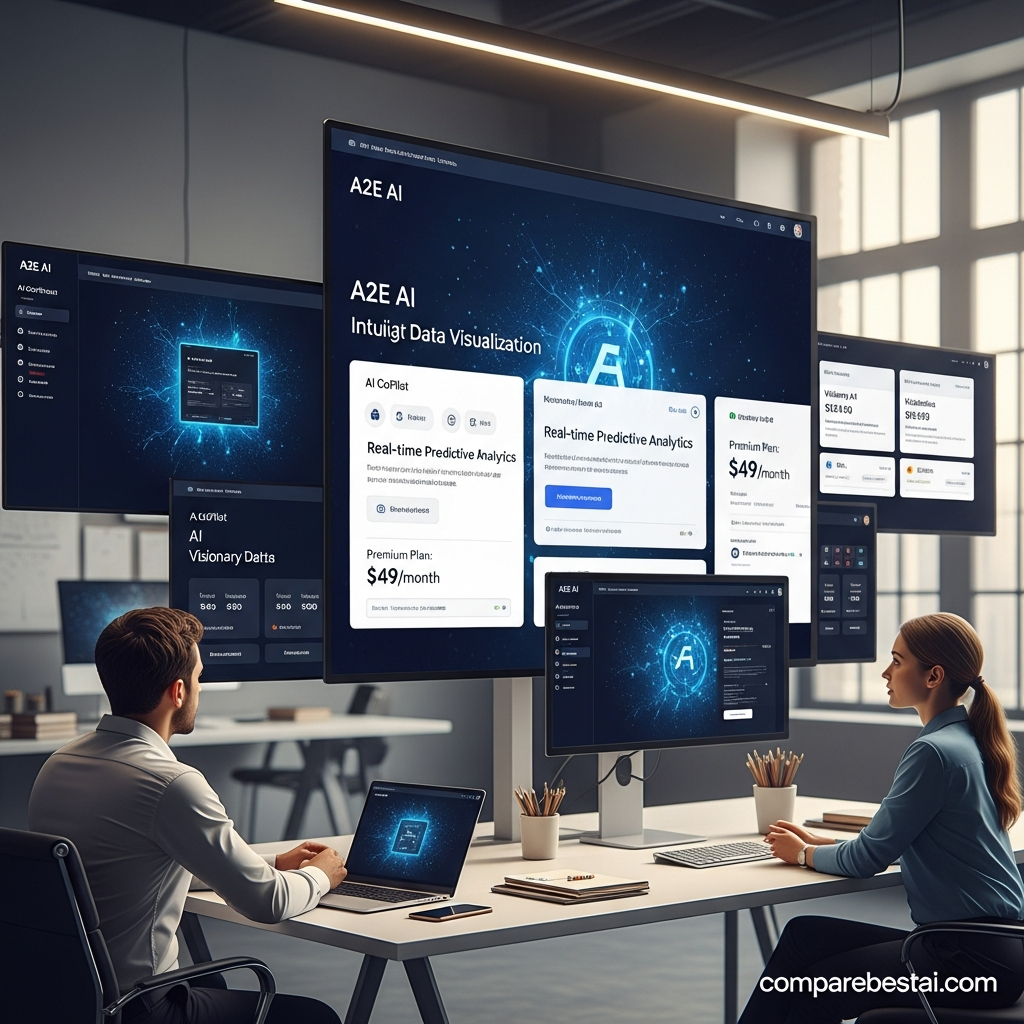
7. Text-to-Speech
Text-to-speech converts written scripts into spoken audio.
A2E supports its own TTS system along with additional providers.
Its current plan table lists different credit rates depending on the voice engine, including A2E, MiniMax, Cartesia and ElevenLabs.
This gives users a choice between different voice-generation options instead of relying on a single speech model.
Text-to-speech works particularly well when combined with:
script → voice → avatar → lip sync → finished presenter video
That combination is one of the clearer advantages of an all-in-one platform.
8. Face Swap
A2E includes AI face swapping for both creative image and video workflows.
Its official pricing documentation lists image face swap and video face swap separately, with video usage charged according to duration.
Face swap can be useful for authorized advertising concepts, entertainment, character creation and creative testing.
However, this is also one of the platform's features that requires responsible usage.
Do not impersonate people or use someone's likeness without appropriate permission.
9. Head Swap
Head Swap goes beyond changing only the central facial area.
A2E describes it as replacing the full head region, giving users another type of character transformation workflow.
This may work better than conventional face swap in creative situations where hairstyle, head shape or the broader identity region needs to change.
A2E currently supports both image and video head-swap workflows.
10. Cloth Swap
A2E also provides clothing-transformation functionality.
Cloth Swap is relevant to:
- Fashion content
- Ecommerce creative
- Product visualization
- Advertising concepts
- Character design
It allows creators to modify clothing without manually reshooting or editing every visual.
This should not be confused with full Virtual Try-On, which is a more ecommerce-oriented feature.
11. Virtual Try-On
Virtual Try-On is one of A2E's most commercially interesting features.
It lets users visualize clothing or products on a person using AI-generated images or video.
A2E currently lists both image and video Virtual Try-On workflows. Its pricing table lists image generation at 10 credits and video workflows at 6 credits per second.
Why It Matters for Ecommerce
A fashion brand might use Virtual Try-On to explore different:
- Garments
- Models
- Creative concepts
- Product combinations
- Advertising variations
without arranging a separate traditional shoot for every concept.
It should still be treated as product visualization rather than guaranteed representation of exact real-world fit.
12. Product Avatar
Product Avatar is another feature designed with ecommerce and marketing use cases in mind.
Instead of focusing only on a human presenter, it helps create AI content centered around products.
A2E currently lists Product Avatar at 10 credits in its feature-pricing table.
Potential uses include product advertising, ecommerce social content, rapid creative variations and campaign testing.
For deeper examples of workflows like these, see our guide to A2E AI use cases.
13. Text-to-Image
A2E is not limited to video.
It also provides text-to-image generation.
Its pricing page currently lists A2E's own image generation alongside additional models such as Z-Image and Seedream on eligible plans.
That means a user can potentially:
generate an image → edit the image → animate it → add speech → create video
inside the broader A2E ecosystem.
14. AI Image Editing
A2E provides AI image-editing capabilities for modifying or transforming visual assets.
This can support marketing and creative teams that need to adjust an image before turning it into video.
Instead of treating image generation and video generation as isolated tools, A2E positions them as connected workflows.
15. Video Upscaling
Video upscaling improves output resolution or prepares generated media for higher-quality use.
A2E currently lists video and image upscaling in its plan comparison.
Paid plans also support higher maximum video output than Free.
The Free tier currently lists 720p output, while Pro advertises up to 2K and Ultra up to 4K.
Do not interpret upscaling as creating real visual detail that was never present in the original source. Results still depend on the source and model.
16. Video-to-Audio and Audio Generation
A2E's current feature table includes Video-to-Audio.
This allows users to add another generative layer to an existing video workflow rather than creating all audio manually.
The official pricing documentation currently lists Video-to-Audio at 10 credits.
This can be useful when building more complete AI-generated video assets.
17. Actor Animation and Motion Workflows
A2E also provides actor-oriented animation tools.
Its current pricing table includes Actor Animation and Actor Swap workflows, expanding the platform beyond simple avatar generation.
These capabilities are more relevant to creators working with full-body motion and character transformation.
18. Access to Third-Party AI Video Models
One of A2E's most interesting 2026 features is that the platform is becoming a multi-model AI-video environment rather than relying entirely on its own models.
Its current pricing and product pages list access to third-party or premium models including versions of:
- Wan
- Kling
- Seedance
- Veo
- Grok video
- Additional image-generation models
depending on plan and availability.
This gives creators the ability to experiment with different model families through one ecosystem.
The tradeoff is credit complexity.
Premium models may consume substantially more credits than basic A2E functions.
19. A2E AI API
A2E is not only a consumer-facing web application.
Eligible paid plans support API access.
A2E currently lists API capabilities across categories including:
- Image and video generation
- Face and body tools
- AI avatars
- Voice and audio
- Post-processing
Specific documented API workflows include image-to-video, text-to-image, face swap, talking media, Virtual Try-On, Product Avatar, TTS, voice cloning, lip sync and avatar generation.
That makes A2E more relevant to developers building AI-media functionality into SaaS products, internal applications or automated content pipelines.
For the technical side, see our dedicated guide to A2E AI integrations.
Which A2E AI Features Are Free?
A2E currently offers a permanent Free plan at $0.
The Free tier includes:
| Free Feature / Limit | Current Availability |
| Daily bonus | 30 credits/day |
| Video resolution | 720p |
| Watermark | Yes |
| Custom avatars | Up to 10 |
| Standard voice clones | 1 |
| Community avatars | 100+ |
| Languages | 30+ |
| Video sharing/download | Yes |
A2E also states that new users receive 100 credits after signup in addition to daily check-in credits.
Paid plans remove the watermark, increase avatar and credit allowances, raise output-resolution limits and provide API access.
For current costs rather than feature details, continue to our A2E AI pricing guide.
What Is A2E AI Best For?
The platform makes the most sense when a workflow needs several synthetic-media capabilities together.
For example, an ecommerce marketer could:
create a model → add clothing → generate product creative → animate it → generate a voice → lip-sync the result.
A training team could:
create an avatar → generate narration → localize the voice → produce a presenter video.
A developer could use API access to embed similar workflows into another application.
A2E itself highlights ecommerce marketing, social media content, online education and corporate training among its target use cases.
A2E AI Features vs Single-Purpose Tools
A2E's main advantage is breadth.
A specialist tool may outperform it in one specific category, but A2E can reduce the number of separate platforms required when your workflow combines:
- AI video
- Avatars
- Voice
- Lip sync
- Image editing
- Face/head transformations
- Ecommerce visualization
- APIs
That does not mean every user needs the entire platform.
If you only need cinematic video generation, a specialist video model may make more sense.
If you only need corporate avatar presentations, a dedicated avatar platform may be simpler.
If you need multiple media transformations together, A2E becomes more interesting.
Frequently Asked Questions
What are the main A2E AI features?
A2E AI includes image-to-video, AI avatars, talking photos and videos, voice cloning, text-to-speech, lip sync, face and head swap, Cloth Swap, Virtual Try-On, Product Avatar, AI image editing, video upscaling and API-supported workflows.
Does A2E AI support voice cloning?
Yes. The Free plan currently allows one standard voice clone, while eligible paid plans allow more extensive voice-cloning use and advanced voice models.
Does A2E AI support lip sync?
Yes. A2E provides lip-sync video generation and currently lists the standard workflow at one credit per second.
Can A2E AI turn an image into a video?
Yes. Image-to-video is one of A2E's core features. Standard A2E image-to-video generation and additional premium model options are available depending on plan.
Does A2E AI offer virtual try-on?
Yes. A2E provides image and video Virtual Try-On workflows aimed particularly at fashion, ecommerce and product visualization.
Does A2E AI have an API?
Yes. Pro and Ultra plans currently support API access, including several image, video, avatar, face, voice and post-processing capabilities.
Is A2E AI free?
Yes. A2E offers a permanent Free plan with 30 daily bonus credits, watermarked 720p output, 10 custom avatars and one standard voice-clone slot.
Final Thoughts on A2E AI Features
A2E's biggest strength in 2026 is the number of related AI-media workflows available in one platform.
It is not simply an AI video generator.
It combines:
video generation + avatars + voice + lip sync + image transformation + ecommerce tools + APIs.
That makes it especially relevant to creators, marketers, ecommerce teams and developers who would otherwise need several separate platforms.
The tradeoff is that different features and premium models consume credits at very different rates.
So evaluate the feature set first, then calculate the cost of the specific workflows you actually plan to use.
For the full buying decision, continue with the A2E AI review. For plan limits and costs, see A2E AI pricing. Developers should also read A2E AI integrations.

