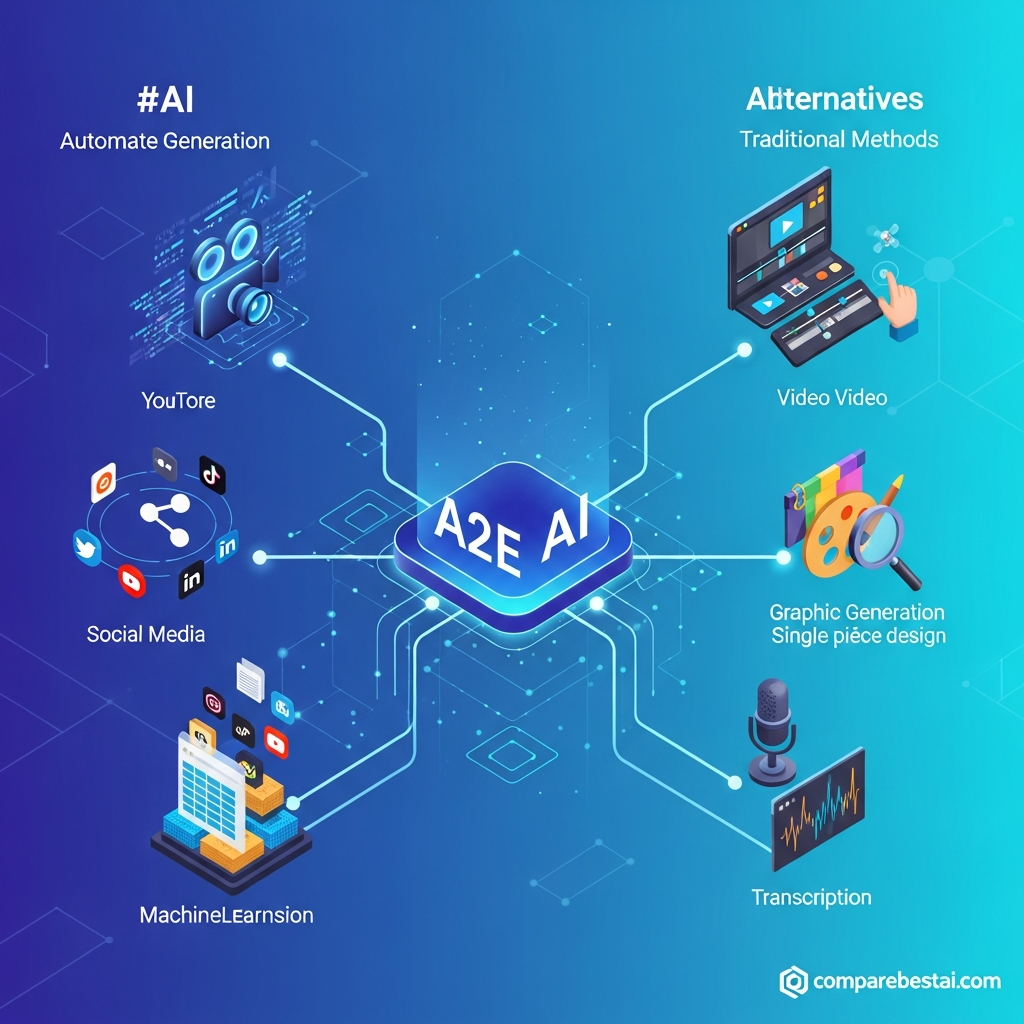

Quick Answer: The most practical A2E AI use cases include turning product images into videos, creating talking-photo explainers, generating AI avatars, cloning voices for narration, lip-syncing existing footage, creating e-commerce product visuals, testing virtual outfits, generating marketing images, automating media creation through APIs, and experimenting with multiple AI video models. A2E is best suited to creators, marketers, e-commerce teams and developers who need generative-media tools without managing a separate platform for every workflow.
Last checked: August 30, 2026
A2E features, model availability and pricing can change. Verify current availability before building a production workflow around a specific model or feature.
A2E AI Use Cases at a Glance
| Use Case | Best For | Main A2E Capability |
|---|---|---|
| Product image-to-video | E-commerce, marketers | Image-to-video |
| Talking-photo videos | Creators, educators | Talking Photo |
| Presenter and avatar content | Marketing, training | AI Avatars |
| Lip-sync and re-dubbing | Creators, localization teams | Talking Video / Lip Sync |
| Repeatable narration | Creators, brands | Voice Cloning + TTS |
| Product lifestyle visuals | E-commerce | Product Avatar |
| Fashion previews | Apparel brands | Virtual Try-On |
| Marketing visual concepts | Designers, marketers | Text-to-Image |
| Media automation | Developers | REST API |
| Multi-model video testing | Creative teams | Kling, Wan, Seedance, Veo, Sora and other models |
A2E currently combines AI video, image, avatar, voice and transformation tools in one platform. Its public tool directory includes image-to-video, lip sync, voice cloning, face and head swapping, AI avatars, product avatars, virtual try-on, text-to-image, video-to-video and subtitle removal.
For pricing, current specifications and our overall evaluation, read our full A2E AI review.
What Is A2E AI?
A2E AI is a browser-based generative media platform for creating and transforming video, images, voices and digital avatars.
One of its distinguishing characteristics is that users are not limited to a single video-generation model. A2E currently exposes multiple model families alongside its own media tools, including Kling, Wan, Seedance, Veo and Sora variants.
That makes A2E particularly relevant when your workflow requires several different types of generative media rather than just one AI video feature.
Browse our AI video generation tools category if you want to compare the broader market before choosing a platform.
1. Turn Product Images Into Marketing Videos
One of the clearest A2E AI use cases is converting a static product photo into a short video.
A2E's image-to-video workflow allows you to upload an image, describe the desired motion and generate an animated video from that source material. Current documentation supports product shots, portraits, landscapes, AI-generated artwork and other clear source images.
Practical workflow
An e-commerce brand could start with a clean product photograph, request a slow camera movement or environmental animation, and use the output as:
- social advertising creative
- product-page media
- TikTok or Reels footage
- email campaign content
- visual concept testing
The important distinction is that A2E generates footage from the source image. It does not automatically create a complete advertising campaign, measure ad performance or replace a dedicated video editor.
For more tools built around this workflow, see our guide to the best AI text-to-video tools.
2. Create Talking-Photo Explainers
A2E can animate a static portrait and make it speak using uploaded audio or generated speech.
Its Talking Photo workflow combines a portrait with audio, text-to-speech or a cloned voice and adds synchronized facial and body movement.
This can work well for:
- short explainers
- educational introductions
- product presentations
- social-media videos
- customer greetings
- internal communications
Example
Instead of recording the same spokesperson every time a small script changes, a team could maintain an approved portrait and generate updated talking-photo clips for frequently changing content.
Quality still depends heavily on the source portrait, audio clarity and the desired motion.
3. Produce Presenter-Led Training and Educational Content
A2E's avatar, talking-photo and text-to-speech tools can also support learning and training workflows.
For example, an instructor could turn a written explanation into narrated presenter-style content without filming every lesson manually.
A2E's own Talking Photo documentation specifically lists education, training, onboarding and internal communication among possible applications.
This can be useful for:
- onboarding material
- short tutorials
- internal process explanations
- course introductions
- knowledge-base videos
However, organizations that need sophisticated enterprise learning management, extensive team governance or highly structured corporate avatar workflows should also evaluate dedicated platforms.
Our Synthesia AI video generator review provides a useful comparison for that type of use case.
4. Re-Dub Videos With AI Lip Sync
Another practical A2E use case is changing or replacing dialogue in an existing video.
A2E's Talking Video tool accepts video and audio inputs and generates lip movements designed to synchronize with the new audio. A2E positions the tool for short-video creation, education, marketing and post-production workflows.
Possible workflows include:
- replacing a voiceover
- fixing mismatched audio
- creating another language version
- adapting an existing presenter video
- producing social clips from approved footage
This can be particularly useful when re-recording the original presenter would be expensive or impractical.
Always make sure you have permission to modify a person's likeness or voice.
5. Clone a Voice for Repeatable Narration
A2E supports AI voice cloning using uploaded voice recordings.
Its current Voice Clone documentation lists MiniMax, ElevenLabs and Cartesia among supported voice technologies and describes applications such as video narration, advertising, audiobooks, podcasts and customized messaging.
Why this matters
For creators or brands that frequently produce spoken content, maintaining a consistent voice can become a bottleneck.
Instead of recording every minor script revision, an authorized voice clone can support:
- recurring video narration
- product explainers
- podcast intros
- localized scripts
- educational content
- branded audio
Voice cloning should only be used when you own the source voice or have clear permission from the speaker.
6. Create E-Commerce Product Avatar Visuals
A2E's Product Avatar tool is more specifically designed for e-commerce and advertising workflows.
The tool combines a product image with a model or avatar to create visuals where the person appears to hold or present the product. A2E also documents a Product Avatar API for programmatic generation.
Potential uses include:
- beauty product creatives
- gadget promotion
- lifestyle product visuals
- social advertising concepts
- marketplace imagery
- seasonal campaigns
For a store with many SKUs, this can be useful during concept development when arranging a conventional photoshoot for every creative variation would be expensive.
Generated assets should still be reviewed carefully for product accuracy before they are used commercially.
7. Generate Fashion and Virtual Try-On Concepts
Fashion retailers have another specialized A2E workflow: Virtual Try-On.
A2E's documented process uses a person image and clothing image to generate a preview of the person wearing that garment. Its API documentation also exposes this workflow programmatically.
This can help with:
- clothing visualization
- apparel ad concepts
- catalog experimentation
- social creative
- style testing
- early campaign mockups
Virtual try-on output should be treated as a generated representation rather than a guaranteed representation of exact real-world fit.
That distinction is especially important for e-commerce businesses where customer expectations about color, size and fit need to remain accurate.
8. Generate Images for Campaign Concepts
A2E is not limited to video.
Its Text-to-Image workflow can create visuals from written prompts, with multiple models and output options available depending on the selected workflow.
Marketers and creative teams can use this for:
- storyboard concepts
- advertising ideas
- backgrounds
- product mockup concepts
- social graphics
- campaign mood boards
- visual experimentation
A useful workflow is to create an image concept first and then feed the preferred image into A2E's image-to-video tools.
That allows the creative process to move from:
prompt → image → motion
without starting from filmed footage.
If your main goal is broader marketing automation rather than generative media specifically, also review our best AI marketing tools guide.
9. Clean and Repurpose Existing Video
A2E also includes several media-processing tools rather than purely generative tools.
One example is its AI Subtitle Remover, which detects visible text inside video frames and reconstructs the covered background. A2E says this can be useful for preparing footage for new captions, localized edits or cleaner social-media versions.
A possible localization workflow might therefore be:
- remove existing burned-in text,
- prepare the replacement voice,
- lip-sync the translated audio,
- add the new caption layer in your preferred editor.
This is more realistic than claiming A2E automatically runs an entire multilingual marketing campaign.
Each generation or transformation stage should be quality-checked individually.
10. Build Automated Media Workflows With the A2E API
Developers are another important A2E audience.
A2E provides REST APIs for multiple media-generation workflows, with current documentation covering areas such as avatar video, image-to-video, text-to-speech, voice cloning, product avatars and other media-processing tasks.
That means developers can potentially build A2E capabilities into:
- internal content tools
- e-commerce applications
- marketing platforms
- user-generated content products
- automated video systems
- custom media-generation pipelines
A Product Avatar endpoint, for example, allows a developer to submit product and person images programmatically rather than creating every asset manually in the browser.
This is the most accurate way to describe A2E automation.
A2E has a documented API; that does not automatically mean every third-party platform has a native A2E integration.
Which A2E AI Use Case Fits You?
| User | Best Starting Workflow |
|---|---|
| Social media marketer | Image-to-video + text-to-image |
| E-commerce brand | Product Avatar + image-to-video |
| Fashion store | Virtual Try-On |
| YouTube creator | Voice cloning + talking video |
| Educator | Talking Photo + TTS |
| Agency | Multi-model creative experimentation |
| Developer | A2E REST API |
| Product marketer | Product image animation |
| Localization team | Voice + lip sync + subtitle workflow |
The most useful A2E feature therefore depends on the bottleneck you are trying to remove.
A creator may care about narration consistency.
An e-commerce team may care about product visuals.
A developer may care primarily about API access.
Trying to evaluate A2E as one giant “automation platform” makes the decision harder than evaluating a specific workflow.
What A2E AI Is Not Best For
A2E should not automatically be treated as a replacement for every creative tool.
It may not be your best choice when your main requirement is:
- advanced timeline editing
- complex manual post-production
- mature enterprise governance
- highly documented regulatory compliance
- complete marketing analytics
- social-media scheduling
- campaign attribution
- a full digital asset management system
For cinematic generative-video workflows and more production-oriented tools, read our Runway AI video generation review.
You can also compare AI tools side by side before choosing a platform.
How to Test A2E for Your Workflow
A2E currently offers a free plan with daily bonus credits, making it possible to evaluate basic workflows before moving to a paid plan. Its current pricing documentation lists 30 daily bonus credits on the Free tier, while paid plans unlock additional features and API access.
Instead of asking only, “Is A2E good?”, test it against one concrete job.
For example:
E-commerce test:
Take three real product images and measure how many generations are needed before one output is publishable.
Creator test:
Clone an authorized voice and produce several narration samples with different scripts.
Localization test:
Take a short presenter clip and test the same segment with another voice or language.
Developer test:
Build one API prototype and calculate generation cost, response time and failure handling.
That gives you much more useful information than comparing feature lists alone.
A2E AI vs Other Video Tools
A2E's strongest differentiator is breadth.
It combines multiple generative-media workflows and several video-model families rather than specializing in one narrowly defined workflow.
That can be useful for creators and teams who want to experiment across models.
But a specialist platform may still make more sense when your workflow is highly specific.
For example:
- choose a more production-focused platform if advanced video editing is central,
- consider a dedicated enterprise avatar platform for structured corporate training,
- consider a design-first platform if static design is more important than AI video.
For a wider comparison, explore our AI video generation tools category.
Frequently Asked Questions About A2E AI Use Cases
What are the main A2E AI use cases?
The main A2E AI use cases include image-to-video generation, AI avatars, talking photos, lip-sync video, voice cloning, product avatar creation, virtual try-on, text-to-image generation, media processing and API-based automation.
Can A2E AI turn product photos into videos?
Yes. A2E provides an image-to-video workflow that can animate product images and other still images using prompts and supported AI video models.
Is A2E AI useful for e-commerce?
Yes. E-commerce teams can use A2E for product-image animation, Product Avatar visuals, virtual try-on concepts and advertising creative experimentation.
Can A2E AI clone voices?
Yes. A2E provides voice-cloning tools designed to generate reusable synthetic voices from authorized recordings. Users should have permission to use the source voice.
Does A2E AI support lip sync?
Yes. A2E's Talking Video workflow combines an existing video with new audio and generates synchronized lip movements.
Does A2E AI have an API?
Yes. A2E publishes developer APIs for multiple image, video, avatar and voice workflows. API access is available on eligible paid plans.
Can A2E automate an entire YouTube channel?
A2E can generate or transform individual assets used in a YouTube workflow, such as video clips, narration, avatars and images. It should not be described as a complete YouTube automation system unless the rest of the publishing, editing, analytics and workflow stack is handled separately.
Is A2E AI free?
A2E currently offers a Free tier with daily bonus credits. The official pricing page currently lists 30 bonus credits per day on the free plan.
Final Verdict: Who Should Use A2E AI?
A2E AI makes the most sense when your work involves generative video, avatars, voice, image transformation or programmatic media creation.
Its strongest use cases are likely to be:
- marketing creative
- social video
- product visualization
- e-commerce content
- presenter videos
- voice-enabled content
- video localization
- developer media workflows
The key is to evaluate A2E against a specific workflow rather than assuming every feature will be equally useful.
Start with the use case that currently costs you the most time or production effort, test several real assets, and compare the resulting quality and credit consumption with alternatives.
For our current score, plan information, model coverage, strengths and limitations, read our full A2E AI review.

