

How do you choose the right AI tool?
Start with the job you need done, not the tool everyone's talking about. Write down the specific task, set a real budget, then test two or three tools on your actual work before paying. Check four things every time: does it solve your problem, what's the true cost including hidden credits, is your data safe, and does it fit your existing workflow. The best AI tool isn't the most popular one, it's the one that fits your task, budget, and team. This guide gives you a simple framework to decide.
At CompareBestAI, we review AI tools for a living, and the biggest mistake we see is people buying the hyped tool instead of the right one. This guide fixes that.
Quick answer: How do you choose an AI tool? Define the task, set a budget, then test two or three tools on your real work. Evaluate each on four things: whether it solves your problem, its true cost (including hidden credits), data security, and workflow fit. Pick the one that fits your needs, not the one with the most hype.
Why choosing the right AI tool matters more than ever
There are thousands of AI tools in 2026, and new ones launch every week. That sounds great, but it creates a real problem: decision fatigue. People end up either paralysed by choice or buying the first tool a YouTuber recommends.
The cost of choosing wrong isn't just money. It's the hours spent learning a tool you abandon, the data you may have exposed, and the workflow you disrupted. A tool that doesn't fit gets cancelled within two months, and you're back to square one.
The good news: choosing well isn't complicated. It just needs a framework instead of impulse. That's what this guide gives you.
Thousands of AI tools to your AI tools directory at CompareBestAI.
Step 1: Start with the job, not the tool
The single biggest mistake is starting with the tool. People hear "everyone's using ChatGPT" and sign up before asking what they actually need it for.
Flip it. Write down the specific job first:
- "I need to edit podcast episodes faster"
- "I need to write product descriptions in bulk"
- "I need to track my brand in AI search results"
- "I need to generate social video without hiring an editor"
Once the job is clear, the category of tool becomes obvious, and you can compare tools that actually do that job instead of drowning in general-purpose options.
Short answer: What's the first step in choosing an AI tool? Define the exact job you need done, in one sentence. The task determines the category, and the category narrows thousands of tools down to a handful worth comparing.
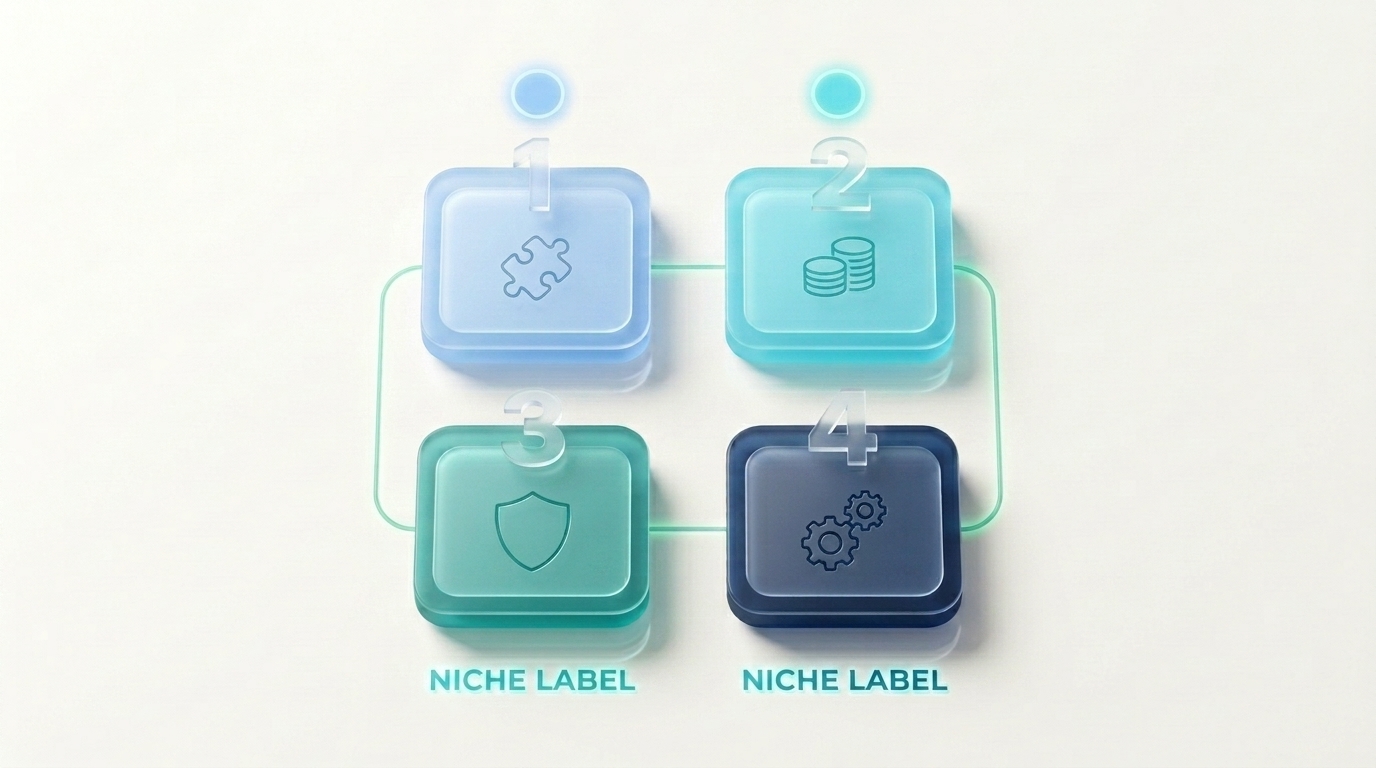
Step 2: The 4-point AI tool evaluation checklist
Once you've shortlisted a few tools for your job, run each through these four checks. This is the core framework.
1. Does it actually solve your problem?
Test it on your real work, not the demo. Vendor demos are cherry-picked. Sign up for the free tier or trial and run your actual task through it. If it doesn't handle your real use case well, nothing else matters.
2. What's the true cost?
The sticker price is rarely the real cost. Check:
- Credit systems. Many tools charge credits per action, so a "$20 plan" might only cover a handful of real tasks.
- Add-ons. AI features are often paid extras on top of the base plan.
- Seats. Team pricing multiplies fast.
- Annual vs monthly. Annual usually saves 20 to 60%.
3. Is your data safe?
Before uploading anything sensitive, check the tool's data policy:
- Does it train its models on your data? (Many let you opt out.)
- Where is data stored, and is it encrypted?
- Does it hold recognised security certifications like SOC 2?
- What's the data deletion policy?
4. Does it fit your workflow?
The best tool you never open is worthless. Check whether it integrates with what you already use (Google Workspace, Notion, Slack, your CMS), and whether your team will actually adopt it.
Step 3: How to test AI tools before you buy
Testing is where good decisions get made. Here's a simple process:
- Shortlist 2 or 3 tools that do your job.
- Use the free tier or trial for each. Never buy without testing.
- Run the same real task through each one, so you compare like for like.
- Score them on the 4-point checklist above.
- Check the cancellation policy before entering a card, especially for cheap trials that auto-renew.
- Commit to one for a month, then reassess.
Don't test more than three at once. Beyond that, you can't remember which did what, and you'll default to the one with the slickest marketing.
Auto-renew" to the hidden costs of AI tools beyond the subscription.
Step 4: How to calculate whether an AI tool is worth it
"Worth it" isn't about the price, it's about the return. A $50/month tool that saves 10 hours a month is a bargain. A $10/month tool you never use is a waste.
A simple way to judge ROI:
- Time saved. How many hours a month does it save, and what's your hourly value?
- Output gained. Does it let you produce more (more videos, more content, more leads)?
- Cost replaced. Does it replace other tools or freelancers you were paying?
If the tool saves or earns more than it costs, it's worth it. If you can't articulate the return after a month of use, cancel it.
Short answer: How do you know if an AI tool is worth the money? Compare what it costs against what it saves or earns. Measure hours saved, extra output produced, and other costs it replaces. If the return beats the price after a month of real use, it's worth keeping. If not, cancel.
The most common mistakes when choosing AI tools
These are the traps we see most often. Avoid them and you're ahead of most buyers.
- Buying the hyped tool instead of the right tool. Popular doesn't mean right for your job.
- Skipping the free trial. Never buy without testing on your real work.
- Ignoring hidden costs. Credit systems and add-ons turn cheap tools expensive.
- Overlooking data privacy. Uploading sensitive data without checking the policy.
- Stacking overlapping tools. Paying for three tools that do the same job.
- Chasing every new launch. New isn't better. Proven and fit-for-purpose is better.
Common mistakes" to common mistakes people make when choosing AI tools.
How to choose free vs paid AI tools
A common question, especially for small businesses and freelancers on a budget.
Start free when:
- You're testing whether a tool fits
- Your usage is light or occasional
- You don't need commercial rights or high-resolution output yet
Upgrade to paid when:
- You hit the free tier's limits regularly
- You need commercial-use rights
- You need to remove watermarks or unlock higher quality
- The time saved clearly justifies the cost
The smart path is almost always free first, then upgrade only the one or two tools you reach for daily.
Start free" to 15 best AI tools with free plans.
How security and privacy should shape your choice
This is the step people skip most, and regret most. Before you trust a tool with your data, check its practices.
The <a href="https://www.nist.gov/itl/ai-risk-management-framework NIST AI Risk Management Framework is a useful US reference for what responsible AI providers should disclose about how they handle data and manage risk. And for consumer protection around subscriptions and auto-renewals, the Federal Trade Commission's business guidance is worth knowing before you enter payment details anywhere.
At minimum, confirm the tool doesn't train on your data without consent, stores data securely, and has a clear deletion policy. For anything involving customer data, client work, or regulated information, this step isn't optional.
FAQ
How do I choose the right AI tool?
Define the job you need done, set a budget, then test two or three tools on your real work. Evaluate each on four things: problem fit, true cost including hidden credits, data security, and workflow fit. Choose the one that fits your needs, not the most hyped option.
What should I check before buying AI software?
Check whether it solves your actual problem (test it), the true cost including credits and add-ons, the data and security policy, whether it integrates with your existing tools, and the cancellation terms. Always test on the free tier before paying.
What are the big AI tools right now?
For general chat and writing, ChatGPT, Claude, and Google Gemini lead, with Perplexity strong for research. But "the big ones" aren't automatically right for you. The best tool depends on your specific job, budget, and workflow, not on which is most popular.
How do I know if an AI tool is worth it?
Compare what it costs against what it saves or earns. Measure hours saved, extra output produced, and other costs it replaces. If the return beats the price after a month of real use, keep it. If you can't articulate the return, cancel.
Should I choose free or paid AI tools?
Start free to test fit and for light use. Upgrade to paid when you hit free-tier limits regularly, need commercial rights, need higher quality or no watermarks, or when the time saved clearly justifies the cost. Upgrade only the tools you use daily.
Is ChatGPT still the best AI tool?
ChatGPT is an excellent all-rounder, but "best" depends on the job. Claude often wins for long-form writing, Gemini for Google integration, and Perplexity for cited research. For non-chat tasks like video, images, or SEO, specialised tools beat general chatbots. Match the tool to the task.
What's the biggest mistake when choosing an AI tool?
Buying the hyped tool instead of the right one. Popularity doesn't mean it fits your job, budget, or workflow. The second biggest mistake is skipping the free trial and buying without testing on your real work.
How many AI tools should I test before choosing?
Two or three. Fewer, and you don't have a real comparison. More, and you can't remember which did what, so you default to the best marketing. Shortlist based on your job, test three on the same real task, and commit to one.
Key Takeaways
- Start with the job, not the tool. The task determines the category and narrows your options fast.
- Run every tool through the 4-point checklist: problem fit, true cost, data security, workflow fit.
- Test on your real work, not the demo, using the free tier before you pay.
- The true cost is rarely the sticker price. Watch credits, add-ons, and seats.
- Judge ROI by return, not price. Hours saved and output gained versus cost.
- Avoid the common traps: hype-buying, skipping trials, ignoring hidden costs and privacy.
- Start free, upgrade only what you use daily.
Conclusion
Choosing an AI tool doesn't have to be overwhelming. Skip the hype, start with the job you need done, and run your shortlist through the four checks: does it solve the problem, what's the real cost, is your data safe, and does it fit your workflow. Test on your actual work, commit to one, and reassess after a month. That simple discipline saves money and hours.
Ready to compare specific tools for your job? Browse honest, tested reviews at CompareBestAI, see 15 best AI tools with free plans to start free, or read the hidden costs of popular AI tools at CompareBestAI before you buy anything.

