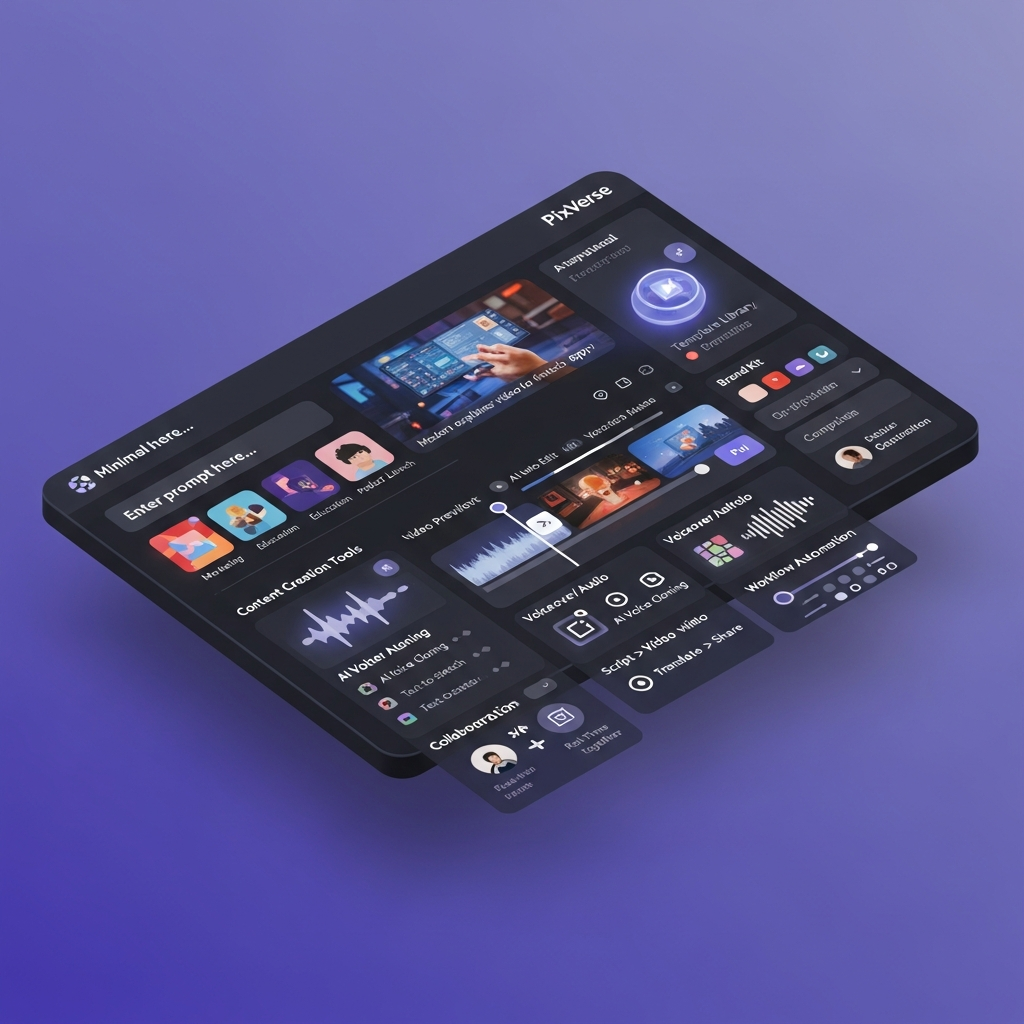

Quick Answer: What Are the Main PixVerse Features?
PixVerse is an AI video generation and production platform built around several models and creative workflows rather than a traditional timeline-based video editor.
Its main 2026 features include PixVerse V6, C1, text-to-video, image-to-video, reference-to-video, native audio, multi-shot generation, transitions, video extension, Modify, effects, lip sync, custom voices, Motion Control, Canvas, Team workspaces, Mini Apps, API access, CLI, Skills and MCP integrations.
V6 is the main general-purpose model for short-form AI video. C1 focuses more heavily on action, visual effects and storyboard-driven production. Canvas gives creators a visual workspace for organizing multi-shot projects and comparing generation results.
PixVerse is best suited to creators, marketers, production teams and developers who need AI-generated video rather than detailed traditional timeline editing.
Information verified August 19, 2026.
Explore current PixVerse featuresPixVerse Features at a Glance
| Feature | What It Does | Best For |
|---|---|---|
| PixVerse V6 | General-purpose AI video with native audio and multi-shot generation | Social, ads, creative video |
| PixVerse C1 | Action, cinematic VFX, and storyboard-to-video | Film concepts and narrative production |
| Text-to-Video | Generates video from written prompts | Fast concept generation |
| Image-to-Video | Animates reference images | Products, characters, and social content |
| Reference-to-Video | Uses reference assets to guide output | Consistency and controlled generation |
| Transitions | Generates motion between first and last frames | Directed scene changes |
| Extend | Continues an existing generated video | Longer sequences |
| Modify | AI-assisted changes to existing video | Iteration and creative editing |
| Video Effects | Applies PixVerse effects and templates | Social and stylized content |
| Native Audio | Generates audio alongside compatible video workflows | Faster complete drafts |
| Lip Sync | Synchronizes dialogue or audio with mouth movement | Dialogue and talking characters |
| Custom Voices | Creates reusable TTS voices from sample audio | Character and branded speech |
| Motion Control | Transfers or guides motion | Character animation |
| Canvas | Organizes assets, shots, and generation workflows | Multi-shot projects |
| Team Plan | Shared workspace, permissions, and shared credits | Agencies and creative teams |
| Mini Apps | Task-specific AI production workflows | Ads and rapid commercial content |
| API | Programmatic generation and editing | Developers and products |
| CLI & Skills | Agent-ready production automation | Developer workflows |
| MCP | Connects PixVerse generation to compatible AI assistants | AI-assisted development |
Key Takeaways: Pixverse AI Tools & Capabilities
- PixVerse enables automated video creation from scripts, storyboards, or basic prompts using advanced AI models.
- Key AI features include auto-editing, voice-to-video, graphics matching, instant cut detection, and customizable brand kits.
- Everything happens in the cloud-there’s zero software to install, no hardware limits, and real-time team collaboration is built in.
- Plans range from pay-as-you-go options to robust business subscriptions with bulk workflow automation and priority support.
- Compared with traditional editing suites or basic AI video apps, PixVerse stands out for its combination of scalability, brand-safe tools, and pro-grade outputs.
PixVerse V6
PixVerse V6 is the platform's current flagship general-purpose video model.
It was released in March 2026 with improvements to camera movement, character performance, physical interaction and multi-shot generation.
One of the most important V6 improvements is native audio.
Compatible workflows can generate visual content and sound together rather than requiring a completely separate audio-production step.
V6 currently supports:
- Text-to-video
- Image-to-video
- First and last-frame transitions
- Video extension
- Reference-to-video
- Native audio
- Multi-shot generation
- 1 to 15-second video duration
- Output from 360p through 1080p
- Multiple aspect ratios
V6 is the best starting point for general social content, product concepts, short advertisements, creative scenes and everyday AI video generation.
PixVerse C1
C1 is PixVerse's more production-oriented video model.
It is designed for workflows involving action, physical interaction, cinematic visual effects, scene orchestration and storyboards.
C1 supports:
- Text-to-video
- Image-to-video
- First and last-frame transitions
- Reference-guided generation
- Storyboard-to-video
- Multi-shot output
- Native audio
- Up to 1080p resolution
- Video up to 15 seconds
Its storyboard workflow can use a multi-panel reference image to turn planned shots into a continuous generated sequence.
Choose C1 instead of V6 when physical action, visual effects or storyboard structure are central to the project.
Text-to-Video
Text-to-video lets users generate a scene directly from a written prompt.
A useful prompt can define:
- subject
- action
- environment
- visual style
- camera movement
- lighting
- pacing
- audio
- aspect ratio
V6 can also interpret multi-shot instructions in supported workflows, making it possible to describe more than one camera setup inside a short sequence.
Image-to-Video
Image-to-video turns a still reference into moving video.
This is particularly useful for:
- Product photography
- Character concepts
- Social posts
- Ecommerce visuals
- Artwork
- Marketing concepts
The uploaded image gives the model a stronger visual anchor than text alone.
Reference-to-Video
Reference-to-video uses reference assets to guide the generation.
This is useful when the project needs stronger continuity across characters, visual style, objects or environments.
Reference workflows are especially valuable for projects where simply repeating the same text prompt does not provide enough consistency.
Transitions and Video Extension
PixVerse supports first-and-last-frame transitions for creators who want more control over where a generated shot begins and ends.
The Extend feature can continue an existing video rather than forcing the user to start again with a completely separate clip.
These tools are useful when building longer sequences from several controlled generations.
Native Audio and Sound
PixVerse supports audio generation in compatible V6 and C1 workflows.
That can bring dialogue, ambient sound or effects into the same initial generation rather than leaving every clip silent.
PixVerse also provides a separate sound-effect generation capability through its API platform.
Audio output should still be reviewed for synchronization, pronunciation, brand suitability and publishing rights before final use.
Lip Sync and Custom Voices
PixVerse provides dedicated lip-sync functionality.
Users can work with uploaded audio, built-in text-to-speech voices or custom voices.
Custom TTS voices can be created from sample audio and then reused through PixVerse's lip-sync workflow.
This is useful for dialogue, character content, advertisements and other speech-driven video.
Video Effects
Video Effects is one of PixVerse's signature creative features.
Effects can be applied to text-to-video or image-to-video workflows using PixVerse templates and effect IDs.
This makes PixVerse particularly attractive for short-form and social creators who want fast stylized transformations without building every visual effect manually.
Modify, Restyle, Swap and Motion Control
PixVerse's current toolset extends beyond initial generation.
Its API documentation includes:
- Modify
- Restyle
- Swap
- Motion Control or Mimic
- Video Upscale
- Multi-transition workflows
These tools help users iterate on an existing asset rather than treating every generation as a completely isolated clip.
PixVerse Canvas
PixVerse Canvas is a visual workspace for larger AI video projects.
Instead of managing every prompt and output separately, Canvas can organize:
- Assets
- Scripts
- Characters
- Storyboards
- Generated shots
- Selected results
- Reference material
- Batch tasks
Reusable references can carry characters, styles, locations and brand references across downstream tasks.
Canvas can also run the same shot through several available video models so users can compare results before choosing the version that moves forward in the production workflow.
This makes Canvas one of the most important current features for teams producing multi-shot or repeatable content.
Team Collaboration
PixVerse now offers a dedicated Team Plan.
The published Team workspace supports:
- Adding and removing team members
- Configurable permissions
- Shared credits
- Adjustable credit caps
- Persistent shared asset libraries
PixVerse announced the Team Plan at $79 per seat per month in March 2026.
Do not assume that the Team Plan includes formal approval chains, timeline comments, task assignment or audit logs unless PixVerse documents those capabilities separately.
PixVerse Mini Apps
Mini Apps are task-specific tools designed to simplify common production workflows.
The first announced Mini App, Ad Master, can use a product image and short creative description to produce an advertisement containing generated scenes, talent, voiceover and subtitles.
PixVerse announced Ad Master at approximately $3 per video, or about $2 for PixVerse subscribers.
Mini Apps make the platform more useful for users who want a finished task rather than manually configuring every generation step.
PixVerse API
PixVerse provides a dedicated developer platform.
Current documented API capabilities include:
- Text-to-video
- Image-to-video
- Video Effects
- Transitions
- Extend
- Modify
- Sound effects
- Lip sync
- Text-to-speech
- Custom voices
- Reference-to-video
- Restyle
- Swap
- Motion Control
- Video upscale
- Avatar generation
- Viral Recreation Agent
- Webhooks
API billing uses credits and can vary according to model, duration, resolution, audio and feature.
Do not assume API credits and regular PixVerse Web subscription credits are interchangeable.
PixVerse CLI, Skills and MCP
PixVerse also supports developer and AI-agent workflows outside the normal web interface.
The PixVerse CLI can be used from supported developer environments and works with AI-native tools including Claude Code, Codex, Cursor and OpenClaw.
PixVerse Skills provide reusable capabilities that developers and AI agents can combine into larger content-production pipelines.
PixVerse also provides an MCP integration for compatible AI applications such as Claude and Cursor.
These features make PixVerse relevant not only to individual creators but also to teams building automated video-generation systems.
PixVerse Security
Avoid vague claims that PixVerse is automatically compliant with every privacy or regulated-industry requirement.
PixVerse's current Privacy Policy explains its processing and protection of personal information under applicable data-protection laws.
For Enterprise, PixVerse states that its information-security management system is ISO/IEC 27001 certified by DNV.
Organizations handling sensitive or regulated content should still review current contractual, privacy and security documentation before deployment.
PixVerse Commercial Use and Copyright
Do not assume every PixVerse generation is automatically cleared for unrestricted commercial use.
PixVerse's current Terms state that the company does not claim ownership of generated outputs, but commercial use can depend on separate authorization, licensing and the rights attached to input or generated material.
Third-party copyrights, trademarks, personality rights and other legal interests are not removed simply because content was generated through PixVerse.
Businesses should verify the current Terms and relevant rights before using generated material in paid advertisements, client campaigns or other commercial work.
Is PixVerse Free?
PixVerse currently provides free credits that can be used to test generation.
Exact free balances, campaigns and account-level allowances can change.
Describe this as free-credit access rather than promising a fixed “free trial.”
Paid or higher-volume use consumes credits according to the model and generation settings.
For example, V6 and C1 API costs vary based on duration, resolution and whether audio generation is enabled.
PixVerse Pricing
Because PixVerse's creator-facing pricing and promotional offers can change, avoid publishing unsupported Starter, Pro or Business prices unless they have been manually verified from the live PixVerse account or checkout screen on the day the article is updated.
Current first-party pricing that can be confidently documented includes:
- PixVerse Team Plan: $79 per seat per month at launch
- Mini App Ad Master: approximately $3 per video, or $2 for subscribers
- API: credit-based pricing determined by model, duration, resolution and features
For API users, V6 and C1 are priced per second.
Always check PixVerse's current pricing before planning a high-volume production workflow.
PixVerse vs. Other Video AI Tools: Feature Comparison
To give a clearer sense of how pixverse features stack up against competing products, here’s a side-by-side comparison with two leading AI-powered video platforms: Synthesia and InVideo. This table highlights each platform’s approach to automation, customization, pricing, and team collaboration. (See each vendor’s site for full, current specs.)
| Feature | PixVerse | Synthesia | InVideo |
|---|---|---|---|
| AI Video Generation | End-to-end (text/script-to-video), strong brand tools | Script to avatar video, limited custom visuals | Template-based, strong stock library, manual editing |
| Collaboration | Real-time editing, version control, granular roles | Basic sharing, limited team features | Project sharing only, no true real-time collab |
| Voiceover & Audio | AI voice cloning, multilingual, studio-quality | Avatar voices, multilingual, limited customization | Stock voiceovers, limited languages |
| Brand Kits | Full color, font, logo, auto-apply to any video | Logo overlay only, no brand theme | Manual theme setup for each project |
| Workflow Automation | Bulk video, repurposing, campaign triggers, integrations | Limited batch tools | Manual or pay-per-export automations |
| Template Variety | 5,000+ AI-editable templates | 100+ avatar video layouts | 3,000+ stock-based layouts |
| Pricing (July 2026) | $15-$99/mo or $0.50 per video minute | $22-$67/mo per seat | Free tier; $15-$60/mo for premium |
| Captioning & Accessibility | Instant captions, multi-language, ADA-compliant | Captions in supported languages | Manual captioning, limited languages |
| Integrations | HubSpot, Google Drive, Dropbox, Slack | Basic Zapier integrations | Social platform direct posting |
| Data Security | GDPR, encryption at rest, role-based access | Standard cloud security | Standard cloud security |
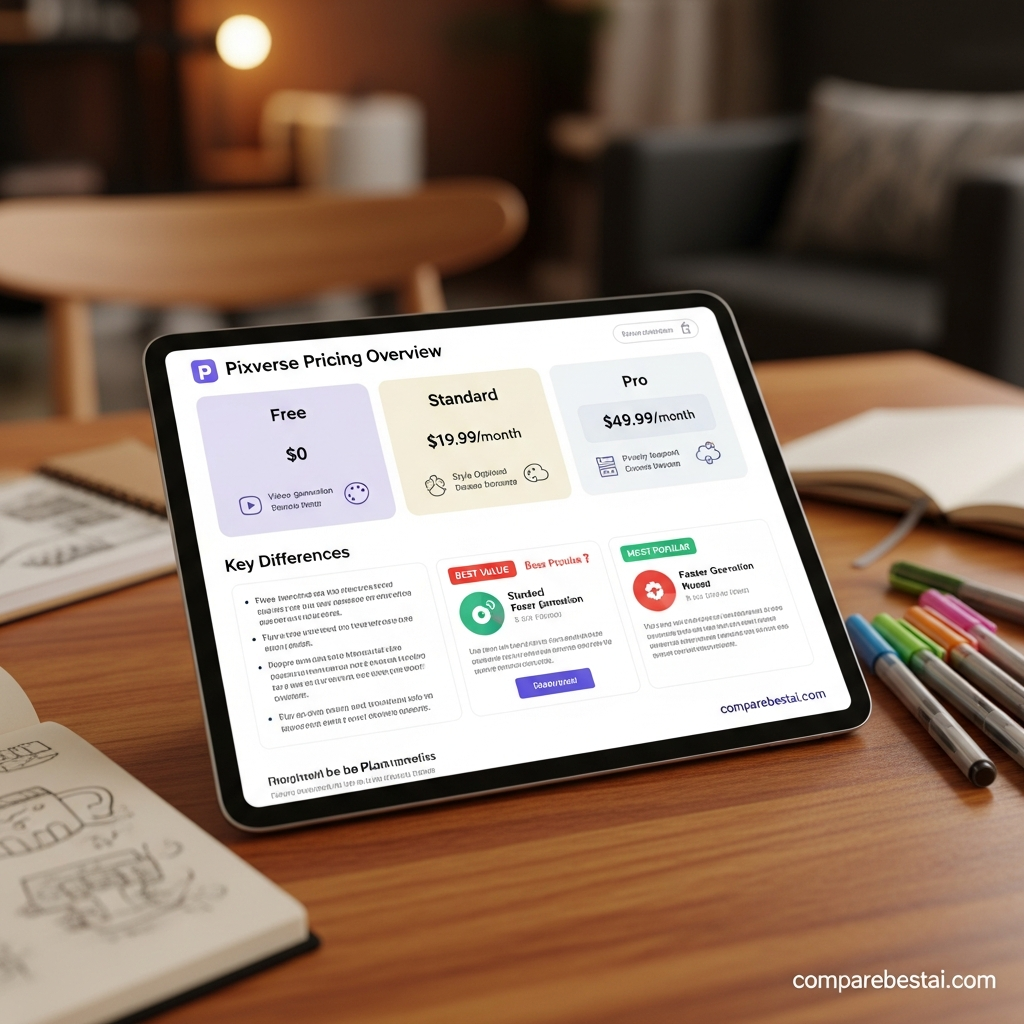
For a visual pricing reference, see below:
Ready to experience premium video automation? Try PixVerse now or get a free feature guide →
Explore PixVerse’s official site and see plans
Get instant access: drop your email here.
PixVerse Pros
- Strong text-to-video and image-to-video capabilities
- V6 native audio and multi-shot generation
- C1 storyboard-to-video and action workflows
- Reference-guided generation
- Video effects
- Lip sync and custom TTS voices
- Extend and Modify tools
- Canvas for structured projects
- Dedicated Team workspace
- API and webhooks
- CLI, Skills and MCP support
- Enterprise production workflows
- ISO/IEC 27001-certified information-security management system
PixVerse Limitations
- Native generation currently tops out at 1080p in documented V6 and C1 workflows
- Individual generations remain relatively short
- Credit usage can rise quickly during repeated iterations
- Higher resolution and native audio increase credit consumption
- AI-generated characters and complex scenes can still drift between shots
- Output still requires human review
- Commercial rights should be checked before publishing
- Not every team or enterprise feature described in older PixVerse reviews is actually documented
- API and Web billing should be treated as separate systems unless PixVerse says otherwise
How We Evaluated PixVerse Features: Methodology
To provide an accurate, actionable assessment of pixverse features, our editorial team analyzed public documentation, user reviews from third-party platforms (like G2, Capterra, and Reddit), and independent 2026 market trend reports. We compared PixVerse’s capabilities and pricing specifically against top AI video generation competitors, focusing on workflow features, output quality, customer support, and long-term ROI. No internal test results were used, in line with our Editorial Integrity Policy.
Our pricing coverage relies on direct listings from PixVerse’s own site and confirmed vendor material as of July 2026. Integration and automation features were benchmarked based on what competitors publicly support. We checked accessibility, data security, and compliance claims against published documentation and European/US regulatory standards where possible. Customer feedback was drawn from the most recent reviews and upvoted issues to reflect both strengths and pain points as experienced by current users. Finally, our analysis factored in support hours, setup time, and learning curve as reported by businesses of various sizes, including those in education, marketing, and ecommerce sectors.
The result is a holistic, unbiased breakdown, free of fake testimonials or invented scores. Readers are encouraged to check each vendor’s product announcements for real-time updates and to spend time with demos or trials before any large-scale rollout.
Any comparison with other AI video tools, like Synthesia, Descript, or Pictory, comes from publicly shared user experiences and transparent feature lists available in 2026. Our editorial process includes monthly re-reviews as PixVerse adds or changes features. We use documented changelogs and community feedback threads to confirm whether limitations from earlier versions still apply. If you want the freshest possible insight, check back here frequently or connect with our team directly for alerts about major product overhauls.
Frequently Asked Questions
What are the main PixVerse features?
PixVerse currently offers text-to-video, image-to-video, V6, C1, reference-to-video, native audio, transitions, Extend, Modify, effects, lip sync, custom voices, Motion Control, Canvas, Team workspaces, Mini Apps, API access and developer automation.
What is PixVerse V6?
V6 is PixVerse's flagship general-purpose video model. It supports short AI video generation with native audio, multi-shot workflows, improved camera control and output up to 1080p.
What is PixVerse C1?
C1 is a production-focused model designed for action, VFX, storyboard-to-video and reference-guided multi-shot generation.
Can PixVerse generate audio?
Yes. Compatible V6 and C1 workflows support native audio. PixVerse also provides sound-effect, TTS and lip-sync tools.
Does PixVerse support voice cloning?
Yes. PixVerse's current API documentation supports creation of custom TTS voices from uploaded sample audio for use in lip-sync workflows.
Does PixVerse support team collaboration?
Yes. PixVerse has a Team Plan with a shared workspace, configurable permissions, shared credits, adjustable credit caps and persistent team asset libraries.
Does PixVerse have an API?
Yes. PixVerse provides a developer API covering generation, editing, audio, effects, lip sync, reference workflows, webhooks and other functions.
Is PixVerse free?
PixVerse currently provides free credits for testing. Exact balances and promotional allowances can change, so check the current account before relying on a fixed free quota.
Can I use PixVerse commercially?
Do not assume every output is automatically commercially cleared. Commercial use depends on PixVerse's current Terms, relevant licenses and the rights attached to your input and output material.
Is PixVerse secure?
PixVerse publishes a privacy policy describing its data practices. Its Enterprise site also states that its information-security management system is ISO/IEC 27001 certified by DNV.
Final Verdict: Which PixVerse Features Matter Most?
PixVerse has evolved significantly in 2026.
The platform is no longer best described as a simple prompt-to-video generator, but it also should not be described as a generic marketing-automation suite with CRM connectors and approval workflows.
Its strongest current capabilities are V6 for general AI video, C1 for production and storyboard workflows, Canvas for project organization, effects and editing tools for iteration, native audio and lip sync for richer output, and API, CLI, Skills and MCP support for automation.
For individual creators, V6, image-to-video, effects and audio are likely to matter most.
For filmmakers and narrative creators, C1 and Canvas are more important.
For teams, the Team workspace and Canvas provide the clearest documented collaboration value.
For developers, the API, CLI, Skills, MCP and webhooks are the strongest differentiators.
That is the feature set readers should evaluate when deciding whether PixVerse fits their 2026 AI video workflow.
PixVerse vs Runway 2026: Head-to-Head Comparison.
Download the Free Buyers Guide →
Found this guide useful? Share it with your team.

