

Copper (AI)
by Copper CRM Inc. (ProsperWorks)
Google Workspace-native CRM that lives inside Gmail.
Score
Score
Our verdict
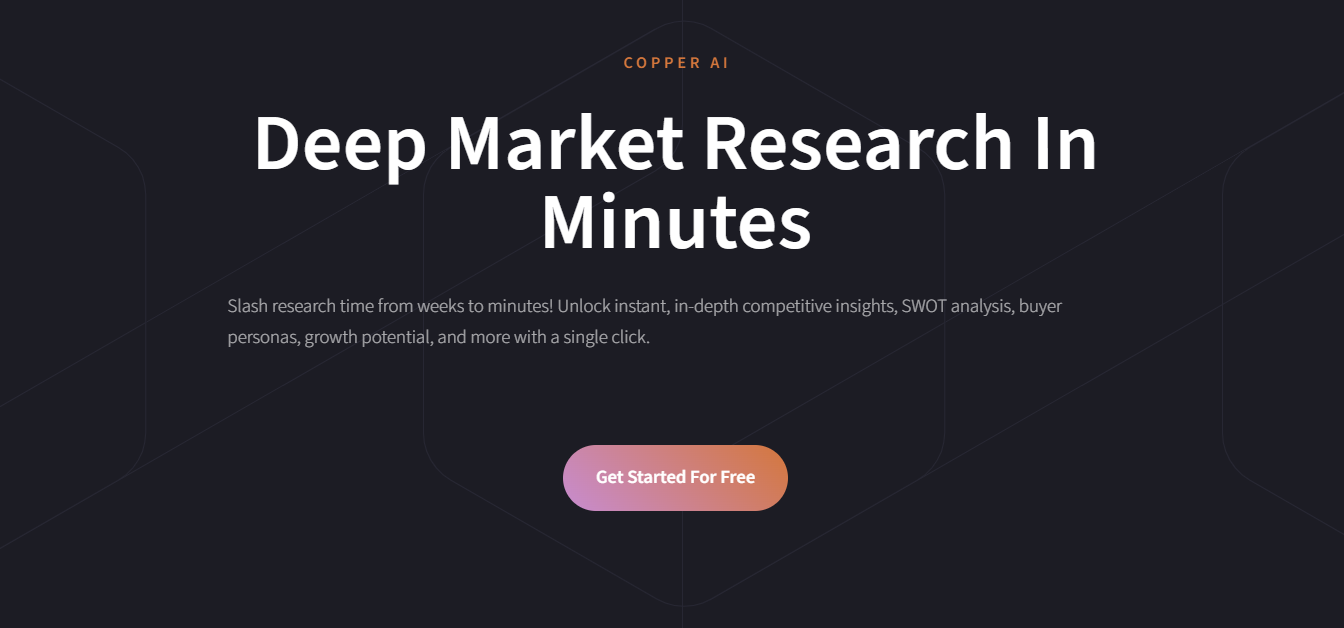
Copper is the only CRM recommended by Google, living natively inside Gmail, Google Calendar, and Google Drive. It automatically logs emails, meetings, and files to contact records. Best for Google Workspace-heavy teams. The main caveat is Google-only focus limits usefulness outside the Google ecosystem, and it's less powerful than HubSpot.
Overview
Screenshot
Score breakdown
Overall score
Scores are editorial assessments by the Compare Best AI team on a 0–10 scale.
Expert review
CBAI Editorial Team
Compare Best AI · Editorial Team
Copper is the only CRM that lives inside Gmail. A sidebar in Gmail shows contact details, deal pipeline, and activity history. Emails automatically log to the right contact, meetings sync from Google Calendar, and files attach from Google Drive — zero manual data entry for Google users.
How we tested
Days tested
14 days
Tasks evaluated
- ·Gmail integration experience
- ·Auto-logging accuracy
- ·Pipeline management
- ·Google Calendar sync
- ·Reporting
- ·Mobile app
Method
Side-by-side with HubSpot and Pipedrive for Google Workspace teams
Reviewer
CBAI Editorial Team
Plans & pricing
Basic
Small Google Workspace teams
- Gmail integration
- Visual pipeline
- Contact management
- Google Calendar sync
- Task management
- No workflow automation
Professional
Growing sales teams
- Everything in Basic
- Workflow automation
- Advanced reporting
- Email templates
- Email tracking
- Integrations
Business
Larger teams with advanced needs
- Everything in Professional
- Lead scoring
- Advanced customization
- Custom reporting
- Priority support
Pricing may vary by region. Always verify on the vendor's website.
Feature comparison
| Feature | Copper (AI) | HubSpot | Pipedrive |
|---|---|---|---|
| Gmail native CRM | |||
| Auto email logging | |||
| Features | |||
| Marketing tools | |||
| Pricing | |||
| Free tier | |||
Is it right for you?
Good fit for
Google Workspace teams
CRM lives inside Gmail — zero context-switching for email-centric sales teams.
Small sales teams
Automatic email and meeting logging eliminates manual CRM data entry.
Less suited for
Non-Google teams
Copper's value depends on Google Workspace; Microsoft 365 teams should use HubSpot or Dynamics.
Advanced CRM needs
HubSpot and Salesforce offer far more features and customization.
Marketing-first teams
HubSpot combines CRM with marketing tools that Copper lacks.
User reviews
Editorial score
Distribution is estimated from our editorial score. Verified user reviews coming soon.
Use cases
Typical ways teams rely on this tool — from everyday tasks to specialized workflows.
- Google-Native CRM
- Sales Pipeline
- Contact Management
- Email Tracking
- Team Collaboration
Integrations
Reported connectors
Apps and services commonly connected out of the box or via official connectors.
- Gmail
- Google Calendar
- Google Drive
- Google Sheets
- Google Workspace
- Slack
- Zapier
- Mailchimp
- QuickBooks
- DocuSign
Privacy & compliance
Security & data practices
Highlights we track from the vendor's documentation. Always confirm current terms, subprocessors, and regional policies on their official site.
- SOC 2
- GDPR-ready
- SSO/SAML
Details
Category
Price
- Basic $23/user/mo
- Professional $59/user/mo
- Business $99/user/mo
Free version
Best for
- Google Workspace-native CRM
- pipeline tracking
- lightweight sales process management
Frequently asked questions
Copper (AI)
Sales & CRM
Ready to get started?
Visit the Copper (AI) website to explore plans and pricing.
Was this page helpful?
Compare Best AI may earn a commission when you click links on this page. This does not influence our editorial scores or recommendations. Advertiser disclosure