
Is Descript Worth It in 2026?
Yes, Descript is worth it for creators, podcasters, marketers, and teams who regularly edit talking-head videos, podcasts, interviews, tutorials, or social clips. Its biggest advantage is text-based editing, which lets you edit video and audio through the transcript instead of relying entirely on a traditional timeline.
Descript is less suitable for professional editors who need advanced color grading, complex visual effects, or frame-level control. For those workflows, tools such as Adobe Premiere Pro or DaVinci Resolve remain stronger.
The real question is not whether Descript is good, but whether its speed and AI features save enough time for your specific workflow to justify the subscription.
Quick Verdict
Descript is worth it for creators who regularly edit podcasts, interviews, talking-head videos, tutorials, or social content and want to reduce repetitive editing work.
It is less suitable for professional editors who need advanced VFX, detailed color grading, or precise timeline control.
Best fit: YouTubers, podcasters, marketers, course creators, and content teams.
Not ideal for: cinematic editors, motion designers, and advanced post-production workflows
Bottom line: Descript is primarily a speed-and-workflow tool rather than a replacement for every professional video editor.
The Mechanics of Text-Based Video and Audio Editing AI
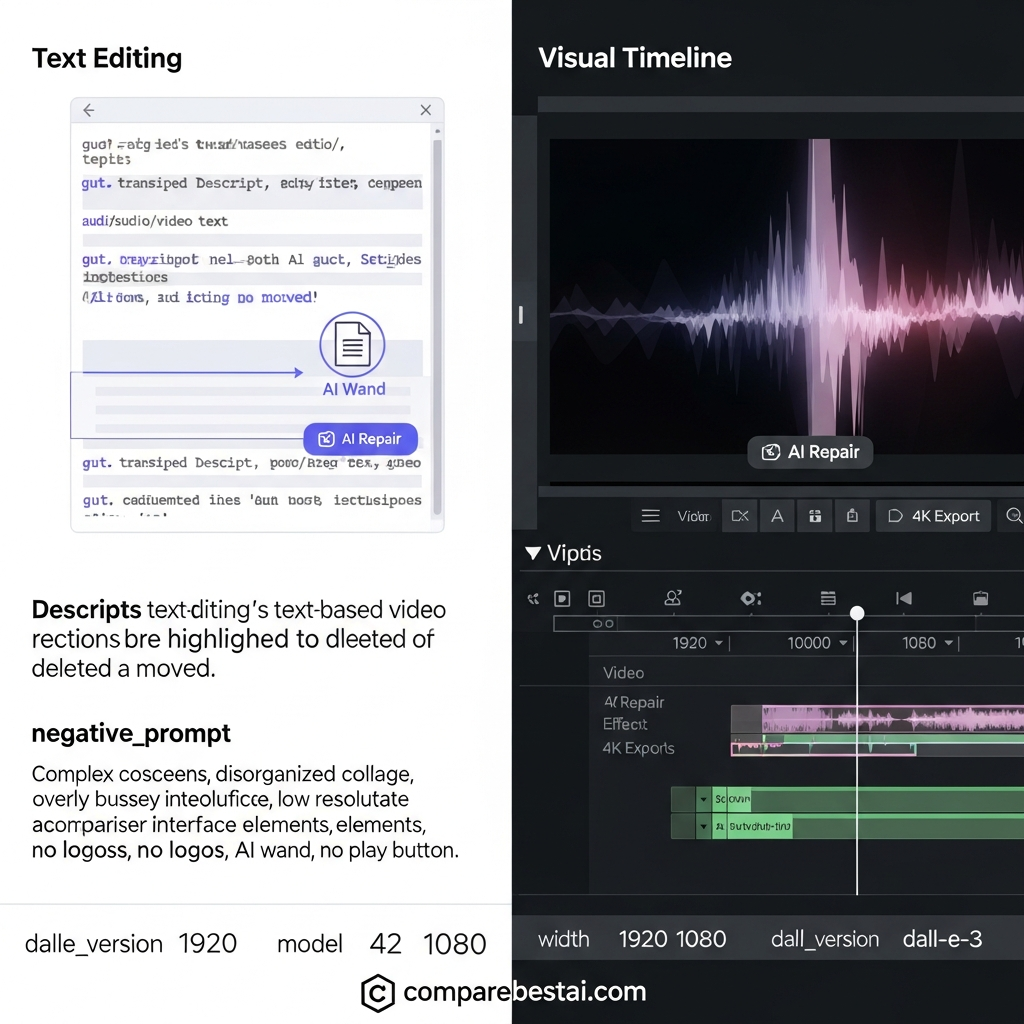
The fundamental innovation that Descript popularized—and which has since become an industry standard—is text-based editing. Unlike traditional non-linear editors (NLEs) that rely on complex visual timelines, Descript transcribes your media upon import. This allows users to edit video and audio by simply deleting or moving text in a document interface.
For creators asking "how good is Descript AI" in 2026, the answer lies in its accuracy and latency improvements. The transcription engine now handles multiple languages and heavy accents with near-perfect precision. When you delete a sentence in the transcript, the corresponding video and audio frames are seamlessly cut. This approach democratizes editing, making it accessible to those with zero technical background while drastically reducing rough-cut time for professionals.
Analyzing Key Features: Overdub, Studio Sound, and Eye Contact
To determine if Descript is worth it, we must look beyond basic cutting and examine its generative AI features. These tools are designed to fix recording errors and enhance production quality without reshoots.
Descript Overdub Voice AI Review
Overdub remains one of the platform's flagship features. It allows you to generate synthetic speech using a clone of your own voice (or stock AI voices) to correct misspoken words. In 2026, the robotic artifacts that plagued early AI voice models are gone. Descript's AI voice tools can generate speech from text and can be useful for correcting certain recording mistakes without a full reshoot. Results depend on the source voice, wording, recording conditions, and the type of correction being made, so important edits should still be reviewed before publishing. However, ethical AI usage requires strict verification to prevent deepfake misuse, a security standard Descript rigorously upholds.
Studio Sound and Audio Repair
Descript's Studio Sound is designed to improve spoken-audio clarity by reducing background noise, echo, and other distractions. The result depends on the original recording quality, so heavily damaged or inconsistent audio may still require manual cleanup. While competitors exist, Descript’s one-click implementation offers significant value for money for creators lacking audio engineering skills.
AI Eye Contact and Green Screen
For video creators, the AI Eye Contact feature subtly redirects the subject's gaze toward the camera, which is invaluable for script-reading scenarios. Additionally, the AI green screen (background removal without a physical green screen) has evolved to handle complex hair and motion data, reducing the need for expensive lighting setups.
Comparing Descript Against Traditional NLEs like Premiere Pro
A critical decision point for many professionals is the Descript AI vs traditional editing debate. Is it a replacement for Adobe Premiere Pro or DaVinci Resolve? The answer depends on your specific output requirements.
- The Case for Descript: If your content is narrative-driven (podcasts, video essays, interviews, social clips), Descript is superior for speed. The "Descript video and audio editing" workflow allows for rapid structural changes that would take hours in a timeline-based editor.
- The Case for Premiere/DaVinci: For complex visual effects, color grading, and multi-layered compositing, traditional NLEs remain the king. While Descript has added timeline features, it lacks the granular control required for high-end cinematic production.
- The Hybrid Workflow: Many professional teams use Descript for the "assembly cut" and then export the XML file to Premiere Pro for final polishing. This hybrid approach leverages the best of both worlds.
For a deeper dive into how creative workflows are shifting, Wired frequently covers the intersection of creativity and automation.
Descript Pricing and Value
Descript currently offers Free, Hobbyist, Creator, Business, and Enterprise plans.
The Free plan is designed for users who want to test the platform and includes basic recording, editing, and AI functionality. Paid plans increase the included media hours and AI credits and add features such as higher-quality exports, expanded AI tools, collaboration features, and additional business capabilities.
Descript currently lists the following starting prices:
Free: $0
Hobbyist: $16 per person/month when billed monthly
Creator: $24 per person/month when billed monthly
Business: $50 per person/month when billed monthly
Enterprise: Custom pricing
Annual billing offers lower effective monthly pricing on the published plans.
Because Descript uses both media minutes and AI credits, price alone is not enough to determine value. Compare the amount of content you produce each month with the included usage and features to determine which plan fits your workflow.
Real-World Use Cases: From Podcasters to Enterprise Teams
Descript AI use cases vary widely, but specific groups see the highest return on investment.
Descript AI for Podcast Editing
Podcasters are the primary beneficiaries. Features like automatic filler word removal (deleting "ums" and "likes" in one click) and the ability to edit multi-track audio via text make it the industry standard for narrative audio. The integration of HubSpot and other marketing platforms further streamlines the publishing workflow.
Descript Worth It for Teams?
For enterprise marketing teams, the collaborative aspects are crucial. Descript functions similarly to Google Docs, allowing multiple stakeholders to leave comments or make edits on the script, which reflects instantly on the video. This eliminates the endless "Version_Final_Final_v2.mp4" email chains.
Descript AI for YouTube Videos
For "talking head" style videos, Descript is highly effective. The "Underlord" (or current AI assistant iteration) can automatically generate social media clips, shorts, and chapters from long-form content, helping creators repurpose content efficiently across platforms.
Examining Descript AI Alternatives and Drawbacks
No tool is perfect. In a fair Descript AI review, we must acknowledge the disadvantages. The platform can be resource-intensive, requiring a strong internet connection for its cloud-based features to function smoothly. Furthermore, relying entirely on AI for audio mixing can sometimes result in digital artifacts if the source audio is too degraded.
Descript AI alternatives comparison:
- Riverside/SquadCast: Better for high-fidelity remote recording, but their editing suites are less robust than Descript’s.
- Adobe Podcast: exceptional audio cleanup but lacks the full video editing suite.
- Gling: A rising competitor focusing specifically on cutting silences and bad takes for YouTubers, often faster but less feature-rich.
To understand the technical underpinnings of these AI models, resources from OpenAI provide insight into how natural language processing drives these editing capabilities.
Conclusion: Is Descript the Right Choice for You?
As we navigate the content demands of 2026, Descript video and audio editing software stands out as a vital tool for creators who prioritize storytelling and efficiency over granular technical control. While it may not replace high-end compositing software for filmmakers, it has undeniably redefined the baseline for digital content creation.
Is Descript worth it? For podcasters, content marketers, and social video creators, the answer is a resounding yes. The ability to edit media as easily as a word document, combined with powerful AI repair tools, provides a value proposition that saves countless hours of production time. However, for those requiring pixel-perfect color grading or complex VFX, it serves best as a powerful companion tool rather than a total replacement.
Frequently Asked Questions
Is Descript worth it in 2026?
Descript is worth it for creators and teams that regularly edit podcasts, talking-head videos, interviews, tutorials, or social clips. Its text-based editing and AI tools can significantly reduce repetitive editing work. It is less suitable for advanced cinematic and post-production workflows.
Is Descript worth paying for?
Descript can be worth paying for if you use it frequently enough to benefit from its transcription, AI editing, Studio Sound, captions, and other workflow features. Occasional users may be better served by the free plan or another lower-cost editor.
Is Descript good for YouTube videos?
Yes. Descript is particularly useful for talking-head videos, educational content, interviews, tutorials, and repurposing long-form videos into shorter clips.
Is Descript good for podcasts?
Yes. Descript is well suited to podcast workflows because you can edit transcript text, remove filler words, improve spoken audio, create clips, and export finished content from the same platform.
Is Descript better than Premiere Pro?
Neither is universally better. Descript is faster and easier for transcript-based editing and repetitive content workflows, while Premiere Pro provides more advanced timeline control, visual effects, color grading, and professional post-production features.
Does Descript have a free plan?
Yes. Descript currently offers a free plan. Its pricing page also lists paid Hobbyist, Creator, Business, and Enterprise options. Pricing and usage limits can change, so verify the latest plan details before subscribing.
Who should not use Descript?
Descript may not be the best choice for filmmakers, motion designers, or advanced editors who require precise timeline control, complex compositing, advanced visual effects, or detailed color-grading workflows.
Still Deciding Whether Descript Is Worth It?
Descript makes the most sense when you value faster editing, transcript-based workflows, AI-assisted production, and easier content repurposing.
Before subscribing, compare the current plans, included media hours, AI credits, export limits, and features against how often you actually edit.
Check Descript's current pricing and features, then compare it with other AI video editing tools before making your decision.
Descript is strongest when your workflow involves transcript-based editing and repetitive content production. For a broader comparison, see our guide to the best AI video editing tools.
If you are comparing Descript with other platforms before subscribing, review our AI video tools comparison to see how different platforms compare across features, pricing, and use cases.
For a deeper look at the platform itself, explore our Descript review covering its features, pricing, strengths, and limitations.
Final Verdict
Descript is worth it for creators, podcasters, marketers, and teams that prioritize editing speed and AI-assisted workflows.
It is not the best choice for every editor. If your work depends on advanced compositing, detailed color grading, or frame-level timeline control, a professional NLE may be a better fit.
Before subscribing, compare Descript's current plans and features with your actual editing workload.
Explore Descript's latest pricing and features, or compare it with other AI video editing tools to find the best fit for your workflow.

