
Quick Answer: Is Pictory Worth It?
Pictory is worth considering if you want to create or repurpose video without learning a traditional editing workflow.
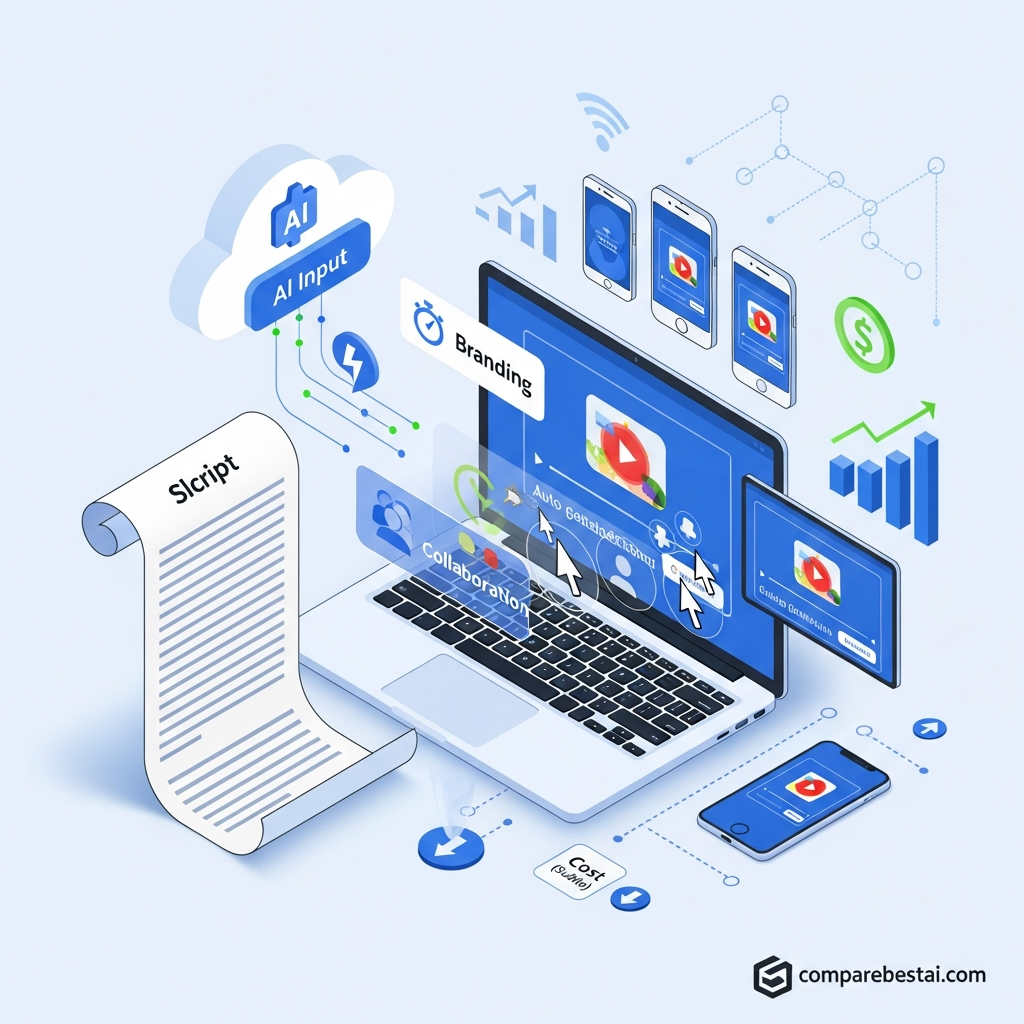
Its current platform goes well beyond basic blog-to-video conversion. Pictory can create videos from scripts, URLs, PDFs, PowerPoint presentations, images, audio and existing recordings. It also includes AI Studio for generative images and clips, automatic captions, highlights, AI voices, Brand Kits and team collaboration.
Pictory is strongest for marketers, educators, content teams, agencies and businesses producing repeatable branded video.
It is less suitable if you need frame-by-frame editing, advanced motion graphics or cinematic timeline control.
Pictory currently offers a 14-day free trial rather than a permanent Free plan.
Product and pricing information verified August 19, 2026.
Start Pictory's 14-day free trialKey Takeaways
- Pictory currently offers Starter, Professional, Team and Enterprise subscriptions.
- A 14-day free trial is available.
- Paid plans export without Pictory branding or watermark.
- Pictory can create videos from scripts, URLs, PDFs, PowerPoint files, images, audio and existing video.
- AI Studio adds generative image and video creation.
- Professional includes custom avatars, voice cloning and advanced AI tools.
- Team includes a shared workspace for 3 or more users plus onboarding and training.
- Enterprise adds SSO, unlimited Brand Kits, custom limits, interactive video hosting and dedicated success management.
- Pictory also sells a separate Video API for automated video creation.
- Pictory is strongest when speed, repurposing and repeatable branded production matter more than detailed timeline editing.
What Is Pictory?
Pictory is a cloud-based AI video creation and editing platform designed to help non-editors turn existing ideas and content into publishable video.
Its current workflows include:
- Idea-to-video
- Script-to-video
- URL-to-video
- PDF-to-video
- PowerPoint-to-video
- Image-to-video
- Audio-to-video
- Screen and camera recording
- AI video editing
- Automatic highlights and clips
- Captions and subtitles
- AI-generated images and video clips
This makes Pictory broader than the traditional “blog-to-video” product described in many older reviews.
Its core strength is still speed. Instead of building every scene manually, users can provide source content and let Pictory generate an editable storyboard, visuals, voiceover, captions and brand styling.
Pictory AI Features
Script and URL to Video
Pictory can convert written scripts and web URLs into structured video drafts.
The system builds scenes, selects visuals, adds text and can apply voiceover and captions before the user refines the storyboard.
This remains one of Pictory's strongest use cases for marketers and publishers repurposing written content.
PDF and PowerPoint to Video
Pictory now supports PDF-to-video and PowerPoint-to-video workflows.
Its current PDF workflow can summarize the uploaded document, build scenes, add visuals and voiceover, and open the result as an editable storyboard.
Pictory currently recommends PDFs under 50 pages for better summarization quality.
AI Studio
Pictory AI Studio adds generative media directly to the editing workflow.
Users can generate images and video clips from prompts and add those results directly into projects instead of relying entirely on stock footage.
As of August 2026, Pictory documents video-generation models including Veo 3.1 and PixVerse 5.5 alongside several AI image models. Model availability can change, so check the current AI Studio before choosing a plan for a specific model.
AI Video Editing and Highlights
Pictory can transcribe uploaded video and let users edit footage through text.
It can also identify clips from longer recordings and create shorter videos for social media, webinars, interviews and other repurposing workflows.
AI Voiceovers
Pictory includes standard AI voices and premium ElevenLabs voice minutes depending on the plan.
Professional and higher plans currently include larger voice allowances, while the pricing page lists voice cloning on Professional and Team.
Brand Kits
Brand Kits let users save visual branding for repeated use.
Current plan allowances are:
- Starter: 1 Brand Kit
- Professional: 5 Brand Kits
- Team: 10 Brand Kits
- Enterprise: Unlimited Brand Kits.
Team Collaboration
Pictory Team includes a shared workspace for 3 or more users.
The platform documents shared assets, project collaboration, shared templates and brand resources, plus professional onboarding and team training.
Use these documented capabilities rather than describing a formal comment-and-approval workflow unless Pictory explicitly confirms one.
Pictory Pricing in 2026
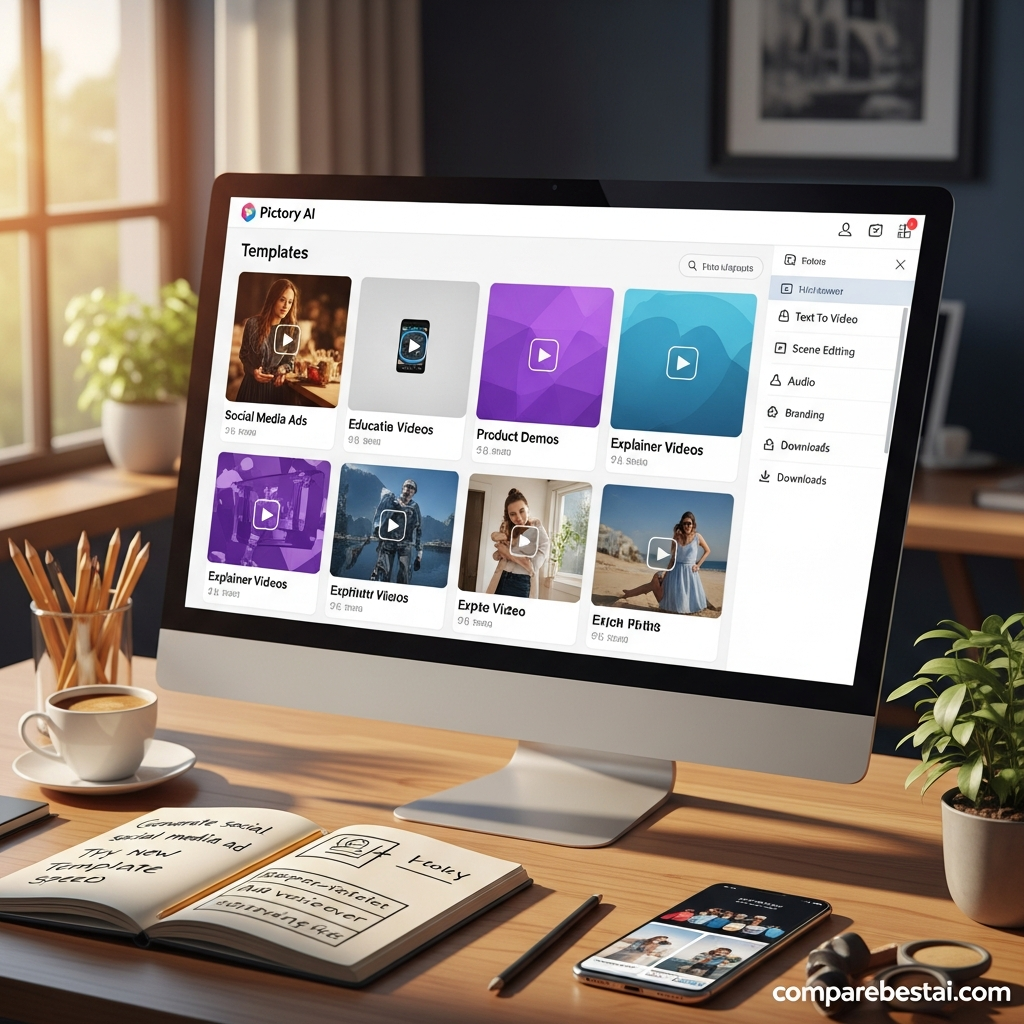
Pictory currently offers three public paid tiers plus Enterprise.
| Plan | Monthly Billing | Annual Equivalent | Best For |
|---|---|---|---|
| Starter | $29/month | $25/month | Individual creators |
| Professional | $59/month | $35/month | Higher-volume creators |
| Team | $199/month | $119/month | Teams and agencies |
| Enterprise | Custom | Custom | Larger organizations |
Promotional checkout pricing can change, so verify the live checkout before subscribing.
See current Pictory pricingStarter
Starter currently includes:
- 1 user
- 200 video minutes per month on monthly billing
- 5 GB storage
- 1 Brand Kit
- 5 million Getty Images and Storyblocks assets
- Basic AI tools
- AI credits
- Watermark-free paid exports
- 1080p output.
Professional
Professional adds:
- 600 video minutes per month
- 20 GB storage
- 5 Brand Kits
- 18 million Getty Images and Storyblocks assets
- Custom avatars
- Voice cloning
- Advanced AI tools
- Long-video summarization
- More AI credits and premium voice minutes.
Team
Team currently supports 3 or more users and adds:
- 1,800 video minutes per month on monthly billing
- 100 GB storage
- 10 Brand Kits
- Shared team workspace
- Project and asset collaboration
- Professional onboarding
- Team training
- Higher AI and voice allowances.
Enterprise
Enterprise is custom-priced and currently supports 10 or more users.
Publicly documented Enterprise capabilities include:
- Custom video limits
- Custom storage
- Unlimited Brand Kits
- Custom AI credits
- SSO
- Dedicated success manager
- Expert video consulting
- Custom templates
- Uploaded asset indexing
- Pictory Central interactive video hosting
- AI-generated chapters
- Quizzes and knowledge checks
- Clickable CTAs
- SCORM export.
Does Pictory Have a Free Plan?
Pictory currently offers a 14-day free trial, not a permanent Free subscription.
During the trial, users can test premium features and download videos, but trial downloads contain Pictory branding or watermark.
After the trial ends, the account remains accessible but video downloads require a paid subscription.

Pictory API
Pictory also offers a separate Video API for businesses that want to automate video creation.
The current self-serve API plan costs $79 per month when billed annually and includes 120 video minutes, premium stock assets, ElevenLabs voice support and unlimited Brand Kits.
Pictory also offers a custom Enterprise API for higher-volume implementations.
The API is designed for workflows involving tools such as Zapier, Make and n8n and can be used to create videos programmatically from text, URLs, presentations, existing video and other structured inputs.
Pictory Integrations
Pictory supports workflow automation through Zapier, Make and its API.
Zapier can connect Pictory with thousands of third-party services, including CRMs, spreadsheets, messaging apps and other business tools.
When describing these connections, avoid calling HubSpot, Google Drive, Dropbox or similar products native Pictory integrations unless Pictory explicitly documents a direct integration.
A safer description is:
Pictory connects to thousands of business apps through Zapier and Make, while its API supports custom automation and embedded video workflows.
Pictory Pros and Cons
Pros
- Strong script and URL-to-video workflows
- PDF and PowerPoint conversion
- AI Studio for generative images and video
- AI video editing and highlights
- Automatic captions
- ElevenLabs voices
- Voice cloning on Professional and higher plans
- Brand Kits
- Large Getty Images and Storyblocks library
- Team workspace and onboarding
- Separate developer API
- Enterprise SSO and dedicated success management
- 14-day free trial.
Cons
- No permanent Free plan
- Free-trial downloads carry Pictory branding
- Monthly pricing is significantly higher than annual-equivalent pricing
- AI generation consumes a separate AI-credit allowance
- Advanced collaboration requires Team or Enterprise
- Professional editing controls are less granular than a traditional timeline editor
- Generative model availability and credit costs can change
- High-volume automation may require the separate API product.
Who Should Use Pictory?
Pictory is best suited to users who already have ideas, articles, scripts, presentations, recordings or other content and want to turn those assets into video quickly.
Content Marketers
Pictory can turn articles, scripts and URLs into videos without requiring a dedicated editor.
Educators and Training Teams
PowerPoint, PDF, voiceover and Enterprise SCORM capabilities make the platform relevant to training and learning workflows.
Agencies
Team workspaces, multiple Brand Kits, shared assets and higher production allowances can help agencies manage recurring client content.
Social Media Teams
Pictory can repurpose long recordings into shorter clips, resize output and add captions for different social formats.
Developers and Large Organizations
The separate API can automate high-volume and personalized video workflows from existing systems.
Who Should Consider an Alternative?
Consider another tool if you primarily need:
- detailed frame-by-frame timeline editing
- complex motion graphics
- advanced compositing
- professional color grading
- a permanent free video editor
- cinematic manual post-production
Pictory's biggest advantage is reducing production effort, not replacing every feature of a professional nonlinear editor.
How We Evaluated Pictory and Its Competitors
Tool selection for this comprehensive review prioritized several criteria: automation strength, output quality, user experience, scalability for teams, price transparency, and integration options. We compared features, plan limits, and workflow depth across public vendor documentation and hands-on demos, with an emphasis on feedback from marketing agency users, educators, and solopreneurs in public user reviews published on G2, Capterra, and Trustpilot (as of July 2026). We assessed the richness of AI-generated visuals, voiceovers, and subtitle accuracy, and weighed the consistency of brand outputs against other tools in the “content repurposing” category.
Our competitive analysis was reinforced by cross-verifying claims about bulk creation, export speed, and integration features using vendor resources and customer community forums. Special attention was paid to collaborative features, team management complexity, and brand kit support - areas where many AI video tools struggle. Pricing comparisons reflect official July 2026 rate cards, noting “hidden costs” such as watermarks, export credits, or add-ons that may impact high-volume content teams.
The evaluation aims to present a transparent view of the market in mid-2026 so readers can confidently select the best solution based on workflow, content scale, and brand requirements. For more granular breakdowns, see our guide outlining the Waymark vs Pictory 2026: Side-by-Side Feature & Price Review.
Best Alternatives to Pictory for 2026
For teams or creators seeking alternatives to Pictory, several outstanding platforms dominate the scene as of July 2026. Each offers a unique spin on AI video creation, repurposing, or automation, and may better suit specific budgets or work styles:
- InVideo: Strong on template diversity, script/blog-to-video, and value for budget-conscious creators and small teams. Lacks deep collaboration and white-labeling. Try InVideo now
- Descript: Unsurpassed in timeline editing, transcription, and podcast-to-video workflows. Ideal if your needs center on granular editing or producing polished video podcasts. Try Descript now
- CapCut: Free for core use and popular among TikTok/shorts creators. Best for viral, quick-turnaround social content, but lacks Pictory's AI repurposing and team features. Try CapCut now
- Fliki: Easy, cost-effective for text-to-voice and basic video creation, albeit lighter on brand kit and advanced workflows. Try Fliki now
- VEED.io: Expanding AI capabilities, with a growing suite for video marketing and agencies.
When evaluating alternatives, it’s best to estimate monthly video output needs, collaboration requirements, and your team’s technical comfort. All the above offer free trials so you can determine which workflow fits your creative process and business objectives. To compare more AI video software, you could also check our dedicated face-off: Rotor Videos vs Pictory 2026: Head-to-Head Comparison.
Frequently Asked Questions About Pictory
Is Pictory free?
Pictory currently offers a 14-day free trial. It does not currently provide a permanent Free plan for ongoing video downloads.
How much does Pictory cost?
Current public pricing is $29/month for Starter, $59/month for Professional and $199/month for Team on monthly billing. Annual billing currently reduces the equivalent monthly prices to $25, $35 and $119 respectively. Enterprise is custom-priced.
Does Pictory put a watermark on videos?
Videos downloaded during the free trial contain Pictory branding. Paid subscriptions remove the Pictory watermark from newly generated downloads.
Can Pictory create videos from blog posts?
Yes. Pictory can turn URLs and written scripts into video drafts and remains particularly useful for content repurposing.
Can Pictory convert PDFs to video?
Yes. Pictory's current Doc-to-Video workflow supports PDF files and builds an editable storyboard from the uploaded document.
Does Pictory generate AI video?
Yes. Pictory AI Studio now supports generative images and video clips from prompts in addition to its traditional stock-media workflows.
Does Pictory support voice cloning?
Pictory's current pricing page lists voice cloning on Professional and Team plans.
Is Pictory good for teams?
Yes. The Team plan includes a shared workspace for 3 or more users, shared assets and project collaboration, plus onboarding and training. Enterprise adds SSO and additional organization-level features.
Does Pictory have an API?
Yes. Pictory sells a separate self-serve Video API and a custom Enterprise API for automated video creation.
Is Pictory worth it?
Pictory is worth considering if your main objective is creating and repurposing branded video quickly from scripts, URLs, PDFs, presentations, images, audio or existing recordings.
Users who need detailed manual editing or advanced post-production may prefer a traditional video editor.
Final Verdict: Is Pictory Worth It in 2026?
Pictory has evolved well beyond a simple blog-to-video converter.
Its current platform combines text and URL-based video creation with PDF and PowerPoint workflows, AI video editing, highlights, captions, premium voices, Brand Kits, generative AI Studio tools, team collaboration and a separate automation API.
That combination makes Pictory particularly useful for marketers, agencies, educators and business teams that need to turn existing information into repeatable video content without building every project manually.
The tradeoff is control. Pictory prioritizes automated production over the detailed editing flexibility of a traditional professional editor.
For content repurposing and scalable business video creation, the current product is worth testing.
Use the 14-day trial with your own scripts, articles, presentations and recordings before choosing a paid tier.
Try Pictory with your own contentFound this guide useful? Share it with your team.

