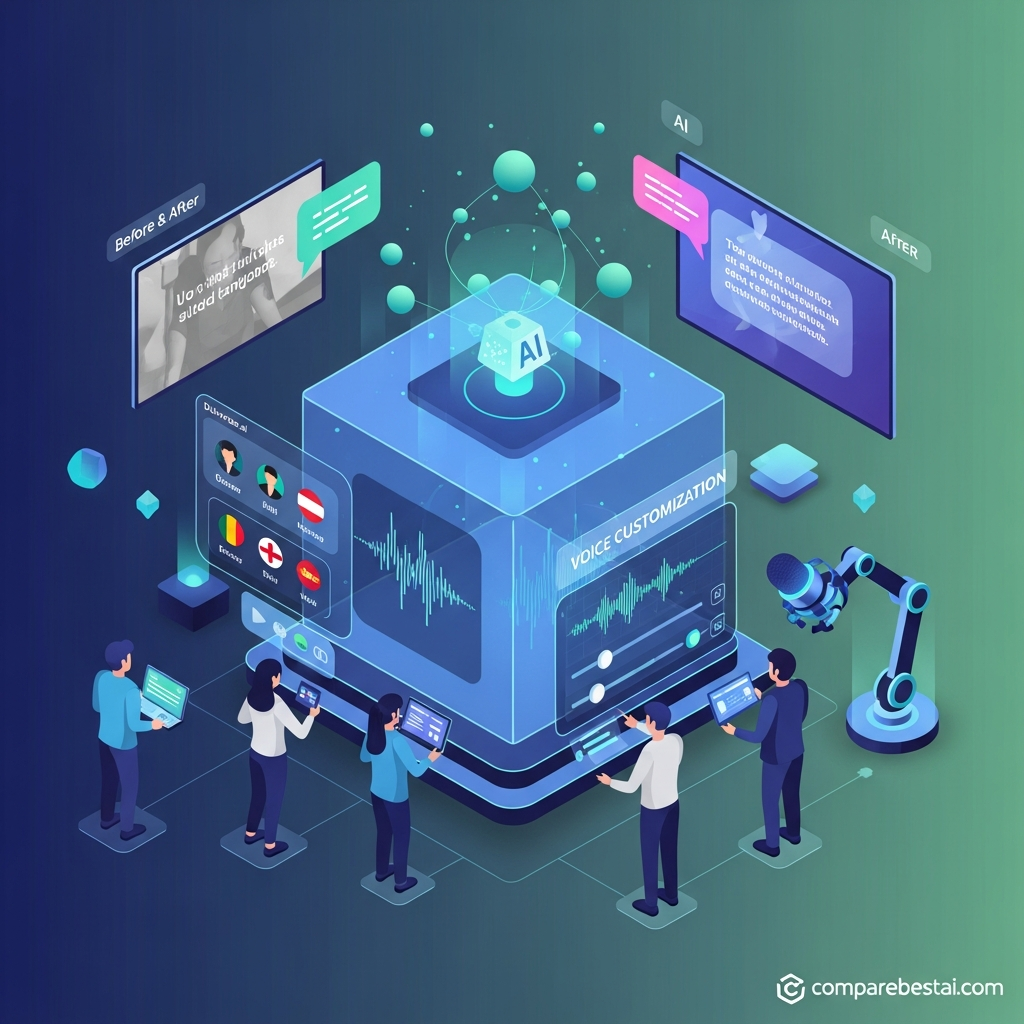

Answer First: Dubverse AI is a video-localization platform offering AI dubbing, subtitles, and text-to-speech. It supports multilingual content creation through synthetic voices and a credit-based pricing system. Its main appeal is combining translation, dubbing and subtitle workflows in one place; however, buyers should check credit consumption, language quality, voice-cloning availability and commercial-use terms before subscribing.
Creating a video in one language is relatively straightforward.
Making that same video understandable to audiences who speak other languages is a different challenge.
Traditional localization can involve translators, voice actors, recording sessions, subtitles, timing adjustments, editing and several rounds of review.
Dubverse aims to simplify parts of that process through AI.
But is it suitable for individual creators, educational businesses, marketers and professional localization teams?
This Dubverse AI review covers what the platform does, how its credits work, the available subscription information, its practical limitations, and how it compares with other AI video tools.
For the product-level overview, see CompareBestAI's Dubverse AI profile
What Is Dubverse AI?
Dubverse is an AI-powered video and audio localization platform.
Its three core services are:
DUB: Translate and dub existing videos into another language.
SUB: Generate subtitles for video content.
SAY: Convert written text into AI-generated speech.
Dubverse also provides an editing environment for adjusting translated scripts and synchronizing generated speech with video. Source: Dubverse Source: Dubverse FAQ
The platform is therefore different from an AI video generator whose primary purpose is creating new visual scenes from text prompts.
Dubverse focuses on making existing content usable across languages.
That distinction matters when comparing it with a product such as Synthesia, which also offers avatar-based video creation, or VEED, which combines AI features with a broader editing environment.
Dubverse AI Features at a Glance
Feature | What it does | Important consideration |
|---|---|---|
AI dubbing | Generates translated speech for existing video | Review language accuracy and timing |
AI subtitles | Generates timed captions | Correct names and terminology |
Text-to-speech | Converts scripts into AI voices | Check voice availability by language |
Transcript editing | Allows changes to generated text | Human review remains necessary |
Voice library | Offers multiple synthetic speakers | Voice counts and availability can vary |
Voice cloning | Available according to current pricing materials | Inclusion conflicts with an older FAQ |
Advanced Studio | Supports transcript and segment adjustments | Features vary by plan |
API and integrations | Advertised on the current homepage | Confirm access and contractual availability |
The product is aimed primarily at localization and speech workflows rather than advanced general-purpose video editing.
1. AI Video Dubbing
AI dubbing is the central feature in Dubverse's product positioning.
The process involves taking speech from an existing video, translating it, and creating a new audio track in the target language.
Dubverse's workflow is designed to reduce the number of separate tools needed for that process.
When AI dubbing is useful
Common applications include:
translating educational videos for international learners;
localizing product explainers for different markets;
creating multilingual software tutorials;
converting existing YouTube content into additional languages;
preparing training materials for geographically distributed teams.
Dubverse itself recommends informational content, including explainers, walkthroughs, support videos, and learning or training videos.
Its FAQ also cautions that entertainment content may not produce similarly suitable results. Source: Dubverse FAQ
What requires human review?
AI dubbing should not be treated as a guaranteed final translation.
Names, idioms, technical terminology, tone and cultural references can still require correction.
A translated script may be grammatically acceptable while sounding unnatural to a native speaker.
For business-critical content, use a qualified reviewer for the target language before publishing.
2. AI Subtitles
Dubverse SUB is designed to create subtitles for existing video content.
Subtitles can make videos easier to follow for viewers who cannot hear the audio clearly, prefer watching without sound, or do not fully understand the original spoken language.
Dubverse's subscription materials distinguish between basic and more customizable subtitle features.
The Pro plan includes basic animated subtitles, while Supreme lists custom animated subtitles. Source: Dubverse pricing .
Subtitle accuracy considerations
Before publishing, check:
speaker names, company names, terminology, punctuation, sentence breaks, timing and synchronization.
Subtitles should also be reviewed for readability.
A technically correct transcript is not necessarily a well-formatted subtitle file.
The workflow becomes more demanding when subtitles are translated into a language with substantially different sentence length or reading conventions.
3. Text-to-Speech and AI Voices
Dubverse SAY converts written text into synthetic speech.
This can be useful for voiceovers, announcements, explainers, audio localization, and other projects where recording a human speaker would require additional production time.
Dubverse's homepage advertises more than 200 customizable AI voices. Its separate FAQ refers to more than 500 speakers and support for more than 60 languages. These are vendor-published descriptions that may reflect different voice inventories or documentation versions. Dubverse homepage · Dubverse FAQ
What to test in an AI voice
When choosing a synthetic voice, consider naturalness, pronunciation, emotional fit, accent, language coverage and consistency.
For a brand video, the voice should fit the intended audience.
For instructional material, clarity and correct terminology are usually more important than dramatic delivery.
Test the actual language and voice you intend to use rather than relying only on English-language samples.
4. Voice Cloning and Advanced Features
Voice cloning can help an organization maintain a consistent speaker identity across content.
However, Dubverse's public documentation is not fully consistent about its commercial availability.
The current pricing page lists voice cloning under Supreme. An older Dubverse FAQ says that voice cloning is billed separately and is not included in subscription plans. Dubverse pricing · Dubverse FAQ
For that reason, buyers should confirm whether the specific cloning workflow is included, requires additional payment or is subject to separate approval.
Enterprise capabilities
Dubverse's published Enterprise description includes capabilities such as custom voice models, human review, multi-speaker support, lip-syncing and tailored integrations.
These should be treated as enterprise-scope features rather than assumed inclusions in every self-service plan.
For regulated or customer-facing projects, confirm the exact contractual scope, data controls, usage rights and support terms.
5. How Dubverse AI Works
A typical Dubverse localization project follows a repeatable process.
Step 1: Prepare the source material
Begin with a video or script that has clear audio and an accurate original-language transcript.
Poor recording quality, overlapping dialogue and background noise can complicate translation and timing.
Step 2: Choose the output language
Select the target language and available speaker.
For a multilingual campaign, plan the output languages before purchasing credits.
Step 3: Generate the translation or voiceover
Use DUB for translated video audio, SUB for subtitles, or SAY for text-to-speech.
Each service has a different credit cost.
Step 4: Review the script
Correct terminology, names, tone and translation issues.
For important content, involve someone fluent in the target language.
Step 5: Adjust the audio and timing
Use the available studio features to refine segments and synchronize the output.
The precise editing options depend on the plan.
Step 6: Export and check the result
Review the exported file before publishing it.
Check the beginning and end of the video, transitions between speakers, audio quality, captions and any branding requirements.
A completed export should still pass a final human quality check.
6. Dubverse AI Pricing in 2026
Dubverse uses a credit-based pricing model.
That means the effective cost depends on both the subscription and the type of content generated.
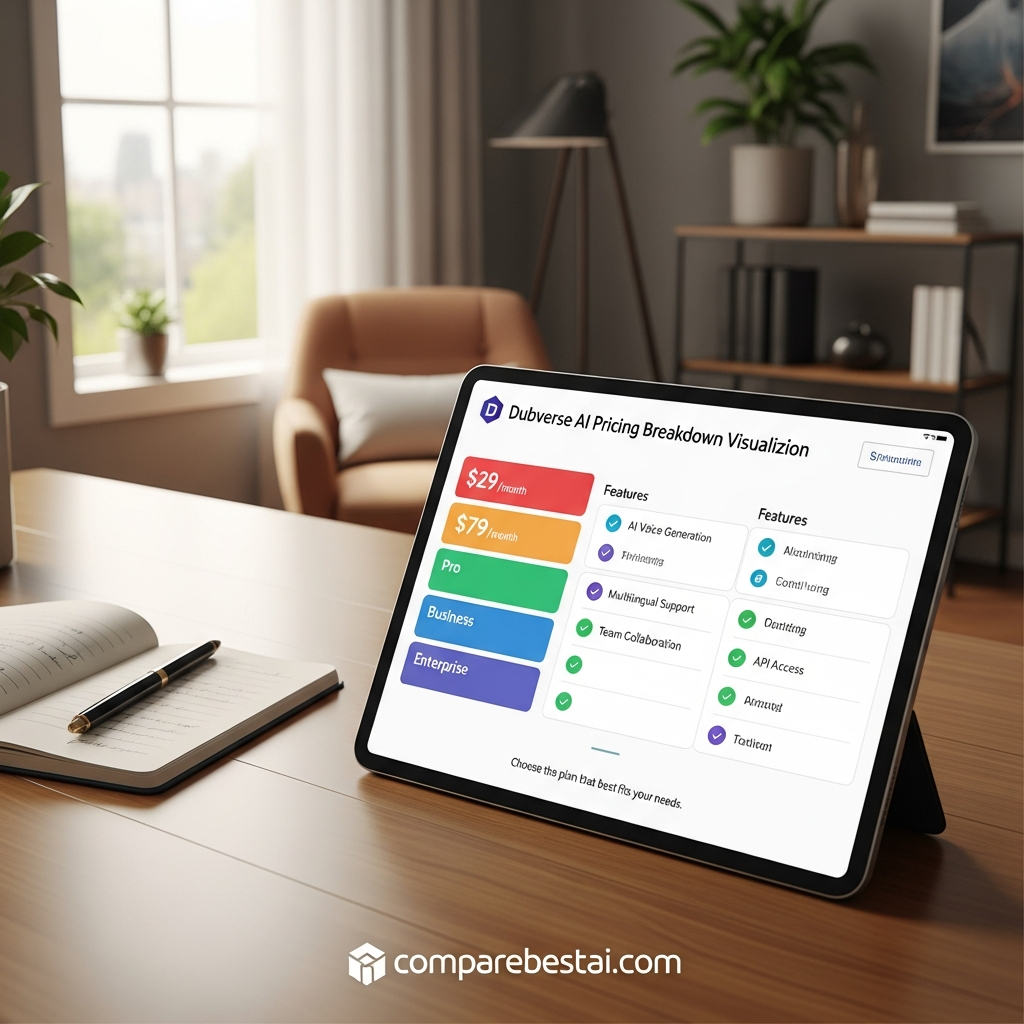
Its public international pricing information currently lists Pro at $18 per month and Supreme at $30 per month, with 50 credits shown for each entry configuration.
The same page also advertises lower equivalent monthly prices for longer billing commitments.
Its interactive pricing display and detailed pricing text do not present every billing period identically, so confirm the current charge and subscription term at checkout. Source: Dubverse pricing .
Published international plan information
Plan | Advertised USD price | Published entry allowance |
|---|---|---|
Free trial | $0 | 20 trial credits |
Pro | $18/month | 50 credits |
Supreme | $30/month | 50 credits |
Enterprise | Custom quote | Custom |
The free trial is listed as two days and does not require a credit card. Dubverse FAQ .
How Dubverse credits work
Dubverse's documentation specifies these consumption rates:
Service | Credit usage |
|---|---|
DUB — dubbing | 4 credits per minute |
SUB — subtitles | 1 credit per minute |
SAY — text-to-speech | 2 credits per minute |
Source: Dubverse Help Center .
Worked example: At the published rates, dubbing a five-minute video into one additional language consumes 20 credits. Dubbing that same five-minute video into three languages would require 60 credits, before any other charged services.
This makes the number of languages an important budgeting variable.
Watch the difference between video-length limits and credits
The pricing page describes plan-level video-duration limits, such as videos under 60 minutes on Pro.
That does not mean an entry-level allocation of 50 credits provides 60 minutes of dubbing.
The maximum accepted source-video length and the amount of content you can generate with your credits are separate considerations.
Additional credits and expiry
Dubverse allows additional credit purchases.
Its older subscription documentation also describes subscription-validity periods and conditions for unused credits. Since those terms can change, confirm expiry, renewal, rollover and credit validity in the current account before buying in bulk.
For broader budgeting guidance, see CompareBestAI's hidden AI-tool costs guide .
7. Is Dubverse AI Worth It for YouTubers?
Dubverse is relevant to YouTube creators who already have a library of videos and want to reach audiences in additional languages.
The strongest use case is repurposing existing informational content.
For example, a creator may want to localize an English software tutorial into Spanish, Hindi or another supported language without recording a completely new voiceover.
However, not every video should be translated automatically.
A personality-driven video may depend heavily on the original speaker's performance, humor and delivery.
Test whether the translated output preserves the intended tone.
Also evaluate the cost of producing several languages across an entire video library rather than just one short sample.
8. Is Dubverse Suitable for Businesses and Course Creators?
Businesses may use multilingual video for onboarding, product education, customer support, internal training and marketing.
Dubverse has a relevant feature set for these workflows.
Its FAQ identifies learning and training material among its recommended applications.
For organizations creating complete educational programs, however, dubbing is only one part of the production process.
You may also need instructional design, assessment tools, learner management and course delivery.
CompareBestAI's Synthesia AI review covers another approach to AI-assisted video production, while the Synthesia product profile provides broader product context.
9. Dubverse AI API and Integrations
This is another area where buyers should be cautious about outdated documentation.
Dubverse's current homepage advertises API capabilities for voice-related workflows.
However, its older FAQ states that APIs were not available at the time that answer was written.
Therefore, the FAQ should not be treated as a reliable statement of current API availability. Dubverse homepage · Dubverse FAQ .
If API access is important, confirm the specific endpoints, authentication method, output formats, rate limits, usage costs and plan requirements.
Also distinguish between a supported API and a prebuilt integration with a specific platform.
Do not assume Dubverse has a native connector for your LMS, CRM or automation platform unless that connection is explicitly documented.
10. Dubverse AI Pros and Cons
Pros
Dubverse combines several related localization workflows in one platform: dubbing, subtitles and text-to-speech.
Its published credit model makes the relative cost of these services easier to understand.
The available editing tools also allow users to correct translated scripts instead of accepting every generated result unchanged.
Cons
The credit system requires careful planning, particularly for long videos or multiple target languages.
Translation and voice quality require review, especially for specialist terminology, culturally sensitive material and public-facing business content.
Current feature and billing information should also be checked carefully because some Dubverse documentation is inconsistent or older than its main product pages.
Finally, buyers seeking a full video-production suite may still need a separate editor, avatar platform or course-delivery system.
11. Dubverse AI Alternatives
There is no single substitute for every Dubverse workflow.
Choose alternatives according to the task you need to perform.
Voxqube
Voxqube is another product in the AI dubbing and localization category.
CompareBestAI has a Voxqube review and a separate Voxqube product profile .
Compare language availability, review workflows, speaker options and the cost of your intended video volume.
ElevenLabs
ElevenLabs is particularly relevant to users evaluating synthetic voices and AI audio.
Its product scope differs from Dubverse's integrated localization workflow, so compare the specific dubbing and audio features required.
See the ElevenLabs AI review and ElevenLabs profile .
Synthesia
Synthesia is worth evaluating when the project includes generating new videos using AI avatars rather than only translating existing footage.
Its suitability depends on whether the main requirement is video creation, dubbing or both.
HeyGen
HeyGen is another relevant product for multilingual video and avatar-based production.
Its workflows may be relevant to marketing and training teams producing presenter-led material.
Explore CompareBestAI's HeyGen profile .
VEED
VEED combines editing with AI video features.
It is relevant when the final production process includes combining clips, adding captions, editing the timeline and preparing social or marketing exports.
For the product overview, see VEED.io .
For a broader selection of products, browse the Video Generation category .
12. How to Test Dubverse Before Subscribing
A useful product evaluation should use real content, not only a polished vendor demonstration.
Choose one representative video.
Ideally, it should include the terminology, speaking style and language pair that matter to your actual project.
Test the translation, voice quality, timing, subtitle accuracy and export process.
Keep a record of the credits consumed.
Then decide whether the output requires only light editing or a substantial amount of manual correction.
For a team deployment, repeat the test with the intended reviewers and approval process.
Editorial methodology note: This review is based on Dubverse's publicly available product and pricing documentation. It does not claim an independently conducted hands-on benchmark. Numerical quality scores and time-saving estimates have not been assigned.
Frequently Asked Questions
Is Dubverse AI free to use?
Dubverse advertises a two-day free trial with 20 credits and no credit card requirement. After the trial, users can evaluate the available paid plans. Check current trial conditions before signing up.
How much does Dubverse AI cost?
Dubverse's international pricing information lists Pro at $18 per month and Supreme at $30 per month for entry configurations with 50 credits. Longer-term billing and Enterprise options differ. Confirm the exact billing period and price at checkout.
How many languages does Dubverse support?
Dubverse's FAQ advertises more than 60 languages. Availability may differ by voice, feature and language pair, so confirm the specific combination needed for your project.
Can Dubverse clone my voice?
Dubverse's pricing page lists voice cloning under Supreme, while an older FAQ says it is billed separately. Confirm current inclusion, pricing, consent requirements and commercial-use terms before relying on the feature.
Can Dubverse generate subtitles?
Yes. Dubverse offers a dedicated AI subtitle service. Its published credit model charges one credit per minute for subtitles.
Is Dubverse suitable for YouTube creators?
It can be useful for creators localizing informational videos, tutorials and explainers. Evaluate the translation, voice and editing workflow using your own content before localizing an entire video library.
Does Dubverse offer an API?
Dubverse's current homepage advertises API capabilities, but its older FAQ contains outdated information about availability. Confirm the precise API features, documentation, plan eligibility and limits with Dubverse.
What are the main Dubverse alternatives?
Relevant alternatives include Voxqube for video localization, ElevenLabs for AI voice and audio workflows, and Synthesia, HeyGen or VEED for different combinations of video creation, dubbing and editing.
Final Verdict: Who Should Consider Dubverse?
Dubverse is worth evaluating when the primary task is translating and adapting existing video or audio content for another language.
Its integrated dubbing, subtitle and text-to-speech workflows make it relevant to creators, training providers and businesses producing multilingual material.
The deciding factors are the actual language pair, voice quality, correction effort, credit consumption, commercial-use terms and the capabilities included in the purchased plan.
Use the free trial to test a representative project before making a larger commitment.
For additional information, explore the Dubverse AI product profile , then check Dubverse's current pricing and trial terms

