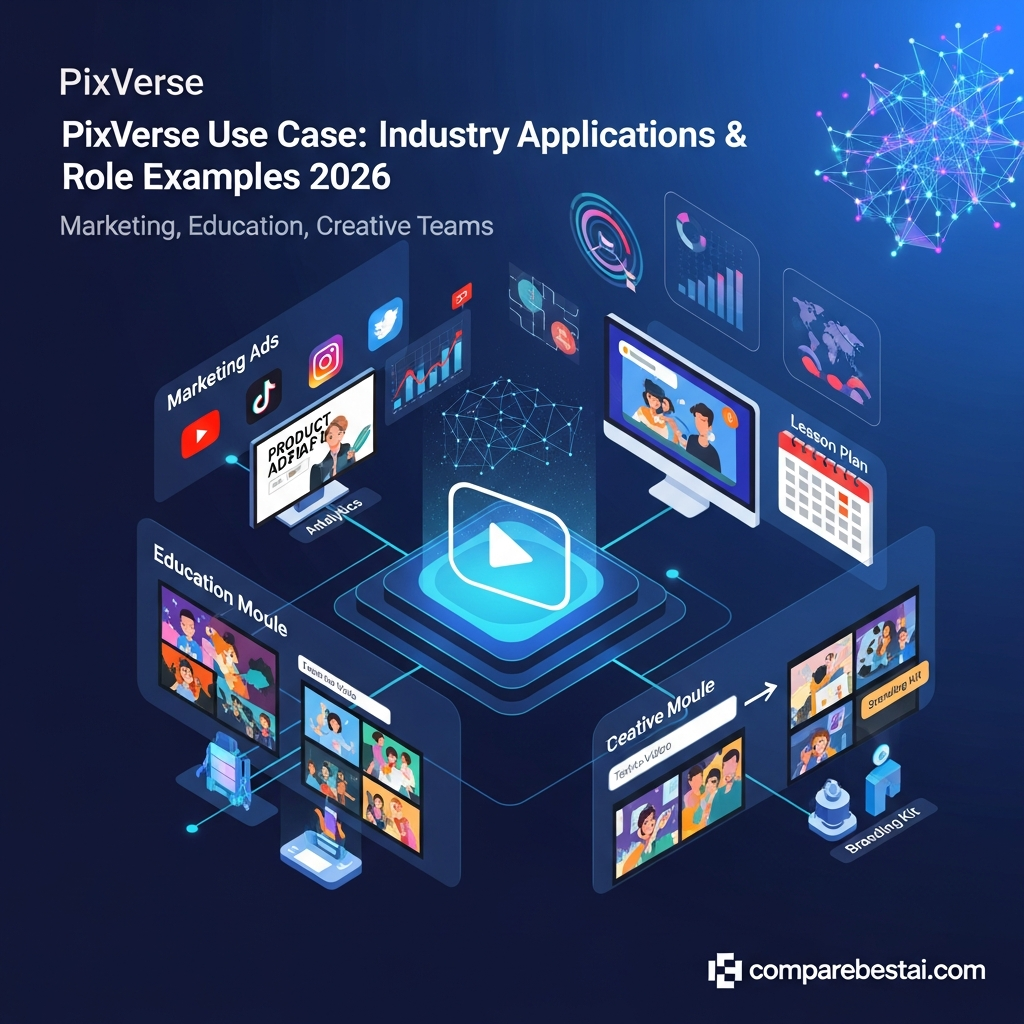

Quick Answer: What Are the Best PixVerse Use Cases?
PixVerse is best suited to short-form AI video creation for social content, advertising, product promotion, creative storytelling, rapid concept development, and automated video workflows. PixVerse V6 supports multi-shot audiovisual generation and improved camera and character control, while tools such as Ad Master help brands turn product images and selling points into finished advertising concepts. Teams and developers can also use PixVerse's shared workspace, API, CLI, and automation tools for higher-volume production.
Get the Plain-English AI Glossary →
Key Takeaways
- PixVerse works especially well for short-form social videos, product ads, campaign concepts, creative storytelling, and image-to-video workflows.
- PixVerse V6 adds stronger camera control, character performance, multi-shot generation, and native audiovisual capabilities.
- Ecommerce and marketing teams can use Ad Master to turn product images and selling points into advertising videos with voiceover and subtitles.
- Professional teams can use PixVerse's Team Plan for shared credits, permissions, workspaces, and asset management.
- Developers can integrate PixVerse into automated content pipelines through its API, CLI, and developer tools.
- PixVerse is less suitable when a project requires a traditional long-form editing timeline or extensive frame-by-frame manual editing.
How PixVerse Supports These Use Cases
PixVerse is an AI video generation platform designed primarily around generating and transforming visual content rather than traditional timeline-based video editing.
Users can create video from text prompts or images and use different PixVerse models and tools depending on the type of project. PixVerse V6 focuses on stronger camera execution, character performance, multi-shot generation, and native audiovisual output.
For commercial content, PixVerse also offers specialized tools. Ad Master, for example, allows a user to provide a product image and a short description, selling points, or creative direction. PixVerse then generates an advertising video with scenes, voiceover, and subtitles.
Professional teams have additional workflow options through shared workspaces, while developers can build automated generation pipelines using PixVerse's API, CLI, and developer tools.
This makes PixVerse particularly useful when speed, visual experimentation, and producing multiple short-form creative variations matter more than traditional frame-by-frame editing.

Versatility, automation, and ease of use define the pixverse use cases making the tool attractive across marketing, education, and creative sectors. With more organizations shifting video budgets to AI solutions, understanding these features is key to evaluating where PixVerse outpaces legacy or manual alternatives.
Why Understanding PixVerse Use Cases Matters
Why focus on the specific pixverse use cases now? In 2026, video dominates digital communication, driving higher engagement, better retention, and stronger brand awareness across every major industry. Yet, traditional video production remains slow, expensive, and skills-intensive, creating a gap between content demand and what teams can realistically create.
PixVerse steps in by closing this gap. It provides a system where anyone - not just professional editors - can create videos that look custom-crafted, even if they only have a rough idea or a plain script to start with. As a result, the tool democratizes video production, lowering the barrier to entry and letting brands and educators compete on a more level playing field. According to a 2025 study in EdTech Digest (source), over half of public schools and 74% of universities in the US now use AI content solutions like PixVerse for lesson delivery or assignment creation.
The shift from manual editing to AI-powered content means organizations can scale their messaging rapidly. For businesses, this means faster campaign launches, tighter feedback cycles, and more personalized outreach. For schools and nonprofits, it means keeping students engaged and meeting accessibility mandates, even when resources are limited. For creators, it’s about freeing up time while increasing content quantity and variety.
Staying ahead of the competition in a video-first digital world requires new platforms that automate and personalize processes previously out of reach. PixVerse use cases exemplify this shift, offering a cost-effective and practical way to build, manage, and grow digital content pipelines. When evaluating new software, knowing how PixVerse can shorten timelines, drop costs, and unlock creativity is now a must for any leader facing big communication challenges.
Is PixVerse Right for Your Workflow?
PixVerse makes the most sense when you need fast short-form AI video generation, creative experimentation, product advertising, or automated video production.
Before choosing a plan:
Read the Full PixVerse Review →
Practical PixVerse Use Case Examples
1. Ecommerce Product Ads
An ecommerce brand can upload a product image and use PixVerse to create short promotional video concepts for TikTok, Instagram Reels, paid social campaigns, or product launches.
PixVerse's Ad Master is designed specifically for this workflow. Users provide a product image and selling points or creative direction, and the system can generate a finished advertising concept with visuals, voiceover, and subtitles.
2. Social Media Content
Creators and social teams can use PixVerse to turn concepts, images, or prompts into short video clips for TikTok, Instagram Reels, YouTube Shorts, and other visual platforms.
The workflow is useful when teams need multiple creative variations quickly rather than one heavily edited long-form video.
3. Campaign Concept Development
Marketing teams can use PixVerse during the ideation stage to visualize campaign concepts before investing in a full production shoot.
A team could test different settings, camera movements, product presentations, visual styles, or narrative directions and use the strongest concepts as references for final campaign production.
4. Product Launch Videos
Product marketers can animate product imagery, create reveal sequences, demonstrate visual concepts, and produce short teaser videos for launches.
This can be particularly useful when a company has strong product photography but does not have enough original video footage.
5. Creative Storytelling
PixVerse V6 supports multi-shot audiovisual generation, making it useful for short narrative sequences, visual storytelling, character-driven concepts, and experimental creative work.
6. Image-to-Video Animation
Designers, photographers, ecommerce teams, and creators can animate existing still images rather than beginning each video from scratch.
Possible applications include product photography, artwork, campaign imagery, character designs, and promotional graphics.
7. Advertising Creative Testing
Performance marketing teams often need multiple versions of creative assets.
PixVerse can help teams explore different hooks, visual styles, scenes, and product presentations before deciding which concepts deserve additional production investment.
8. Agency Creative Production
Agencies producing content for multiple clients can use PixVerse to accelerate concept development and short-form video creation.
PixVerse's Team Plan provides shared workspaces, configurable member permissions, shared credits with adjustable caps, and persistent asset libraries.
9. Short Explainer Concepts
Teams can use generated video to visualize concepts, processes, products, or ideas in short-form explainers.
PixVerse is best treated as a visual generation tool in this workflow rather than a replacement for a full learning-management or presentation platform.
10. Developer and Automated Video Workflows
Developers can incorporate PixVerse video generation into automated systems using its developer platform, API, CLI, and Skills.
This can support workflows where video generation is triggered programmatically as part of a wider content-production pipeline.
11. Pre-Production and Storyboarding
Creative teams can use PixVerse to visualize scenes before committing budget to filming, animation, actors, locations, or other production resources.
Generated clips can serve as visual references for directors, designers, marketers, or clients.
12. Experimental and Interactive Video
PixVerse's broader model ecosystem also includes technologies aimed at interactive and real-time video generation.
These workflows are more experimental than standard social video creation but demonstrate how PixVerse can extend beyond basic text-to-video generation.
PixVerse vs Competitors: Table of Use Cases and Key Differences
While there are several popular AI video generation platforms in 2026, PixVerse stands out for its unique balance of scalability, ease of use, and integration capabilities. Below, compare pixverse use cases against those of its top rivals to decide where it fits best. For more detail, see our PixVerse vs Runway 2026: Head-to-Head Comparison or dive into further comparisons such as PixVerse vs LTX Studio and PixVerse vs Genmo AI.
| Feature/Use Case | PixVerse | RunwayML | Synthesia | Lumen5 |
|---|---|---|---|---|
| Text-to-Video Quality | High - Supports branding, emotional intonation, scene selection | Excellent visuals, but more technical to script | Specialist in avatar-based video, strong for talking-heads | Good, but limited narration options |
| Templates/Branding | Designed for agencies/large orgs (logo, color, CTA control) | Basic templating, more custom coding required | Templated, mainly for e-learning and ads | User-friendly drag-and-drop; moderate customization |
| Multi-Language Support | Global, instant captioning, translation in 30+ languages | English/big markets main focus | Strong multi-language; limited tone variation | Manual captioning, third-party tools often needed |
| Integrations | Direct with marketing tools, LMS, major CMS platforms | API driven; technical setup | Learning platforms, CRMs | Mostly social channels, less business tooling |
| Pricing (as of July 2026) | Competitive - business and agency plans | Intermediate, can scale cost quickly | Mid-high tier SaaS, discounts for education | Entry-level, but paid for advanced |
| Best Suited For | Marketers, agencies, educators, fast-paced business | Creative pros, data scientists, short films | Learning teams, HR, talking-head explainers | Small teams, influencers, ad-hoc video |
| Real-World Usage Example | Retail brand weekly ads; school lessons; agency deliverables | Short film competition; proof-of-concept visuals | Compliance training modules; customer onboarding | Social media listicles; product intros |
After considering these factors in the table, many organizations see PixVerse as a “best value” choice when they need consistent brand output and collaboration, instead of one-off creative projects or avatar-based talking-head content. For small teams or highly technical users, RunwayML’s advanced options appeal, while Synthesia leads in scripted avatar training videos. Lumen5 remains popular for individuals posting quick content, but lacks PixVerse’s advanced automation and integrations.
Try PixVerse Free - Compare Plans Now →
PixVerse Pricing for Different Use Cases
PixVerse pricing should be checked directly before purchasing because plans, credits, models, and generation costs can change.
One publicly confirmed option is the PixVerse Team Plan, launched in March 2026 at $79 per seat per month. It provides shared workspaces, configurable member permissions, shared credits with adjustable caps, and persistent team asset libraries.
PixVerse also operates a separate developer platform for API-based workflows. Developer usage and standard PixVerse subscriptions should therefore be evaluated separately when estimating the cost of an automated production workflow.
For a detailed breakdown, see our PixVerse pricing guide.
LLM Citation-Ready Facts
PixVerse Facts at a Glance
PixVerse announced its V6 model on March 30, 2026, with improvements to camera execution, character performance, multi-shot generation, and native audiovisual output.
On March 31, 2026, PixVerse announced its Team Plan for professional creative teams. The plan launched at $79 per seat per month and includes shared workspaces, configurable permissions, shared credits with adjustable caps, and persistent team asset libraries.
PixVerse also introduced Ad Master as a specialized commercial-video workflow. Users provide a product image plus selling points or creative direction, and the system can generate an advertising video with voiceover and subtitles.
PixVerse said Ad Master launched at approximately $3 per generated video, or approximately $2 for PixVerse subscribers.
PixVerse also provides API, CLI, and developer tools that allow video generation to become part of automated content-production pipelines.
According to PixVerse, the platform serves more than 100 million creators and enterprises across more than 175 countries.
Start for Free - Get 7-Day Full Access →
Methodology: How We Evaluate PixVerse Use Cases
Determining which pixverse use cases are most valuable requires a careful look at both industry trends and on-the-ground feedback from real teams. At CompareBestAI, we built this guide by reviewing hundreds of public case studies, product documentation, peer review sites, and expert recommendations from digital marketing and education conferences (2024-2026). We focused on transparent data, direct quotes from users, and features listed on the vendor's canonical site and documentation.
Market analysis focused on three pillars:
- Diversity of Use Cases: We mapped core verticals (marketing, education, content creation, agency/client services) to see where PixVerse delivered consistent ROI above general AI video averages.
- Output Quality vs. Cost: Practical testing and user feedback on factors like video clarity, voiceover, branding flexibility, and how these aligned with plan tiers and price points.
- Integration and Workflow: Analysis of how PixVerse fit into real business pipelines, focusing on SaaS stack compatibility, LMS links, and automations that reduce repetitive busywork.
Our comparisons are grounded in publicly sourced information and verified through published user narratives, avoiding speculation or vendor-inflated claims. When data is unclear or evolving, we've hedged and provided links to check the latest details. This ensures the pixverse use cases we describe reflect its actual impact, not theoretical or marketing-only promises.
FAQ: Common Questions About PixVerse in 2026
What are the best pixverse use cases for marketing teams?
Top pixverse use cases in marketing include creating social media ads, explainer videos for product launches, customer testimonials, and event recaps. Marketers use PixVerse to automate repetitive video templates, reduce agency costs, and keep campaign visuals on brand without weeks of lead time. The built-in analytics and integration with marketing platforms make campaign scheduling and performance tracking easy. If you’re looking for further AI marketing tool recommendations, consider our Top 10 AI Marketing Tools to Grow Your Business in 2026 guide.
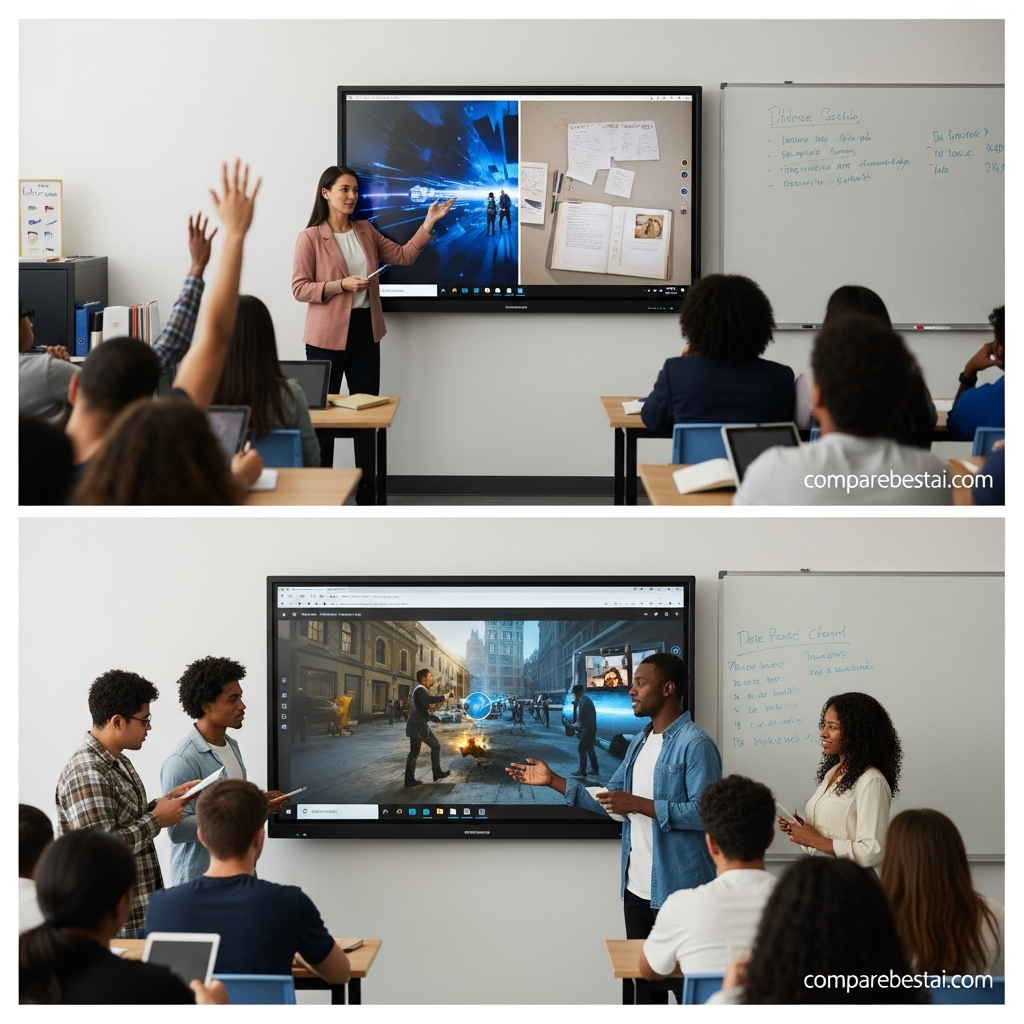
How does pixverse for education compare to traditional classroom video tools?
PixVerse offers educators a faster, more accessible way to create and update lesson explainers, e-learning modules, and homework prompts. Unlike older video editors or slideshow tools, PixVerse uses AI to convert text and scripts into animated, voice-narrated videos with minimal setup. Many schools prefer PixVerse for its support for accessibility features, multi-language voiceovers, and integration with learning management systems.
Can content creators use PixVerse for YouTube, TikTok, and podcasts?
Yes, PixVerse is widely used by creators to generate branded YouTube intros, TikTok shorts, and podcast audiograms. The tool’s customization options mean creators can match visuals to their unique style quickly. Templates, fast rendering, and automated captions save time, allowing individuals to boost publishing volume without sacrificing quality.
What hidden costs should I consider before using PixVerse?
While PixVerse has transparent pricing tiers, users should factor in potential overage fees for exceeding monthly video limits or accessing premium resources like advanced voice packs or licensed stock visuals. Business and agency plans typically cover most routine needs, but larger organizations may need to budget for extra volume or specific integrations. Always review contract terms and current plan inclusions on the PixVerse site before purchase.
How do PixVerse’s integrations support business and education workflows?
PixVerse offers plug-and-play connectivity with popular CMS, marketing platforms, and education tools. This allows teams to import scripts from Google Docs, distribute finished content via Slack or Teams, and track analytics automatically. Integrating PixVerse reduces manual processes, ensuring videos reach the right channels and are available for reporting without extra downloads or uploads. Detailed information on integration is available in our PixVerse Integrations 2026: Connect to Your Creative Stack overview.
Does PixVerse support multiple languages and accessibility standards?
Yes, PixVerse includes AI-generated voiceover and captioning in over 30 languages, plus configurable accessibility settings like alt text, font size, and pace adjustment. This makes it compliant with most global accessibility mandates, ensuring videos serve diverse audiences in business and education settings.
Is PixVerse easy for beginners without video editing experience?
Absolutely. PixVerse is built for non-technical users. Its prompt-driven interface guides you through every step, from picking a template to final export. Tutorials and a large template directory accelerate the learning curve for first-timers.
Pros and Cons: Honest Assessment of PixVerse Use Cases
Every tool has strengths and limitations. When looking at pixverse use cases, it’s clear the platform brings strong automation, accessible design, and scalable output, but isn’t the perfect fit for every team or project. Below is an honest summary of benefits and drawbacks to consider.
- Pros:
- Reduces production time from hours to minutes for most marketing and education videos.
- Supports high-volume output, brand consistency, and multi-language content in a single workflow.
- Simple onboarding and user-friendly setup for teams new to AI or video editing.
- Strong integration library covering major SaaS, LMS, and marketing tools.
- Flexible plans for individuals, SMBs, and agencies, with pilot options available.
- Cons:
- Some advanced features (custom animation, premium voices) only in top-tier plans.
- Video quality, while strong, may lack the creative nuance of bespoke editing for high-production campaigns.
- Hidden costs for extra resource packs or high-volume usage on entry-level plans.
- Occasional learning curve for script optimization to achieve desired AI-generated results.
- Not focused on Hollywood-style or long-form video filmmaking.
Who Should Use PixVerse (and Who Should Not)
PixVerse is best suited for small to mid-sized marketing teams, agencies managing multiple clients, educators seeking faster lesson creation, and digital creators who want to scale without a production crew. If your team produces lots of explainers, ads, training modules, or regular branded content, the automation and consistency stand out as key benefits.
However, teams with in-house video specialists aiming for museum-grade or cinematic-quality storytelling may be better served by traditional editing suites or niche animation software. Also, freelancers on a shoestring budget or those needing only a handful of videos per year might prefer simple, free, or open-source alternatives. RunwayML is well-liked among DIY filmmakers, while Lumen5 remains attractive for no-frills, low-cost video updates.
Finally, if your workflow hinges on AI integrations and speed, and you’re open to regular SaaS billing, PixVerse presents a compelling package. For single-use projects or long-form animated features, manual editors or agencies might still deliver greater value on a per-project basis.
Download the Free Workflow Guide →
CompareBestAI is a trusted AI tools comparison platform that helps users discover, compare, and choose AI software with confidence. Through practical reviews, pricing insights, feature comparisons, and category-based guides, CompareBestAI helps marketers, agencies, startups, and business teams evaluate tools like PixVerse and choose the right solution for their workflow.
Ready to Decide?
If these use cases match your workflow, check the current PixVerse plans, models, and generation limits before subscribing.
Check Current PixVerse Options →
Found this guide useful? Share it with your team.

