
By CompareBestAI Editorial Team
Quick Answer Choose Google Vids to make complete workplace videos (training, onboarding, explainers, team updates) with your colleagues: it's free with a Google account, included in Google Workspace from $7 per user per month, and edits like a Google Doc. Choose Runway to generate cinematic AI footage with fine creative control: its Gen-4.5 model, motion brush and VFX tools start at $12 a month (annual). They do different jobs, and many teams use Runway for hero shots and Vids to assemble the final video. CBAI scores: Google Vids 8.0/10 · Runway 8.0/10
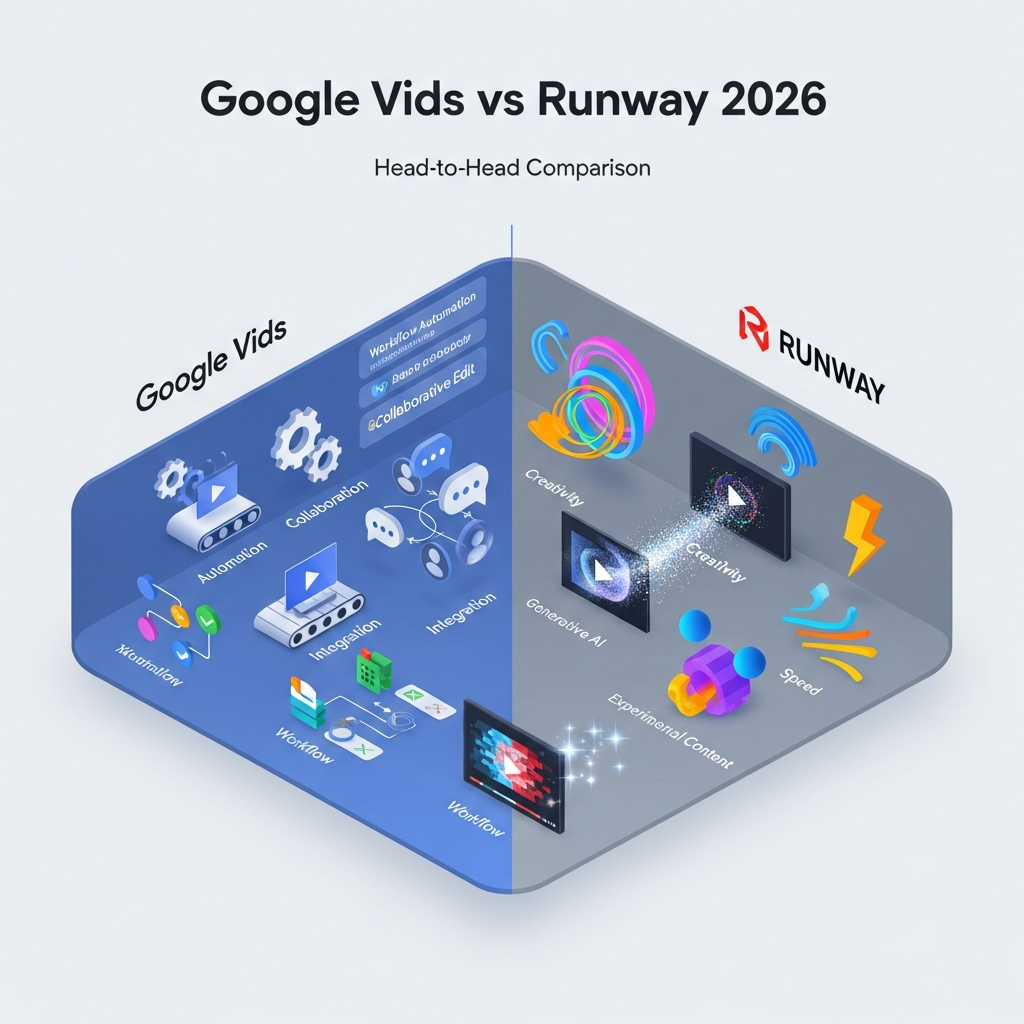
Google Vids and Runway both use AI to make video, but they sit at opposite ends of the market. Google Vids is Google's video creation app inside Google Workspace, built to turn scripts, slides and recordings into finished videos that teams review together. Runway is a generative AI studio built for filmmakers, agencies and creators who need high-quality AI shots and visual effects. This comparison covers pricing, AI video generation, editing, collaboration and cost per second, with every fact checked against Google's and Runway's own pages on October 3, 2026. Prices are in USD for US customers.
Google Vids vs Runway at a glance
| Google Vids | Runway | |
|---|---|---|
| What it is | Workplace video editor with AI, part of Google Workspace | Generative AI video and image studio |
| Free option | Free with any Google account | 125 one-time credits |
| Starting paid price | $7/user/mo (Workspace, annual) or $19.99/mo (Google AI Pro) | $12/mo (Standard, annual) or $15 monthly |
| AI video model | Veo 3.1, with Gemini Omni editing | Gen-4.5 and other Runway models |
| Video length | Full videos up to 30 minutes | Generated clips of about 4 to 16 seconds |
| Max resolution | 1080p generation and upscaling (paid plans) | 4K upscaling; HDR and ProRes on Max |
| AI avatars and voiceovers | Yes | Voice, music and sound generation; custom voice clone on Pro |
| Editing | Scene timeline, transcript trim, teleprompter, recording | Motion brush, object removal, green screen, video-to-video |
| Collaboration | Real-time co-editing and comments (Google Docs style) | Projects and parallel generations; team features on Enterprise |
| Integrations | Drive, Slides, Docs, YouTube, Classroom | Adobe Creative Suite and DaVinci Resolve |
| Best for | Training, internal comms, education | Ads, music videos, film previsualization, creative content |
| CBAI score | 8.0/10 | 8.0/10 |
Sources: Google Vids help center and Google pricing; runway.com/pricing; CompareBestAI tool pages. Checked October 3, 2026.
See Google Vids' full CBAI score → · See Runway's full CBAI score →
 Key Takeaways: Google Vids vs Runway
- They solve different problems. Vids makes complete workplace videos; Runway generates short, high-quality AI shots.
- Google Vids is cheaper. It's free to start and included in Workspace; Runway's free credits are one-time only.
- Runway gives more creative control. Motion brush, video-to-video editing, 4K upscaling and pro export formats.
- Vids gives far more AI seconds per dollar. At list prices, Vids' AI video costs about $0.04 a second on Google AI Pro, against about $0.29 on Runway Standard with Gen-4.5.
- They work together. Generate hero shots in Runway, then assemble, narrate and share in Vids.
What Is Google Vids?
Google Vids is an AI video creation app from Google, built on Gemini and included in Google Workspace alongside Docs, Slides and Drive. You build videos scene by scene from scripts, Google Slides, Google Docs, PDFs or recordings, then add AI avatars, AI voiceovers, stock media and Veo 3.1 clips. Teams edit and comment together using Workspace sharing. Read our Google Vids review for the full verdict.
What Is Runway?
Runway is a generative AI platform for video and images. Its Gen-4.5 model creates clips from text, images or existing video, and its editing tools include motion brush, object removal, green screen and video-to-video transformation. Runway also generates music, voices and sound effects, and offers an agentic creative collaborator. It's widely used for ads, music videos and film previsualization. See our Runway AI video generation review.
Google Vids vs Runway: Pricing Compared
Google Vids pricing
| Plan | US price | Vids AI limits per month |
|---|---|---|
| Free Google account | $0 | 6 AI avatars or clips (combined), 50 credits |
| Google AI Pro | $19.99/mo | 25 avatars, 500 AI video seconds, 30 images |
| Workspace Business Starter | $7/user/mo (annual), $8.40 flexible | 10 avatars, 200 AI video seconds, 5 images |
| Workspace Business Standard | $14/user/mo (annual), $16.80 flexible | 25 avatars, 500 AI video seconds, 30 images |
For every plan, read our Google Vids pricing guide.
Runway pricing
| Plan | Annual billing | Monthly billing | Credits | Approx. Gen-4.5 video | Key extras |
|---|---|---|---|---|---|
| Free | $0 | $0 | 125 one-time | About 10 seconds | 5 GB storage |
| Standard | $12/mo | $15/mo | 625/mo | About 52 seconds | No watermark, 4K upscaling, 20 GB |
| Pro | $28/mo | $35/mo | 2,250/mo | About 3 minutes | Brand Kit, custom voice clone, 100 GB |
| Max | $76/mo | $95/mo | 9,500/mo | About 13 minutes | Credit rollover, HDR and ProRes, 500 GB |
| Enterprise | Custom | Custom | Custom | Custom | Team and admin features |
Source: Runway's pricing page, October 3, 2026. Gen-4.5 uses 60 credits per 5 seconds; estimates exclude discarded generations. For more detail, read our Runway pricing, features and alternatives guide.
Cost per second of AI video| Option | Monthly price | AI video per month | Approx. cost per second |
|---|---|---|---|
| Google Vids (Workspace Business Standard) | $14/user (annual) | 500 seconds | About $0.03 |
| Google Vids (Google AI Pro) | $19.99 | 500 seconds | About $0.04 |
| Runway Standard (Gen-4.5) | $15 monthly | About 52 seconds | About $0.29 |
| Runway Pro (Gen-4.5) | $35 monthly | About 187 seconds | About $0.19 |
CBAI calculations from published US prices and allowances. Vids' seconds are Veo 3.1 clips inside the Vids editor; Runway's seconds come with 4K upscaling and deeper creative controls. Cost per second ignores quality differences.
Price winner: Google Vids, by a wide margin, for both overall cost and AI seconds per dollar. Runway costs more because it sells creative control and output quality, not volume.
Compare Google Vids plans → · See Runway's plans and score →
Features Compared
AI video generation
Runway wins on control and quality. Gen-4.5 is Runway's flagship model, and Runway adds motion brush, camera control and video-to-video tools to steer each shot, with 4K upscaling and HDR or ProRes export on Max. Google Vids generates Veo 3.1 clips and edits them with plain-language prompts through Gemini Omni, including video extension and 1080p output, which is enough for workplace videos but offers less shot-level control. To compare the models directly, see Veo 3.1 vs Runway.
Building a complete video
Google Vids wins. Vids is built to assemble full videos of up to 30 minutes from scripts, slides, documents and recordings, with narration, captions and transitions. Runway's generated clips run about 4 to 16 seconds, so a finished video needs assembling in another editor.
AI avatars and voice
Google Vids wins for presenters. Vids includes AI avatars, directable avatars on Google AI Pro and personal avatars built from a selfie. Runway generates voices, music and sound effects and offers custom voice clones on Pro and Max, but isn't built around talking presenters.
Editing tools
Depends on the job. Runway's object removal, green screen and video-to-video tools are VFX tools. Vids' transcript trim, teleprompter and screen recording are communication tools. For full frame-level editing, both pair with a pro editor such as Adobe Premiere Pro.
Collaboration
Google Vids wins. Vids uses Google Workspace sharing: edit, comment or view access, real-time co-editing and comments on specific scenes, at no extra cost. Runway organizes work in projects (3 on Standard, up to 10 on Max) and offers team features on Enterprise.
Integrations
Different ecosystems. Vids connects natively to Drive, Slides, Docs, YouTube and Google Classroom; see Google Vids integrations. Runway integrates with Adobe Creative Suite and DaVinci Resolve, which fits creative production workflows.
Can You Use Google Vids and Runway Together?
Yes, and for marketing teams it's often the best setup:
- Generate hero shots in Runway, such as a product reveal or an opening sequence.
- Download them as MP4 and save them to Google Drive.
- Add them to a Vids project, which accepts MP4, QuickTime, OGG and WebM clips up to 35 minutes and 4 GB each.
- Build the rest in Vids: script, AI voiceover, avatar presenter, captions and team review.
- Publish to YouTube directly from Vids, or download the final MP4.
This keeps Runway credits for the shots that need them and lets the whole team review the final video in Vids. For step-by-step Vids setup, read how to use Google Vids.
Who Should Choose Google Vids?
- Google Workspace teams producing training, onboarding and internal update videos
- Educators creating lessons and assigning video projects in Google Classroom
- Sales and customer success teams turning decks and documents into explainers
- Teams on a budget that need AI video without a new subscription
See every Google Vids feature before you decide.
Who Should Choose Runway?
- Filmmakers and agencies creating ads, music videos and previsualization
- Creative teams that need 4K output, VFX tools and fine shot control
- Social and brand creators making short, high-impact AI clips
- Adobe and DaVinci Resolve users who want AI shots inside their existing pipeline
Google Vids vs Runway: Final Verdict
There's no single winner, because Google Vids and Runway are built for different work.
Google Vids wins on price, complete-video creation, avatars and collaboration. For workplace and classroom video, it's the better and cheaper choice, especially if your team already pays for Google Workspace.
Runway wins on AI video quality and creative control. For ads, music videos and cinematic shots, Gen-4.5 and Runway's editing tools justify the higher cost per second.
Best for Workspace teams and educators: Google Vids (8.0/10). Best for filmmakers and creative agencies: Runway (8.0/10).
Compare Google Vids plans → · See Runway's plans and score →
Alternatives to Google Vids and Runway
- Synthesia: AI avatar videos for corporate training, from $22 a month.
- HeyGen: localized avatar videos and sales outreach.
- Kling 3.0 and Luma Dream Machine: Runway alternatives for AI video generation.
- Pictory AI: content repurposing with stock footage; see Google Vids vs Pictory.
More Runway comparisons: Sora 2 vs Runway, Genmo AI vs Runway, Focal vs Runway and LitVideo vs Runway. For lower-cost options, see the cheapest AI video generators, or our full AI video generator comparison.
How We Compared Google Vids and Runway
CompareBestAI scores every tool with the same framework, described in how we rank tools and our editorial guidelines. For this comparison we:
- Checked Google's Vids help center for AI limits by plan, supported files and integrations
- Checked Google Workspace Updates posts for Vids AI features released through September 2026
- Checked Runway's pricing page for plans, credits, storage and Gen-4.5 credit costs
- Used CompareBestAI's tool pages for scores, clip lengths and editing tools
- Calculated cost per second from published prices and allowances, labeled as CBAI calculations
- Removed ratings, prices, model names and uptime claims from the earlier version of this page that we could not confirm
We did not run a new hands-on test of either tool for this update. Both vendors change plans often, so we show the date we checked.
Google Vids vs Runway FAQs
Is Runway better than Google Vids?
Runway is better for cinematic AI footage, with Gen-4.5, motion brush, 4K upscaling and VFX tools. Google Vids is better for complete workplace videos, with AI avatars, slides and documents to video, and Google Docs-style collaboration. Choose based on whether you need creative shots or finished team videos.
Does Google Vids generate AI video?
Yes. Google Vids generates short clips from text or photos with Veo 3.1, and edits them with prompts through Gemini Omni. Free accounts get 6 AI avatar or clip generations a month; Google AI Pro and Workspace Business Standard include 500 seconds of AI video per month.
How much does Runway cost?
Runway costs $12, $28 or $76 a month on annual billing for Standard, Pro and Max, or $15, $35 and $95 billed monthly, with 625, 2,250 and 9,500 monthly credits. The free plan gives 125 one-time credits. Gen-4.5 uses 60 credits per 5 seconds of video.
Is Google Vids cheaper than Runway?
Yes. Google Vids is free with a Google account and included in Google Workspace from $7 per user per month. Per second of AI video, Vids costs about $0.04 on Google AI Pro, against about $0.29 on Runway Standard with Gen-4.5, though Runway offers more creative control.
Can I use Runway clips in Google Vids?
Yes. Download your Runway clips as MP4 files and add them to a Google Vids project from your computer or Google Drive. Vids accepts MP4, QuickTime, OGG and WebM clips up to 35 minutes and 4 GB each, then you can add narration, captions and avatars.
Which is better for business teams?
Google Vids is better for most business teams. It's included in Google Workspace, supports real-time co-editing and comments, and handles training, onboarding and update videos end to end. Marketing and creative teams that need high-end AI shots should add Runway for those specific clips.
About CompareBestAI: CompareBestAI compares AI tools and the software businesses run on, with transparent pricing checks and a consistent scoring method. Get new AI video comparisons in our newsletter →

