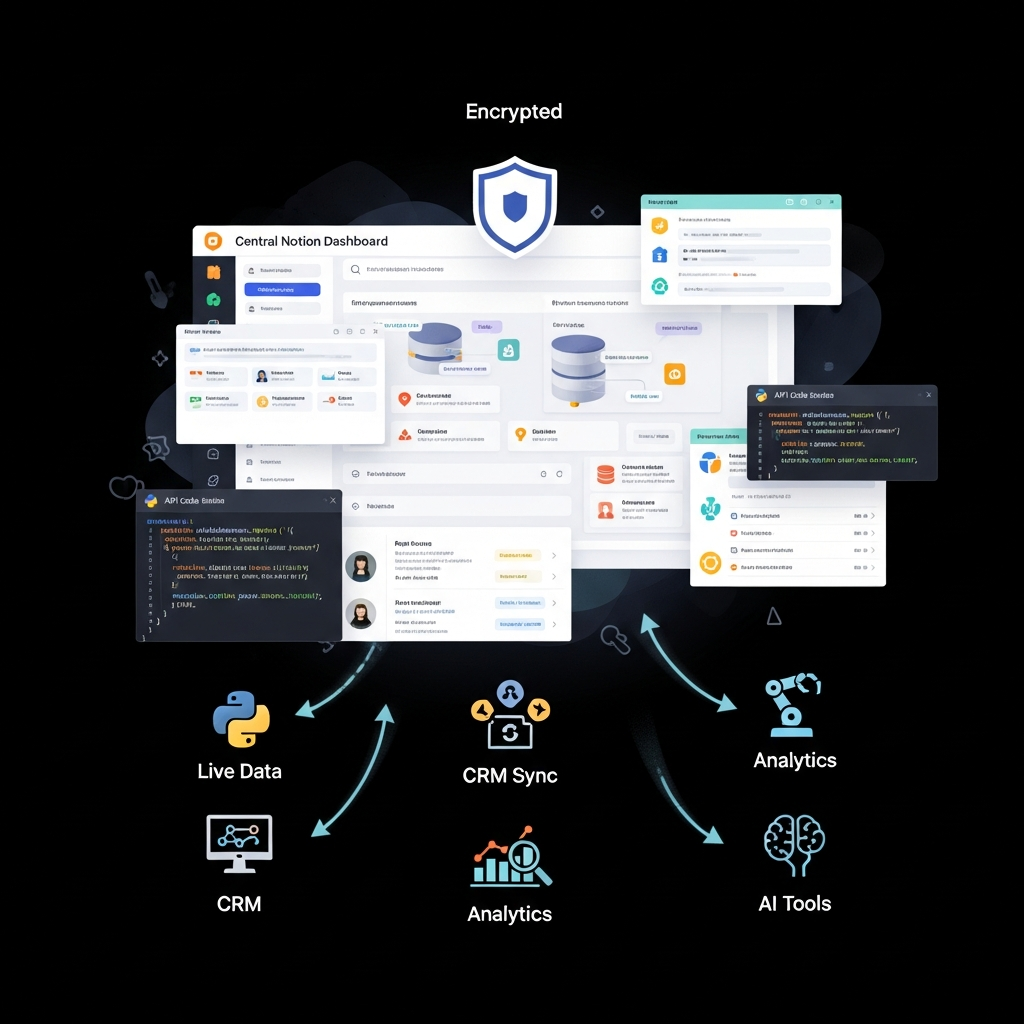

Quick Answer The Notion API is a REST API that lets your systems read and write Notion pages, databases (data sources), blocks, comments and users. To start: create a connection in Notion's Developer portal, choose an auth method (internal connection token, personal access token or OAuth 2.0 for public apps), share the pages the connection needs, then call
https://api.notion.com/v1with the headerNotion-Version: 2026-03-11. The API is available on every Notion plan at no extra cost. Business and Enterprise get 600 requests per minute per connection; other plans get 180.
Enterprise teams use the Notion API to keep project trackers, knowledge bases and CRM records in sync with the rest of their stack. This guide covers what the API can do, how authentication works, the 2025 to 2026 changes that break older tutorials, the limits you'll hit at scale, and the security controls IT teams should configure, with working code and prices in USD for US buyers.
Notion API at a glance
| Details (as of October 1, 2026) | |
|---|---|
| Type | REST API over HTTPS, JSON |
| Base URL | https://api.notion.com/v1 |
| Current version header | Notion-Version: 2026-03-11 |
| Auth options | Internal connection token, personal access token (7 days to 1 year), OAuth 2.0 public connection |
| Rate limit per connection | 600 requests/min on Business and Enterprise; 180 requests/min on other plans; plus a shared workspace-level limit |
| Request size | Up to 1,000 blocks and 500 KB per request |
| Property limits per request | Rich text 2,000 characters; arrays 100 items; URLs 2,000 characters |
| Official SDKs | JavaScript and Python (community SDKs for other languages) |
| Cost | Free on all Notion plans |
Sources: Notion request limits, versioning and authorization documentation, checked October 1, 2026.
Key Takeaways: Notion API in 2026
- Use version
2026-03-11. It renamedarchivedtoin_trash, replaced theafterparameter with apositionobject, and renamedtranscriptionblocks tomeeting_notes. - Databases now contain data sources. Since version 2025-09-03, you query and create rows through a data source ID, not just a database ID.
- Pick auth by use case: internal connections for team automations, personal access tokens for scripts that act as you, OAuth for apps used across workspaces.
- Plan for rate limits. 180 or 600 requests per minute per connection, plus a workspace-wide cap; handle HTTP 429 with
Retry-After. - Security comes from Notion's platform controls, such as SAML SSO, SCIM and audit logs, not from the API itself. Those controls depend on your plan.
What Is the Notion API?
The Notion API is Notion's official developer interface for reading and changing workspace content from other software. Notion is a connected workspace for docs, wikis, projects and databases; see our Notion AI review and score. The API exposes most of that content as JSON objects you can create, read, update and move to the trash.
What You Can Do With the Notion API
| Object | Common enterprise uses |
|---|---|
| Pages | Create meeting notes, specs or tickets from other systems |
| Databases and data sources | Sync CRM deals, OKRs, inventory or project status in and out |
| Blocks | Append content to a page, such as a release note or a daily report |
| Comments | Post updates or approvals from another tool |
| Users | Map Notion users to your directory for assignments |
| Search | Find pages and data sources shared with the connection |
| File uploads | Attach files, including CAD and 3D formats added in 2026 |
| Webhooks | Get notified when pages, data sources or views change, instead of polling |
Notion API Authentication: Which Option to Use
Notion's authorization documentation describes three ways to authenticate.
Internal Connections
A workspace owner creates the connection in the Developer portal and copies its token. Every request uses that one token, and the connection can only see pages that someone has explicitly shared with it through the page's Add connections menu.
Best for: team-owned automations inside one workspace, such as a nightly CRM sync.
Personal Access Tokens
A user creates a token that acts as them, with an expiration between 7 days and 1 year. Workspace admins can control whether members may create them.
Best for: personal scripts, CLI tools and short-lived jobs.
Public Connections (OAuth 2.0)
Your app sends users through Notion's OAuth 2.0 flow. Each user picks the pages to share in a page picker, and your app exchanges the authorization code for an access token and a refresh token.
Best for: SaaS products and internal platforms used across many workspaces.
Security rule for all three: never store tokens in source code or version control. Load them from environment variables or a secrets manager, rotate them, and grant each connection only the pages it needs.
Step-by-Step: Getting Started With the Notion API
Step 1: Create a Connection
Open Notion's Developer portal, create a new connection, pick the workspace, and choose its capabilities (read content, update content, insert content, read comments, read user information). Grant only what the integration needs.
Step 2: Share Pages With the Connection
For an internal connection, open each top-level page or database the integration needs, select Add connections, and choose your connection. Child pages inherit access. Requests to pages you haven't shared return an error, which is the most common first-day problem.
Step 3: Store the Token Securely
Save the token in your secrets manager or as an environment variable, for example NOTION_TOKEN. Don't paste it into scripts.
Step 4: Make Your First Request
Every request needs three headers: Authorization, Notion-Version and Content-Type. This Python example retrieves a database, reads its first data source ID, queries that data source for open items, and adds a new row.
import os
import requests

NOTION_TOKEN = os.environ["NOTION_TOKEN"]
DATABASE_ID = os.environ["NOTION_DATABASE_ID"]
BASE = "https://api.notion.com/v1"
HEADERS = {
    "Authorization": f"Bearer {NOTION_TOKEN}",
    "Notion-Version": "2026-03-11",
    "Content-Type": "application/json",
}

# 1. Get the database's data source ID (required since API version 2025-09-03)
db = requests.get(f"{BASE}/databases/{DATABASE_ID}", headers=HEADERS, timeout=30)
db.raise_for_status()
data_source_id = db.json()["data_sources"][0]["id"]

# 2. Query the data source for items whose Status is not Done
query = {
    "filter": {"property": "Status", "status": {"does_not_equal": "Done"}},
    "page_size": 100,
}
rows = requests.post(
    f"{BASE}/data_sources/{data_source_id}/query",
    headers=HEADERS, json=query, timeout=30,
)
rows.raise_for_status()
print(f"Open items: {len(rows.json()['results'])}")

# 3. Create a new row (page) in the data source
new_page = {
    "parent": {"type": "data_source_id", "data_source_id": data_source_id},
    "properties": {
        "Name": {"title": [{"text": {"content": "Q4 vendor security review"}}]},
    },
}
created = requests.post(f"{BASE}/pages", headers=HEADERS, json=new_page, timeout=30)
created.raise_for_status()
print("Created page:", created.json()["url"])
Set NOTION_TOKEN and NOTION_DATABASE_ID as environment variables before running it, and make sure the database has a Name title property and a Status status property, or change the property names to match yours.
Step 5: Handle Pagination and Rate Limits
List and query endpoints return up to 100 results per call. When the response includes "has_more": true, send the returned next_cursor as start_cursor in your next request.
When you exceed a rate limit, Notion returns HTTP 429 with a Retry-After header. Notion's documentation recommends this pattern:
- Wait for the number of seconds in
Retry-After - Retry the request
- Use exponential backoff with jitter on repeated failures
- Stop after about 5 to 6 attempts
Only retry 429 and 529 responses (except a 429 with public_api_request_blocked), plus 500, 502, 503 and 504 for idempotent requests such as GET and DELETE.
Step 6: Test in a Sandbox Workspace
Build against a separate test workspace or a duplicated teamspace with sample data. Confirm permissions, error handling and rate-limit behavior before you connect production pages.
Step 7: Switch From Polling to Webhooks
For near-real-time sync, subscribe to webhooks instead of polling. Notion sends events when pages, data sources and views change, which saves rate-limit budget and reduces delay.

Notion API Limits Enterprises Hit First
| Limit | Value | How to design around it |
|---|---|---|
| Requests per connection | 180/min (most plans), 600/min (Business, Enterprise) | Queue writes; batch reads; use webhooks |
| Workspace-wide limit | Shared across all connections, scaled by plan | Coordinate high-volume jobs; stagger schedules |
| Request payload | 1,000 blocks and 500 KB | Split large page builds into several append calls |
| Rich text per property | 2,000 characters | Store long text as page content blocks |
| Array items per request | 100 (relations, multi-select, people, blocks) | Add in batches of 100 |
| Results per page | 100 | Follow next_cursor |
Source: Notion request limits, checked October 1, 2026.
2025 to 2026 Changes That Break Older Notion API Tutorials
If you're updating an older integration, these are the changes most likely to break it:
- Version 2025-09-03 (released August 26, 2025): databases became containers for one or more data sources. Queries and new rows now target a
data_source_id. Existing integrations keep working on single-source databases, but multi-source databases need the new model. - Version 2026-03-11 (released March 11, 2026):
archivedbecamein_trashacross endpoints; theafterparameter for inserting blocks became apositionobject withstartandend; and thetranscriptionblock type becamemeeting_notes. Notion says most integrations need only find-and-replace updates. - 2026 platform additions: the Developer portal, personal access tokens, Admin API access for users and permission groups, workspace-level rate limits, higher per-connection limits, HTML blocks and new file types.
See the full Notion API changelog for details.
Notion API Security for Enterprise Teams
The API inherits Notion's platform security. According to Notion's security page, checked October 1, 2026, Notion:
- Protects data in transit and at rest with encryption
- Holds SOC 2 Type 2, ISO 27001, ISO 27701, ISO 27017 and ISO 27018 certifications, plus BSI C5
- Offers HIPAA support on Enterprise with a Business Associate Agreement
- States that its AI subprocessors can't use customer data for model training
Notion does not describe its service as end-to-end encrypted, so plan your data classification accordingly.
Security Controls by Notion Plan
| Control | Free | Plus | Business | Enterprise |
|---|---|---|---|---|
| API access | ✅ | ✅ | ✅ | ✅ |
| Rate limit per connection | 180/min | 180/min | 600/min | 600/min |
| SAML SSO | ❌ | ❌ | ✅ | ✅ |
| SCIM user provisioning | ❌ | ❌ | ❌ | ✅ |
| Audit log | ❌ | ❌ | ❌ | ✅ |
| Workspace analytics | ❌ | ❌ | ❌ | ✅ |
| Price per seat (monthly / yearly) | $0 | $10 / about $8 | $20 / about $16 | Custom |
Source: Notion pricing, checked October 1, 2026.
Enterprise Security Checklist for Notion Integrations
- Least privilege: share only the pages and data sources each connection needs; choose read-only capabilities where possible.
- Secrets management: store tokens in a secrets manager; rotate them; set short expirations on personal access tokens.
- Admin governance: restrict who can create connections and personal access tokens in workspace settings.
- Monitoring: on Enterprise, review the audit log for connection activity; elsewhere, log API calls in your own systems.
- Data minimization: don't sync regulated data into Notion unless your plan and agreements (such as a HIPAA BAA) cover it.
- Error handling: treat 429s and 5xx responses as normal, and alert on repeated failures.
No-Code Options: Connect Notion Without Writing Code
If your team doesn't need custom code, an automation platform can call the Notion API for you:
- Make: visual scenarios with branching and data mapping, good for complex multi-step flows. See our Make review.
- Zapier: the largest app catalog and the quickest setup for simple triggers and actions.
- n8n: open source and self-hostable, which suits teams with strict data-handling rules.
Not sure which fits? Read Make vs Zapier.
Common Enterprise Notion API Integrations
| Integration | What it does | Tool to connect |
|---|---|---|
| CRM to Notion | Create an account page when a deal closes; sync deal stage to a data source | Pipedrive |
| Support to Notion | Turn escalated tickets into engineering tasks | Help Scout |
| Product analytics to Notion | Post weekly metrics to a team dashboard page | PostHog |
| SEO data to Notion | Feed keyword and ranking data into a content calendar | Semrush |
| Email marketing to Notion | Log campaign results in a marketing data source | ActiveCampaign |
Each of these can be built with the code in this guide or through Make, Zapier or n8n. Before building, check whether the other tool already offers a native Notion connection.
Notion API vs Other Workspace APIs
Evaluating Notion against other platforms for an enterprise rollout? Compare ClickUp (see ClickUp for enterprise teams) and Coda, both of which also offer public APIs. For a wider look at APIs, see our guide to the best AI APIs and free options.
How We Wrote This Guide
CompareBestAI follows the process in our editorial guidelines and how we rank tools. For this guide we:
- Read Notion's developer documentation (request limits, versioning, authorization and changelog) on October 1, 2026
- Checked Notion's security and pricing pages the same day
- Wrote the code sample against the documented data source model in API version 2026-03-11
- Linked every limit and security claim to Notion's own documentation
We did not run security testing on Notion's API, and we don't publish usage statistics we can't source.
Notion API FAQs
Is the Notion API free?
Yes. The Notion API is available on every Notion plan, including Free, at no extra cost. Paid plans change what surrounds it: Business and Enterprise get 600 requests per minute per connection instead of 180, and SAML SSO, SCIM and audit logs depend on your plan.
What are the Notion API rate limits?
Each connection can make 600 requests per minute on Business and Enterprise plans and 180 per minute on other plans. A shared workspace-level limit also applies. When you exceed a limit, Notion returns HTTP 429 with a Retry-After header.
How do I authenticate with the Notion API?
Use an internal connection token for team automations in one workspace, a personal access token for scripts that act as you, or OAuth 2.0 for public apps used across workspaces. Send the token as Authorization: Bearer with a Notion-Version header.
What is a data source in the Notion API?
Since API version 2025-09-03, a Notion database is a container that holds one or more data sources, which are the actual tables. You query rows and create new rows using the data source ID, which you can get by retrieving the database.
What is the current Notion API version?
The current version is 2026-03-11, released March 11, 2026. It renamed archived to in_trash, replaced the after parameter with a position object, and renamed the transcription block type to meeting_notes.
Is the Notion API secure for enterprise use?
The API runs on Notion's platform, which holds SOC 2 Type 2 and ISO 27001, 27701, 27017 and 27018 certifications and encrypts data in transit and at rest. Security also depends on your setup: least-privilege sharing, token management, and plan-level controls like SSO, SCIM and audit logs.
Does the Notion API support webhooks?
Yes. Notion webhooks send events when pages, data sources and views change, so your integration can react in near real time instead of polling and using up its rate limit.
Final Thoughts: Getting Started With the Notion API
The Notion API is free, well documented and capable enough for most enterprise sync and automation work. The two things that trip teams up are the newer data source model and rate limits, so build on version 2026-03-11 from day one and design for 429s. For governance, the deciding factor is usually your Notion plan: SAML SSO starts on Business, while SCIM and audit logs need Enterprise.
If you'd rather not write code, start with Make or Zapier. If you're still choosing a workspace platform, compare tools in our Productivity & Collaboration category.
See Notion AI plans and score → · Compare automation tools →
Read next: more workflow tools in our Automation & AI Ops category.
About CompareBestAI: CompareBestAI compares AI tools and the software businesses run on, with transparent pricing checks and a consistent scoring method. Get new tool reviews in our newsletter →

